
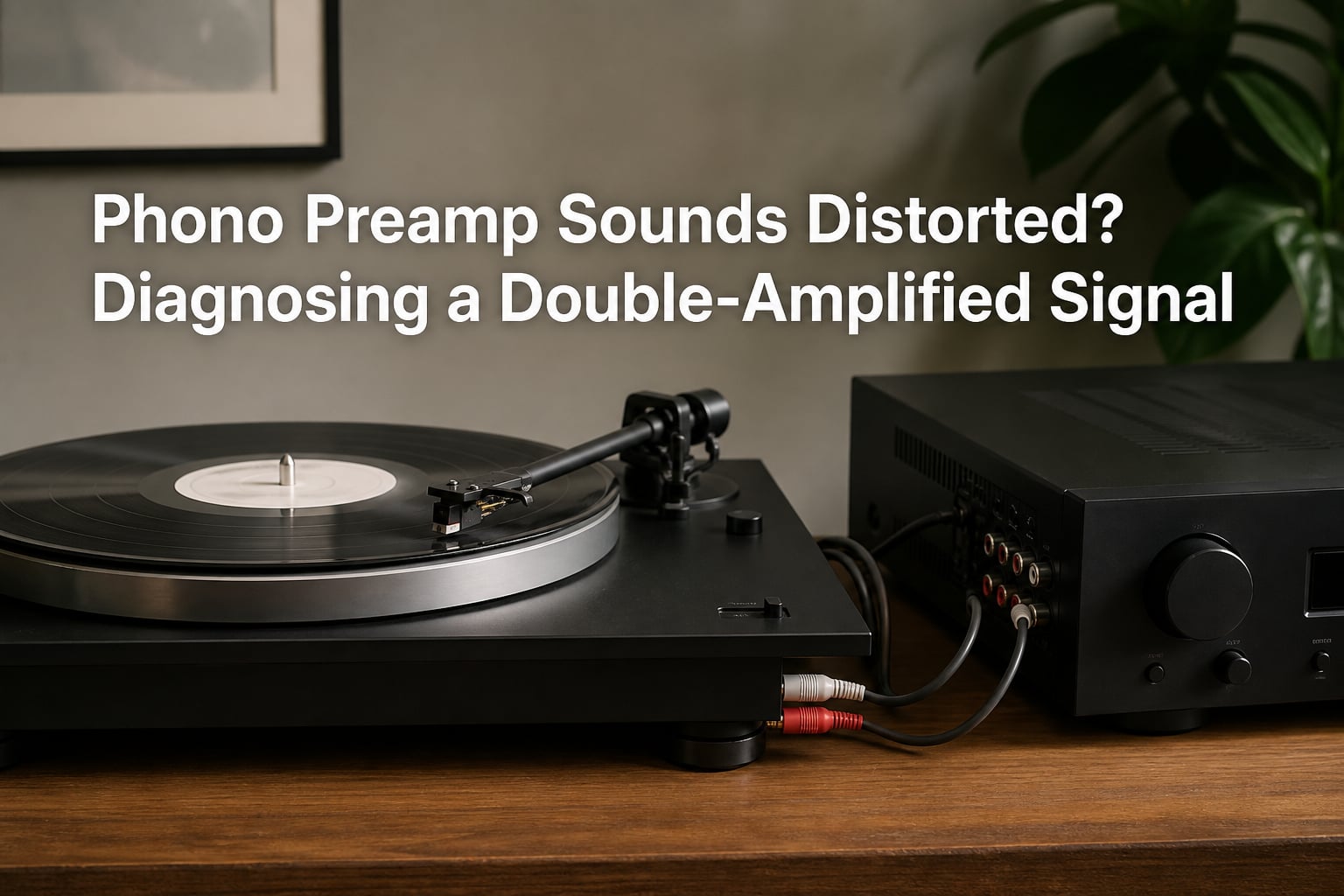
You just hooked up your turntable, dropped the needle on a brand-new vinyl, and the sound coming out is harsh, blown out, and unlistenable. If your phono preamp sounds distorted, the most common cause is something called a double-amplified signal, and the fix is usually a single cable swap. I have walked dozens of vinyl newcomers through this exact problem, and almost every time it traces back to one misunderstanding about how turntable signals work.
In this guide, I will show you what a double-amplified signal is, how to recognize the symptoms, why it happens, and the exact steps to diagnose and fix it. By the end, you will know whether the problem is your setup, your preamp, or something else entirely.
Table of Contents
What Is a Double-Amplified Signal?
A double-amplified signal is what happens when your turntable’s audio passes through two phono preamps before reaching your volume control. Your turntable outputs a very weak signal that needs RIAA equalization and amplification, then a phono preamp handles that job once. If a second phono stage amplifies the already-amplified signal, the waveform clips and distortion becomes severe.
The phrase “double-amplified signal” shows up constantly on vinyl forums because the symptom is unmistakable. A user on VinylEngine described it like this: “When you run a preamp between a turntable and another phono stage, the signal from your turntable goes through 2 preamps and tries to get double amplified before it ever gets to your volume control.” That is the exact scenario we are going to untangle today.
To understand why this matters, you need to know that phono signals are deliberately weak, usually around 3 to 5 millivolts. Line-level signals, by contrast, sit around 300 millivolts, roughly 100 times stronger. A phono preamp does two jobs: it boosts the signal up to line level, and it applies the RIAA equalization curve so the music sounds balanced. Running that already-amplified line-level signal through a second phono stage applies the RIAA curve again and boosts the voltage again, and the result is a clipped, distorted mess.
Symptoms of a Double-Amplified Signal
How do you know double amplification is your problem and not something else? The symptoms are pretty specific. Here is what to listen for:
Sound is extremely loud even at the lowest volume setting
Vocals and high frequencies sound harsh, piercing, or “screechy”
Distortion gets worse as you turn the volume up
Bass sounds thin, weak, or washed out
Removing the external preamp makes the problem disappear
One Reddit user put it bluntly: “Extremely loud and distorted sound, phono preamp to receiver.” The post gathered hundreds of comments from people who had hit the exact same wall. Another user on Audiokarma described their sound as a “terrible garble” that vanished the moment they moved the RCA cables from the receiver’s phono input to a line-level input instead.
If those descriptions match what you are hearing, there is a strong chance double amplification is the culprit. But there are other distortion causes that look similar, so we will narrow it down with a quick diagnostic later in this article.
Why Double Amplification Happens: The Technical Explanation
The root cause of double amplification is almost always a mismatch between your turntable’s output and your receiver’s input. Modern turntables often have a built-in phono preamp, and many receivers also include a phono input with their own phono stage. If both stages are active at the same time, the signal gets boosted twice.
Here is the typical signal flow that creates the problem:
Your cartridge (moving magnet or moving coil) generates a tiny electrical signal from the needle tracing the groove.
The built-in preamp on your turntable boosts that signal to line level and applies RIAA equalization.
The RCA cables carry that line-level signal to your receiver.
If you plug those cables into the receiver’s PHONO input, the receiver’s internal phono stage amplifies the signal again.
The waveform clips because it is now far beyond line level, producing distortion.
RIAA equalization is the part most people overlook. It is a standardized curve that boosts bass and cuts treble during recording, then does the opposite during playback. Applying that curve twice distorts the frequency balance badly. You lose bass response and end up with exaggerated, brittle highs, which is exactly what listeners describe as “incredibly harsh” or “screechy” sound.
The signal gain issue is the other half of the equation. A typical phono preamp provides 40 dB of gain, sometimes more. Two phono stages stacked together deliver 80 dB or more of gain on a signal that was only meant to receive 40 dB. That is why the volume is so aggressive and the distortion is so severe.
Phono Input vs Line Level Input: The Critical Difference
The single most common mistake I see is people treating every RCA input on a receiver the same. They are not. Here is the distinction that fixes the problem in most cases.
A phono input on a receiver expects a tiny, unequalized signal from a turntable cartridge. It applies RIAA equalization and amplifies the signal to line level. A line-level input (labeled AUX, CD, TAPE, VIDEO, or similar) expects an already-amplified, RIAA-corrected signal at roughly 300 mV. Plugging the wrong source into the wrong input is what creates distortion.
Compare the two side by side:
Phono input: Expects 3-5 mV signal, applies RIAA curve, provides 40+ dB gain, has a ground terminal
Line-level input: Expects 300+ mV signal, no RIAA applied, no gain applied, no ground terminal
If your turntable has a built-in preamp and you want to use it, plug it into a line-level input on your receiver. If your turntable has no built-in preamp and you are using an external one, plug the external preamp into a line-level input, not the phono input. The phono input on the receiver should only be used when the turntable signal is raw, with no preamp in the chain at all.
How to Diagnose the Problem Step by Step?
Before you buy new gear, run through this diagnostic checklist. It usually takes under five minutes and tells you definitively whether double amplification is your issue.
Step 1: Identify your turntable’s preamp status. Check whether your turntable has a built-in preamp. Look for a switch labeled PHONO/LINE, or check the user manual. Most modern turntables from brands like Audio-Technica, Fluance, and Pro-Ject include a built-in preamp.
Step 2: Identify your external preamp (if any). If you are using an external phono preamp, note the brand and model. Make sure it is powered on and connected correctly.
Step 3: Check which receiver input the cables are plugged into. Trace the RCA cables from the turntable (or external preamp output) to the receiver. Is it in the PHONO input, or in AUX/CD/TAPE?
Step 4: Run the swap test. Move the RCA cables to a different input. If the distortion vanishes when you switch from PHONO to AUX, you have confirmed double amplification.
Step 5: Toggle the built-in preamp switch. If your turntable has a PHONO/LINE switch, flip it. If you are using an external preamp, set the turntable to LINE so the built-in preamp is bypassed.
Step 6: Verify the ground wire. If the receiver has a ground terminal (a small screw post labeled GND), attach the turntable’s ground wire to it. This addresses hum, not distortion, but it is often checked at the same time.
If the swap test in Step 4 fixes the problem, congratulations, you just solved double amplification without spending a dime. If the distortion persists on every input, the issue is something else: a faulty cartridge, a damaged stylus, a bad cable, or a defective preamp.
Solutions: How to Fix a Double-Amplified Signal
Once you confirm double amplification, you have three reliable fixes. Pick whichever fits your setup.
Solution 1: Use the correct receiver input. If your turntable or external preamp outputs line-level signal, plug it into a line-level input (AUX, CD, TAPE) on your receiver. Leave the PHONO input alone. This is the fastest fix and costs nothing.
Solution 2: Disable the built-in preamp. If your turntable has a built-in preamp and you want to use your receiver’s PHONO stage instead, flip the PHONO/LINE switch to PHONO on the turntable. This bypasses the built-in preamp and sends a raw signal to the receiver. Make sure the ground wire is connected to the receiver’s ground terminal.
Solution 3: Bypass the receiver’s phono stage. If you invested in a high-quality external phono preamp and want to use it, plug the external preamp’s output into a line-level input on the receiver. The receiver’s phono stage stays out of the signal path. This is the preferred setup for serious vinyl listeners.
Common Setup Mistakes to Avoid
Most double-amplification cases come from the same handful of mistakes. Here is what to watch for.
Leaving the built-in preamp switched ON while using an external preamp or receiver phono stage
Plugging a turntable into PHONO when it outputs line-level signal
Forgetting to attach the ground wire, which adds hum on top of any other issue
Using damaged or low-quality RCA cables that introduce their own distortion
Assuming a louder signal means a better signal, when really it means clipping
One subtle trap: some turntables have an “always-on” built-in preamp with no switch. If yours is like that, and you also want to use a receiver’s PHONO input, you need an external preamp that bypasses the turntable’s internal stage, or you need to use the line-level output path on the turntable if one exists. Read your turntable’s manual to confirm.
Frequently Asked Questions
Why is my turntable doing loud and distorted noise?
A turntable that sounds loud and distorted is almost always over-amplified. The most common cause is a double-amplified signal, where the audio passes through two phono preamps before reaching your volume control. Check whether your turntable has a built-in preamp, whether you are using an external preamp, and which input on your receiver the cables are plugged into.
What are the symptoms of a faulty amplifier?
A faulty amplifier or preamp typically produces distortion at all volume levels, channel imbalance, crackling or popping sounds, complete silence on one channel, or unusual humming that does not respond to cable swaps. If distortion disappears when you swap the input on your receiver, the problem is signal routing, not a faulty amp.
What does a blown amplifier sound like?
A blown amplifier often produces hard clipping, crackling, popping, channel dropout, or a burning smell. The sound is usually present regardless of which source you play, and turning the volume up makes it worse immediately. Double amplification, by contrast, only affects the phono/turntable signal and disappears when you move the cables to a line-level input.
Why does my audio suddenly sound distorted?
Audio that suddenly distorts usually points to a connection change, a cable issue, or a component failure. If distortion appeared after you added an external phono preamp, swapped cables, or moved the turntable to a different input, double amplification is the likely cause. If the distortion appeared without any setup change, check the stylus, cartridge, and cables first.
Final Thoughts on Diagnosing a Double-Amplified Signal
If your phono preamp sounds distorted, the fix is usually simpler than you think. A double-amplified signal happens when the audio passes through two phono stages, and the cure is to make sure only one phono stage is active. Plug a built-in preamp turntable into a line-level input, or flip the PHONO/LINE switch on the turntable, or plug your external preamp into a line-level input on the receiver.
Run the swap test: move your RCA cables from the PHONO input to AUX or CD. If the distortion vanishes, you have your answer. If it does not, the problem is elsewhere, and your next steps are checking the stylus, cartridge, cables, and preamp health. Either way, you are now armed with the diagnostic logic to solve a phono preamp sounds distorted issue in minutes, not hours.