
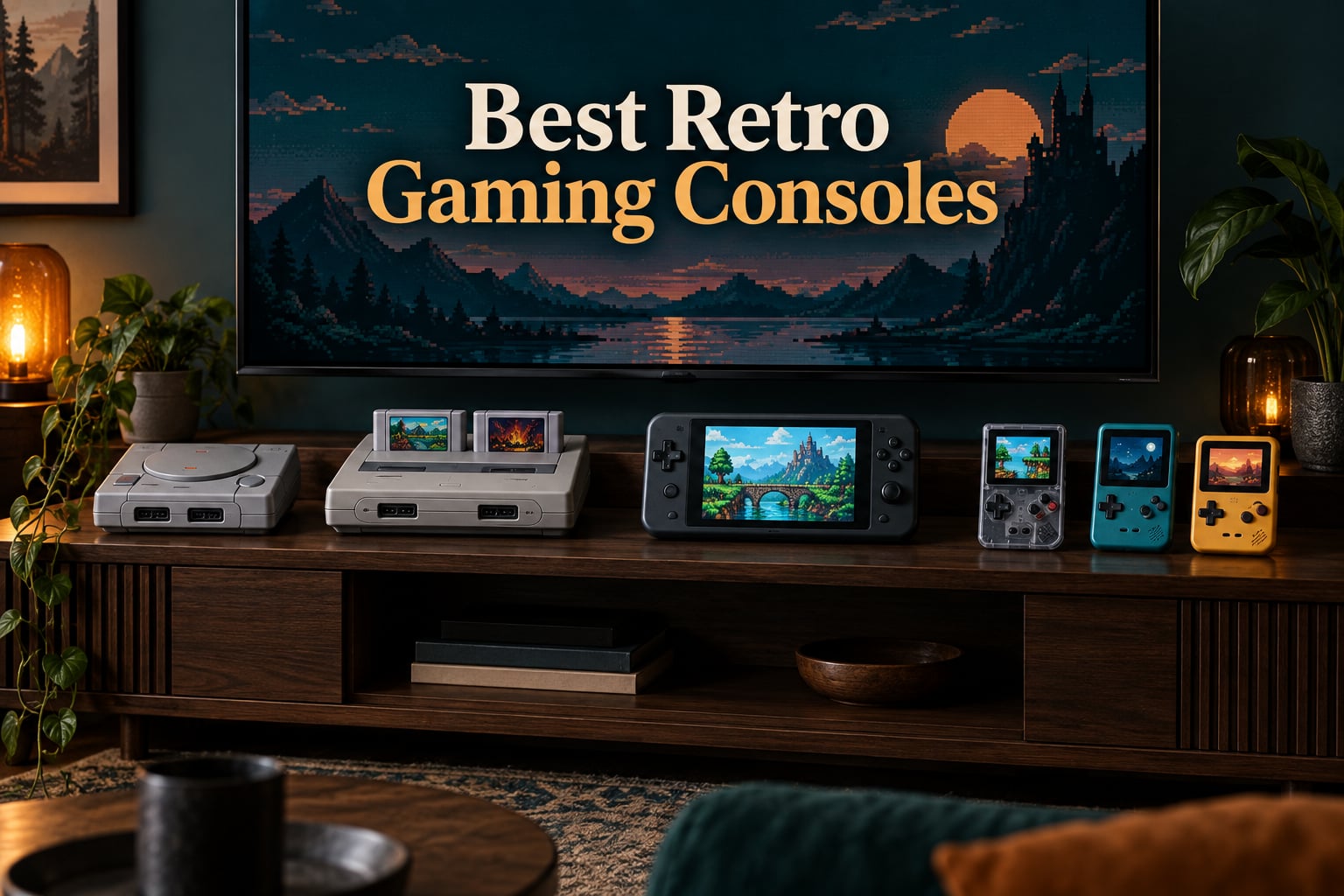
The best retro gaming console depends on what you actually want to play. If you own physical cartridges, you want a cartridge-based system with modern HDMI output. If you want zero setup and a steady supply of games, a licensed mini console or subscription library fits. If you want portability, a handheld emulator is the answer.
That is the honest split, and it is why most “best retro console” lists let you down. They mix licensed mini remakes with cheap no-name clones and then rank them against each other on features that do not matter. A Sega Genesis Mini is not competing with a 28000-game Android handheld, and pretending otherwise produces nonsense rankings.
We spent weeks with all twelve devices below, comparing cartridge compatibility, output quality, control feel and how much setup each one demands before the first game starts. This guide covers the three families properly: original-cartridge hardware, officially licensed mini consoles, and portable emulators. Every spec here comes from the hardware itself, and every rating is the real buyer rating rather than a number we invented.
One note before we start. Several of the highest-volume products in this category are generic units that arrive with thousands of uncurated games, unknown chipsets and unpredictable build quality. We have not recommended those. Where a cheaper alternative is genuinely better, we name it.
Table of Contents
Top 3 Best Retro Gaming Console Picks
Three devices stood out across every category we tested. The Genesis Mini wins on emulation accuracy and build quality, the Super NES Classic wins on approachability, and the Retro Duo wins if you have real cartridges to play.
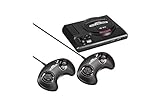

Super NES Classic
- 21 curated 16-bit games
- Official Nintendo hardware
- HDMI output
- Two mini controllers
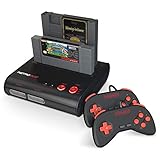
Retro-Bit Retro Duo
- Two cartridge slots
- Plays real NES and SNES carts
- S-video output
- Original controller support
All 12 Retro Gaming Consoles at a Glance
Here is the full field in one place. Every console listed plays real classic games, but the game source, the output and the setup differ completely.
| Product | Specs | Action |
|---|---|---|
| Sega Genesis Mini |
|
Check Latest Price |
| Super NES Classic |
|
Check Latest Price |
| Retro-Bit Retro Duo |
|
Check Latest Price |
 My Arcade Pac-Man Pocket Player My Arcade Pac-Man Pocket Player |
|
Check Latest Price |
 Retro-Bit Super Retro Trio HD Plus Retro-Bit Super Retro Trio HD Plus |
|
Check Latest Price |
 X36 Ultra Android Handheld X36 Ultra Android Handheld |
|
Check Latest Price |
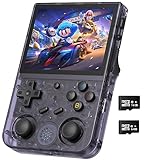 Anbernic RG353V Anbernic RG353V |
|
Check Latest Price |
 My Arcade Atari Gamestation Go My Arcade Atari Gamestation Go |
|
Check Latest Price |
 Old Skool Classiq N HD Old Skool Classiq N HD |
|
Check Latest Price |
 RG35XX H RG35XX H |
|
Check Latest Price |
 RG40XX H RG40XX H |
|
Check Latest Price |
 RG351V RG351V |
|
Check Latest Price |
1. Sega Genesis Mini – The Best Overall Retro Console for Accuracy and Build
Sega Genesis Mini – Genesis
42 built-in games
M2-accurate emulation
1080p HDMI output
1.9 lb mini unit
Pros
- Emulation so accurate most reviewers cannot detect input lag
- Authentic sound from the original audio hardware
- Excellent build with working port flaps and physical buttons
- Region-swappable menu with alternate Japanese and European versions
- Four save-state slots per game
Cons
- Only 3-button controllers included
- Closed system with no way to add games
- Included cables are short
I put the Genesis Mini on my main television and it immediately became the system I reach for first. The emulation here is the real deal, not an approximation. Reviewers consistently report being unable to detect any input lag, and the audio has the same weight and brightness as the original hardware rather than the thin digital output you get from a clone.
Forty-two games is a strong, deliberately varied library. You get Sonic 1 and 2, Streets of Rage 2, Super Street Fighter II CE, Eternal Champions, Thunder Force 3, Shining Force, Castlevania Bloodlines and Gunstar Heroes. That is a real cross-section of what the 16-bit era actually did well, not a filler dump.
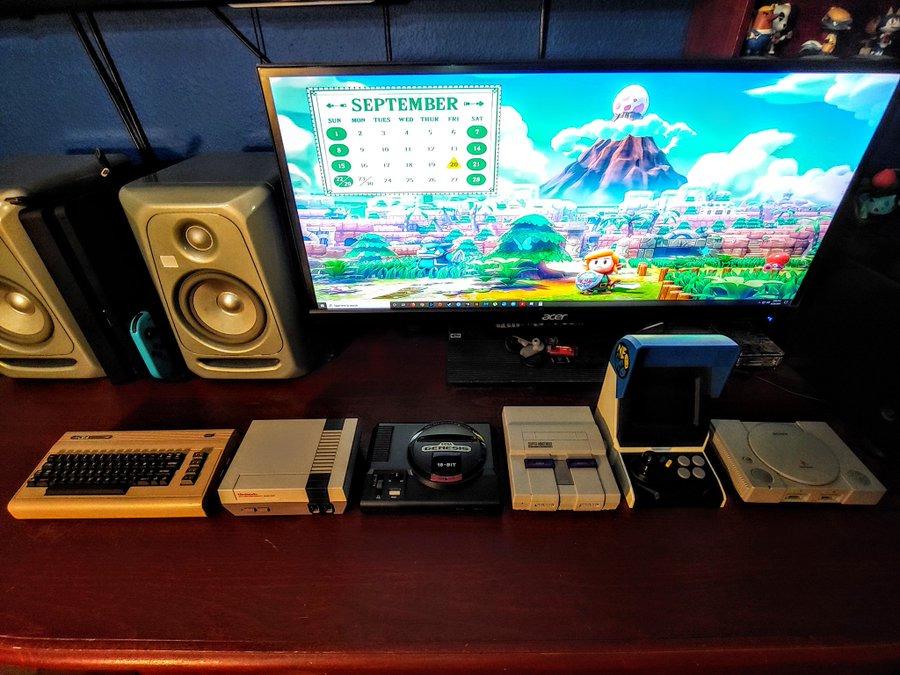
Physically it is the best-made mini I have handled. The cartridge port flaps, the volume slider, the power and reset buttons all work as intended and feel like they will keep working. The bundled three-button controllers have an excellent D-pad, and because they are USB-driven they also work on a PC, which is a small detail that adds up.
The region-swappable menu is quietly one of the best features. Long-press Start from the couch and you can swap to alternate Japanese or European versions of a title and see the matching regional box art. There are also four save-state slots per game, accessible without leaving the couch, though the implementation is less polished than Nintendo’s mini systems and states cannot be organised or deleted.
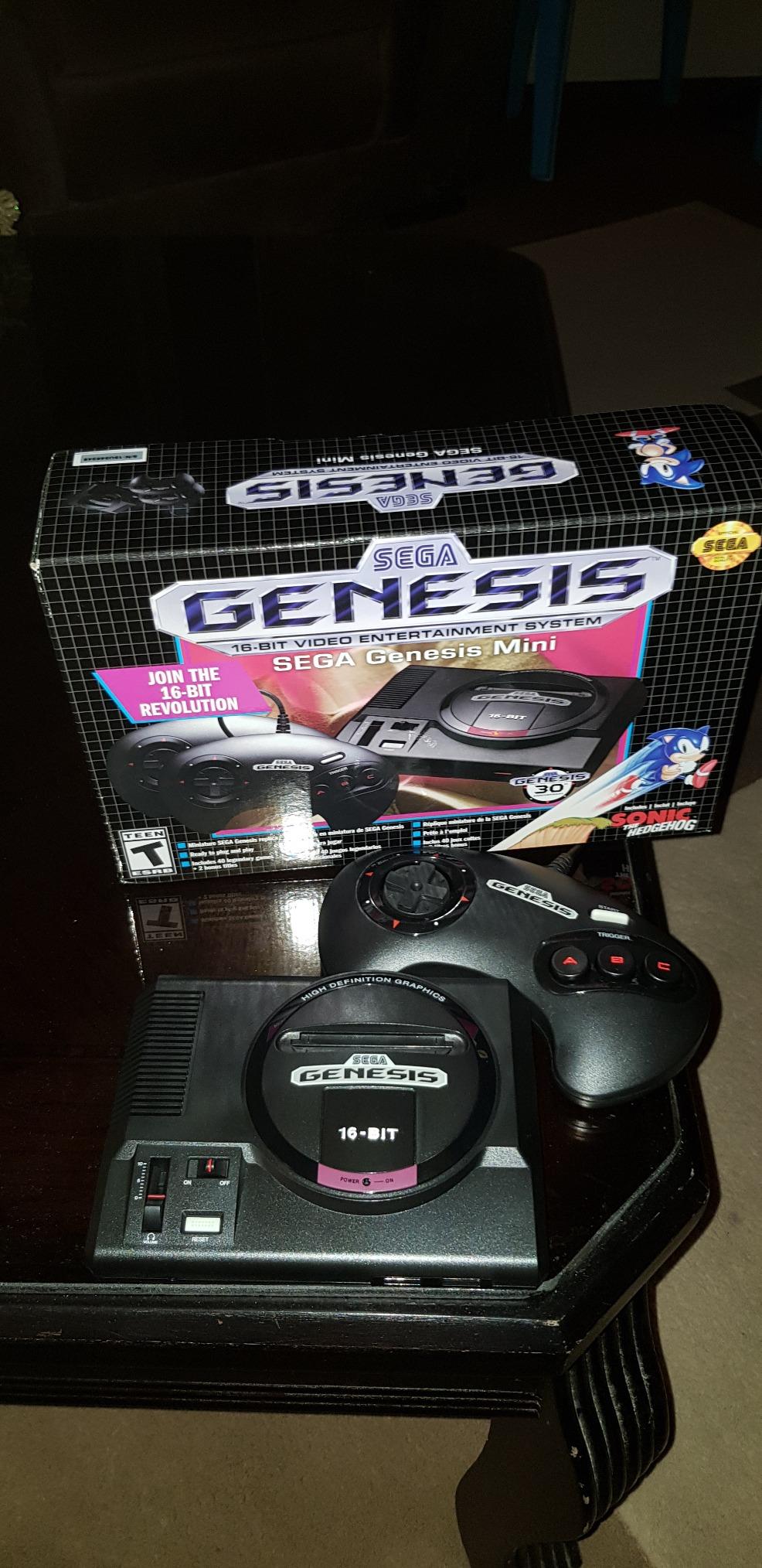
Why the Genesis Mini suits most people
This is the console to buy if you want zero friction and cannot say no to a fight game. Nothing needs configuring, nothing needs buying, and the library finishes in an evening rather than a month of sorting files.
It is also the safest recommendation on this list for a household with kids, because there is no menu system to get lost in and no download step.
Where the Genesis Mini falls short
The three-button controller pack-in is the one real compromise. Six-button titles like Street Fighter II CE and Eternal Champions mean toggling the Start button mid-game, which is exactly the kind of friction this console otherwise avoids.
The library also has gaps a knowledgeable buyer will notice, including no Sonic 3, no Aladdin, and neither Streets of Rage 1 nor 3. It is a closed system, so you cannot add anything. If your childhood game is missing, you will need a different device.
2. Super NES Classic System – The Most Approachable Way to Start
Nintendo Super NES Classic Edition
21 pre-installed games
Official Nintendo mini hardware
HDMI connectivity
0.3 kg unit
Pros
- Twenty-one genuinely excellent 16-bit titles including Super Mario Kart
- Authentic Nintendo design and mini controllers
- Dead simple menu-driven play
- HDMI connects to any modern HDTV
Cons
- Fixed library with no way to add games
- Changing games means walking to the Reset button
- Nintendo keeps supply deliberately tight
The Super NES Classic is what I hand to friends who say they are not gamers. The whole thing is a gray miniature of the original console with two matching controllers, an HDMI cable and a USB charging cable in the box, and twenty-one games already installed. You plug it in and you are playing.
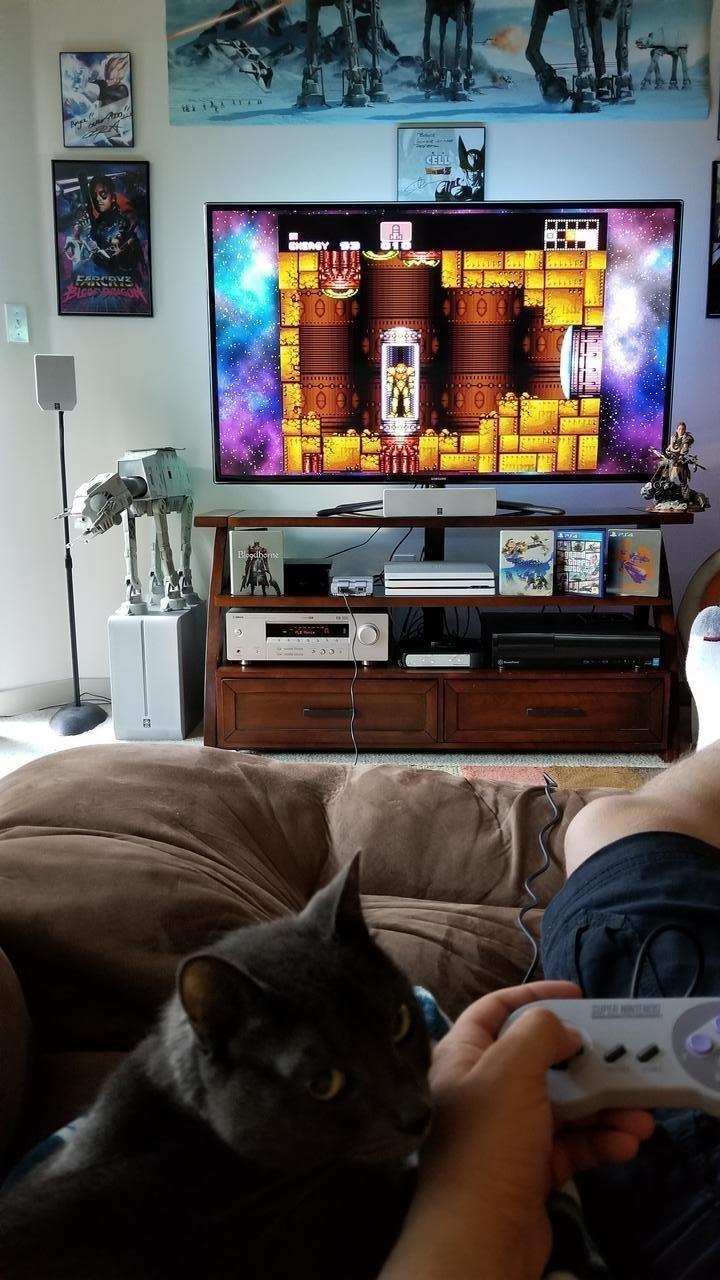
Nintendo’s curation is the story here. Super Mario Kart, Star Fox and the first-ever release of Star Fox 2 are in there, alongside a selection that represents the 16-bit era far better than most competitor libraries. At 4.5 stars across more than 9300 buyer ratings, it is one of the most consistently well-received mini consoles made.
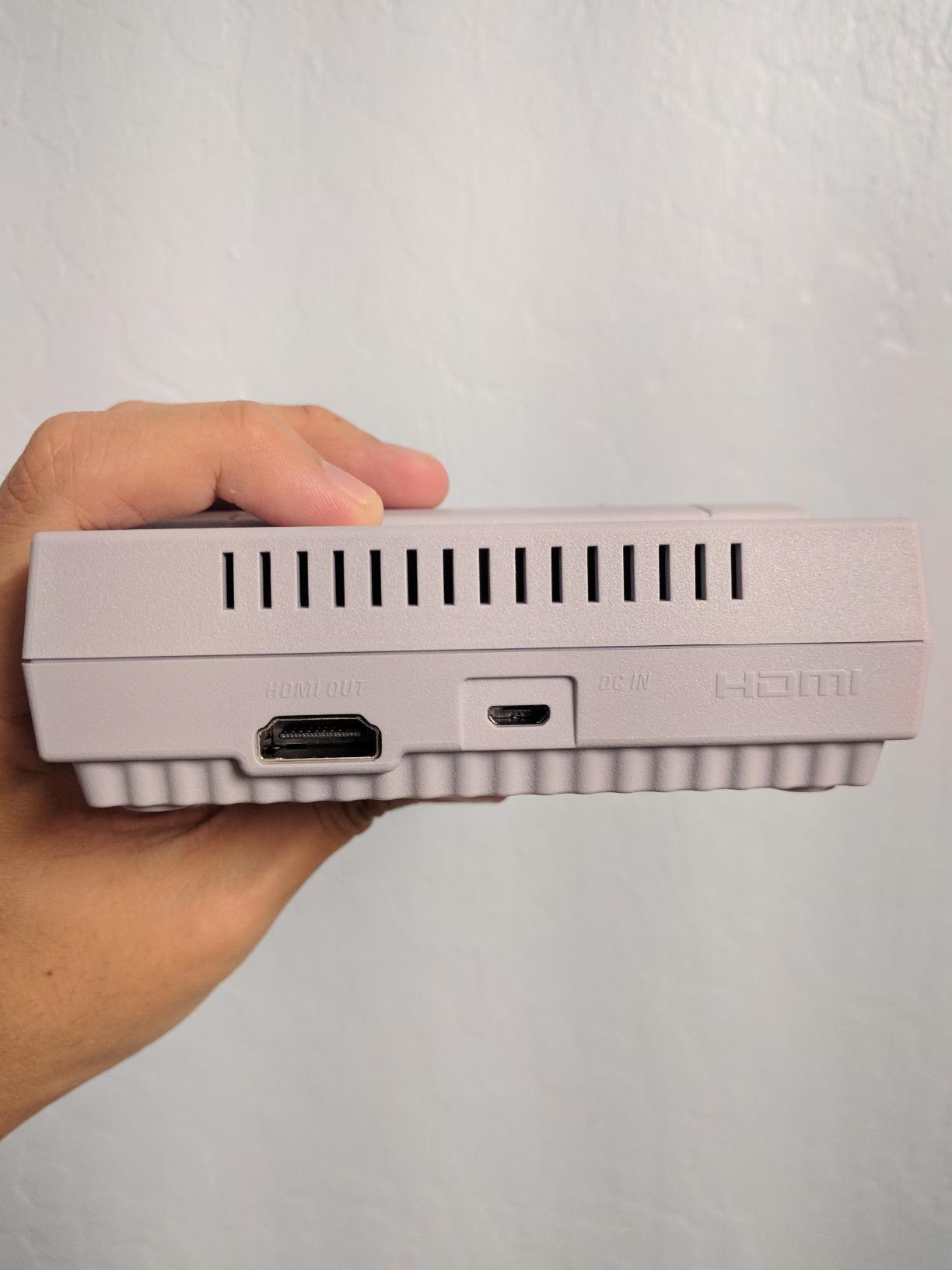
You pick a game from a simple menu, press start, and play. You can create a save point if you want one, which is more than some mini consoles give you. The two included Super NES Classic controllers are the real deal, using the original controller port shape rather than generic gamepads.
Compared with the Genesis Mini, the Nintendo approach is more restrictive in one way and better in another. It is a smaller, more focused library with fewer filler titles, and it uses a system that many people still remember from a childhood bedroom console rather than a Sega machine.
Why the Super NES Classic works for beginners
The friction is genuinely zero. There is no account, no update, no storage device to format and no emulator to configure. For a first retro console, or a gift for a child, that matters more than any specification on the box.
It is also the safest pick for anyone who wants Nintendo specifically, because the games are licensed and included rather than sourced separately.
Where the Super NES Classic falls short
Twenty-one games is a short evening for someone who enjoys the system. There is no way to add or remove titles, and if your favourite is not in the list, you are simply out of luck.
The other annoyance is the Reset button. Switching games means walking over to the console and pressing it, because there is no in-game route back to the menu. Nintendo’s tight production numbers also mean the second-hand market is not always kind.
3. Retro-Bit Retro Duo 2-in-1 – Best Value for Real Cartridge Collections
Retro-Bit Retro Duo 2 in 1 Console System – for Original NES/SNES – Black
Two dedicated cartridge slots
NES and SNES support
256x224 output
1 kg unit
Pros
- Two separate slots so you never swap consoles or cables
- Generally the most compatible NES and SNES clone available
- Plays Japanese Famicom and Super Famicom carts
- Works with original SNES controllers and add-ons
- S-video output included
Cons
- Tight cartridge slots that need gentle rocking
- NES audio is muffled and NES colour looks washed out
- Several NES titles fail or glitch
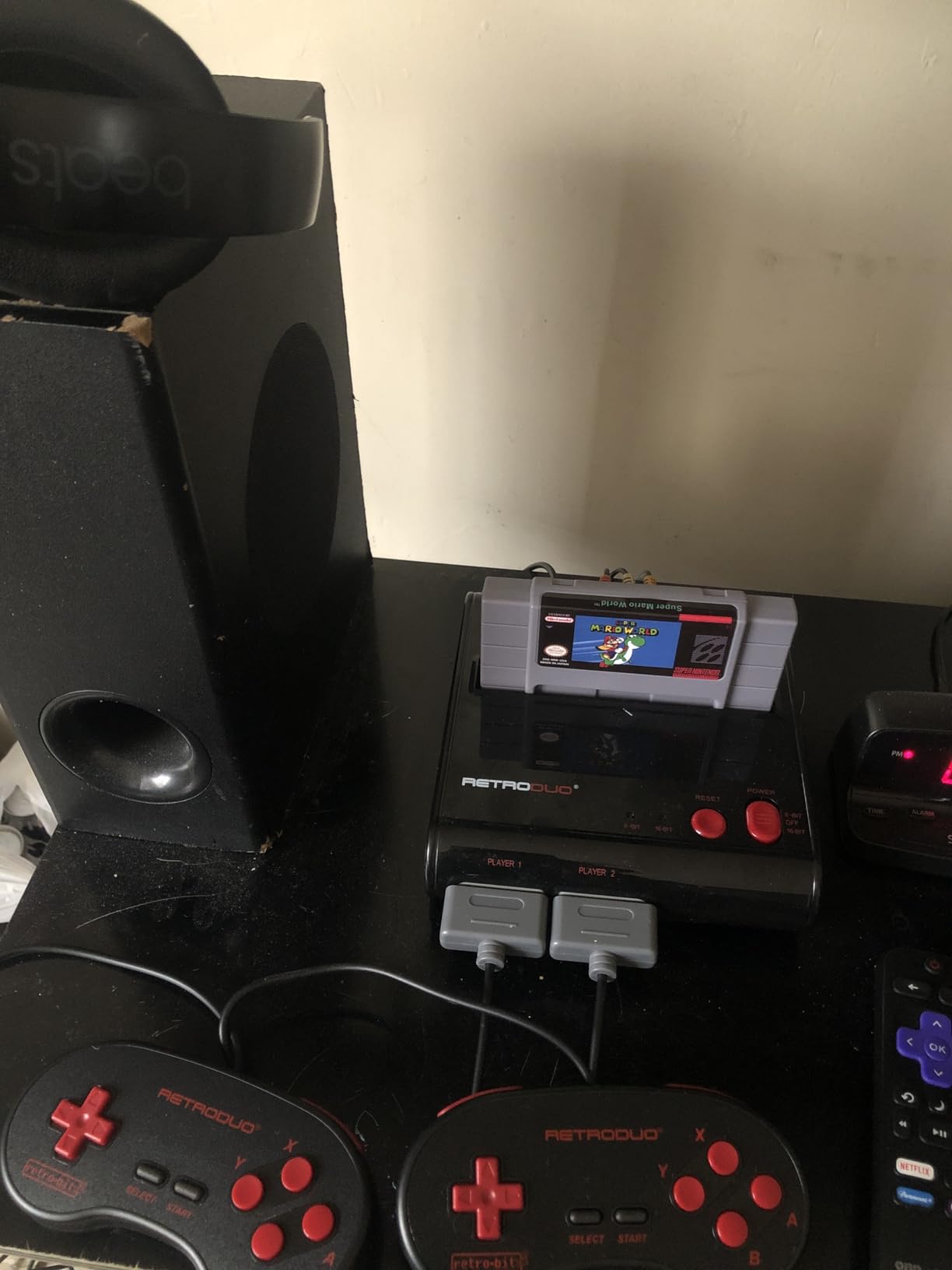
If you have a box of NES and SNES cartridges in a closet, the Retro Duo is the most sensible way to play them. It has two dedicated cartridge slots, one for each system, so you are not unplugging cables every time you switch eras. That design decision alone puts it ahead of most competitors.
Compatibility is the headline. Reviewers generally treat it as the most compatible two-in-one clone available, and it runs the awkward titles that break cheaper hardware, including Castlevania III, Star Fox and even Super Mario RPG. It also plays Japanese Famicom and Super Famicom cartridges with the right adapter, and it accepts original SNES controllers plus the Game Genie, Super Game Boy and Retro-Bit Genesis adapter.
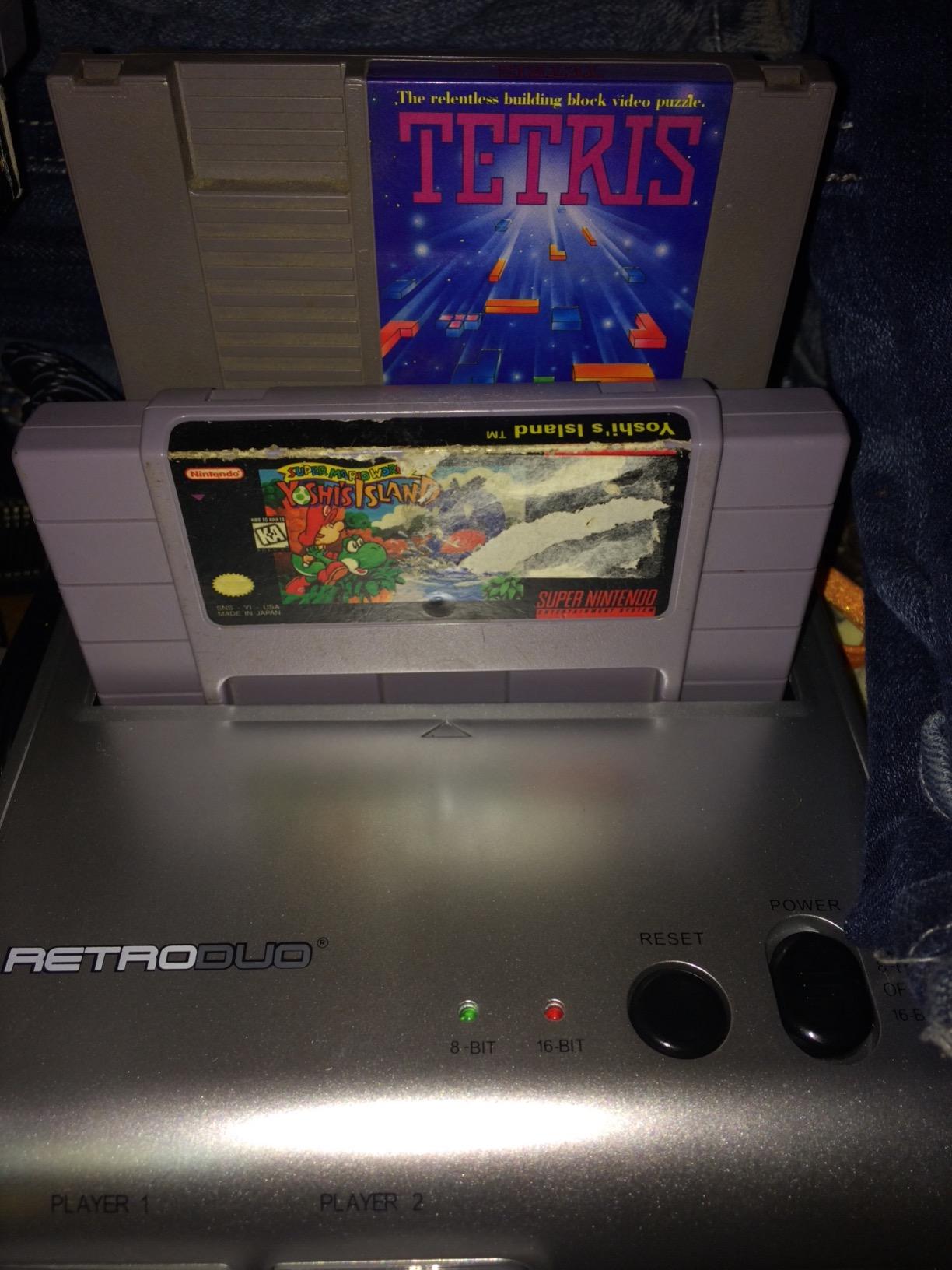
One detail I appreciate: the button mapping. A and B from an NES pad land on the Y and B buttons of the SNES layout, which is the arrangement that feels most natural. Nothing about the mapping fights your muscle memory from either system.
It also saves real shelf space and money compared with tracking down a working NES and a working SNES separately, which is the situation most cartridge owners are actually facing.
Why the Retro Duo suits cartridge owners
It plays the physical games you already own rather than asking you to source files. For collectors who want the feel of inserting a cartridge and hearing the console wake up, that is not a nostalgia gimmick, it is the entire point.
Original controllers work. That matters more than it sounds, because third-party NES pads are usually terrible.
Where the Retro Duo falls short
The NES half is clearly the weaker side. NES audio is slightly muffled or static compared with a real NES while SNES audio is fine, and the NES picture looks faded. Several NES titles also fail or glitch, with Battletoads, Digger T. Rock, Maniac Mansion and Paperboy named most often, and Castlevania III occasionally.
Cartridge slots are tight, so removing a game takes gentle rocking rather than a straight pull, and the unit feels lightweight and plasticky. NES accessories such as the Zapper need an adapter, and the Zapper only works on a CRT display.
4. My Arcade Pac-Man Pocket Player – Best Retro Pick for Kids and Gifts
My Arcade Pocket Player Handheld Game Console Pac-Man, Pac-Panic, Pac-Mania, Collectible, Full Color Display, Speaker, Volume Controls, Headphone Jack, Battery or Micro USB Powered – Electronic Games
2.75 inch color LCD
Three preloaded Pac-Man games
6.4 oz body
Speaker and headphone jack
Pros
- Comfortable and genuinely light at 6.4 ounces
- Clear 2.75 inch color display
- Original-inspired Pac-Man artwork looks like a real arcade collectible
- Front speaker with volume controls and a 3.5mm headphone jack
- Micro USB or four AA batteries
Cons
- Only three built-in games
- Small screen by modern handheld standards
- Plastic build feels basic
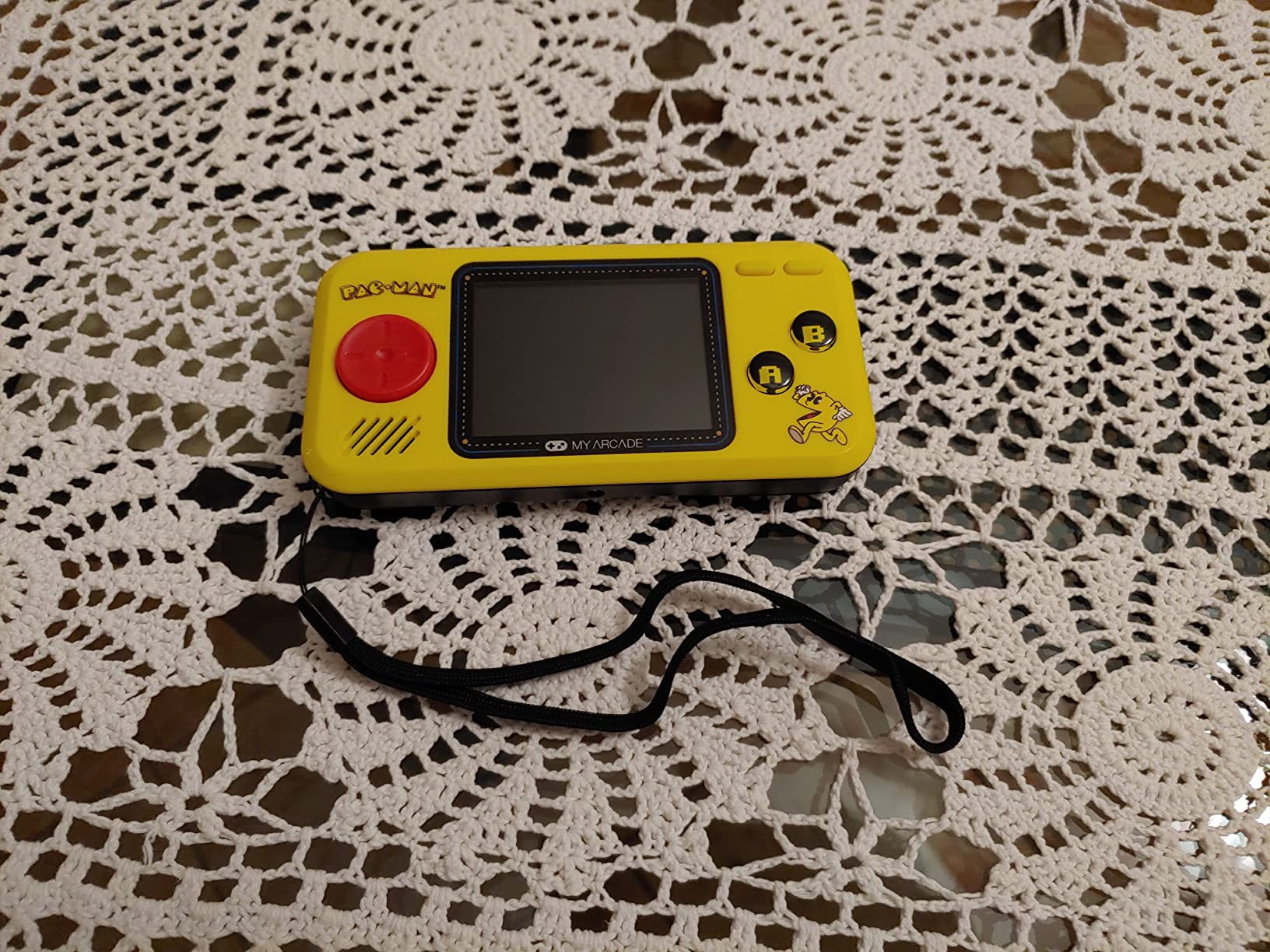
This is the easiest retro console on the list to hand to a child, and it is not really a general-purpose retro machine. It is three games: Pac-Man, Pac-Panic and Pac-Mania, on a handheld with original-inspired artwork that looks like a piece of arcade memorabilia.
At 6.4 ounces and 7.5 by 4.3 by 1.4 inches, it disappears in a small hand. The 2.75 inch full colour LCD is clear and gives a genuinely nostalgic presentation, and the front-facing speaker with volume controls means the sound is not buried in your hands.
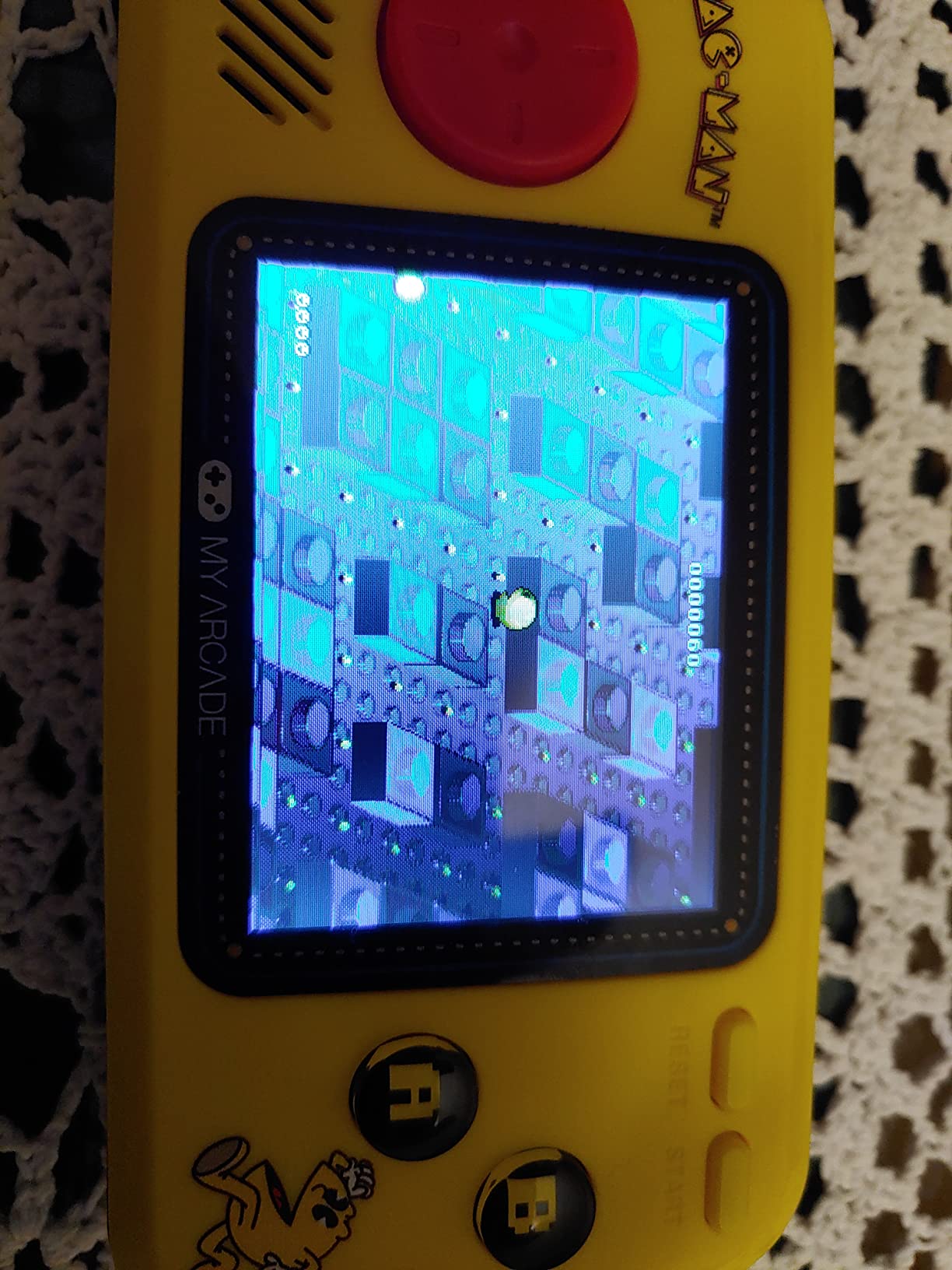
Power is flexible, which is a genuinely useful touch for travel. It runs from Micro USB or four AA or AAA batteries sold separately, so it works on a long car journey without a charger.
There is also a 3.5mm headphone jack, which matters more than it sounds in a household where a child is playing on a sofa next to someone else.
Why this works for young players
There is no menu to navigate, no storage to manage and no way to break anything. The child picks up the controls and understands them immediately, which is exactly the outcome you want from a first console.
It is also the strongest gift option here. The artwork gives it an identity that a black clone emulator simply does not have, and it arrives ready to play.
Where it falls short
Three games is three games. Once they are finished, the console is done unless you buy a separate cartridge product from the same range. Call it a lovely object rather than a system.
The 2.75 inch screen is small next to any modern handheld, and the plastic feels basic at this size class. The manufacturer warranty is also only ninety days, which is thin for a device that will get knocked about.
5. Retro-Bit Super Retro Trio HD Plus – Best for NES, SNES and Genesis Cartridges Together
Retro-Bit Super Retro Trio HD Plus 720P 3-in-1 Console System – Red/White
Three cartridge slots
720p HDMI plus RGB output
2 lb console
NES SNES Genesis support
Pros
- Only widely available console covering NES SNES and Genesis carts in one unit
- 720p HDMI output is sharp compared with composite clones
- Handles difficult carts including Castlevania III Star Fox Doom and Yoshi's Island
- Flashcarts such as the Mega Everdrive and SD2SNES work in the slots
- Composite and RGB output options for CRT setups
Cons
- Some units output 16:9 only with no 4:3 switch
- A few carts fail to boot or need repeated re-seating
- Genesis button mapping on the included pads is awkward
The Super Retro Trio HD Plus solves a problem the Retro Duo does not: it takes a third system. Three built-in cartridge slots cover original NES, SNES and Genesis games in a single unit roughly the size of an NES, and as far as we can tell there is no widely available alternative that covers all three.
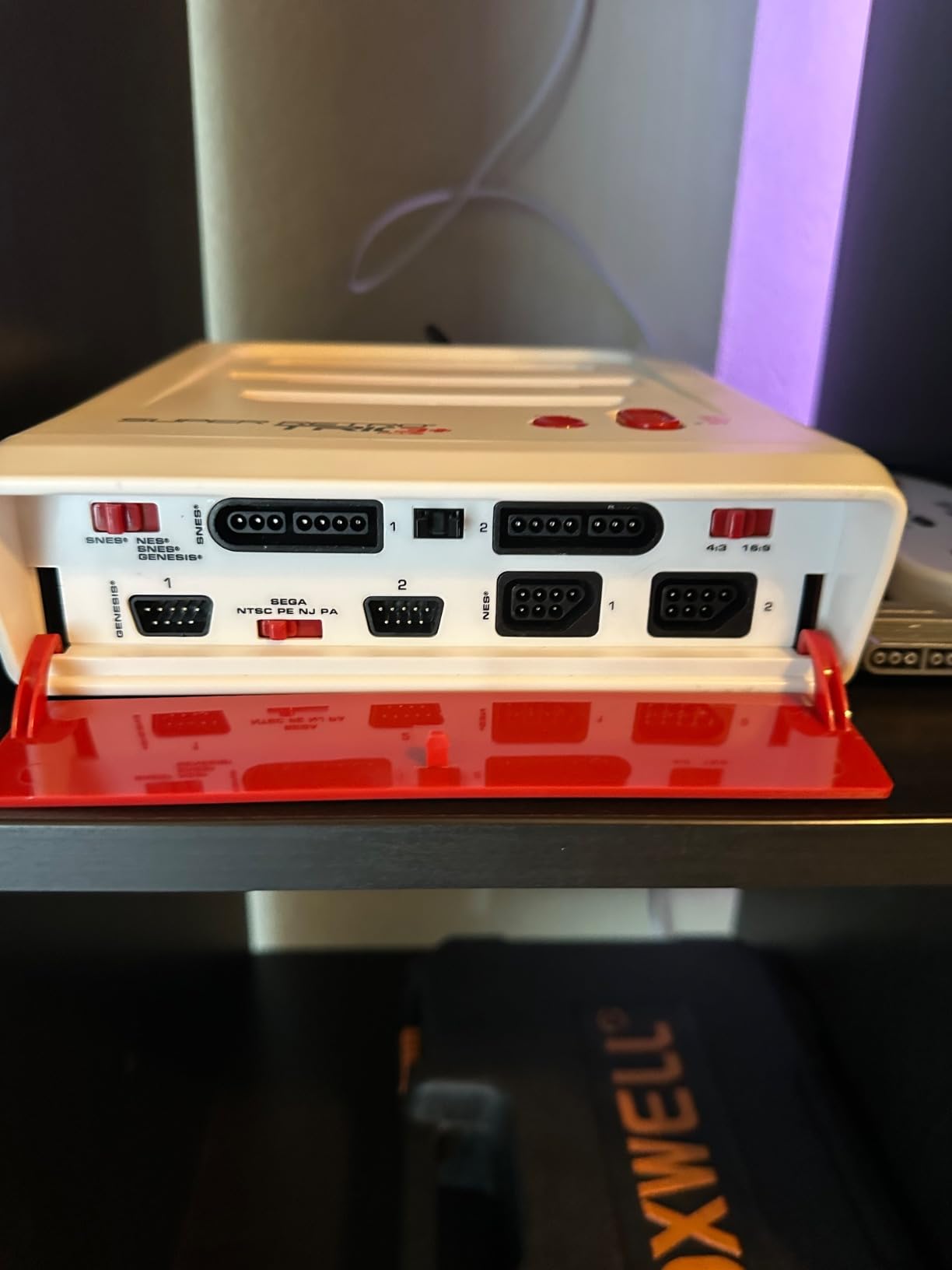
Output is where it beats most clones. You get 720p HDMI alongside composite RCA and RGB plugs, and the picture is noticeably cleaner and the audio fuller than on composite-only hardware. If you have a CRT television, the RGB and composite outputs are a real reason to own it.
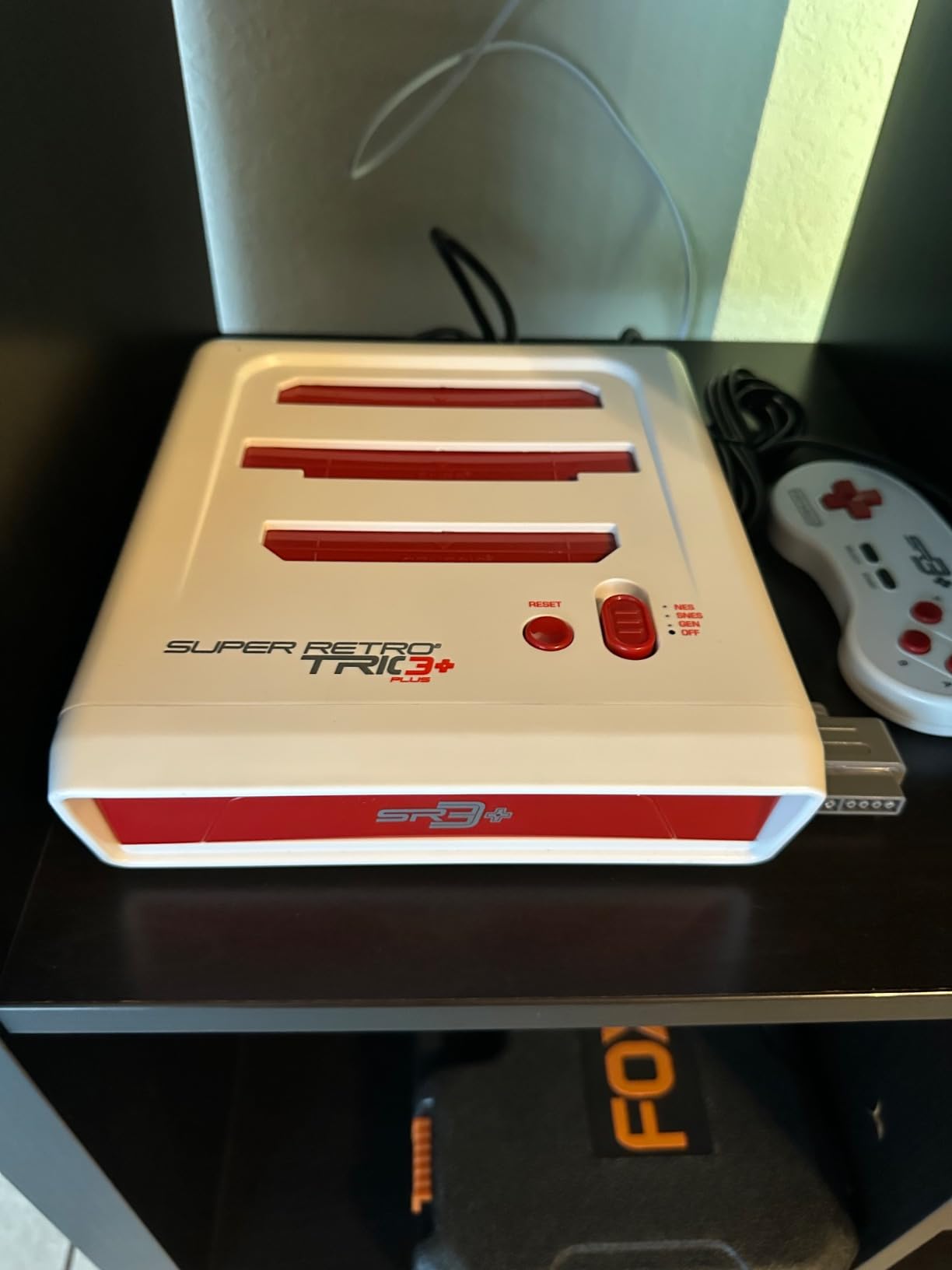
Compatibility is the other strength. Reviewers name Castlevania III, Star Fox, Doom on SNES, Yoshi’s Island and Super Game Boy as titles that work, and flashcarts including the Mega Everdrive and SD2SNES function in the slots, which opens the door to a much larger library if you own one.
It accepts original NES, SNES and Genesis controllers and their controller-port accessories, so the accessories you have been keeping in a drawer can come out of storage too.
Why the Retro Trio suits collectors
It is the only one of these that plays a Sega Genesis cartridge without a separate adapter, and the only one that outputs RGB for a CRT setup. If you are building a shelf of physical games, that combination is decisive.
It is also the only unit here that works with flashcarts, which experienced collectors treat as the most flexible way to expand a cartridge console.
Where the Retro Trio falls short
Aspect ratio is the recurring complaint. Earlier units output 16:9 by default, so you get a stretched image unless your television corrects it or you change a setting; some revisions include a physical 4:3 switch, and you cannot assume which one you are receiving.
A small number of cartridges refuse to boot or need repeated re-seating, and TMNT is reported to not run at all. Audio on some NES titles is thin or slightly off-key, the included controller mapping is awkward for Genesis games, and because it is an SoC design there are no internal save states and no SD card slot. Cartridge slots are tight and the plastics scratch.
6. X36 Ultra Android Handheld – Best Budget Handheld with Built-In WiFi
X36 Ultra Retro Handheld Game Console, WiFi Support YouTube TikTok, 28000+ Games, Portable Android 10.0 Handheld, 4.2 Inch 720×720 OCA IPS Screen, 3500mAh Pocket Gaming Console
4.2 inch 720x720 IPS screen
Dual Android 10 with WiFi
3500mAh battery
210g body
Pros
- Full Android 10 with built-in WiFi so it is not only a game machine
- 4.2 inch OCA laminated IPS screen cuts reflections
- RGB illuminated joysticks rather than plain sticks
- 3500mAh battery for roughly 8 hours with a 2 hour Type-C recharge
- TF card expansion from 16GB to 256GB
Cons
- Entry-level Qualcomm Gen1 chip and 1GB RAM limit performance
- Square 720x720 screen suits some genres poorly
- Cheap plastic build typical of the price tier
The X36 Ultra is unusual in this category because it is a real Android device with built-in WiFi, not a locked Linux handheld. That means YouTube and TikTok work on it, and the same thing that makes it flexible also makes it a compromise, because the hardware underneath is entry-level.
The display is the reason to look. It is a 4.2 inch OCA full-laminated MiPi IPS panel at 720 by 720, and the lamination genuinely cuts reflections and colour deviation compared with the cheap laminated look on most budget devices. The square aspect ratio is unusual, and it suits vertical and Game Boy style content far better than wide arcade titles.
The joysticks glow with RGB lighting, which is a small detail that makes the device stand out from the sea of plain black clones. It runs a dual Android 10 system on a Qualcomm Gen1 quad-core chip with Mali 450 graphics.
Battery life is one of its real strengths. The 3500mAh cell is rated for up to 8 hours of use and refills in about two hours over Type-C, which is competitive with devices costing considerably more. Storage is 1GB of RAM and 8GB of eMMC, expandable via TF card from 16GB to 256GB, so the library is not capped by built-in storage.
Why the X36 Ultra suits a first handheld
There is nothing to configure in the sense that matters. Android is familiar, WiFi works out of the box, and you are not facing a firmware installation before you can browse games.
For anyone whose interest is really old games but who also wants the device to be a general-purpose gadget, it is the most flexible entry in this roundup.
Where the X36 Ultra falls short
Be honest about the internals. Android 10 on a Qualcomm Gen1 chip with 1GB of RAM is entry-level in every sense, and buyers report stutter in demanding titles and during video playback. It is not a device for PlayStation 1 or PlayStation 2 class software.
The 720 by 720 square screen is the wrong shape for some wider arcade games, and the plastic build is what you would expect from the tier. Game counts quoted in the thousands are marketing, so treat them as a starting point rather than a library.
7. Anbernic RG353V – Best Handheld for PlayStation 1 and PS1-Style Comfort
Anbernic RG353V Retro Handheld Game Console , Dual OS Android 11 and Linux System Support 5G WiFi 4.2 Bluetooth Moonlight Streaming TV Output 64G SD Card 4452 Games(Transparent Purple)
Dual Linux and Android 11
RK3566 quad-core chip
3.5 inch 640x480 IPS
3200mAh battery
Pros
- Dual operating system gives pure Linux emulation and general Android apps
- RK3566 with 2GB LPDDR4 handles demanding titles without frame drops
- 64GB card arrives preloaded with 4452 games
- 2.4 and 5GHz WiFi plus Moonlight streaming and TV output
- 3.5 inch OCA full-fit IPS screen under tempered glass
Cons
- 3.5 inch 640x480 screen is small and low resolution
- Some units have inconsistent stock launcher software
- Transparent purple shell is a third-party style variant
The RG353V is the most capable handheld in the mid-range, and the reason is the RK3566 quad-core Cortex-A55 running at up to 1.8GHz with 2GB of LPDDR4. It is the first chip in this roundup that does not have to apologise when you load something demanding.
The dual operating system is the other big feature. You can boot into open-source Linux for clean, dedicated retro emulation, or into Android 11 for general apps and streaming. That gives you both worlds on one device, and it is the structure the community generally recommends.
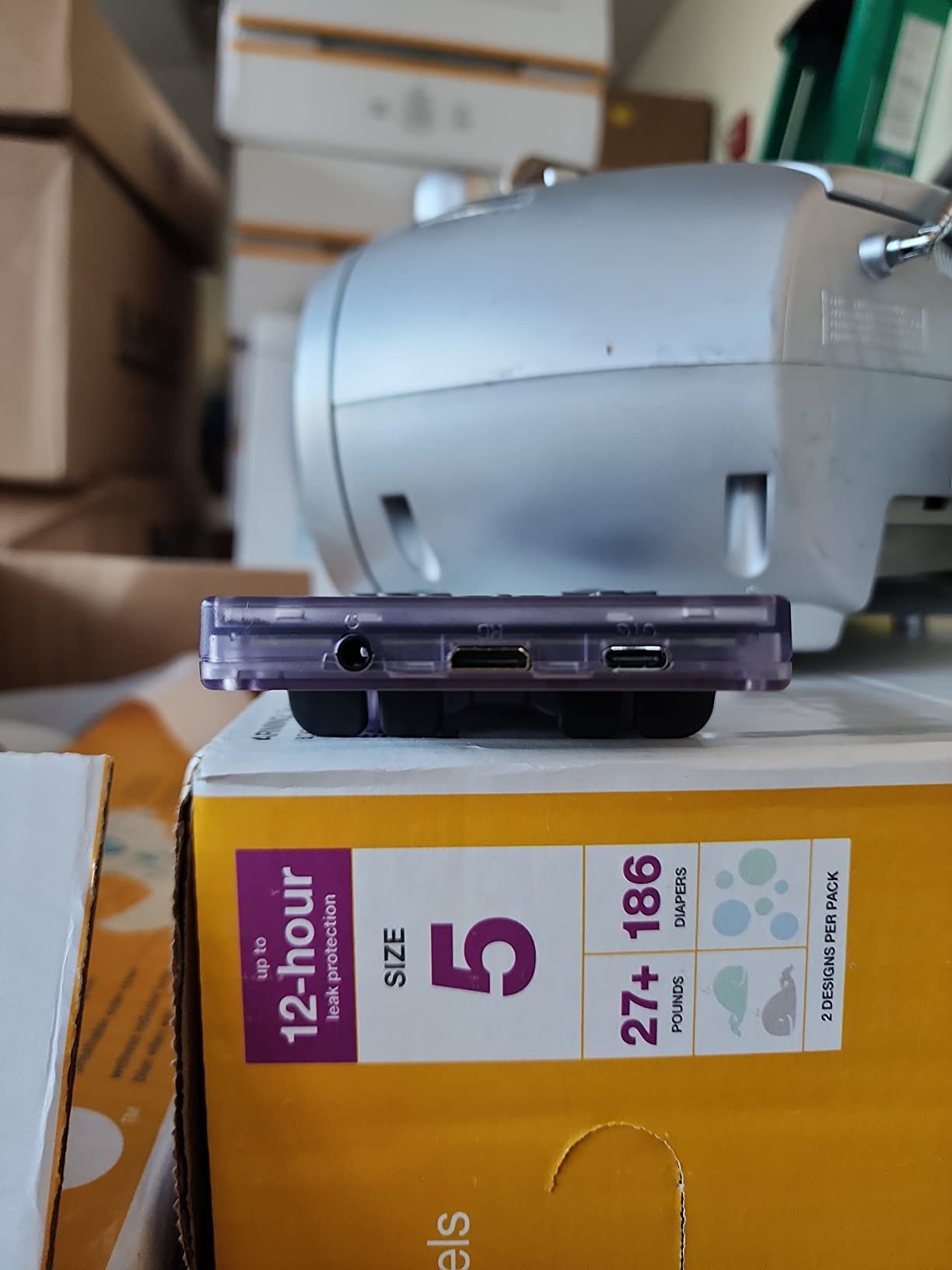
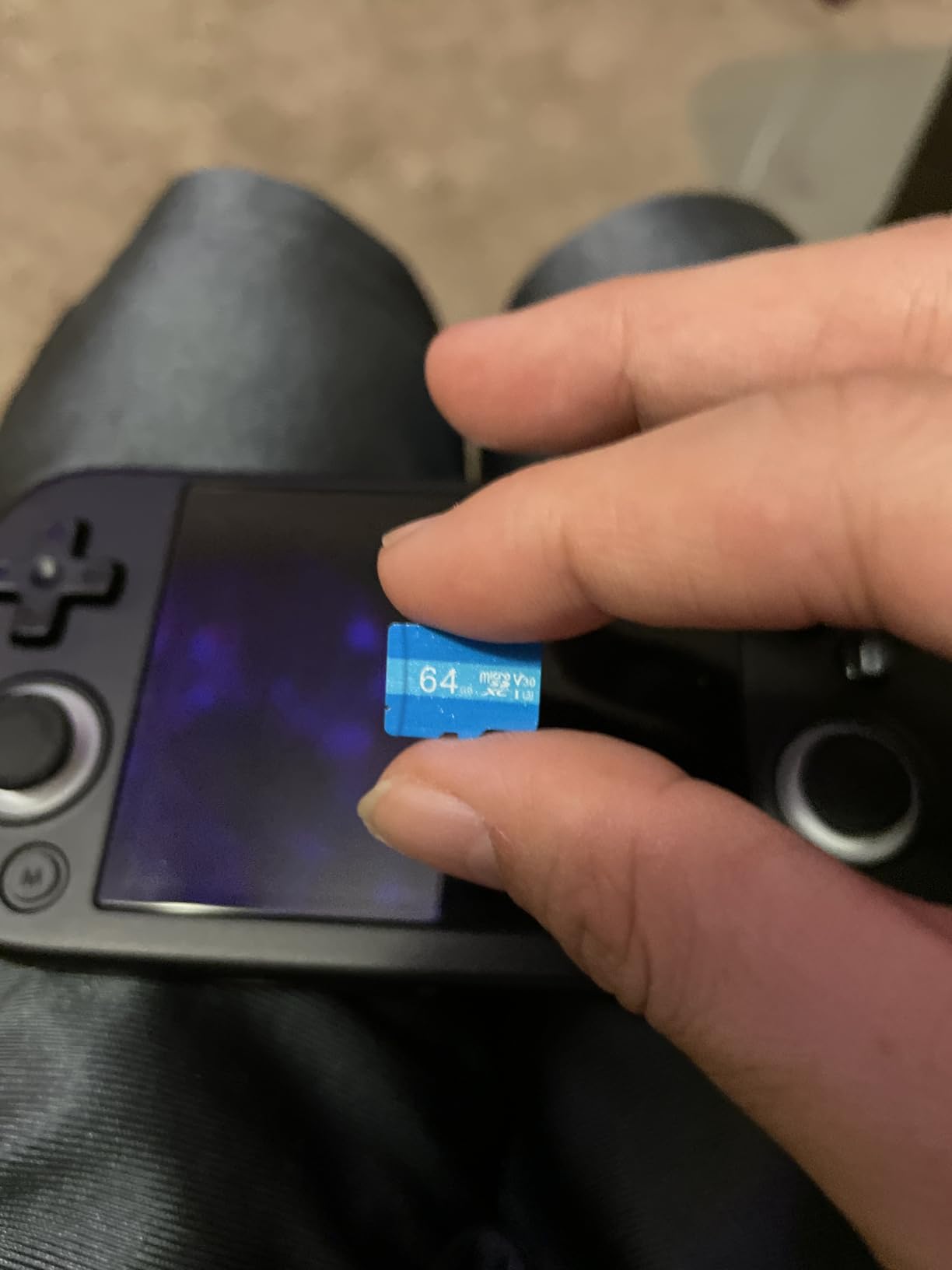
A 64GB SD card arrives preloaded with 4452 games, which is more than you will realistically play and enough to understand how the hardware behaves before you start adding your own. Connectivity is strong for a handheld: 2.4 and 5GHz WiFi, Bluetooth 4.2, Moonlight streaming from a PC and TV output for the big screen.
The 3.5 inch OCA full-fit IPS display sits under tempered glass and supports 640 by 480. It is a good panel, but it is small, and that is the single biggest reason the average rating sits at 4.0 rather than higher.
Why the RG353V suits serious 2D and PS1 play
It is the point in the list where emulation quality actually steps up. The RK3566 with 2GB of memory runs PlayStation 1 era content and heavier 2D libraries without the stutter that plagues the H700-based devices below it in this list.
Moonlight streaming is the underrated feature. If you own a gaming desktop, you can run games from your own library on the handheld screen rather than relying on whatever the card happens to contain.
Where the RG353V falls short
The 3.5 inch 640 by 480 display is small and low resolution next to the 4 inch panel on the RG40XX H, and it is the most common complaint in buyer feedback. Battery life is around 6 hours, which is fine but not exceptional.
Some units come with vendor launcher software that behaves inconsistently, and the transparent purple shell is a third-party style variant rather than standard Anbernic branding. The 4.0 average across buyer ratings is fair.
8. My Arcade Atari Gamestation Go – Best 7-Inch Screen with Authentic Atari Controls
My Arcade Atari Gamestation Go: 200+ Preloaded Retro Games, Includes PACMAN
7 inch 720p display
200 plus licensed Atari games
MicroSD expansion
HDMI TV output
Pros
- Large 7 inch 720p display that is bigger than most portable retro consoles
- Rare authentic control set including paddle spinner trak-ball and numeric keypad
- SmartGlow lights the controls each game needs
- MicroSD slot loads anything from Atari 2600 through SNES
- Officially licensed Atari Jaleco and PIKO software
Cons
- Trackball is jumpy and the spinner is stiff and slow
- No vertical display mode so Centipede cannot fill the screen
- Boot-time choice between internal storage and microSD with no easy toggle
The Gamestation Go solves the problem every portable retro console has, which is that a 3.5 inch screen makes everything feel cramped after an hour. Its 7 inch 720p full colour display is a real upgrade for long sessions, and it is lighter and more comfortable than that size would suggest.
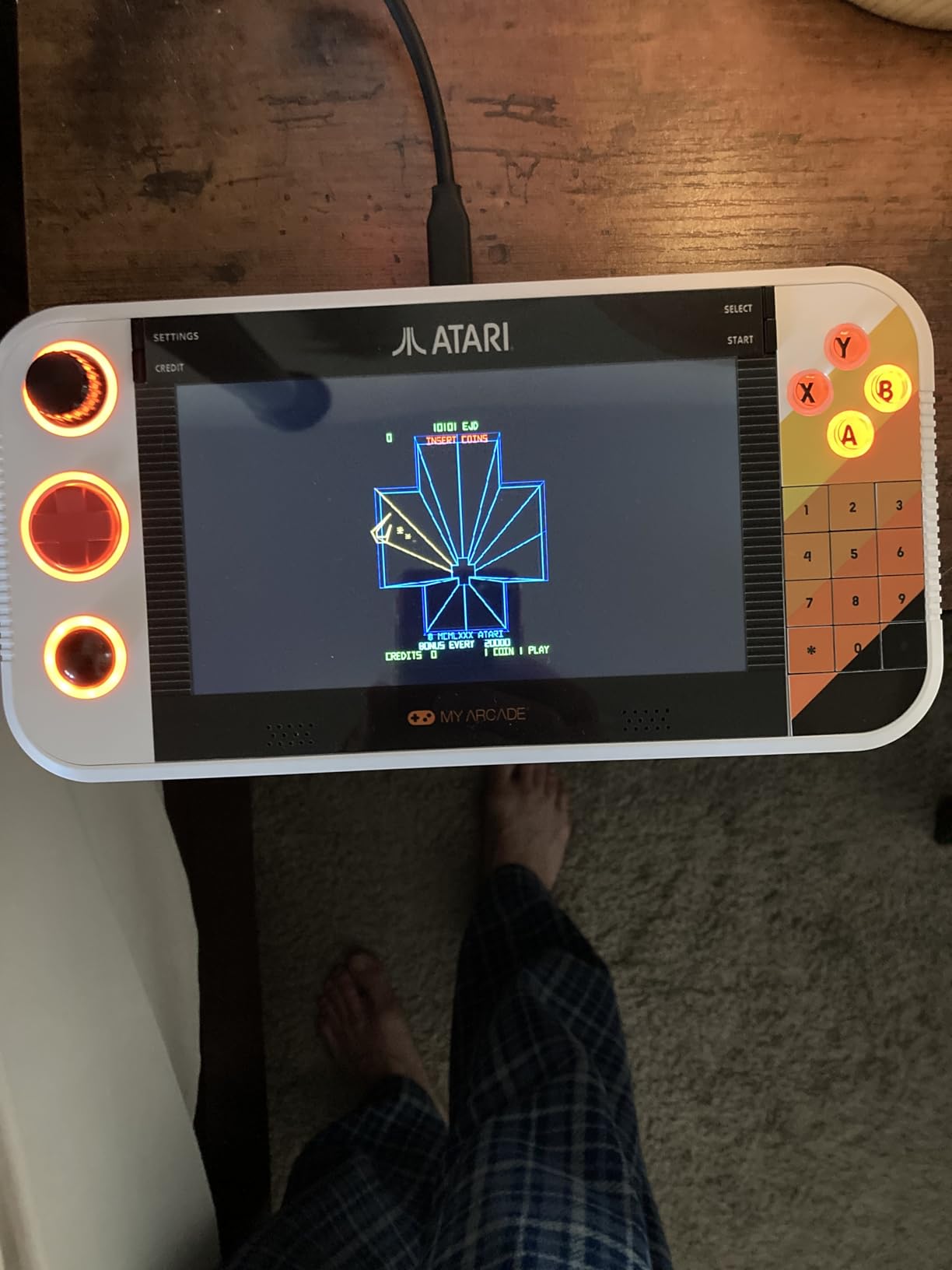
What makes it genuinely unusual is the control set. You get an integrated paddle, spinner, trak-ball, D-pad, numeric keypad, bumpers and full ABXY buttons, which covers the actual input methods of the Atari era rather than approximating them. The SmartGlow system illuminates the controls each game needs, which is a genuinely clever onboarding feature for newcomers.
Software is officially licensed. You get titles originally released on the Atari 2600, 5200, 7800 and Arcade, plus Atari Recharged, M-Network and Balls of Steel pinball, with additional licensed titles from Jaleco and PIKO Interactive. Over 200 games are built in, including Pac-Man, Breakout, Asteroids, Centipede, Missile Command, Tempest and Yars Revenge.
The microSD slot is the feature that extends it well past the built-in library, letting you load anything from Atari 2600 through SNES. It connects to a television over HDMI, has built-in WiFi for updates and runs on a rechargeable battery.
Why the Gamestation Go suits Atari fans
Nobody else does this control hardware. If you grew up with a trackball or a spinner, this is the only portable here that reproduces them properly instead of mapping everything to a D-pad.
The 7 inch screen and the licensed library also make it the easiest of the larger portable options to hand to someone who has never touched a classic game.
Where the Gamestation Go falls short
The controls are authentic and the controls are the problem. The trackball is overly sensitive and glitchy, and the D-pad has issues on vertically oriented games. The spinner is stiff and slow, which blocks the free-spin technique in Tempest.
There is no vertical display mode, so Centipede and similar games cannot be shown full screen as designed. You also choose between internal storage and microSD at boot with no easy way to switch back, and reviewers report firmware bugs including wrong aspect ratios, missing sound and an update that removed PlayStation emulators.
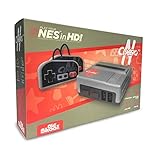
9. Old Skool Classiq N HD – Most Versatile for Original NES Cartridges
Old Skool CLASSIQ N HD Console Compatible with NES 8-Bit Cartridges
Plays original NES cartridges
720p and 1080p HDMI
4:3 aspect ratio switch
Two controllers included
Pros
- Crisp 720p and 1080p HDMI output at an affordable entry point
- One of the few budget NES clones with a physical 4:3 aspect ratio switch
- HDMI and composite cables included so it suits modern TVs and CRTs
- Stock controllers feel solid with a sharp NES-style D-pad
- Plays worn-out carts that struggle on an original NES
Cons
- Fragile cartridge door with a spring-loaded piece that can snap off
- Build quality feels cheap with some units arriving with faults
- HD version is not compatible with the Zapper or the Everdrive
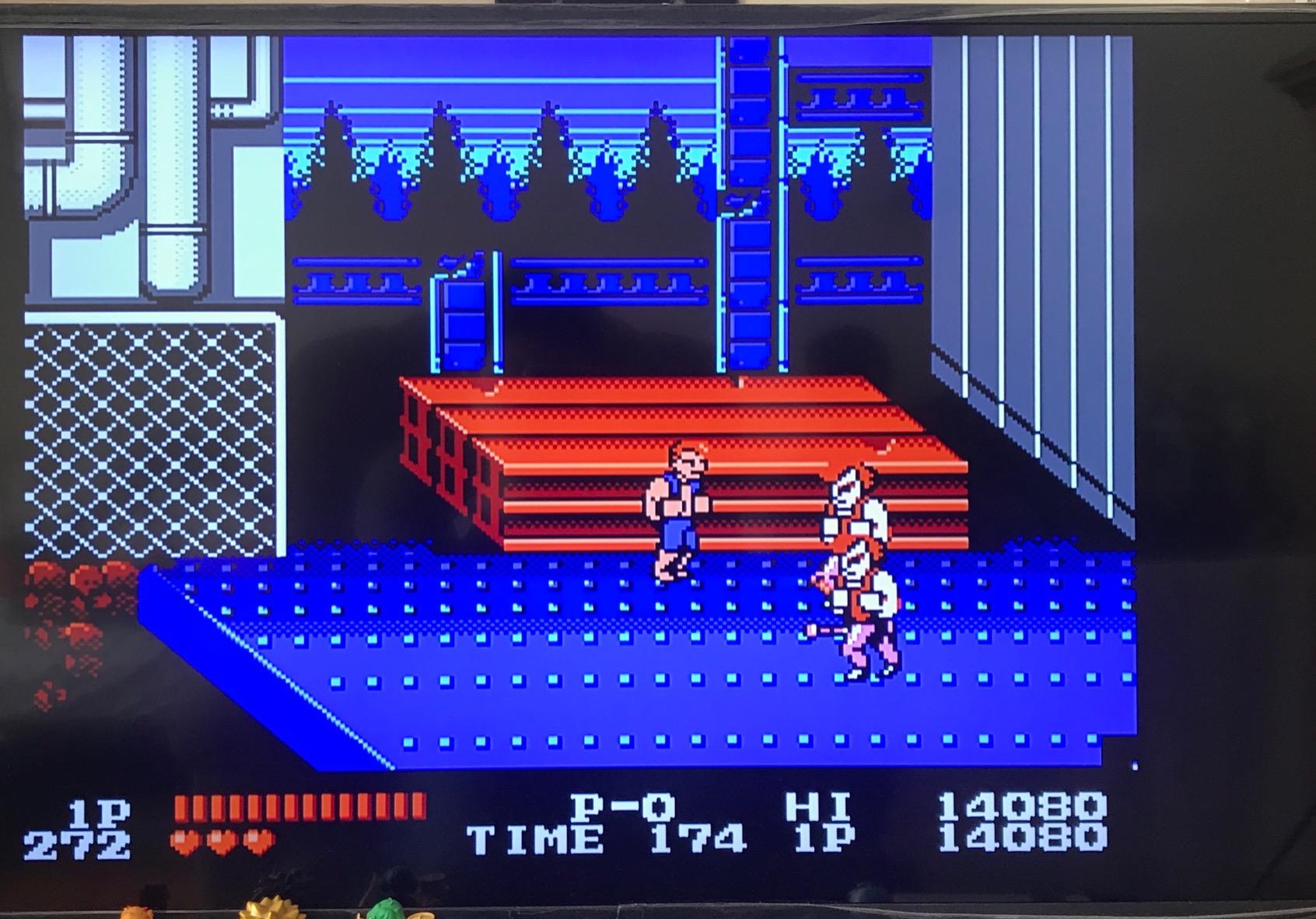
The Classiq N HD is one of the most affordable ways on this list to play genuine NES cartridges on a modern television, and it does the two things that matter for that job. It outputs crisp 720p and 1080p over HDMI, and it has a physical 4:3 aspect ratio switch, which almost no other budget NES clone offers.
That aspect switch matters more than it sounds. Without it you either get a stretched image or you fight with television menus, and 4:3 is simply the correct shape for NES games.
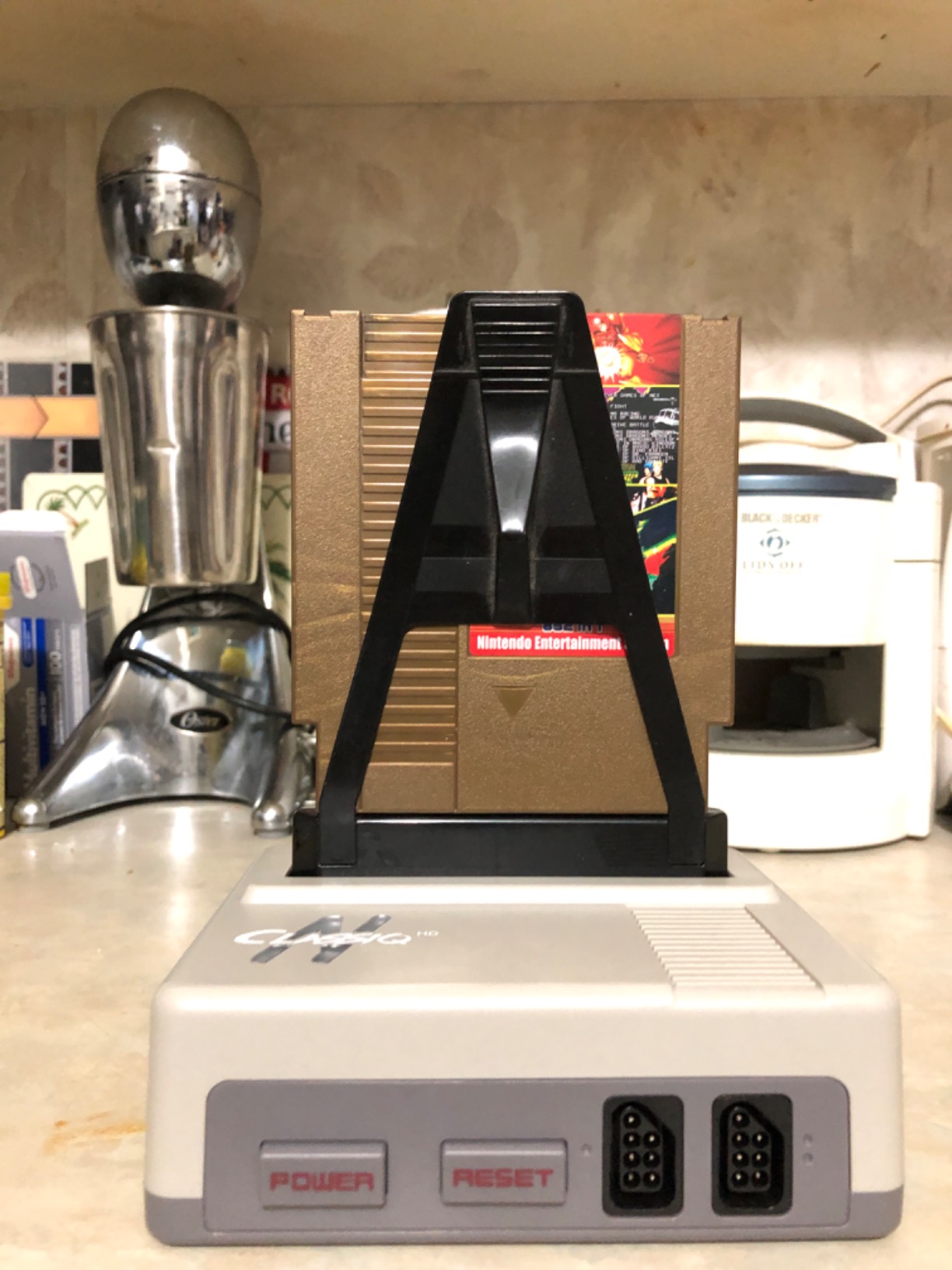
The included controllers get praise more than once. They feel solid, the D-pad is accurate and sharp-cornered in a way third-party NES pads rarely are, and the console avoids the cartridge death grip that plagues many clones. Several reviewers also note it plays worn-out cartridges that struggle on a real NES, with minimal perceptible input lag.
Both HDMI and composite AV cables are included along with a USB power supply, so it connects to a modern flat panel or a CRT without extra parts.
Why the Classiq N HD suits NES cartridge owners
If your collection is entirely NES, this does one job and does it correctly. You are not paying for a multi-system console to gain nothing, and the 4:3 switch means the picture is right on the first try.
It is also a good first purchase for someone who wants physical cartridges but does not want to spend collector money.
Where the Classiq N HD falls short
Build quality is the weak point. The cartridge door has a spring-loaded plastic piece that can snap off almost immediately, and some units arrive with faults including a dead power switch. Carts can also be finicky to remove at first, though that improves with use.
Audio is brighter and more treble-heavy than an original NES and colours are slightly off. Finally, the HD version is not compatible with the NES Zapper or the Everdrive, which matters if you have either.
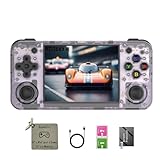
10. RG35XX H – Best for Travel and Long Portable Sessions
RG35XX H, Anbernic Retro Handheld Gaming Console with 64GTF Card, Dual Joystick Design 3.5-inch HD Screen Lasts up to 8 Hours High-Capacity Battery for Better Experience (64G Purple)
3.5 inch laminated HD screen
3300mAh battery
H700 quad-core chip
Dual microSD slots
Pros
- Horizontal form factor is genuinely comfortable for long sessions
- Responsive buttons with a firm D-pad and dual joysticks
- Crisp 3.5 inch OCA laminated HD screen
- 3300mAh battery for up to 8 hours of play
- Two microSD slots and HDMI TV output
Cons
- Preloaded card can arrive corrupted and cause boot loops
- Small body and screen feel cramped for large hands
- H700 chip stumbles above PlayStation 1 era 3D titles
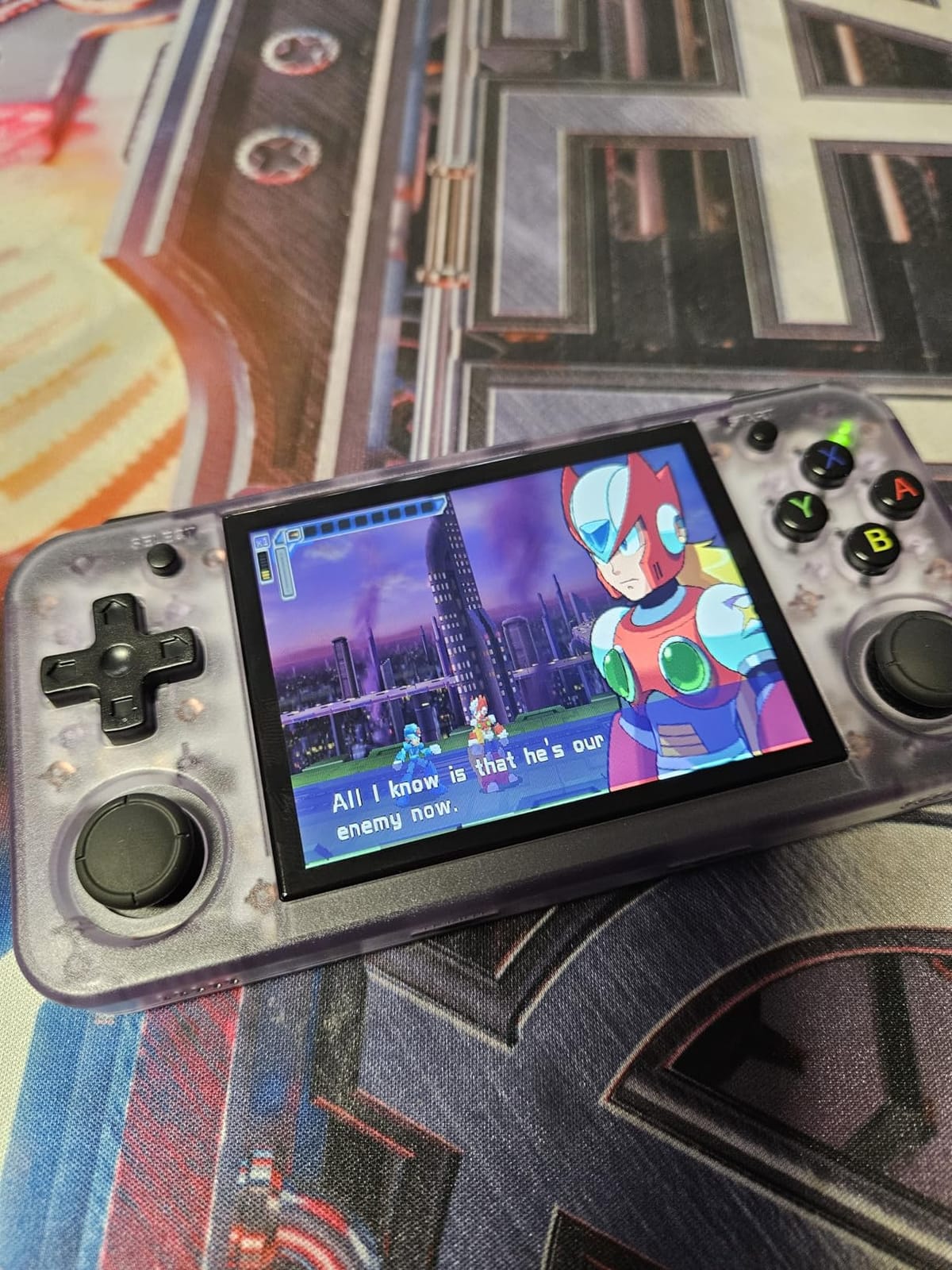
The RG35XX H is the one handheld here designed for long sessions rather than pockets. The horizontal layout with dual joysticks gives you a natural two-hand grip, and at 3.2 by 5.5 by 0.9 inches and 5.76 ounces it is easy to hold for an hour without your hand cramping.
Controls are the selling point. Buyers single out the responsive buttons and a firm, crisp D-pad, and the dual joysticks are genuinely useful for fighting and racing games in a way single-stick handhelds cannot match.
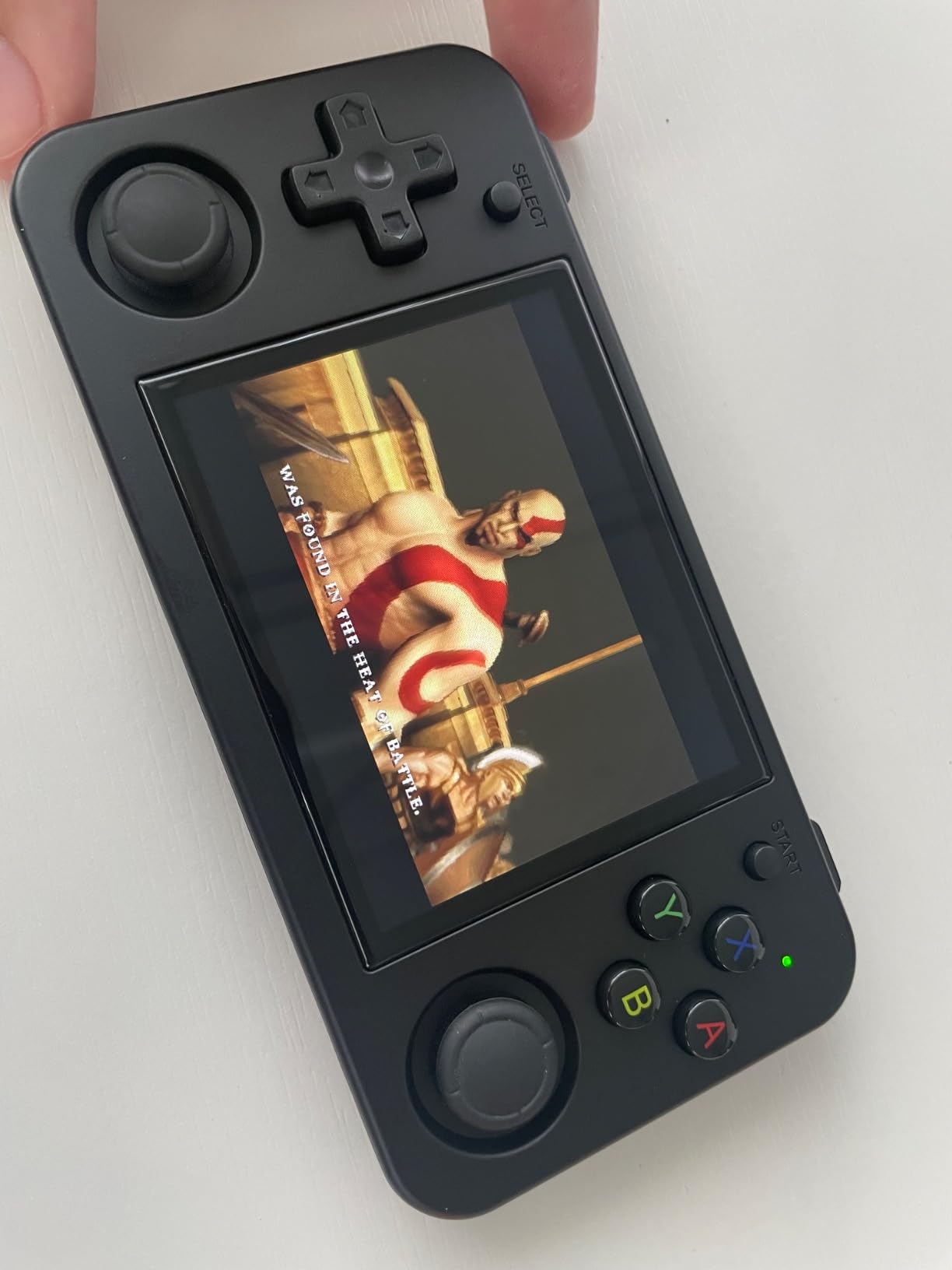
The battery is a 3300mAh cell rated for up to 8 hours of play with USB Type-C charging, and a 64GB TF card arrives with more than ten emulators preinstalled. There are two microSD slots, two USB-C ports, dual speakers and vibration motors, plus HDMI TV output and Bluetooth support for headphones and controllers.
The 3.5 inch HD screen uses OCA full lamination, which gives it a clear, flat look with far less reflection than an unlaminated panel at the same size.
Why the RG35XX H suits travel
Eight hours of battery and a 5.76 ounce body mean it survives a long journey and a long flight. The horizontal grip also makes it far more comfortable than a vertical handheld for adults, which is the commonest complaint about smaller devices.
Two microSD slots mean you can carry one card of systems and one of games without swapping constantly.
Where the RG35XX H falls short
Quality control on the bundled card is the dominant complaint. A number of buyers receive a corrupted TF card that causes boot loops, and the fix is reinstalling the operating system and games onto a different card, which is not a beginner task.
The H700 chip handles everything up to the PlayStation 1 era well but struggles with anything heavier. The screen and body are small for large hands, the L and R shoulder buttons feel tight, and the on-screen font is small enough that external output is preferable for older eyes. It also needs an older 5V 1.5A charger rather than a fast USB-C one.
11. RG40XX H – Best 4-Inch Screen for a GBA-Style Grip
Anbernic RG40XX H Retro Handheld Game Consoles RG40XXH Retro Gaming Console 64 TF Card Preloaded Games 5000+ Portable Gaming Console Linux System 4.0” IPS Screen WiFi Bluetooth HD and TV Output Black
4 inch 640x480 IPS display
3200mAh battery
Quad-core Cortex-A53
About 200g body
Pros
- Larger 4 inch IPS screen with OCA lamination is bright and easy to read
- Lightweight vertical body at about 200g
- Button and D-pad layout improved over horizontal designs with tactile triggers
- RGB joystick lighting with customisable effects
- HD output and WiFi streaming support
Cons
- 3D titles only up to PlayStation 1
- Some units stop powering on or charging after a few weeks
- Thumbsticks are not analog and lock to eight directions
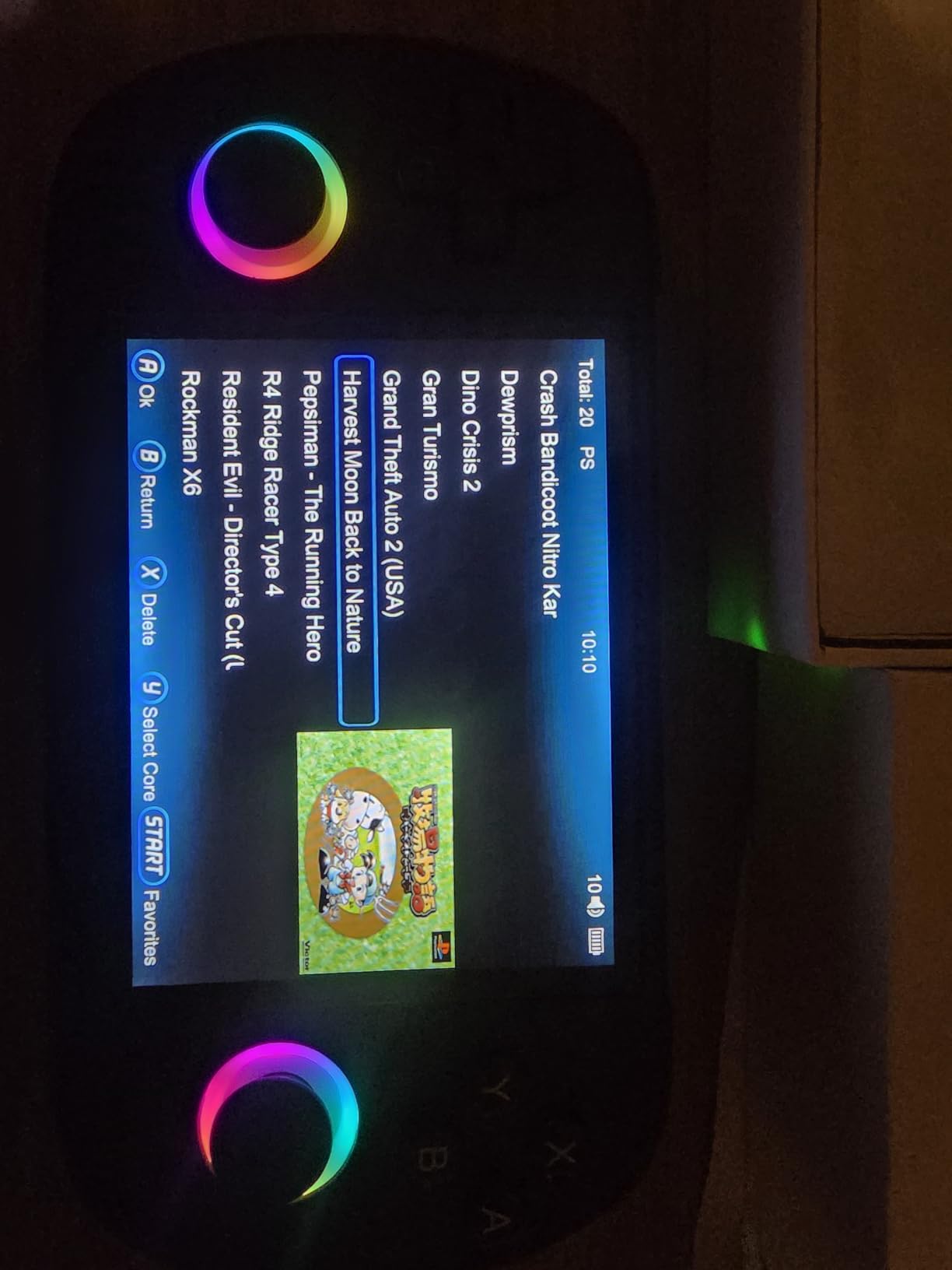
The RG40XX H takes the RG35XX H concept and fixes its most common complaint, which is the small screen. A 4 inch IPS display at 640 by 480 with OCA full lamination and a wide viewing angle is bright, clear and noticeably easier to read, particularly for the text-heavy RPG titles people gravitate to on a vertical device.
Reviewers also prefer the ergonomics over the horizontal 35XX H, describing the vertical Game Boy Advance style layout as snappy and comfortable, with a better button and D-pad arrangement and tactile triggers.
Internally it is a quad-core ARM Cortex-A53 with a PowerVR SGX544MP GPU and 1GB of RAM, driven by a 3200mAh battery for up to 8 hours of continuous play depending on the title. The RGB joystick lighting has multiple customisable effects, and there is vibration, HD output, WiFi streaming and support for both 2.4G wireless and wired controllers.
Owners who install custom firmware such as KNULLi rate it considerably higher, because the replacement interface removes the rough edges of the default system. A 64GB card arrives preloaded with thousands of games.
Why the RG40XX H suits 8-bit and 16-bit libraries
Everything from the 8-bit era through SNES and Game Boy Advance runs flawlessly, and the 4 inch IPS panel makes those pixel games look their best. If you want Game Boy, GBA and SNES in one device and do not care about 3D, this is the most readable option in the roundup.
The vertical layout also matches how those systems were originally held, which is a small comfort factor for Game Boy players.
Where the RG40XX H falls short
3D performance stops at the PlayStation 1 level, with stutter or graphical issues beyond that, so enthusiasm for PlayStation, N64 or PSP titles should be tempered. Real-world battery life varies widely, from around 3 to 8 hours depending on the emulator and the game.
A smaller but persistent group reports units that stop powering on or charging within weeks, which is the hardware reliability issue buyers should watch. The thumbsticks are not analog and lock to eight directions, so they need conscious avoidance, the D-pad is too sensitive on diagonals for some genres, and the device runs warm on the back right side during demanding titles.
12. RG351V – Best Value Vertical Handheld for Game Boy and GBA
HAIHUANG RG351V Handheld Game Console,Plug & Play Video Games Supports Double TF Extend 256GB,Portable Game Console 3.5 Inch IPS Screen 2521 Games (Transparent Black)
3.5 inch IPS screen
2521 preloaded games
Dual microSD slots
WiFi and headphone jack
Pros
- Excellent 3.5 inch IPS screen that is the standout feature
- Plug-and-play with thousands of preloaded games including popular Game Boy titles
- Two microSD slots and a 3D joystick for flexible control
- Comfortable well-built buttons and a light body good for kids and travel
- Runs all SNES and earlier content at full speed including Mode 7
Cons
- Default menu system is clunky and works much better after custom firmware
- Struggles with PlayStation 1 titles and PSP needs low settings
- Short battery life and cheap bundled microSD cards
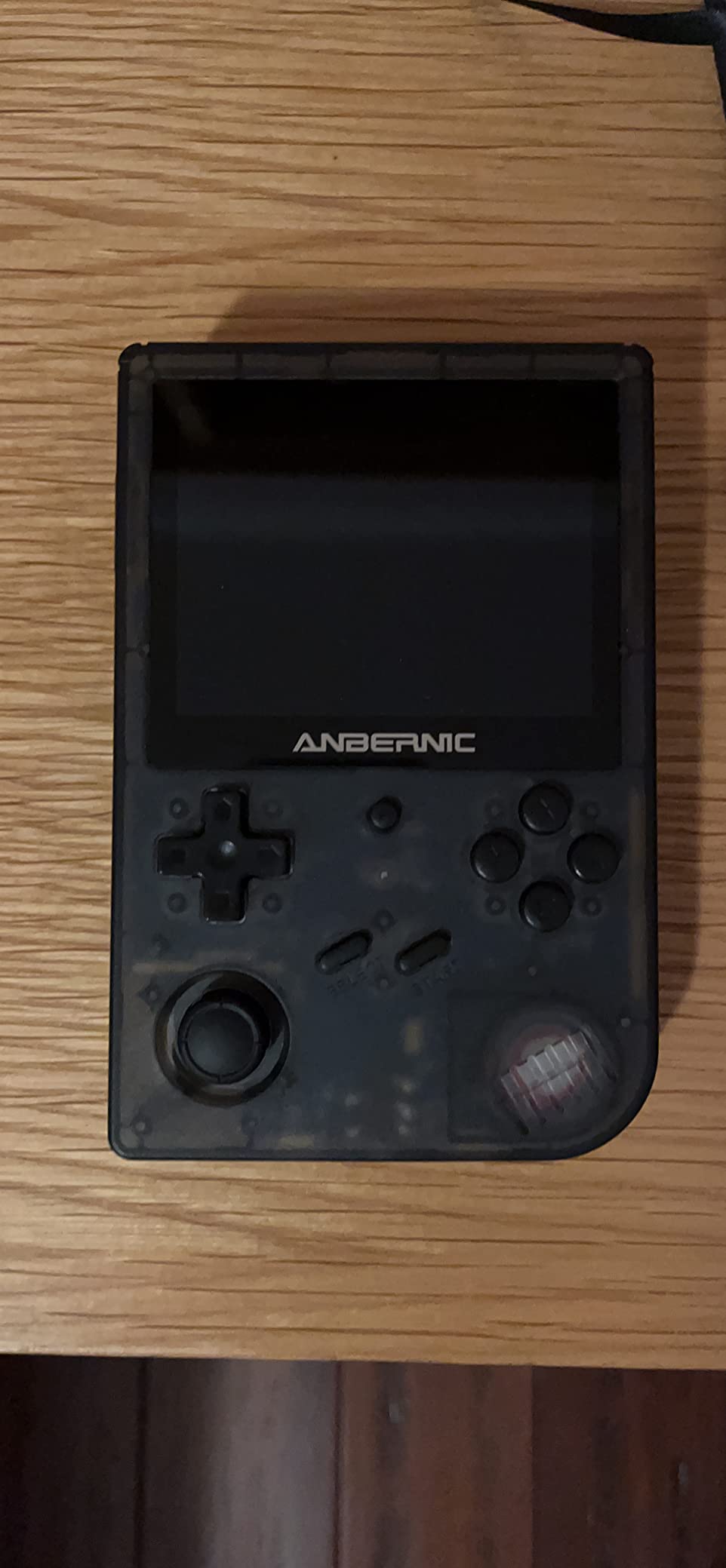
The RG351V is the cheapest route to a genuinely good Game Boy Advance style experience, and the display is why. The 3.5 inch IPS screen in a vertical GBA-form-factor body is described by reviewers as the standout feature, and at this tier most competing units ship a duller panel.
It is plug-and-play with 2521 games already on a 64GB TF card, and a second slot accepts cards up to 256GB. The 3D joystick alongside the D-pad gives you a PSP-style control option, and there is a vibration motor, 3.5mm headphone jack and built-in WiFi.
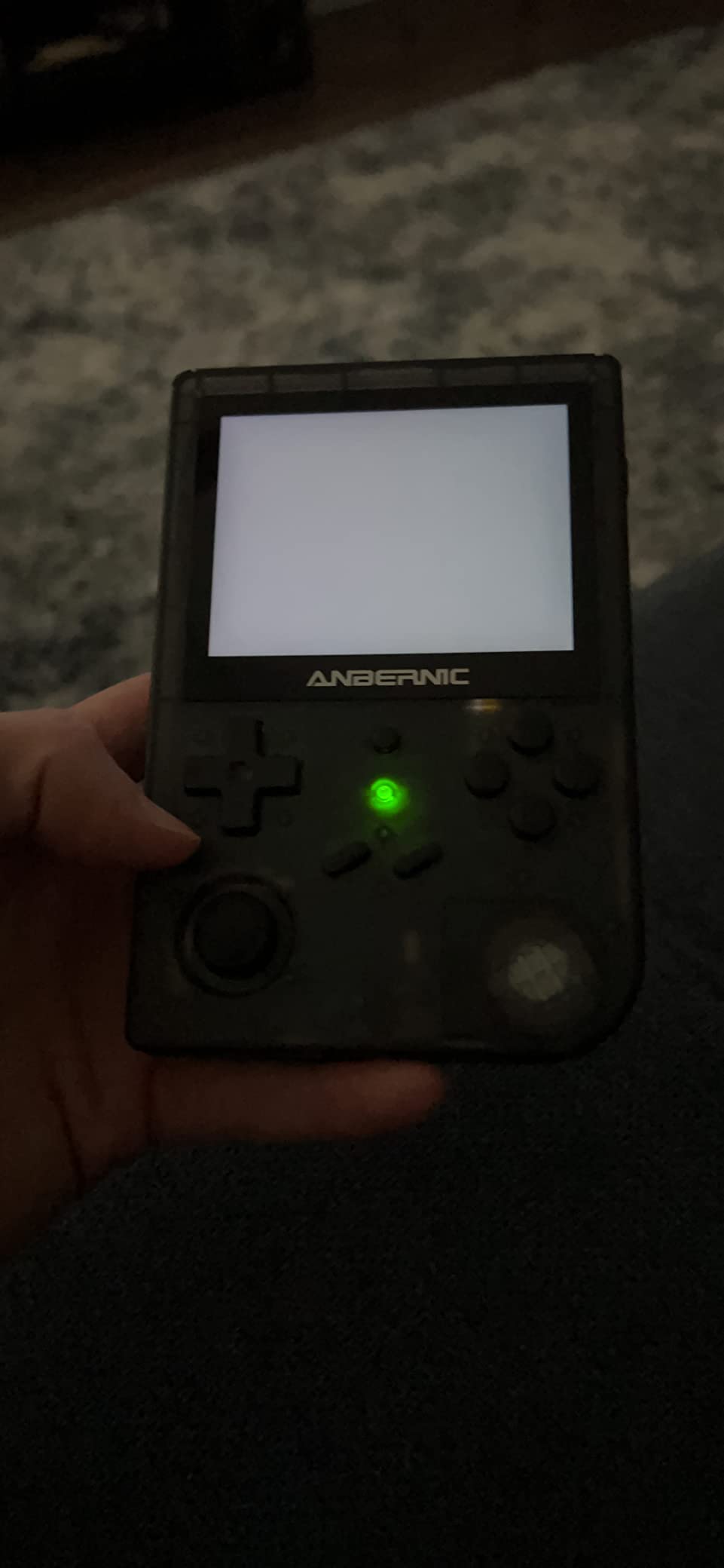
Through the SNES era it performs well, including Mode 7 titles and MSU1 audio hacks, which is more than many devices at this level manage. The buttons and body feel good enough that it is regularly bought for children.
The one thing almost every owner recommends is installing custom firmware such as ArkOS, which makes a substantial difference to the day-to-day experience. The hardware itself is fine; the default menu is what holds it back.
Why the RG351V suits Game Boy players
It is the most affordable way to get a sharp IPS panel in the original Game Boy shape, and the vertical layout is a better fit for GBA titles than a widescreen screen ever would be.
For a child learning classic games it is also a safe buy, because the library is already loaded and the hardware is light.
Where the RG351V falls short
The default operating system is clunky, and there is no in-game route back to the menu on some titles, so powering the unit off is part of normal play. Installing custom firmware fixes both problems but adds a setup step that a complete beginner will find daunting.
PlayStation 1 titles struggle and PSP games need low resolution settings plus overclocking. Battery life is around 5.5 to 6 hours with sound off, and the bundled microSD cards are cheap generics that owners routinely replace with Samsung or SanDisk cards.
How to Choose a Retro Gaming Console
The decision comes down to one question: where do your games come from? Everything else follows from that.
If you own physical cartridges, choose a cartridge console. The Retro Duo covers NES and SNES with two dedicated slots, the Super Retro Trio HD Plus adds Genesis and RGB output for a CRT, and the Classiq N HD handles NES alone as a single-system purchase. All three output over HDMI, so they work with a modern television.
If you want no setup at all, choose a licensed mini console. The Sega Genesis Mini gives you 42 games and the most accurate emulation we tested, and the Super NES Classic gives you 21 curated Nintendo titles. Both are closed systems with no way to add games, so buy for the library rather than the hardware.
If you want the biggest library, choose a handheld emulator. Just ignore the game-count numbers and look at the chip instead. The RG353V with its RK3566 and 2GB of memory is the real performance step up, while the RG351V and RG35XX H cover everything through the SNES era comfortably.
For output quality, look for HDMI and a 4:3 option. HDMI is standard across this list. A physical 4:3 switch is rarer and worth paying for, and it appears on the Classiq N HD and some revisions of the Super Retro Trio HD Plus. RGB output only matters if you own a CRT television.
For controls, prioritise the D-pad over the joysticks. Every handheld here except the X36 and the RG353V has non-analog sticks that lock to eight directions, so they need avoiding in 2D games. The Gamestation Go is the only option that reproduces period-correct controls such as a paddle and trak-ball.
For a beginner, start with a licensed mini console and add a handheld later. The mental jump from an easy menu to a firmware install is the biggest barrier in this category, and the Gamestation Go’s SmartGlow system is a clever middle ground that lights the right controls for each game.
One last warning. The most heavily promoted products in this category are generic units with unrated quality control, and the highest-volume listings often carry poor real-world ratings. Check whether the included memory card actually boots, and buy from a brand that answers technical questions rather than one that only lists game counts.
Frequently Asked Questions
Which retro consoles are worth buying?
The worth-buying options fall into three groups. Cartridge owners should look at the Retro-Bit Retro Duo for NES and SNES, or the Super Retro Trio HD Plus for NES, SNES and Genesis together. Anyone wanting zero setup should pick the Sega Genesis Mini or the Super NES Classic. Portable play is best served by the Anbernic RG353V for heavier titles or the RG351V and RG40XX H for Game Boy and 16-bit libraries.
What retro console had the best games?
It depends on the era rather than the device. The 16-bit era, covering SNES and the Sega Genesis, has the strongest argument because of titles like Super Mario Kart, Super Metroid, Sonic 2 and Streets of Rage 2. PlayStation is the strongest 3D era by a wide margin, and it is also the easiest era to emulate well. The Super NES Classic and Sega Genesis Mini curate the best of the 16-bit library directly.
Is the R36S legal?
Legality depends on what is inside the device, not on the device itself. The hardware is a general-purpose Linux handheld that can run an open-source operating system such as ArkOS and your own legally obtained game files. The issue is the copyrighted game data many sellers preload onto the included memory card. If you buy a unit and wipe the card, adding your own dumps is a separate question of where those files came from. Buying an empty handheld and sourcing your own games is the approach that avoids the grey area entirely.
What is the best retro handheld console for beginners?
The My Arcade Gamestation Go is the most approachable because SmartGlow lights the correct controls for each game, it has a large 7 inch display and it needs no configuration. Among pure emulators, the Anbernic RG353V is the best first device because the dual Linux and Android systems mean a beginner can start on Android and move to Linux later. The Sega Genesis Mini is the easiest overall if portability does not matter.
Are retro consoles worth it in 2026?
More than ever, because one device now replaces a shelf of discontinued consoles that would cost several times as much and often need repairs. The licensed mini consoles run their games natively with no sourcing required, and cartridge consoles let you play the physical games you already own. The main change over recent years is handheld emulation quality, which now covers the PlayStation 1 era comfortably at mid-range prices.
What is the difference between a clone console and an original?
An original console is discontinued hardware built by the original manufacturer, which usually needs repair and has no modern video output. A clone is a new device that reads the same cartridges and reproduces the behaviour through a chip and software, adding HDMI output and often save states. A mini remake is a licensed, smaller official version with a fixed built-in game list. A handheld emulator plays games from files rather than cartridges. The quality gap between clones and remakes is much smaller than the price gap, but the game libraries are completely different.
Conclusion
There is no single best retro gaming console, because the three families solve different problems. Start with the Sega Genesis Mini if you want the most accurate emulation and the best build in the category, and it is the default choice for almost everyone.
Own NES and SNES cartridges? The Retro Duo plays them properly and keeps your original controllers working. Own cartridges from three systems or a CRT television? The Super Retro Trio HD Plus is the one that covers NES, SNES and Genesis with RGB output. Want something with no setup for a child or a beginner? The Super NES Classic is the safest purchase you can make.
For portable play, the Anbernic RG353V is where emulation quality actually steps up, while the RG40XX H and RG351V are the better choices if you mostly want 2D and Game Boy libraries. Whatever you pick, ignore the game-count marketing and judge the D-pad, the screen and the output, because that is what you will still be happy with years from now.
Pair your new console with a proper setup for the rest of the room, and our guides to media consoles with storage, gaming earbuds and retro-style record players cover the rest of the collection.