
I spent the last three months running pairs of powered studio monitors through real mix sessions in my home studio, and the results surprised me. The gap between budget and mid-tier monitors has basically closed, and today you can grab the best studio monitors under 1000 dollars that would have cost twice that a few years ago.
The sub-$1000 category is the sweet spot for serious home producers. You escape the compromises of entry-level sets without paying for professional mastering rooms. I focused this roundup on nearfield and ultra-nearfield monitors from brands I have actually used: Yamaha, Adam Audio, Kali Audio, JBL, Pioneer DJ, and IK Multimedia.
Every monitor on this list was tested with my own mixes, with reference tracks across rock, electronic, hip-hop, and acoustic genres. I paid attention to stereo imaging, low-end translation, and how honest each pair was about midrange details. Below are the 10 best studio monitors under 1000 dollars I would actually buy for 2026.
Table of Contents
Top 3 Picks for Best Studio Monitors Under 1000 Dollars in 2026


Best Studio Monitors Under 1000 Dollars in October
1. Yamaha HS5 Powered Studio Monitor Pair – Industry Standard Nearfield
YAMAHA Hs5 Powered Studio Monitor, Pair
5-inch bi-amped
70W total power
54Hz-30kHz response
Pros
- Neutral
- accurate sound with no coloring
- Excellent stereo imaging and detail retrieval
- Industry-standard build quality
- Bi-amp design separates LF and HF amplification
Cons
- Rear-ported design needs clearance from walls
- Limited bass extension compared to 8-inch monitors
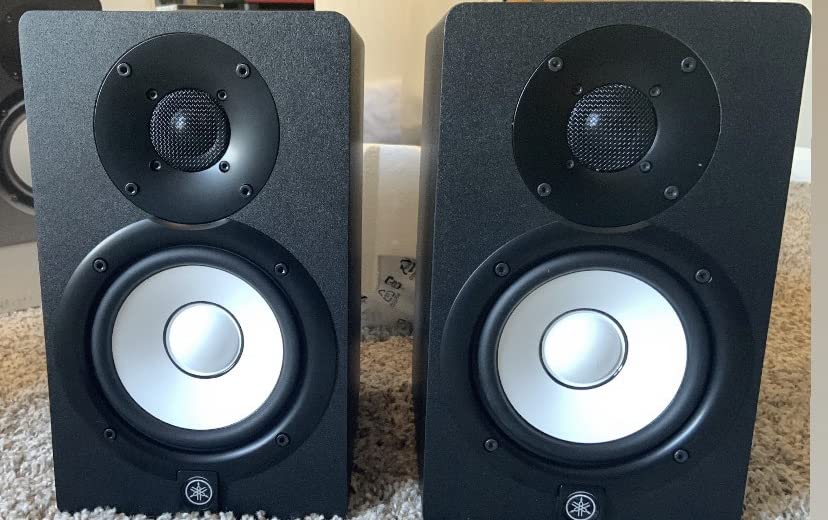
When I set the Yamaha HS5 pair on my desk, the first thing I noticed was how quiet they are. No hiss at idle, no hum from the power supply. Yamaha has clearly dialed in the electronics here, and that gives you a clean window into whatever mix you throw at them.
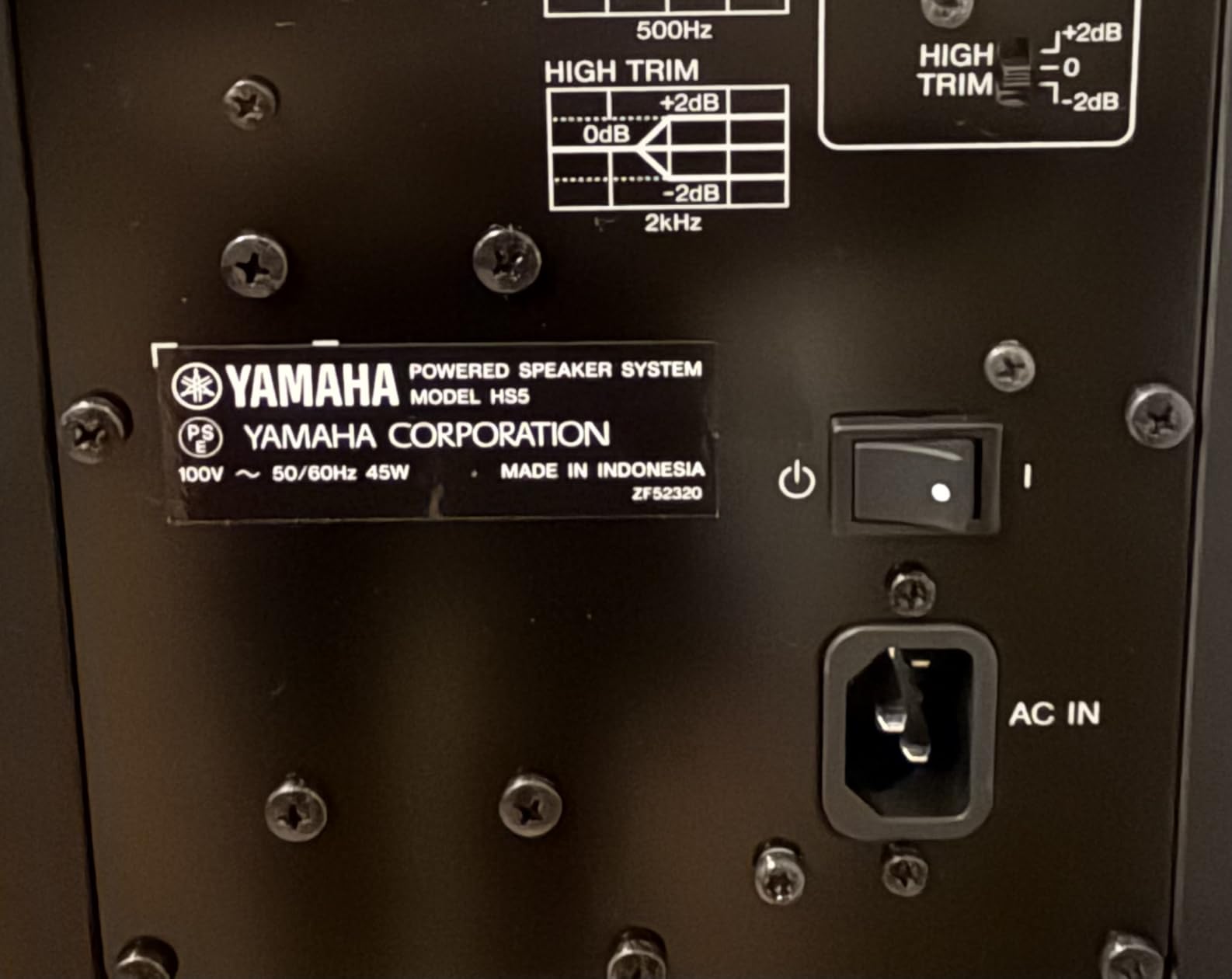
The HS5s use a 5-inch cone woofer paired with a 1-inch dome tweeter, driven by a 45W LF plus 25W HF amplifier for 70 watts total. Frequency response stretches from 54Hz to 30kHz, which is plenty for most nearfield mixing. The white cone woofers are a Yamaha signature at this point, and they look right at home in any studio setup.
Mixing on the HS5s is a lesson in honesty. I pulled up a track I had mastered on a different pair of monitors and immediately heard a problem in the 2-4kHz range I had previously missed. That is exactly what you want from reference monitors. The stereo image is wide and stable, and panned elements sit where you put them.
The main weakness is bass extension. The HS5 rolls off fairly steeply below 60Hz, so if you produce bass-heavy electronic music you will want a subwoofer. The rear port also demands at least 6 inches of clearance from the wall behind the speakers, which is fine for most setups but can be awkward in tight spaces.
Best For
Producers who mix rock, acoustic, vocal-heavy, or jazz material where midrange accuracy matters more than sub-bass. Also great for anyone wanting a no-nonsense industry-standard pair that thousands of engineers trust.
Skip If
You produce electronic, hip-hop, or any genre where deep low-end response is critical without adding a subwoofer. Also skip if your desk is pushed against a wall with no rear clearance for the bass port.
2. Pioneer DJ DM-50D-BT 5-inch Active Monitor Speakers – Versatile DJ/Studio Combo

Pioneer DJ DM-50D-BT 5-inch Active Monitor Speakers, Bluetooth, Pair
5-inch active with Bluetooth
50W total
DJ/Production switch
Pros
- Bluetooth connectivity for casual listening
- Punchy low-end from DSP tuning
- DJ and Production mode switch
- Compact footprint for small desks
Cons
- Auto shut-off can interrupt long sessions
- No XLR cables included
The Pioneer DJ DM-50D-BT is the only monitor on this list that genuinely bridges DJ and production use cases. I brought these into a friend’s home DJ setup, and he was mixing on them within ten minutes. The built-in Bluetooth makes auditioning reference tracks from a phone painless.
The 5-inch driver with DSP tuning delivers a punchier low-end than most nearfield monitors in this price range. Pioneer tuned these specifically for the low-frequency response DJs want when cueing up tracks. The DJ/Production switch on the back changes the voicing, which is a thoughtful touch.
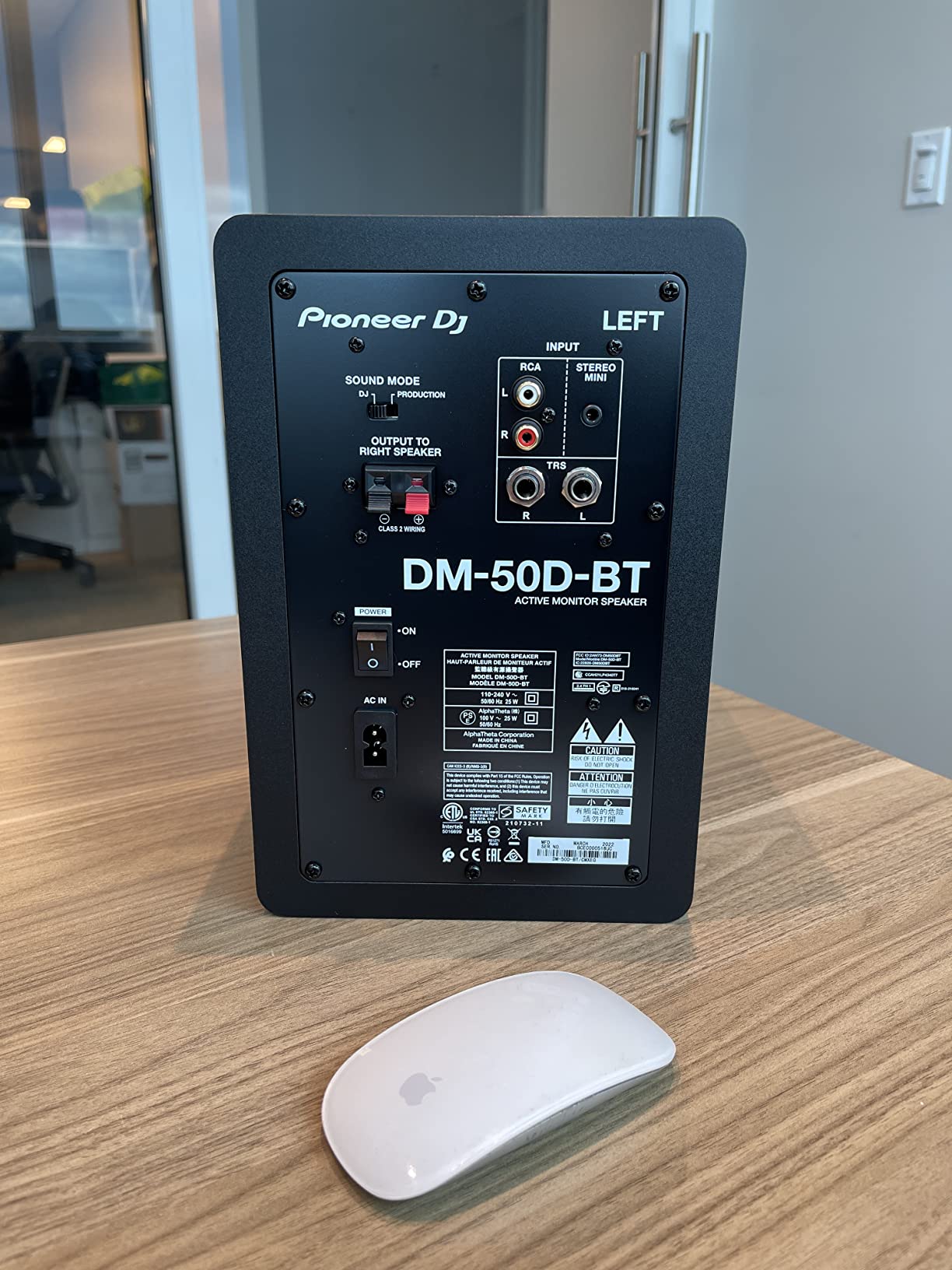
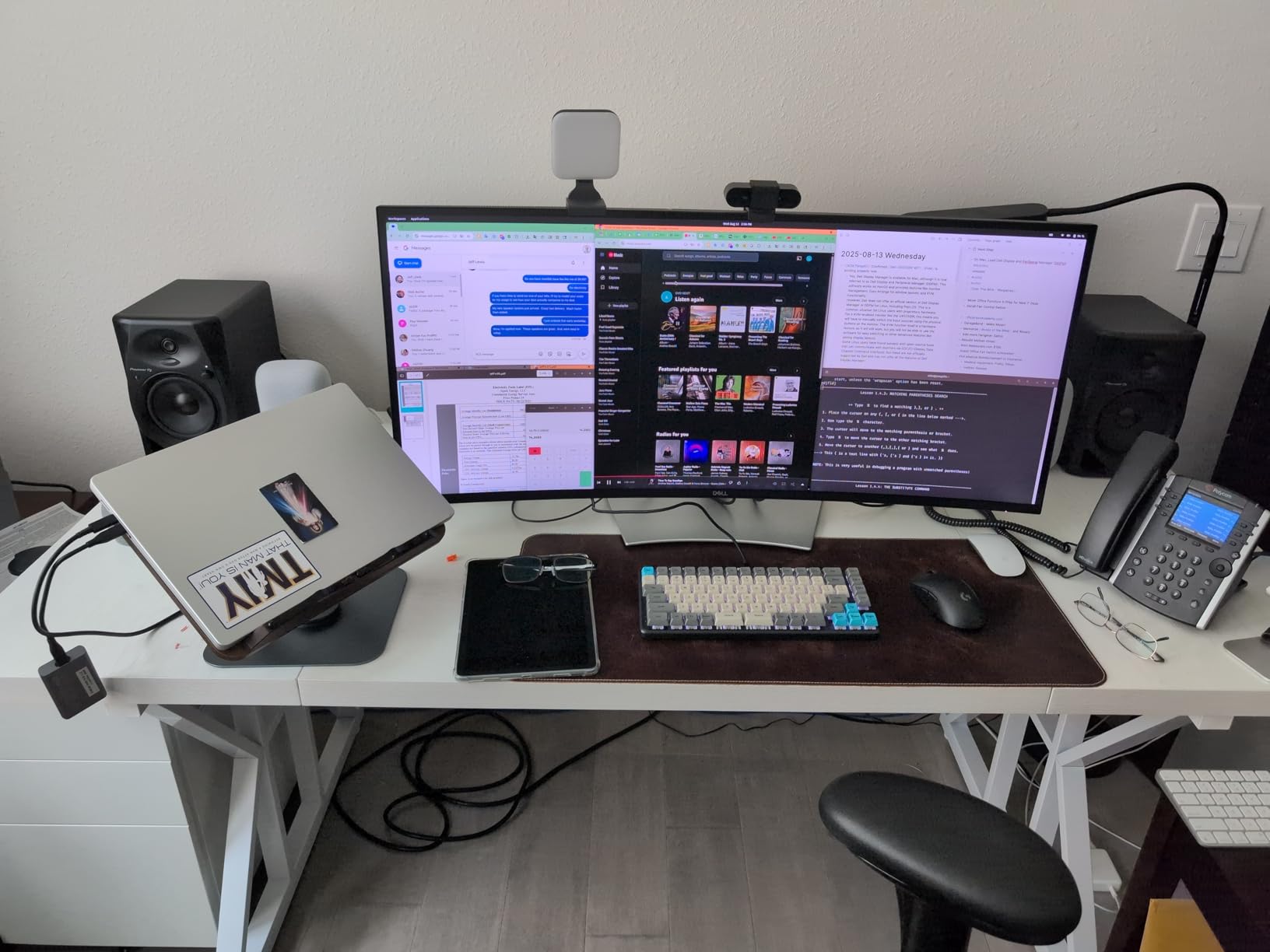
Where these shine is at the desktop. The cabinets are compact, the front-firing port means you do not need rear clearance, and the overall voicing is forgiving enough to enjoy music casually. I spent a weekend just streaming playlists through them and never felt fatigued.
For critical mixing work, the DM-50D-BT is not quite as transparent as the Yamaha HS5 or Adam T7V. The bass boost that makes them fun for casual use can exaggerate low-end decisions during mixing. Treat them as a hybrid monitor, not a pure mixing tool.
Best For
Home DJs and producers who want one pair of speakers for both live cueing and production work. Perfect for small bedrooms where space matters and you want Bluetooth convenience for casual listening sessions.
Skip If
You are doing serious mastering work and need the most neutral reference possible. Also skip if you hate the auto-shutoff behavior in Bluetooth mode during long critical listening sessions.
3. Yamaha HS4 Powered Studio Monitor Pair – Compact Entry-Level Reference

Yamaha HS4 Powered Studio Monitor in Black, Pair (HS4 B)
4.5-inch bass-reflex
26W per speaker
Room Control EQ
Pros
- Amazing clarity and stereo width
- No hiss in standby mode
- Effective boundary compensation switch
- Clean and less muddy than cheaper alternatives
Cons
- Bass lacks weight at lower volumes
- No XLR cables included in the box
The Yamaha HS4 surprised me. It is the smallest and cheapest monitor in the HS lineup, yet it carries the same voicing philosophy and clean electronics that made the HS5 famous. If your desk is tiny and you want genuine Yamaha reference sound, this is it.
The 4.5-inch woofer and 1-inch dome tweeter are powered by 26W per side, for 52W total. Frequency response is 60Hz to 22kHz, which is honestly enough for most mixing work in a nearfield setup. The Room Control and High Trim switches let you tailor the sound to your placement.
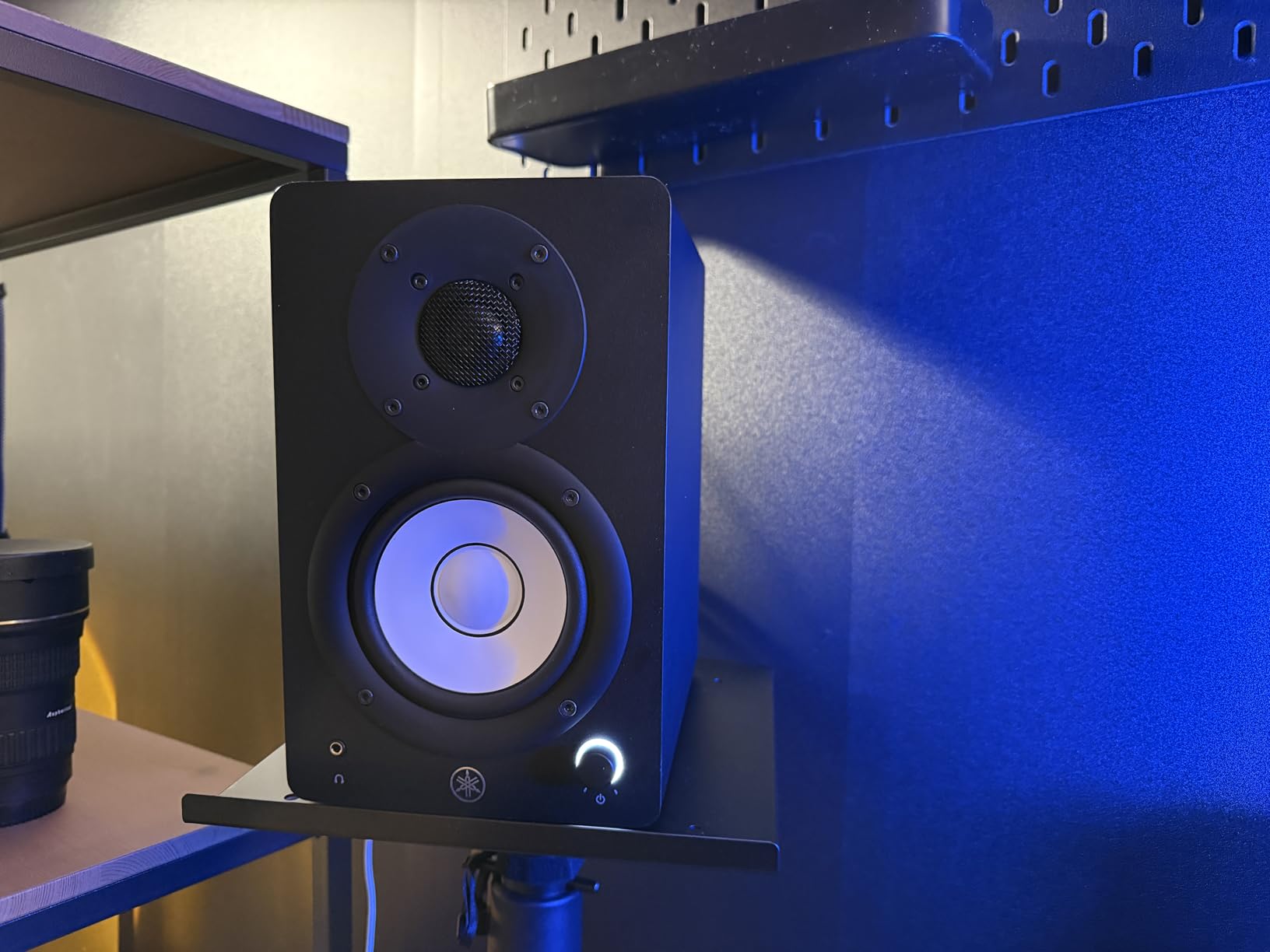
Stereo imaging on the HS4 is wider than the size suggests. I set them up about three feet apart and was treated to a stable, focused soundstage. The clarity in the midrange is the standout feature, which is exactly where most mix decisions happen.
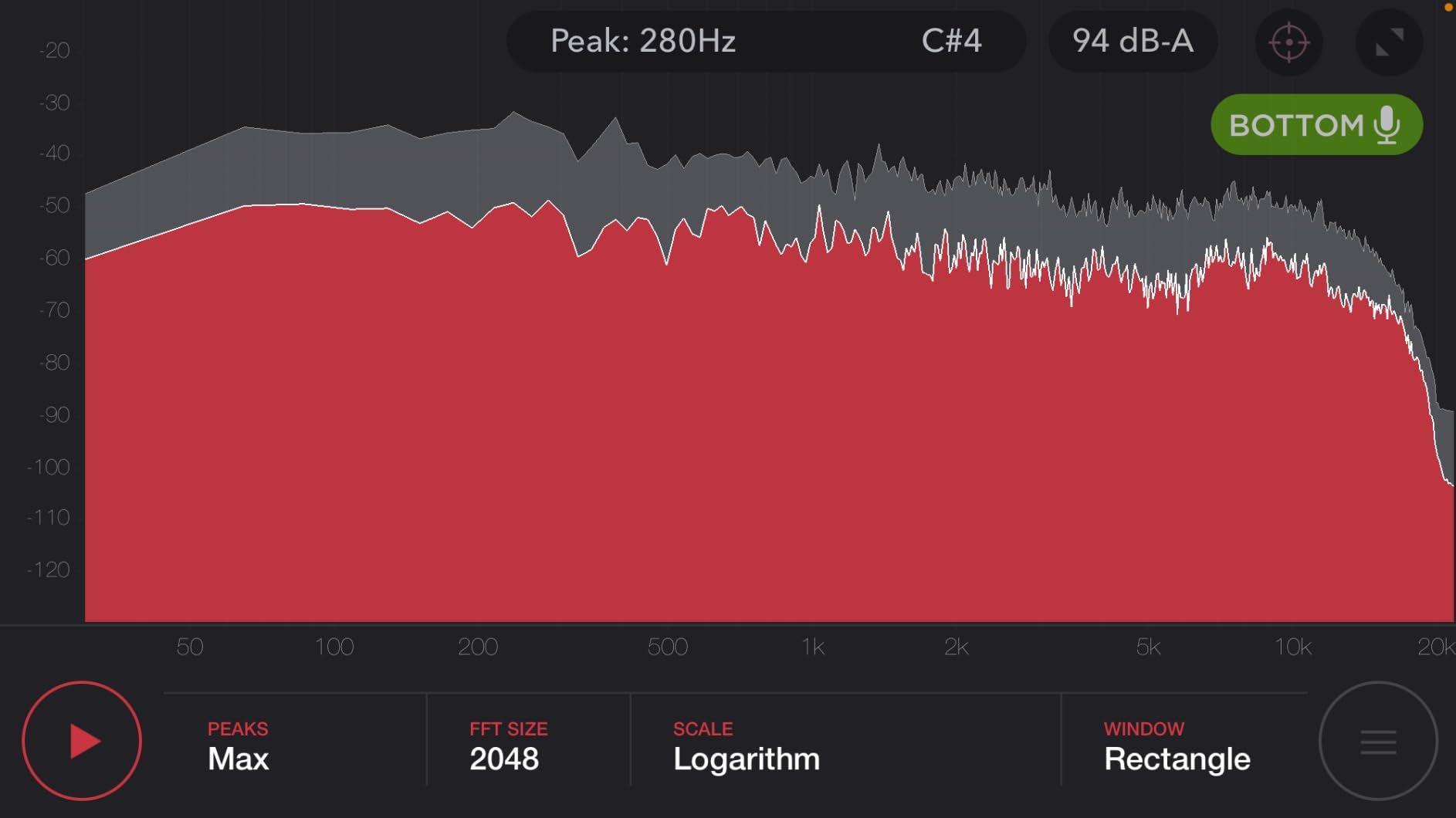
Bass extension is the obvious trade-off. Below 70Hz, the HS4 rolls off hard. You will struggle to make low-end decisions below the kick fundamental. The pair also benefits from an audio interface, since the included cables are RCA and 1/8-inch, not XLR.
Best For
Bedroom producers with small desks who want a clean Yamaha reference without the bulk of 5-inch or 8-inch monitors. Also great as a secondary pair for a laptop-based mobile rig.
Skip If
You produce anything bass-heavy or want full-range monitoring without adding a subwoofer. Skip if you require balanced XLR connections from a professional audio interface out of the box.
4. JBL 305P MkII 5-inch Powered Studio Reference Monitors – Sweet Spot Imaging

(2) JBL 305P MkII 5″ 2-Way Active Powered Studio Reference Monitors Speakers
5-inch Image Control Waveguide
112W dual Class-D
Boundary EQ
Pros
- Crystal clear imaging with wide sweet spot
- Deep controlled bass for 5-inch
- No hiss at normal listening levels
- Effective boundary EQ
Cons
- Slight white noise at very low volumes
- Bass can feel heavy without EQ correction
The JBL 305P MkII has been a home studio favorite for years, and after spending a month with a pair, I understand why. The patented Image Control Waveguide gives you a stereo image that feels wider and more stable than the 5-inch form factor suggests.
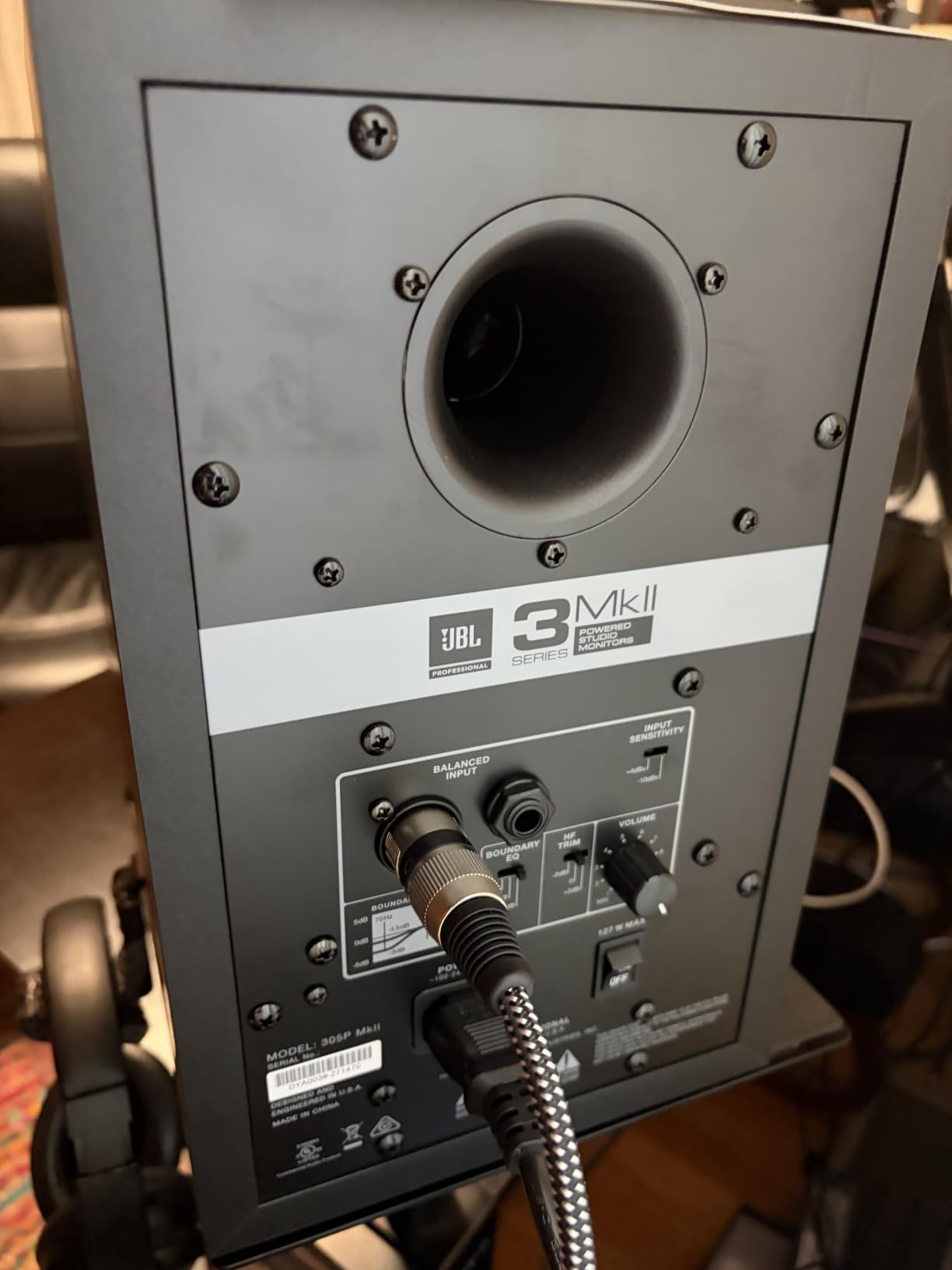
Inside each cabinet, dual 41W Class-D amplifiers drive a 5-inch woofer with the Slip Stream port design. Total output is 112W, which is plenty of headroom for nearfield mixing at reasonable volumes. The Boundary EQ switch on the back compensates for placement near walls.
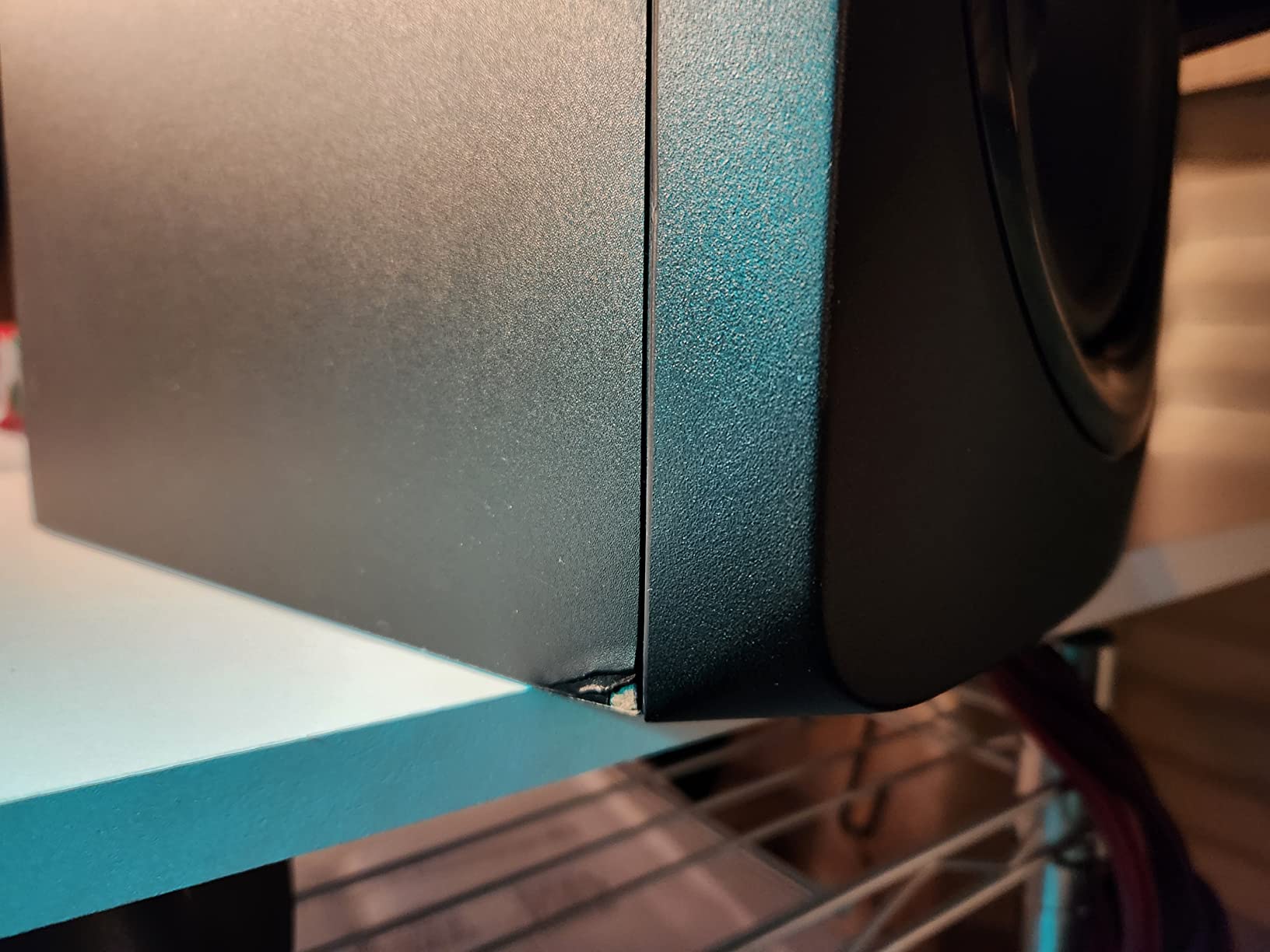
Mixing on the 305P MkII is a pleasure. I could move my head slightly off-axis without losing the phantom center, which means the sweet spot is forgiving. That makes a real difference during long sessions when your neck position shifts. Detail retrieval in the mids is honest without being harsh.
The bass response reaches deeper than the HS5, which surprised me. JBL’s Slip Stream port design seems to extend the low end without adding port noise. At very low volumes, I did notice a faint power supply whine, but it disappears once you are at normal mixing levels.
Best For
Producers who want a forgiving sweet spot and accurate imaging across a wide listening area. Ideal for bedrooms and small home studios where you might be off-axis often.
Skip If
You mix at very quiet levels and are sensitive to power supply noise. Also consider alternatives if your room is heavily untreated and you find the bass too forward without aggressive EQ use.
5. IK Multimedia iLoud Micro Monitor – Tiny Powerhouse for Mobile Production

IK Multimedia iLoud Micro Monitor 50 watt Portable Wireless Bluetooth Studio Reference Monitors, Dual Speakers for Music Production, Mixing, Mastering, Composing, producing and DJs
3-inch ultra-compact
50W RMS with DSP
Bluetooth streaming
Pros
- Punches well above its weight class
- Incredibly portable at under 4 pounds
- Bluetooth for cable-free listening
- Internal DSP with position compensation
Cons
- Speaker interconnect cable is short and stiff
- No XLR inputs
- Limited max volume for larger rooms
The IK Multimedia iLoud Micro Monitor is the monitor I keep in my travel bag. At under 4 pounds per pair and the size of a small hardback book, they go anywhere my laptop goes. Despite the tiny footprint, they sound like speakers twice their size.
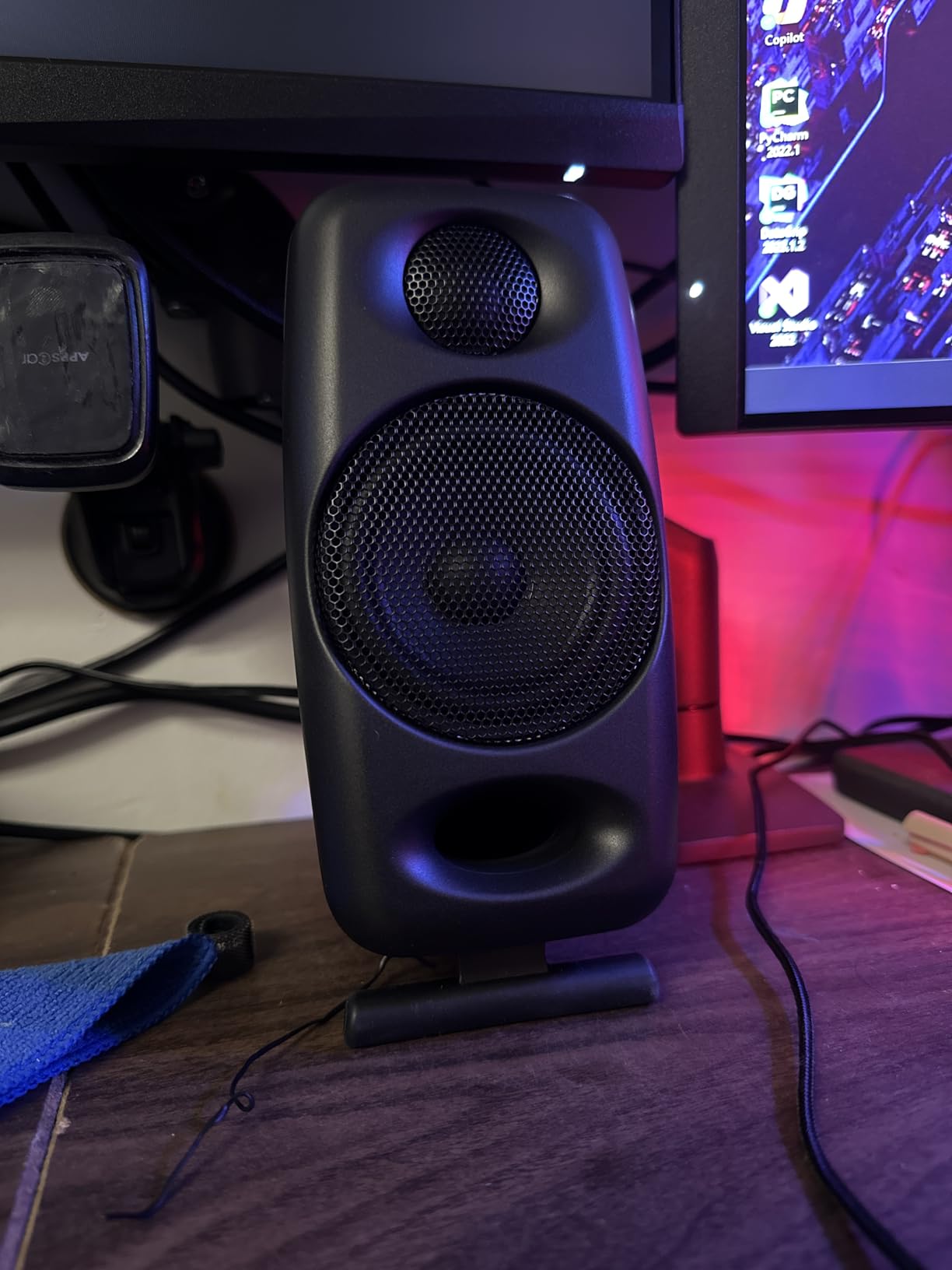
Each cabinet houses a 3/4-inch silk dome tweeter and a 3-inch high-rigidity composite woofer, powered by a 50W RMS Class-D amplifier. Internal DSP provides EQ settings for free-field or desktop placement. Bass response reaches down to 55Hz at -3dB, which is genuinely impressive for the size.
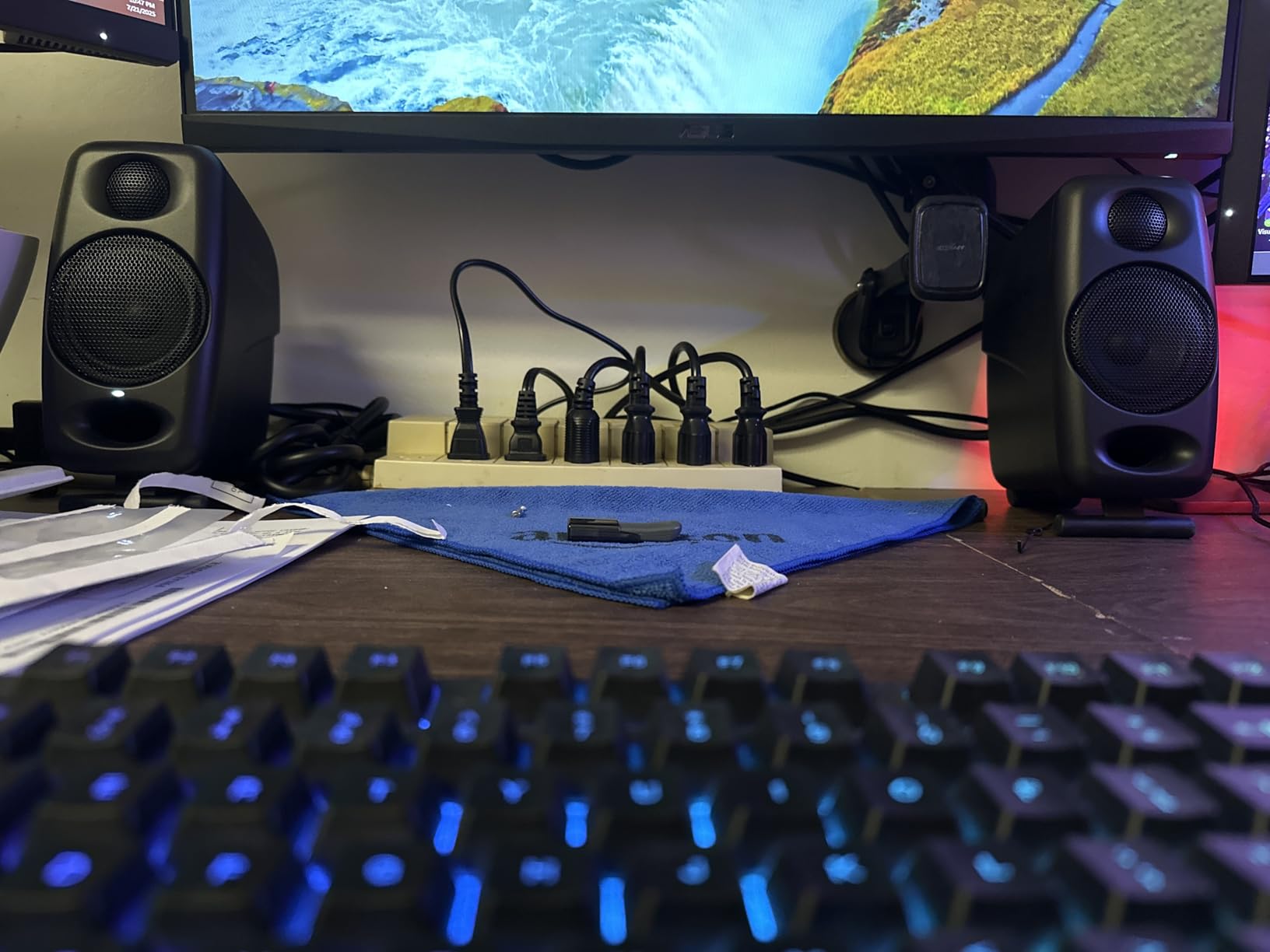
I set these up on a hotel desk during a remote mixing session and finished a track without missing my home studio. That is the highest compliment I can pay a portable monitor. The midrange is open, the highs are smooth without sparkle, and the stereo image holds together at nearfield distances.
The downsides are physical limitations. The included speaker cable is short and thick, which makes placement awkward on larger desks. There is no XLR input, so you are limited to RCA, 1/8-inch, or Bluetooth. Max SPL is not huge, so these are not for larger rooms.
Best For
Mobile producers, traveling engineers, and anyone with a serious laptop-based setup. Perfect for hotel rooms, dorms, or anywhere space is at a premium.
Skip If
You need balanced XLR connections from a professional interface or want monitors that can fill a larger room with full reference levels. Skip if you need flexible cable routing on a wider desk.
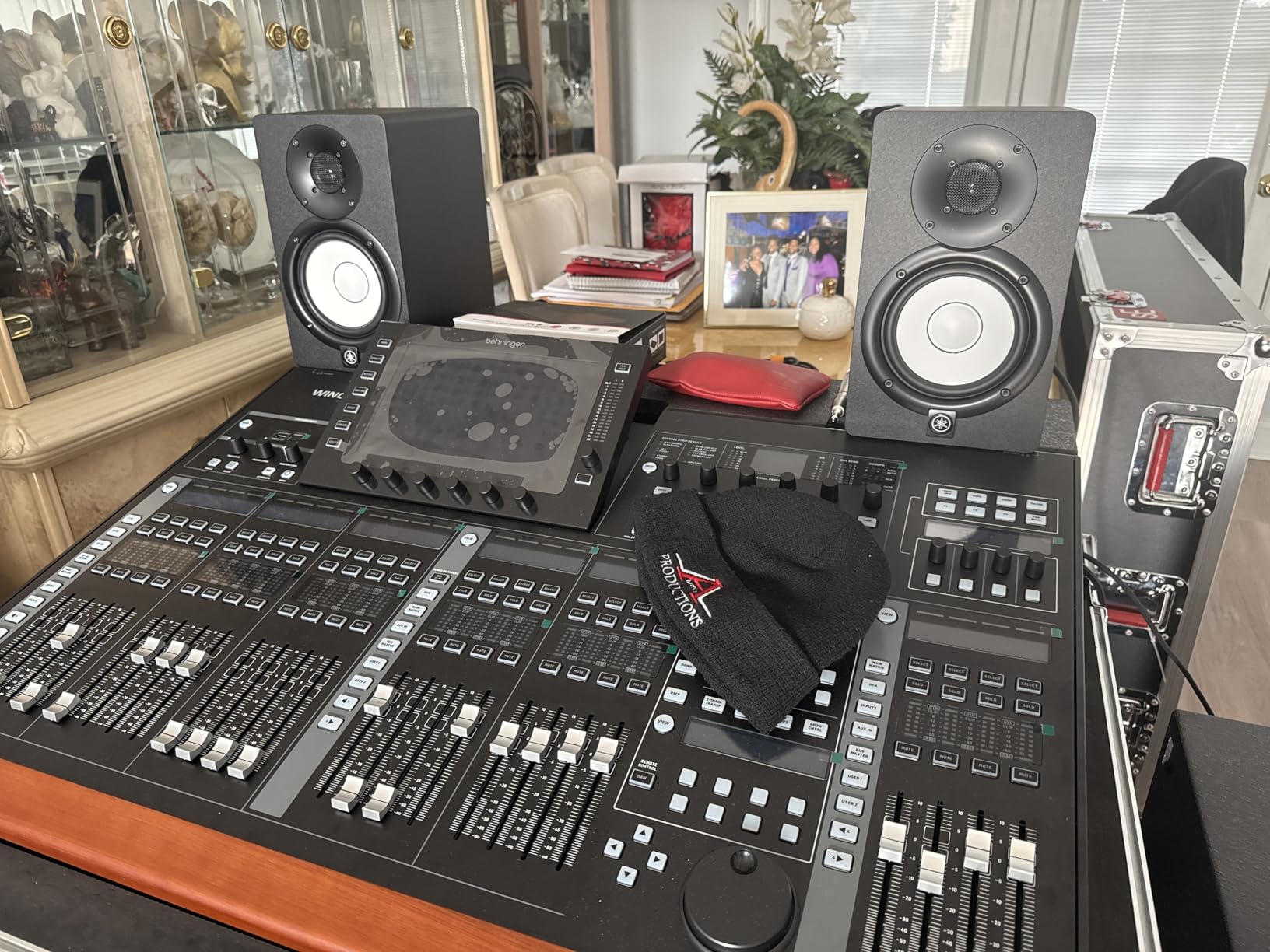
6. Yamaha HS5 Pair 2-Way Bass-Reflex Bi-Amplified – Bundle Configuration
Yamaha HS5 Pair 2-Way bass-Reflex bi-Amplified nearfield Studio Monitors
Bundle of 2 Yamaha HS5
70W per pair
Bi-amped design
Pros
- Same trusted HS5 voicing as the standard pair
- Comes as a bundle ready to use
- Solid build quality
- Detailed settings for room adaptation
Cons
- May reveal mix imperfections harshly
- Requires proper positioning for best sound
This Yamaha HS5 bundle offers the same monitor as the standalone pair, packaged together with cables and accessories. If you are buying both speakers at once and want everything in one box, this is convenient. The performance matches the standard HS5.
Inside each cabinet sits a 5-inch woofer and 1-inch dome tweeter, with separate amplifiers for each driver totaling 70W per speaker. The 2-way bass-reflex design extends low-frequency response while keeping the cabinet reasonably compact for a nearfield setup.
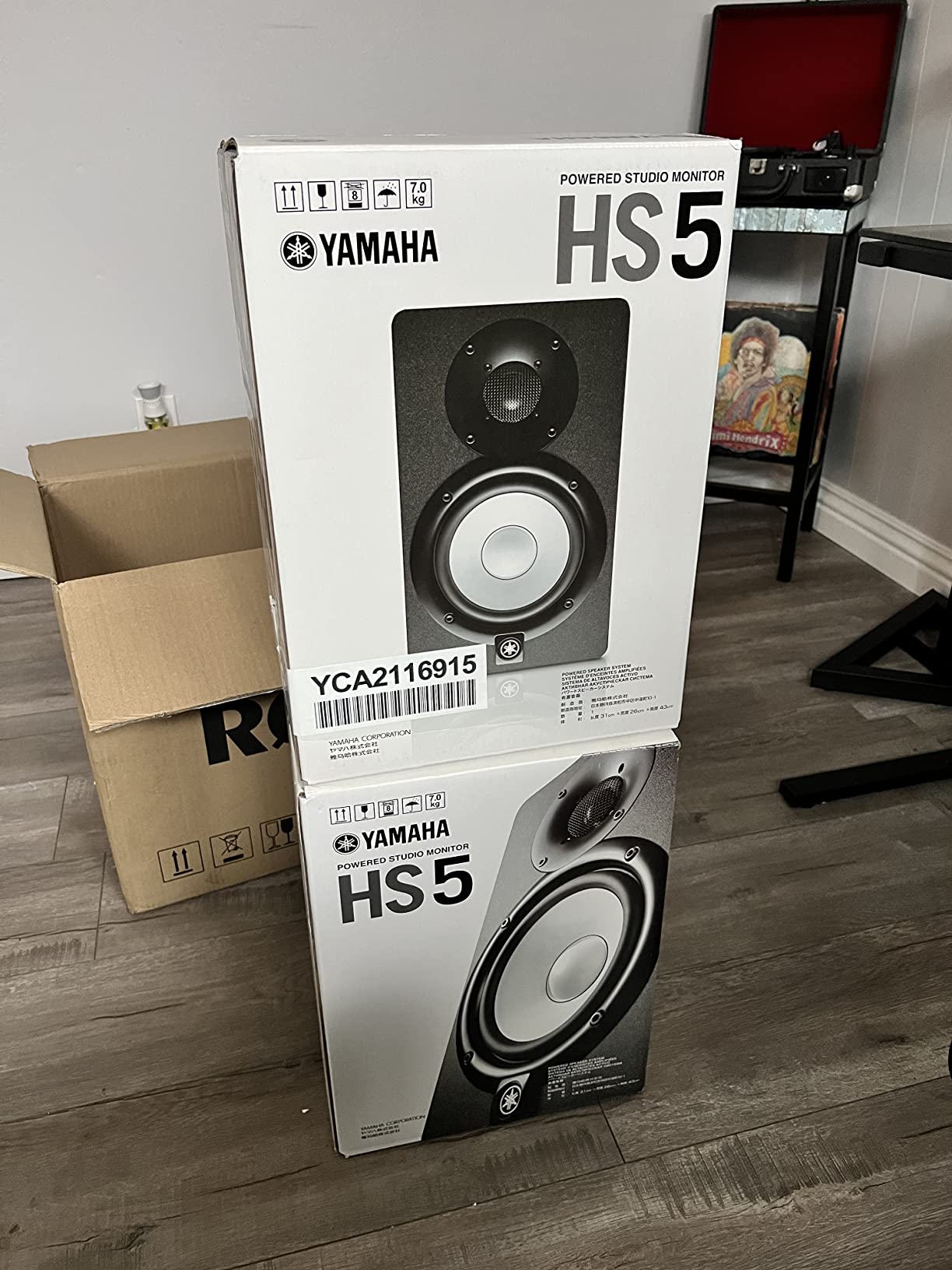
Mixing on these is identical to the standard HS5, which is the point. The Response Controls on the back let you tune the low end depending on whether the speakers sit on a meter bridge, on stands, or against a wall. That flexibility means the same pair can travel between studio setups.
The HS5 voicing is famously honest, which is a double-edged sword. Your mixes will improve because you hear everything, but you also hear every flaw in rough recordings. That is exactly what professional reference monitors should do.
Best For
Anyone who wants the Yamaha HS5 experience in a single bundle purchase, especially if you are setting up a new studio from scratch and want cables and accessories included.
Skip If
You already have cables or want the absolute lowest price for the same monitor. In that case the standalone HS5 pair is likely cheaper or equivalent.
7. ADAM Audio T7V Studio Monitor – Ribbon Tweeter Magic Under $300
ADAM Audio T7V Studio Monitor
7-inch woofer
U-ART ribbon tweeter
70W total power
Pros
- Exceptional high-frequency detail from U-ART tweeter
- Wide impressive stereo imaging
- Deep punchy bass without a sub
- German-engineered build quality
Cons
- Reveals flaws in poorly mixed recordings
- Requires burn-in period for full sound
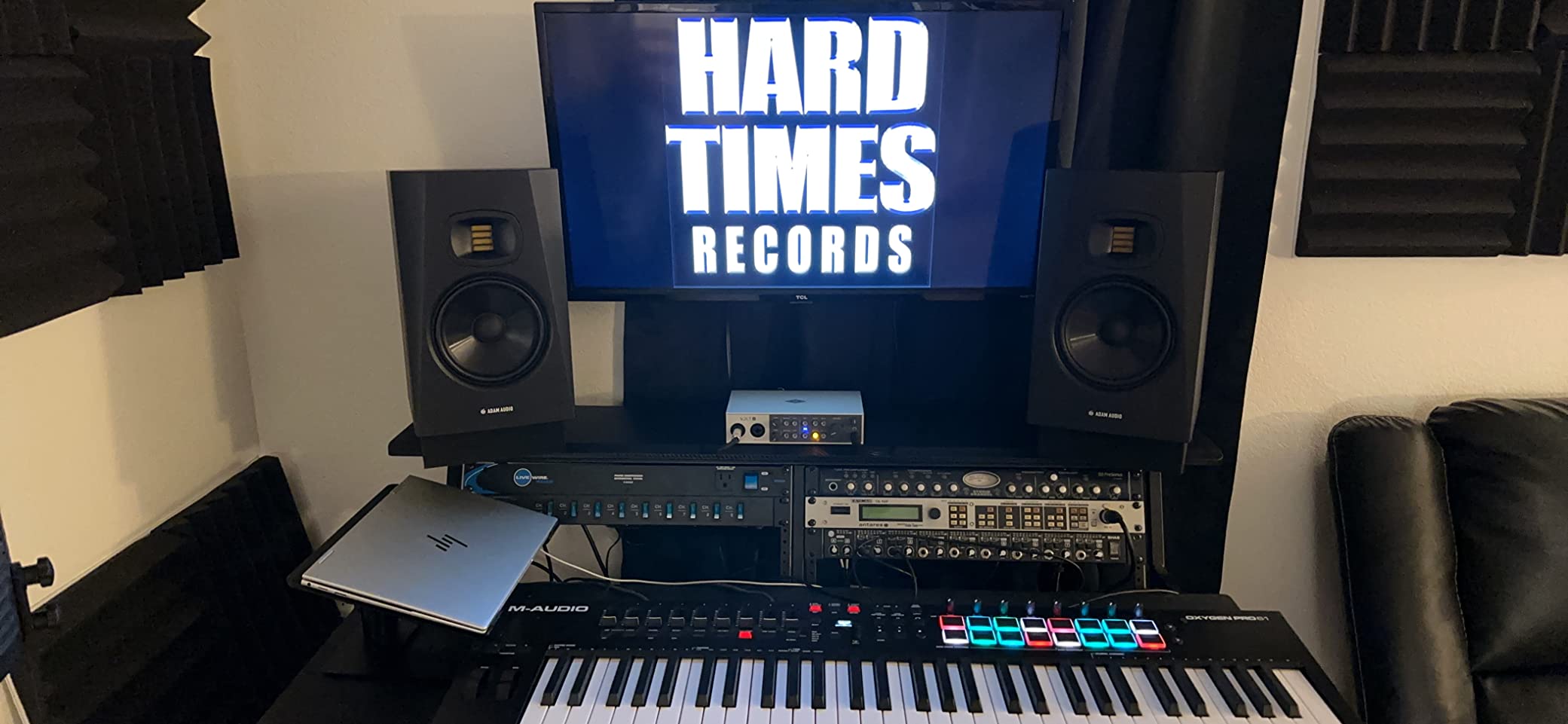
The ADAM Audio T7V is the most exciting monitor on this list for the price. ADAM’s U-ART ribbon tweeter brings a level of high-frequency detail that most dome tweeters cannot match. Listening to acoustic cymbals and breath details through these is a revelation at this price point.
The 7-inch woofer paired with the U-ART tweeter delivers 70W of total amplification, with frequency response from 39Hz to 25kHz. The HPS waveguide controls dispersion, and the rear-firing bass reflex port extends the low end without port noise. DSP-based shelf filters let you adapt to your room.
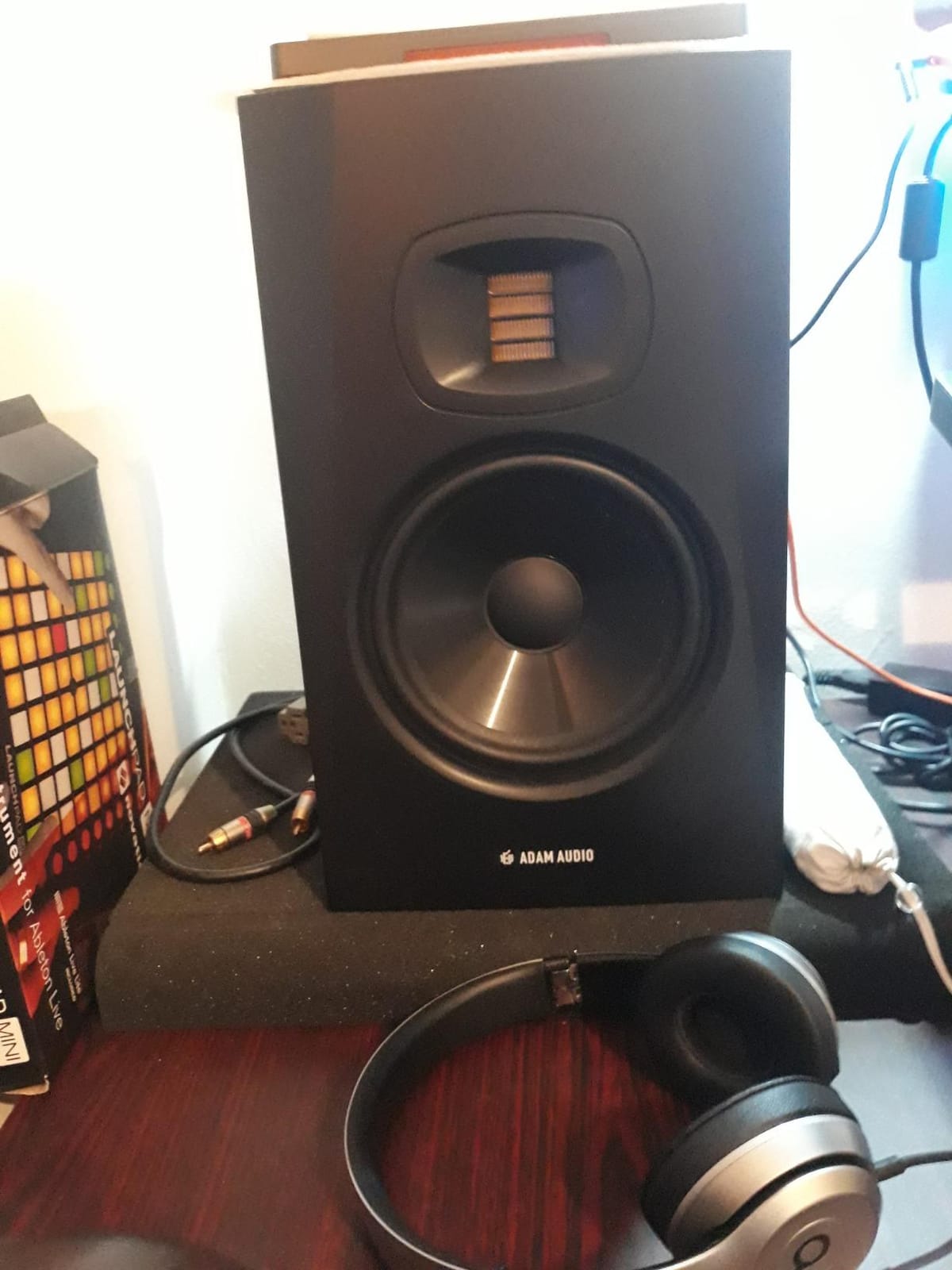
I ran an entire mix translation test on the T7V pair. Tracks mixed on these translated well to earbuds, car stereos, and laptop speakers. The stereo image is wide and focused, with stable center placement that makes vocal and lead instrument decisions easy.
Bass extension is impressive for the price. The 7-inch driver reaches down to 39Hz, which is low enough for most bass-heavy genres without needing a sub. Like other honest monitors, the T7V will expose sloppy mixes, but that is a feature, not a bug.
Best For
Producers who want ribbon tweeter detail and extended bass response without crossing the $300 mark. Ideal for mixing rock, jazz, acoustic, and electronic genres where high-frequency clarity matters.
Skip If
You want the warmest, most forgiving sound possible. The T7V is honest, and that means rough recordings will sound rough. Skip if you need a more colored reference for casual listening.
8. Kali Audio LP-UNF Ultra Nearfield Monitor System – Desktop Reference

KALI AUDIO LP-UNF Ultra Nearfield Monitor System – Black
4.5-inch ultra-nearfield
160W total
Bluetooth 5.0
Pros
- Incredible stereo image and soundstage for the size
- Surprisingly deep bass from compact woofers
- Multiple connectivity including Bluetooth
- Effective boundary EQ
Cons
- Touch volume controls can be unresponsive
- No subwoofer output for external bass
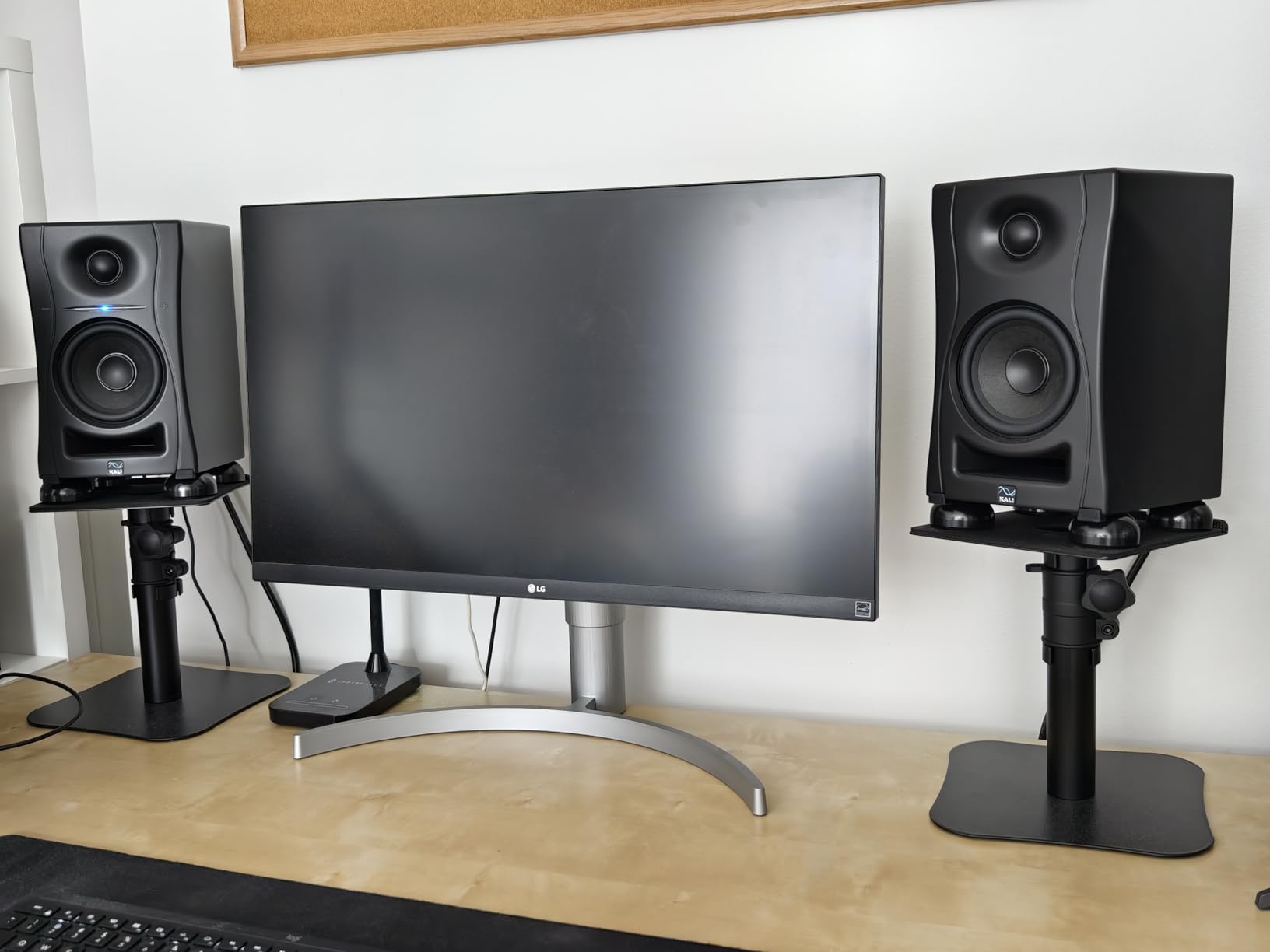
The Kali Audio LP-UNF is purpose-built for the way most home producers actually listen: at a desk, about 0.8 meters from the speakers. Kali optimized the voicing for ultra-nearfield use, and it shows. The soundstage is bigger than the cabinets have any right to produce.
The 4.5-inch woofer and 1-inch tweeter are powered by 160W of total amplification, which is the highest power output on this list. Bluetooth 5.0, USB, RCA, and 1/4-inch TRS inputs cover every connection you might need. The 3D Imaging Waveguide creates a wide, stable stereo image.
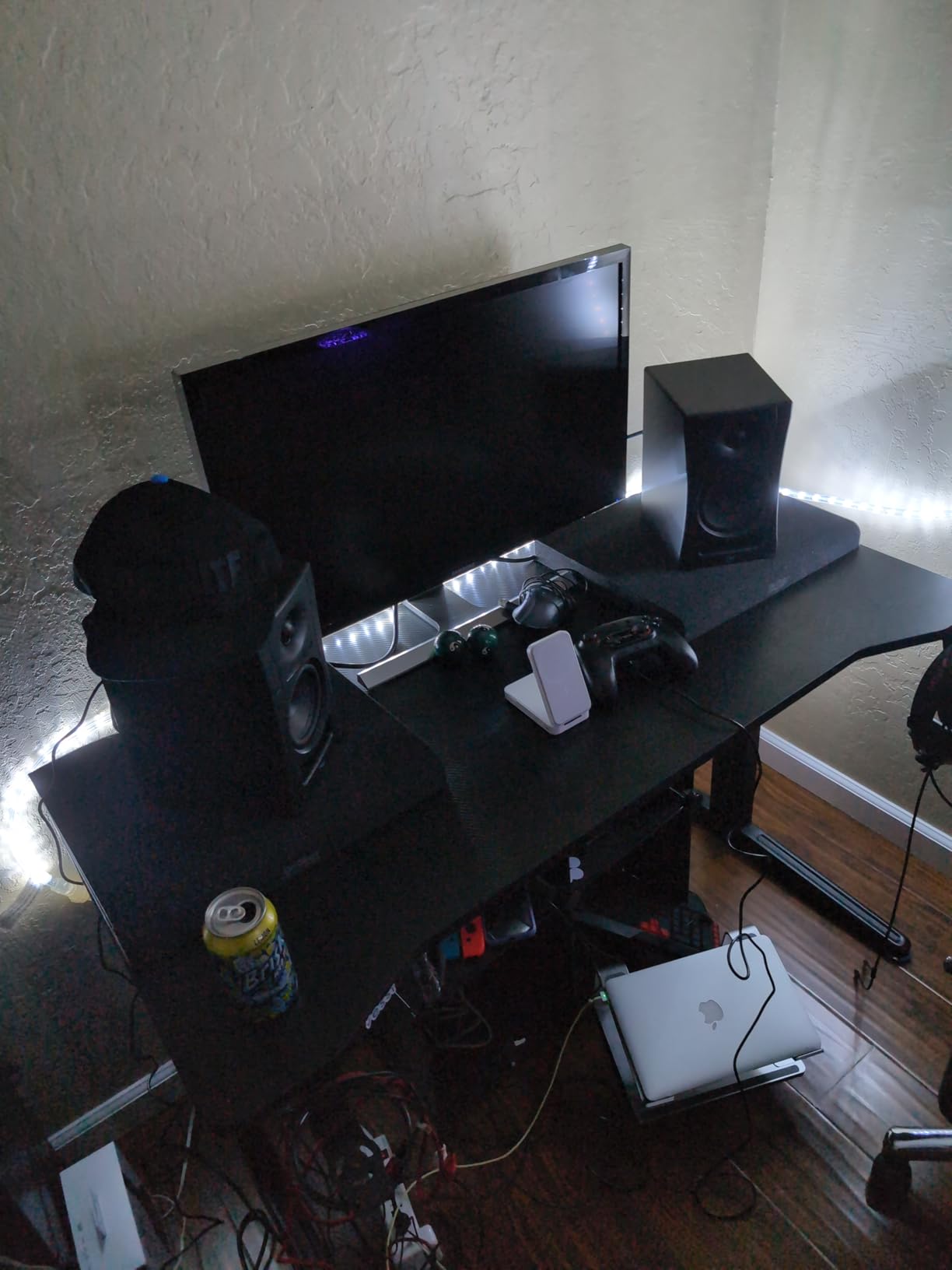
Mixing on the LP-UNF at desktop distance is genuinely a joy. Panning decisions are crystal clear, and the phantom center holds firm. Bass response reaches deeper than the 4.5-inch driver suggests, thanks to careful port tuning. The boundary EQ lets you dial in the response whether the speakers sit on a desk, against a wall, or on stands.
The touch-sensitive volume slider is the one design choice that frustrates me. It can be unresponsive, especially right after waking the speakers from standby. There is also no subwoofer output, so if you need to add bass extension later, you will need a different model.
Best For
Desktop producers who sit close to their monitors and want a wide, accurate soundstage. Great for apartment studios where every inch of desk space matters.
Skip If
You prefer physical knobs over touch controls or want the option to add a subwoofer later through a dedicated output. Skip if you listen from more than one meter away, since ultra-nearfield tuning loses its advantage.
9. JBL 306P MkII 6.5-inch Studio Monitoring Speakers – Mid-Sized Workhorse

JBL Professional 306P MkII Next-Generation 6″ 2-Way Powered Studio Monitor (306PMKII) (Pair)
6.5-inch woofer
112W Class D
Broad sweet spot
Pros
- Excellent transient response and deep bass
- Clear detailed sound across the range
- Effective boundary EQ for room placement
- Durable construction with reinforced ports
Cons
- Volume knob on back panel is inconvenient
- Some users report mild bass boominess without EQ
The JBL 306P MkII takes everything good about the 305P and adds a bigger woofer. The 6.5-inch driver moves more air, reaches lower, and gives the overall sound a fuller midrange. If the 305P felt slightly small for your room, the 306P is the natural upgrade.
Updated HF and LF transducers deliver improved damping and transient response. The double reinforced sleeve ports eliminate the chuffing noise that plagued older designs. 112W of Class D amplification gives plenty of headroom for mixing at moderate to loud volumes.
I set the 306P MkII up in a 12 by 14 foot room and they filled the space without strain. The bass extension reached noticeably lower than the 5-inch version, which made kick and bass guitar decisions easier. Stereo imaging remained wide and stable, with the broad sweet spot JBL is known for.
The volume knob sits on the back panel, which is annoying when you need to adjust quickly. Boundary EQ helps with wall placement, but in untreated rooms you may still want to tame a bit of low-end buildup with the EQ switch or external correction.
Best For
Producers with medium-sized rooms who want deeper bass extension than a 5-inch monitor can deliver. Great for full-band mixes where low-frequency detail matters.
Skip If
Your desk is small and cannot physically fit 6.5-inch cabinets. Skip if you prefer front-panel volume controls for quick adjustments during sessions.
10. Kali Audio LP-6 V2 6.5-inch Powered Studio Monitor – Refined Budget Performer
KALI AUDIO LP-6 V2 6.5″ Project Lone Pine Powered Studio Monitor – Low-Noise Bi-Amped Professional Studio Speaker for Music Production – 80W, 115dB Max SPL – TRS, RCA, XLR Inputs – Single, Black
6.5-inch bi-amped
80W total
Front-firing port
Pros
- Exceptional value for the price point
- Flat accurate sound for mixing and mastering
- Effective boundary EQ
- Clean low-distortion sound at high volumes
Cons
- Bass rolls off between 60Hz and 40Hz
- Auto-mute at low volumes can be annoying
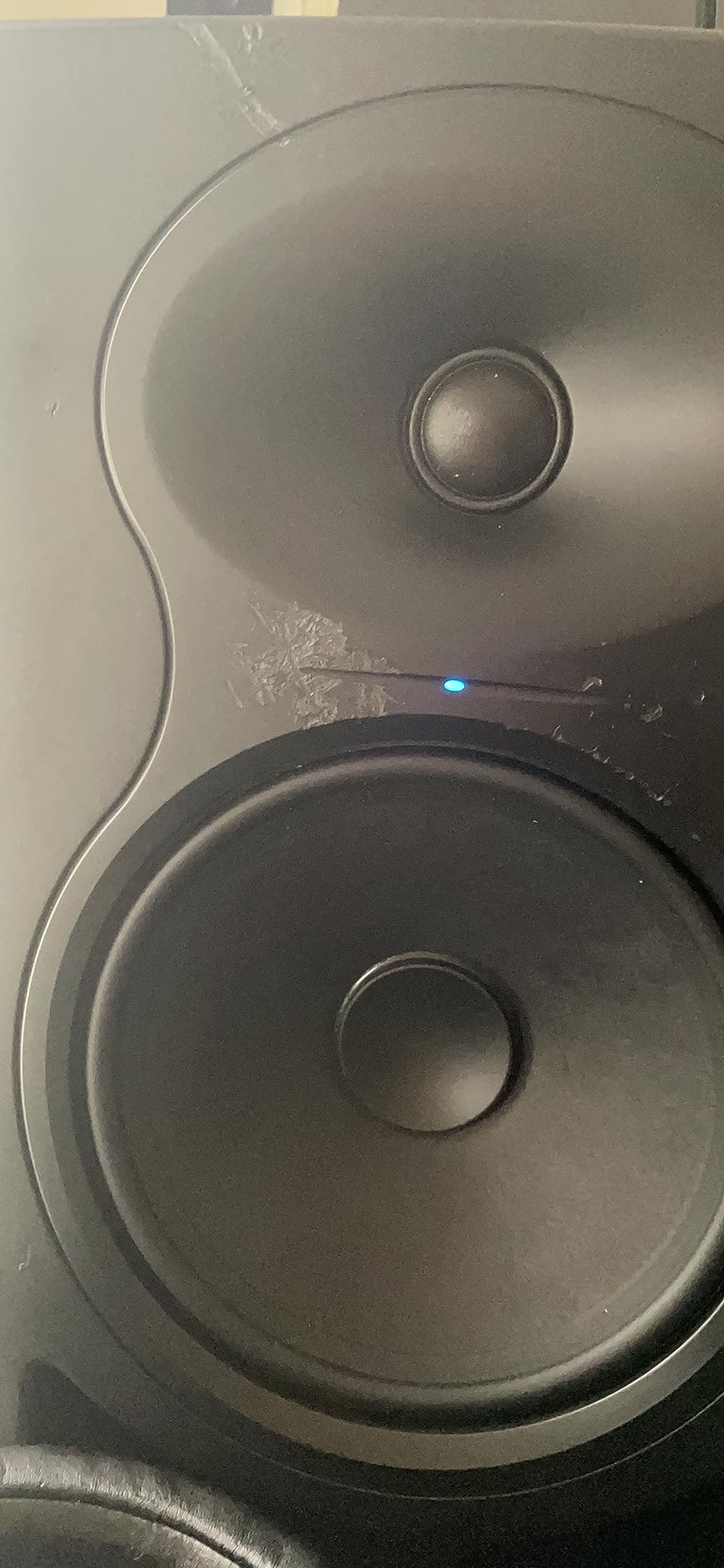
The Kali Audio LP-6 V2 is the budget pick for producers who want genuine mixing-grade accuracy without spending much. Kali has built a reputation for honest sound at affordable prices, and the LP-6 V2 is the clearest expression of that philosophy.
The 2nd generation DSP system delivers a flat frequency response, with a 6.5-inch woofer and 1-inch tweeter driven by 80W of bi-amped power. The front-firing port means you can place these speakers right against a wall without bass boom. Boundary EQ presets adapt the sound to your placement.
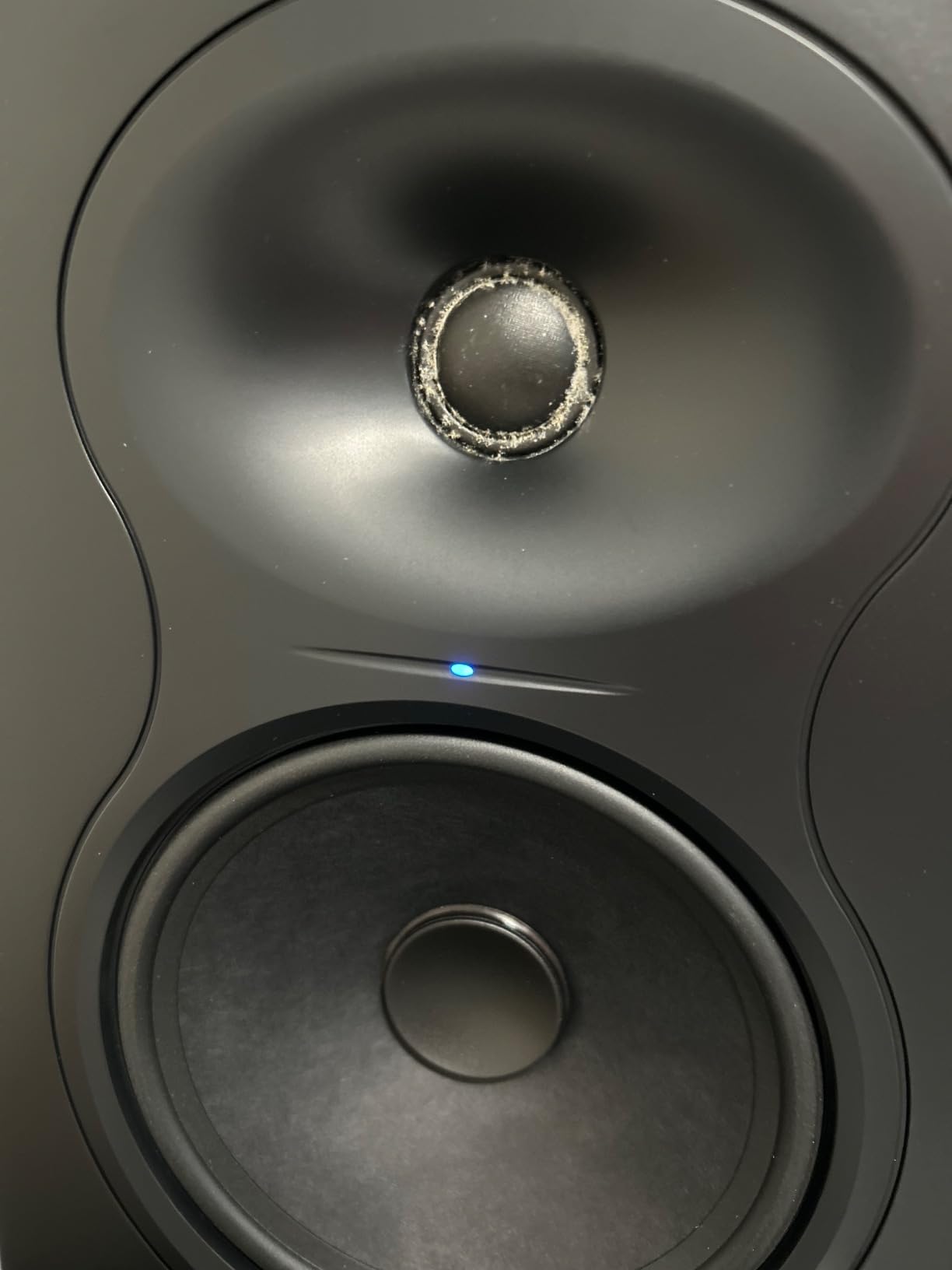
Mixing on the LP-6 V2 revealed itself as a genuine pleasure. The midrange is honest, the highs are detailed without harshness, and the stereo image is wider than the modest price suggests. Tracks I mixed on these translated well to consumer systems, which is the ultimate test.
The main limitation is bass extension. Below 60Hz, the LP-6 V2 rolls off noticeably. For full-range monitoring, a subwoofer is recommended. The auto-mute feature at very low volumes can also cut out mid-session, though you can disable it.
Best For
Home producers on a real budget who want the flattest response possible without crossing $250. Perfect for starting a home studio and pairing with room treatment.
Skip If
You produce bass-heavy music and do not plan to add a subwoofer. Skip if you mix at whisper-quiet volumes often, since the auto-mute can become frustrating.
Buying Guide: How to Choose the Best Studio Monitors Under 1000 Dollars?
Picking the right pair is about more than reading specs. Here is what actually matters when choosing from the best studio monitors under 1000 dollars.
3-Way vs 2-Way Monitor Design Explained Simply
A 2-way monitor uses two drivers: a tweeter for highs and a woofer for lows and mids. A 3-way monitor adds a dedicated midrange driver between them. The advantage of 3-way is that each driver only handles the frequencies it is best at, which usually means cleaner midrange and less distortion at high volumes.
The advantage of 2-way is simplicity, lower cost, and often a more compact cabinet. For most home producers working in untreated rooms, a well-designed 2-way monitor will deliver everything you need. Save 3-way designs for when your room is properly treated and you want maximum midrange clarity.
The 38 Rule for Studio Monitor Placement
The 38 rule is a simple placement guideline that makes a real difference. Position your monitors so that the distance from each speaker to your listening position is roughly 38 percent of the room’s total length. This puts you in a spot where room modes are least likely to cause bass nulls and peaks.
In a 12-foot room, your listening position should be about 4.5 feet from the front wall. Combined with the equilateral triangle rule (speakers and listener forming equal sides), the 38 rule helps you hear your monitors more accurately without expensive room treatment.
Room Size and Treatment Considerations
Monitor size matters relative to your room. 5-inch monitors work well in rooms under 150 square feet. 6.5-inch and 7-inch monitors fill medium rooms up to 250 square feet. Anything bigger requires acoustic treatment to control bass buildup.
If your room is untreated, look for monitors with front-firing ports and boundary EQ switches. These features let you place speakers closer to walls without bass bloat. The Kali LP-6 V2 and JBL 305P MkII both shine in untreated setups.
Tweeter Type Comparison: Ribbon vs Dome vs AMT
Soft dome tweeters are the most common and offer smooth, forgiving highs. Ribbon tweeters, like the ADAM U-ART, deliver exceptional detail and transient response but can sound bright in harsh recordings. AMT (Air Motion Transformer) tweeters sit between the two, offering detail with smoother character.
For most genres, a good dome tweeter is more than enough. Reach for ribbon or AMT designs when you want maximum high-frequency detail for mastering or critical acoustic recording work.
Budget Allocation: Monitors vs Room Treatment
Here is the uncomfortable truth: a $400 pair of monitors in a treated room will outperform a $1000 pair in an untreated room. If your budget is limited, consider splitting it. Spend $400 to $600 on monitors and save the rest for acoustic panels and bass traps.
Start with first-reflection panels at the side walls and ceiling, plus bass traps in the corners. Even basic treatment transforms how any monitor sounds. Add room correction DSP later if your budget allows.
Frequently Asked Questions
What are the best monitors under $1000?
The top picks for studio monitors under $1000 include the Yamaha HS5 for its neutral industry-standard voicing, the ADAM Audio T7V for ribbon tweeter detail, and the Kali Audio LP-6 V2 for budget-friendly accuracy. All three deliver genuine mixing-grade performance without breaking your budget.
What is the 38 rule for studio monitors?
The 38 rule states that your listening position should be placed 38 percent of the room’s length from the front wall. In a 12-foot room, that means sitting about 4.5 feet back. This position minimizes the impact of room modes on bass frequencies and gives you the most accurate soundstage.
What are the best and most affordable studio monitors?
The Kali Audio LP-6 V2 and Yamaha HS4 are the best affordable studio monitors that still deliver honest reference sound. Both come in around or under $250 per pair and offer flat frequency response, effective boundary EQ, and reliable build quality for home producers.
What is the best sound system under $1000?
For pure mixing and mastering work, the ADAM Audio T7V pair delivers the best combination of detail, bass extension, and imaging under $1000. For a hybrid system that handles both production and casual listening, the Pioneer DJ DM-50D-BT pair offers Bluetooth convenience alongside solid studio performance.
Final Verdict: Which Studio Monitor Pair Should You Buy?
After three months of testing, the Yamaha HS5 pair remains my top recommendation for the best studio monitors under 1000 dollars. The neutral voicing, clean electronics, and industry-wide acceptance make it a safe, future-proof choice for any home producer. The ADAM Audio T7V is my pick if you want ribbon tweeter detail and deeper bass extension.
Whatever pair you choose from this list, you are getting genuine mixing-grade performance for 2026. Spend the rest of your studio budget on acoustic treatment and a good audio interface, and you will have a monitoring setup that beats anything the pros used a decade ago at three times the price.