
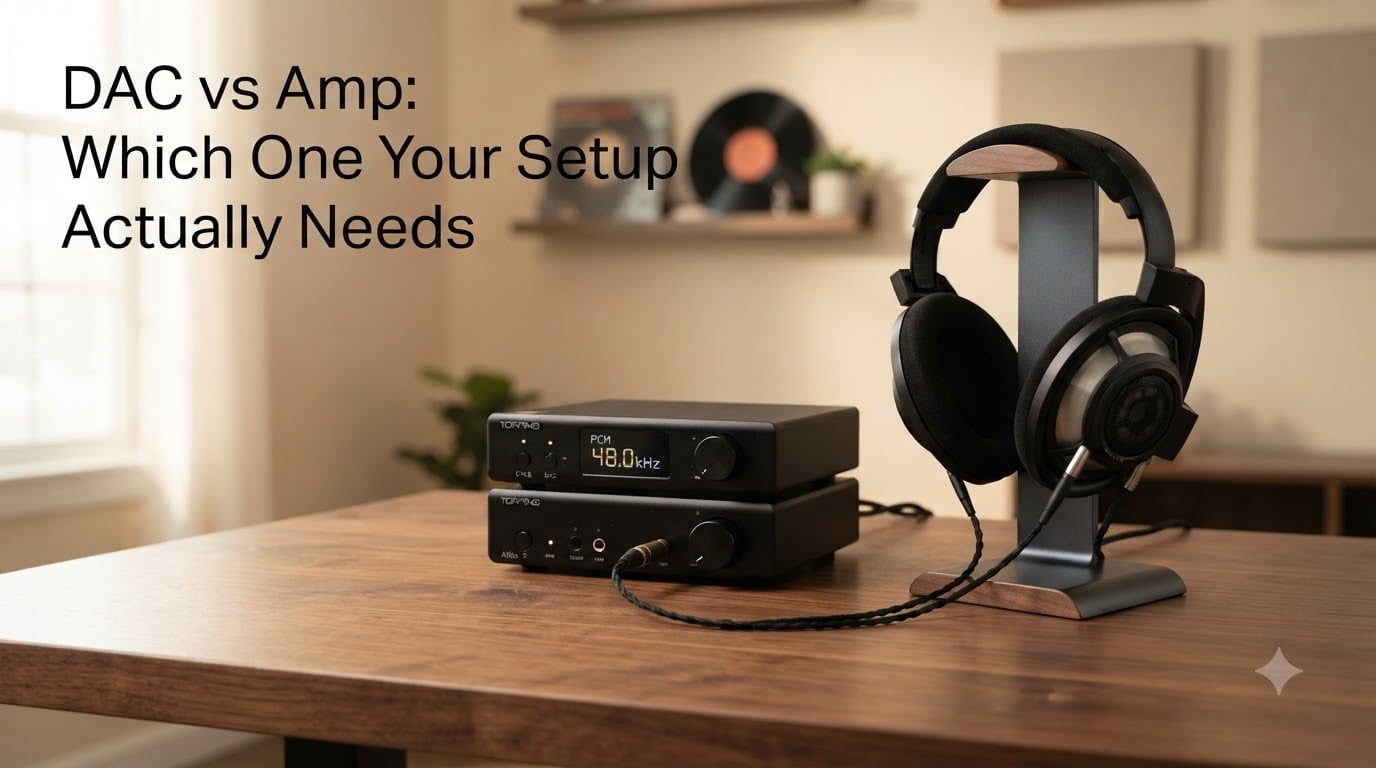
I’ve been building hi-fi setups for over a decade, and the DAC vs Amp question comes up almost every week. Someone buys expensive headphones, plugs them into their laptop, hears underwhelming sound, and assumes the headphones are the problem. They’re usually wrong. The bottleneck is almost always somewhere in the signal chain, and figuring out whether you need a DAC or an amp (or both) is the fastest path to better sound.
This guide breaks down what a DAC does, what an amp does, the real differences between them, and how to tell which one your setup actually needs. No marketing fluff, no audiophile mysticism, just the practical answer.
Table of Contents
What is a DAC and Why Does It Matter?
A DAC, or digital-to-analog converter, turns digital audio files into analog signals your ears can interpret. Every digital audio source, whether it’s your phone, computer, gaming console, or streaming box, contains a DAC. The question is whether that built-in DAC is good enough.
Here’s how it works. Music files are stored as numbers (binary data). A DAC reads those numbers and reconstructs them as continuous voltage that mimics the original sound wave. If your DAC is sloppy, the reconstruction loses detail, adds jitter, or introduces distortion. If your DAC is precise, the sound comes through cleaner, more accurate, and more lifelike.
The thing most people miss: every computer and smartphone already has a DAC. The audio chip on your motherboard converts digital files into analog sound. So why would you need a separate one? Because built-in DACs are designed to be cheap, not great. They cut costs by using lower-quality components, sharing power with other circuits (causing electrical noise), and accepting whatever digital signal you feed them.
A dedicated external DAC isolates the conversion process. It uses better components, cleaner power, and tighter engineering. The result is a clearer signal reaching your amp or headphones. Whether you can hear that difference depends on your gear and your ears, but the engineering improvement is real.
What is an Amplifier and Why Does It Matter?
An amplifier takes a low-level audio signal and boosts it to a level that can drive your headphones or speakers. Volume, basically, but also control. Power, in other words.
Headphones and passive speakers don’t run on tiny line-level signals. They need current and voltage swing to move the drivers. An amplifier provides that. Without enough amplification, your audio sounds quiet, thin, distorted at higher volumes, or simply refuses to get loud enough.
Your phone has an amp built in. Your computer has one. Your AV receiver has a beefy one for speakers. But just like with DACs, built-in amps have limits. They’re designed for easy-to-drive earbuds, not for power-hungry planar magnetic headphones or studio monitors.
When your amp is underpowered, you’ll notice. Volume caps out before it gets loud. Bass feels weak. Complex passages sound compressed. High-impedance headphones (over 100 ohms) especially suffer, because they demand more voltage than built-in amps typically provide.
The amp is the muscle of your audio chain. The DAC is the translator. You need both for sound to reach your ears, but they solve different problems.
DAC vs Amp: Key Differences Explained
The short version: a DAC focuses on clarity, an amp focuses on power. That’s the core DAC vs Amp distinction, and it answers most of the “which one do I need” questions before you even start shopping.
| Feature | DAC | Amp |
|---|---|---|
| Primary job | Converts digital to analog | Boosts signal power |
| Solves | Detail, jitter, clarity | Volume, dynamics, bass control |
| Measured in | Bit depth, sample rate, THD | Watts, ohms, mW |
| Upgrades typically affect | Subtle refinement | More dramatic gains |
| Common form factors | USB dongle, desktop unit, internal card | Desktop amp, headphone amp, speaker amp |
| Who needs one most | Anyone hearing noise/hiss from PC audio | Owners of high-impedance headphones |
On r/headphones and Head-Fi, you’ll find this pattern repeated: amp upgrades tend to produce more dramatic, in-your-face improvements, while DAC upgrades are subtler. That tracks with what we measure. Amplifiers directly affect how hard your drivers can swing, which changes volume and dynamics perceptibly. DACs refine what’s already there.
Neither is universally “more important.” They fix different problems. If your bottleneck is clarity or noise, a DAC helps. If your bottleneck is volume or dynamics, an amp helps.
Do You Need a DAC, an Amp, or Both?
Here’s the decision tree I walk people through. Answer the questions in order, and you’ll land on the right answer without buying anything you don’t need.
- Are you hearing hiss, buzz, or electrical noise when nothing is playing? That’s a DAC/grounding issue. Get a DAC (or fix your USB power).
- Do your headphones sound quiet even at maximum volume on your current device? That’s an amp problem. Get an amp.
- Are your headphones above 80 ohms (or rated “hard to drive”)? You almost certainly need an amp.
- Do you listen through your PC’s motherboard or front-panel jack? A DAC will clean up the signal noticeably.
- Are you happy with everything but want a touch more refinement? A DAC adds subtle polish.
Now the harder question: do you need both? For most people with desktop setups using mid-to-high-end headphones, yes. The DAC cleans the signal, the amp powers the drivers, and they work as a chain. You don’t need to spend a fortune on either. A $100 DAC paired with a $150 amp will outperform a $250 single device that does both poorly.
But if your headphones are easy to drive (under 32 ohms, high sensitivity) and you’re using a clean source (modern phone, decent PC), you might not need either. Test before you buy.
When You Need a DAC: Clear Signs
A DAC upgrade makes sense when your current source is the weakest link. Watch for these signs.
1. You hear background hiss or buzz. Plug your headphones into your PC’s rear jack and listen with nothing playing. If you hear a high-pitched whine, static, or hum, your onboard audio is picking up electrical noise. A DAC isolates the conversion and grounds cleanly.
2. Your audio sounds “flat” or “digital.” Cheap DACs add a slight harshness or graininess, especially in cymbals and high frequencies. A better DAC smooths this out.
3. You’re using lossy files or streaming compressed audio. A DAC won’t fix a bad recording, but it can reveal more detail from the bits you do have.
4. You game or watch video on PC and want cleaner output. Motherboard audio is shared with everything else in your system. A dedicated DAC bypasses that noise floor.
5. You’re producing music and need accurate monitoring. Studio work demands accurate conversion. Built-in DACs introduce coloration that affects mix decisions.
One caveat: if you’re using a modern phone with a decent headphone dongle, you may not benefit much. Phone DACs have improved significantly. The biggest gains come from moving away from noisy PC environments.
When You Need an Amp: Clear Signs
An amp upgrade matters most when your headphones or speakers aren’t getting enough power. Here are the signals.
1. Your headphones are rated above 80 ohms impedance. This is the big one. Impedance is the resistance your amp has to push against. Higher impedance headphones (250 ohms, 600 ohms) need serious voltage to sound right. Built-in phone and laptop amps can’t deliver.
2. Volume maxes out before it gets loud. If you’re at 90% volume and it’s still quiet, your amp is underpowered. Period.
3. Bass feels loose or weak at higher volumes. That’s clipping or compression from an amp running out of headroom. You need more power, not more volume knob.
4. You’re driving planar magnetic headphones. Planars (like Audeze, HiFiMan) are notoriously power-hungry. They need a dedicated amp with serious current delivery.
5. Your desktop speakers sound thin. Near-field monitors and bookshelf speakers need clean amplification. A dedicated amp improves dynamics and bass articulation compared to running them off a PC’s headphone output.
Why does impedance matter so much? It’s the electrical resistance in your headphones’ voice coil. High-impedance headphones (often studio-grade or audiophile models) are inefficient at converting power into sound. They demand more voltage to reach the same volume. A cheap amp struggles, the signal distorts, and the music suffers. Match your amp’s output to your headphones’ impedance for best results.
How to Connect a DAC to an Amp (Step-by-Step)
Most competitors skip this part, which is why I want to cover it clearly. Connecting a DAC to an amp is straightforward, but the order of cables matters.
Step 1: Identify your source. Your source is whatever plays audio: PC, laptop, phone, gaming console. Most setups start here.
Step 2: Connect source to DAC. Use a digital cable. USB is most common for PCs. Optical (Toslink) works for consoles and some computers. Coaxial is another option for older gear.
Step 3: Connect DAC to amp. Use an analog RCA or balanced XLR cable. The DAC outputs analog signal; the amp receives it. This is the most commonly missed step: people try to send digital signal to amps directly, which doesn’t work.
Step 4: Connect amp to headphones or speakers. For headphones, use a 3.5mm or 6.35mm cable depending on your amp. For speakers, use speaker wire (bare wire or banana plugs).
Step 5: Configure your source. On Windows, you may need to set the DAC as your default audio output. On Mac, it usually switches automatically. On phones, use a USB OTG adapter if needed.
The full signal chain: source, to DAC (digital to analog), to amp (analog boosted), to headphones/speakers (analog to sound). Each stage has a job. Skipping a stage or merging two poorly creates bottlenecks.
Common Misconceptions About DACs and Amps
A few myths keep circulating. Let me clear them up.
“Expensive DACs sound dramatically better.” Not really. Once you pass a basic quality threshold (which most modern DACs do), the differences become subtle. A $200 DAC can sound nearly identical to a $2000 DAC in blind tests. The measurable improvements often don’t translate to audible ones.
“You need a DAC and amp for any decent sound.” Wrong. Many modern devices have competent built-in audio. Your bottleneck might just be cheap headphones, not missing components.
“Tube amps are always warmer than solid-state.” Not always. Modern tube amps can be neutral. Modern solid-state amps can sound warm. Don’t buy on stereotypes.
“Higher wattage amps are always better.” Not for headphones. You need enough power for your specific headphones, not infinite power. Excess power doesn’t help and can introduce noise.
“A DAC will fix bad recordings.” It won’t. A DAC reproduces what’s in the file. If the recording is poor, the DAC faithfully reproduces a poor recording. Garbage in, garbage out.
The honest truth from years of testing: most people don’t need either component. If you’re using easy-to-drive headphones with a modern phone or laptop, you’re fine. If you’re chasing the last 5% of refinement, sure, a DAC helps. But it’s not a magic upgrade.
Frequently Asked Questions About DAC vs Amp
Is a DAC or amp more important?
Neither is universally more important because they solve different problems. A DAC improves clarity and reduces noise, while an amp provides the power to drive your headphones or speakers properly. If your headphones are easy to drive and your source is clean, you might not need either. If your headphones are high-impedance, the amp matters more. If you’re hearing hiss or buzz from your PC, the DAC matters more.
Do you need both a DAC and an amp?
You need both if your setup has weaknesses in clarity AND power. For most desktop setups using mid-to-high-end headphones, yes. A DAC cleans the digital-to-analog conversion and an amp powers the drivers. However, if your headphones are easy to drive (under 32 ohms) and your source is quiet and clean, you might only need one or neither. A combined DAC/amp unit is also an option for simpler setups.
Are DACs really necessary?
Not always. Every digital device already has a built-in DAC, and modern ones are often competent. You need an external DAC mainly when your current one introduces noise (hiss, buzz), lacks detail, or is shared with noisy electronics like a PC motherboard. For casual listening with easy-to-drive headphones, a built-in DAC is usually sufficient.
Can you actually hear the difference between DACs?
In blind tests, differences between competent DACs are often subtle or inaudible to most listeners. The biggest audible gains come from moving away from poor onboard audio (like noisy motherboard outputs) to a clean external DAC. Above a basic quality threshold, further DAC upgrades produce diminishing returns. Your amp choice and headphones typically make a bigger audible difference.
How do I tell if I need a DAC?
Listen for these signs: background hiss or buzz when nothing is playing, a harsh or grainy quality in high frequencies, flat or lifeless sound compared to the same headphones on another device, or electrical noise from your PC. If you’re using a modern phone or laptop with easy-to-drive headphones and hear none of these issues, you probably don’t need a DAC.
Do smartphones have built-in DACs and amps?
Yes, every smartphone has both. Modern phone DACs are surprisingly competent, and headphone dongles often include a basic DAC/amp combo. However, phone amps are limited in power output, so high-impedance headphones won’t reach satisfying volume. For most casual listening with standard earbuds or easy-to-drive headphones, your phone is enough. For demanding headphones, an external DAC/amp helps.
Final Verdict on DAC vs Amp
So where does the DAC vs Amp question land? The answer depends entirely on your setup, your headphones, and your ears. A DAC fixes clarity and noise problems. An amp fixes power and dynamics problems. They work together in the signal chain, but they’re not interchangeable.
Here’s how I’d approach it. First, check your headphones’ impedance. If they’re above 80 ohms, prioritize an amp. If you hear hiss or buzz from your current source, prioritize a DAC. If your setup is fine and you’re just curious, try before you buy. Borrow a friend’s unit, audition at a local shop, or buy from a retailer with a good return policy.
Don’t fall into the upgrade treadmill. Most people chasing better sound would benefit more from a $200 headphone upgrade than a $500 DAC. The DAC vs Amp decision only matters once your headphones and source are already solid. Get the foundation right, then decide what your chain actually needs in 2026.