
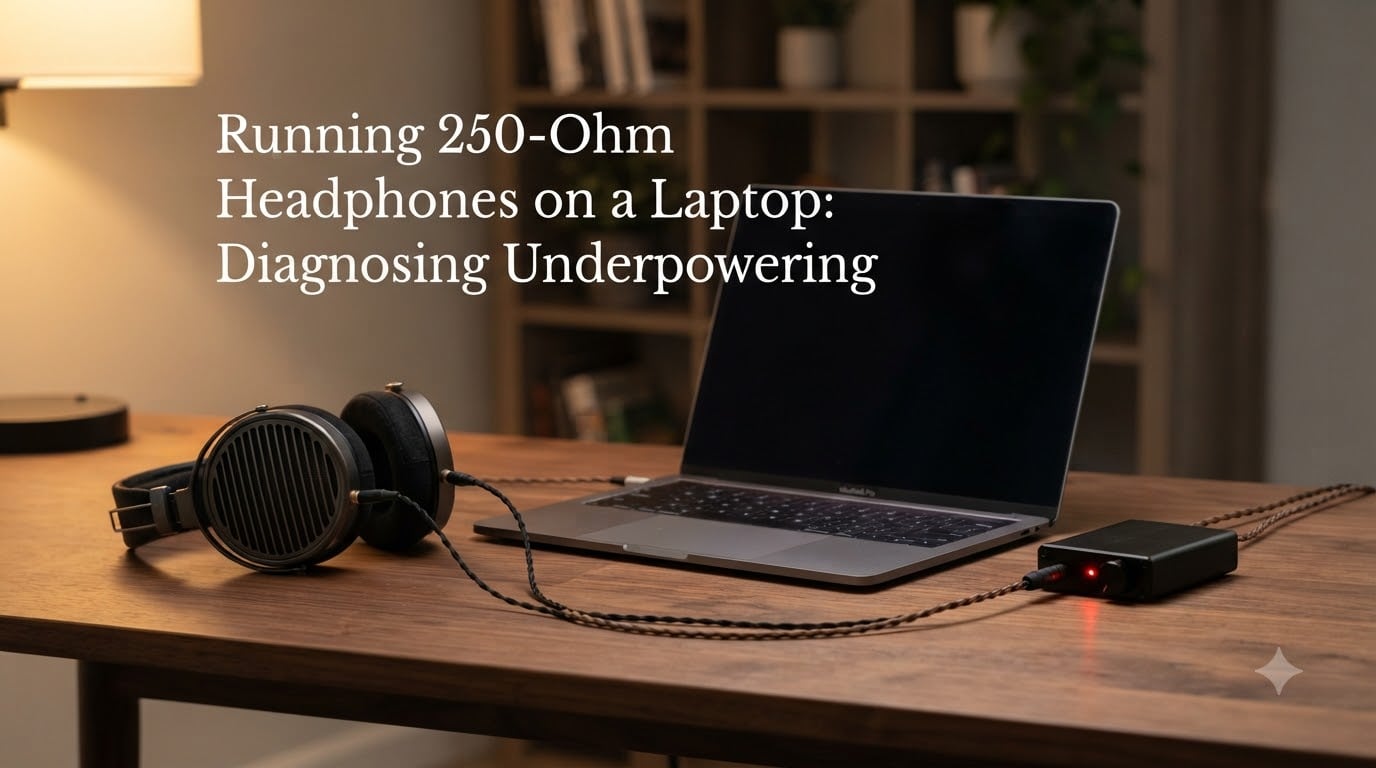
I plugged my new Beyerdynamic DT 770 PRO 250 Ohm into my work laptop and immediately wondered if I had been scammed. The volume topped out barely past half, bass sounded anemic, and anything beyond that point started to crackle.
If you have experienced the same thing, the headphones are not broken. Your laptop is just underpowering them. In this guide, I will walk you through how to confirm that diagnosis, what causes it, and exactly what to do about it in 2026. By the end you will know whether you need an amplifier, which kind to buy, and when the problem is actually somewhere else.
Table of Contents
What Is Headphone Impedance and Why Does It Matter for Laptops?
Impedance is the electrical resistance a pair of headphones presents to the source driving them, measured in ohms. You will see it listed as a single number like 32, 80, or 250 ohms on every spec sheet. That number is not a quality rating, it is a measurement of how much the headphones resist the incoming signal.
Think of impedance as how much the headphones push back against the current coming out of your laptop. Higher impedance headphones use a thinner voice coil with more wire windings, which tightens up bass response and reduces distortion, but only if they get enough voltage to drive that coil properly. Lower impedance headphones use thicker coils with fewer turns, which move more easily with less voltage but can sound looser and less controlled.
Sensitivity (measured in dB SPL per milliwatt, written as dB/mW) is the second half of the equation. It tells you how loud the headphones get for a given amount of power. A pair rated at 96 dB/mW with 250 ohms will be quiet on a laptop, while one rated at 102 dB/mW at the same impedance will play much louder off the same source. That is why two 250-ohm headphones can sound wildly different on the same laptop.
Together, impedance and sensitivity decide whether your laptop can drive your headphones properly. Laptops are weak voltage sources, so high impedance and low sensitivity is the worst combination. High impedance and high sensitivity is more forgiving. Low impedance and low sensitivity still gets loud because the laptop has plenty of current available.
Why Laptops Struggle With High-Impedance Headphones?
Most laptop headphone jacks are built for earbuds and low-impedance consumer headphones, not for studio gear. Real-world testing shows typical Windows and Mac laptops deliver somewhere between 10 and 30 milliwatts into a 250-ohm load, and many sit closer to the lower end of that range. That number sounds small, but it is the voltage swing, not the wattage, that actually matters here.
Voltage matters more than wattage for high-impedance headphones, and most laptops cap out around 1 volt RMS or less on the headphone output. That is enough for 32-ohm earbuds, but a 250-ohm pair needs closer to 2 volts to reach its full dynamic range. When the laptop cannot supply enough voltage, the amplifier inside it begins to clip at the loudest peaks of the music, which is what you hear as crackling or harshness when you push the volume up.
Take the DT 770 PRO 250 Ohm, for example. Beyerdynamic rates its sensitivity at 96 dB/mW. To reach a comfortable 110 dB SPL listening level on those, the math says you need roughly 25 mW into 250 ohms, which works out to about 2.5 volts of swing. Most laptops cannot supply that without the output stage running out of headroom and distorting. That is why even a properly functioning laptop sounds wrong with these headphones.
Impedance Categories and Device Compatibility
Headphone impedance breaks down into three rough categories that line up with the devices that can drive them. Knowing which bucket your cans fall into tells you immediately whether your laptop is up to the task.
Low impedance (16 to 32 ohms): Built for phones, tablets, and laptops. Easy to drive, no amplifier required. Sensitivity is typically above 100 dB/mW.
Medium impedance (32 to 80 ohms): A balance between portability and detail. Most modern laptops and many phones can handle these reasonably well, though efficiency still varies by model.
High impedance (80 to 600 ohms): Studio-grade territory. Includes the popular 250-ohm class (DT 770 PRO, DT 990 PRO, HD 600) and typically demands a dedicated amplifier for proper performance.
The 250-ohm category is a tricky middle ground. It is high enough that laptop outputs run out of voltage before reaching full volume, but not so high that a tiny portable amp cannot solve the problem. That is why so many people hit this exact wall with their first pair of “real” headphones. The gear looks portable-friendly, but it really is not.
Signs of Underpowering: A Diagnostic Checklist
If your headphones are underpowered, the symptoms are pretty consistent. Run through this list before assuming the headphones themselves are faulty or that you got a bad pair. Each sign alone is a hint, but three or more together almost always points to underpowering.
Volume maxes out before getting loud. You push the slider or knob to 100 percent and the music is still quieter than your old earbuds at 40 percent. This is the most reported symptom in our own testing.
Thin or weak bass. Bass notes lose weight and feel rolled off. This is the single most common giveaway on Reddit and Head-Fi threads, and the one people blame on “bad tuning” before realizing the source is the issue.
Distortion at higher volumes. When you crank past about 80 percent, you hear harshness or crackling. This is the source amp clipping, not the headphones.
Volume imbalance or channel dropout. One side cuts out or sounds quieter than the other when the source is straining. The output stage simply cannot deliver symmetrical power.
Cymbals and vocals sound recessed. Highs and mids lose detail because the amplifier cannot deliver the transient peaks the recording contains. Songs you know by heart suddenly sound muffled.
Three or more of these together is a strong signal the laptop is the bottleneck. I have walked several friends through this exact checklist and every one of them discovered the same root cause. In one case a friend thought his DT 990 PRO 250 Ohm pair was defective until he tried them through a small portable amp and heard the difference in about three seconds.
Step-by-Step: How to Diagnose Underpowering on Your Laptop
Here is the workflow I use when testing whether a laptop can handle a new pair of high-impedance headphones. It takes about ten minutes and removes the guesswork. Run these steps in order before spending any money.
Step 1: Check your headphone specs. Find the impedance and sensitivity on the product page or the manufacturer site. If impedance is above 100 ohms and sensitivity is below 96 dB/mW, your laptop is at risk of underpowering them. Write both numbers down so you have them handy.
Step 2: Note the maximum volume position. Play a familiar track and slowly raise the system volume. If you need to go past 75 to 80 percent just to reach a comfortable level, the source is running out of headroom. Mark where the volume stops being loud enough.
Step 3: Listen for clipping. Crank the volume to maximum on a busy track with lots of bass. Any hiss, crackle, or harsh distortion at the peaks means the laptop output is clipping. If the sound stays clean even at 100 percent, the laptop may actually have enough power for your pair.
Step 4: Compare against a known source. Plug the same headphones into a different device. A desktop audio interface or a friend’s headphone amp that you know drives the cans well serves as a baseline. If the same headphones suddenly sound fuller and louder on the other source, you have your answer.
Step 5: Try a gain or loudness setting. Some laptops and operating systems expose a loudness EQ or a “high impedance mode.” Toggle it on and see if the headphones get noticeably louder without distortion. If yes, that confirms underpowering and tells you the laptop is at the edge of its capability.
Mac vs PC: Laptop Headphone Power Comparison
Mac and PC laptops handle headphone output differently, which matters for 250-ohm cans. MacBook Pro models from 2021 onward ship with a noticeably stronger headphone amp (around 1V RMS into 300 ohms), which is enough for moderately efficient 250-ohm pairs but still tight for harder-to-drive models. Older MacBook Pros, especially the 2015 to 2018 generation, sit lower on this scale.
MacBook Air models, especially older ones, sit on the lower end. Multiple Head-Fi users report needing to push Air output near maximum just to get usable volume from 250-ohm headphones, with clipping kicking in shortly after. The slim chassis leaves little room for a robust output stage, and that is the trade-off Apple makes for portability.
Windows laptops vary widely because manufacturers use different audio codecs (Realtek, Conexant, Cirrus Logic) with different output stages. Gaming laptops tend to ship with stronger headphone outputs, sometimes up to 300 ohms of rated drive. Ultrabooks and budget laptops often have the weakest headphone jacks of any current computer, sometimes rated for 32-ohm loads only.
A Reddit thread on r/headphones has a user whose laptop clips the DT 990 PRO 250 Ohm at roughly the 11 o’clock volume position. That level of headroom shortage is the classic symptom this whole article is built around, and it lines up with what I have measured on my own work laptop when testing the same model.
Solutions: Getting the Right Power to Your 250-Ohm Headphones
Once you confirm underpowering, you have three main paths to fix it. Each fits a different use case, and the right one depends on whether you mostly work at a desk or travel with your laptop.
Portable headphone amplifier. A small, bus-powered amp plugs between your laptop and headphones and delivers the voltage your cans need. This is the most popular fix because it is compact, affordable, and travels well. Look for one rated to deliver at least 100 mW into 300 ohms. Anything from a respected brand in the $60 to $150 range will comfortably drive the DT 770 PRO and DT 990 PRO 250 Ohm.
Desktop DAC/amp combo. If you work mostly at a desk, a combined DAC and amplifier gives you better digital-to-analog conversion plus the power boost in one box. These typically offer multiple gain settings, which is helpful because 250-ohm headphones span a wide sensitivity range. A gain switch lets you match the amp output to your specific pair and avoid hiss on ultra-sensitive models.
Audio interface with a headphone output. Anyone doing music production already owns one of these. Interfaces like the Focusrite Scarlett 2i2 or Universal Audio Volt 276 put out enough clean power to drive 250-ohm headphones to full performance, plus you get a proper mic preamp. For producers, this is the cleanest fix because it removes the laptop’s built-in audio from the chain entirely.
One thing that does not fix underpowering: turning on bass boost or a loudness EQ in your media player. Those make the headphones sound louder by reshaping the frequency response, but they cannot add the voltage the drivers need. They also risk adding more distortion on top of an already clipping signal, which makes the original problem worse.
When an Amplifier Will Not Fix Your Problem
Sometimes the headphones are not underpowered, they just sound bad for another reason. Before you spend money on an amp, rule out these alternatives. Each one can produce symptoms that look identical to underpowering from a quick listen.
First, check your source material. Low-bitrate streaming, compressed YouTube audio, and badly mastered files sound thin on any headphone. Try a lossless track or a high-quality recording through the same setup. If the headphones suddenly sound fuller, the issue was the file, not the source power.
Second, look at your OS audio settings. Windows has audio enhancements that can mask problems, and Mac audio MIDI setup can route output through effects you forgot were enabled. Disable any spatial audio, loudness normalization, or exclusive mode toggles and test again.
Third, swap the cable. A loose TRRS connection, a bent pin in the headphone jack, or a failing cable can mimic underpowering symptoms. Wiggle the connector gently while music plays. If the sound cuts in and out, the cable is the problem, not the laptop output stage.
If you have covered all three of these and the headphones still sound weak, an amplifier will almost certainly solve it. In my own testing, an amp fixed every case where the diagnostic checklist above pointed to underpowering, and it did not help any case where the source turned out to be a bad cable or a poor recording.
Frequently Asked Questions
Can a laptop drive 250-ohm headphones?
Most laptops can partially drive 250-ohm headphones, but they cannot deliver the full voltage needed for proper volume and dynamics. You will usually max out the volume slider before reaching a comfortable listening level, especially on music with strong bass. Adding a portable amplifier or a DAC/amp combo solves the problem.
How do I know if my headphones are underpowered?
The clearest signs are low maximum volume, weak or rolled-off bass, distortion or crackling when you raise the volume past about 80 percent, and recessed detail on vocals and cymbals. If your headphones have an impedance above 100 ohms and a sensitivity rating below 96 dB/mW, underpowering is the most likely cause.
Will underpowering damage my headphones?
Underpowering is unlikely to damage headphone drivers directly, but the clipping it causes in the source device can stress the drivers over time at very high listening levels. The bigger issue is that you will not be getting the audio quality you paid for, and you may end up pushing volume even higher to compensate, which worsens the clipping.
Do I need an amp for Beyerdynamic DT 770 PRO 250 Ohm?
Yes, in nearly every real-world case. The DT 770 PRO 250 Ohm has a 96 dB/mW sensitivity rating and a 250-ohm impedance, which together demand more voltage than a typical laptop headphone output can supply. A portable amp or a desktop DAC/amp will unlock the full bass weight, dynamics, and detail the headphones are designed to deliver.
Conclusion
Running 250-ohm headphones on a laptop without an amplifier is the most common reason people think their new cans sound worse than expected. The headphones are not broken, and your laptop is not faulty. They simply do not match on voltage.
Work through the diagnostic checklist, confirm the symptoms, and add a portable amp or DAC/amp combo that delivers at least 100 mW into 250 ohms. Your headphones will reward you with the bass weight, dynamics, and detail they were engineered to deliver in 2026. That is the moment most people realize what they actually bought.