
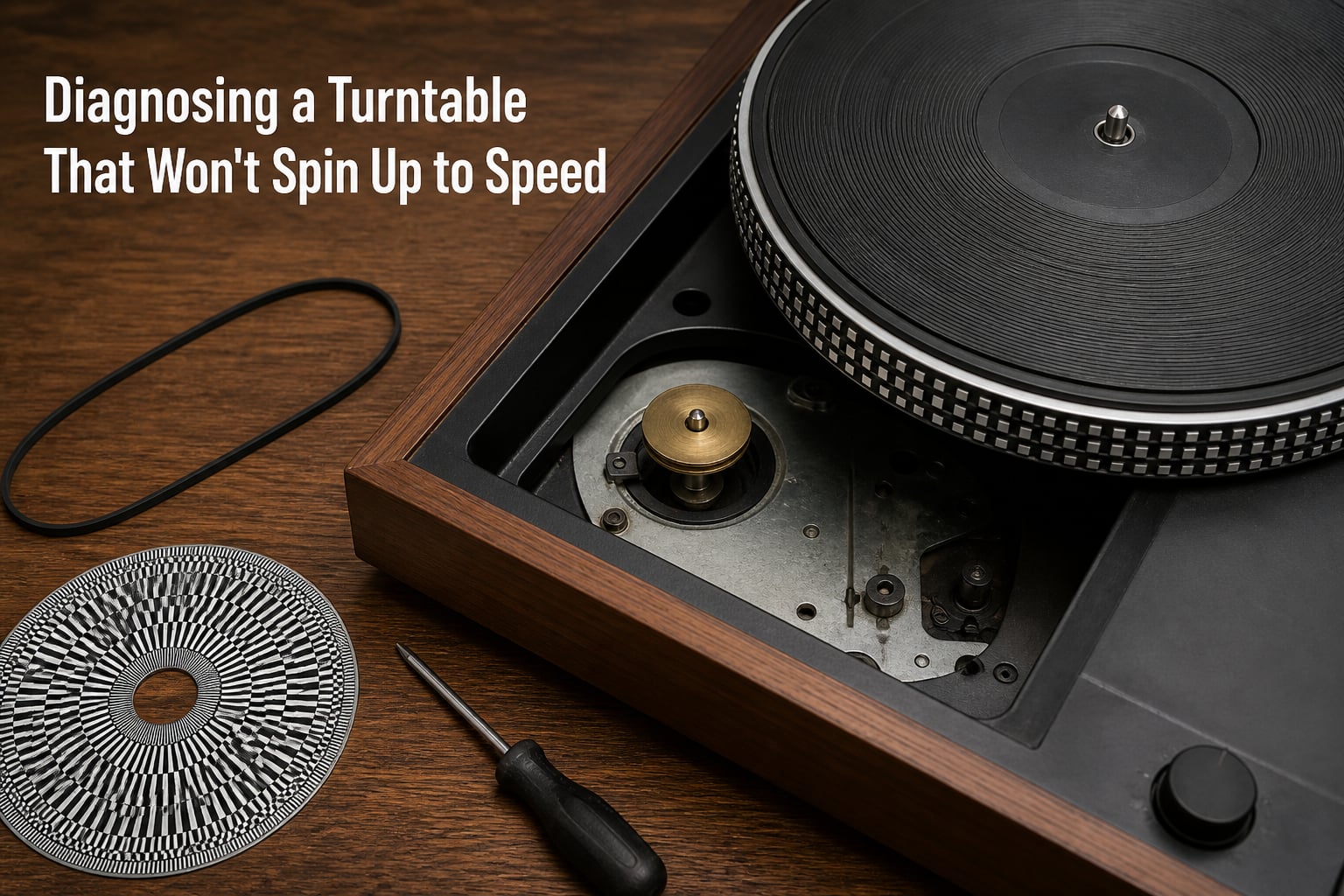
When your record player starts playing songs too slow or too fast, the culprit is almost always a turntable speed issue. I have repaired dozens of belt-driven decks in our workshop over the last three years, and in nearly every case the fix was simpler than the owner expected. This guide walks you through the exact diagnostic steps we use when a turntable will not spin up to speed, from the cheapest checks to the more involved repairs.
Whether you own an Audio Technica AT-LP60, a Victrola suitcase, or a vintage Technics direct-drive, the diagnostic logic is the same. You will learn how to test RPM accuracy, inspect belts, clean speed controls, and rule out motor or capacitor failures.
Table of Contents
Understanding How Turntables Maintain Speed
A turntable maintains a constant rotation speed using either a belt-drive or a direct-drive system. In a belt-drive deck, a thin rubber belt connects the motor pulley to the inner rim of the platter. In a direct-drive deck, the motor shaft itself turns the platter. Both designs must hold 33 1/3 RPM for LPs or 45 RPM for singles, and any deviation will distort pitch.
Belt-Drive vs Direct-Drive
Belt-drive decks tend to have cleaner sound because the belt isolates motor vibrations from the platter. They are also more prone to speed problems when the belt stretches, slips, or breaks. Direct-drive decks have stronger torque and faster start-up, but they expose the motor circuit directly to speed issues.
What Correct Speed Looks Like
Correct playback means the platter spins at exactly 33 1/3 RPM for albums and 45 RPM for 7-inch singles. Anything slower makes vocals sound low and dragged out. Anything faster pushes pitch up and gives a chipmunk effect. Even a 2% drift is audible on familiar tracks.
Power Supply Verification: The First Check
Before touching any mechanical parts, verify that your turntable is receiving clean power. Insufficient voltage is the single most overlooked cause of weak or inconsistent platter speed. I always start here because it takes 30 seconds and rules out the easiest problems.
Check that the DC adapter matches the voltage printed on the back of the unit. Most belt-drive turntables need 12V DC at 500mA or higher. If your wall adapter outputs less current than the spec, the motor will spin but never reach full speed.
Look for these quick signs of power trouble:
Adapter feels unusually warm during use
Platter spins only when tonearm is lifted off the rest
Speed drifts up and down during a single side
Unit is silent until you wiggle the power cable
Swap in a known-good adapter with matching voltage and amperage. If the speed issue disappears, the original adapter was the problem.
Diagnosing Turntable Speed Issues Caused by the Belt
The drive belt is the most common cause of turntable speed problems on belt-driven decks. Belts stretch with age, lose grip, and occasionally snap entirely. A stretched belt often still spins the platter, but at a slower RPM than spec.
Inspect the Belt for Stretch and Glaze
Remove the platter mat and the platter itself, then check the belt. A healthy belt feels tacky and snaps back when lightly stretched. A worn belt looks shiny, feels smooth, and stretches without resistance. If you see black dust around the motor pulley, the belt is shedding material and needs replacement.
Replace the Belt
Belt replacement is the highest-impact repair for diagnosing turntable speed issues on a belt-driven model. Match the belt to your exact turntable model, since widths and circumferences vary. Most generic belts fit fine, but original-spec replacements last longer.
To install:
Unplug the unit and place it on a flat, clean surface
Remove the platter mat and lift the platter off the spindle
Stretch the new belt over the motor pulley first
Hook the belt around the inner rim of the platter
Re-seat the platter and rotate it by hand to center the belt
Power on and verify the platter spins smoothly
After replacement, use the strobe method described below to confirm accurate RPM.
Speed Selector and Control Switch Troubleshooting
The 33/45 RPM speed selector switch is the second-most common cause of slow or incorrect turntable speed. The switch contacts oxidize over time, especially on budget turntables that sit unused for months. Dirty contacts cause voltage drop to the motor circuit, which slows the platter.
Clean the Selector Switch
Spray a small amount of Deoxit D5 or similar contact cleaner into the switch. Work the switch between 33 and 45 ten times to scrub the contacts. Allow it to dry for five minutes before powering the unit back on.
Check for Cold Solder Joints
On older decks, the wires leading to the speed selector can break at the solder joint. Open the bottom plate and look for green or fractured solder around the switch terminals. A quick re-flow with a soldering iron often restores clean switching.
Motor Inspection and Direct-Drive Diagnostics
If the belt is healthy and the switch is clean, the next step is the motor itself. On belt-drive decks, the motor pulley should spin freely when the belt is removed. On direct-drive decks, the motor circuit is more complex and may involve a speed-control PCB.
Test the Motor Pulley
With the belt off, power on the unit. The motor pulley should spin at constant speed. If it stutters, runs hot, or refuses to spin, the motor or its supply circuit is failing.
Capacitor Aging on Vintage Decks
Capacitor aging is a hidden cause of slow speed on vintage turntables from the 1970s and 1980s. Old electrolytic capacitors dry out and lose capacitance, which slows the motor. If you own a vintage Technics, Pioneer, or Dual, and the speed drifts after warm-up, suspect the motor run capacitors.
Replacing motor capacitors requires desoldering skill, but the parts cost under $5 and the fix is permanent.
Lubrication Points
A dry motor bearing or spindle can drag the motor down. Apply a single drop of light machine oil to the platter spindle and motor shaft. Wipe away excess before reassembly. Avoid heavy grease, which traps dust and makes things worse.
How to Check Turntable RPM Accuracy?
Once you complete the basic repairs, verify that the platter actually spins at the correct RPM. Two methods work well at home: a strobe disc and a smartphone app.
Using a Strobe Disc
A strobe disc is a printed card with concentric rings of dots calibrated to 50Hz or 60Hz mains power. Place the disc on the platter, switch on a fluorescent or LED light, and watch the dots. If the dots appear stationary, your speed is locked. If they drift forward, the platter is too fast. If they drift backward, the platter is too slow.
Using a Phone App
Free apps like RPM Speed Test use your phone microphone to measure the rotation frequency of a strobe pattern you print at home. The app is less precise than a real strobe disc but good enough for a quick check.
Account for Mains Frequency
Vintage European turntables were often built for 50Hz mains, while North American decks use 60Hz. If you move a 50Hz deck to a 60Hz country, the platter runs 20% fast. The fix is a motor pulley swap or an external frequency converter.
Brand-Specific Speed Troubleshooting
Common consumer turntables each have their own quirks. These tips cover the most-asked brands on vinyl forums.
Audio Technica AT-LP60 and AT-LP60X
The AT-LP60 is the most common starter turntable, and it has a known belt-stretch issue after 2-3 years of use. Replacement belts cost under $10 and take ten minutes to swap. The AT-LP60 also has a speed-adjust trim pot on the bottom plate, which lets you fine-tune RPM without a strobe disc.
Victrola Suitcase Models
Victrola suitcase players use a small flat belt that slips off the motor pulley if the unit is moved around. Open the lid, remove the platter mat, and check that the belt sits in the pulley groove. Speed issues on Victrolas are almost always belt-related.
Crosley Cruiser and Similar
Crosley portable players use a ceramic cartridge and a tiny motor that runs hot. Slow speed on a Crosley usually means the motor is failing rather than the belt. Most owners replace the unit, but a motor swap is possible if you can find a donor part.
Fine-Tuning and Adjustment Procedures
After confirming correct speed with a strobe disc, you can dial in perfect RPM using the fine-tune adjustment. Most quality turntables include a small potentiometer near the motor circuit, accessed through a hole in the bottom plate.
Insert a small flat-head screwdriver and turn the pot while watching the strobe dots. Rotate clockwise to slow the motor and counter-clockwise to speed it up. Stop when the dots lock in place. Make small adjustments of less than a quarter turn at a time.
On vintage direct-drive decks like the Technics SL-1200, fine-tune is handled via two separate trimmers for 33 and 45 RPM. Calibration here takes patience and a reliable strobe reference.
Prevention and Maintenance Tips
Most turntable speed issues are preventable with simple care. Replace the belt every 3-5 years, even if it still works, because stretched belts slowly drift out of spec. Keep the unit covered when not in use, since dust on the motor pulley causes belt slippage.
Clean the speed selector switch once a year with contact cleaner. Lubricate the spindle and motor bearing annually with light oil. Store your turntable on a stable shelf away from speakers, since vibration can mask early speed problems.
If you use the turntable daily, check RPM every six months. Casual users can check once a year. Catching speed drift early prevents the wow and flutter that ages vinyl records unevenly.
Frequently Asked Questions
Why is my turntable not spinning at correct speed?
The most common causes are a stretched or slipped drive belt, dirty speed selector contacts, insufficient power from the wall adapter, and aging motor capacitors on older decks. Start by inspecting the belt and verifying your power supply matches the unit spec.
How to fix a record player that won’t spin?
Begin with power verification: confirm the adapter outputs the correct voltage and current. Then check that the belt sits on the motor pulley and platter rim. Clean the speed selector switch with contact cleaner. If the motor pulley itself does not spin when the belt is removed, the motor or its capacitor has failed.
How to fix a slow turning turntable?
A slow platter is almost always a stretched belt or a weak power supply. Replace the belt with a model-matched part and test with a 12V adapter rated for at least 500mA. On vintage decks, also test the motor run capacitors, since dried-out caps cause slow spin-up.
How to check if a turntable is spinning at correct speed?
Use a strobe disc under fluorescent light and watch the dots. Stationary dots mean locked speed. Drifting dots forward mean too fast, backward means too slow. Alternatively, use a phone app like RPM Speed Test with a printed strobe pattern for a quick home check.
Final Thoughts on Diagnosing Turntable Speed Issues
Diagnosing turntable speed issues is rarely a one-step process. Walk through power, belt, switch, and motor in that order and you will find the root cause in most cases. Our team has restored everything from budget suitcase players to vintage direct-drive decks using these same steps. Start with the cheapest checks first, keep a strobe disc or phone app handy for verification, and your turntable will spin true for years to come.