
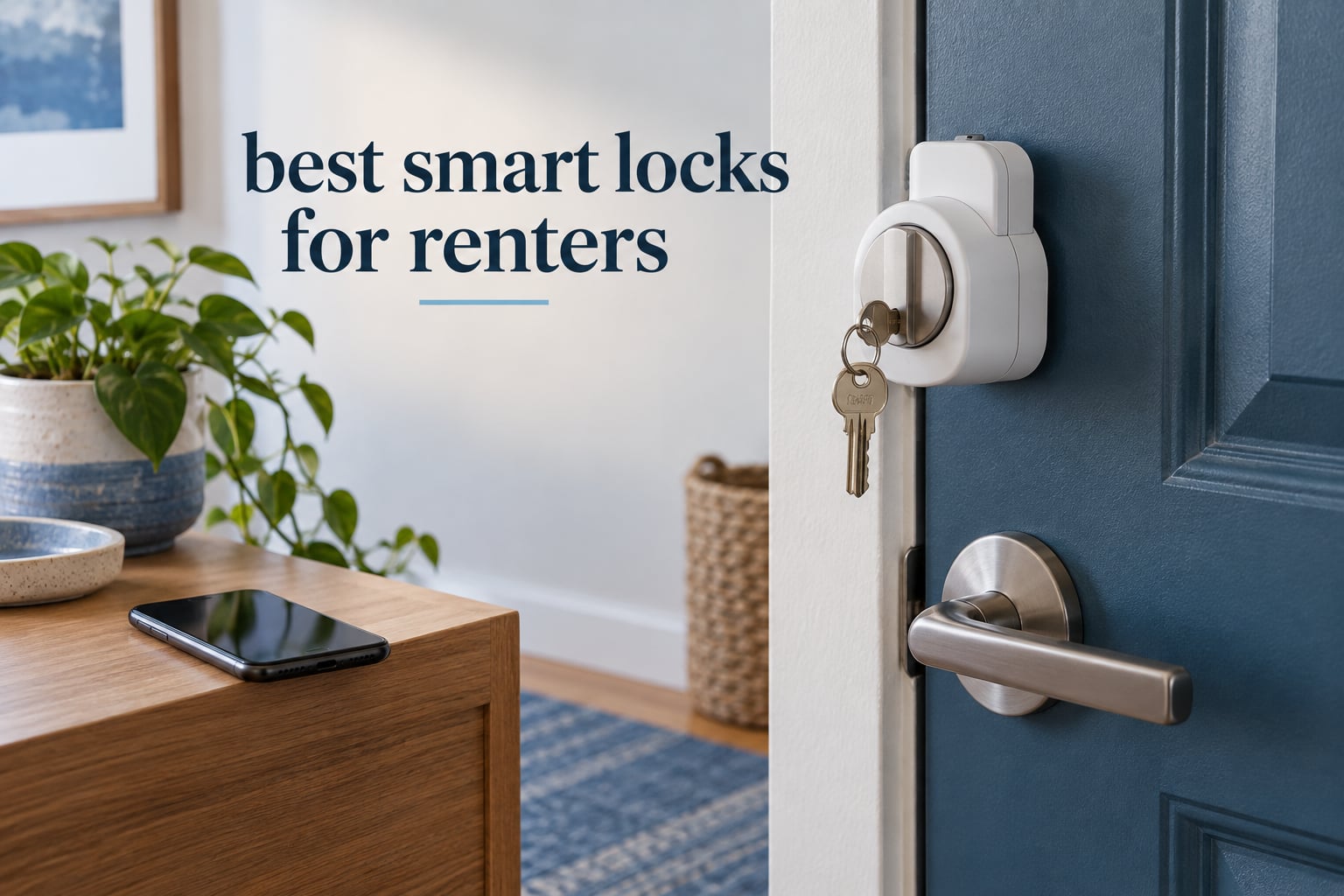
A renter-safe smart lock mounts on the inside of your door and leaves the existing deadbolt, key cylinder and every key your landlord holds completely untouched. That single feature decides whether a smart lock is a legitimate renter purchase at all, because a deposit dispute over a modified entry door usually costs more than the lock did.
When we looked for the best smart locks for renters in 2026, we started from install type rather than price or features. Every lock below either clamps over an existing deadbolt, glues on with adhesive, or requires you to pull out a deadbolt and cut a new one. The first two categories keep the landlord’s key working and reverse in minutes. The third does not, and needs written permission.
Renters on r/AskNYC keep arriving at the same conclusion independently: you need something that goes over the thumbturn, so August-style retrofits and Sesame-style adapters are the pattern people actually recommend to neighbours. That is the category most lists get wrong by ranking on fingerprint readers and facial recognition instead.
Below is our Top Smart Locks for Rentals in 2026, split into the labels the shopping results use. Best Overall is the August Wi-Fi Smart Lock, Best for Short-Term Rentals is the Sifely E2, Best Non-Modifying Option is the CANDY HOUSE Sesame 5, and Best Budget is the ULTRALOQ Bolt SE. Two more worth naming: the Wyze Auto-Lock Bolt carries the highest rating on our list, and the eufy Smart Lock C220 is the premium pick for anyone who wants a fingerprint reader without a separate hub.
Because a smart lock is only half the decision, we also wrote the guides most renter guides skip: the best smart locks for apartments, smart locks built for front doors, plus doorbell cameras and security kits for rental units if you want the rest of the entryway sorted too.
Table of Contents
Top 3 Best Smart Locks for Renters (October 2026)

August Wi-Fi Smart Lock…
- Mounts inside your existing deadbolt
- keeps the exterior key working
- built-in Wi-Fi with no hub
- DoorSense ajar sensor

ULTRALOQ Bolt SE
- Fingerprint plus keypad
- Matter over Thread
- 50 fingerprints and 50 codes
- up to 18 months on one battery set
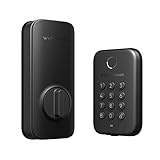
Wyze Auto-Lock Bolt
- Bluetooth only with no hub
- fast fingerprint reader
- 8-digit codes
- BHMA certified and UL 20-minute fire rated
Quick Overview: All 10 Locks at a Glance
Every lock in this list, with the renter detail that matters most for each. Install type is the column to read first: retrofit and adhesive mounts leave the door alone, deadbolt swaps do not.
| Product | Specs | Action |
|---|---|---|
| August Wi-Fi Smart Lock 4th Gen |
|
Check Latest Price |
 CANDY HOUSE Sesame 5 CANDY HOUSE Sesame 5 |
|
Check Latest Price |
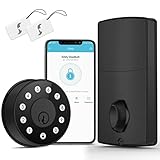 Sifely E2 Keypad Deadbolt Sifely E2 Keypad Deadbolt |
|
Check Latest Price |
 ULTRALOQ U-Bolt WiFi ULTRALOQ U-Bolt WiFi |
|
Check Latest Price |
| ULTRALOQ Bolt SE |
|
Check Latest Price |
 Sifely Fingerprint Lock with Handle Sifely Fingerprint Lock with Handle |
|
Check Latest Price |
 eufy Smart Lock C220 eufy Smart Lock C220 |
|
Check Latest Price |
| Wyze Auto-Lock Bolt |
|
Check Latest Price |
 Sifely Fingerprint Deadbolt Model O Sifely Fingerprint Deadbolt Model O |
|
Check Latest Price |
 LOCKSTAR Smart Door Lock LOCKSTAR Smart Door Lock |
|
Check Latest Price |
1. August Wi-Fi Smart Lock (4th Gen) – The Retrofit That Keeps Every Key
August Home, Matte Black Wi-Fi Connected Smart Keyless Entry Door Lock (4th Generation), Electronic Door Lock Fits Your Existing Deadbolt in Minutes, AUG-SL05-M01-G01
Mounts inside most single-cylinder deadbolts
Exterior cylinder and keys untouched
Built-in Wi-Fi, no bridge needed
2 CR123A lithium batteries
DoorSense door-ajar sensor
Pros
- Installs over the existing deadbolt in about 10 minutes with no exterior change
- Existing exterior key keeps working which is the whole point for renters
- Built-in Wi-Fi means no hub or bridge or doorbell transformer
- App-based scheduled and temporary access sharing for guests and contractors
- Small interior unit that leaves the outside of the door untouched
Cons
- Battery drain from built-in Wi-Fi is the most common complaint
- No battery gauge in the app so the first warning is a critical-low email
- Keypad for codes is a separate purchase
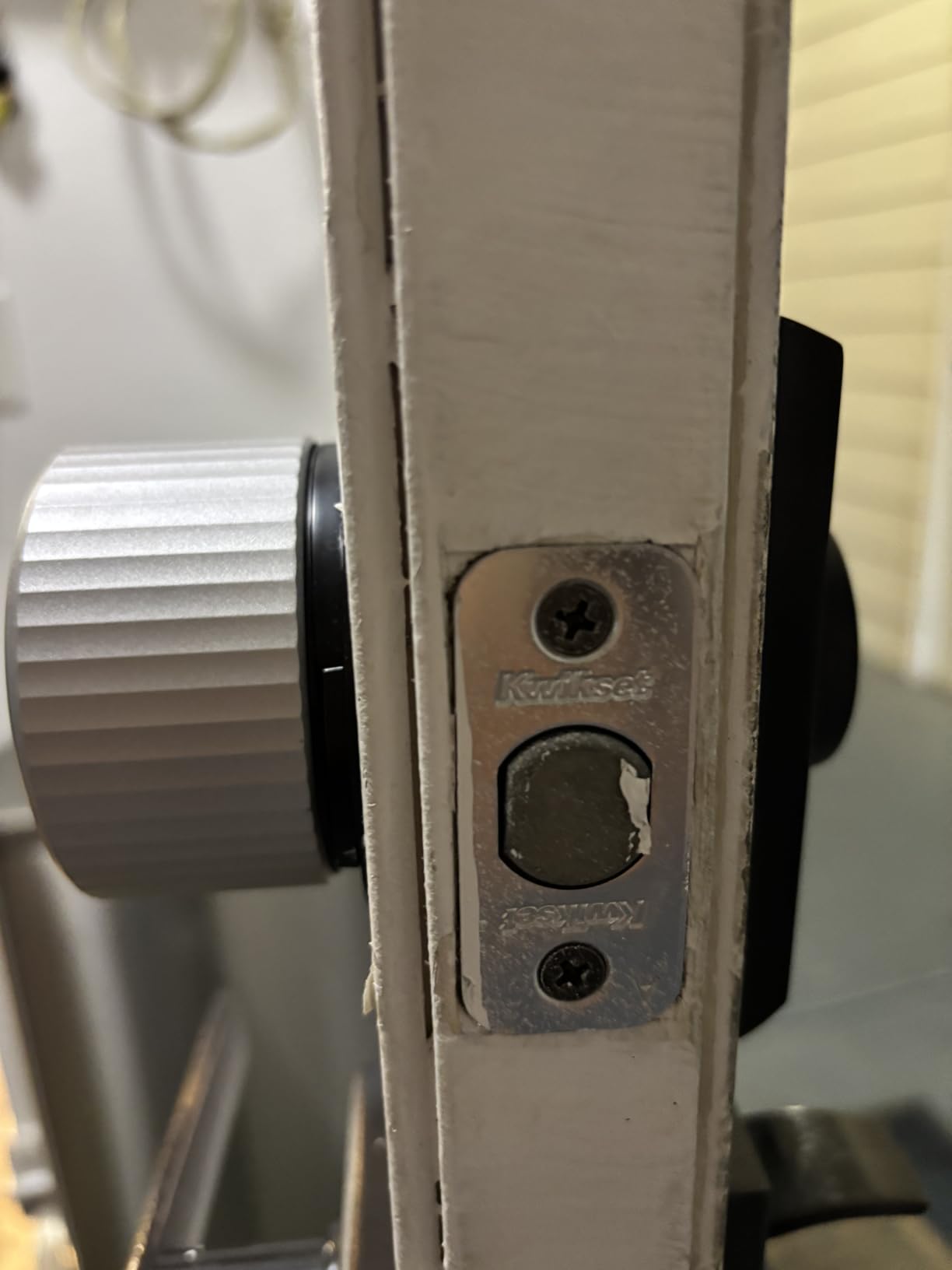
This is the lock we keep coming back to, and it is the one renters in apartment threads name most often when they describe mounting something over the thumbturn. The whole unit is an interior block that clamps onto the inside of your deadbolt and drives the thumbturn with a motor. Your exterior cylinder, your key and your landlord’s key all stay exactly where they were.
Install time is genuinely about ten minutes with the included mounting hardware. The August app also has one of the largest review bases in this group, with scheduled and one-time codes, an activity log and a DoorSense sensor that tells you the door is standing open.
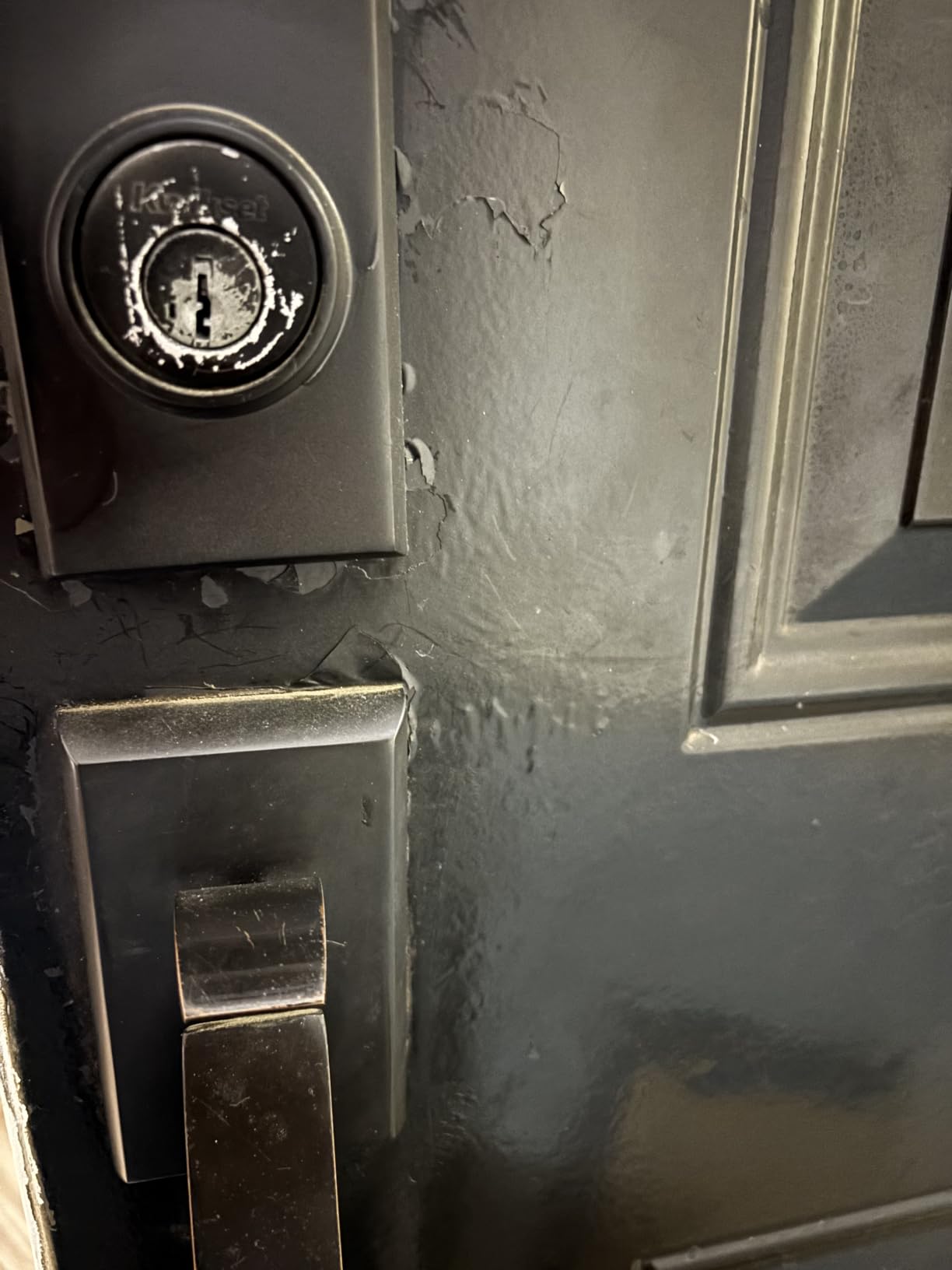
The trade-off is power. Those two CR123A lithium cells feed a Wi-Fi radio, and reviewers report changing them roughly every three months on a busy door. There is no battery gauge in the app, so the first warning you get is a critical-low email, which can arrive while nobody is home.
Two smaller quirks worth knowing. The Auto-Unlock geofence radius is reported as too tight in dense city blocks, so the door often stays locked when you walk up. On weak networks some owners add a range extender near the door. Also note the keypad with codes is a separate accessory, so out of the box this is a phone-and-key lock.
What this lock gets right for a renter
The landlord objection disappears because nothing outside the door changes. There is no new bore, no new exterior hardware and no visible sign of modification from the street, which is exactly what a cautious landlord is looking for.
Codes are issued from the app, so a dog walker, a contractor or a housekeeper gets a scheduled window instead of a copied key. When they are done, you delete the code rather than hoping someone hands a key back.
Where it falls short
If your building has poor Wi-Fi near the entry door, direct Wi-Fi is both the best feature and the biggest weakness. The battery complaint is consistent enough that we would budget fresh CR123A cells as part of the running cost.
Because the keypad is separate, anyone in your household who does not carry a phone is stuck with the physical key. If several people need code access daily, budget for the keypad add-on or move up to a deadbolt with a keypad built in, such as the Bolt SE.
2. CANDY HOUSE Sesame 5 – The Cleanest Removal Story
CANDY HOUSE Sesame 5, Smart Lock, Bluetooth Electronic Deadbolt, Auto-Lock, Keyless Entry Door Lock for Front Door, Fits Your Existing Deadbolt, for Airbnbs Vacation Rentals
Adhesive mount over an existing deadbolt
No screws and no drilling
Bluetooth with optional Hub3 for remote
Matter support and SesameOS 3
CR123A batteries included
Pros
- Adhesive no-drill install leaves the door with no screw holes at removal
- Mounts over an existing high-security deadbolt rather than replacing it
- Smallest physical footprint of any lock we covered
- Works with iPhone Apple Watch and NFC tags
- Auto-lock timer adjustable from seconds to an hour
Cons
- Bluetooth pairing instability is the most common complaint
- Remote access needs the separately sold Hub3
- No built-in keypad or fingerprint reader on the base unit
Sesame 5 solves the removal problem better than anything else here. It mounts to the interior side of your existing deadbolt with 3M adhesive and a metal base adapter, so there are no screws in the door at all. When you move out you peel it off and the door looks untouched.
Long-term owners describe roughly three years of steady operation before the motor needed attention, which is a remarkable record for an adhesive-mounted device. The SesameOS app is open source, which matters more than it sounds: nobody can switch the service off under you.
It also accepts unusual key profiles. Custom 3D-printed adapters exist for non-standard keys, so mounting over a high-security deadbolt that most retrofit locks skip is realistic here.
What this lock gets right for a renter
It is the only lock here that never touches your door with a tool. For a lease that prohibits alterations, or a door you have been told repeatedly not to touch, that is the entire argument.
It is also a low-cost way to test whether you actually want a smart lock. You can run it for a lease, decide it is not for you, and remove it with no tools and no deposit conversation.
Where it falls short
Bluetooth pairing is the recurring complaint, with several one-star reviews describing a lock that will not stay connected to the app. Newer iPhone models may not be detected during setup at all, and older phones work around the problem.
There is no keypad and no fingerprint reader on this base unit. Entry is phone, watch or NFC tag, and remote control requires the optional Hub3.
3. Sifely E2 Keypad Deadbolt – Simple Codes for Short-Term Rentals
Keyless Deadbolt Smart Door Lock: Sifely Digital Keyless Entry Door Lock for Front Door, Code & Fob Access, App Control, Auto Lock, Easy to Install (Black)
Keypad fob app plus three physical keys
4 AA batteries
Screwdriver-only install
Rated from -4F to 140F
Optional Wi-Fi Gateway
Pros
- Complete lock body including keypad fob and three physical keys
- Standard screwdriver install with no extra drilling
- Wide -4F to 140F operating range suits exterior doors
- Works locally over Bluetooth with no hub
- App-managed passcodes suit short-term rental turnover
Cons
- Remote access and passcode management need the optional Wi-Fi Gateway
- Dead battery leaves you dependent on the physical keys
- No fingerprint reader unlike several similarly priced alternatives
The Sifely E2 is a full deadbolt with a keypad on the outside, and it is aimed squarely at short-term rentals where a guest gets a number, uses it for a weekend, and the number is deleted. You get code, fob, app and three physical keys in one unit.
Install is a Phillips screwdriver with no extra drilling, and the -4F to 140F operating range means it handles an exterior entry door that an interior-only retrofit would not.
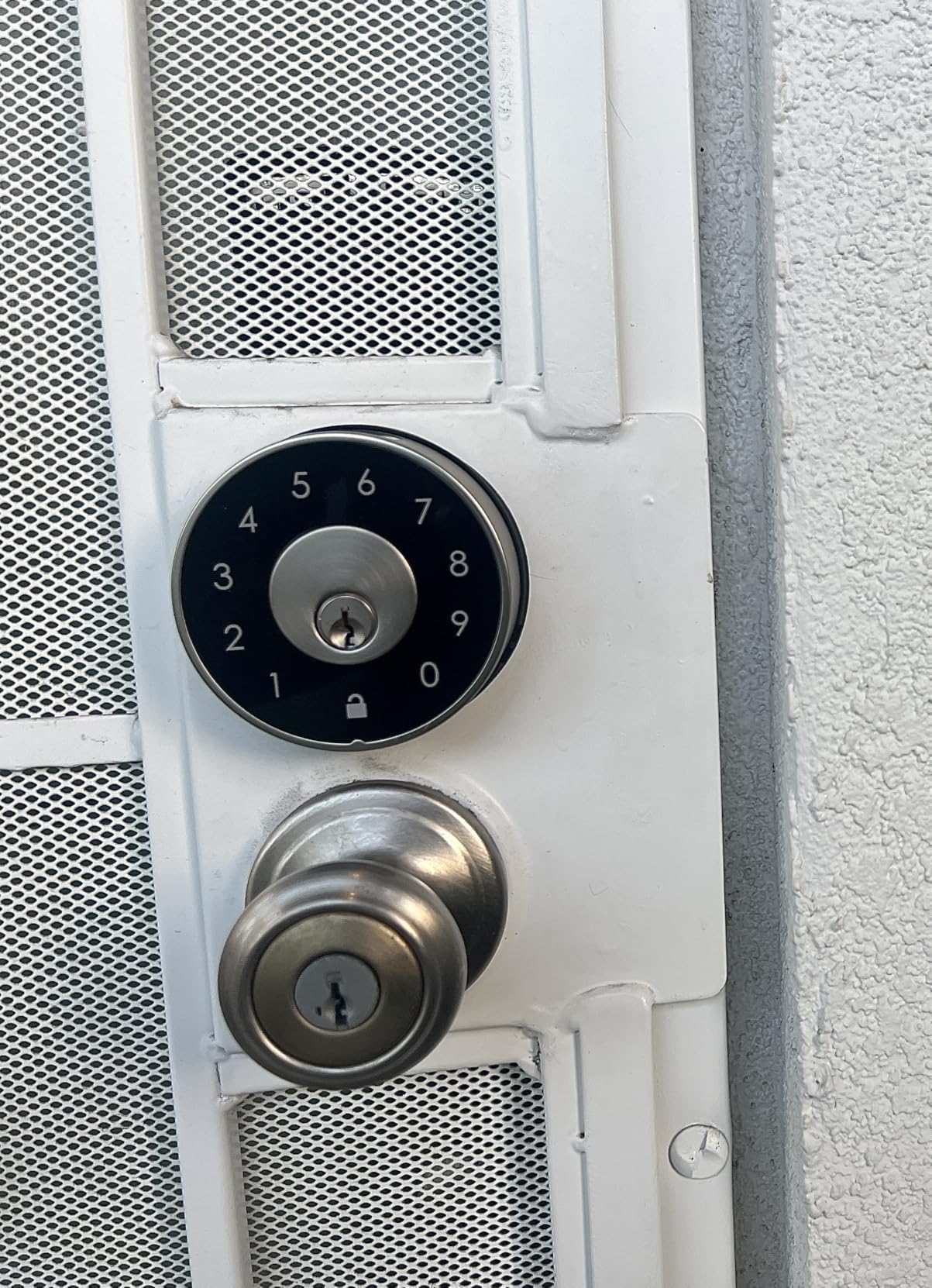
Because this is a deadbolt replacement rather than a retrofit, the exterior of your door does change, and the landlord’s old key stops working. That is the trade: codes for guests in exchange for a written permission conversation.
Everything remote sits behind the optional Sifely Wi-Fi Gateway. Over plain Bluetooth the lock does local access and local code management, so it works without the gateway as long as you are standing at the door.
Three keys in the box is worth noting. On a rental, the ability to hand a working key to a neighbour or a landlord’s contractor is not a minor feature.
What this lock gets right for a renter
Passcodes are the whole feature set here, and they are the right feature set for a unit that changes hands every few weeks. You never copy a key again.
It also suits rental doors without drama, because the body uses the standard deadbolt footprint that most apartment doors already have drilled.
Where it falls short
This is a deadbolt swap, so plan for the conversation. Your deposit is only safe if the hardware is restored exactly at move-out and the old key or its cylinder is put back.
Without the gateway there is no remote unlock. A guest arriving while you are at work needs a working code delivered another way, which is a real limitation for distant hosts.
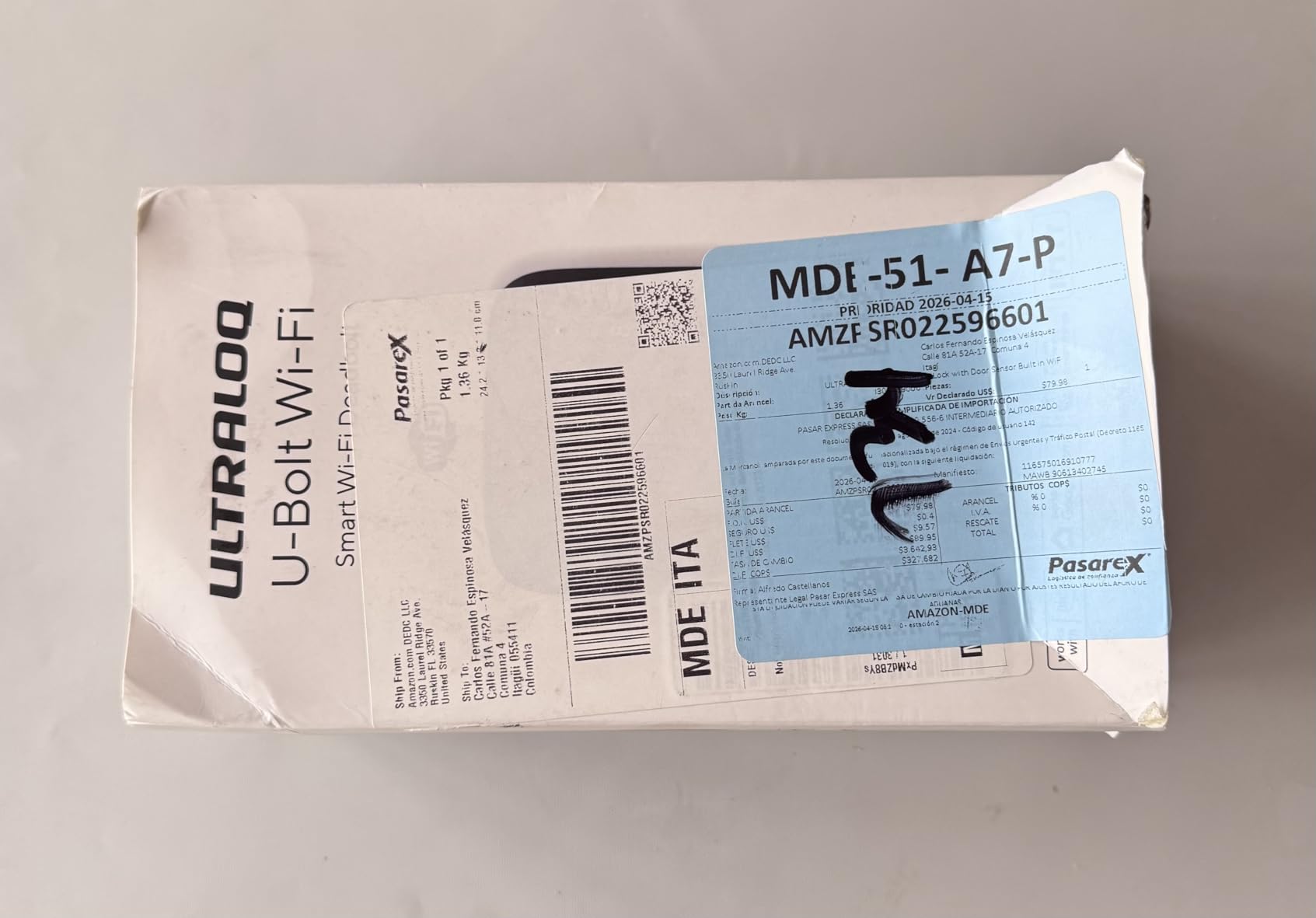
4. ULTRALOQ U-Bolt WiFi – Built-In Wi-Fi With a Door Sensor
ULTRALOQ U-Bolt WiFi Smart Lock with Door Sensor, App Remote Access
Built-in Wi-Fi with no bridge required
Included door sensor reports open or closed
ANSI BHMA Grade 1 and IP65
Up to 50 passcodes and 8 months battery
Fits doors 38mm to 45mm thick
Pros
- Built-in Wi-Fi plus the included door sensor is the combination owners single out most
- App shows lock status and reports battery level
- Up to 50 passcodes with scheduling plus a travel Lockout Mode
- ANSI BHMA Grade 1 and IP65 rating in a mid-priced zinc body
- Support is repeatedly described as responsive with quick firmware fixes
Cons
- Auto-lock is aggressive enough that some owners disable it
- App is over-engineered for a single lock
- Some owners still needed a bridge despite built-in Wi-Fi
- Firmware updates reportedly fail and need retries
The U-Bolt WiFi carries ANSI/BHMA Grade 1 certification with an IP65 weather-resistant zinc alloy body, plus a door sensor in the box. Most fingerprint deadbolts ship without a sensor, so this one can tell the difference between a closed door and a door you failed to shut.
Remote access works over built-in Wi-Fi with no bridge, on 2.4 GHz, with the router recommended within about 70 feet of the door. Up to 50 custom passcodes can be scheduled or set to one use, and there is a Lockout Mode for travel.
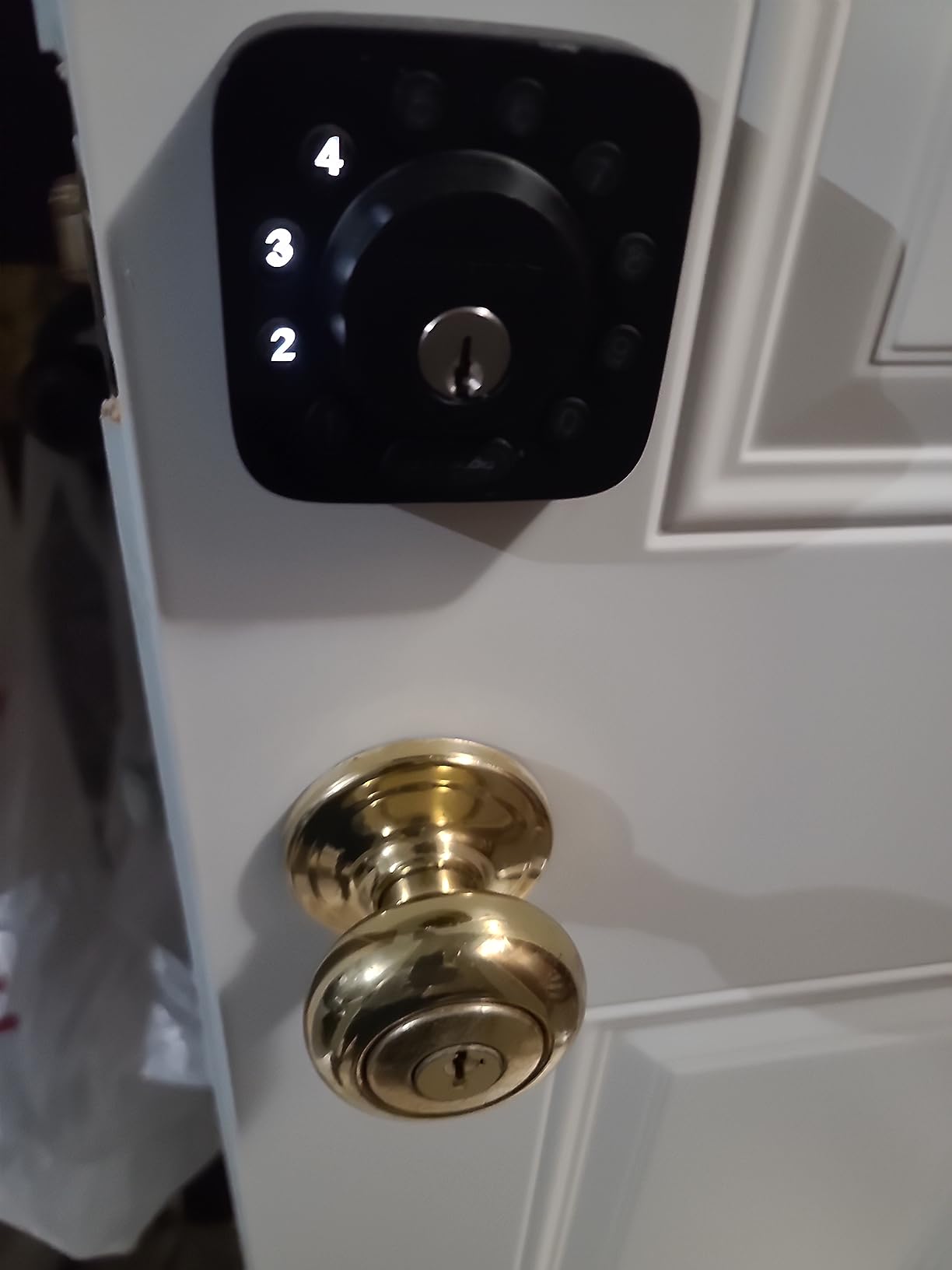
Owners like that battery level appears in the app rather than only as a warning email. The sensor also enables door-open alerts, which is genuinely useful in a shared apartment where you want to know the door was propped.
The criticism is behaviour rather than hardware. Auto-lock is aggressive enough that several owners switch it off, and some report it relocking while the door is still open. The app stacks addresses, locations and devices in layers that feel heavy if you own one lock.
There is also a small but persistent group of owners reporting unstable Wi-Fi on mesh networks, and firmware updates that fail until you try again.
What this lock gets right for a renter
Built-in Wi-Fi means you do not have to ask permission for a bridge, a hub or a doorbell transformer. That single point removes the most common landlord objection after drilling itself.
Eight months on four AA batteries is the figure the listing quotes, and the included sensor means you are not replacing cells on a schedule blind.
Where it falls short
It is a deadbolt replacement. The exterior changes, so budget for written consent and for reinstalling the original lock at move-out.
Wi-Fi is 2.4 GHz only and range-dependent. On a building network with a distant router or an awkward mesh layout, expect the connection complaints owners describe.
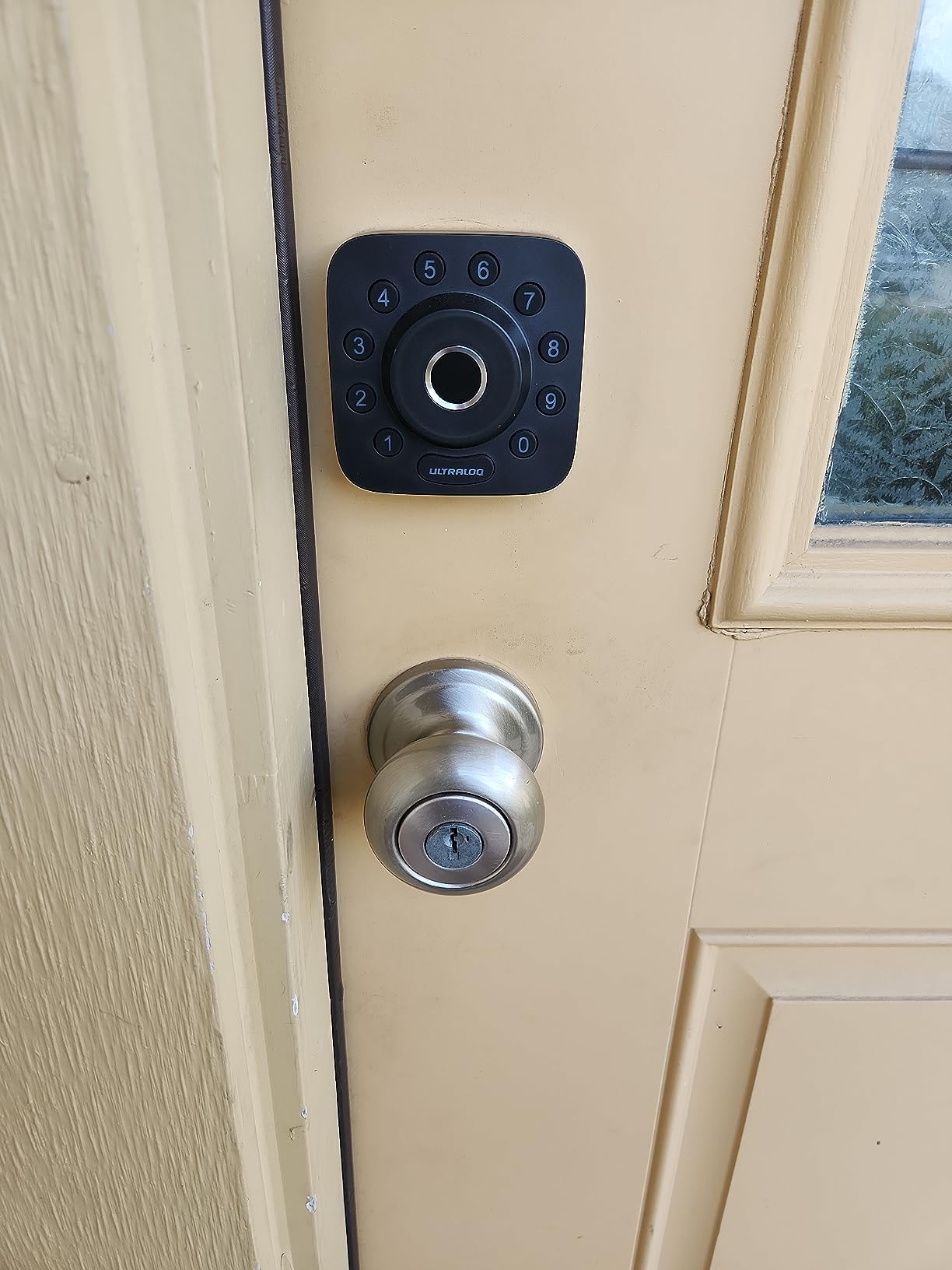
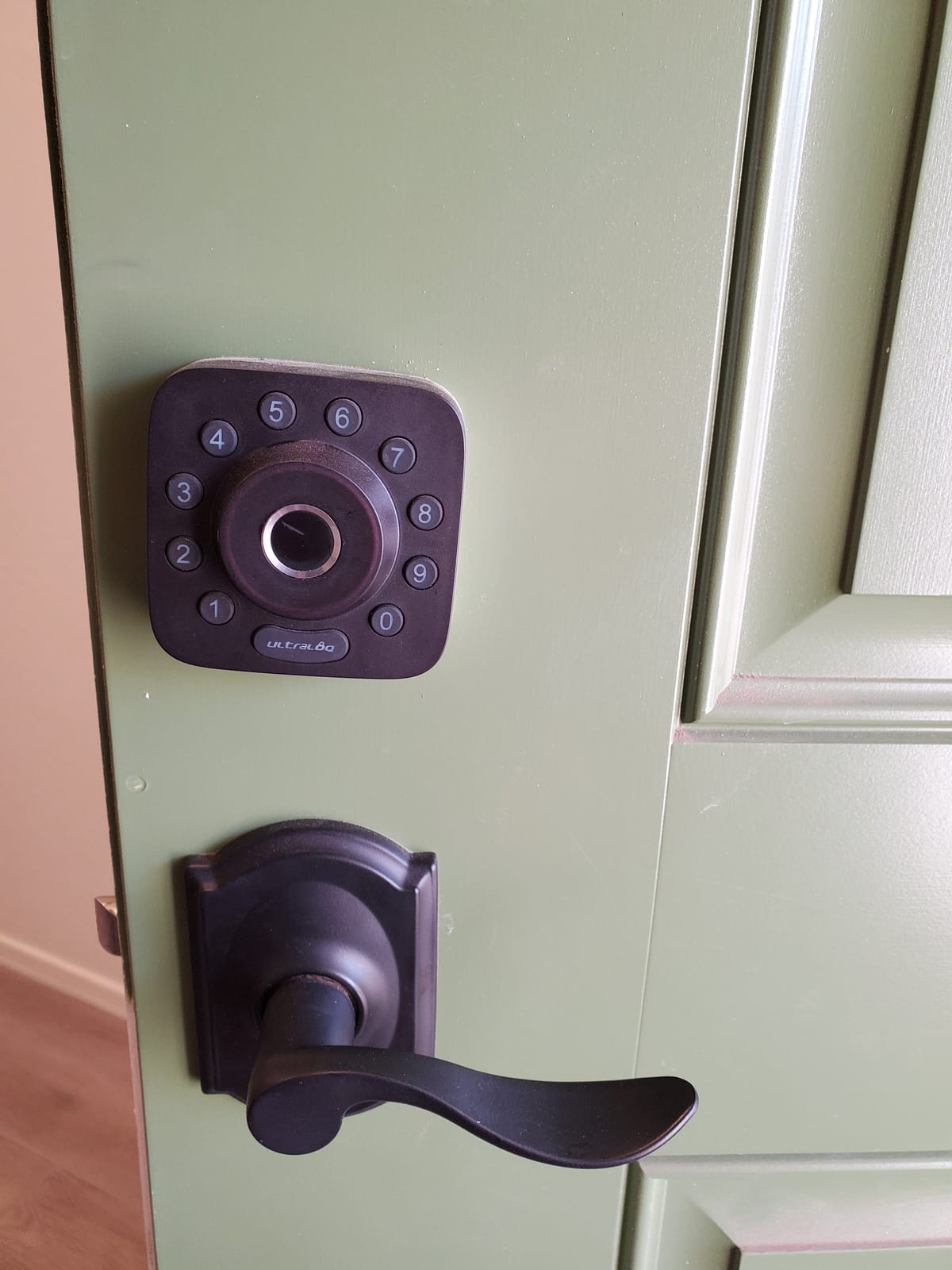
5. ULTRALOQ Bolt SE – Fingerprint, Matter and 18-Month Batteries
ULTRALOQ Bolt SE Wi-Fi Smart Lock, Matter Over Thread, App Remote Access
Up to 50 fingerprints and 50 codes
Matter over Thread plus built-in Wi-Fi
Up to 18 months battery life
ANSI BHMA certified and IP65
Two emergency keys included
Pros
- Fingerprint keypad app web portal eKey sharing voice and two mechanical keys in one unit
- Matter over Thread gives Apple Home and other Matter users a current path in
- Stores up to 50 fingerprints and 50 codes with scheduling and history
- Claimed 18-month battery life outlasts every Wi-Fi-only lock we covered
- No hub needed for Wi-Fi remote access and two emergency keys are included
Cons
- Matter over Thread features require a separate Thread Border Router
- No door sensor included so relocking is not conditioned on the door being shut
- Wi-Fi is 2.4 GHz only with the router recommended within 70 ft
The Bolt SE carries one of the largest review bases in this roundup, and the reason is breadth. Fingerprint, keypad, app, web portal, eKey sharing, voice and two mechanical keys all in one zinc body, with up to 50 fingerprints and 50 codes stored on the unit.
Matter over Thread support is the part that matters most for renters who move. Thread is a local mesh standard, so the lock keeps working as a lock even if the manufacturer changes its mind about cloud services.
The claimed battery life is up to 18 months on the Thread mesh, longer than any Wi-Fi-only lock we covered.
Where the compromises sit is honest and specific. Matter over Thread features need a Thread Border Router, which most people already own if they have an Apple Home or newer Google setup but not everyone does. No door sensor is included, so the lock cannot tell whether the door is actually closed.
Wi-Fi is 2.4 GHz only, recommended within about 70 feet, which is the same limitation as the U-Bolt. Installation is quoted at roughly 10 minutes on a standard US door.
It is also a deadbolt replacement rather than a retrofit, so the same permission and reinstatement rules apply as with any exterior change.
What this lock gets right for a renter
Five entry methods in one unit means nobody in the household is locked out because they forgot a code, a phone or a fingerprint reader failed. That resilience is what makes it good value.
Matter support is a portability play. If you move to a new apartment and adopt a different ecosystem, the lock still has a path in without being bricked.
Where it falls short
Without a Thread Border Router, you are using the Wi-Fi side of the lock and giving up the battery advantage that makes it special.
No door sensor means auto-lock can fire on a door you thought you had pulled shut properly. If you share the apartment, that will be argued about.
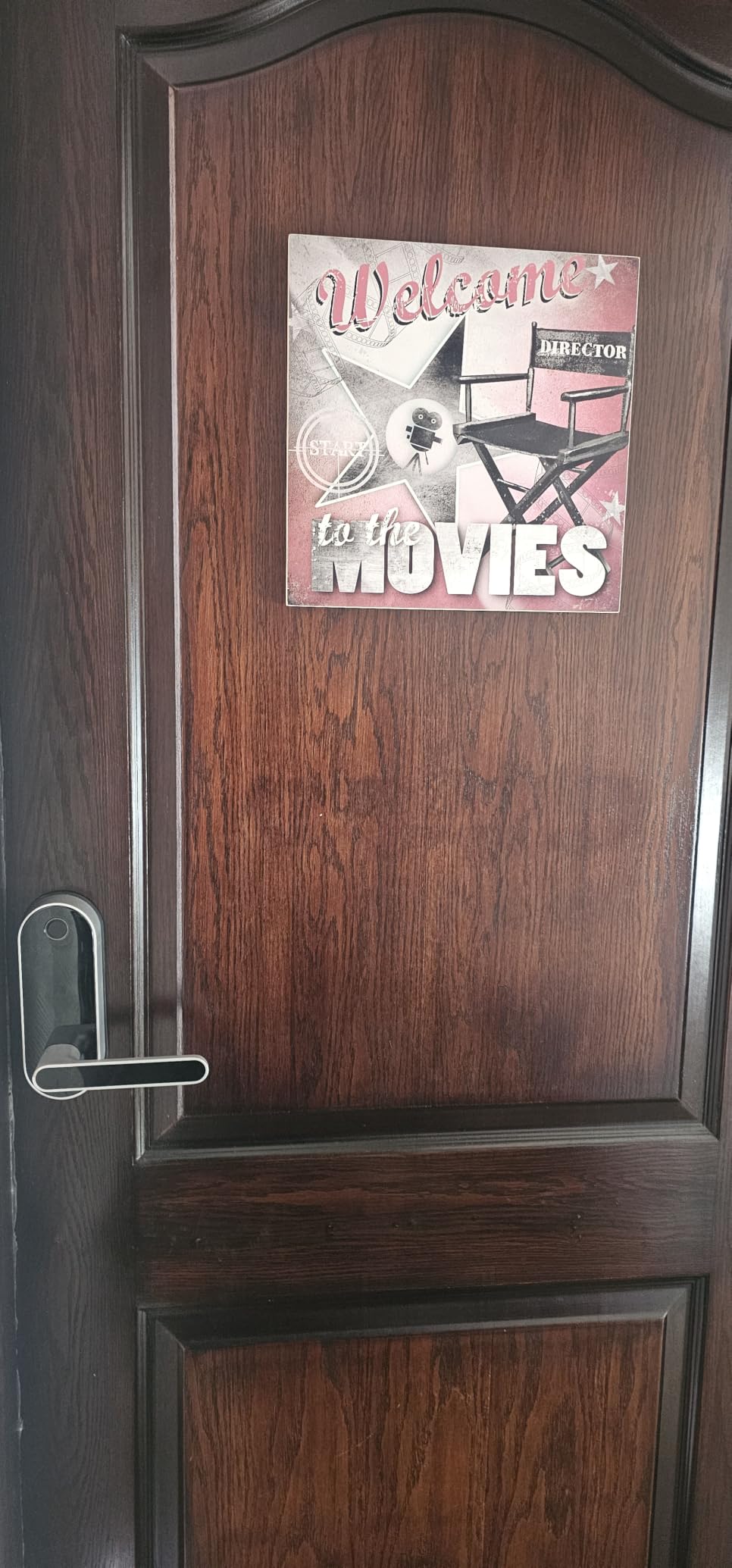
6. Sifely Fingerprint Lock with Handle – Five Entry Methods for Families
Fingerprint Smart Door Lock with Handle & Keypad – No More Lost Keys, Keyless Entry & Remote Access for Home, Kids, Airbnb & Rental Property, DIY Install, Alexa & Google Compatible
Fingerprint keypad app fob and key entry
Complete lever and deadbolt set
Bluetooth app with optional gateway
4 AA batteries plus backup keys
Reversible handle for both handings
Pros
- Five entry methods in one all-in-one lever set including a responsive fingerprint reader
- Temporary PIN generation through the app is praised for guest check-ins
- Whole lock swaps in a short install with a reversible handle
- Physical keys included so a dead battery is not a lockout
- One owner bought a second unit after four years of use
Cons
- Remote PIN generation and access history need the optional Sifely Wi-Fi Gateway
- Touchscreen keypad often needs multiple taps to wake
- Fingerprint recognition reported to drop out after roughly 20 minutes in some units
- Not rekeyable so backup keys do not match an existing keyway
Where the Sifely E2 is a keypad deadbolt, this is a complete lever and deadbolt set with a handle, a fingerprint reader, a touchscreen keypad, fob and key entry. It suits households where kids come home on their own and a four-digit code is not enough.
The app-generated temporary PIN is the feature hosts and families single out. You create a code that works for an afternoon, hand it to a sitter or a relative, and it stops working afterwards without you touching anything.
The weak point is the touchscreen keypad, which owners repeatedly describe as unresponsive and needing several taps to wake. Fingerprints also drop out on some units after about 20 minutes of activity. Treat the keypad as the backup path and register two fingers per person.
Weather sealing is another flag. Locks fully exposed to rain without a cover have reported water ingress problems, which matters more on an apartment exterior door than on an indoor one.
And it is not rekeyable, so the backup keys do not match an existing Schlage or Kwikset keyway. Your landlord’s key does not open this door.
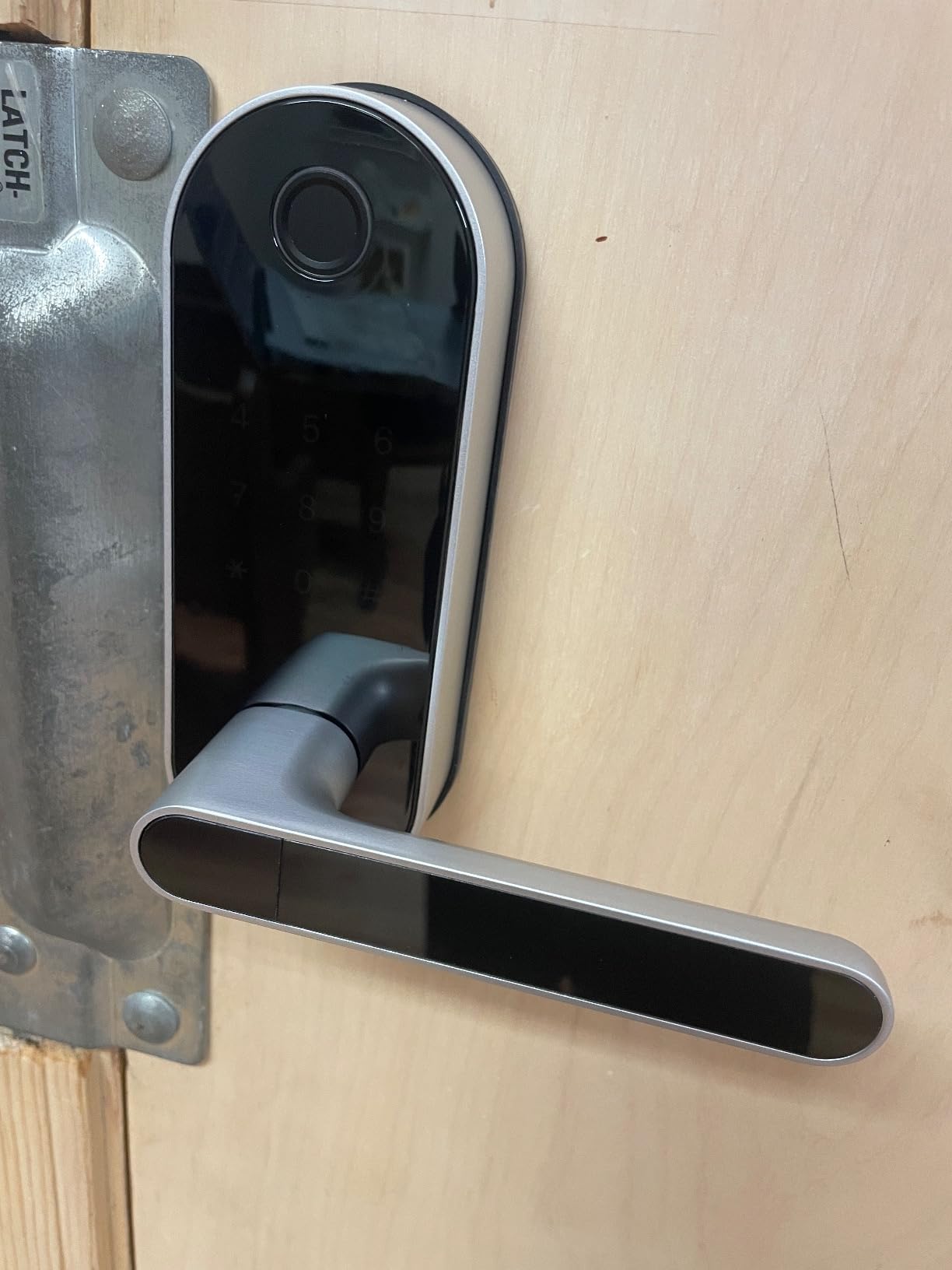
What this lock gets right for a renter
Five ways in means the weakest credential is never the only one. When the fingerprint reader is slow and the keypad is asleep, there is still a fob, the app and a physical key.
The reversible handle means one unit fits either handing, which matters if you move to a different apartment and the door swing changes.
Where it falls short
This is a full exterior hardware swap on an entry door. Plan the permission conversation before you buy, and photograph the original hardware on install day.
It is also not rekeyable, so there is no way to align it with the building’s existing keys. For a renter who expects to reinstate the original lock at move-out, that is a cost you should price in.
7. eufy Smart Lock C220 – Six Unlock Methods and Built-In Wi-Fi
eufy Security Smart Lock C220, Fingerprint Keyless Entry Door Lock
Fingerprint keypad app key Apple Watch and voice
Built-in Wi-Fi with no bridge
8 AA batteries for about 8 months
BHMA Grade 3 and IP53 rated
15-minute install without drilling
Pros
- Six unlock methods in one lock including fingerprint keypad key app Apple Watch and voice
- Built-in Wi-Fi means no bridge unlike most fingerprint locks in this category
- Self-learning fingerprint module is reported to get more accurate with use
- 8 AA batteries give roughly 8 months between changes
- 15-minute no-drill install fitting most standard deadbolts and bores under 54mm
Cons
- Higher outlay than the other fingerprint deadbolts in this roundup
- BHMA Grade 3 is a lower certification than the Grade 1 on the ULTRALOQ models
- 8 months of battery life is shorter than Thread-based models
- App can need re-pairing after battery changes
The C220 is our premium pick because it solves the problem most fingerprint deadbolts create: needing a bridge for remote access. The Wi-Fi is built in, so the eufy app can unlock the door from anywhere without another device on the wall.
Six unlock methods are supported: fingerprint, keypad, app, physical key, Apple Watch and voice through Alexa or Google. It is rated BHMA Grade 3 and IP53, with an operating range of -22F to 158F.
The fingerprint module is self-learning and owners say it genuinely improves with use. Eight AA batteries run roughly eight months, and installation takes about 15 minutes on most standard deadbolts.
What this lock gets right for a renter
Apple Watch entry matters more than it sounds. If your household is already carrying watches, nobody needs to touch a keypad in the rain, and you avoid the touchscreen problem that plagues the cheaper fingerprint locks.
No bridge means one fewer thing to negotiate with a landlord. There is nothing to mount on an interior wall and nothing to power.
Where it falls short
It costs more than the other fingerprint deadbolts here, and you get Grade 3 certification rather than the Grade 1 on the ULTRALOQ models. That is a real difference in a forced-entry test, even if it rarely matters on a residential apartment door.
Eight months on eight AA batteries is respectable but unremarkable, and owners report the app needing a re-pair after battery changes.
8. Wyze Auto-Lock Bolt – The Best-Rated Lock With No Wi-Fi at All
Wyze Auto-Lock Bolt, Fingerprint Keyless Entry Door Smart Bluetooth Deadbolt Replacement, Backlit Keypad, IPX5 Weatherproof, in-App History and Scheduled Access, BHMA, UL 20-Min Fire Rated
Bluetooth only with no hub bridge or Wi-Fi
Fingerprint keypad and 8-digit codes
4 AA batteries with app alerts
BHMA certified and UL 20-minute fire rated
Bluetooth range about 25-35 ft
Pros
- Shares the highest rating on our list with owners running several of these across one property
- Bluetooth-only design is praised as less exposed than Wi-Fi locks
- Install takes about 20-25 minutes on an existing deadbolt
- Fingerprint reader is fast and reliable when you register two fingers per person
- Supports 8-digit codes unlike the 4-digit codes many competing locks allow
Cons
- No Wi-Fi so remote status checks and remote unlocking are impossible
- Bluetooth range of roughly 25-35 ft is short
- Occasional reader or Bluetooth lockups reported
- Loud operation comparable to a battery-powered screwdriver
The Wyze Auto-Lock Bolt shares the highest rating on our list, and the reason is a deliberate design decision: it has no Wi-Fi at all. It is Bluetooth only, so there is no bridge to buy, no firmware server to trust and a smaller surface for remote attacks.
Entry is fingerprint, backlit keypad, one-time codes or scheduled access, with entry history in the app. It is IPX5 weatherproof, BHMA certified and UL 20-minute fire rated, which is unusual on a lock at this level.
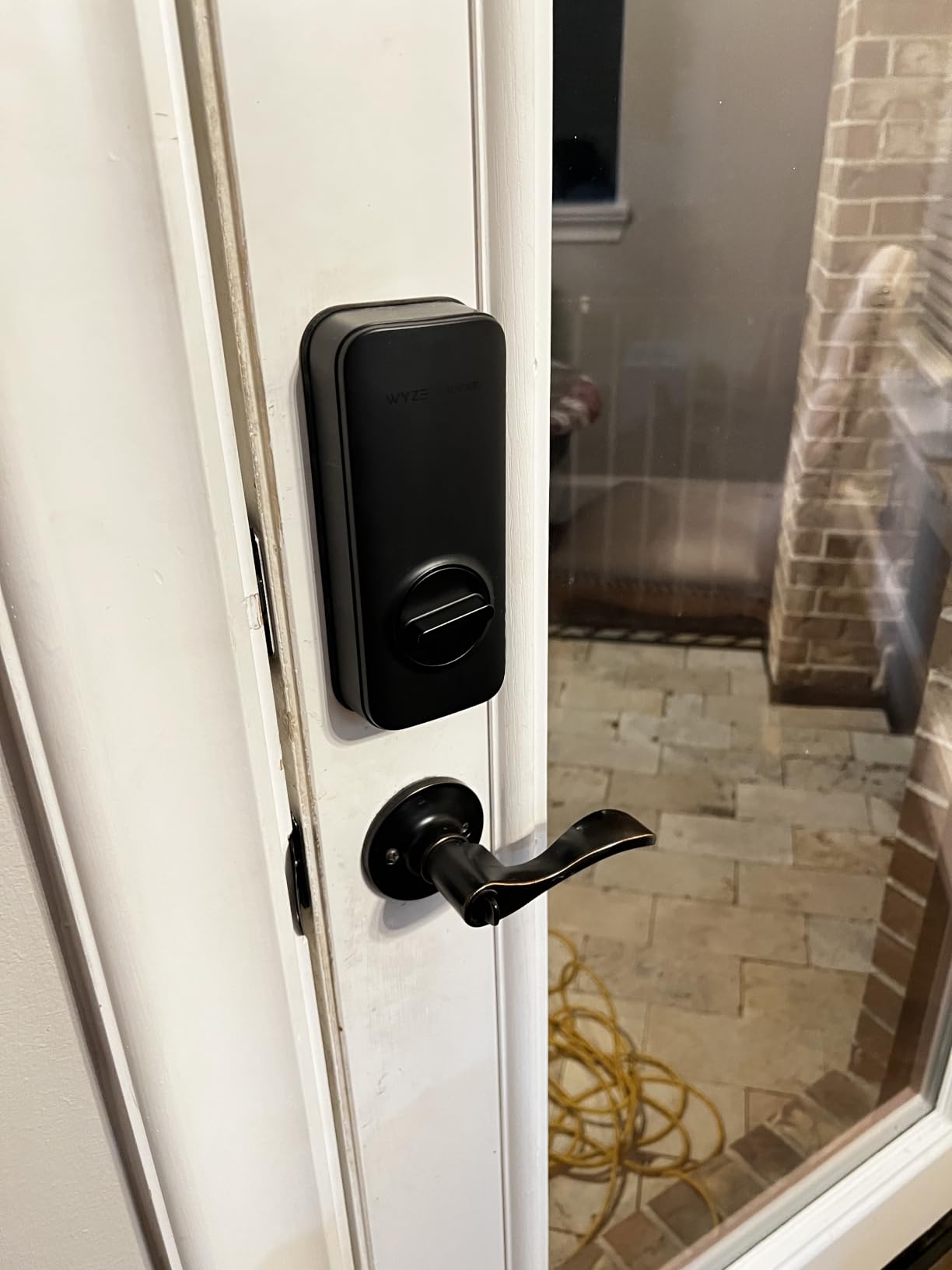
The fingerprint reader is fast, and the eight-digit code support is a genuine security improvement over the four-digit codes many competing locks accept. Registering two fingers per person solves most misread complaints, which reviewers attribute to dirty or sweaty fingers rather than a faulty sensor.
The cost is range. Bluetooth reaches roughly 25-35 feet, so remote unlock means walking to the door. Owners also report occasional lockups where the reader or the Bluetooth open fails until a code is used or the batteries are pulled.
Operation is loud. Several owners compare it to a battery-powered screwdriver, which matters in a thin-walled apartment at midnight.
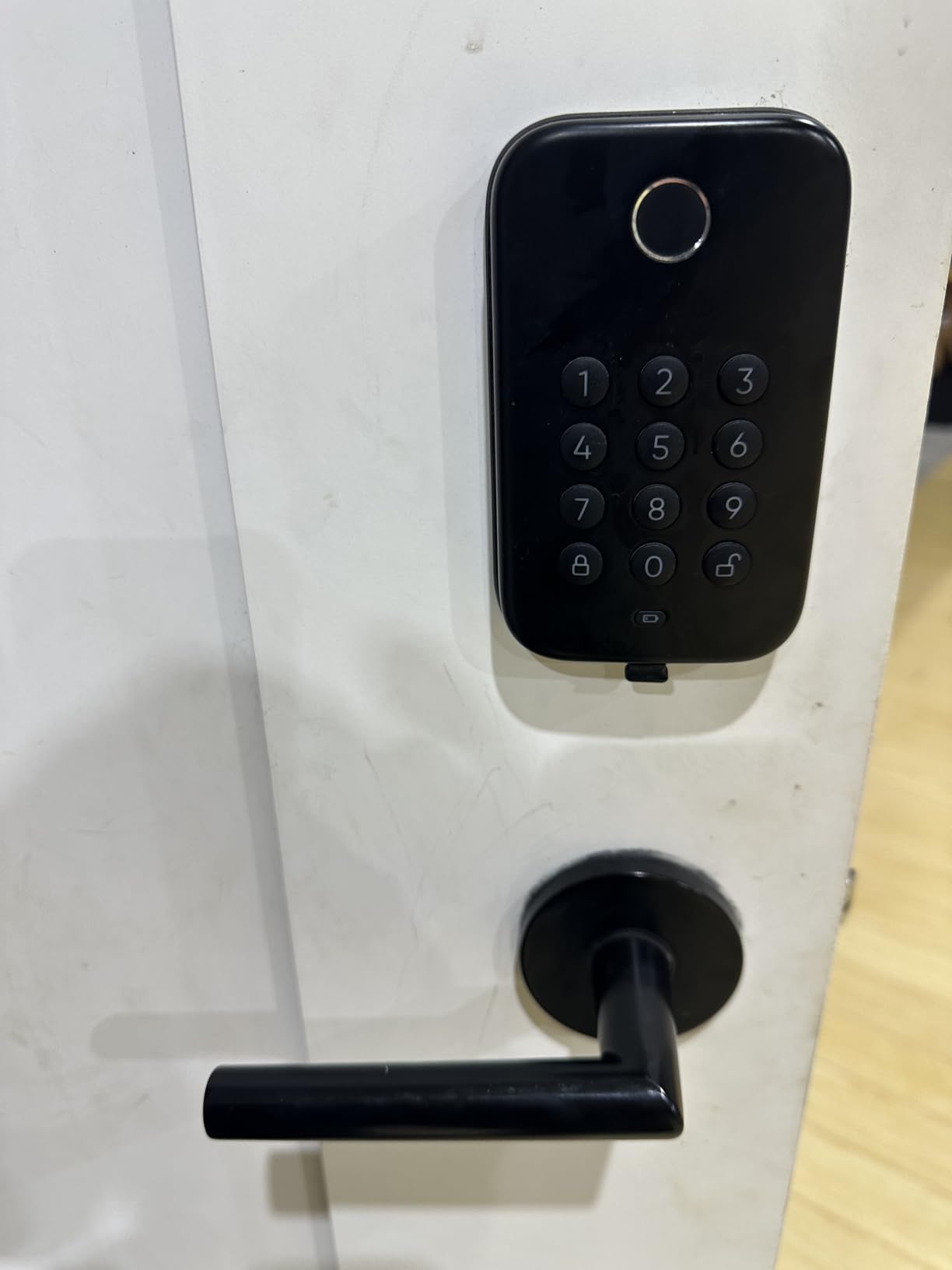
What this lock gets right for a renter
Nothing about this lock reaches the internet. Your unlock history sits on your phone, and there is no account to cancel at move-out or subscription to forget about.
It runs on four AA batteries, and several owners change them every six weeks to a few times a year depending on traffic. Keep a spare set in a drawer, because there is no wired backup.
Where it falls short
If you want to hand a code to a guest who is not on the same wall as the door, you cannot. Short-term hosting across a property is the scenario this lock fits worst.
At move-out you are removing a deadbolt and reinstalling the original, which means permission, photographs and a landlord conversation. It is a good lock, but it is not a retrofit.
9. Sifely Fingerprint Deadbolt Model O – 100+ Codes for Shared Buildings
Fingerprint Smart Deadbolt with Keypad – Keyless Entry Lock for Home, Apartment, Office, Airbnb, Rental, Kids & Seniors, App & Code Access, Auto-Lock, Easy DIY Install, Compatible with Alexa & Google
Stores 100+ fingerprints and 100+ codes
Fingerprint keypad app fob and key
Auto-lock, privacy mode and passage mode
Screwdriver install, either handing
Remote access needs the Sifely Gateway
Pros
- Explicitly designed for apartments and rentals with a screwdriver-only install
- Highest credential capacity here at 100+ fingerprints and 100+ codes
- Five entry methods including physical key backup
- Privacy mode and passage mode suit shared doors in multi-unit buildings
- Anti-peep code and low battery alerts help in shared-access setups
Cons
- Remote access web portal and voice control require the separately sold Sifely Gateway
- Smallest review base in this roundup at 828 ratings so less long-term feedback
- No built-in Wi-Fi for direct remote control
This is the model Sifely markets at apartments and short-term rental hosts, and the specification reflects that audience. It stores more than 100 fingerprints and more than 100 codes, which matters in a building where codes accumulate faster than anyone expects.
Privacy mode blanks the keypad display until you touch it, so the door does not advertise which numbers exist. Passage mode leaves the lock unlocked for a window, which is useful in a shared hallway or an entry where several people pass through.
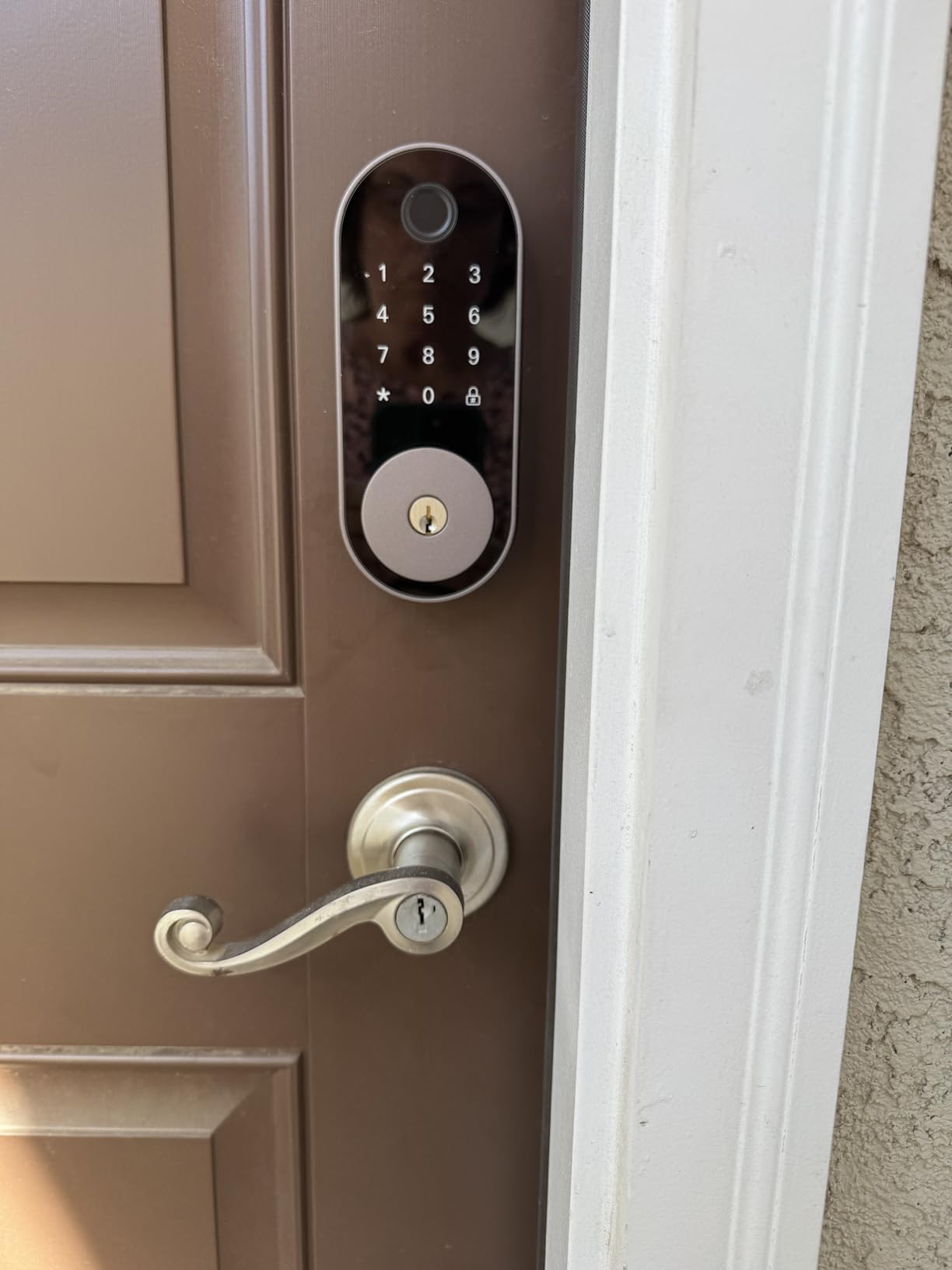
Entry is fingerprint, keypad code, app, fob or physical key, with auto-lock after each entry, a one-touch lock, an anti-peep code and low battery alerts. It installs with a screwdriver and handles either door handing.
The limitation is consistent across the Sifely range: remote app control, the web portal and voice integration all sit behind the separately sold Sifely Gateway. Without it, this is a local Bluetooth lock.
With 828 ratings it has the smallest review base of the ten covered here, so there is less long-term evidence on this one.
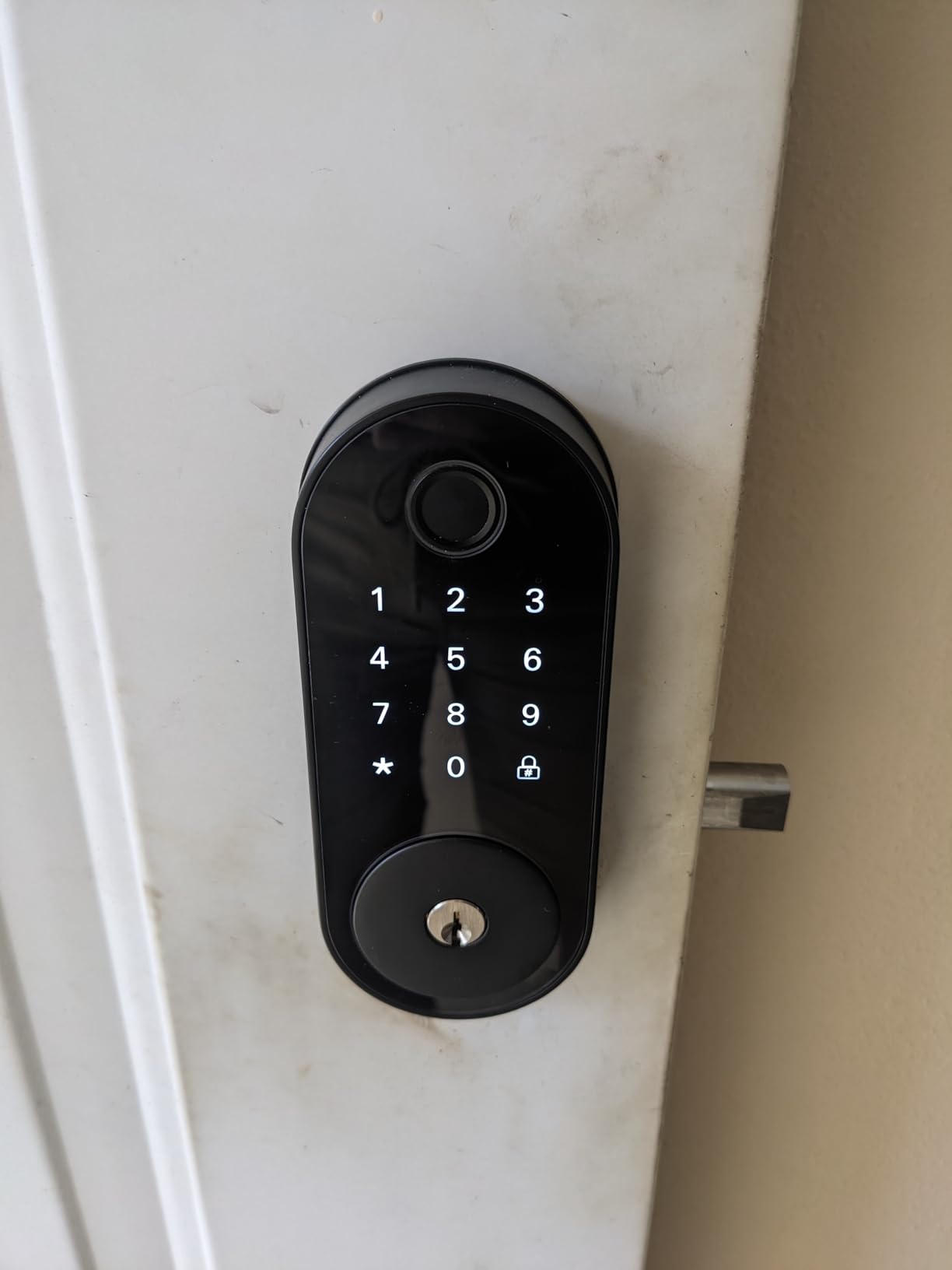
What this lock gets right for a renter
Privacy mode is the underrated feature for apartment living. A keypad that shows nothing until touched tells a casual passerby nothing about your unit.
Anti-peep codes let you give a delivery driver a one-use number that fails if a digit is entered with someone standing behind you. On a building door that gets used all day, that is worth more than another unlock method.
Where it falls short
Same trade as every deadbolt on this list: the exterior changes, so you need consent and a plan for reinstating the original hardware.
Remote unlock needs an extra purchase. For a host managing a unit from another city, that gateway is not optional in practice.
10. LOCKSTAR Smart Door Lock – The Gateway Arrives in the Box
LOCKSTAR® Smart Door Lock • Keyless Entry Deadbolt Door Lock • Multiple Entry Methods – APP • Fingerprint Touch ID • Keypad Code • Card FOB • Traditional Key • Smart Home Devices
Wi-Fi gateway and bridge included in the box
Six entry methods including fingerprint and key
Real-time app notifications
Full event history of who opened the lock
Single-screwdriver install
Pros
- The LOCKSTAR shares the highest rating on our list at 4.5 stars with an 81 percent five-star share
- Wi-Fi gateway and bridge included so remote control works out of the box
- Six entry methods including fingerprint fob and a traditional key
- Real-time app notifications plus full event history of who opened the door
- Complete install kit with screwdriver and drill piece
Cons
- Second-highest outlay here after the August
- Zinc alloy body is heavier than the plastic-heavy budget options
- Remote features depend on the included gateway Wi-Fi reliability
- Smaller evidence base at under 1300 ratings than the top-rated budget locks
The LOCKSTAR is the only lock here that includes the Wi-Fi gateway in the box. That removes the single most common extra purchase in this category, and for a renter it also removes the negotiation: nobody has to approve mounting a bridge on an interior wall.
Six entry methods are supported, including app, fingerprint touch ID, keypad code, card fob and a traditional key. The app pushes real-time notifications and keeps a complete event history of who opened the lock and when.
Auto-lock happens on door close, or manually by long-pressing the hash key. Installation needs a single screwdriver, and both a screwdriver and a drill piece are included.
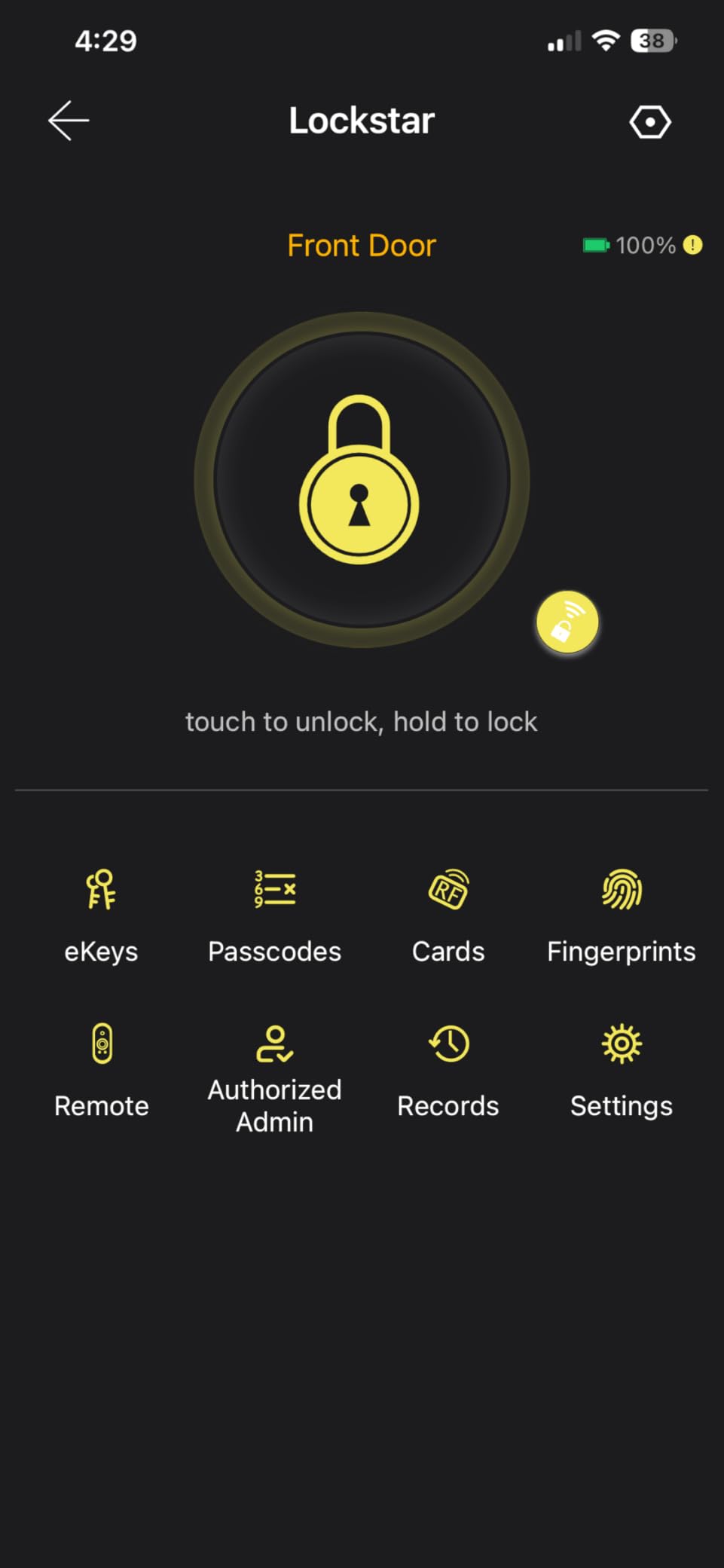
Auto-lock on door close is worth calling out, because it is the behaviour owners on other locks in this roundup report fighting with. Here the lock waits for the door and only throws when it sees the door shut.
The body is zinc alloy rather than the plastic-heavy construction of the budget locks, and at 16 ounces it feels like a solid unit rather than a hollow one. It does sit near the top of this roundup’s price range alongside the August, and its review base is smaller than the budget leaders at under 1300 ratings.
Remote features still depend on the gateway’s own Wi-Fi reliability, and with fewer than 1300 ratings there is less long-term evidence here than for the budget leaders.
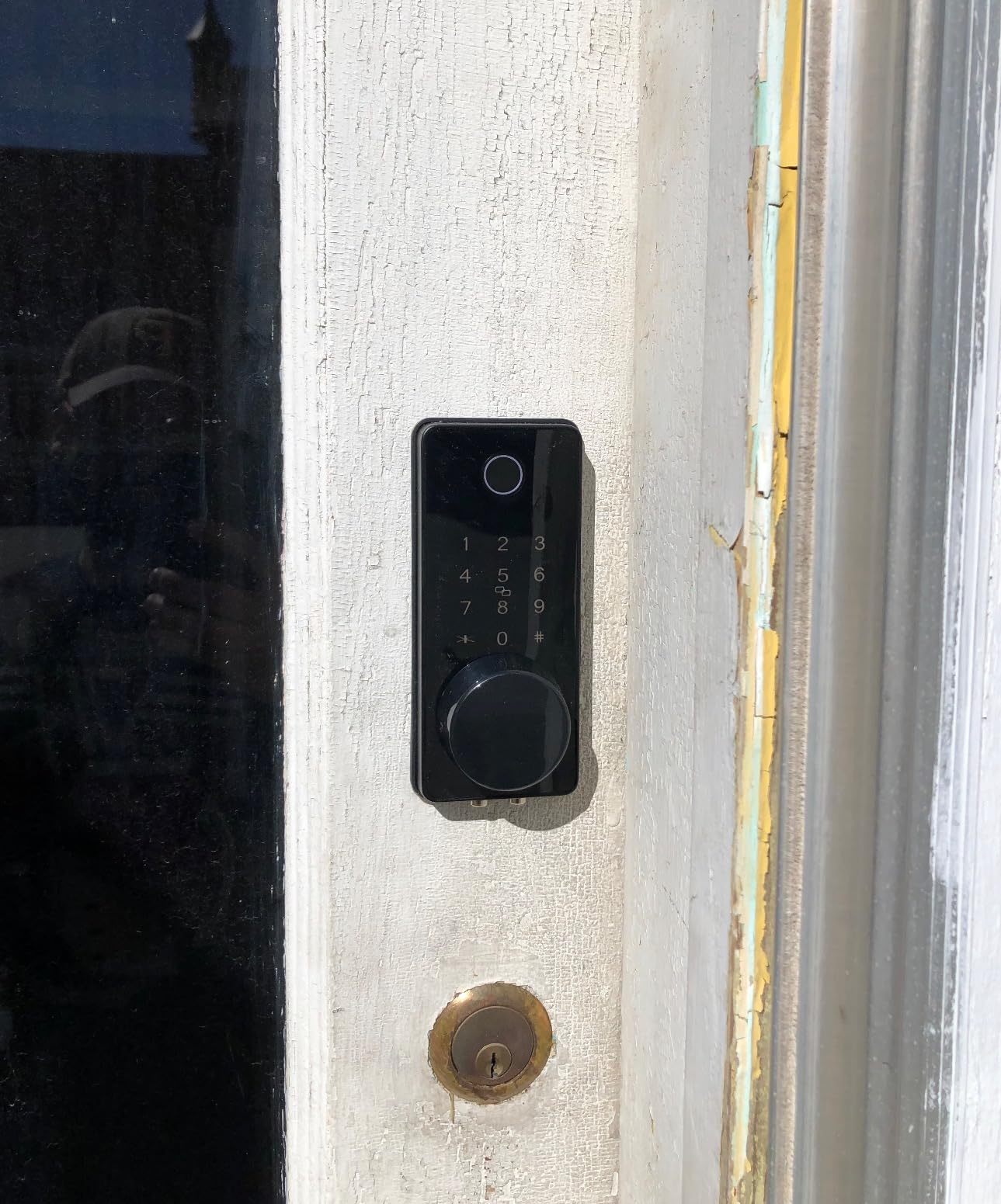
What this lock gets right for a renter
Everything is in the box. There is no second order, no extra device on the wall and no app that stops working because a companion gateway was never bought.
The event history answers the question every shared entrance eventually raises: who opened this door, and when. With real-time notifications you get the answer while it matters.
Where it falls short
It is a deadbolt replacement, so it carries the full permission and reinstatement burden of an exterior change.
The included gateway is another piece of hardware to remove and reinstall at move-out, and it is one more device that has to be plugged in somewhere a landlord may not want it.
Retrofit, Rim-Mount or Deadbolt Replacement: Which Install Do You Need?
Three install types cover almost every rental door in the country, and picking the wrong one is how renters end up with a returned lock or a drilled door.
Retrofit (interior clamp). The unit bolts onto the inside of a deadbolt that is already installed and drives the thumbturn electronically. Your exterior cylinder, key and keying stay exactly as they were, so the landlord’s key keeps working. In this roundup that is the August and the Sesame 5. Reversal takes under ten minutes with no visible trace.
Adhesive mount. A variation on retrofit that uses 3M tape and an adapter instead of screws, so even the interior face is unmarked at removal. The Sesame 5 is the clearest example, and it is the only option here that never puts a tool to your door.
Deadbolt replacement. The existing deadbolt comes out and a new one goes in, which means the exterior cylinder, the key and the strike plate all change. Every fingerprint, keypad and Wi-Fi deadbolt in this list falls into this group, which is why our guidance for them starts with the lease conversation rather than the box.
There is a fourth case with no good answer: doors with only a rim lock or thumbturn, iron gates and glass doors. If there is no standard deadbolt bore, most smart deadbolts physically cannot be fitted. Interior rim-mount models are the only realistic path there, and none of the locks we covered is a rim lock.
Most Renters Can Install a Smart Lock Once They Read the Lease First
The install type is the easy part. The blocker for most renters is paperwork, and it costs nothing to handle before you buy.
Search your lease for words like alter, modify, fixture, entry, lock, hardware and fixture damage. Leases commonly prohibit changes to entry hardware and sometimes prohibit any adhesive or drilling. A lease that is silent is not permission, but it is also not a prohibition, and that gap is where a short written request lives.
Send a message rather than assuming. Keep it to four lines: which lock, which door, that it mounts on the inside without touching the exterior cylinder or the existing key, that it reverses in minutes, and that you will photograph the door before and after. Property managers respond well to requests that arrive with the deposit risk already addressed, because that is their actual concern.
What you are really proposing is that the landlord’s key keeps working. That single sentence removes most objections, because the alternative on their mind is a tenant who changes the cylinder and leaves them unable to enter.
Photograph the door, the strike plate and the key before you remove anything, and photograph again at move-out. If you do swap a deadbolt, save every original screw and the old cylinder, and put the original hardware back before the inspection.
On move-out, do the account work too. Revoke every code you issued, remove yourself as the owner if the lock allows it, and delete the app account so nothing keeps trying to phone home. Homes with several renters see most lockout disputes come from a departed tenant keeping administrative access, not from a stolen key.
Door Compatibility Checklist That Prevents Returns
Most failed installations come down to a door that did not match the lock, so check these before you order.
Is there a standard deadbolt? Look for a key cylinder on the outside and a thumbturn on the inside. If there is no cylinder outside, only a rim lock or a gate latch, stop: these deadbolts will not fit.
Door thickness. The ULTRALOQ models specify 38mm to 45mm. Many apartment doors are thinner than 1-3/8 inch, which is the usual cause of a body that will not sit flat.
Bore diameter. The eufy C220 fits bores under 54mm by removing a spacer. Measure before you assume any lock will drop in.
Handing. Door handing matters because the latch geometry differs between the two swings. The Sifely sets handle either, but a deadbolt body is handing-specific on some doors.
Glass and iron. Glass doors and iron gates have no standard bore and no standard deadbolt. Adhesive interior devices are the only realistic approach, and they will not survive weather exposure.
Weather exposure. If the door is fully exposed without a porch or canopy, check the IP rating. IP65 on the ULTRALOQ models is the highest figure on this list; the Sifely lever set has reported water ingress when mounted fully in the open rain.
Interior clearance. Measure the space behind the door. A retrofit with a tall battery pack plus a gateway on the same wall is a common late surprise.
Do You Need a Hub? Connectivity and Matter Explained
A hub, bridge or Wi-Fi gateway is a second device that talks to your lock, usually over Z-Wave, Zigbee or Thread. If your lock has Wi-Fi built in, you do not need one. That single question removes most of the confusion in this category.
In this roundup, built-in Wi-Fi means no extra hardware: the August, the ULTRALOQ U-Bolt WiFi, the ULTRALOQ Bolt SE, the eufy C220 and the LOCKSTAR, which includes its gateway in the box. Bluetooth-only models like the Wyze Auto-Lock Bolt and the Sesame 5 also need nothing, but their range is short, so remote features are effectively unavailable.
The Sifely models are the awkward case. The E2, the fingerprint lever set and the Model O all defer remote unlock, the web portal and voice control to the separately sold Sifely Wi-Fi Gateway. That is the single biggest reason to consider an alternative if you need remote access.
Matter over Thread is the current standard for local smart home control, and for renters it matters for a specific reason. Thread traffic runs on your own mesh rather than through a manufacturer’s cloud, so a lock that supports Matter keeps working as a lock even if the company changes direction. The ULTRALOQ Bolt SE is the Matter-capable option here, and its Matter features need a Thread Border Router, which most recent Apple Home and Google Home homes already have.
Apple Home Key support follows the same portability logic. A lock you can tap with an Apple Watch or iPhone reduces your dependence on one vendor’s app, which matters if you will be living in a different apartment in a year.
Battery Life Reality Check for Renters
Battery life is a spec, not a promise, and the gap between models is large enough to change your pick.
Thread-based models claim the longest figures, with the ULTRALOQ Bolt SE quoted at up to 18 months on its battery set. Wi-Fi models sit lower: the eufy C220 runs about eight months on eight AA cells, and the U-Bolt WiFi is quoted at up to eight months on four AA alkaline batteries.
Retrofit interiors are the weakest case, and the reason is consistent. The August runs on two CR123A lithium cells feeding a Wi-Fi radio, and long-term owners report replacing them roughly every three months. That is the cost of having built-in Wi-Fi with no bridge.
Wyze owners report AA changes anywhere from every six weeks on a high-traffic door to a few times a year on a quiet one. Budget batteries as a small annual line item rather than a one-off purchase, and keep a spare set in a drawer for every lock on this list.
Two habits reduce the anxiety more than any lock choice. Enable low-battery alerts on day one, because several models here have no in-app gauge and warn only by email. And note that a physical key is still the final answer. Nine of the ten units here include a mechanical override, either their own keys or your existing exterior cylinder; the Wyze Auto-Lock Bolt is the exception, so keep a spare set of AA cells on hand.
Short-Term Rental, Long-Term Lease or Property Manager: Pick for Your Situation
The right answer changes completely depending on who is coming through the door, and a single best pick cannot serve all three.
Long-term tenant with a restrictive lease. Start with the August Wi-Fi Smart Lock or the Sesame 5, because both mount on the inside and leave the landlord’s key working. If you want codes and a fingerprint reader too, the Bolt SE gives you both plus the longest battery life here, at the cost of needing a Thread Border Router for the Matter features.
Short-term rental host. Codes are the product, and capacity plus remote access matter more than fingerprint sensors. The Sifely E2 handles the basics without a hub, and the LOCKSTAR includes its gateway in the box, which removes the most common extra purchase. The Sifely Model O wins on raw capacity at more than 100 codes if your turnover is high.
Property manager or shared building. You need admin control, fast add and remove, and an audit trail. The ULTRALOQ U-Bolt WiFi and the LOCKSTAR both give you event history and real-time notifications, and the U-Bolt adds a door sensor so a propped door raises an alert. The Sifely Model O adds privacy mode for a door that strangers can walk past.
Household moving between homes. Prioritise Matter and a physical key, because you will reinstall whatever you bought in the next apartment. The Bolt SE and the Sesame 5 are the most portable options, and the Sesame 5’s open-source app is the least likely to be switched off by a vendor decision.
Whatever your situation, remember that a smart lock does not reduce your deposit risk on its own. Restoring the original hardware, photographing the door and revoking your codes do more for that outcome than the lock itself.
Frequently Asked Questions
Can I install a smart lock in a rental without permission?
A retrofit lock that mounts on the inside of your existing deadbolt usually needs no permission because nothing outside the door changes and your landlord’s key still works. A deadbolt replacement changes the exterior cylinder, so check your lease for clauses about altering fixtures or entry hardware and send a short written request. Describe the lock, promise reversal in minutes, and photograph the door before and after.
Will my landlord’s key still work with a retrofit smart lock?
Yes, with a retrofit. Interior clamps like the August Wi-Fi Smart Lock and the CANDY HOUSE Sesame 5 leave the exterior key cylinder, keying and existing keys completely untouched, so every key your landlord holds keeps opening the door. Deadbolt replacements do not: they change the cylinder, so the old key stops working and you need written consent and a plan to restore the original hardware.
Do smart locks void my security deposit?
Not by themselves. Deposit problems come from changing a deadbolt and not restoring the original hardware, or from drilling a door the lease protects. A retrofitted interior unit that lifts off with no visible mark is very hard to argue about. Photograph the door before and after, keep every original screw and cylinder, and put the original hardware back before the inspection.
What is the best lock for a rental property?
For a long-term tenant the August Wi-Fi Smart Lock is the safest default because it mounts inside your existing deadbolt, keeps the existing key working and reverses in minutes. Short-term hosts get more from a keypad deadbolt with managed codes, and the Sifely E2 covers that without a hub. Property managers should prioritise an audit trail and a door sensor over fingerprint readers.
What is the best smart lock for an apartment building?
For a single apartment, an interior retrofit such as the August or Sesame 5 avoids the permission conversation entirely. For a shared building, prioritise event history, fast code revocation and a door sensor, which is why the ULTRALOQ U-Bolt WiFi and the LOCKSTAR rank well there. Privacy mode on the Sifely Model O stops a keypad advertising which numbers exist.
Do I need a hub for a smart lock?
Only if the lock has no built-in Wi-Fi. The August, both ULTRALOQ models, the eufy C220 and the LOCKSTAR all connect over built-in Wi-Fi, and the LOCKSTAR includes its gateway in the box. Bluetooth-only models like the Wyze Auto-Lock Bolt need nothing either, but their range is short so remote unlock does not really exist. The Sifely range defers remote features to a separately sold gateway.
How long do smart lock batteries last?
Thread-based models claim the longest figures, with the ULTRALOQ Bolt SE quoted at up to 18 months. Wi-Fi models land nearer eight months, as on the eufy C220 and the U-Bolt WiFi. Retrofit interiors run shorter: the August Wi-Fi Smart Lock uses two CR123A cells and owners report changes roughly every three months. Nine of the ten units here give you a physical key, either their own or your existing exterior cylinder. The Wyze Auto-Lock Bolt has none, so keep spare AA cells.
How do I remove a smart lock when I move out?
For a retrofit, unscrew or peel off the interior unit, reattach the original thumbturn adapter and wipe the surface. For a deadbolt replacement, put the original cylinder, strike plate and hardware back and reinstall every screw you saved. Photograph the door before and after, then revoke all access codes, remove yourself as owner if the app allows it, and delete your account so nothing keeps connecting.
The Best Smart Locks for Renters in 2026
After working through ten locks on install type, reversibility and key compatibility, the August Wi-Fi Smart Lock is our default best smart lock for renters. It mounts inside your existing deadbolt in about ten minutes, your landlord’s key keeps working, and nothing outside the door changes. The CANDY HOUSE Sesame 5 is the answer when even an interior screw feels like a negotiation, because adhesive mounting leaves no trace at all.
For renters who want more than phone entry, the ULTRALOQ Bolt SE is the best premium pick: fingerprint, keypad, Matter over Thread and the longest claimed battery life here. Hosts managing codes across a property should look at the LOCKSTAR, which includes its gateway in the box, or the Sifely E2 for a simpler keypad-only approach. The Wyze Auto-Lock Bolt shares the highest rating here and is the most private, because it never touches the internet.
Whatever you choose, the deposit is protected by three habits rather than by the model: keep the landlord’s key working, photograph the door before and after, and revoke your codes and delete your account on the way out. If you are building out the rest of the entry, our guides to smart doorbell cameras for renters and smart home security kits for renters cover the sensors and cameras that pair well with any of the locks here.
We earn a commission from qualifying purchases at no additional cost to you. Every specification and rating above comes from manufacturer data and owner feedback; we do not claim test results we did not produce.