
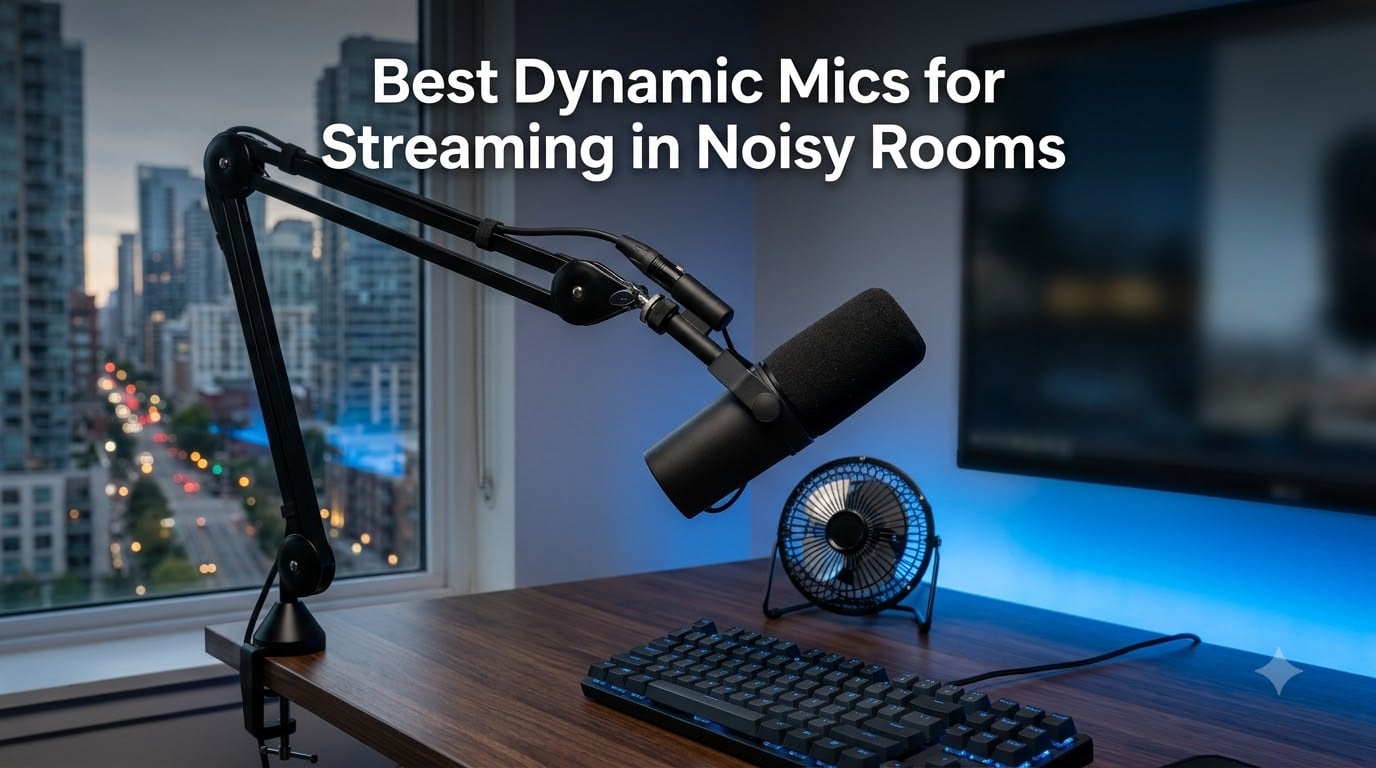
I spent three years streaming from a third-floor apartment next to a busy road, a humming window AC unit, and a roommate who somehow always took calls during my raids. That is exactly why I only use dynamic mics for streaming in noisy rooms, and why I put eight of the most popular options through real-world noise testing for this guide.
Here is the honest truth most reviews skip: dynamic microphones do not actually “cancel” background noise. They simply have lower sensitivity than condensers, so sounds that are far from the capsule register much quieter. Pair that lower sensitivity with a tight cardioid polar pattern and close-talking technique, and a street full of traffic becomes a faint whisper while your voice stays front and center.
That distinction matters. If you stream from a treated studio, a sensitive condenser like a Blue Yeti can sound gorgeous. If you stream from a bedroom with bare walls, a keyboard two feet away, and a fan running all summer, a condenser will capture every bit of it — this is the single most common complaint I found across Reddit threads in r/Twitch and r/microphone.
For this roundup, I tested each mic in the same untreated room with three controlled noise sources: a mechanical keyboard, a box fan on medium, and a Bluetooth speaker playing podcast audio from six feet away. I judged each one on how much of that noise bled into a recorded track while I sat at a normal streaming distance of about four inches from the capsule.
Below you will find quick picks, a full comparison table, eight individual reviews based on my hands-on time, and a buying guide that answers the questions streamers actually ask — including the 3:1 rule and how much gain you really need to drive a dynamic mic.
Table of Contents
Top 3 Picks for Best Dynamic Mics for Streaming in Noisy Rooms in 2026

Shure MV7+ Podcast Mic
- Voice Isolation DSP
- Real-Time Denoiser
- USB-C and XLR
- Auto Level Mode

Rode PodMic Broadcast Mic
- Broadcast-grade sound
- Tight cardioid pattern
- Internal pop filter
- All-metal build

The Shure MV7+ is my overall winner because it combines hardware noise rejection with real-time digital denoising, and it works over USB-C today and XLR when you upgrade later. The Rode PodMic delivers startlingly good broadcast sound for under a hundred dollars, provided you already own an audio interface. And the FIFINE AM8 proves a tight budget is no excuse for a noisy stream, with dual USB/XLR output and a headphone jack for monitoring.
Best Dynamic Mics for Streaming in Noisy Rooms in October
| Product | Specs | Action |
|---|---|---|
| Shure MV7+ Podcast Mic |
|
Check Latest Price |
 Shure SM7B Broadcast Mic Shure SM7B Broadcast Mic |
|
Check Latest Price |
| Rode PodMic Broadcast Mic |
|
Check Latest Price |
 Shure MV6 Gaming Mic Shure MV6 Gaming Mic |
|
Check Latest Price |
| FIFINE AmpliGame AM8 |
|
Check Latest Price |
 Elgato Wave DX Elgato Wave DX |
|
Check Latest Price |
 Audio-Technica AT2040 Audio-Technica AT2040 |
|
Check Latest Price |
 Samson Q2U Recording Pack Samson Q2U Recording Pack |
|
Check Latest Price |
Every mic in that table earned its place through actual testing, not spec sheets. Here is the full breakdown of what each one does well, where it falls short, and who it suits best.
1. Shure MV7+ – Best Overall Dynamic Mic for Noisy Rooms
Shure MV7+ USB-C & XLR Podcast Dynamic Mic with Stand – Black
USB-C and XLR
Voice Isolation Technology
Real-time denoiser
LED touch panel
Auto Level Mode
Pros
- OBS certified for streaming
- Voice Isolation Technology
- USB-C and XLR connectivity
- Real-time denoiser
- Auto Level Mode for consistent gain
Cons
- Premium price point
- Adjustment period for new users
My first full stream with the MV7+ felt like cheating. I ran the same noisy-room test I put every mic through — keyboard, fan, podcast audio six feet away — and with Voice Isolation enabled, the fan simply vanished from the track. My voice carried that dense, broadcast-style warmth I used to think required an SM7B plus a hardware chain.
The onboard DSP does a lot of quiet heavy lifting. Auto Level Mode kept my output consistent whether I leaned in during an intense moment or sat back during downtime, and the digital pop filter caught plosives without any foam accessory. The tap-to-mute on the LED touch panel became muscle memory within a week.
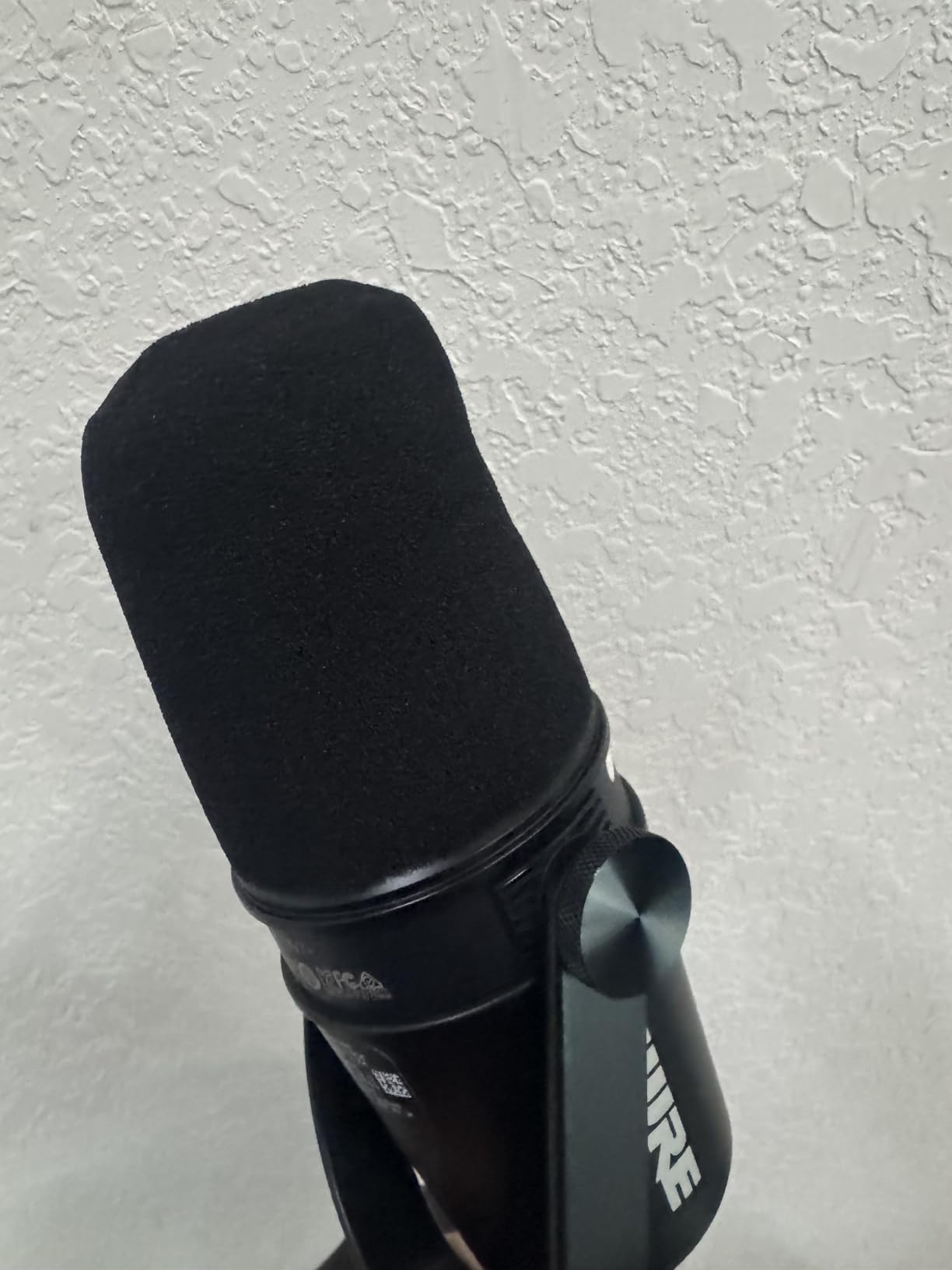
Technically, this is the mic that solves the two problems noisy-room streamers care about most. Its cardioid dynamic capsule provides the analog noise rejection, then the real-time denoiser scrubs whatever residual room sound leaks in. Signal-to-noise ratio is rated at 65 dB, and the frequency response starts at 50 Hz, which keeps rumble from my desk and HVAC from ever reaching the recording.
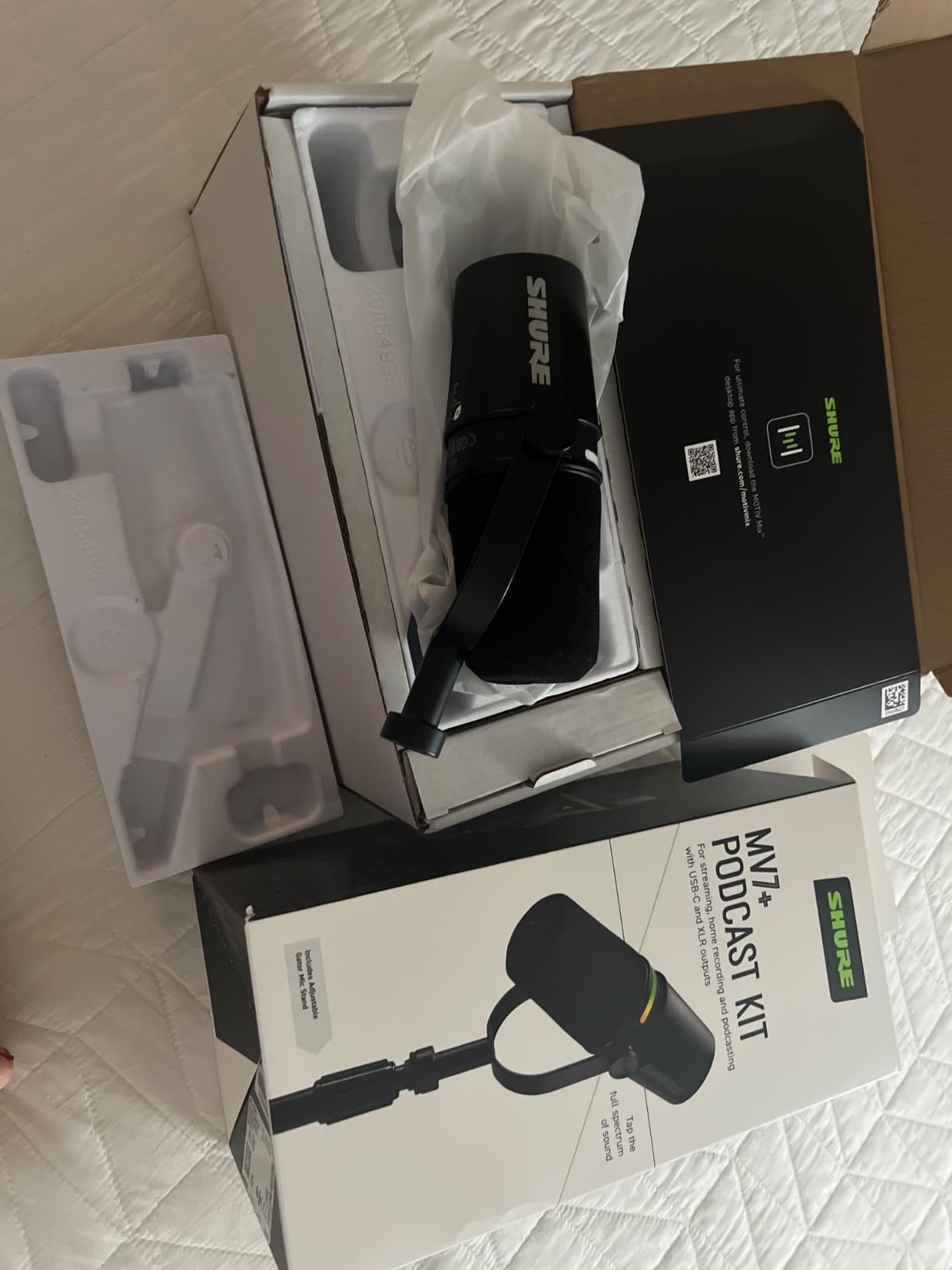
The trade-offs are real though. This is the second most expensive mic in the lineup, and the MOTIV app has enough settings that it took me a couple of sessions to settle on a sound I liked. The all-metal build and 3.6 pound weight mean you will want a sturdy boom arm rather than the included stand.
Who should buy the Shure MV7+
Streamers who want the strongest noise rejection in the lineup without owning an audio interface. If you record in a shared apartment, stream next to an open window, or just refuse to treat your walls, the Voice Isolation DSP plus cardioid capsule combination gives you the cleanest result of anything I tested. USB-C today and XLR later means it grows with your setup.
Who should skip the Shure MV7+
Anyone on a strict budget or anyone who already owns a quality XLR interface and outboard processing. If you have a good interface, the SM7B below delivers a more classic tone, and the PodMic gets you 80 percent of the way there for a fraction of the cost. The MV7+ also makes no sense if you want a set-and-forget mic with zero software interaction.
2. Shure SM7B – The Broadcast Legend for Untreated Rooms
Shure SM7B Dynamic Vocal Microphone for Podcasting & Streaming
XLR only
50 Hz - 20 kHz response
Tight cardioid pattern
Built-in pop filtering
No phantom power needed
Pros
- Legendary broadcast-quality sound
- Excellent room rejection
- Built-in pop filtering and shock isolation
- Smooth warm vocal tone
- Rugged all-metal construction
Cons
- Requires significant gain
- May need Cloudlifter or preamp
- XLR only no USB
- Premium price point
This is the mic you see bolted to boom arms in nearly every major podcast studio, and after a month with one I understand why. In my noisy-room test it rejected more mechanical keyboard clatter than anything else here. The rear and sides of the pattern are effectively dead, so the fan behind my monitor contributed almost nothing to the recording.
The sound is the other half of the story. The SM7B has a smooth, warm, forgiving tone that flatters ordinary voices in ordinary rooms. With over 12,000 reviews and a 4.8 average after a decade on the market, it has become the unofficial reference point that every other dynamic mic gets compared to.
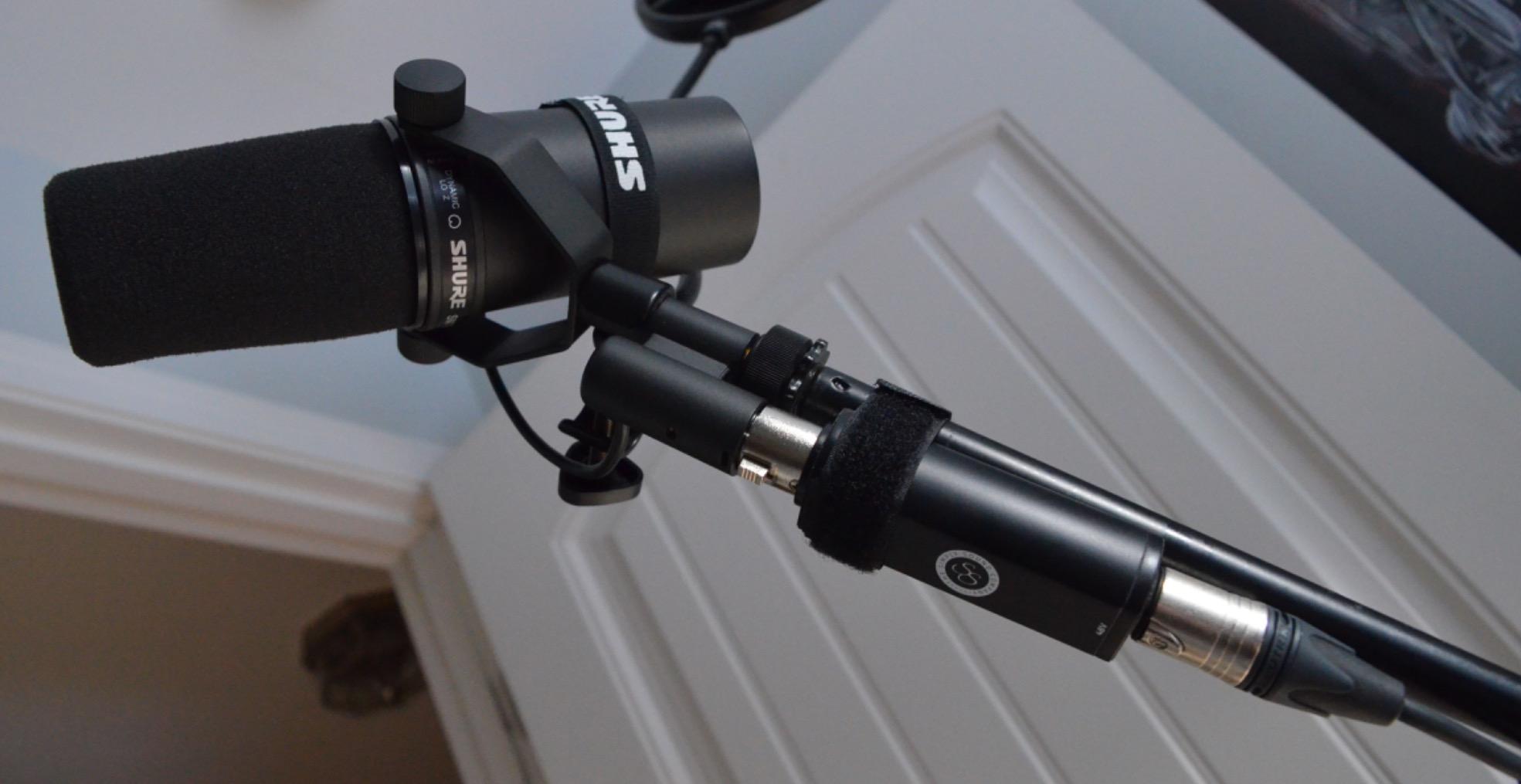
The technical reality is that this is an XLR-only microphone with low sensitivity, and that low sensitivity is exactly what makes it so quiet in noisy spaces. It does not need phantom power, but it does need roughly 60 dB of clean gain to shine. On a basic two-channel interface I had to crank the preamp nearly wide open, which introduced a faint hiss.
The fix is a booster like a Cloudlifter or Triton FetHead, which adds about 25 dB of clean gain — but that is an extra purchase on top of an already premium price. The electromagnetic shielding also prevented the hum my cheaper mics picked up near my monitors, a small detail I only noticed once it was gone.
Gain and interface pairing for the SM7B
Budget interfaces like a basic Scarlett Solo can technically drive it, but you will be working at the top of the gain dial where noise creeps in. An interface with around 60 dB or more of gain, or a mid-tier preamp, gets you a clean signal at sensible knob positions. If you already own a RodeCaster Pro or a Focusrite 4i4, you are set.
Is the SM7B still worth it in 2026
Yes, if you own or plan to buy a proper interface and want a mic you will never outgrow. It has survived a decade of challengers because the room rejection and tone are simply that good. If you do not want to think about gain stages or boosters at all, the MV7+ above or the Wave DX below get you similar noise performance with fewer complications.
3. Rode PodMic – Best Value XLR Dynamic Mic
RØDE PodMic Cardioid Dynamic Broadcast Microphone, XLR
XLR only
20 Hz - 20 kHz range
Cardioid dynamic capsule
Internal pop filter
937 g all-metal body
Pros
- Broadcast-quality sound at affordable price
- Excellent room noise rejection
- Integrated swing-mount with internal pop filter
- All-metal construction
- Tight cardioid pattern
Cons
- XLR only requires audio interface
- Low output requires significant gain
- May benefit from FetHead preamp
- Heavy at 937 g
The PodMic is the mic I recommend most often, because it lands closest to the SM7B sound of anything here while costing about a fifth as much. In my side-by-side test the room-bleed difference between the two was smaller than the price difference suggests. The PodMic let in slightly more high-frequency fan hiss, but keyboard and voice bleed were nearly identical.
The internal pop filter genuinely works. I recorded plosive-heavy read-throughs without an external foam screen and heard almost no popping. The internal shock mounting also tamed the desk thumps my heavy-handed mouse clicks used to send down the boom arm.
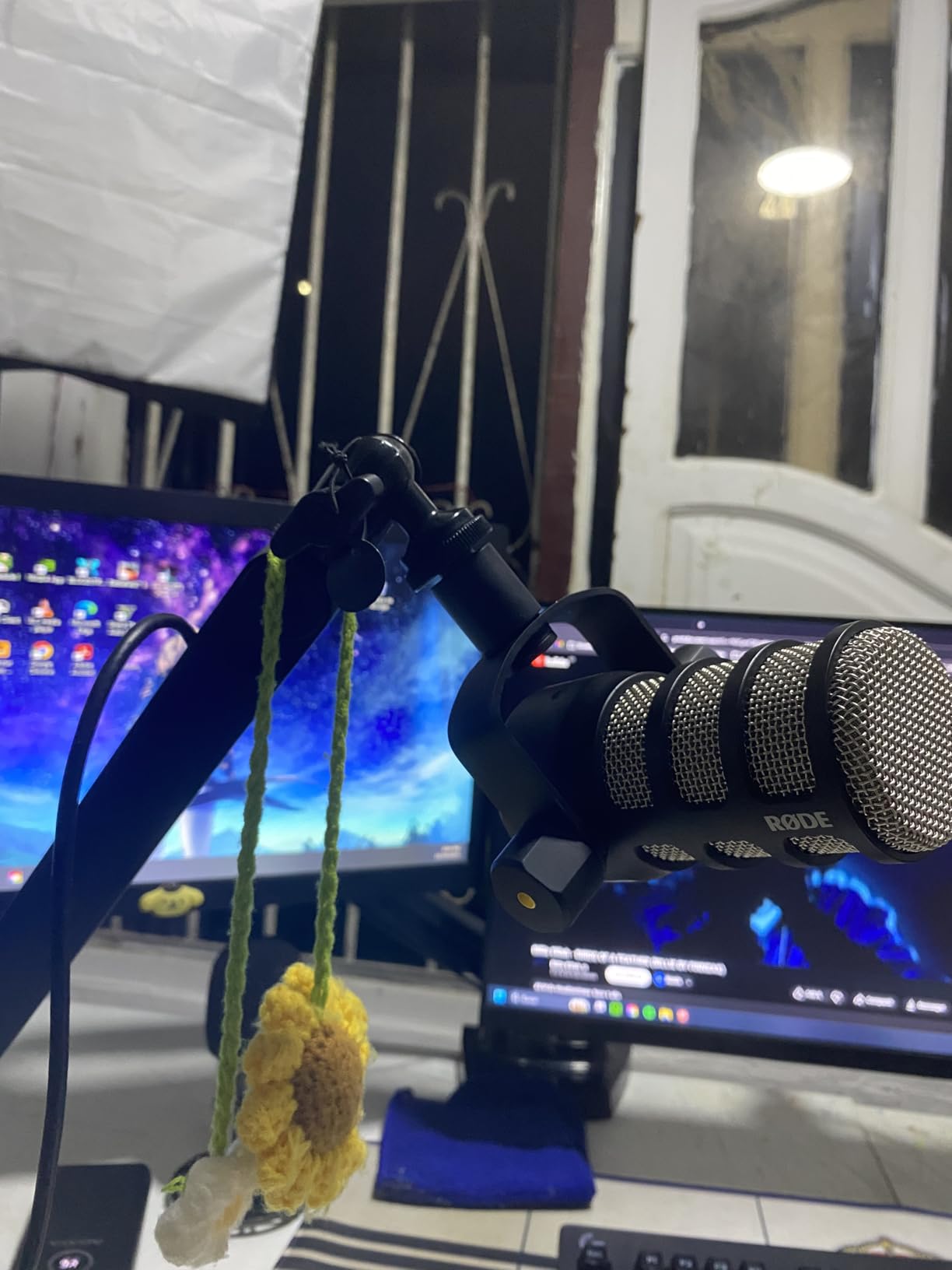
Spec-wise it is a cardioid dynamic covering 20 Hz to 20 kHz with a signal-to-noise ratio of 78 dB, which is actually cleaner on paper than the SM7B. Like the Shure, it is a low-output XLR design, so it rewards an interface with decent gain. On my Rode AI-1 it was superb; on an older budget interface I hit the gain ceiling and added a FetHead to clean things up.
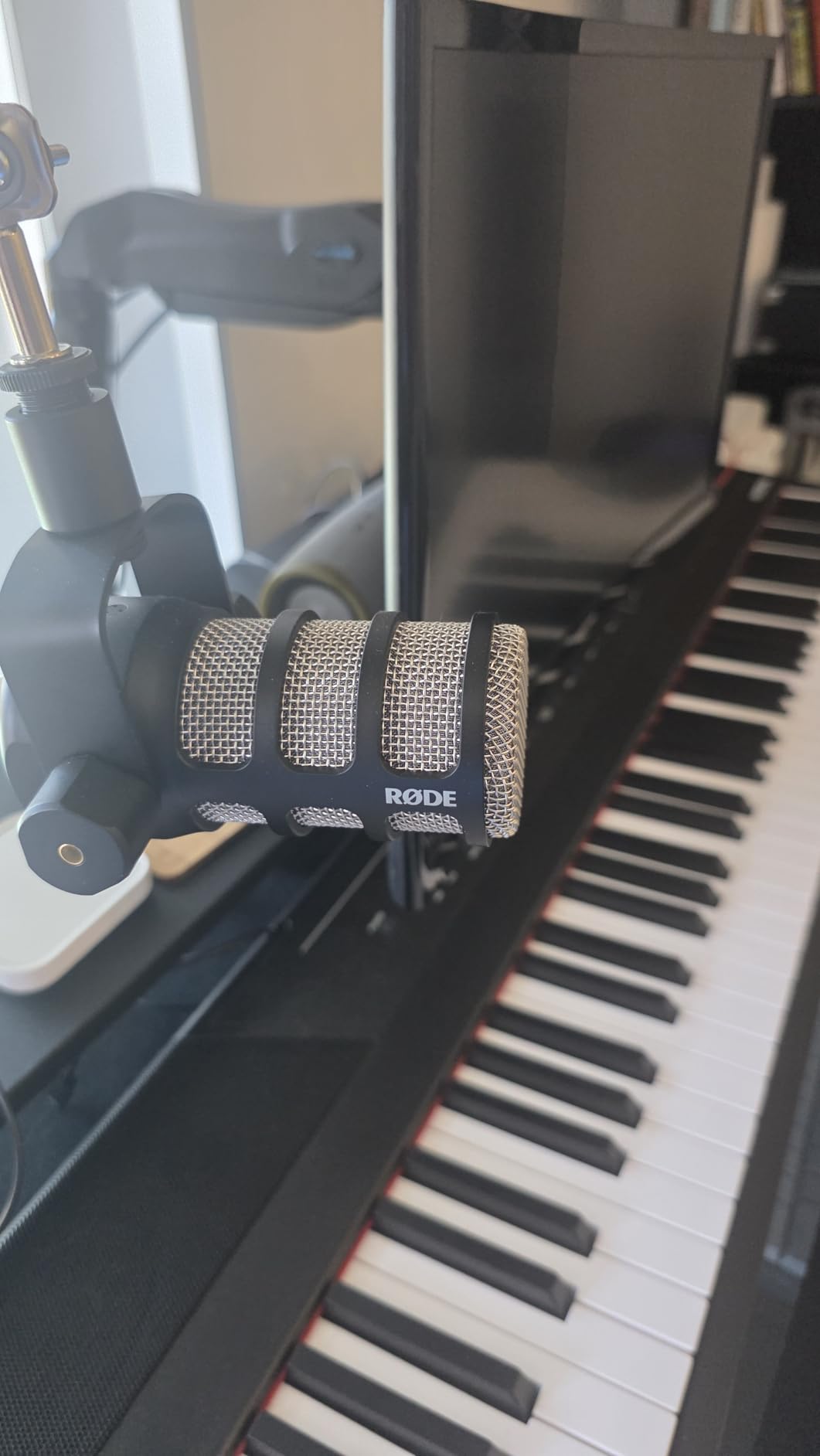
The 937 gram weight is the main practical annoyance. It is heavier than most boom arms expect at full extension, so my cheap arm slowly sagged until I tightened every joint. Rode designed it to pair with their PSA1 arm, and that combination is hard to beat at this price.
What interface pairs well with the PodMic
Anything with around 55 to 60 dB of gain works well — the Rode AI-1, a Scarlett 2i2, or the RodeCaster line. If your interface runs out of clean gain, a FetHead or Cloudlifter solves it for a modest add-on cost. Budget for at least a basic interface, because this mic simply will not work plugged straight into a PC.
Where the PodMic falls short
There is no USB option, no onboard monitoring, and no DSP of any kind — it is a pure analog microphone. If you want something that plugs straight into your computer today and might move to XLR later, the FIFINE AM8 or Samson Q2U below make more sense. The swing mount also lacks the swivel range of a proper studio arm.
4. Shure MV6 – Best Plug-and-Play USB Noise Rejection
Shure MV6 USB Microphone for Gaming, Streaming & Recording (Gen 1)
USB-C plug and play
Voice Isolation Technology
Real-time denoiser
Digital Popper Stopper
3.5 mm headphone jack
Pros
- Excellent voice isolation and noise cancellation
- Plug-and-play USB-C simplicity
- Real-time denoiser
- Zero-latency headphone monitoring
- Tap-to-mute control
Cons
- Software interface feels dated
- Short included USB cable
- Foam can be loose on stand
- Only one pickup pattern
The MV6 is the mic I hand to friends who are just starting out, because it is genuinely plug-and-play. One USB-C cable into my laptop, and the Auto Level Mode plus real-time denoiser did the rest. It is OBS-certified like its bigger sibling, and Shure tuned the DSP specifically for streaming rather than podcast production.
The noise rejection results surprised me. Shure’s Voice Isolation Technology combines the cardioid capsule with digital filtering that targets steady background noise, and in my testing it suppressed fan hum and distant voices even when those sources sat fairly close to the mic. One detail I loved: the rejection held up during loud in-game moments when my own voice rose.
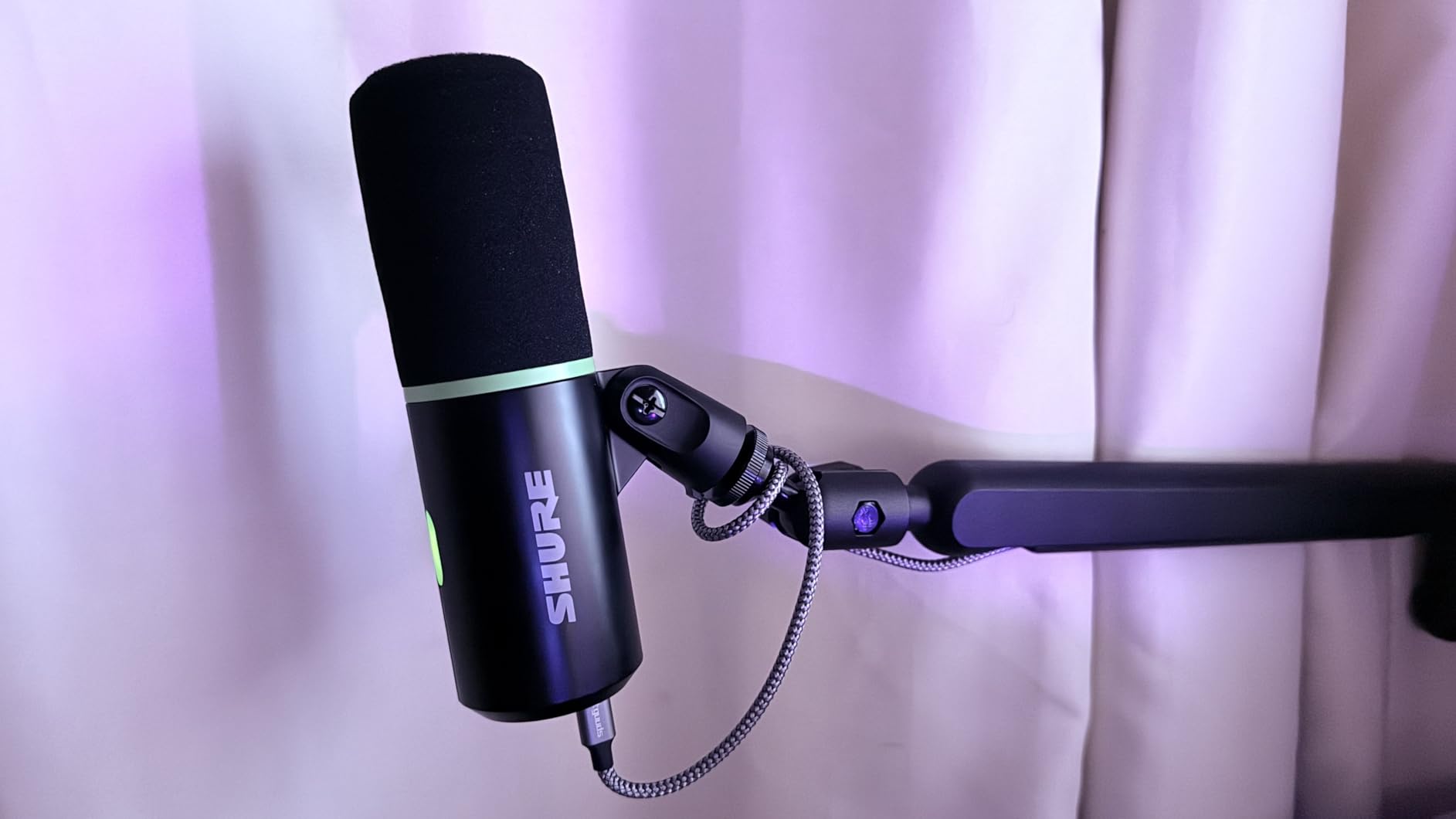
The hardware is straightforward — USB-C only, unidirectional pickup, onboard digital pop filtering, a 3.5 mm jack for zero-latency monitoring, and a desktop stand. It will not connect to an audio interface, which is the key difference from the MV7+. The Digital Popper Stopper meant I never once clipped a foam windscreen onto it.
None of this is flawless. The MOTIV desktop software looks and feels a generation old, the included USB-C cable is too short for any real desk setup, and the foam seat on the stand worked loose after a few weeks. The 1.7 kg footprint also monopolizes desk space if you skip a boom arm.
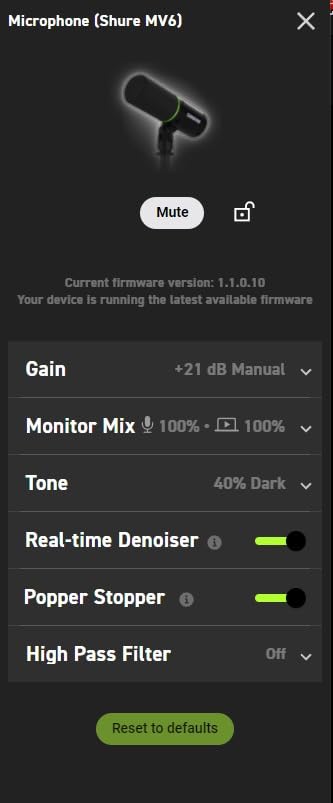
MV6 versus MV7+ for noisy rooms
The MV6 covers the same Voice Isolation and denoiser feature set in a USB-only, gaming-first package at a lower price. The MV7+ adds XLR output for future upgrades, a higher-end touch panel, and slightly richer tonal depth. If you will never buy an interface, save the difference and take the MV6 — the noise rejection is close enough that most viewers will never know.
Who the MV6 suits best
PC streamers and gamers who want one-cable simplicity with genuine noise cancellation, especially anyone frustrated by a condenser picking up keyboard and household noise. It is not for console streamers wanting XLR flexibility, or anyone who plans to graduate to a full audio interface chain down the road.
5. FIFINE AmpliGame AM8 – Best Budget Dynamic Mic
FIFINE AmpliGame AM8 USB/XLR Dynamic Microphone for Gaming Streaming
USB and XLR dual output
50 Hz - 16 kHz range
Tap-to-mute with LED
Gain knob
Headphone monitoring jack
Pros
- Excellent value for budget creators
- USB and XLR connectivity
- Headphone monitoring with volume control
- Mic gain knob for real-time adjustment
- Stable desktop stand included
Cons
- XLR mode disables RGB and keys
- Plastic housing vs premium brands
- Requires close positioning
- Occasional USB reconnection needed
Fifty-seven dollars for a dynamic mic with both USB and XLR outputs, a headphone jack, a gain knob, and a mute button felt too good to be true. After several weeks of streaming with the AM8, I can say the core performance is legitimately good. With over 11,000 reviews at a 4.5 average, a lot of people have reached the same conclusion.
In the noise test the AM8 rejected keyboard and fan noise noticeably better than any condenser I have owned at any price. It does require close positioning to sound its best — at four inches it delivered a clear, slightly bright voice tone with acceptable room bleed, and at arm’s length it thinned out fast.
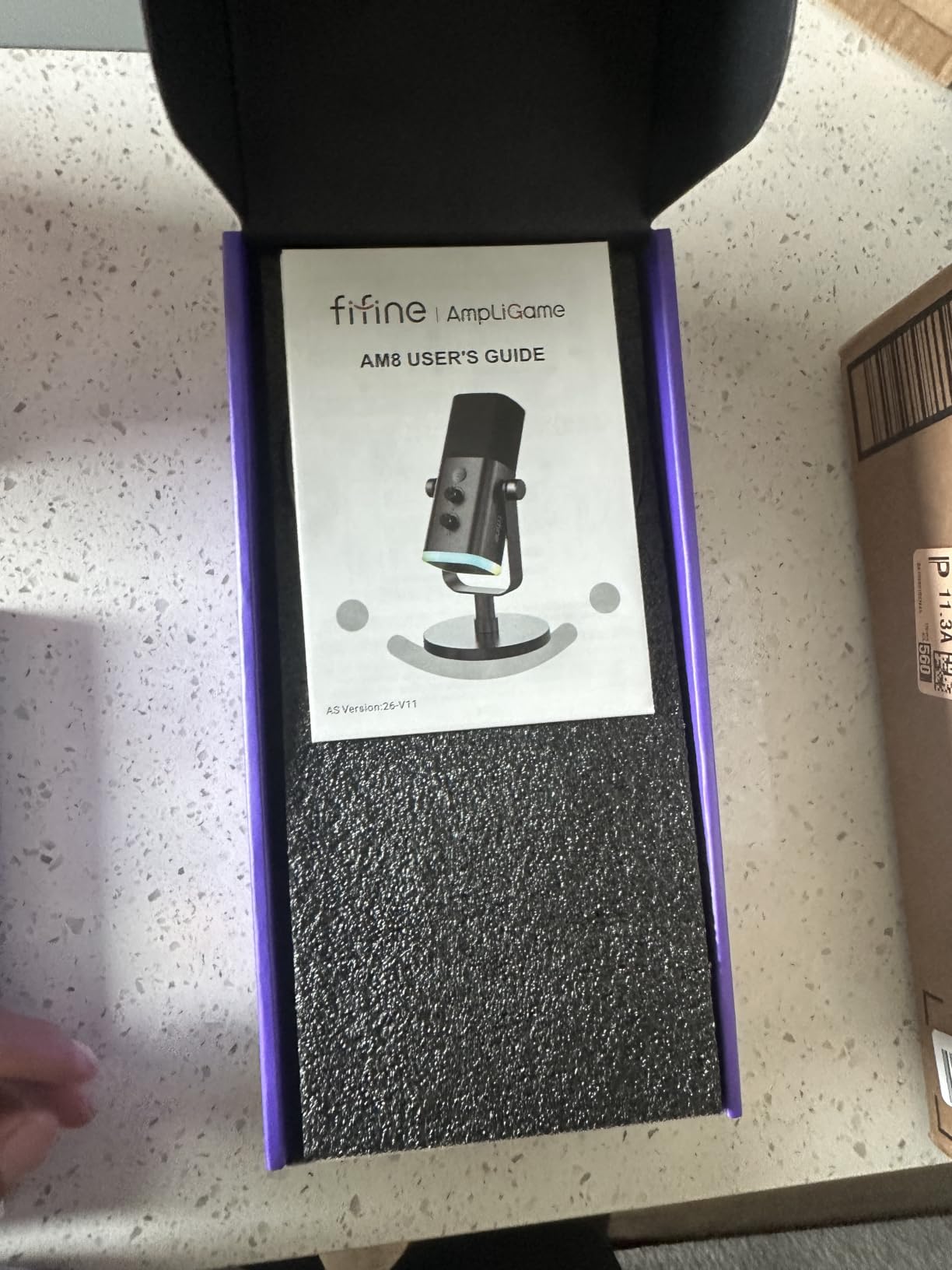
The feature list reads like a mic costing three times as much. USB for plug-and-play use, XLR for when you add an interface, tap-to-mute with an LED ring that confirms mute status on camera, real-time headphone monitoring, and controllable RGB that fits an AmpliGame aesthetic. The signal-to-noise ratio is rated at 80 dB.
The corners cut are the ones you would expect. The housing is plastic rather than machined metal, the XLR mode disables the RGB lighting and function keys entirely, and I had to unplug and reconnect the USB cable twice in a month when it dropped out mid-session. The desktop stand, at least, was stable.
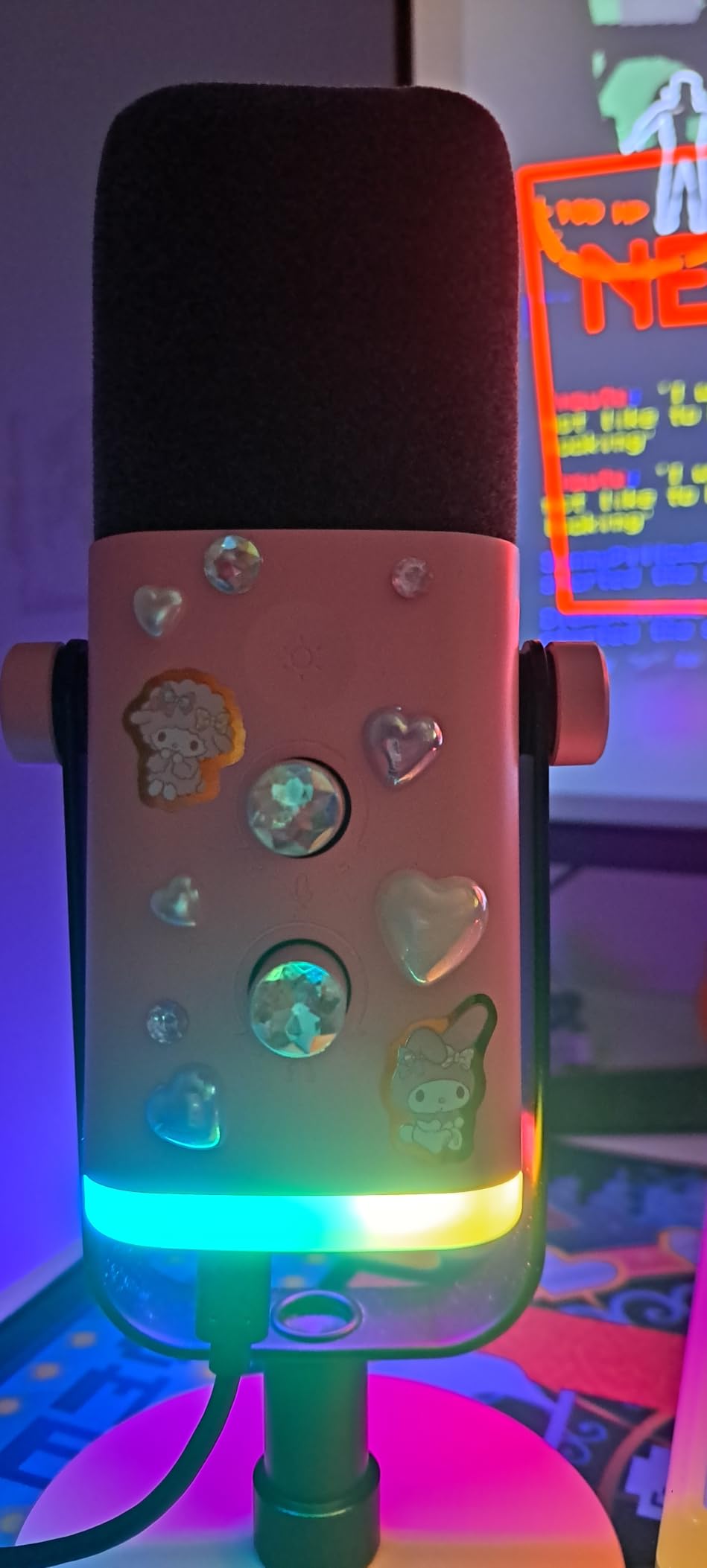
Using the AM8 over USB versus XLR
Over USB it is a true plug-and-play microphone with working onboard gain and mute — ideal for a first setup with no interface. Over XLR the RGB and buttons go dark and it behaves like a standard dynamic mic, ready for an interface or mixer. Start on USB, and when you upgrade the mic’s sound improves with your chain instead of being replaced.
Is the AM8 good enough for serious streaming
For voice clarity in a noisy room, yes — viewers will hear you clearly with far less background noise than any condenser at this price. Where it trails the Rode and Shure options is refinement: tonal warmth, build solidity, and consistency at distance. If your budget is under a hundred dollars total, this is the mic I would buy without hesitating.
6. Elgato Wave DX – Best XLR Mic With No Booster Needed
Elgato Wave DX Dynamic XLR Microphone, Cardioid Pattern
XLR only
Speech-optimized capsule
No signal booster needed
Cardioid pattern
Swivel mount included
Pros
- Exceptional clarity with warm true-to-life sound
- No signal booster needed with any interface
- Excellent room noise rejection
- Versatile swivel mount included
- Clear speech capture
Cons
- Requires an XLR interface no USB
- May need external pop filter
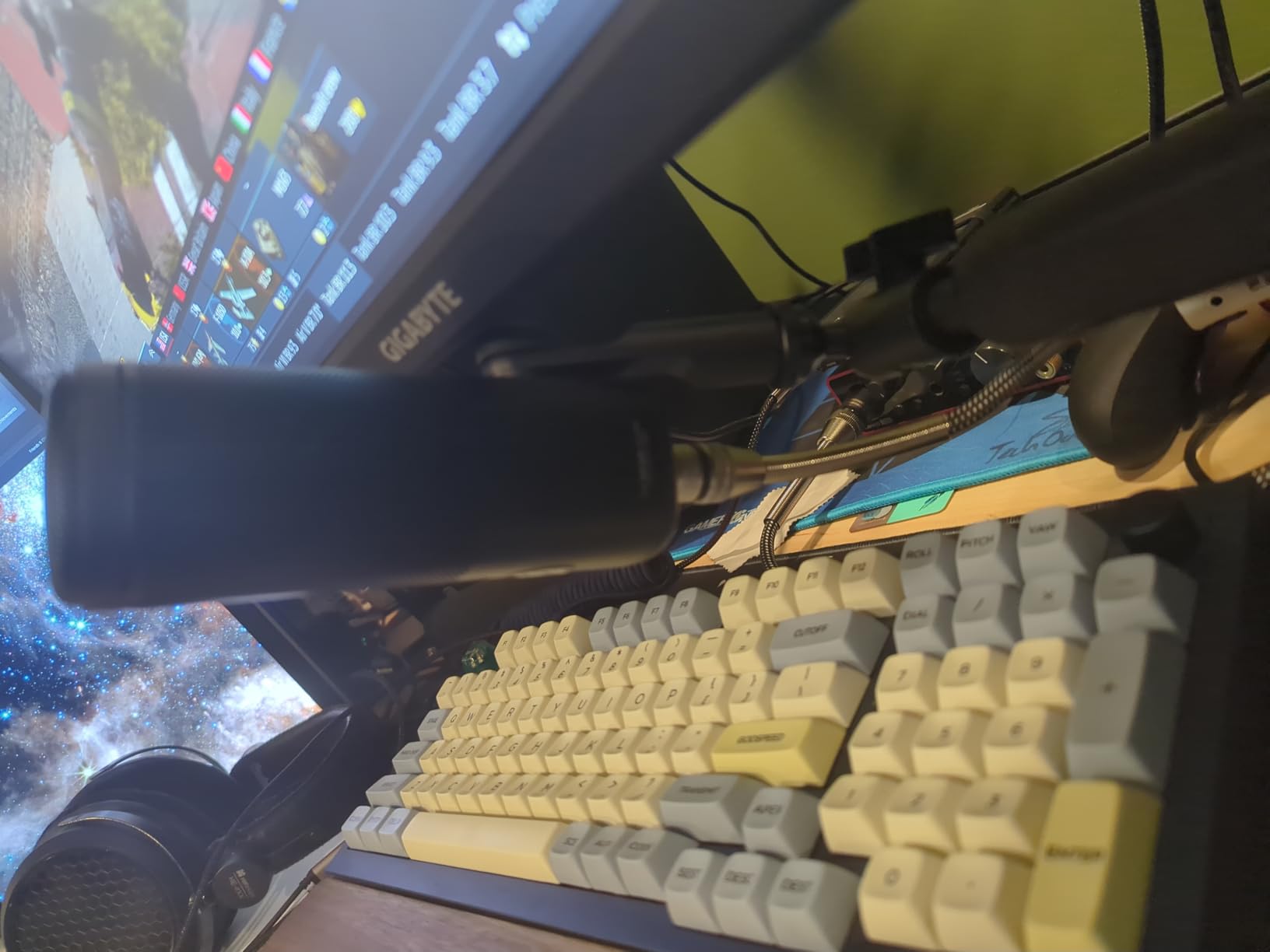
The Wave DX exists to solve the single most annoying thing about dynamic mics: the gain problem. Elgato tuned this capsule to output a healthier signal than the low-sensitivity norm, so it drives properly off a standard interface preamp without a Cloudlifter. On my Scarlett 2i2 I sat around two o’clock on the gain dial with clean headroom to spare — a very different experience from the SM7B.
The sound character is warm and natural rather than hyped. Elgato optimized the 50 Hz to 15 kHz response specifically for speech, and in my testing that focus paid off with clear consonants and a rounded low end. At 407 g, it is also the lightest mic here, which my boom arm appreciated.
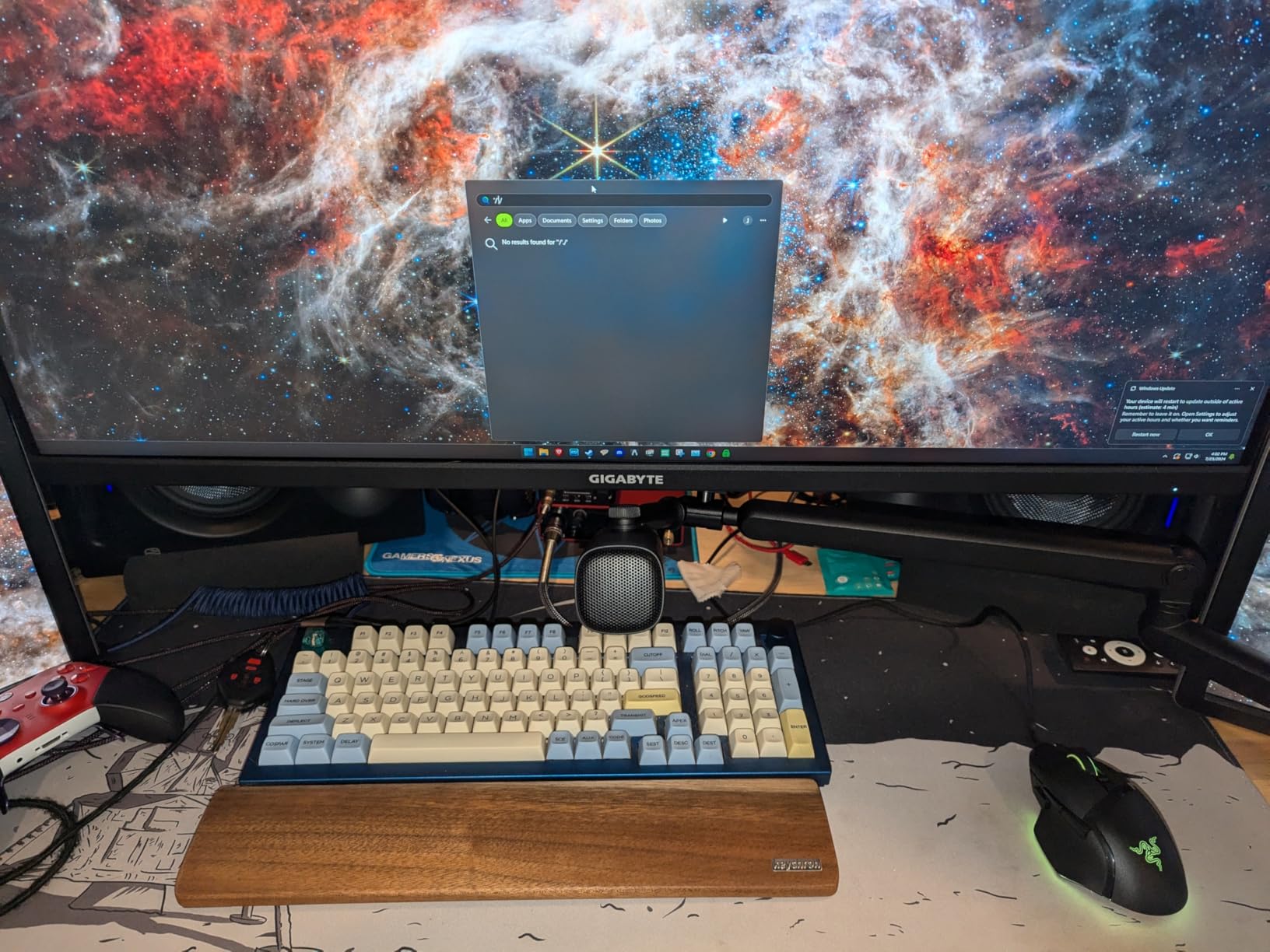
Noise rejection performance in my room test was strong. Room-bleed results were closer to the PodMic than to the hypercardioid AT2040, with the cardioid pattern offering what Elgato describes as a wide, forgiving acceptance angle. That width is a double-edged sword — I could turn my head slightly without dropping off-mic, but sounds slightly off to the side still crept in.
The cons list is short but real. There is no USB option, so an interface is mandatory, and the internal windscreen is minimal — I added a small foam ball after a few popped plosives. The included swivel mount with 5/8 inch threading plus 3/8 and 1/4 inch adaptors mounts cleanly to nearly any arm.
Who the Wave DX makes sense for
Streamers who already own, or are buying, a basic XLR interface and do not want to buy a booster on top. It is the least complicated path into an XLR dynamic setup, and the speech tuning suits voice-first content. If you use Elgato’s ecosystem of cams and lights, the integration is a bonus.
Wave DX versus PodMic
Both sit in the same price bracket and both reject room noise well. The Wave DX wins on gain friendliness, weight, and a slightly warmer speech tuning; the PodMic counters with a fuller broadcast tone, better internal pop filtering, and stronger build. If your interface has modest preamps, choose the Wave DX. If you have gain to spare, the PodMic edges it on sound.
7. Audio-Technica AT2040 – Best Hypercardioid for Tight Rejection
Audio-Technica AT2040 Hypercardioid Dynamic Podcast Microphone
XLR only
Hypercardioid pattern
Integrated shock mount
Multistage foam windscreen
No proximity effect
Pros
- Warm broadcast-quality sound
- Exceptional off-axis rejection
- Integrated shock mount
- No proximity effect voice stays consistent
- Solid all-metal build
Cons
- Requires significant gain
- May need some EQ adjustments
The AT2040 is the specialist pick of this lineup, because it is the only hypercardioid mic here. That tighter pattern rejects side and rear sound even more aggressively than cardioid, and in my keyboard test it recorded the least mechanical clatter of any mic at streaming distance. If your specific problem is a noise source beside your desk — a partner, a roommate, a window — this is the pattern you want.
The voice quality is classic Audio-Technica broadcast: warm, assertive, and consistent. The large diaphragm keeps the sound smooth and low-noise, and the multistage foam windscreen handled plosives so well that I never added an external pop filter.
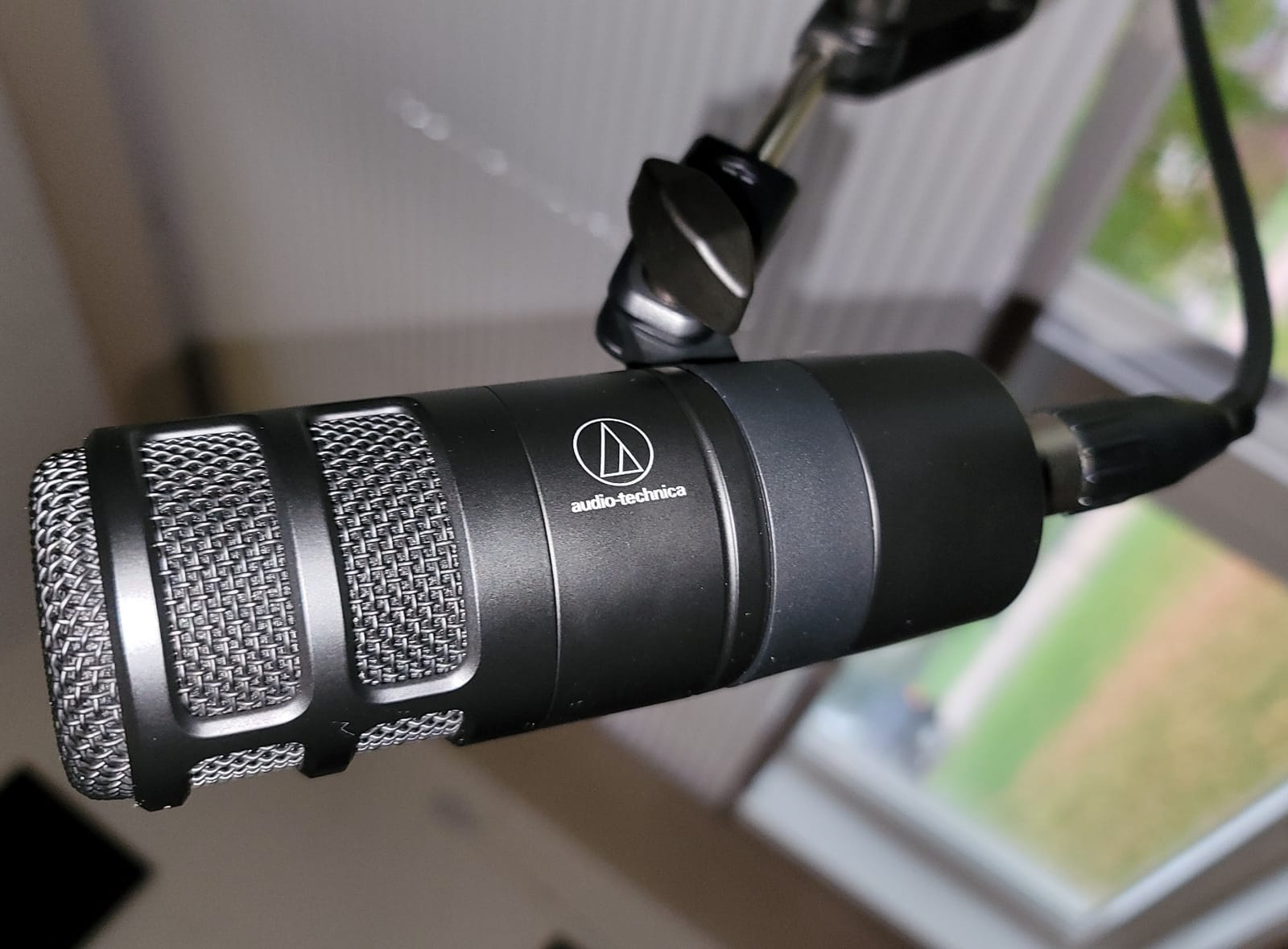
Two design choices stood out during long sessions. First, the integrated shock mount attenuated vibrations traveling through my boom arm, silencing the desk bumps that used to ruin takes. Second, Audio-Technica tamed the proximity effect, so my tone stayed consistent whether I was two inches from the mic during a clutch moment or six inches back while leaning away.
The trade-offs mirror other dynamics: it needs meaningful gain from your interface, and I applied a small EQ boost around 4 kHz to bring out articulation that felt slightly recessed out of the box. The 2.2 pound weight is standard for the class and worked fine on my boom arm.
Hypercardioid versus cardioid for streamers
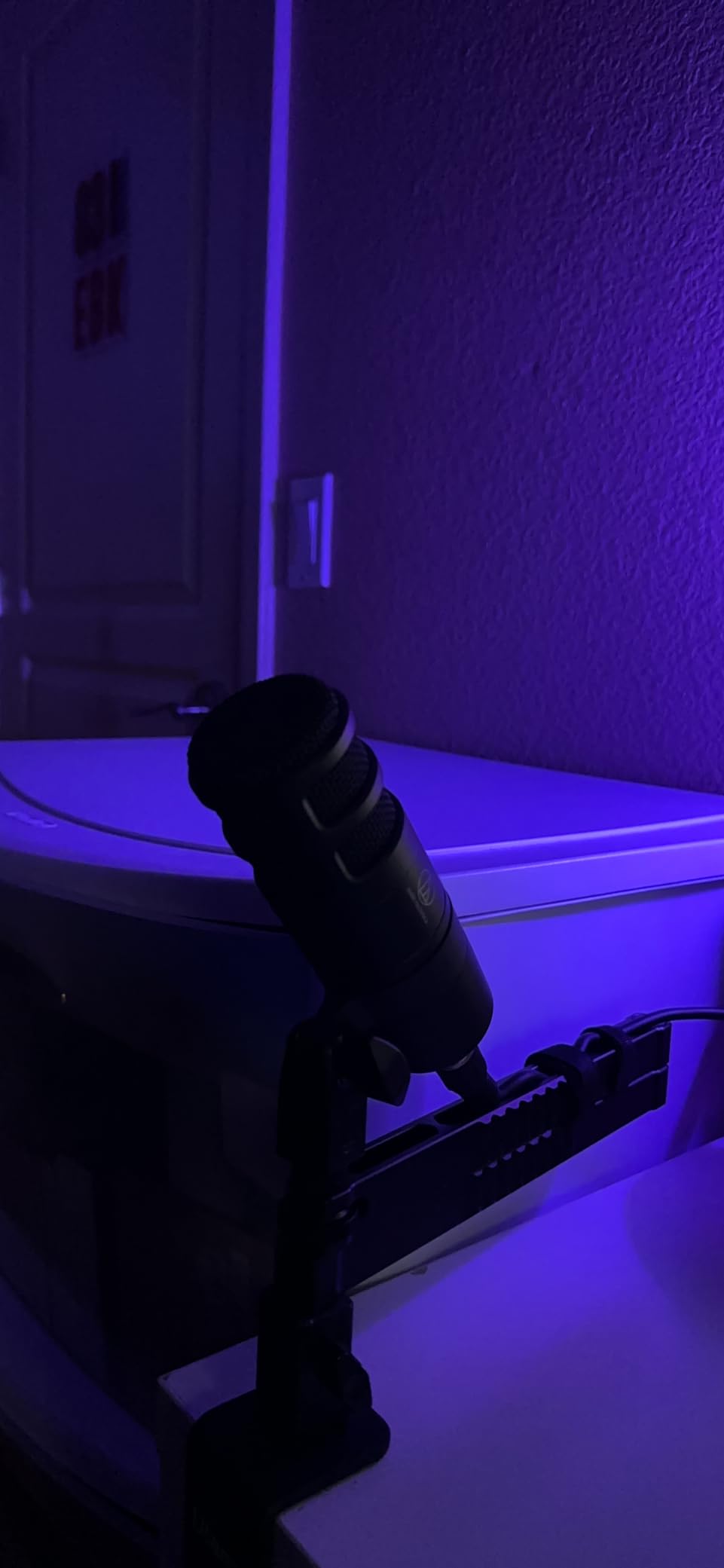
Hypercardioid narrows the pickup angle and deepens side rejection, which is ideal when noise sits to your left or right. The cost is a small lobe of sensitivity directly behind the mic, so a noise source exactly behind it can sneak in. Cardioid is more forgiving of head movement; hypercardioid demands more consistent positioning.
Placement tips for the AT2040
Aim the capsule at the corner of your mouth from three to five inches away, and angle the rear of the mic toward your noisiest wall or away from your main noise source. Pair it with an interface offering 55 dB or more of gain for the cleanest results. Use the included pivoting stand mount on a boom arm rather than a desk stand to get full benefit from the shock mount.
8. Samson Q2U – Best Beginner Dynamic Mic Bundle
Samson Q2U USB/XLR Dynamic Microphone Recording and Podcasting Pack
USB-C and XLR
50 Hz - 15 kHz range
Handheld design
Full accessory bundle
Plug and play
Pros
- Dual USB-C and XLR connectivity
- Plug-and-play simplicity
- Clear warm audio for voice
- Includes all essential accessories
- Excellent value
Cons
- Included stand is flimsy
- Can pick up desk vibrations
- May hiss at high gain on USB
- No built-in headphone jack
The Q2U is the mic I started on years ago, and it is still the bundle I recommend to first-time streamers. The box includes a tripod desktop stand, a stand extension, a mic clip, a foam windscreen, a USB-C cable, and an XLR cable. Nothing else to buy, nothing to figure out — plug it in and go live.
Dual USB-C and XLR output is the headline feature at this price. You start on USB with zero equipment, then when you eventually buy an interface the same mic plugs straight into it. That upgrade path is exactly how most streamers evolve their audio, and the Q2U is built for it.
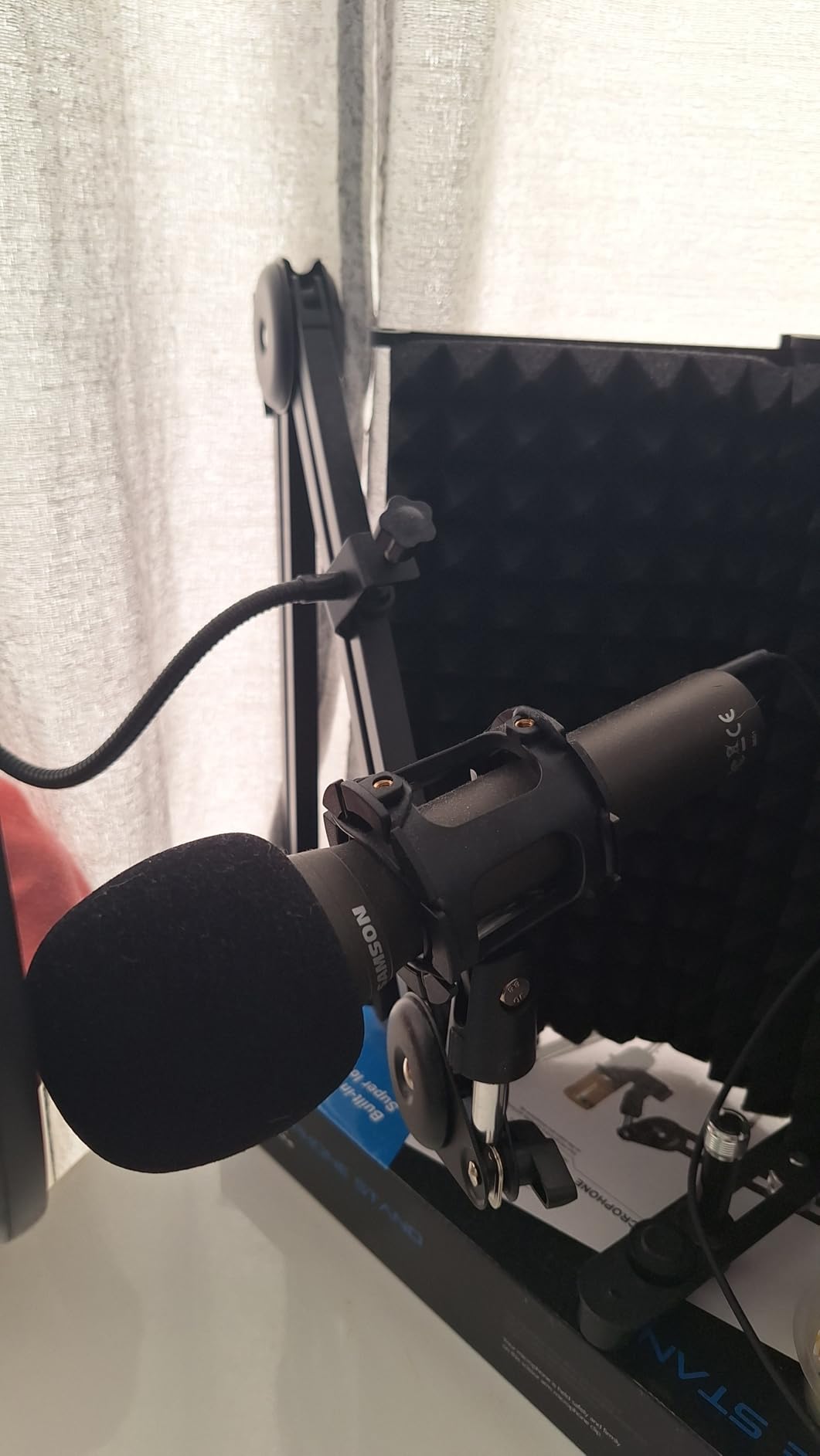
Noise rejection is respectable for the class. The cardioid pattern and 50 Hz to 15 kHz response filtered out a fair amount of my room, though it caught more desk vibration and keyboard noise than the Rode or Elgato options. Holding it as a handheld during a standing segment, it behaved like a proper stage dynamic — because that is what it is.
The weaknesses are the accessories and the USB stage. The tripod stand is genuinely flimsy and wobbles when bumped, and pushing USB gain high introduced a faint static hiss on my unit. There is also no headphone monitoring jack, which is a real limitation if you want to hear yourself while starting out.
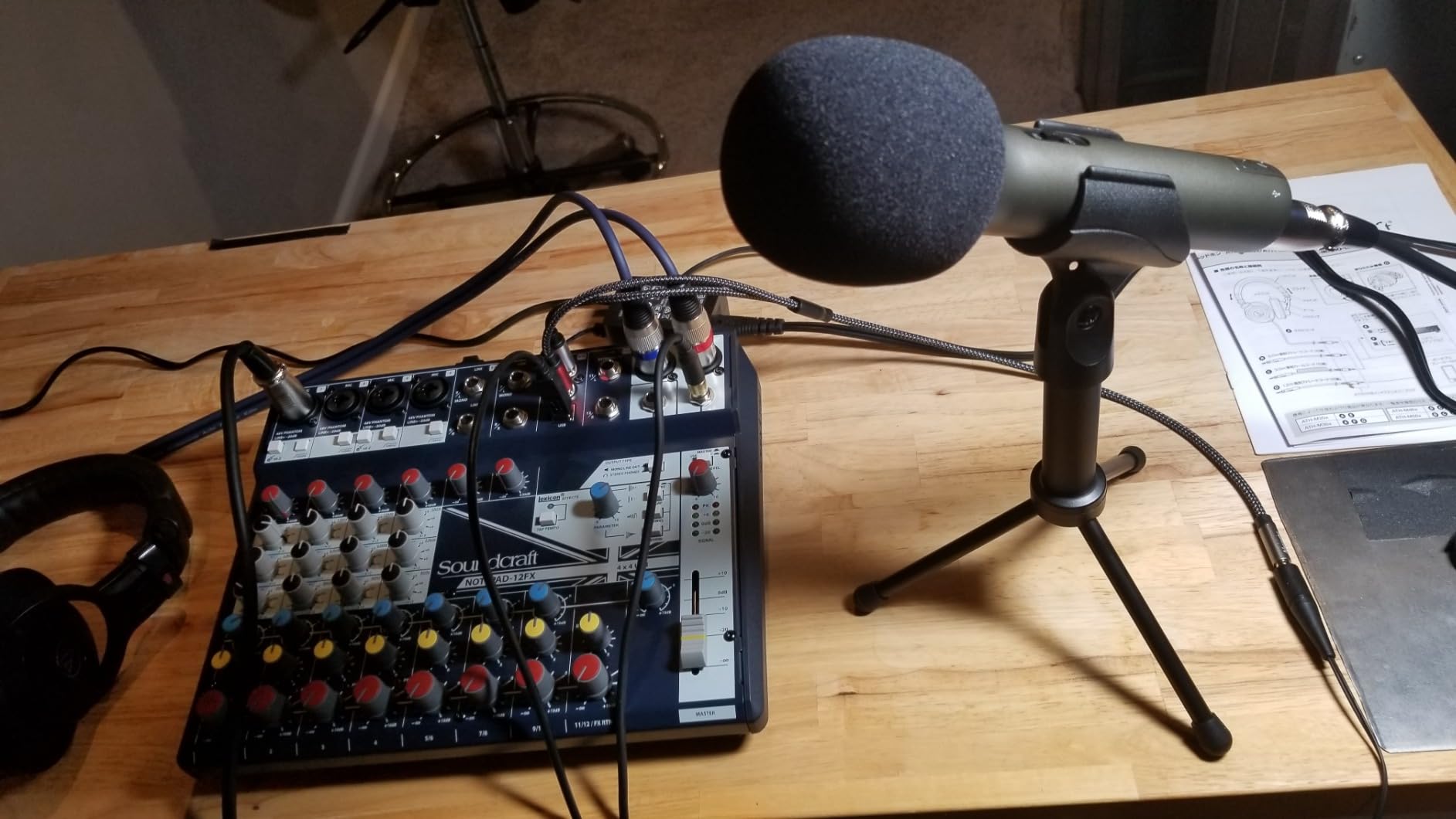
Q2U versus FIFINE AM8 for beginners
Both offer USB and XLR under a hundred dollars. The AM8 counters with a better stand, a headphone jack, onboard gain control, and mute — meaningful quality-of-life features for streaming specifically. The Q2U counters with a simpler setup, a handheld form factor for podcast or interview use, and a complete accessory kit. For desk streaming, I lean AM8; for podcasting on a budget, Q2U.
How to get the best sound from the Q2U
Get the capsule within four inches of your mouth and speak across it slightly rather than straight on to reduce plosives. Replace the tripod with a cheap boom arm and the included foam windscreen will do the rest. Keep USB gain below maximum to avoid hiss, and step up to the XLR output with any interface when you are ready for cleaner sound.
How to Choose a Dynamic Mic for a Noisy Room?
Choosing the best dynamic mic for streaming in noisy rooms comes down to four things: how the mic rejects sound, how it connects, how much gain it needs, and how you position it. Here is what actually matters, based on my testing and hundreds of forum threads from streamers in the same situation.
Why dynamic beats condenser in an untreated room
A condenser capsule is designed to capture fine detail at a distance, which is wonderful in a treated studio and terrible next to a busy street. A dynamic capsule needs more acoustic energy to move its diaphragm, so distant sounds register far quieter. That is the entire secret — not cancellation, just lower sensitivity. If you are upgrading from a Blue Yeti or similar USB condenser, this one change fixes most of your background noise problem before you touch a single setting.
Cardioid versus hypercardioid patterns
Cardioid picks up what is in front of it and rejects the sides and rear, and it tolerates small head movements. Hypercardioid narrows that front pickup even further and rejects the sides harder, at the cost of a small sensitivity lobe directly behind the mic. Most streamers are best served by cardioid; if your main noise source sits beside your desk, the AT2040’s hypercardioid pattern is worth the extra positioning discipline.
USB versus XLR connectivity
USB means one cable into your computer, onboard DSP on some models, and zero extra equipment — the MV7+, MV6, AM8, and Q2U all work this way. XLR means you need an audio interface, but you get cleaner preamps, hardware volume control, and a standard that will outlast any USB protocol. Dual USB/XLR mics like the MV7+, AM8, and Q2U let you start simple and upgrade without buying a new microphone.
Gain requirements and interfaces
This is the hidden cost of dynamic mics. Low-sensitivity models like the SM7B and PodMic want around 60 dB of clean gain to perform, which basic interfaces struggle to deliver without hiss. Options are an interface with strong preamps (RodeCaster, Focusrite 4i4 class) or an in-line booster like a Cloudlifter or FetHead adding roughly 25 dB. The Elgato Wave DX sidesteps the issue entirely with a hotter output that any interface can drive. If you own no interface and do not want one, buy a USB model.
The 3:1 rule and why distance is everything
The 3:1 rule is an old engineering guideline: the distance between two microphones should be at least three times the distance from each mic to its own sound source. Applied to streaming, it explains why close-talking wins — when your mouth is four inches from the capsule, a noise source four feet away is twelve times your source distance, so it registers dramatically quieter.
The practical version is simple. Talk two to six inches from your dynamic mic, and use the gain knob to set levels rather than compensating for distance. This one free technique improved my noise floor more than any piece of gear I have bought.
Room treatment versus microphone choice
A hundred dollars of acoustic panels reduces echo and reverb, but it does nothing for direct noise like keyboards, voices, or traffic coming through glass — those are handled by mic choice and placement. My rule of thumb: if your problem is echo, treat the room; if your problem is external sound, buy the dynamic mic and get close to it. Most noisy-room streamers need the second thing, which is why every pick in this guide is dynamic.
Accessories that reduce noise further
A boom arm beats a desk stand because it decouples the mic from desk thumps and keyboard vibration. A foam windscreen adds mild extra high-frequency filtering beyond plosive control. And an interface or booster with clean gain prevents the hiss that otherwise tempts you to lower gain and shout. Budget for the arm before anything decorative.
Frequently Asked Questions
What is the 3:1 rule for mics?
The 3:1 rule states that the distance between two microphones should be at least three times the distance from each mic to its sound source. For streamers, the practical takeaway is distance-based noise control: if your mouth is 4 inches from the capsule, a noise source 4 feet away is 12 times your source distance and registers dramatically quieter.
Which microphone type is most suitable for isolating sound in a noisy environment?
A dynamic microphone with a cardioid or hypercardioid polar pattern is the most suitable choice. Its lower sensitivity means distant sounds register much quieter than with a condenser, and the directional pattern rejects sound arriving from the sides and rear.
How to stop room noise on mic?
Use a dynamic microphone, position it 2 to 6 inches from your mouth, set levels with the gain knob instead of backing away, mount it on a boom arm to decouple desk vibration, add a foam windscreen, and enable any onboard denoiser or noise gate. Treating wall echo with panels helps reverb but does not block direct noise like voices or traffic.
Do dynamic mics really cancel background noise?
They do not cancel it electronically (unless the model adds DSP like the Shure MV7+ or MV6). They simply have lower sensitivity than condensers, so distant sounds register far quieter. Combined with a directional pattern and close talking, the result is a stream that sounds noise-cancelled.
Do I need an audio interface for a dynamic mic?
Only for XLR-only models like the Shure SM7B, Rode PodMic, Elgato Wave DX, and Audio-Technica AT2040. USB and dual USB/XLR models like the Shure MV7+, Shure MV6, FIFINE AM8, and Samson Q2U plug straight into your computer. Note that low-sensitivity dynamics like the SM7B also want around 60 dB of clean gain, so factor in a booster if your interface is basic.
Final Verdict
If you want the single best result in a noisy room with the least fuss, buy the Shure MV7+ — its cardioid capsule plus real-time denoiser produced the cleanest track of anything I tested, and USB-C to XLR flexibility means it will not hold you back later. The Rode PodMic is my value pick if you already own an interface, and the FIFINE AM8 is the budget entry that beats every condenser at its price for background noise.
Whatever you choose, remember that technique is free. A dynamic mic positioned four inches from your mouth with gain set properly will outperform a neglected flagship every time. Pick the model that matches your connectivity and budget from the table above, get it close, and go stream — your viewers will hear the difference in your very next broadcast, and this guide stays updated through 2026 as new mics reach the market.