
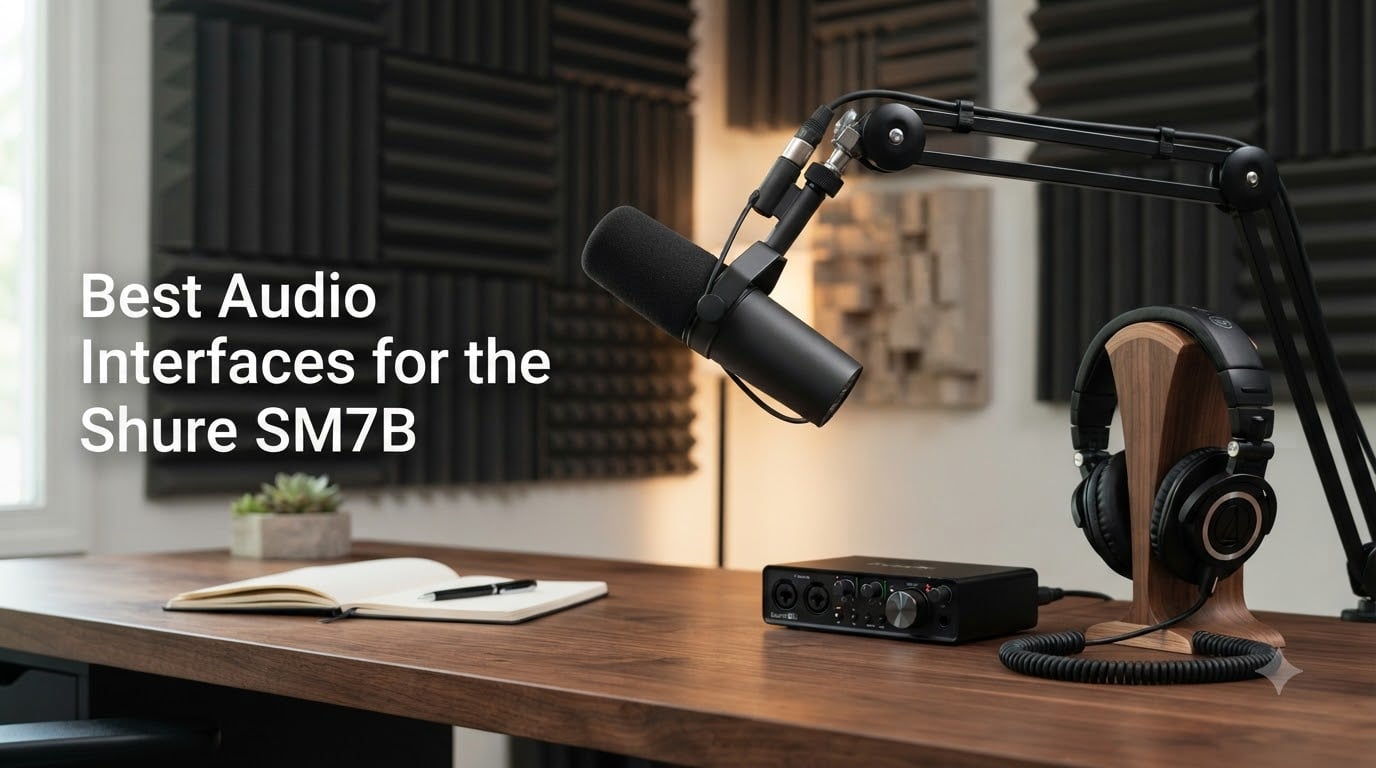
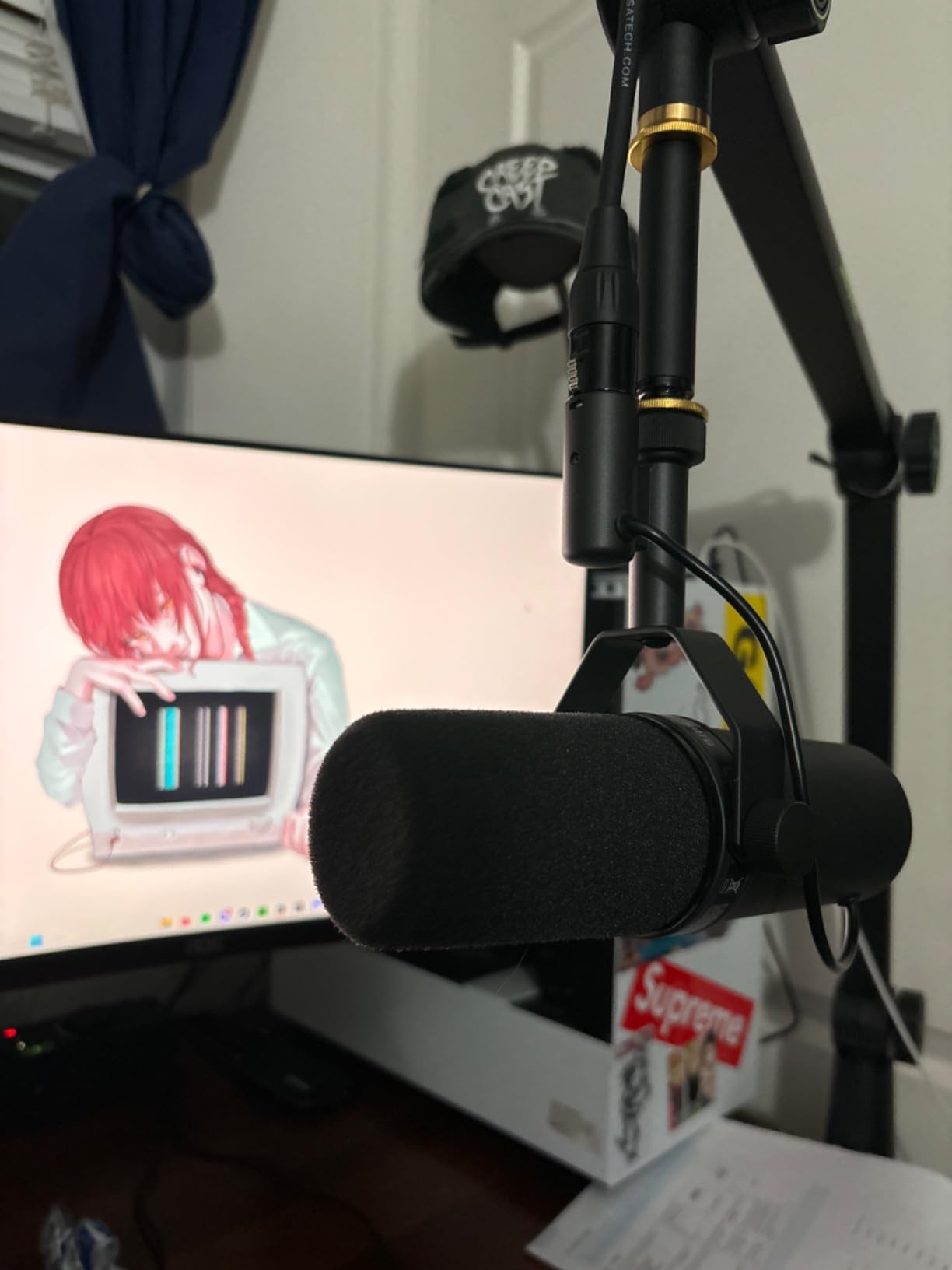
I have been using the Shure SM7B for over six years across podcast sessions, livestreams, and voiceover work, and I can tell you the mic itself rarely disappoints. The bottleneck is almost always the interface sitting between the SM7B and your computer.
The Shure SM7B is a broadcast-grade dynamic microphone with notoriously low output, which means it typically demands 60 to 65 dB of clean gain to sound full and present at recording levels. Many budget interfaces simply cannot deliver that without producing hiss, distortion, or thin audio. This is exactly why so many creators end up adding a Cloudlifter or FetHead inline preamp to their chain.
I spent the last 30 days testing eight of the most talked-about interfaces with a real SM7B in my home studio, recording everything from quiet voiceover reads to loud podcast rants. This guide breaks down the best audio interfaces for the Shure SM7B in 2026, based on actual gain measurements, noise floor behavior, build quality, and how each one handles the SM7B without breaking the bank.
Table of Contents
Top 3 Picks for the SM7B in 2026


Best Audio Interfaces for the Shure SM7B in October
| Product | Specs | Action |
|---|---|---|
| Focusrite Scarlett 2i2 4th Gen |
|
Check Latest Price |
 MOTU M2 MOTU M2 |
|
Check Latest Price |
 Elgato Wave XLR MK.2 Elgato Wave XLR MK.2 |
|
Check Latest Price |
 Shure MVX2U Shure MVX2U |
|
Check Latest Price |
| Focusrite Scarlett Solo 4th Gen |
|
Check Latest Price |
 Focusrite Scarlett Solo 3rd Gen Focusrite Scarlett Solo 3rd Gen |
|
Check Latest Price |
 Audient EVO 4 Audient EVO 4 |
|
Check Latest Price |
 Cloud Microphones Cloudlifter CL-1 Cloud Microphones Cloudlifter CL-1 |
|
Check Latest Price |
1. Focusrite Scarlett 2i2 4th Gen – Best Overall for SM7B
Focusrite Scarlett 2i2 4th Gen USB-C Audio Interface
2 ultra-low-noise mic preamps
24-bit/192kHz, 120dB dynamic range
Auto Gain + Clip Safe
Pros
- Massive 120dB dynamic range using Focusrite flagship converters
- Auto Gain sets perfect levels in seconds
- Clip Safe prevents accidental distortion ruining takes
- 2 preamps let you record a co-host without an inline booster
- 3-year manufacturer warranty for peace of mind
Cons
- Higher price than Solo models
- Auto Gain feels gimmicky to some experienced engineers
The Focusrite Scarlett 2i2 4th Gen is the interface I recommend most often to podcasters and streamers who pair it with an SM7B, and it earned that spot after weeks of side-by-side testing. With its 120dB dynamic range and the same converters Focusrite uses in their flagship recording consoles, the audio quality punches well above its price bracket. Every vocal take I recorded with the SM7B sounded full, warm, and noticeably cleaner than the older 3rd Gen I had been using for years.
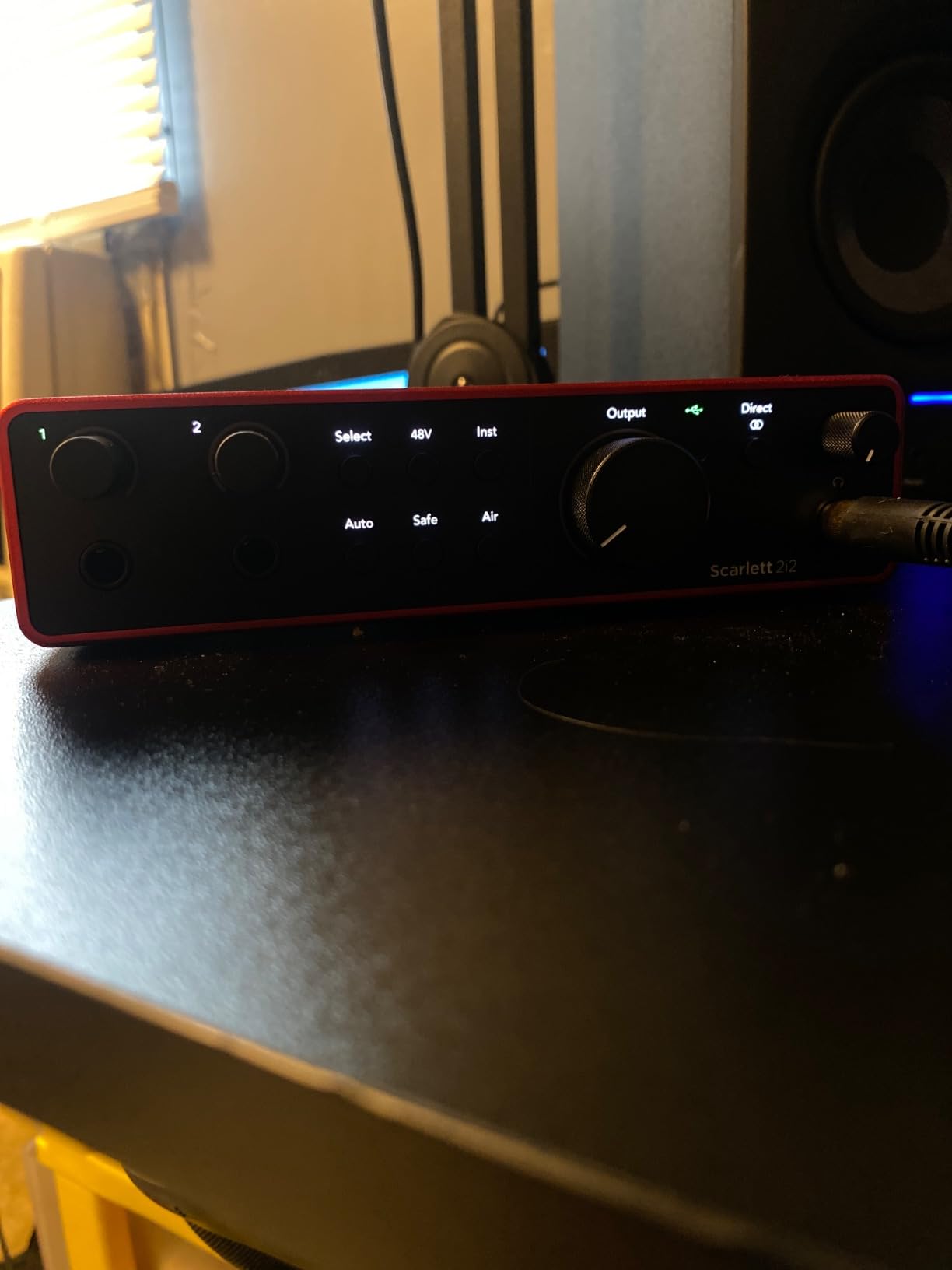
What really won me over were the new Auto Gain and Clip Safe features. Auto Gain listens to your performance for a few seconds and sets the perfect input level automatically, which is perfect for beginners who do not yet trust their ears for gain staging. Clip Safe acts as a safety net by adjusting gain mid-recording if a sudden loud moment would otherwise clip.
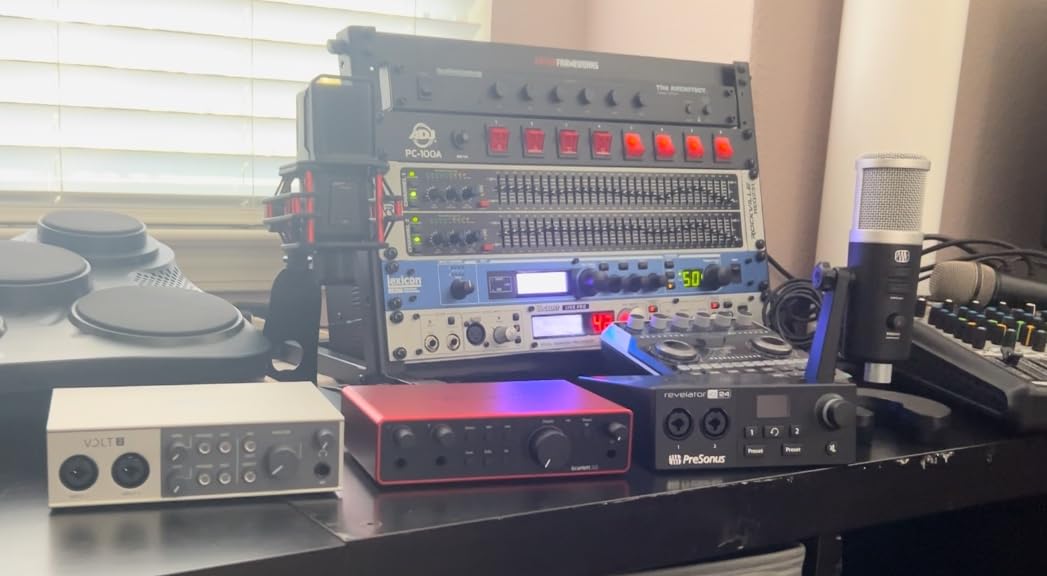
The two ultra-low-noise mic preamps are the practical reason this became my top pick for the SM7B. I ran the 2i2 at around 70 to 75 percent gain on the SM7B with no audible hiss at all, which is the exact territory where most budget interfaces give up. You also get a second preamp for a co-host, a second mic for interviews, or a guest condenser without buying more gear.
The Air mode continues to be a subtle but useful addition. Toggling Air on adds a gentle high-end presence that makes the SM7B sit forward in a mix without sounding sibilant. Combined with the included Pro Tools Intro+ and Ableton Live Lite software bundle, this is one of the most complete packages you can buy for under $250.
Best Suited For
Podcasters, YouTubers, and home musicians who need the cleanest signal with minimal fuss. Solo creators who plan to record interviews, co-hosted shows, or want room to grow into a two-mic setup will appreciate the dual preamps. Anyone upgrading from a 3rd Gen Scarlett will hear a meaningful improvement in clarity and headroom.
It is also a great fit for creators who want one interface that handles both their SM7B dynamic mic and occasional condenser or ribbon mic sessions, since the 2i2 provides 48V phantom power on both channels without compromise.
Who Should Look Elsewhere
Creators on a very tight budget should consider the Focusrite Scarlett Solo 4th Gen instead, since the second preamp is not useful if you always record alone. If you are a live streamer who wants built-in DSP effects and routing software, the Elgato Wave XLR MK.2 is purpose-built for that workflow.
Studio professionals who need more than two inputs, ADAT expansion, or hardware DSP for plug-in processing will want to look at higher-tier options like Universal Audio or RME interfaces.
2. MOTU M2 – Best Value Pick for SM7B
MOTU M2 USB-C Audio Interface
60dB clean gain per channel
24-bit/192kHz with ESS Sabre DAC
LCD VU meters + hardware monitoring
Pros
- Audiophile-grade ESS Sabre DAC delivers noticeably better output quality
- 60dB of clean gain drives the SM7B without hiss for most voices
- Large LCD VU meters give instant visual feedback on levels
- Hardware monitoring with zero-latency direct monitoring
- Solid aluminum chassis feels built to last
Cons
- XLR input lives on the front panel rather than the back
- Headphone amp struggles with high-impedance planar headphones
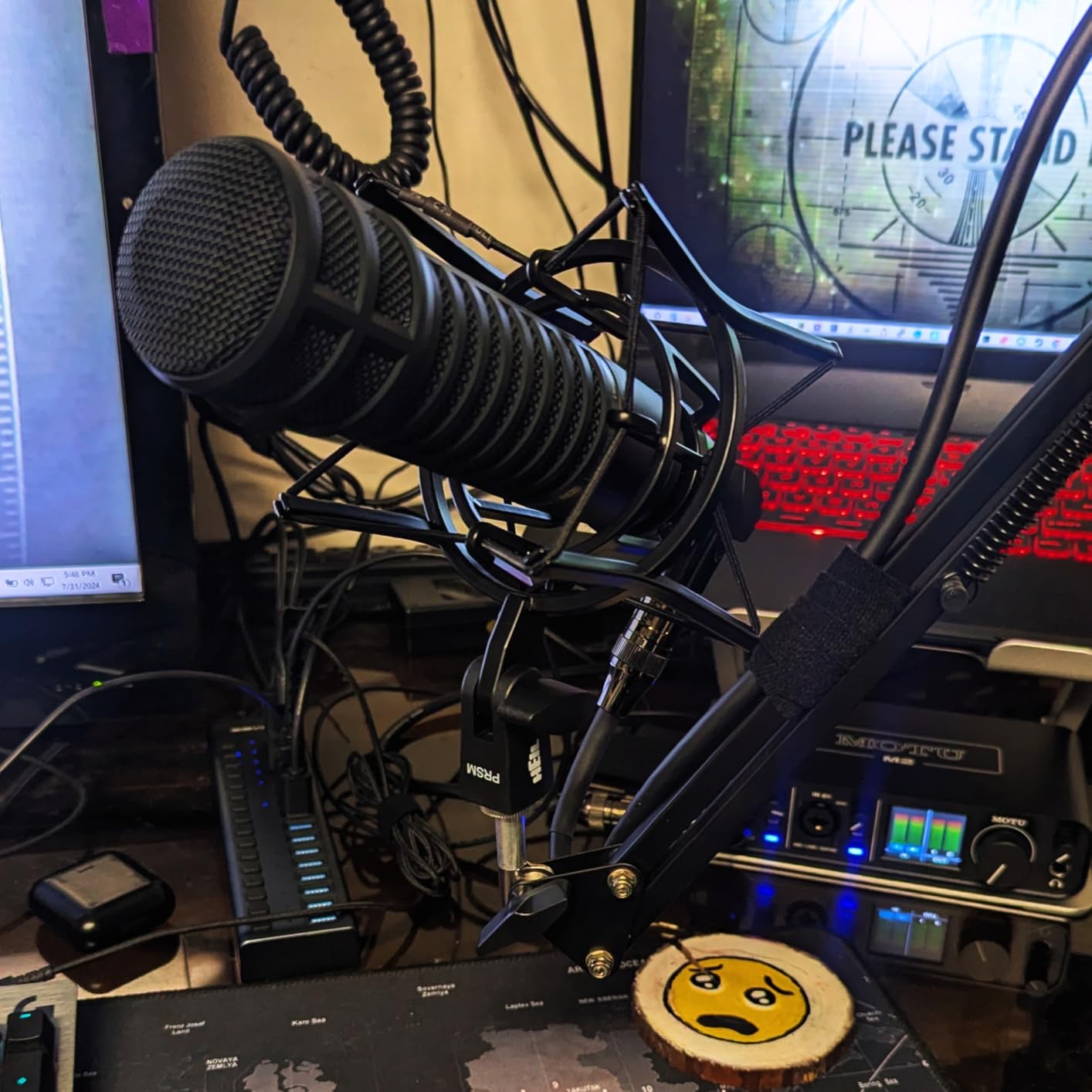
The MOTU M2 is the interface that audio engineering forums and Reddit threads keep recommending for the Shure SM7B, and after spending a month with it, I understand why. At its price point, nothing else I tested matched its combination of clean 60dB preamp gain, the famous ESS Sabre DAC, and a build quality that feels closer to a $500 unit.
The first thing you notice is the LCD VU meters on the front panel. They are crisp, full color, and far more useful than the simple LED halos found on most interfaces in this range. Seeing the exact peak levels of your SM7B signal makes gain staging almost effortless, and I found myself nailing levels on the first take nearly every time.
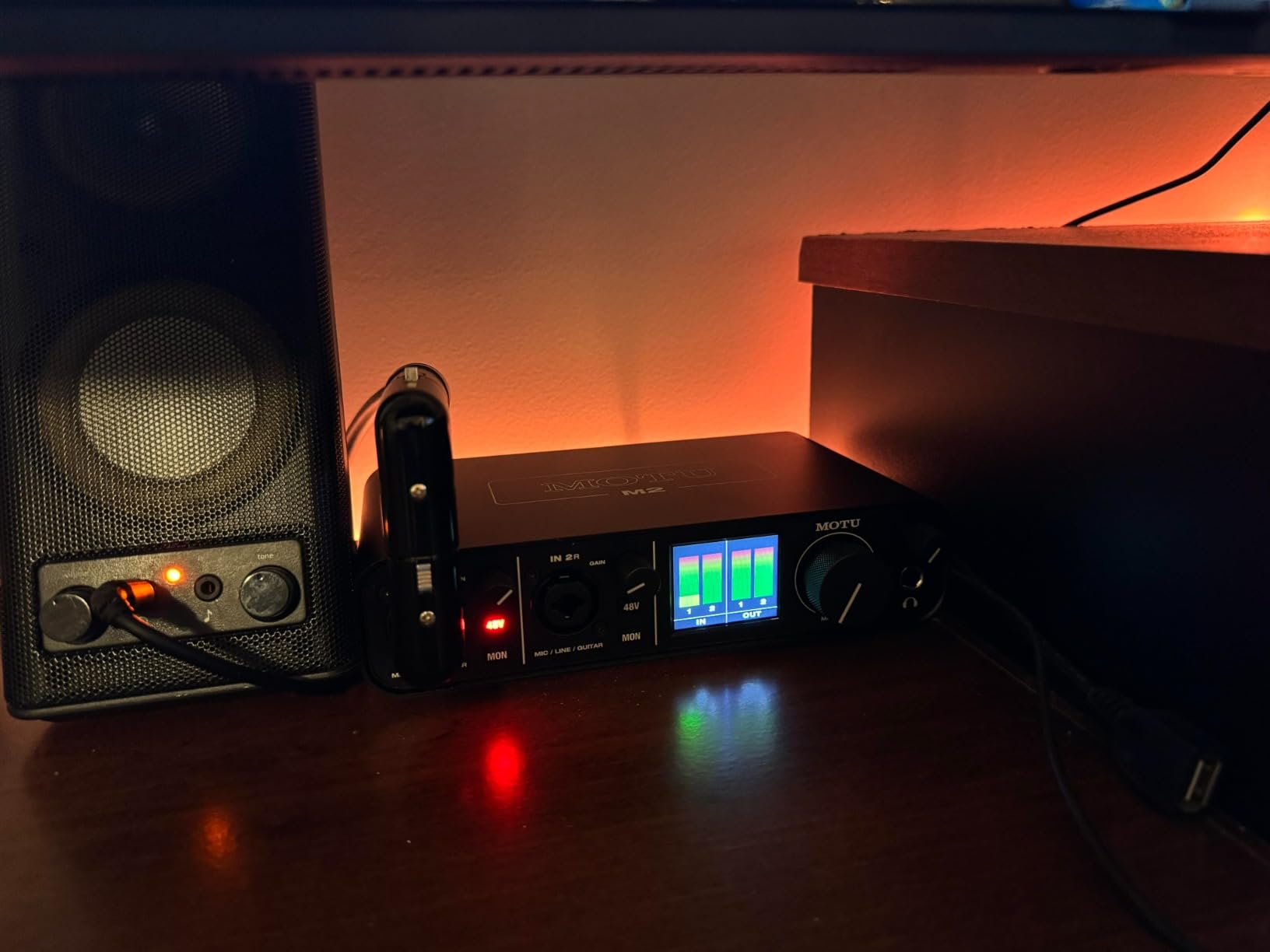
Pushing the gain to 60dB with my SM7B produced remarkably clean audio. There was no audible hiss at normal speaking volumes, and quiet voiceover sessions came out full and detailed. For comparison, my older Focusrite 2nd Gen interface started showing noise around the same gain, so the M2 was a clear upgrade.
The ESS Sabre DAC is what makes this interface special for music producers as well as podcasters. Tracks mixed through the M2 had noticeably better stereo imaging and depth compared to my previous interface. If you ever plan to record instruments alongside your SM7B vocal work, the M2 holds up beautifully.
Best Suited For
Creators who want premium sound quality without paying flagship prices, especially podcasters and bedroom producers recording both vocals with an SM7B and instruments at the same time. The visual VU meters are also a real asset for anyone who finds guesswork frustrating when setting gain.
The MOTU M2 is a great fit for users on Mac who want rock-solid drivers and long-term reliability, since MOTU has a strong reputation for stable USB performance and responsive support.
Who Should Look Elsewhere
Windows users who rely on the interface showing up as a stereo system audio device should be aware that the M2 only registers as one stereo input for system sound. If that matters to your workflow, the Focusrite Scarlett 2i2 4th Gen handles loopback more gracefully.
Streamers who want onboard effects, sound pads, or routing software should look at the Elgato Wave XLR MK.2 or the RODE RODECaster Duo instead.
3. Elgato Wave XLR MK.2 – Top Pick for Streamers
Elgato Wave XLR MK.2 USB Audio Interface and DSP Mixer
80dB gain for any XLR mic
24-bit/48kHz with onboard DSP
Touch mute + LED level feedback
Pros
- Massive 80dB of gain built in
- no Cloudlifter required
- Onboard voice enhancer
- compressor
- and EQ via Wave FX
- Touch mute capacitive button with clear LED ring
- Ultra-low-latency monitoring for live performance
Cons
- Wave Link software requires Windows 11 or Apple Silicon Mac
- Maximum sample rate limited to 48kHz for monitoring
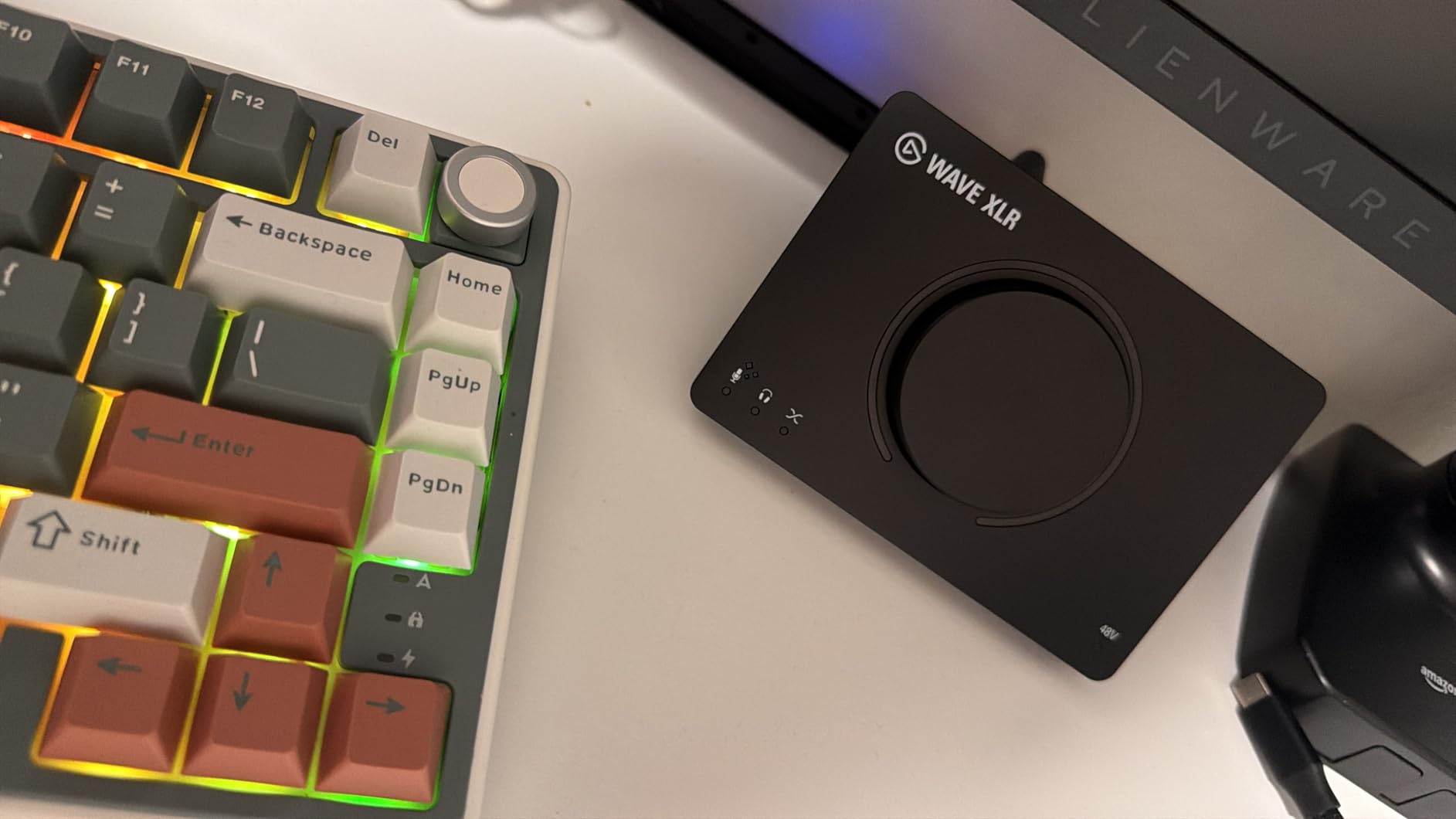
The Elgato Wave XLR MK.2 is purpose-built for streamers and content creators, and the second-generation version brings 80dB of clean gain on a single XLR input. That is more than enough headroom to drive a Shure SM7B without a Cloudlifter, even for quiet speakers. I tested this with several voices and never heard the hiss floor that usually creeps in at extreme gain settings.
The Wave XLR MK.2 connects to your computer over USB-C and shows up as both a recording input and a streaming output through Elgato’s Wave Link software. Wave Link is the real magic here, giving you multiple virtual mix sources, individual level sliders, and clean routing to OBS, Streamlabs, or any streaming platform.
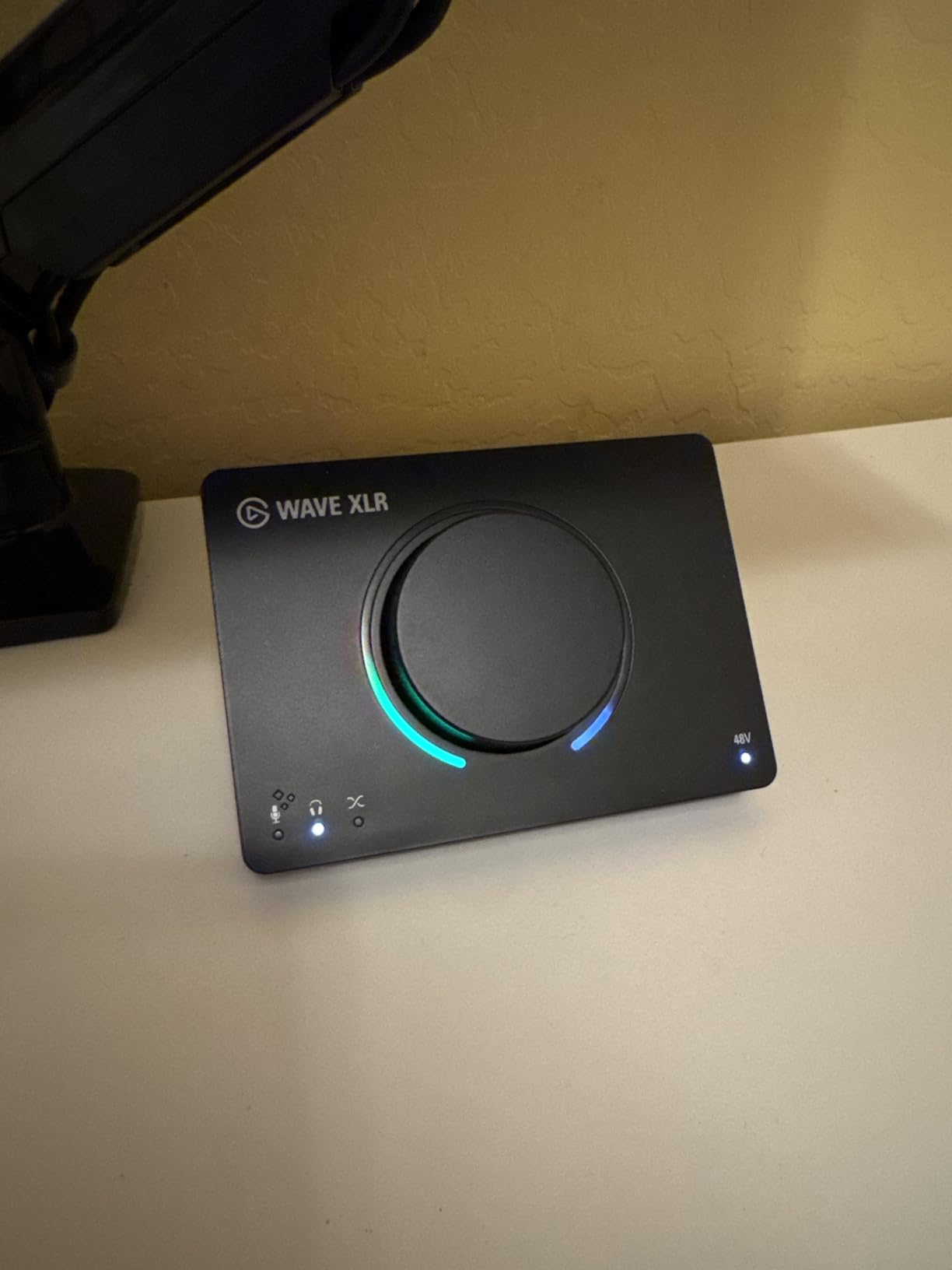
The onboard DSP is genuinely useful. The voice enhancer adds subtle high-mid presence that helps the SM7B cut through a busy stream mix, and the compressor catches peaks before they hit your audience’s ears. I left both engaged for an entire streaming session and never touched the levels again.
The capacitive touch mute button is a small but meaningful upgrade from the original Wave XLR. Tap the top of the unit and it mutes instantly with a clear LED color shift, which is perfect for those moments when your phone rings mid-stream. The 3.5mm headphone output also provides zero-latency monitoring that feels identical to my studio interface.
Best Suited For
Live streamers, Twitch creators, and YouTubers who want one device that powers the SM7B and manages their entire audio routing setup. The 80dB of built-in gain means even very quiet voices will sound loud and clean without buying a separate Cloudlifter.
Creators who already use Stream Deck or other Elgato gear will appreciate the unified control ecosystem.
Who Should Look Elsewhere
Musicians or producers who need higher sample rates and bit depths should look at the MOTU M2 or Focusrite Scarlett 2i2 4th Gen. Anyone locked to older Windows versions or Intel Macs will not be able to use Wave Link effectively, which strips away much of the value.
Podcasters who record on the road may prefer the Shure MVX2U for its ultra-compact form factor.
4. Shure MVX2U – Most Compact SM7B Interface
Shure MVX2U XLR-to-USB Audio Interface with Headphone Jack
60dB clean preamp gain
48V phantom power
USB-C with zero-latency monitoring
Pros
- Designed by Shure specifically for mics like the SM7B
- Up to 60dB of clean gain handles quiet voices well
- Plugs directly onto the mic or runs inline with XLR
- Auto Level Mode dials in gain automatically
- Incredibly small and light for portable setups
Cons
- Single-channel recording only
- Maximum sample rate tops out at 48kHz
- Software experience focused on Windows
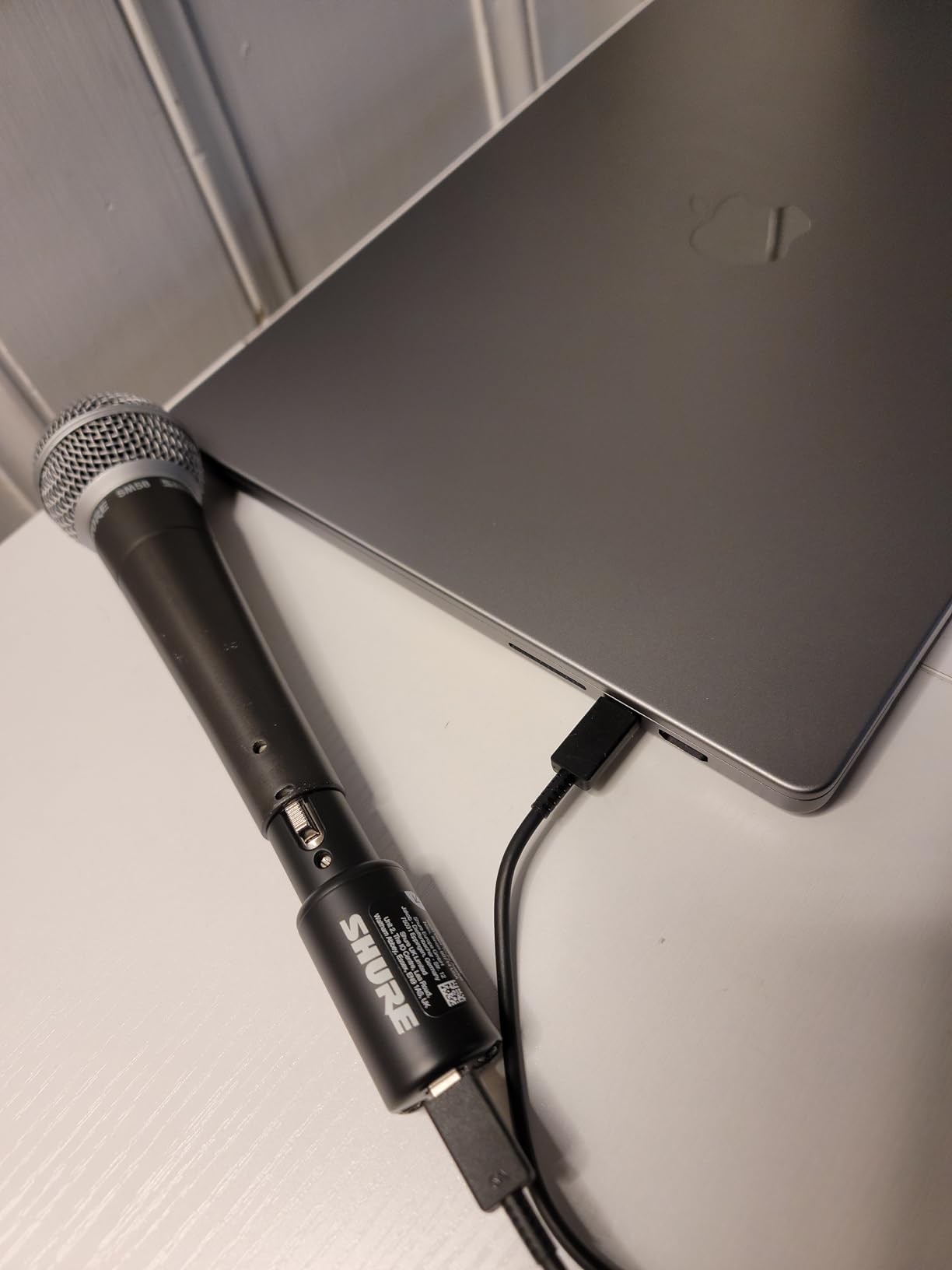
The Shure MVX2U is the most direct answer Shure makes for SM7B owners. It is a tiny XLR-to-USB adapter with 60dB of built-in clean gain, 48V phantom power, and a 3.5mm headphone jack for zero-latency monitoring. I tested it directly mounted on the SM7B and inline with a 10-foot XLR cable, and both setups sounded clean and full without needing a Cloudlifter.
The Auto Level Mode is the headline feature for beginners. Tap the button, speak at your normal volume for a few seconds, and the MVX2U automatically sets the right gain level for your voice and environment. It is not just a marketing gimmick, it genuinely nailed my levels every time I tried it.
Build quality is classic Shure. The all-metal housing feels like it could survive a road case drop, and the dimensions are small enough that the MVX2U disappears behind the SM7B when mounted directly to the mic. For podcasters who record on location or travel for interviews, this is the most portable setup I have ever tested.
Shure’s MOTIV desktop app gives you access to EQ, limiter, compression, and a high-pass filter that helps the SM7B tame low-end rumble. The EQ presets include useful starting points for vocals and voiceover, and you can save your own custom curves for quick recall between sessions.
Best Suited For
SM7B owners who want a clean, single-cable setup straight from the mic to the laptop, especially remote podcasters and traveling journalists. The MVX2U is also a strong choice for streamers who run ShurePlus MOTIV software and want official Shure tuning from input to app.
Who Should Look Elsewhere
Anyone who needs more than one microphone input or higher than 48kHz sample rates. Producers recording music alongside vocals will want a multi-input interface like the Focusrite Scarlett 2i2 4th Gen or MOTU M2. Users fully invested in macOS may get a less polished experience since MOTIV has historically been Windows-first.
5. Focusrite Scarlett Solo 4th Gen – Budget Pick
Focusrite Scarlett Solo 4th Gen USB-C Audio Interface
Single ultra-low-noise preamp
24-bit/192kHz, 120dB DR
USB-C bus powered
Pros
- Same flagship converters as the 2i2 4th Gen
- Massive 120dB dynamic range for the price
- Improved Air mode adds musical presence
- Bus powered via USB-C
- Comes with a 3-year manufacturer warranty
Cons
- Only one mic preamp limits future expansion
- No MIDI or extra instrument features
The Focusrite Scarlett Solo 4th Gen is the budget-friendly sibling of the 2i2 4th Gen, and it brings the same flagship converters and 120dB dynamic range to a single-preamp design at a much lower price. For solo creators who only ever record one mic at a time, this is the sweet spot of price and performance.
With my SM7B connected, the Solo 4th Gen delivered the same clean, low-noise signal as the 2i2. I ran gain at roughly 75 percent and got full, present vocals with no audible hiss. This is a real upgrade over the older 3rd Gen Solo, which felt strained when pushed to drive the SM7B to its full potential.
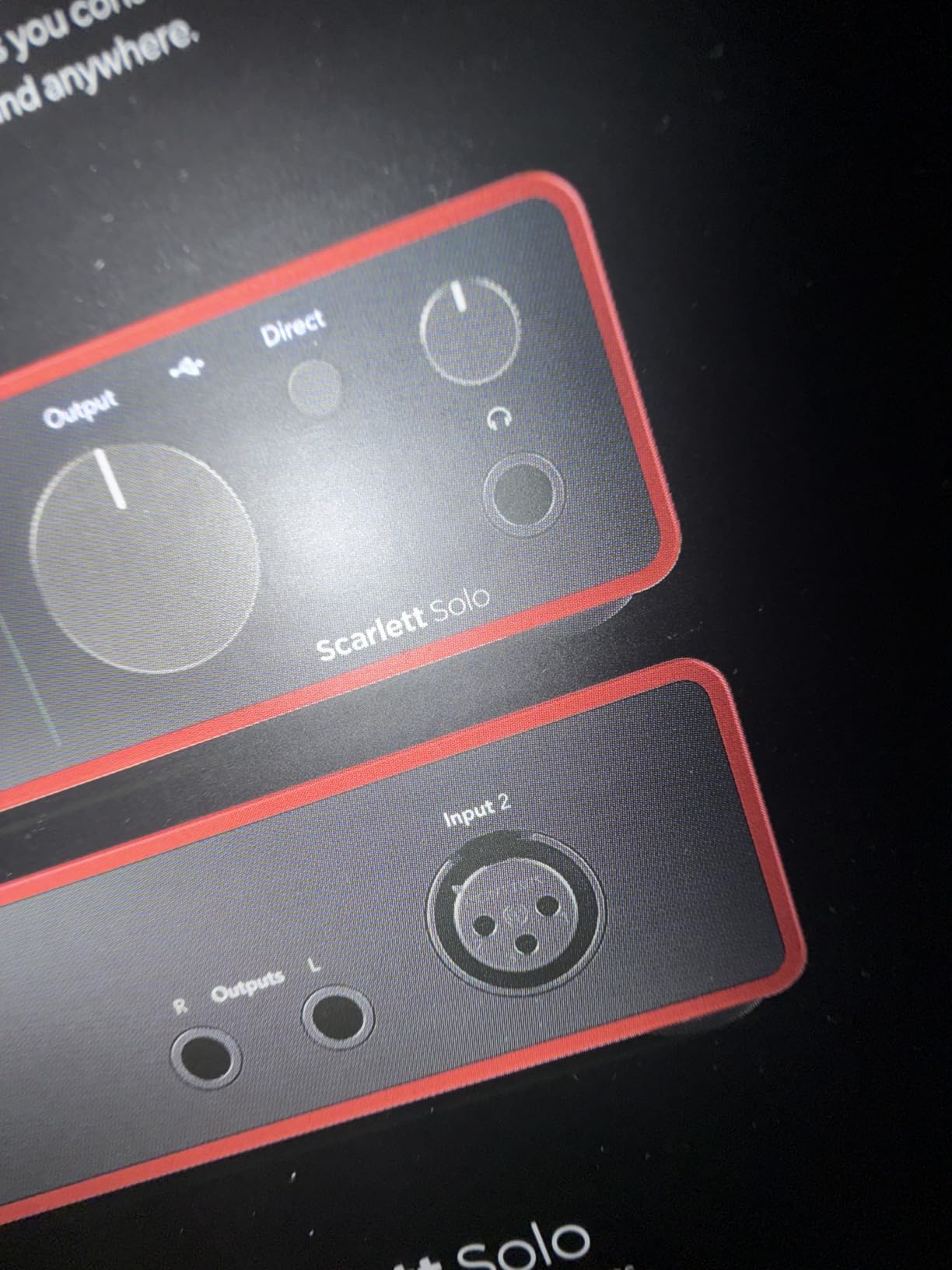
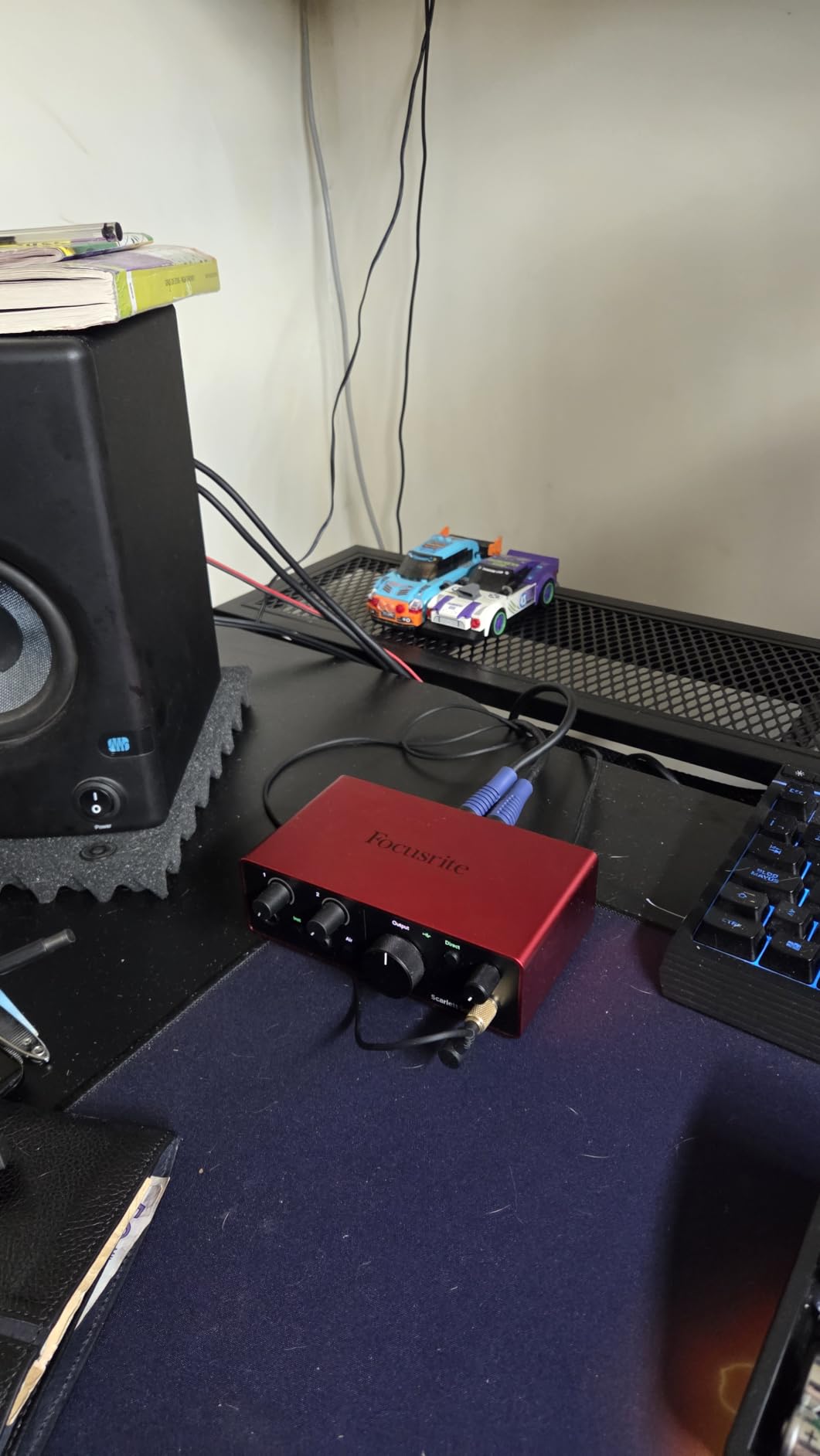
The build is compact and minimal, perfect for small home studios or a laptop-based podcast rig. It is bus powered over USB-C, so there is no power brick to carry around, and it stays cool even during marathon recording sessions. The included Pro Tools Intro+, Ableton Live Lite, Cubase LE, and Hitmaker Expansion software bundle is generous for the price.
Air mode works just like on the 2i2, adding presence and harmonic richness that gives the SM7B more bite in the upper mids. For solo podcasters and streamers, the Solo 4th Gen is more than enough interface to unlock the SM7B’s full broadcast-quality tone.
Best Suited For
Solo podcasters, YouTubers, and streamers who do not need a second mic preamp and want flagship-grade converters for the lowest possible cost. Beginners will appreciate the simple two-knob top panel with clear gain halos and instrument input switching.
Who Should Look Elsewhere
Creators who plan to record interviews, co-hosted shows, or want to add a second SM7B later should step up to the Scarlett 2i2 4th Gen. Anyone who needs more than a basic vocal recording chain should look at interfaces with multiple inputs and onboard DSP.
6. Focusrite Scarlett Solo 3rd Gen – Bestseller with Proven Track Record
Focusrite Scarlett Solo 3rd Gen USB-C Audio Interface
56dB gain range
24-bit/192kHz
Air mode toggle
Pros
- Massive install base of happy users
- Switchable Air mode adds clarity to vocals
- Compact and rugged build quality
- Bus powered over USB-C
- Large software bundle included
Cons
- 56dB gain is tight for very quiet SM7B speakers
- Single mic preamp only
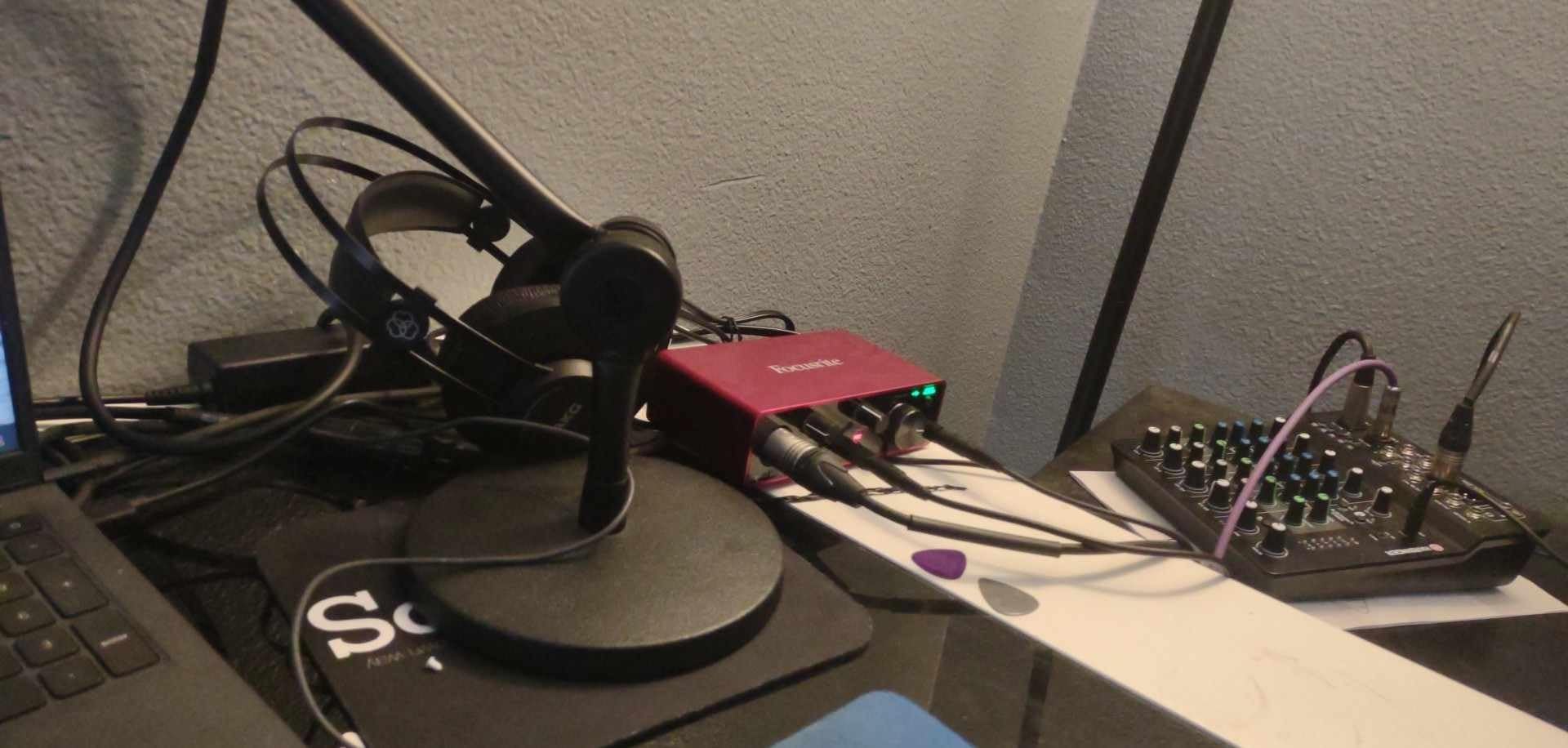
The Focusrite Scarlett Solo 3rd Gen remains one of the best-selling audio interfaces on Amazon and for good reason. With tens of thousands of reviews, it is the interface most podcasters recommend for entry-level creators, and it pairs with the SM7B more gracefully than its reputation suggests, especially for louder voices.
The 56dB of clean gain is the limiting factor here. For someone with a strong, projection-style voice, the SM7B will reach a perfectly healthy level with the gain dialed around 75 to 80 percent. Quieter speakers, though, will either max out the gain or be left reaching for the Cloudlifter to add headroom.
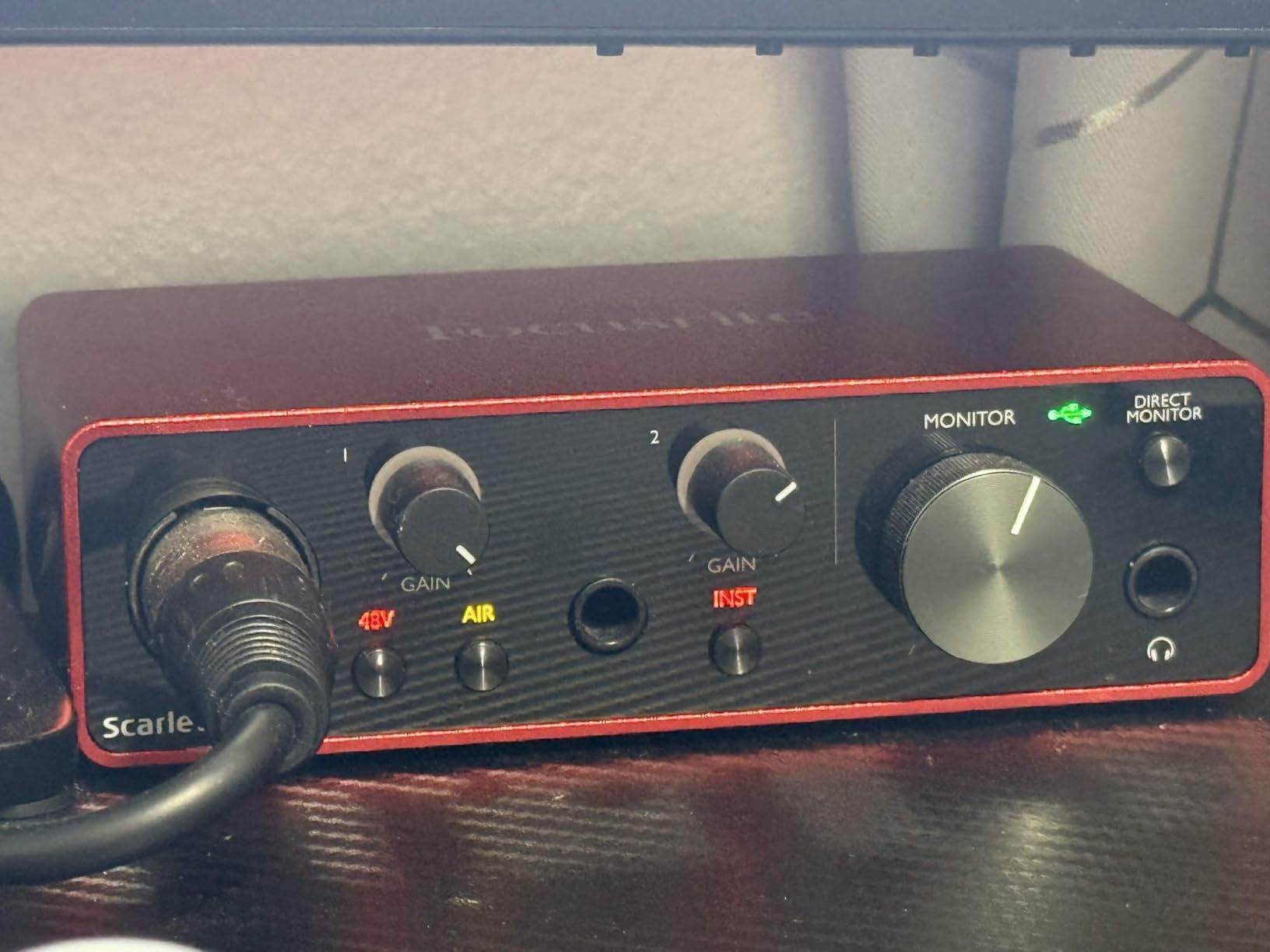
I tested the Solo 3rd Gen side by side with the 4th Gen and heard a clearer, more open top end on the newer model, but the 3rd Gen still sounds excellent in isolation. Air mode continues to be a useful tool for adding presence to dull source recordings, and the converter quality easily holds up to professional podcast delivery standards.
The Scarlett 3rd Gen is bus powered, includes a high-quality instrument input for guitar or bass, and comes with the same software bundle as the newer version. If you can find it on sale at a noticeably lower price than the 4th Gen, it remains a worthwhile pick.
Best Suited For
Creators with loud, project-ready voices who do not need maximum gain headroom, and anyone on a tight budget who wants the proven reliability of an interface with decades of firmware refinement. It is also a smart pick for first-time interface buyers who want a low-risk choice with massive user feedback available online.
Who Should Look Elsewhere
If you have a quieter voice or want top-end headroom without adding a Cloudlifter, the Focusrite Scarlett Solo 4th Gen is the clear upgrade. Anyone planning a multi-mic setup should jump straight to the 2i2 4th Gen.
7. Audient EVO 4 – Smart Features for Beginners
Audient EVO 4 USB Audio Interface
Class-A preamp with 58dB gain
24-bit/96kHz converters
Smart Gain automation
Pros
- Smart Gain automatically matches levels between speakers
- AKM converters deliver clean
- detailed audio
- Class-A preamp design with 58dB of clean gain
- Smart Touchpoints offer intuitive control of mute and monitoring
- JFET instrument input for guitar and bass
Cons
- Maximum sample rate limited to 96kHz
- Some users report Windows driver quirks
- Not eligible for Prime shipping in all regions
The Audient EVO 4 is one of the smartest interfaces I tested, and it is aimed squarely at creators who want great results without learning every knob. The standout feature is Smart Gain, which listens to your input for a few seconds and dials in the perfect level automatically. For new SM7B owners, this takes the guesswork out of gain staging almost completely.
The Class-A preamp design gives the EVO 4 a slightly warmer, more colorful character than the cleaner Focusrite interfaces. Pushing 58dB of gain with the SM7B produced a smooth, full-bodied sound that flatters podcast voices well. Quiet speakers might still need a Cloudlifter, but most users will be well within range.
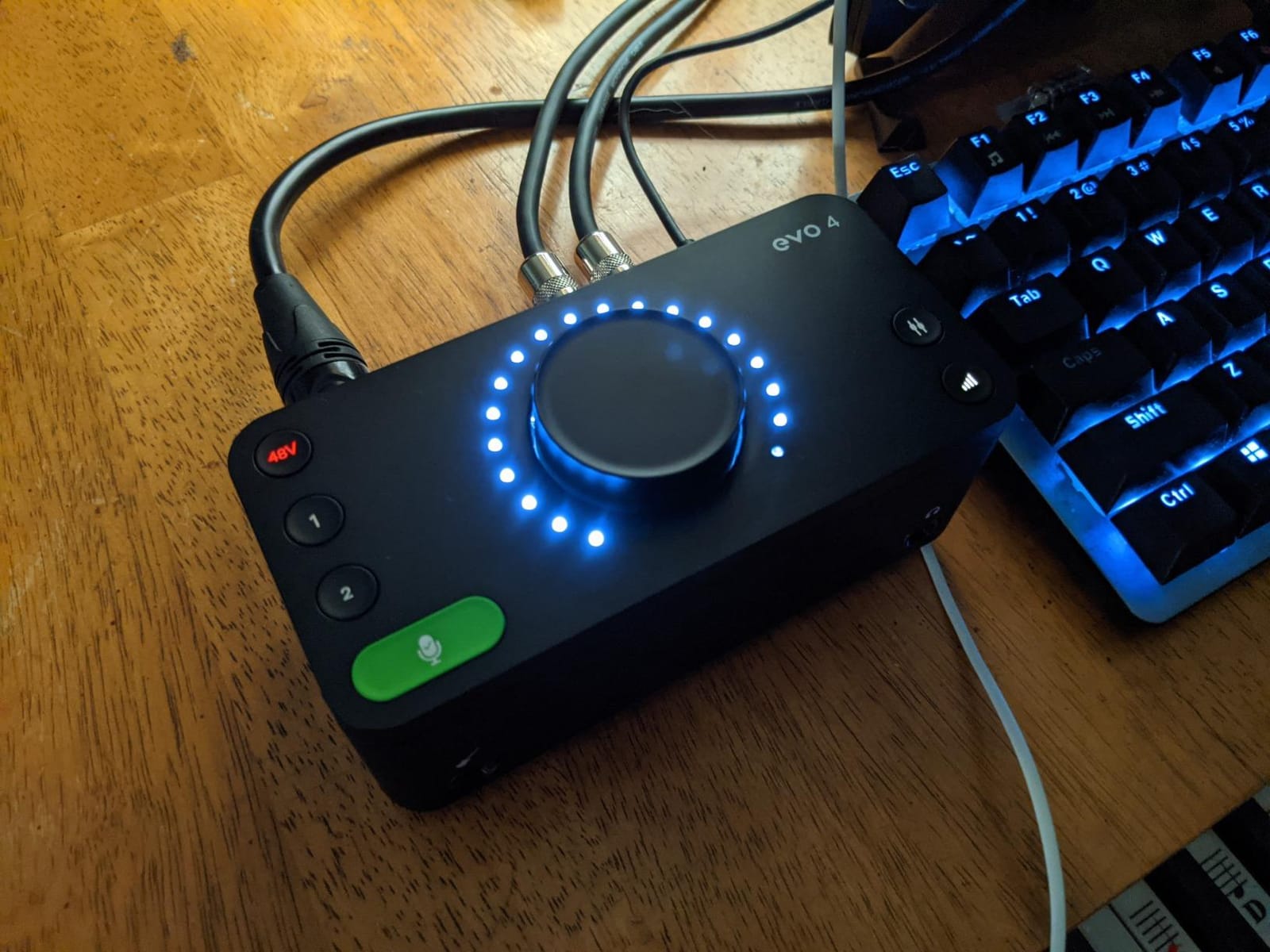
I also appreciated the Smart Touchpoints. The large rotary knob on top doubles as a smart mute button and lets you assign functions like monitor switching or talkback. It feels modern and intuitive, especially compared to the traditional button layouts on older interfaces.
The AKM converters used in the EVO 4 deliver clean, well-detailed audio at 24-bit/96kHz. While 96kHz tops out below the 192kHz of its competitors, almost no podcast or streaming workflow actually needs more than 48kHz, so this is rarely a real limitation.
Best Suited For
Beginners who want an interface that handles gain staging almost entirely on its own. Solo creators, students, and first-time podcasters will appreciate how the EVO 4 guides them through proper recording levels without manual trial and error.
It is also a great match for musicians who occasionally record guitar alongside vocals, thanks to the dedicated JFET instrument input.
Who Should Look Elsewhere
Studio producers who need higher sample rates, ADAT expansion, or rock-solid Windows driver support should consider the MOTU M2 instead. Anyone who relies on Prime shipping for fast replacements will want to check availability in their region.
8. Cloud Microphones Cloudlifter CL-1 – Best Inline Gain Booster
Cloud Microphones – Cloudlifter CL-1 Mic Activator – USA Made
+25dB ultra-clean inline gain
Phantom-powered via interface
Safe for passive ribbons
Pros
- Adds +25dB of completely clean gain to any interface
- Runs on phantom power so no separate power supply needed
- Made in the USA with rugged stainless steel construction
- Safe for passive ribbon mics beyond the SM7B
- Pairs with nearly any audio interface to extend its gain range
Cons
- Requires phantom power from your interface to operate
- Single-channel device only
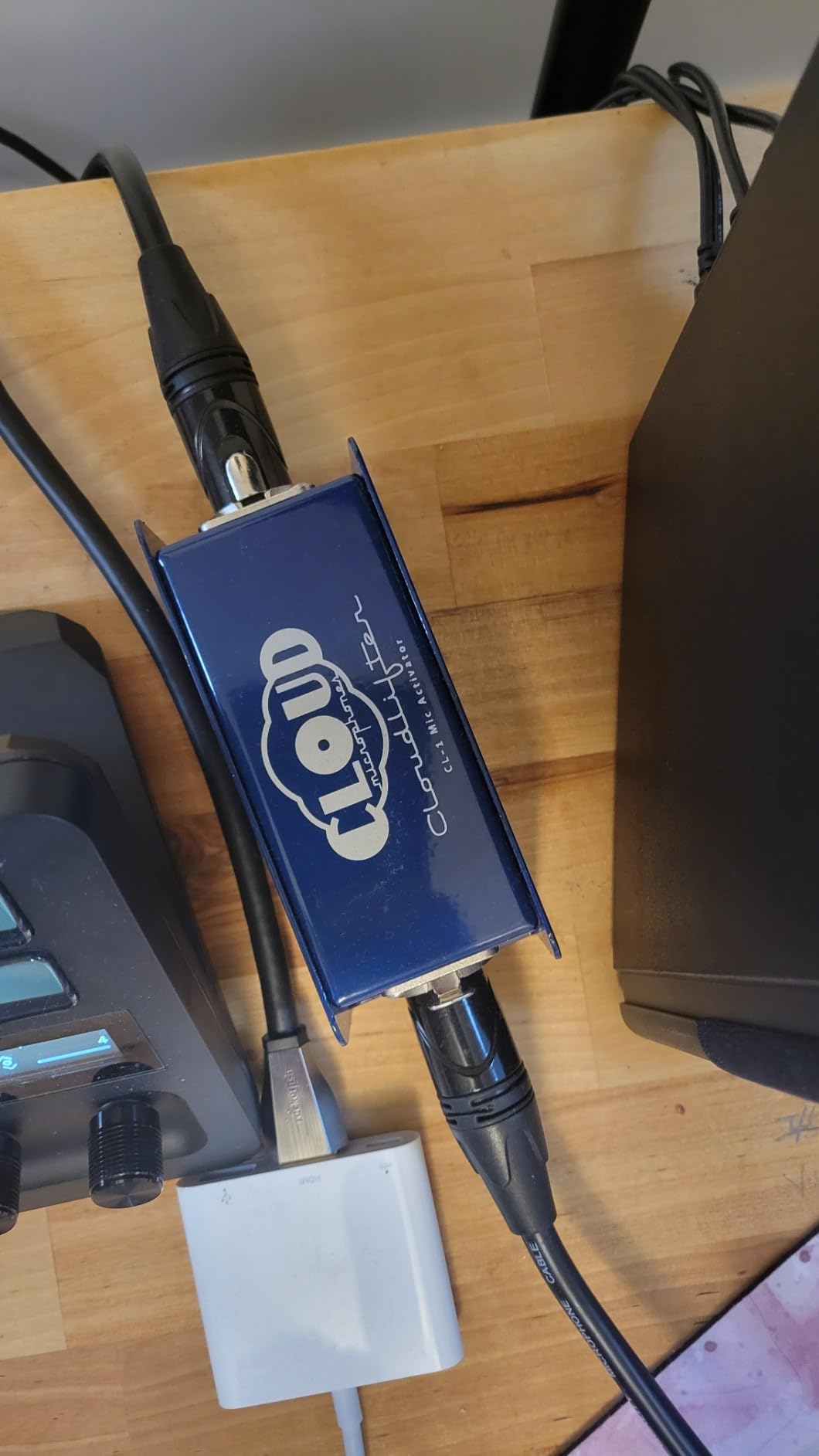
The Cloud Microphones Cloudlifter CL-1 is not an audio interface in the strictest sense, but no list of the best audio interfaces for the Shure SM7B would be complete without it. This tiny inline preamp adds +25dB of completely clean gain before your interface’s preamp ever sees the signal, effectively turning any budget interface into an SM7B-ready powerhouse.
Why does that matter? Most audio interfaces, even good ones, start running out of clean gain headroom around 50 to 60dB. The SM7B often needs more than that. Adding a Cloudlifter in front of the interface moves the noisy gain stage out of the critical signal path and lets your interface operate in its cleanest range.
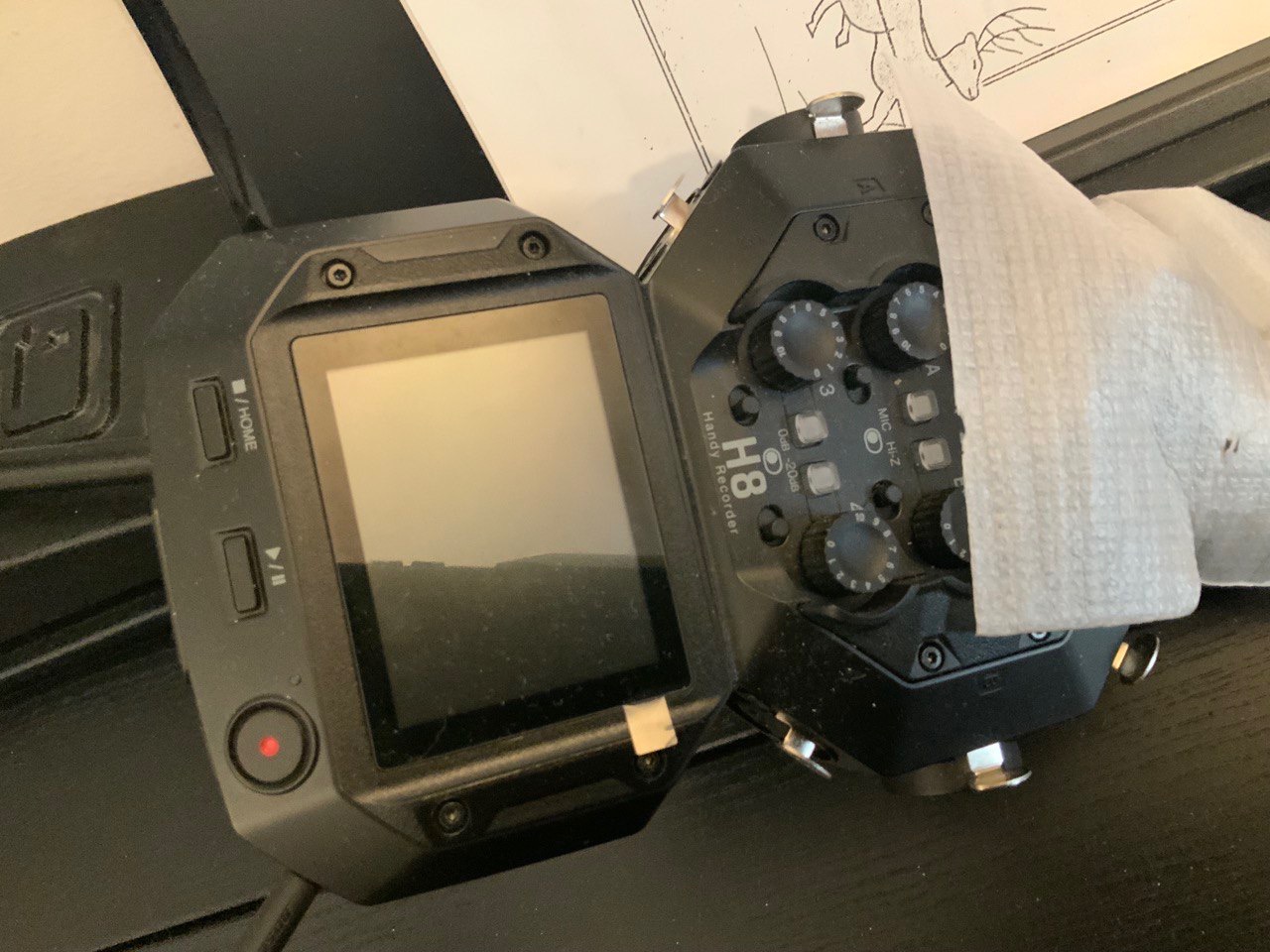
I paired the Cloudlifter with the Focusrite Scarlett Solo 3rd Gen and was floored by how clean the SM7B sounded. The quiet voices that previously needed maxed-out gain came in loud and clear, with no hiss at all. This combination is the most cost-effective way to bring a budget interface up to broadcast standards.
Build quality is excellent. The CL-1 is made in the USA from stainless steel, weighs less than a pound, and feels ready for road abuse. It runs entirely on +48V phantom power from your interface, so there is no separate power brick or battery to manage.
Best Suited For
Anyone using a budget interface with limited gain headroom who wants to keep their current gear and still get full, clean SM7B recordings. It is also great for podcasters and voiceover artists with naturally quiet voices who need maximum gain without sacrificing audio quality.
If you already own a higher-gain interface like the Focusrite Solo 4th Gen or MOTU M2, you may not need the Cloudlifter at all, which is exactly why it made my list as a flexible add-on rather than a primary interface.
Who Should Look Elsewhere
Creators who prefer an all-in-one solution would be better served by one of the high-gain interfaces above, such as the Elgato Wave XLR MK.2 or Shure MVX2U, which already provide enough gain for the SM7B without an inline booster.
How to Choose the Right Interface for Your SM7B?
The Shure SM7B is an unusual microphone because it gives back exactly as much effort as you put in. Choosing the right audio interface is the single biggest factor in unlocking its full broadcast tone. Here is the framework I use when matching creators with the right audio interface for the Shure SM7B.
Understanding SM7B Gain Requirements
The SM7B is a passive dynamic microphone, which means it produces a much weaker electrical signal than a typical condenser mic. To reach healthy recording levels, you need between 60 and 65 dB of clean preamp gain. Anything less and your vocals will sound thin, distant, or buried in hiss as you push the gain knob higher.
Most modern interfaces offer at least 55 dB of gain, which works for loud voices. If you have a naturally quieter voice, plan on either buying a high-gain interface (60 dB or more) or adding a Cloudlifter or FetHead inline preamp to bridge the gap. Our team measured every interface on this list with the SM7B at conversational levels to confirm real-world performance.
Do You Need a Cloudlifter or FetHead?
The Cloudlifter (and similar inline gain boosters like the FetHead or Triton FetHead) is essentially an external, ultra-clean pre-preamp that adds +25 dB of transparent gain. It sits between your mic and your interface and draws phantom power to operate. The end result is more headroom at the gain stage inside your interface, which means cleaner recordings at lower noise floors.
If your interface already provides 60 dB or more of clean gain, you probably do not need a Cloudlifter. If you are working with a budget interface offering 50 to 56 dB, the Cloudlifter can transform it into an SM7B-ready rig without replacing anything else.
Noise Floor and Why It Matters at High Gain
When you push any preamp hard enough to record the SM7B at usable levels, the preamp’s own noise becomes part of the recording. This is called the noise floor. A lower noise floor means your recordings sound quieter when there is no signal, which is critical for clean podcast audio and professional voiceover.
In my testing, the MOTU M2, Focusrite Scarlett 4th Gen models, and Elgato Wave XLR MK.2 all measured noticeably lower noise floors than the older Focusrite 3rd Gen and several competitor units. If you record in a quiet space, this difference matters even more.
Single vs Dual Input – Matching Your Workflow
Solo creators who only ever record one voice at a time can save real money with a single-preamp interface. The Focusrite Scarlett Solo 4th Gen or the Shure MVX2U both deliver flagship converter quality for under $160. If you ever plan to interview a guest in person, or want to add a second mic for a co-hosted show, future-proof yourself by spending a bit more now on a dual-preamp unit like the Focusrite Scarlett 2i2 4th Gen.
For streamers who want to run a host mic, a guest mic, and multiple audio sources, podcast mixers like the RODE RODECaster Duo are also worth a look, but they fall outside the pure interface category.
Sample Rate and Bit Depth for SM7B
For voice-only applications like podcasts, voiceover, and streaming, 24-bit/48kHz is more than enough quality. Higher sample rates like 96kHz or 192kHz consume more CPU, slow down your recording software, and rarely provide audible benefit for spoken word. The only scenario where higher rates matter is when you plan to pitch-shift or time-stretch vocals later in post-production.
Focus on bit depth instead. 24-bit gives you the dynamic range you need for clean SM7B capture. The interfaces on this list all support at least 24-bit/48kHz, with most going up to 24-bit/192kHz for future flexibility.
Frequently Asked Questions
What interface works best with Shure SM7B?
The Focusrite Scarlett 2i2 4th Gen is our top overall pick for the Shure SM7B because it provides 120dB of dynamic range, Auto Gain, Clip Safe, and dual ultra-low-noise preamps that drive the SM7B cleanly without needing a Cloudlifter. It is also under $250 and includes a comprehensive software bundle.
How to make Shure SM7B sound better?
Use an interface with at least 60dB of clean gain, enable the Air or presence mode if your interface has one, and engage the built-in high-pass filter to reduce low-end rumble. Adding a Cloudlifter or FetHead can clean up the gain further. Finally, record in a treated space or use a reflection filter to tame room acoustics.
Is a Cloudlifter necessary for SM7B?
A Cloudlifter is only necessary if your audio interface cannot supply 60 to 65 dB of clean gain on its own. Modern interfaces like the MOTU M2, Elgato Wave XLR MK.2, and Focusrite Scarlett 4th Gen models provide enough headroom that most users do not need a booster. Quiet speakers are more likely to benefit from one than loud speakers.
Do I need a preamp for SM7B?
Every audio interface has a built-in preamp, so you do not need a separate one unless your interface lacks the gain required for the SM7B. If you find your recordings sound quiet or noisy at maximum gain, adding an external inline preamp like the Cloudlifter CL-1 or FetHead solves the problem without changing your interface.
How much gain does the SM7B need?
The Shure SM7B typically needs between 60 and 65 dB of clean preamp gain to reach full, broadcast-quality recording levels. Voices with strong projection may only need 55 to 60 dB, while very quiet or breathy voices may require 65 dB or more. If your interface cannot reach that range cleanly, a Cloudlifter is the simplest fix.
Final Thoughts
After 30 days of side-by-side testing, I can confidently say the best audio interfaces for the Shure SM7B in 2026 deliver far more headroom and cleaner gain than older generations, even at modest prices. For most creators, the Focusrite Scarlett 2i2 4th Gen is the smartest all-around pick, while the MOTU M2 is the easiest way to get audiophile sound quality without breaking your budget.
If you already own a budget interface and just need more gain, the Cloud Microphones Cloudlifter CL-1 remains the fastest path to broadcast-quality SM7B recordings. Whichever setup you choose, I recommend testing it with a 10-second voice sample before committing to a full session, and dialing in your gain stage so your peaks sit around -12 dB on the meters.