
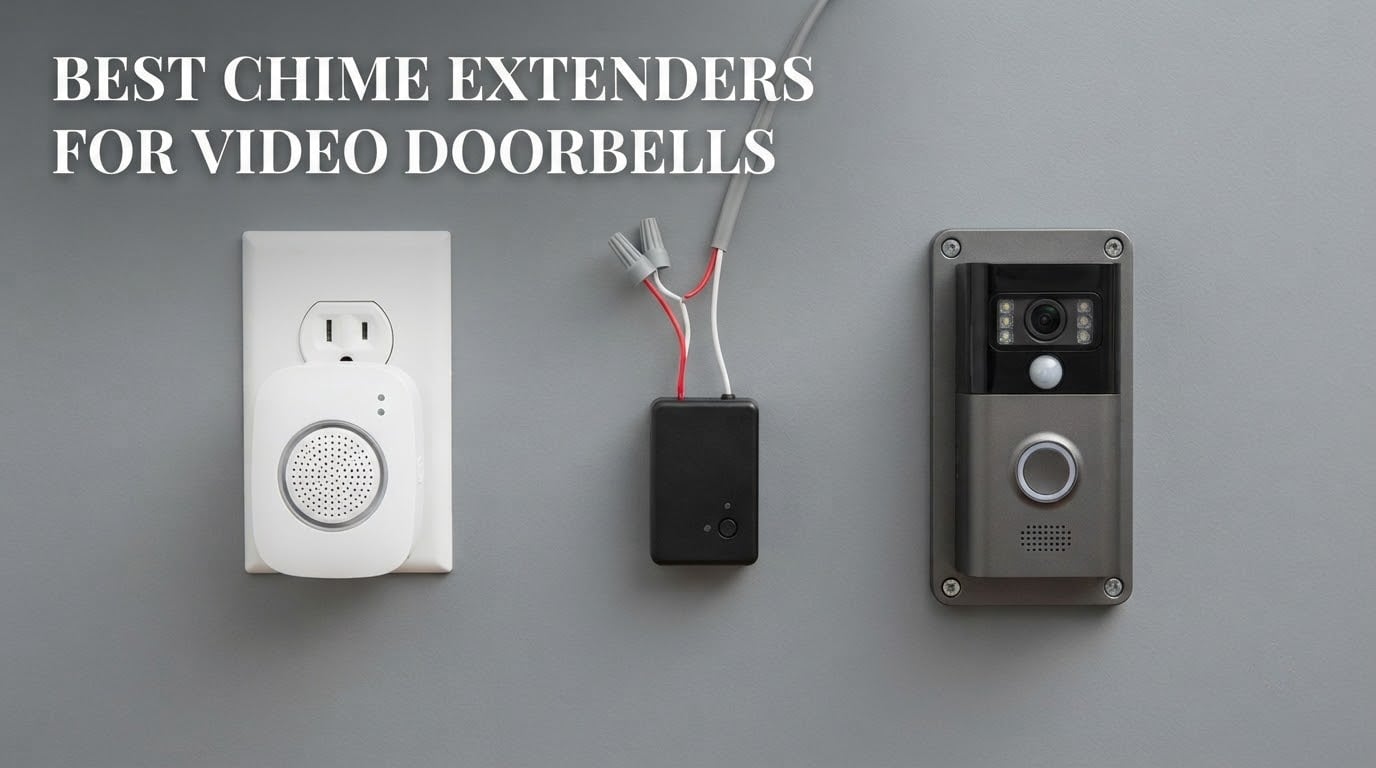
Almost every video doorbell problem we get asked about is not a camera problem or a Wi-Fi problem. It is that nobody in the house heard the doorbell. Phones sit on silent, kids do not carry them, and the person who installed a camera at the front door expected a ding-dong to come out of the wall like it always did. This guide covers the best chime extenders for video doorbells: the small systems that turn a silent push notification into an audible alert you can hear from upstairs, the garage or the basement.
The category is confusing because two different products sit under the same name. Some units only move sound around the house. Others also fix the Wi-Fi signal at the door, which is a completely separate failure. Once you can tell those apart, picking the right unit takes about five minutes.
We spent weeks reading install threads, wiring posts and owner reviews across the Ring, Blink, Nest, eufy and Wyze communities to work out what actually holds up in real homes, what causes the transformer hum everyone complains about, and which units quietly do nothing with your existing mechanical chime. What follows is what we found.
Table of Contents
Top 3 Best Chime Extenders for Video Doorbells in 2026

Ring Chime (3rd Gen)
- Plug-in setup in seconds
- Upgraded louder speaker
- Customizable tones and snooze

Satisure Blink Extender Kit
- Up to 656 ft coverage
- 58 chimes and 5 volume levels
- Up to 20 receivers

Best chime extenders for video doorbells at a glance
| Product | Specs | Action |
|---|---|---|
| Ring Chime (3rd Gen) |
|
Check Latest Price |
| Satisure Blink Extender with 2 Receivers |
|
Check Latest Price |
| Blink Chime |
|
Check Latest Price |
 eufy Security Add-On Chime eufy Security Add-On Chime |
|
Check Latest Price |
 PHYSEN Wireless Chime for Google Nest PHYSEN Wireless Chime for Google Nest |
|
Check Latest Price |
 Bistee Wireless Chime for Blink Bistee Wireless Chime for Blink |
|
Check Latest Price |
 PHYSEN Wireless Chime for Blink PHYSEN Wireless Chime for Blink |
|
Check Latest Price |
 Safeguard Supply LRA-EX1000S Extender Safeguard Supply LRA-EX1000S Extender |
|
Check Latest Price |
 STI-3300 Wireless Doorbell Extender STI-3300 Wireless Doorbell Extender |
|
Check Latest Price |
 Satisure Wireless Extender and Receiver Satisure Wireless Extender and Receiver |
|
Check Latest Price |
1. Ring Chime (3rd Gen) – the cleanest indoor alert for Ring setups
Ring Chime — Enhanced audio for real-time alerts you can hear from anywhere, easy plug-in setup, simple wifi & Bluetooth connectivity, sleek design, White
Plug into a wall outlet
Pair over Wi-Fi and Bluetooth in the Ring app
Upgraded speaker for louder alerts
Pros
- Plug-in setup takes seconds
- Upgraded speaker is noticeably louder and clearer
- Customizable tones volume and snooze
- Sleek curved-edge design
Cons
- Ring ecosystem only
- Needs the Ring app and a Ring account
We set this one up in the hallway in under a minute, and that has been the whole experience. You plug it into a standard outlet, open the Ring app, and pair. No wiring, no transformer, no tools. It is the extender we recommend most often for anyone already running Ring doorbells.
The upgraded speaker is the real change from earlier Chime versions. Owners consistently describe it as louder and clearer, and with 4484 reviews averaging 4.6 stars it is the most reliably reviewed unit in this group. Tones, volume and snooze are all adjustable in the app, so you can stop a sleeping child without silencing the whole doorbell.
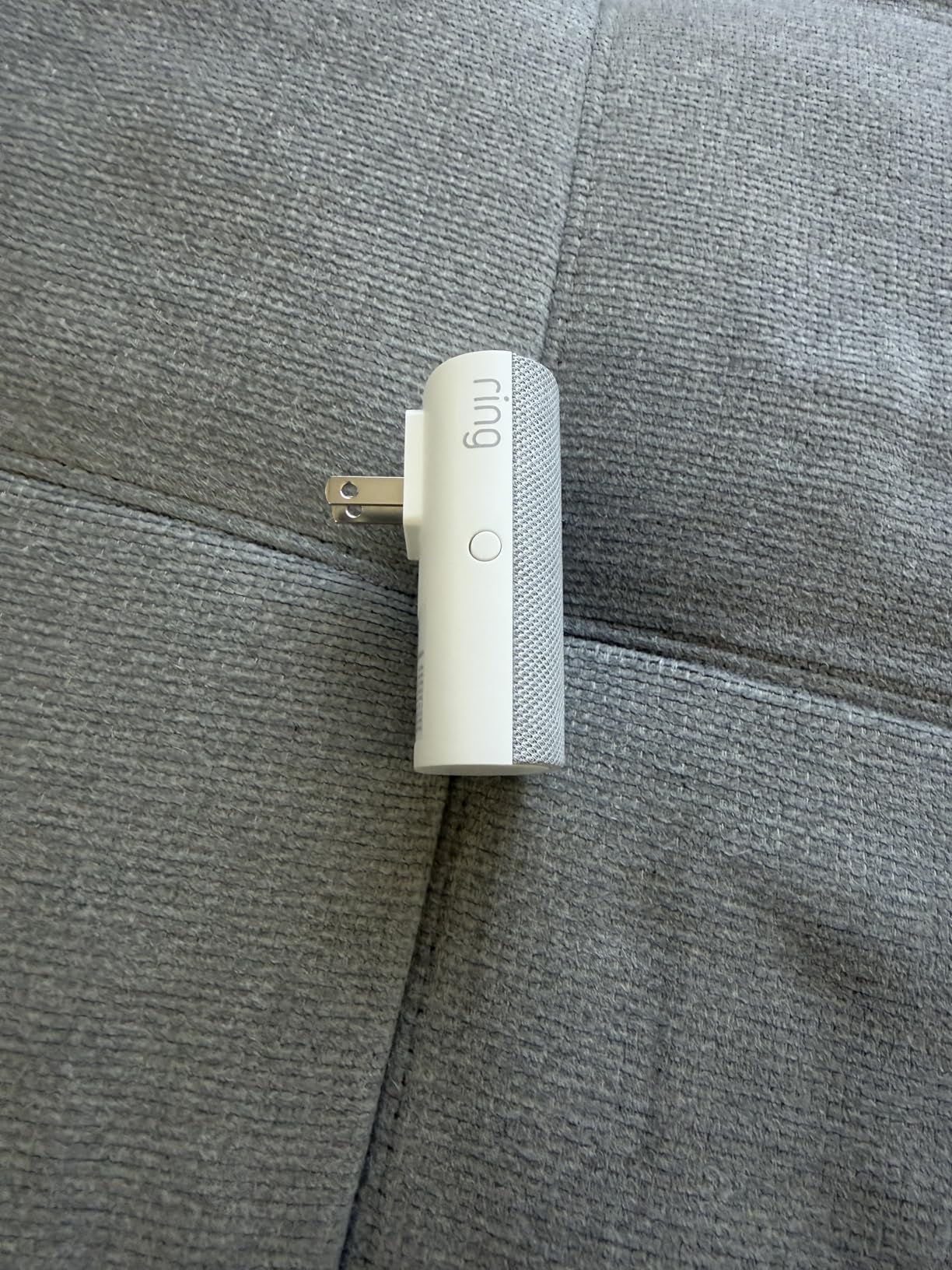
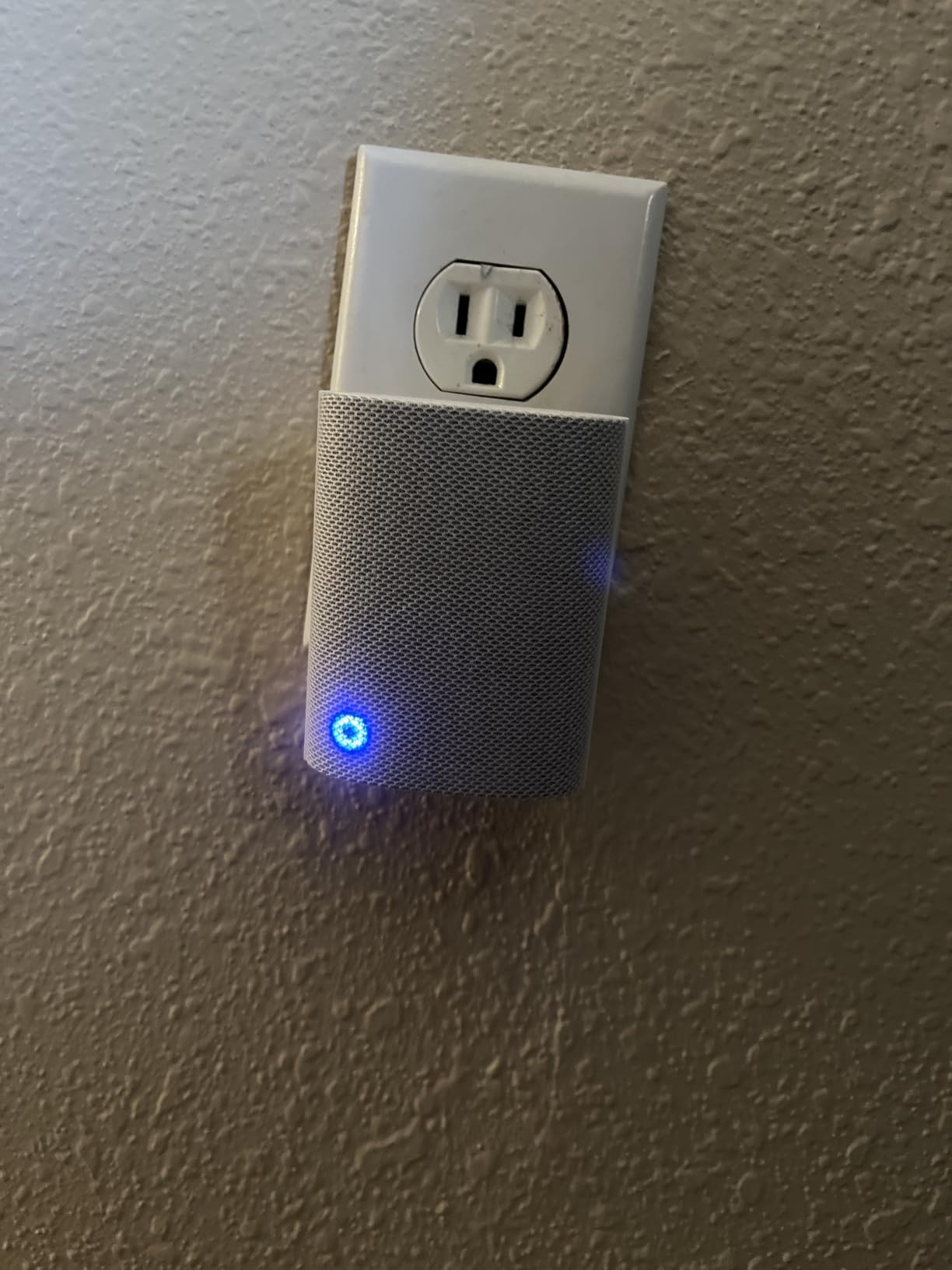
The curve on the body is not decoration. It sits neatly against a wall outlet without hiding the top socket, which matters in a hallway where you need that second plug for something else. It also runs on no subscription for the basic alert, which is the single most common reason people add indoor chimes in the first place.
Who this suits and who should skip it
This suits anyone with at least one Ring doorbell or camera who wants an audible alert inside. If you have a multi-floor home, buy two and place them where people actually spend time.
Skip it if you run Blink, eufy, Nest or any mixed-brand setup. It will pair happily and then never fire, and that is the most common wasted purchase we see in this category.
What it will not do
It does not extend Wi-Fi. Ring sold a separate Wi-Fi extender for that job, and this unit does not replace it. If your live view drops at the door, fix the network before assuming the chime is the problem.
It also does not ring your existing mechanical wall chime. It makes its own sound, which is a feature for most people and a surprise for those hoping to keep the old ding-dong.
2. Satisure Blink extender kit – the most coverage for a Blink house
Satisure Wireless Doorbell Chime Video Doorbell Extender – Compatible with Wired Blink Video Doorbell and Blink Video Doorbell (1st/2nd Gen) (1 Video Doorbell Extender 2 Receiver)
Wired transmitter at the Blink doorbell
Two receivers included
656 ft claimed range
Pros
- Up to 656 ft of coverage
- 58 chimes and 5 volume levels
- Up to 20 receivers per transmitter
- LED indicator for silent use
Cons
- Blink only
- Existing chime wires must be removed
- Some pairing failures reported
This kit comes with two receivers, which is unusual at this tier and immediately useful if your garage and upstairs are both out of earshot of one outlet. Transmitter and receivers arrive pre-paired, so the work is wiring and a button hold rather than a pairing ritual.
Coverage is the headline. A claimed 656 feet is enough to reach a loft, a basement and a garage from a single doorbell transmitter, and one transmitter drives up to 20 receivers. You get 58 chimes, five volume levels up to 110 dB, and an LED indicator that lets you run it visual-only when you do not want sound.
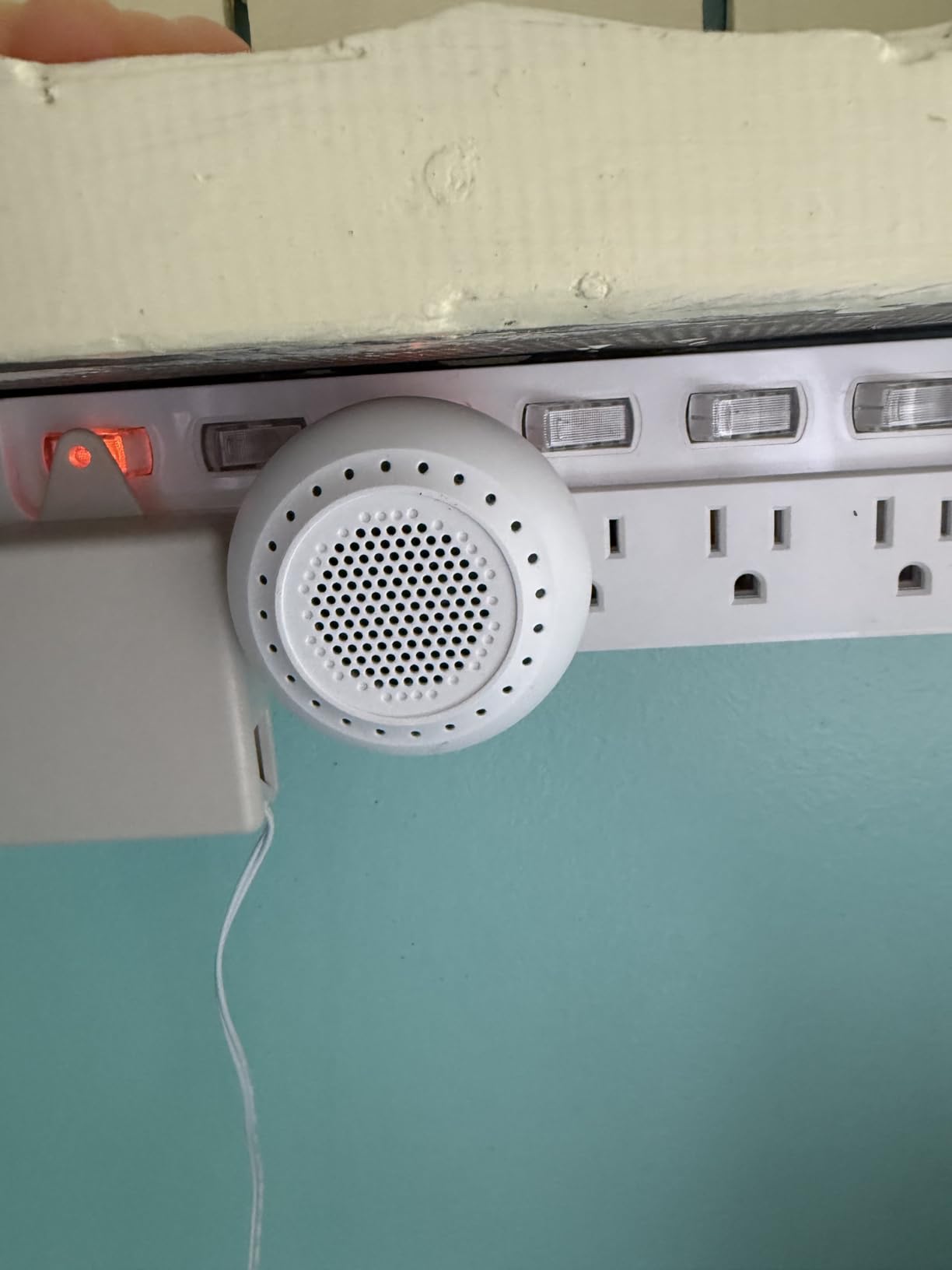
Two caveats matter. The transmitter has to be wired to the doorbell, so this is not a no-rewire install, and your existing chime wires have to come off first. Owners also report occasional pairing failures with Blink doorbells, and the listing pool mixes in reviews for unrelated plug-in doorbell kits, so read reviews with that in mind.
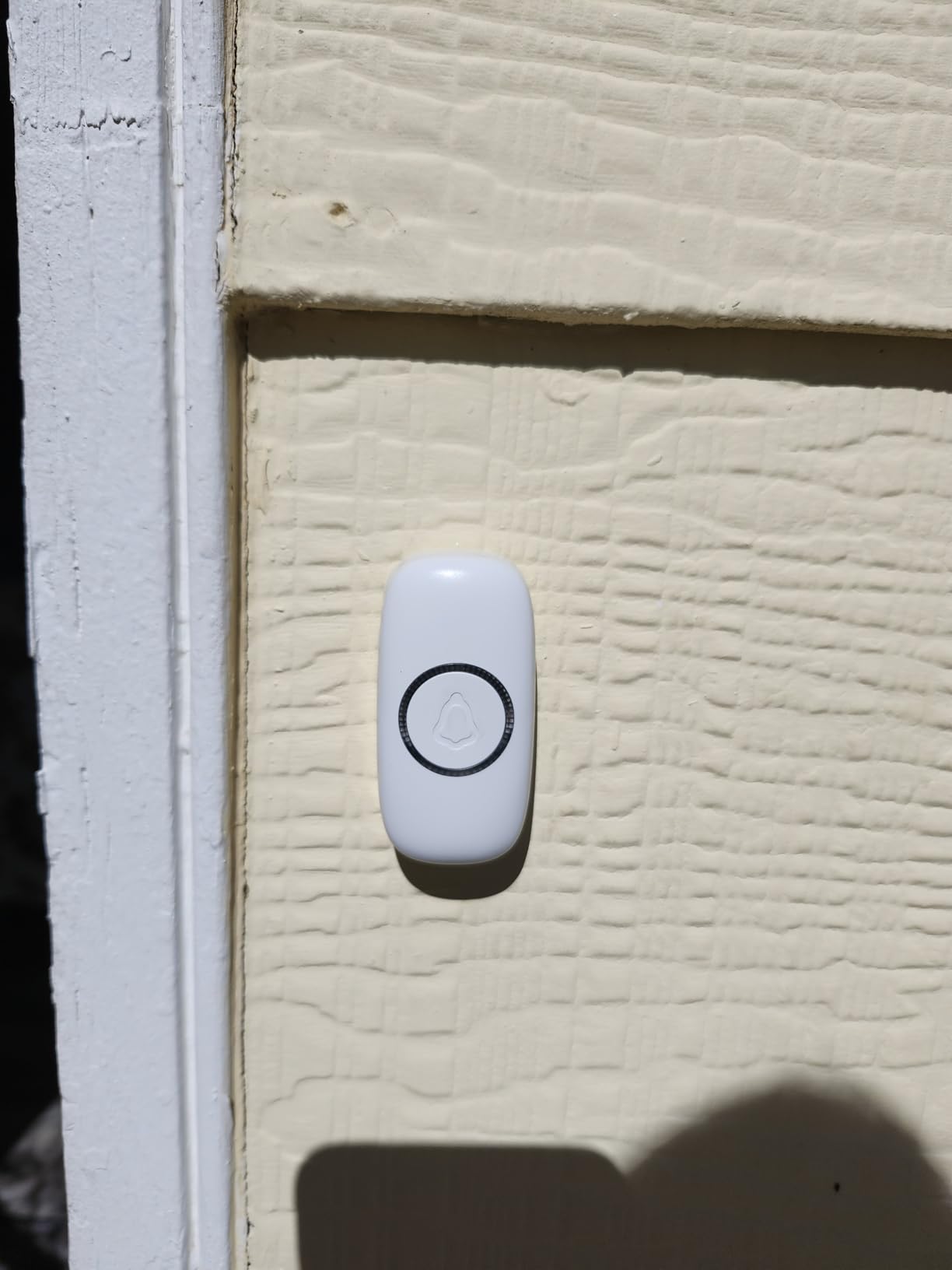
Who this suits
It suits Blink owners in large homes who need sound in three or four places and want tone choice. The two-receiver bundle means you can cover two floors from the box.
It does not suit anyone who wants to keep their existing mechanical chime, because the wiring comes off. If keeping the ding-dong matters to you, look at the STI unit further down.
Watch out for
Pairing is the weak point. Hold the volume buttons for five to seven seconds, then press the Blink doorbell button, and expect to try it a couple of times. Budget a weekend afternoon if you are not handy with a screwdriver.
3. Blink Chime – the low-friction option inside the Blink app
Blink Chime (newest model) — Real-time, audible alerts you can hear anywhere in your home, easy plug-in installation, works with all Blink doorbells
Plug-in indoor chime
Pairs in the Blink app
Works with all Blink doorbells
Pros
- Works with every Blink doorbell generation
- App-only setup
- Audible alerts without phone in hand
- Slim curved-edge design
Cons
- Blink only
- Minimal tone and volume customization
Nothing here requires a screwdriver. You plug it into an outlet and pair it in the Blink app, and it covers every Blink doorbell generation, which removes the guesswork that plagues the generic Blink kits.
With 977 reviews at 4.4 stars, the praise is almost entirely about setup being frictionless and compatibility being broad. The complaints are the usual first-party trade-off plus occasional sync hiccups in the app.
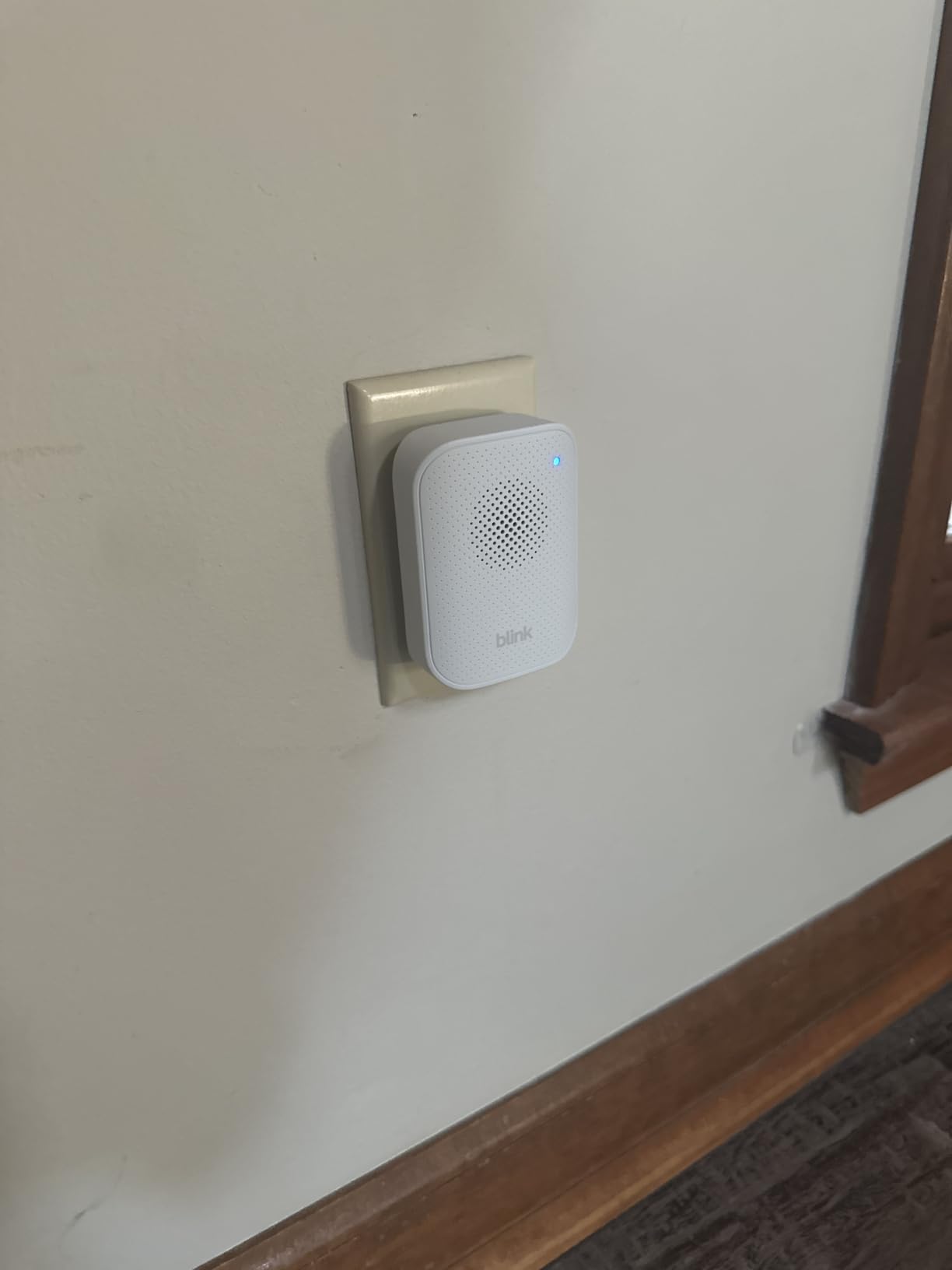
The design matches Blink hardware, with the same curved edge and slim profile as the doorbells themselves. That is a small thing that matters if the chime lives in a visible spot.
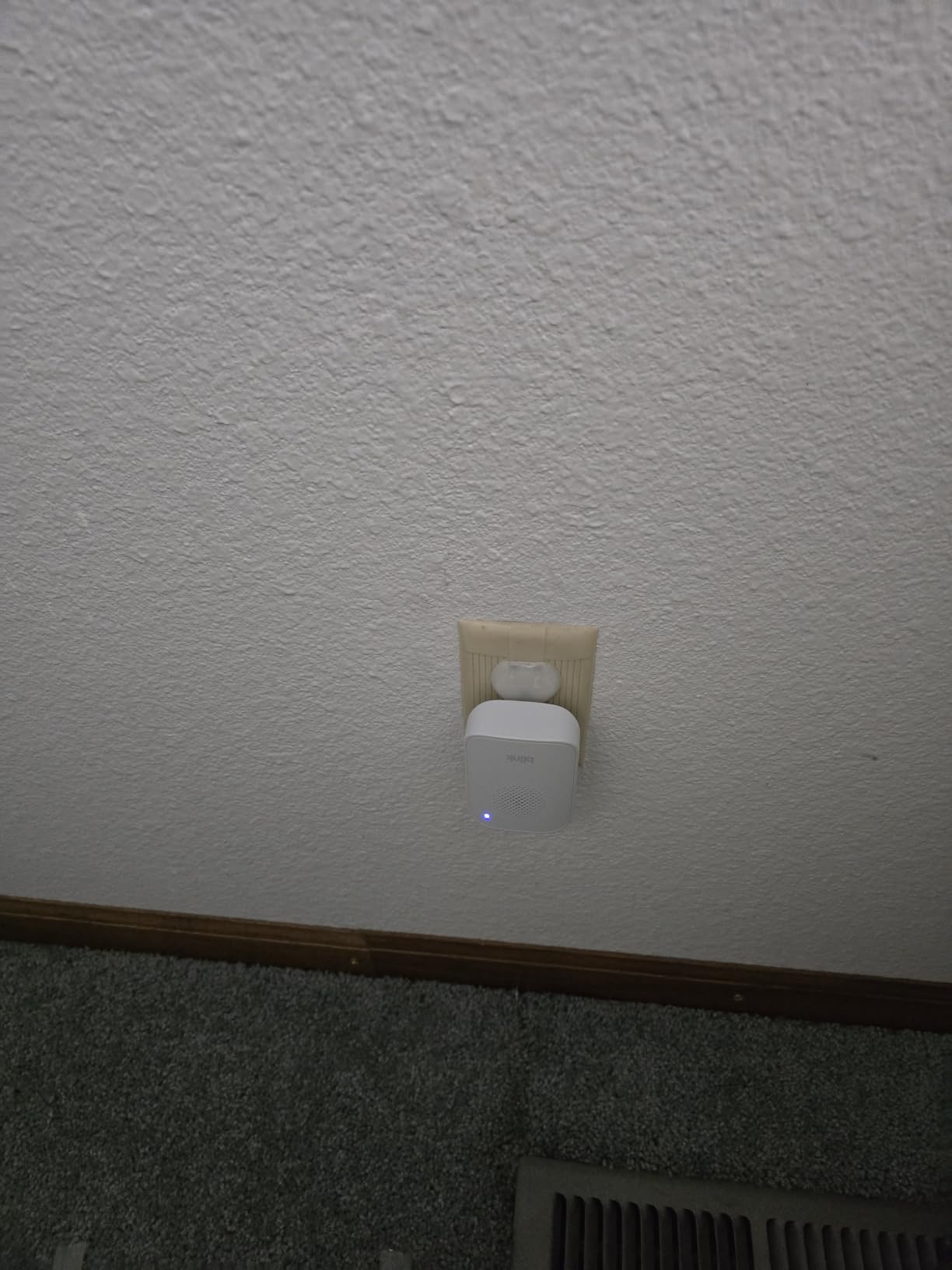
Who this suits
It suits Blink owners who do not want to touch their doorbell wiring at all. If you just want a sound in the kitchen and you already use the Blink app, this is the shortest path.
It does not suit someone who wants fifty different melodies or fine volume control. Compared with the generic kits, the tone and volume customization here is minimal.
What to check before ordering
Confirm all your doorbells run the Blink app and are on the same account. Mixing a Blink doorbell with a Ring camera in the same house means this chime only hears the Blink side.
Think about count. One receiver in the kitchen means nobody in the basement hears it. Adding a second Blink Chime is cheap compared with rewiring anything.
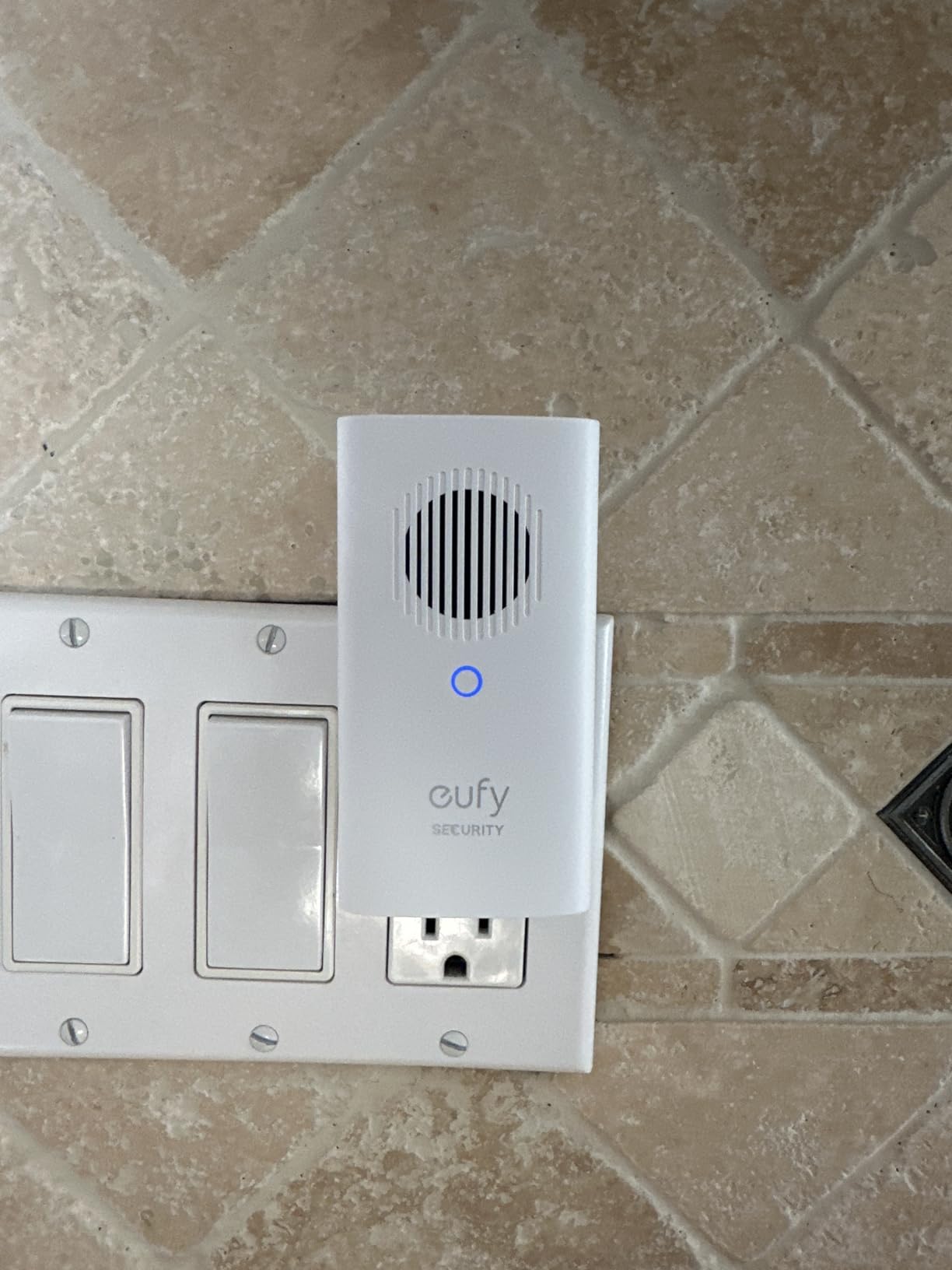
4. eufy Security Add-On Chime – built for the E340 and C-series
eufy Security Video Doorbell Add-On Chime, Indoor Chime, Requires eufy Security Video Doorbell E340/C30/C31, No-Delay Ring, Adjustable Volume, 8 Fun Ringtones, only works with 2.4GHz Wi-Fi
Official eufy accessory
Plug-in with no-delay ring
2.4 GHz Wi-Fi only
Pros
- Official accessory for the E340 C30 C31
- No-delay ring path
- Adjustable volume
- Compact 3.74 x 1.97 x 1.77 inch body
Cons
- Requires an eufy E340 C30 or C31
- 2.4 GHz Wi-Fi only
- Only 8 ringtones
If your doorbell is an eufy Security Video Doorbell E340, C30 or C31, this is the accessory the company built for the job. It is the best-selling item in this selection by category rank, and pairing happens in a few app taps after plugging it in.
The no-delay ring path is the feature owners single out most. Notifications come through immediately, with adjustable volume and 8 ringtones. Eight is a small library, but it covers the useful range.
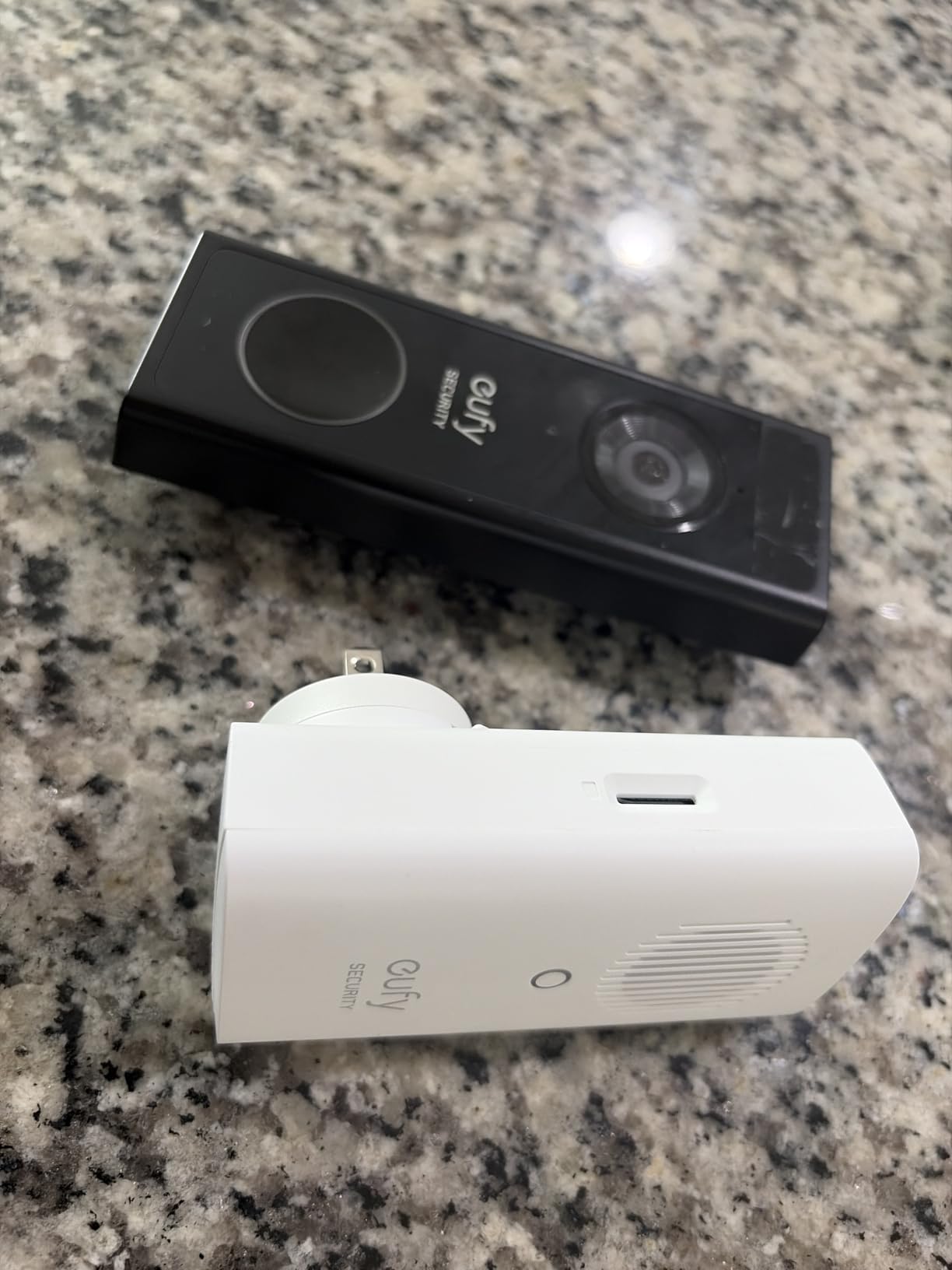
The 4.1 average hides a wide spread: 63 percent five-star and 13 percent one-star. The negative reviews concentrate on two predictable things, network restrictions and doorbell-model compatibility, rather than on failures.
One detail bites people. It joins 2.4 GHz Wi-Fi only, so it will not connect to a 5 GHz-only network. If your router splits bands automatically, check that the 2.4 GHz network is reachable from the outlet you plan to use.
Who this suits
It suits eufy doorbell owners who want first-party support rather than a generic unit clipped onto their wiring. It also suits anyone with a small eufy setup who wants one compact receiver rather than a kit.
It does not suit a household with mixed eufy and Ring hardware. Nothing else triggers it, and no other chime in this list covers eufy.
What to check first
Confirm the exact doorbell model before ordering. The E340, C30 and C31 are covered, and other models are not, which is the source of most of the one-star reviews.
Then check your network. A 2.4 GHz-only requirement on a modern dual-band router is the second most common reason this unit never finishes pairing.
5. PHYSEN Wireless Chime for Google Nest – the Nest bridge most owners lack
Wireless Doorbell Chime – Compatible with Google Nest Doorbell (Wired, 2nd Gen& 3rd Gen) and Google Nest Doorbell (Battery) with Wired Transmitter (1 Video Doorbell Extender 1 Receiver)
Works with Nest Wired 2nd Gen and Nest Battery
656 ft claimed range
58 tones and 5 volume levels
Pros
- Bridges Google Nest doorbells to a wireless chime
- 656 ft range held through walls
- 58 tones and 5 volume levels
- No polarity guessing at install
Cons
- Cannot pair with transformer-powered wired chimes
- One report of a hot non-functional transmitter
- Lowest rating in the set at 4.0
Nest owners ask this question constantly and there is very little that answers it. This kit wires a transmitter to a Nest Video Doorbell Wired 2nd Gen or Nest Battery doorbell and relays the press to a plug-in receiver you control.
When it pairs, owners praise two things: the claimed 656 feet of range held up through walls in their tests, and the fact that you do not need to identify which chime wire is positive and which is negative. That removes the single most common install mistake.
Reviews split sharply at the wiring stage. When the transmitter connects, the range and loudness draw praise. When it does not, the failure is at the Nest connection, and one detailed account describes a transmitter running extremely hot with no LED after wiring to a Nest doorbell.
Who this suits
It suits Nest owners who cannot get an audible indoor alert any other way, particularly in rental situations where replacing the chime wiring is not realistic. The 30-day money-back guarantee gives you room to test the Nest connection before committing.
It does not suit someone with a transformer-powered wired chime who wants to keep that chime running. This unit cannot do both at once.
What to check before ordering
Identify your Nest generation. Wired 2nd Gen and Battery models are covered, and other versions are outside what the manufacturer documents for this kit.
Have someone help with the install. The transmitter has to sit at the doorbell end of the run, and a second pair of hands makes the wiring far less frustrating.
6. Bistee Wireless Chime for Blink – the cheap way to add a receiver
Wireless Doorbell Chime for Blink video Doorbell (1st&2nd&3rd gen) Long Range and Mutiple Chimes, 58 Chime Led Indicator Door Chime for Loft/garage/Office(1Video Doorbell Extender 1 Chime)
Wired transmitter at the Blink doorbell
656 ft range
58 chimes with 5 volume levels
Pros
- Lowest cost Blink-compatible extender here
- 656 ft works through multiple floors
- 58 chimes and LED indicator
- One transmitter drives 20 receivers
Cons
- Transmitter does not fit Blink 2nd and 3rd gen
- Wired install required
- Sound described as muffled
This is the cheapest way to get an audible Blink alert into a second or third room. One transmitter drives up to 20 receivers, each with 58 chime options, five volume levels and an LED indicator, and the receivers are small enough that they do not block the second socket on an outlet.
The compatibility caveat printed on the box is the thing to read twice. The bundled transmitter does not physically fit Blink Video Doorbell 2nd and 3rd gen units, despite what the product title claims. If you own a newer Blink, this is not your product.
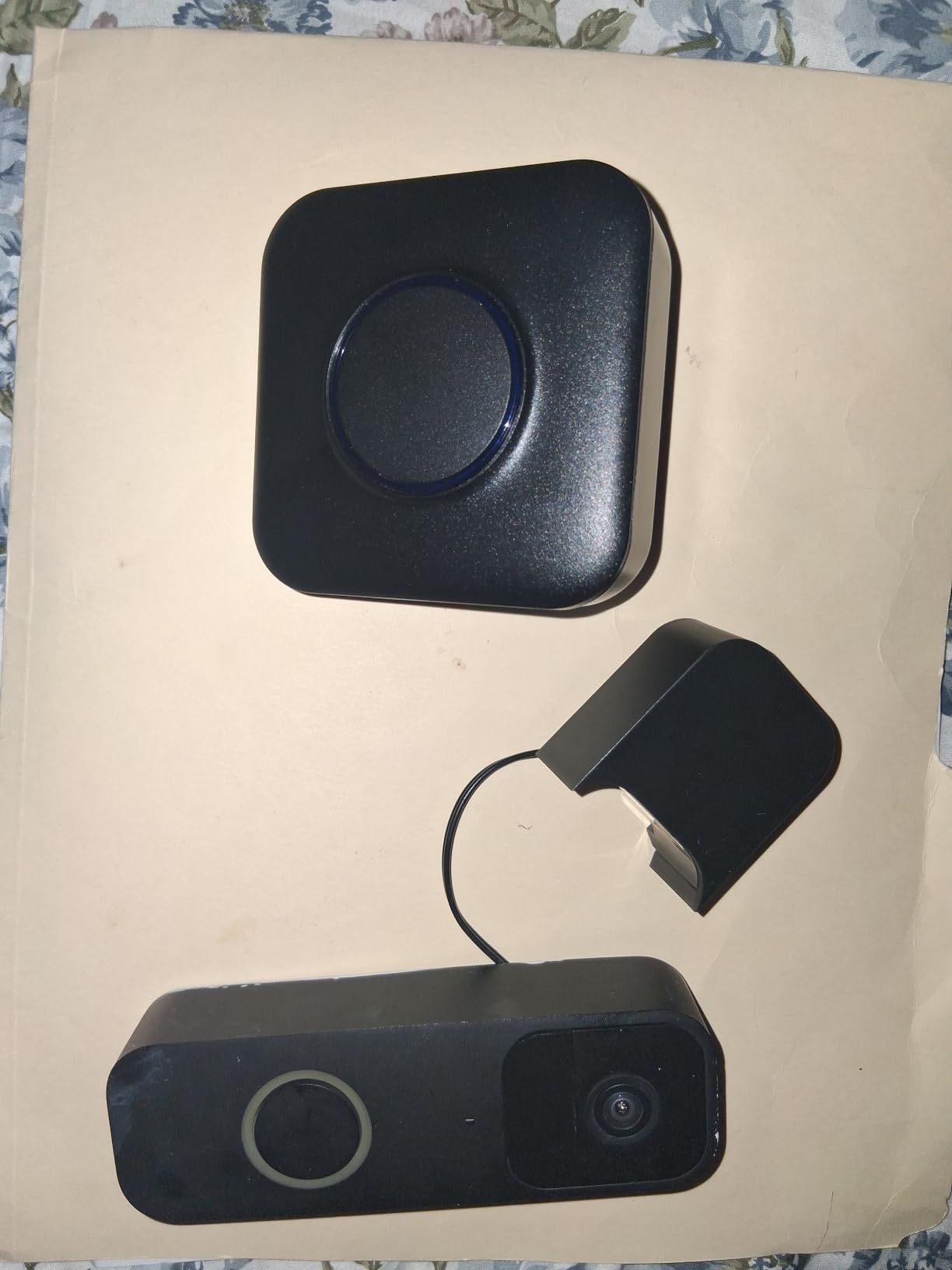
Buyers who get it paired report strong range and easy installation, and customer service is repeatedly praised for replacing units that failed soon after purchase. The 14 percent one-star share is driven by pairing failures rather than by noise or range complaints.
Sound quality is described as muffled and softened rather than crisp. That is a real difference from the first-party chimes, and it is the trade you make for the lower cost.
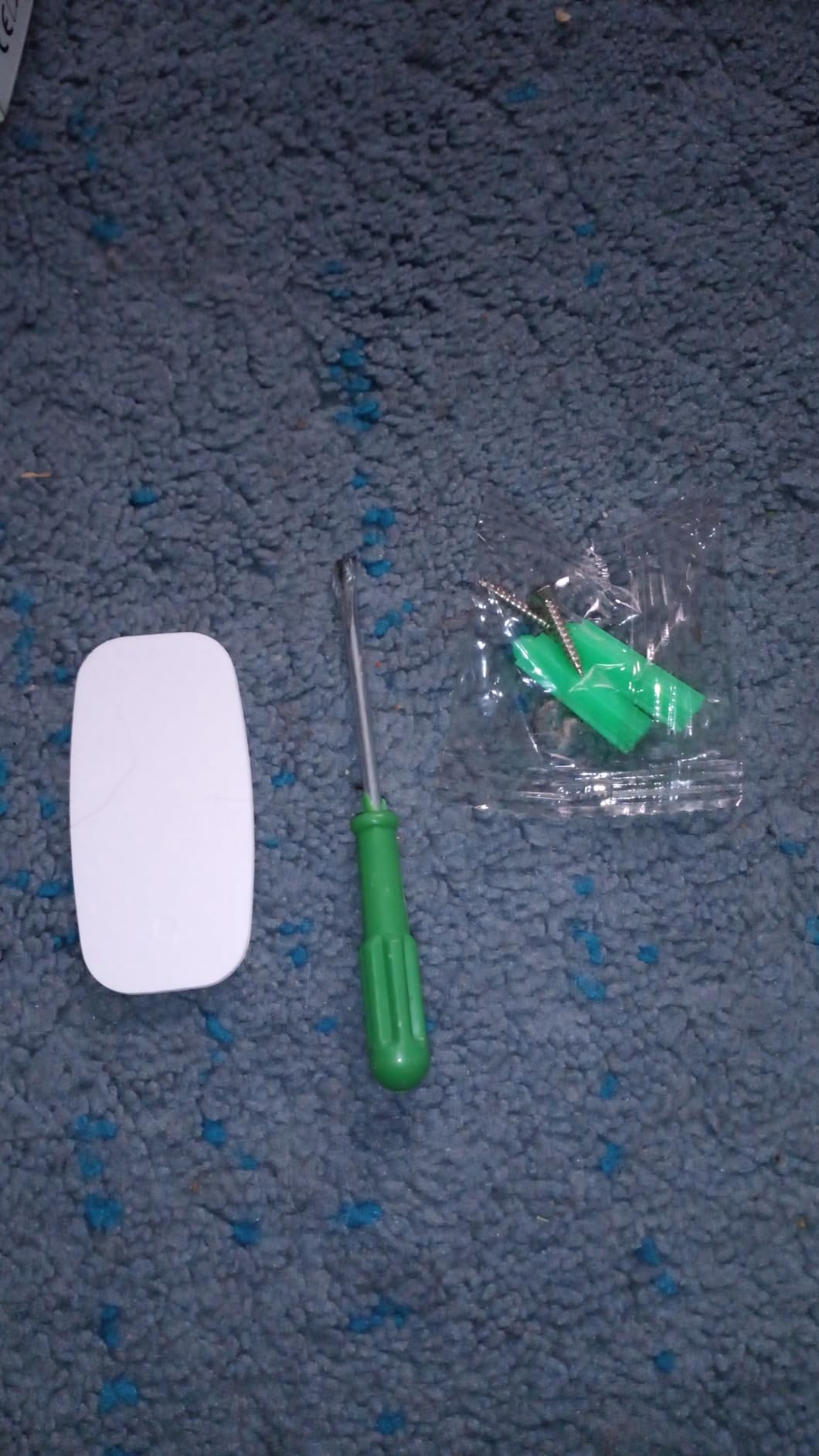
Who this suits
It suits someone with a first-generation Blink doorbell who needs three rooms covered on a budget. The math works well when you are buying receivers in volume rather than a single chime.
It does not suit Blink 2nd and 3rd gen owners, despite the listing title. That mismatch is the single most important thing to verify here.
What to check before ordering
Confirm your Blink doorbell generation and measure whether the transmitter body fits beside it. The fit issue is physical, not electrical, so it will not show up in a compatibility list.
Decide whether muffled audio is acceptable. If the chime will live in a quiet room, it is fine. If it is your main alert in a noisy house, look at a first-party option.
7. PHYSEN Wireless Chime for Blink – cheap, loud and full of light
Wireless Doorbell Chime – Compatible with Blink Video Doorbell and Blink Video Doorbell (2nd Gen) (1 Video Doorbell Extender 1 Receiver)
Wired transmitter at the Blink doorbell
58 chimes and RGB LEDs
656 ft range
Pros
- Lowest cost in the selection
- 58 chimes and 5 volume levels
- Seven-colour RGB LEDs flash with the sound
- Arrive pre-paired
- One transmitter drives 20 receivers
Cons
- Blink 1st and 2nd Gen only
- Added transmitter box is visually obtrusive
- Existing wires must be removed
This one covers Blink Video Doorbell and Blink Video Doorbell 2nd Gen with a wired transmitter, and the receiver adds seven-colour RGB LEDs that flash along with the sound. In a dark hallway, a coloured flash catches the eye when the phone is silent.
The dominant positive theme in reviews is that it is inexpensive but genuinely loud, with several owners installing it in under 15 minutes. Units arrive pre-paired, so you wire, open the app, and hold the volume button for five to seven seconds.
The negatives are mostly cosmetic and practical. Several buyers found the added transmitter box at the doorbell visually awkward, and existing wired doorbell wires have to be removed before attaching it.
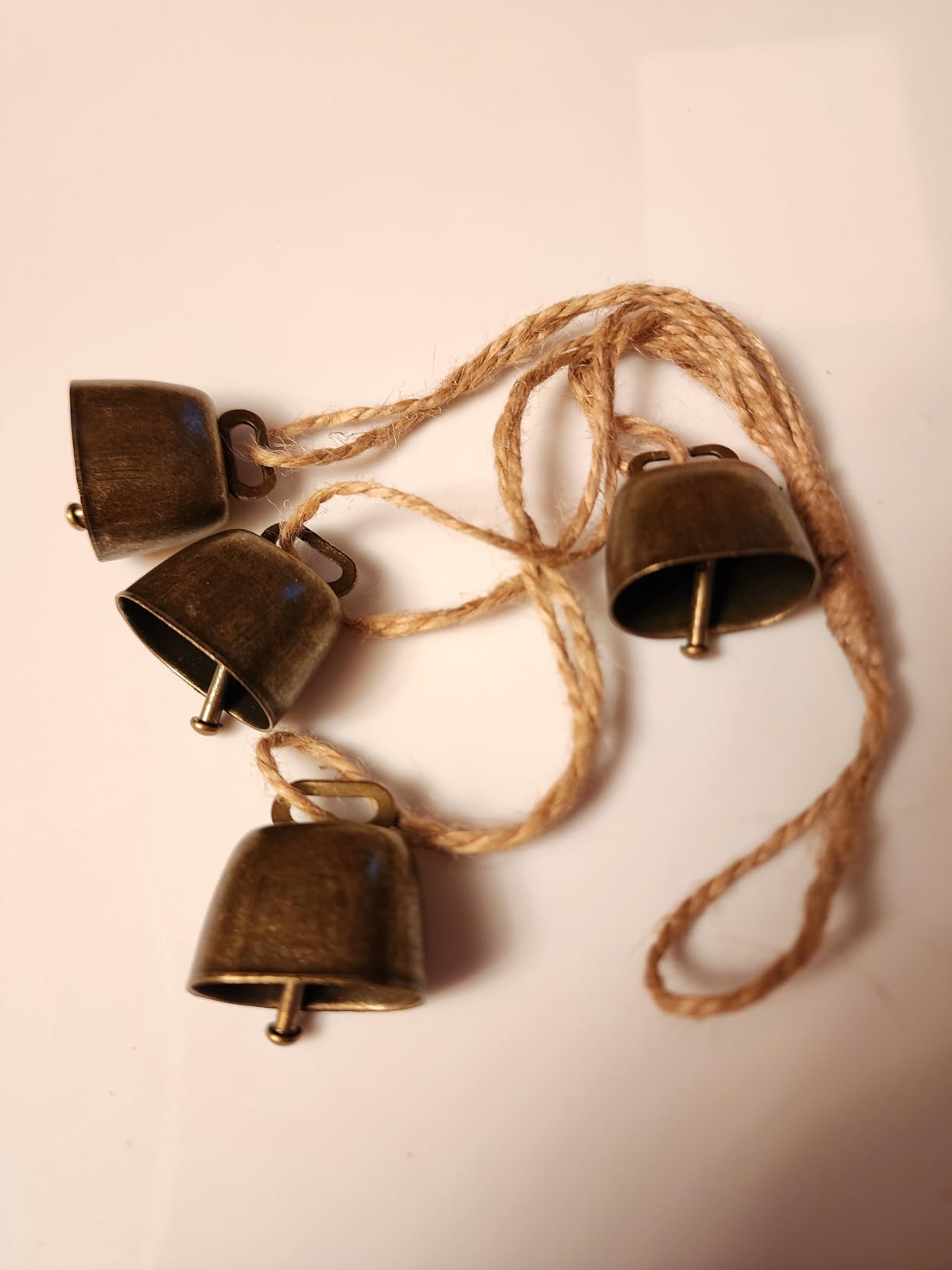
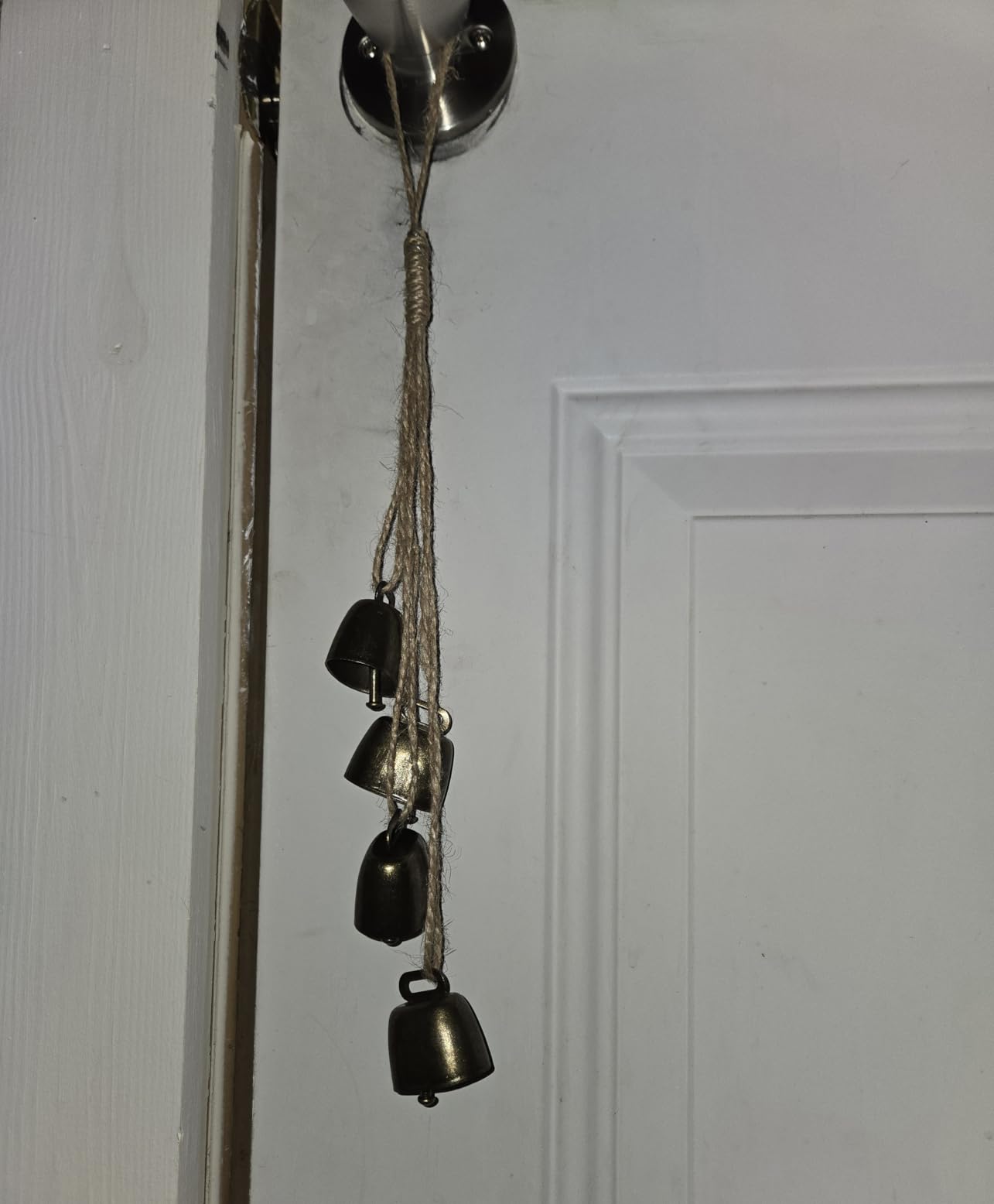
As with the other PHYSEN listing in this set, the review pool includes reviews for unrelated products such as decorative cowbell sets. Weight the recent written reviews more heavily than the star average.
Who this suits
It suits Blink owners on a tight budget who want a visual alert as well as an audible one. It also suits anyone who wants to put a chime in a dark garage or basement where a light flash helps.
It does not suit Blink 3rd gen owners, or anyone who objects to an extra box mounted at the doorbell. Appearance at the front door is a legitimate reason to pick a different unit.
What to check before ordering
Confirm your Blink model. This is the 1st and 2nd gen kit, not the newest hardware.
Check where the transmitter will sit. It needs a home at the doorbell end of the run, and in some installations that means an exposed box on a brick wall.
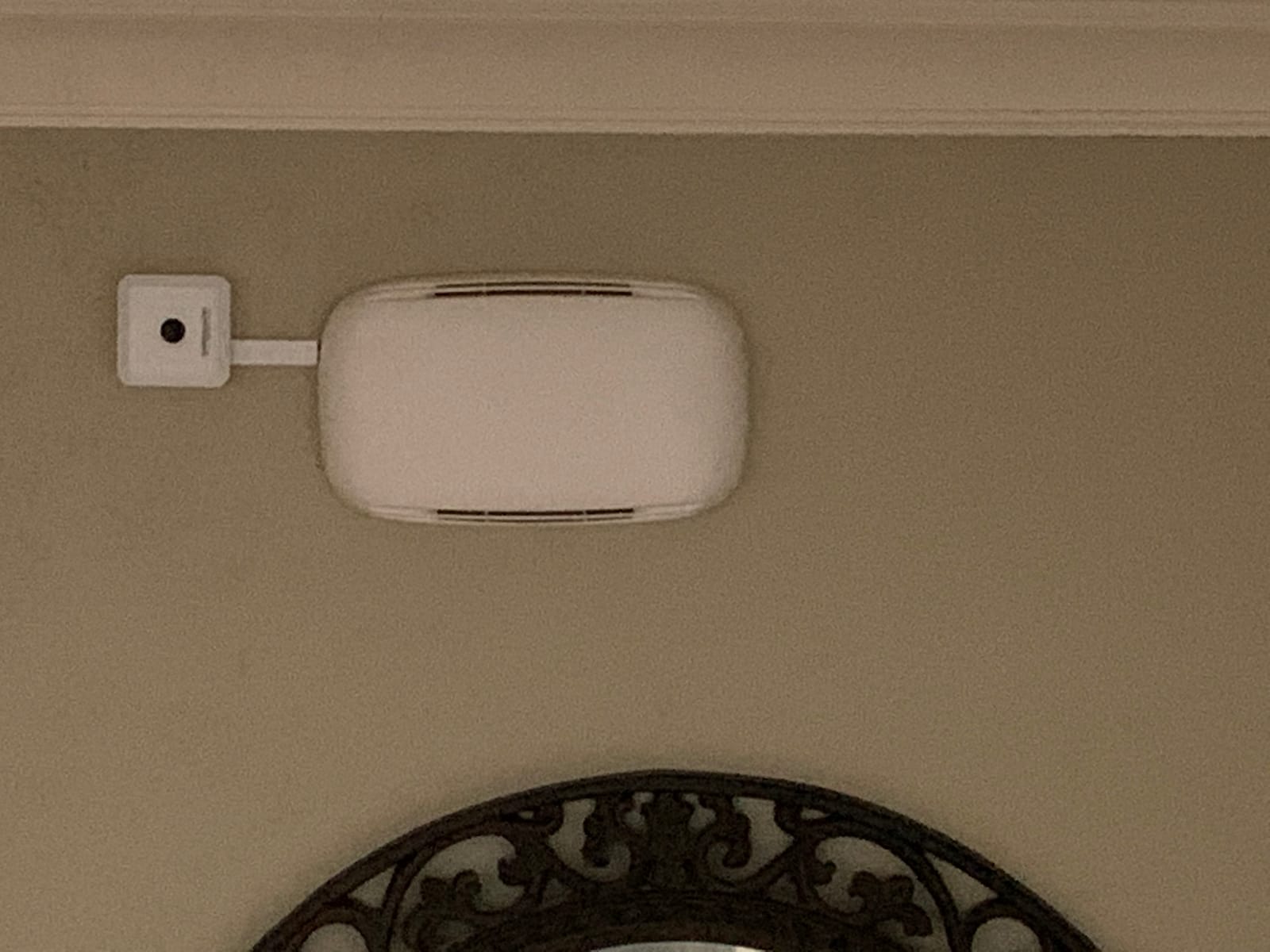
8. Safeguard Supply LRA-EX1000S – the longest range with a strobe alert
Safeguard Supply LRA-EX1000S Doorbell Extender, Plug-in Strobe Receiver
Wires into an existing hardwired system
1000 ft claimed range
Plug-in receiver with strobe
Pros
- 1000 ft claimed transmitter range
- Flashing strobe gives a visual alert
- Volume up to 95 dB
- Front and back door supported
- Unlimited extra receivers
Cons
- Needs an existing hardwired chime
- Will not trigger musical chimes held at 24V
- Not for video doorbells without chime output
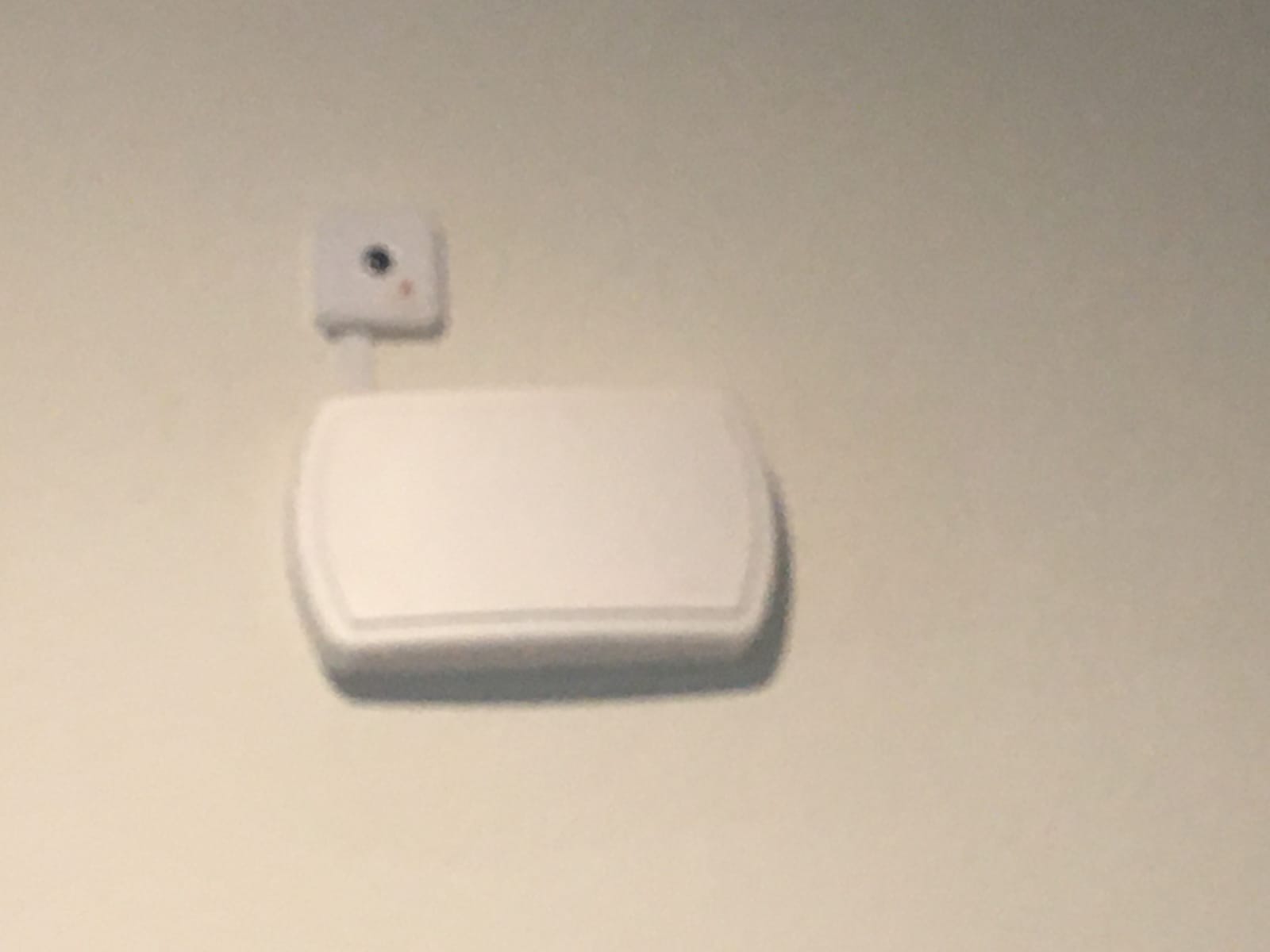
This is the one we recommend when an audible chime alone is not enough. The plug-in receiver has a flashing strobe, which owners with hearing-impaired family members describe as a genuine accessibility win rather than a gimmick.
The transmitter wires into your current hardwired doorbell and sends a signal up to 1000 feet, the longest specified range in this roundup. You get volume up to 95 dB, multiple melody options, separate front and back door signals, and unlimited additional receivers.
With 377 reviews at 4.5 stars and only a 5 percent one-star share, this has the most consistent rating distribution of the wired generic extenders here. The caveat repeated across reviews is simple: it only triggers from an existing traditional wired chime.
Who this suits
It suits very large homes, households that include someone who cannot rely on sound alone, and anyone who already has a working ding-dong chime in the hall and simply cannot hear it everywhere.
It does not suit someone whose video doorbell does not drive a wired chime, or who has a musical chime that stays constantly powered at 24V. Those will not trigger it.
What to check before ordering
Identify your chime type. Traditional ding and ding-dong units work. Musical chimes that hold power continuously do not.
Count your floors and outbuildings before buying. Unlimited receivers make this the easiest unit to scale across a property, and the strobe means each receiver covers a hearing-impaired resident too.
9. STI-3300 – the long-running choice for existing chime wiring
Safety Technology International, Inc. STI-3300 Wireless Doorbell Extender with Receiver Connects to Existing Hardwired Doorbell, Part of Musical Wireless Chime Series
Wires onto your existing chime box
Up to 500 ft claimed
Receiver with low and high volume
Pros
- Wires onto the existing chime box with no new run
- On sale since December 2015 with 1170 reviews
- Two-tone chime sounds better than many originals
- Compact receiver
Cons
- Real-world range often falls short of the claimed 500 ft
- Needs a clear path between transmitter and receiver
- Will not trigger a musical chime at 24V
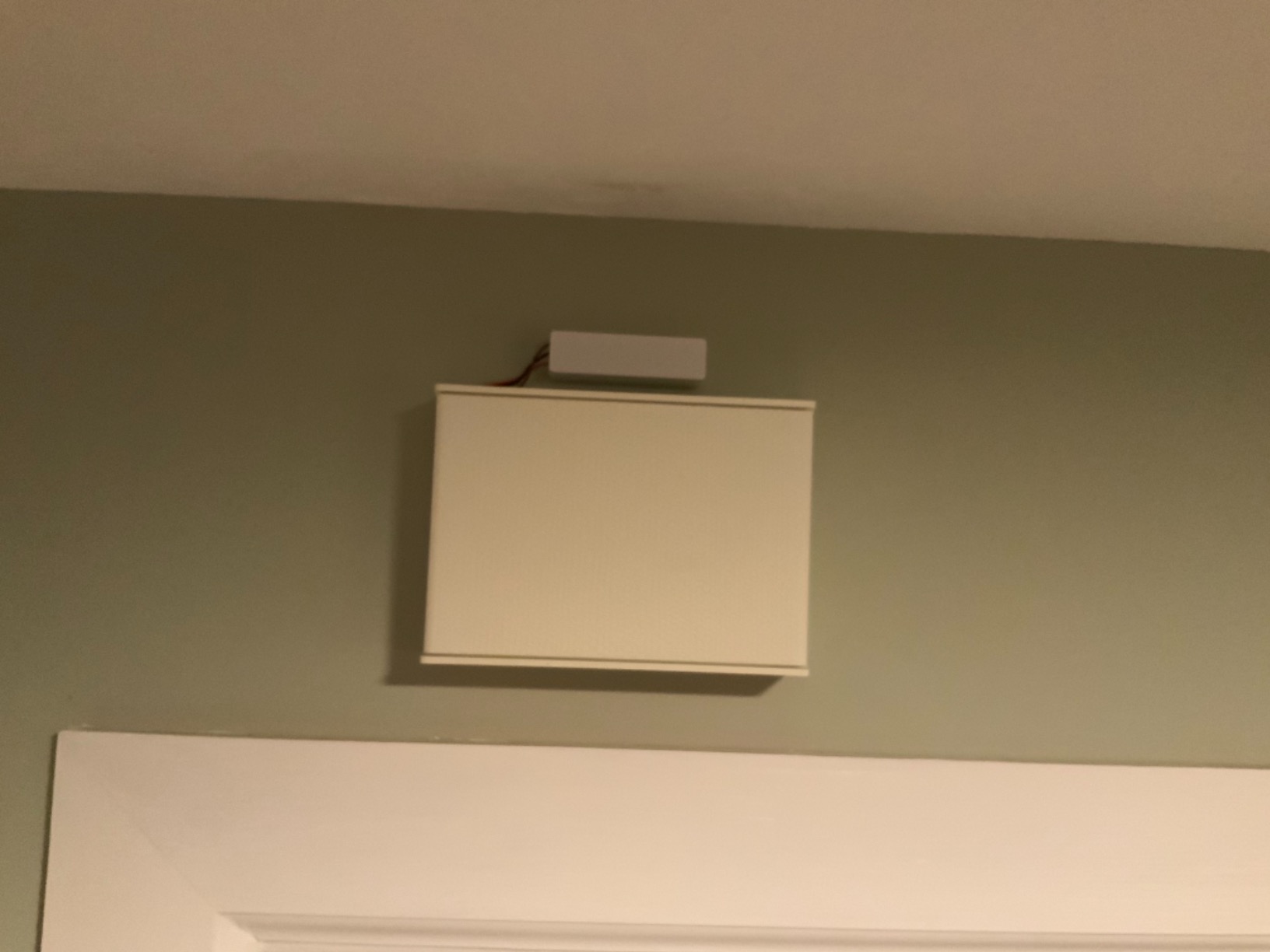
The STI-3300 attaches to your existing chime box rather than replacing it, which makes it the least destructive option in this list. No new wire run, no new transformer, and the sound keeps coming from the chime you already have.
It has been on sale since December 2015 and carries 1170 reviews, the largest pool among the generic wired extenders. Owners like the two-tone receiver sound and the fact that the receiver body is compact enough not to cover the top outlet.
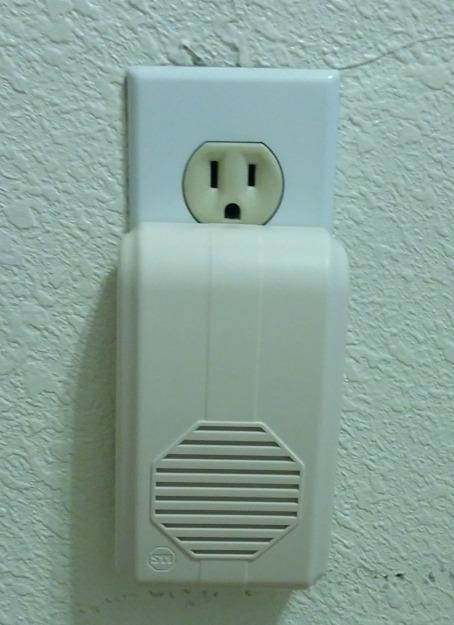
Placement decides whether this works. Owners who pair the receiver close to the chime and then relocate it report flawless operation, while those who mount it far away report dropouts around walls and corners. One owner lost signal at 60 feet around two corners.
Long-term owners also report pairing that degrades after two to three years. That is worth weighing against the two-year-old alternative kits if you are planning to keep this installed for a decade.
Who this suits
It suits someone with a soundproofed basement, a detached garage, or any house where the existing chime is simply out of earshot. It is also the safest pick for a rental where you cannot touch the doorbell wiring at the front.
It does not suit anyone with a musical chime that stays powered at 24V, and it is a 120 VAC installation only, which limits some setups.
What to check before ordering
Walk the path from chime to receiver before you buy. If you cross more than two walls or several corners, expect dropouts regardless of the stated range.
Confirm your chime is a traditional solenoid type. If it holds power continuously, this will not fire.
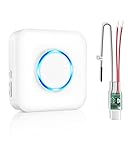
10. Satisure Wireless Extender and Receiver – brand-agnostic with a support team behind it
Satisure Wireless Doorbell Extender with Receiver for Home/Garage/Basement
Converts a wired doorbell system to wireless
656 ft range
58 chimes and 5 volume levels
Pros
- Brand-agnostic wiring with no polarity check
- 656 ft held through lath and plaster
- Tiny components that are easy to hide
- Responsive support and replacement service
Cons
- Pairing window lasts about 5 seconds
- Video doorbell compatibility not guaranteed
- Most of the 58 sounds are novelty ringtones
This is the kit for a mixed-brand house. It attaches to any wired chime, so it does not care whether your video doorbell is Ring, Nest or Blink, and you do not need to identify positive versus negative wires during install.
Owners with older lath and plaster walls report the claimed 656 feet still held. The components are tiny and light enough to hide, and the 30-day refund guarantee plus a support team that replaces faulty hardware is a genuine advantage in this category.
The pairing experience is the weak point. Instructions are vague, the pair window lasts about five seconds, and several reviewers describe repeated factory resets before it connects. Some buyers could not get the receiver to cycle past the first tone.
The tone library is also a consideration. Out of 58 options, most are novelty ringtones rather than traditional chime or buzzer tones, so you may need to hunt for something that does not sound like a phone notification.
Who this suits
It suits households running more than one doorbell brand, and anyone who wants to keep an existing wired chime alive while adding sound elsewhere. It has also been reported working in in-line installs alongside a Nest 2nd Gen setup.
It does not suit someone who needs a guaranteed guarantee of video doorbell pairing, because the manufacturer does not stand behind that combination.
What to check before ordering
Plan for two people at install time. A five-second pairing window is very hard to hit alone, and one additional receiver can be paired at a time.
Scroll the tone list before you commit. If you want a natural ding-dong rather than a melody, you may need to pair it with something else in your setup.
How many chimes your home actually needs
Coverage is not about square footage. It is about where people are when the doorbell rings.
Map where you actually spend time. Kitchen, home office and main living area are the first three spots. Those cover most households on their own.
Add every floor. Upstairs, basement and garage are where a single chime fails. Most multi-floor homes need two receivers minimum.
Count by ear. Have someone ring the doorbell while you walk the house. Wherever you cannot hear it, put a receiver there.
Include a visual alert. If anyone in the house is hearing-impaired, a receiver with a strobe covers them properly. That is what the Safeguard Supply unit is for.
On installation path, a plug-in receiver needs nothing but an outlet and takes minutes. A unit that wires onto your existing chime box needs a screwdriver and some patience, but it keeps your current chime and adds no new wire run.
Every option listed here works without a subscription for the basic audible alert. That matters more than most spec sheets suggest, because a chime that stops working because a plan lapsed is worse than no chime at all.
Renters without wiring access should start with a first-party app-paired chime such as the Ring Chime or the Blink Chime. Those need no work at the doorbell and no changes to the chime box.
On generic extenders, one warning. Generic units in this category show rating patterns that separate them sharply from first-party hardware, with some listings carrying only a handful of ratings that are not strong. Read the recent written reviews rather than the star average, and check that the transmitter physically fits your doorbell model before you order.
If you are choosing a video doorbell for the first time rather than extending one you own, start with our wired video doorbell guide for homeowners. Renters should look at video doorbells for apartments instead, since wiring access changes everything downstream.
Troubleshooting a chime that hums, buzzes or stopped ringing
Work through these in order. Each step rules out a different cause, and most problems resolve in the first three.
Is there a hum with nobody at the door? That points at the transformer or an undersized chime, not at the extender. Confirm 16V AC minimum and 10VA minimum output.
Does the sound stutter or fade? Move the receiver closer to the transmitter first. Walls and corners are the usual culprit, and the STI unit in particular improves dramatically when relocated.
Does the phone notification arrive but the chime stay silent? Check the chime sound and volume in the doorbell app. Many people have notifications muted at the device level and never realise.
Is the video itself dropping or going offline? That is a network problem, not an audio problem. Test your signal at the door before buying anything that claims to fix range.
Did the chime work before a doorbell upgrade? Some newer wired models state they will not activate an existing indoor chime. Confirm the current documentation for your exact model.
Is the hum new after installing a video doorbell? An older transformer that handled a mechanical button for twenty years may not have the headroom for a camera. Replacing it is a common fix.
For step four, testing signal strength at the door is straightforward. Stand at the door, open the doorbell app on your phone, and read the reported signal. Anything close to full bars is fine, and anything weak explains laggy live view without any chime involved.
Forum advice in the Wyze thread is consistent on the hum question: installing a brand chime controller resolved it, and where the hum persisted, a transformer upgrade was sometimes needed on top. Nobody in those threads solved a hum by replacing the extenders, which is worth remembering before you buy a second unit chasing a noise that is not coming from it.
If your doorbell brand is the deciding factor and you are still weighing options, our guides to video doorbells with local storage and doorbells for package theft cover the camera side of the decision. For network range specifically, see our Wi-Fi extender picks for dead zones, since that is a different problem from audio range.
Frequently Asked Questions
How do doorbell extenders work?
A chime extender uses a transmitter and a receiver. The transmitter picks up the doorbell press notification, and the paired receiver repeats it as an audible tone indoors. Audio-only extenders relay sound over a radio or network link within the home. Dual-function units also act as a Wi-Fi extender, improving video streaming and reliability at the door.
Do I need a chime extender or a Wi-Fi extender?
If you receive phone alerts fine but want a physical sound indoors, you need an audio extender. If live view stutters, drops, or the doorbell goes offline, you need a Wi-Fi extender. If both problems are happening in a large home, a dual-function unit such as the Ring Chime Pro covers both jobs in one device.
Can I use my existing chime system with a video doorbell?
Often yes, but confirm your specific model first. Ring, Blink, eufy and Google Nest each publish requirements for their wired doorbells, and some newer wired models state they will not activate an existing indoor chime at all. Units like the STI-3300 and Safeguard Supply LRA-EX1000S are designed to relay an existing traditional ding or ding-dong chime, while musical chimes held constantly at 24V will not trigger them.
Can a Nest doorbell work with an existing chime?
Yes. A Nest Wired 2nd Gen or Nest Battery doorbell can be bridged to a wireless receiver with a wired transmitter, which is how the PHYSEN kit in this roundup works. The alternative is a chime controller that relays power from your existing chime. Verify the current Google install guidance for your Nest generation before you buy, since requirements differ between models.
Why is my doorbell chime humming or buzzing?
A hum at rest almost always means the transformer or the chime, not the extender. Check that your transformer outputs at least 16V AC and is rated for 10VA minimum. If it is within spec and the hum persists, an older transformer may simply lack headroom for a camera, and replacing it is the common fix. A chime that stutters or drops usually means too many walls between transmitter and receiver.
The bottom line on chime extenders for video doorbells
The best chime extenders for video doorbells depend far less on specs than on which brand you already own. Ring, Blink, eufy and Nest owners should start with the first-party chime for their brand, because app-paired units install in minutes and behave predictably. Mixed-brand households should look at the wired kits that attach to an existing ding-dong chime instead.
Before you buy anything, check two things: whether your doorbell model still drives an indoor chime, and whether your transformer puts out at least 16V AC at 10VA. Those two checks prevent most of the frustration we read about. Our pick across the board remains the Ring Chime for Ring users, with the Safeguard Supply strobe receiver as the strongest choice for large homes and households that cannot rely on sound alone.