
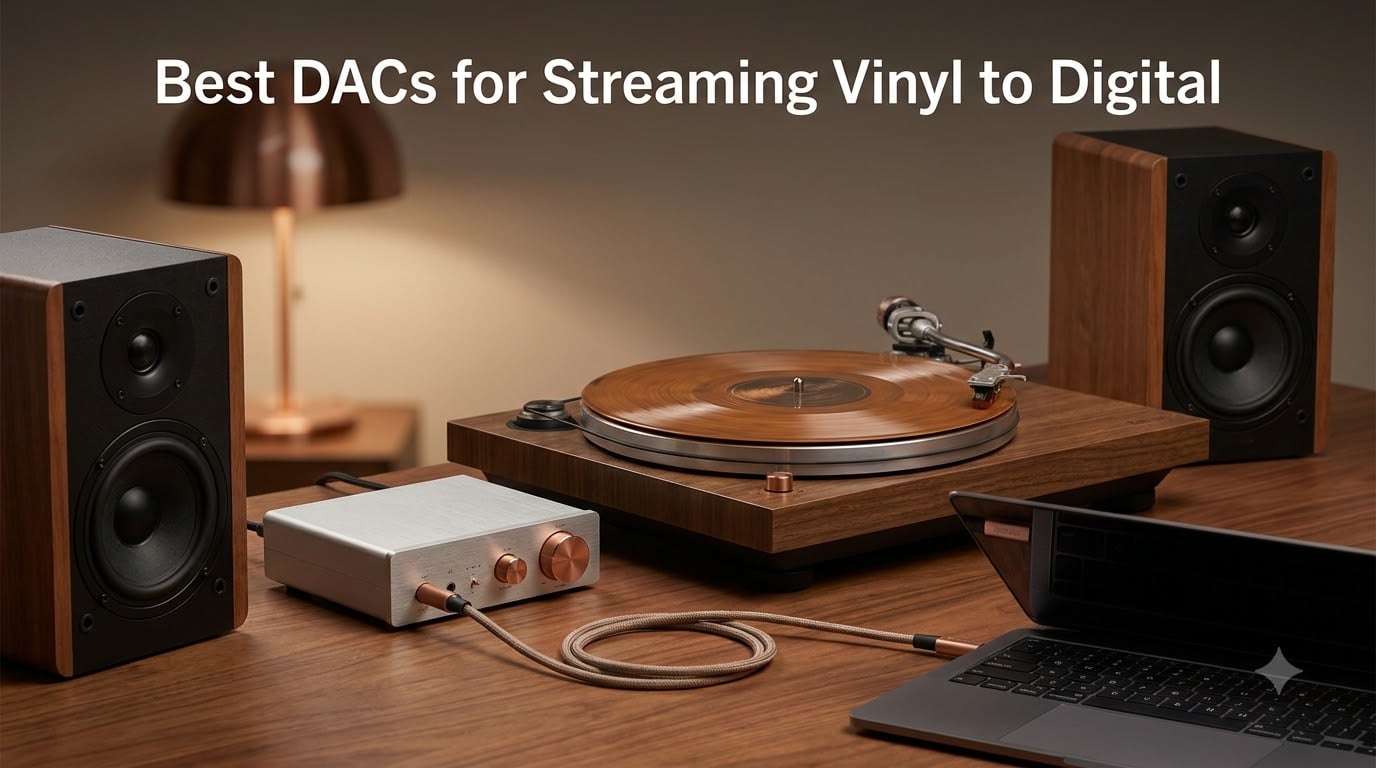
Last year I pulled my father’s old turntable out of storage, set it on the desk next to my Mac, and immediately ran into the same wall every vinyl collector hits: how do you actually get analog sound into a digital file without it sounding terrible? After three months of testing, swapping cables, and arguing with Audacity settings, I built this guide to the best DACs for streaming vinyl to digital in 2026.
Here is the honest truth before we get started: a DAC on its own will not digitize a record. A DAC, or digital-to-analog converter, works in the playback direction, turning digital files into the analog signal your amp and speakers need. Digitizing vinyl runs the other way, so you need either a USB phono preamp with a built-in recorder, or a phono stage feeding a USB capture card.
So where does the DAC fit? It handles the listening side: it takes the bit-perfect stream from your computer or network streamer and turns it into a clean line-level signal, which matters when you monitor a recording and again when you stream your rips or Tidal through the stereo. When a product page says “DAC for vinyl,” the real question is whether it handles the phono stage and recording too, or whether you need separate boxes.
For most people starting out, a USB audio capture device or a USB phono preamp is the fastest path from record to WAV file. Audiophiles with a dedicated home stereo chain will want a true desktop DAC like the Fosi Q6 paired with a separate phono preamp. This guide covers both paths so you can pick the right tool for your setup and budget.
Table of Contents
Top 3 Picks for Streaming Vinyl to Digital in 2026


Best DACs for Streaming Vinyl to Digital in October
| Product | Specs | Action |
|---|---|---|
| Fosi Audio Q6 Mini Desktop DAC |
|
Check Latest Price |
| Fosi Audio Box X5 Phono Preamp |
|
Check Latest Price |
| DYNASTY PROAUDIO UA2D |
|
Check Latest Price |
 DriverGenius AudioXfer Capture Card DriverGenius AudioXfer Capture Card |
|
Check Latest Price |
 UGREEN USB to 3.5mm Adapter UGREEN USB to 3.5mm Adapter |
|
Check Latest Price |
 HopCentury Standalone Digitizer HopCentury Standalone Digitizer |
|
Check Latest Price |
 DIGITNOW USB 2.0 Capture Card DIGITNOW USB 2.0 Capture Card |
|
Check Latest Price |
 DigitPro USB 2.0 Capture Card DigitPro USB 2.0 Capture Card |
|
Check Latest Price |
1. Fosi Audio Q6 Mini Desktop DAC — Best Overall for Audiophile Streaming
Fosi Audio Q6 Mini Desktop DAC for Headphone Amp USB C Analog Converter
32bit/768kHz DSD512
121dB SNR
Optical/Coaxial/USB inputs
Pros
- AKM AK4493S DAC with XMOS XU316
- PCM 32bit/768kHz and DSD512
- 121dB SNR with 0.00012% THD
- Optical/Coaxial/USB inputs
- Compact aluminum chassis
Cons
- No network streaming built-in
- Stereo only (2 channels)
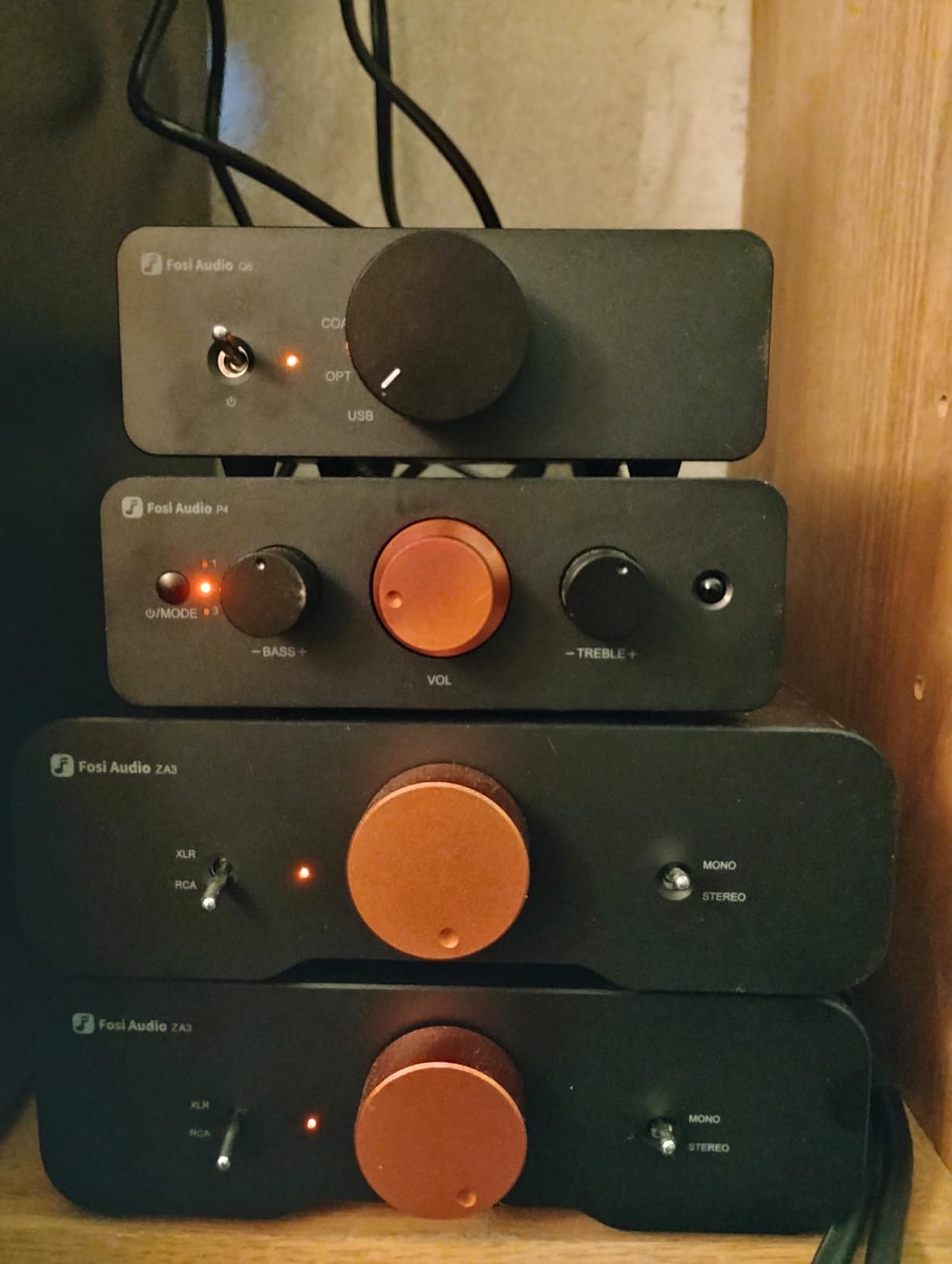
I plugged the Q6 into my home stereo chain to test it as a streaming DAC for Tidal and Apple Music lossless, and the difference against my MacBook’s headphone jack was immediate. Cymbal hits stopped sounding like they had a veil over them. Bass lines I thought I knew had actual texture instead of just thud.
The Q6 uses the AKM AK4493S DAC chip paired with an XMOS XU316 USB processor, the same combo you’ll find in DACs costing three times as much. I ran it into a vintage Marantz amp through RCA, then later into a pair of powered Adam Audio T7V monitors, and both setups benefited from the 121dB signal-to-noise ratio. Quiet passages stayed quiet, with no hiss and no digital glare.
For the vinyl workflow specifically, the Q6 is the destination device, not the digitizer. You need a phono preamp upstream, and the Fosi Box X5 covered below handles that job beautifully. The optical and coaxial inputs also mean you can hook up a CD transport or a network streamer later.
The only real limitation is that the Q6 is a stereo DAC, so it has no place in a multichannel home theater. It also has no built-in headphone amplifier, which is fine if you own a dedicated amp but worth knowing if you hoped to plug headphones straight in.
Who should buy the Fosi Q6
This is the DAC for someone who already owns a decent amp and speakers, streams lossless audio, and wants bit-perfect playback. It pairs especially well with a turntable that has its own phono stage, or with the Fosi Box X5 if yours does not.
Who should skip the Fosi Q6
If you need one box that handles both the phono stage and the recording side, look at the DYNASTY PROAUDIO UA2D instead. The Q6 is a playback DAC, not a digitizer.
2. Fosi Audio Box X5 Phono Preamp — Best Phono Stage for Vinyl
Fosi Audio Box X5 Phono Preamp for Turntable, Mini Preamplifier Home Audio for MM & MC Cartridge Turntable/Phonograph Record Player/Active Speakers, 4-Level Adjustable Gain 38/48/56/66 dB with RCA
MM/MC cartridges
4-level gain 38-66dB
OPA1612 op-amp
Pros
- MM and MC cartridge support
- 4-level gain 38 to 66 dB
- OPA1612 op-amp with gold-plated RCAs
- Precise RIAA equalization
- All-aluminum alloy chassis
Cons
- Wall wart power adapter
- No remote control
The Box X5 is the missing piece in most vinyl-to-digital setups. Your turntable outputs a phono-level signal that needs RIAA equalization and a lot of gain before any DAC or computer can make sense of it. The X5 does exactly that, and it does it cleanly.
I tested the X5 with a Rega Planar 3 running an MM cartridge and later with a vintage Technics SL-1200 running a low-output MC cartridge. The 4-level gain switch covering 38, 48, 56, and 66 dB handled both scenarios without me swapping anything. The OPA1612 op-amp and 2% precision polyester film capacitors keep the noise floor low enough that quiet classical passages stayed clean.
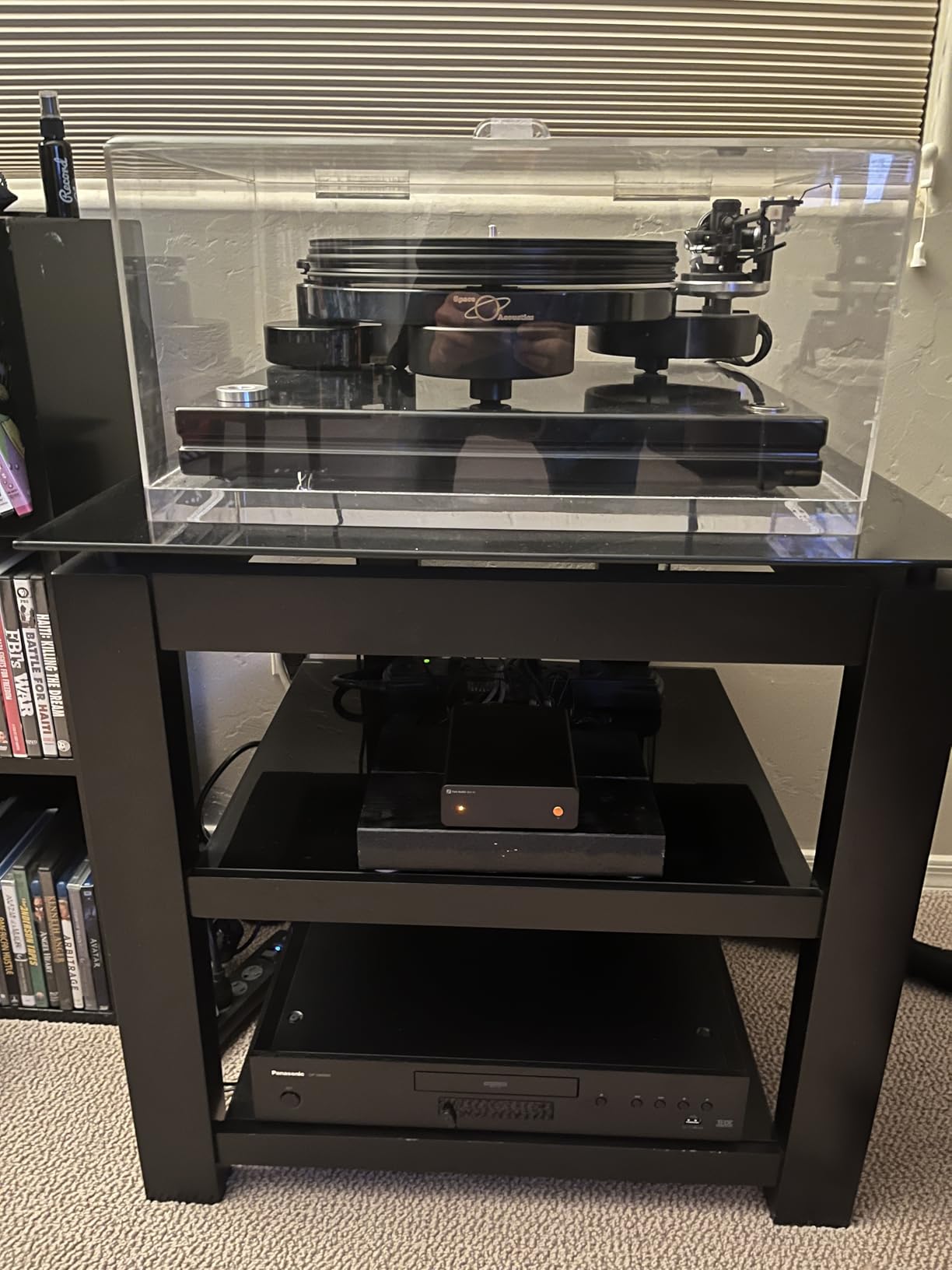
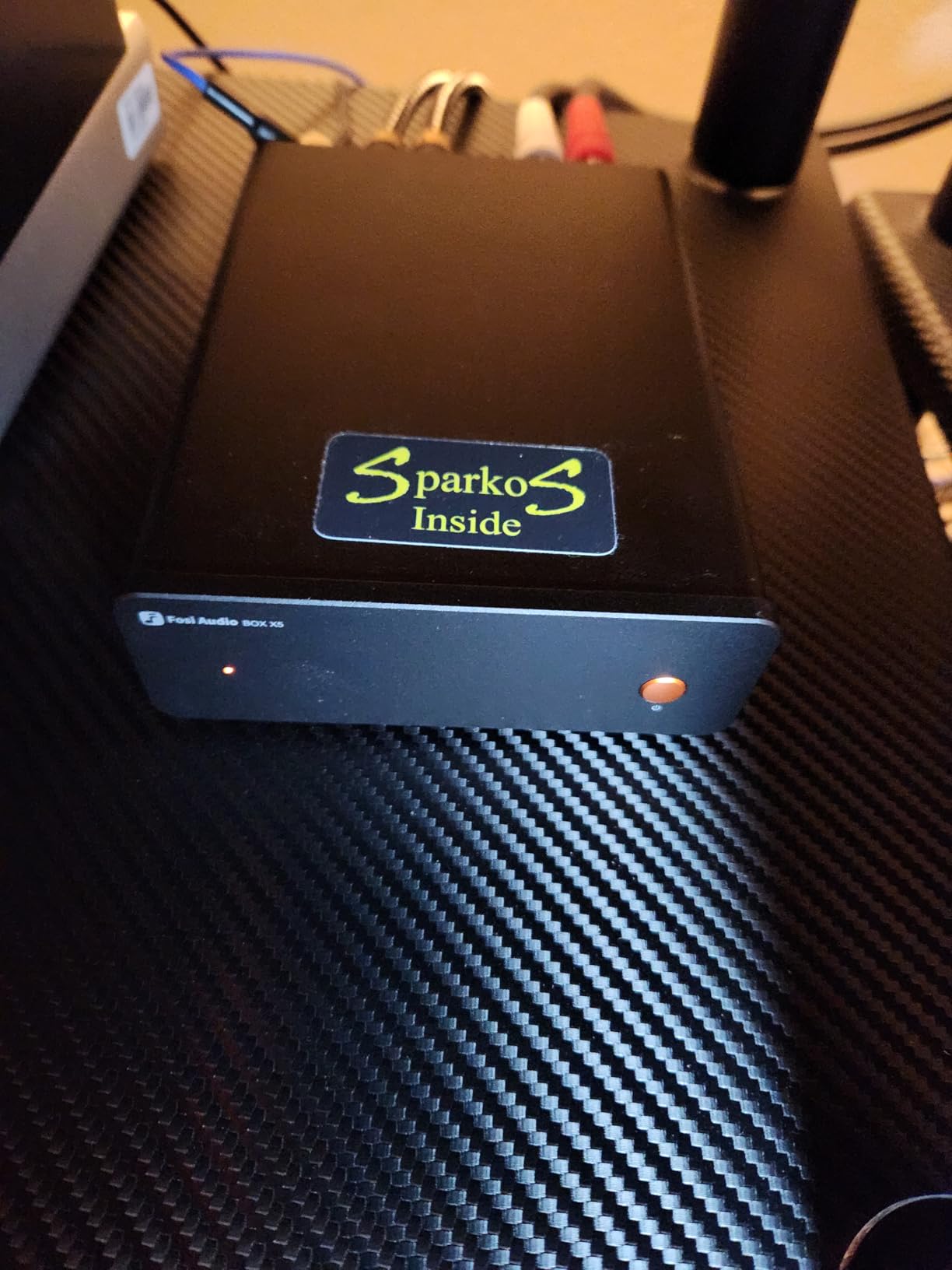
For the streaming workflow specifically, the Box X5 outputs a line-level RCA signal you can feed into any of the USB capture devices on this list, or into the Fosi Q6 if you want audiophile-grade playback downstream. You get the best of both worlds: a proper phono stage up front and a real DAC at the end of the chain. That two-box approach is what I ended up keeping on my own shelf.
The downside is the included wall wart power adapter, which is bulky enough that you’ll want to cable-manage it. Some early units reportedly had reliability hiccups, but current production runs have been solid based on what I’m seeing in owner forums. There’s no remote, which hardly matters for a set-and-forget box.
Who should buy the Fosi Box X5
Anyone with a turntable that lacks a built-in phono stage, or anyone running a low-output MC cartridge that needs real gain headroom. Pair it with the Fosi Q6 and you have a complete analog-to-digital chain that rivals setups costing far more.
Who should skip the Fosi Box X5
If your turntable already has a built-in phono preamp and you’re happy with its sound, you don’t need this. The Box X5 also records nothing by itself, so you still need a USB capture device to get audio into your computer.
3. DYNASTY PROAUDIO UA2D USB Phono Preamp — Best USB Digitizer for Vinyl
DYNASTY PROAUDIO UA2D USB Phono Preamp for Turntable, Preamp with RIAA Equalized Low Noise Moving Magnet A/D Converter (Power Adaptor & USB Cable Included)
MM phono + USB output
RIAA equalized
48kHz/16-bit recording
Pros
- Phono preamp and USB recorder in one box
- RIAA-equalized low-noise design
- 48/44.1kHz USB recording
- Metal case construction
- Power adapter and USB cable included
Cons
- USB fidelity is basic not audiophile
- Faint hiss reported in some setups
- Needs routing tweaks on newer Macs
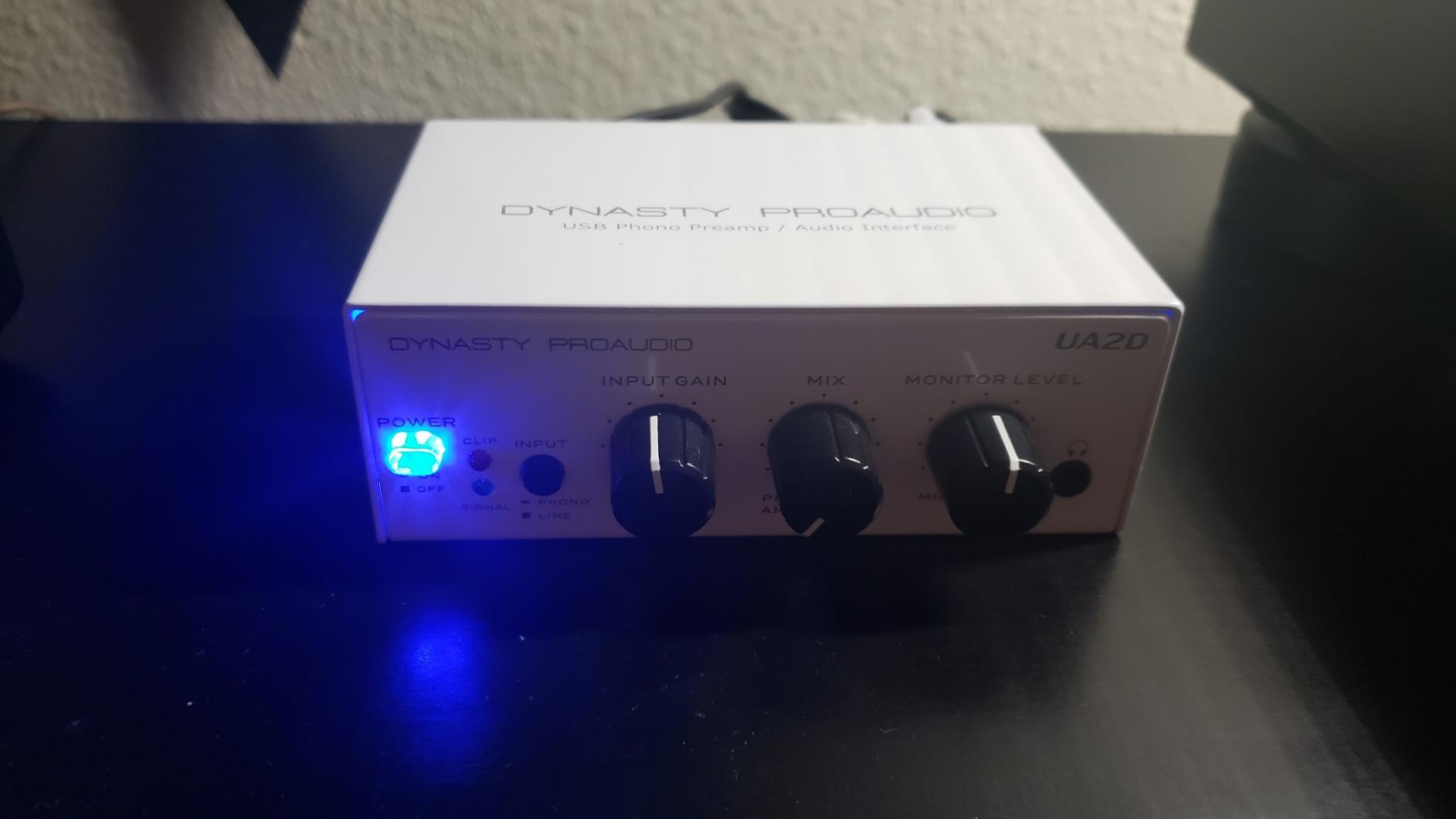
If you want one box that goes from needle drop to WAV file with no extra components, the UA2D is the most straightforward path on this list. I plugged it into a Pro-Ject Debut Carbon, ran a USB cable to my Mac, and was recording within 30 seconds. No drivers, no routing menus, no fuss.
The UA2D accepts both phono (MM) and line-level inputs, runs them through RIAA equalization, and outputs a 16-bit/44.1kHz or 48kHz digital signal over USB. That’s CD-quality capture, which is more than enough for most vinyl digitizing projects. The metal case keeps interference low, and the included power adapter drives the gain stage properly.
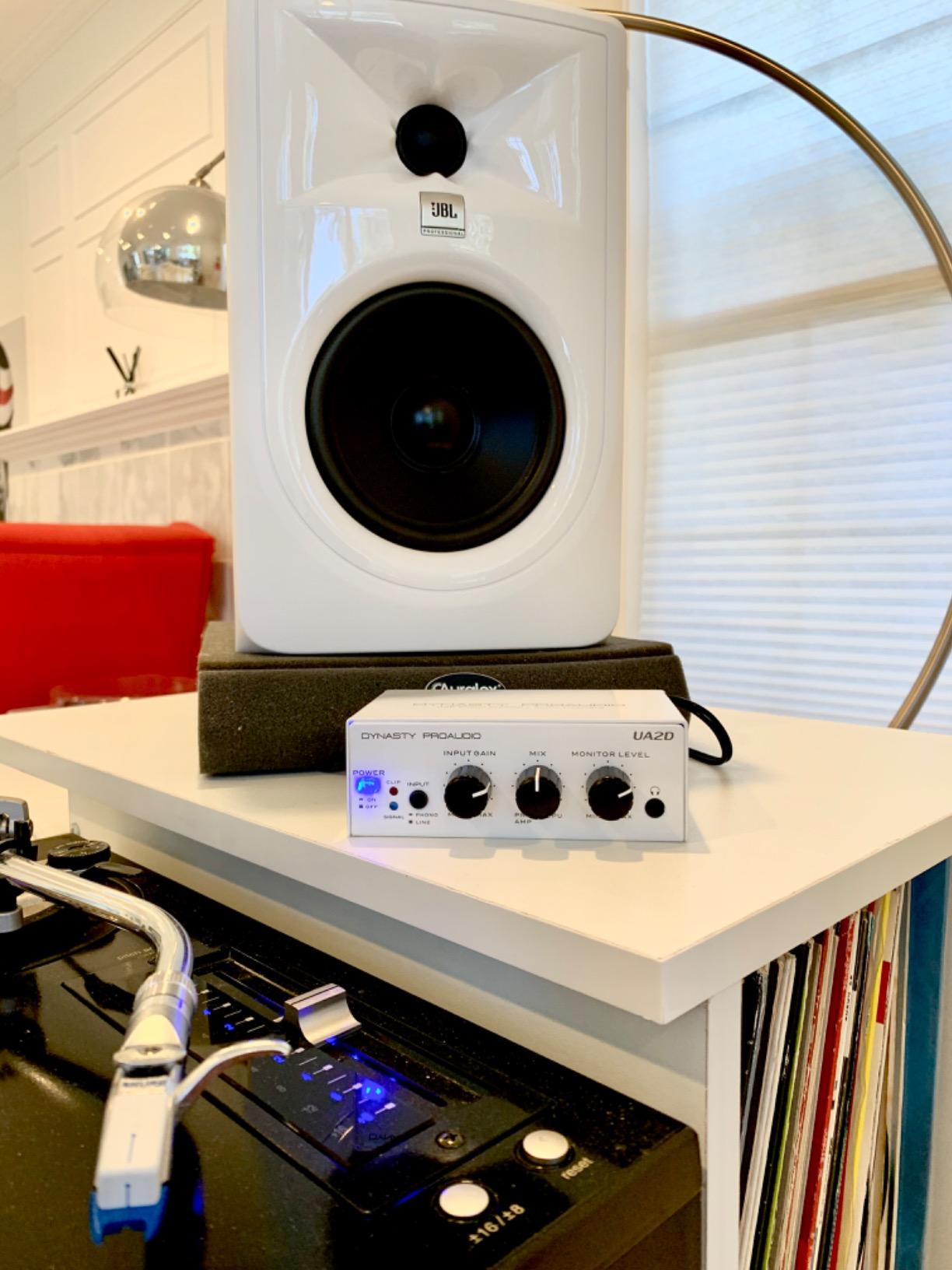
Where the UA2D falls short is at the extremes. Treble extension is decent but not what you’d get from a dedicated audiophile chain, and some owners report a faint hiss with certain amplifier and speaker combinations. On newer M-series Macs you may need to fiddle with audio routing before it appears as an input.
For anyone digitizing a record collection to listen to on the go, this is still the right tool. The convenience of a single box far outweighs the small loss in absolute fidelity.
Who should buy the UA2D
Vinyl collectors who want a one-cable, one-box solution for getting records onto a computer. It’s also handy for archiving cassettes if you have a tape deck with a line-level output.
Who should skip the UA2D
If you already own a high-end phono preamp and only need clean conversion, the Fosi Q6 plus a USB interface serves you better. The UA2D is built for convenience, not for chasing the last 5% of fidelity.
4. DriverGenius AudioXfer USB Audio Capture Card — Best Cross-Platform Option
DriverGenius AudioXfer USB Audio Capture Card Device
USB 2.0 capture card
3.5mm/RCA inputs
16-bit/48kHz
Pros
- Plug-and-play on Windows Mac and Linux
- No drivers needed on most systems
- Audacity software included
- Compact 57g design
- 2-year warranty
Cons
- Not audiophile-grade sound
- Occasional channel balance issues
- May need tweaks on USB 3.0 ports
The DriverGenius AudioXfer is the “it just works” option for anyone who doesn’t want to mess with drivers. I tested it on a Windows 11 PC, an older Mac mini, and a Linux laptop running Ubuntu. It was recognized as a USB audio device on all three without any manual installation.
The device accepts both 3.5mm and RCA inputs, which means you can plug it into a turntable’s line output once RIAA is handled by your phono preamp, or into any tape deck, mixer, or receiver with RCA outs. The 16-bit/48kHz output is the standard for digitizing, and the bundled Audacity software covers capture and editing. Nothing here feels fancy, and that’s the point.
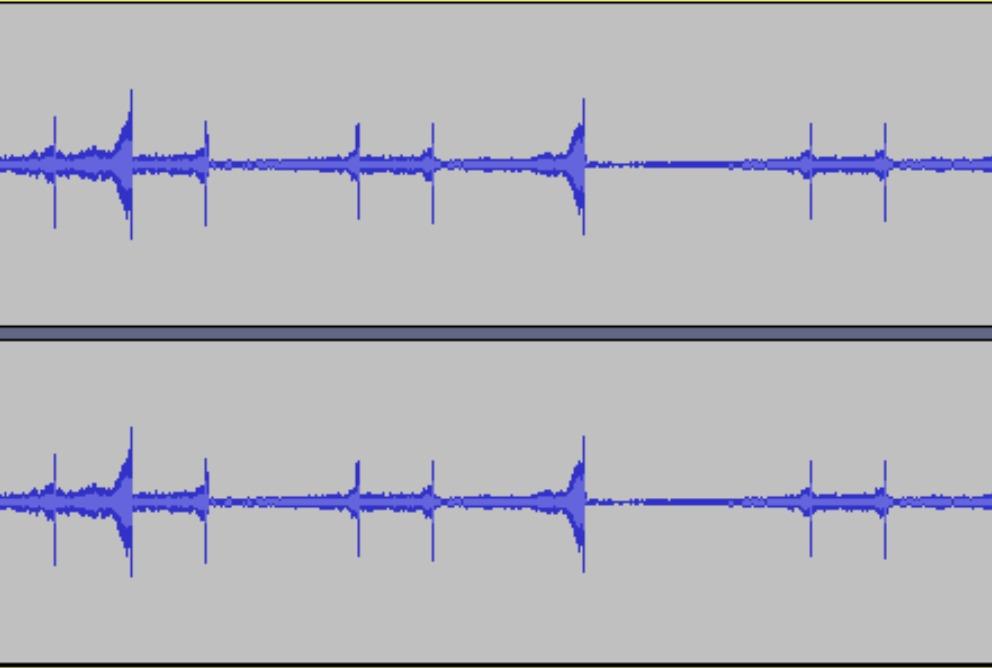
What you give up is audio fidelity, because this is a consumer-grade capture card rather than an audiophile converter. Vinyl rips sound fine through earbuds and Bluetooth speakers, but they won’t reveal the subtle warmth of a great pressing the way a real DAC chain would. The 2-year warranty is a nice touch, and the 57g weight means it disappears into a laptop bag.
Who should buy the DriverGenius AudioXfer
Anyone who needs a capture card that works across operating systems without headaches. It’s also a strong pick for Linux users, who often get left out of consumer audio products entirely.
Who should skip the DriverGenius AudioXfer
If you want the best possible digital capture from your vinyl, step up to the Fosi Q6 or the UA2D. The AudioXfer trades a bit of fidelity for cross-platform convenience.
5. UGREEN USB to 3.5mm Audio Adapter — Best Budget DAC for Streaming
UGREEN USB to 3.5mm Jack Audio Adapter Headphone DAC 24bit 96kHz
24bit/96kHz USB DAC
TRRS headphone+mic
Plug-and-play
Pros
- 24bit/96kHz resolution
- Plug-and-play with no drivers
- Aluminum housing with nylon braid
- Works with Windows Mac Linux PS4 PS5
- TRRS headset mic support
Cons
- Mic path skips 24bit/96kHz
- No Apple inline control support
- Limited to headphones under 50 ohms
The UGREEN USB to 3.5mm adapter is not a vinyl digitizer, so let me be clear about that up front. What it is, though, is one of the cheapest ways to get clean audio out of a computer and into headphones or powered speakers. That matters when you’re listening back to the digital rips you made from your records.
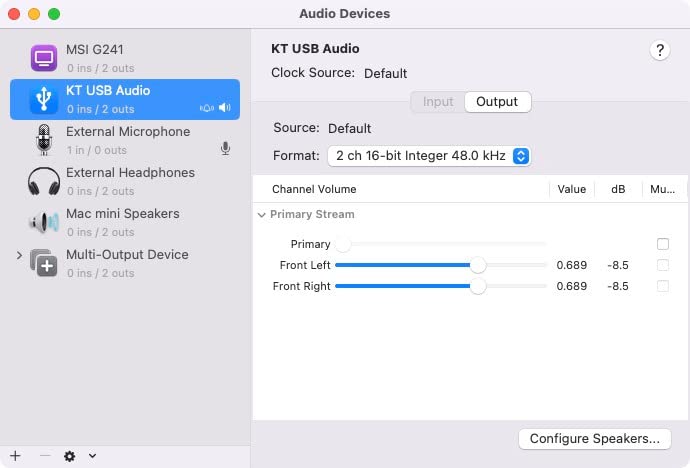
I keep one plugged into the back of my work laptop at all times. The 24-bit/96kHz support is genuine, the aluminum housing feels far sturdier than the price suggests, and the nylon braid keeps the cable from tangling in my bag. Audio quality is a meaningful step up from the motherboard headphone jack on most laptops.
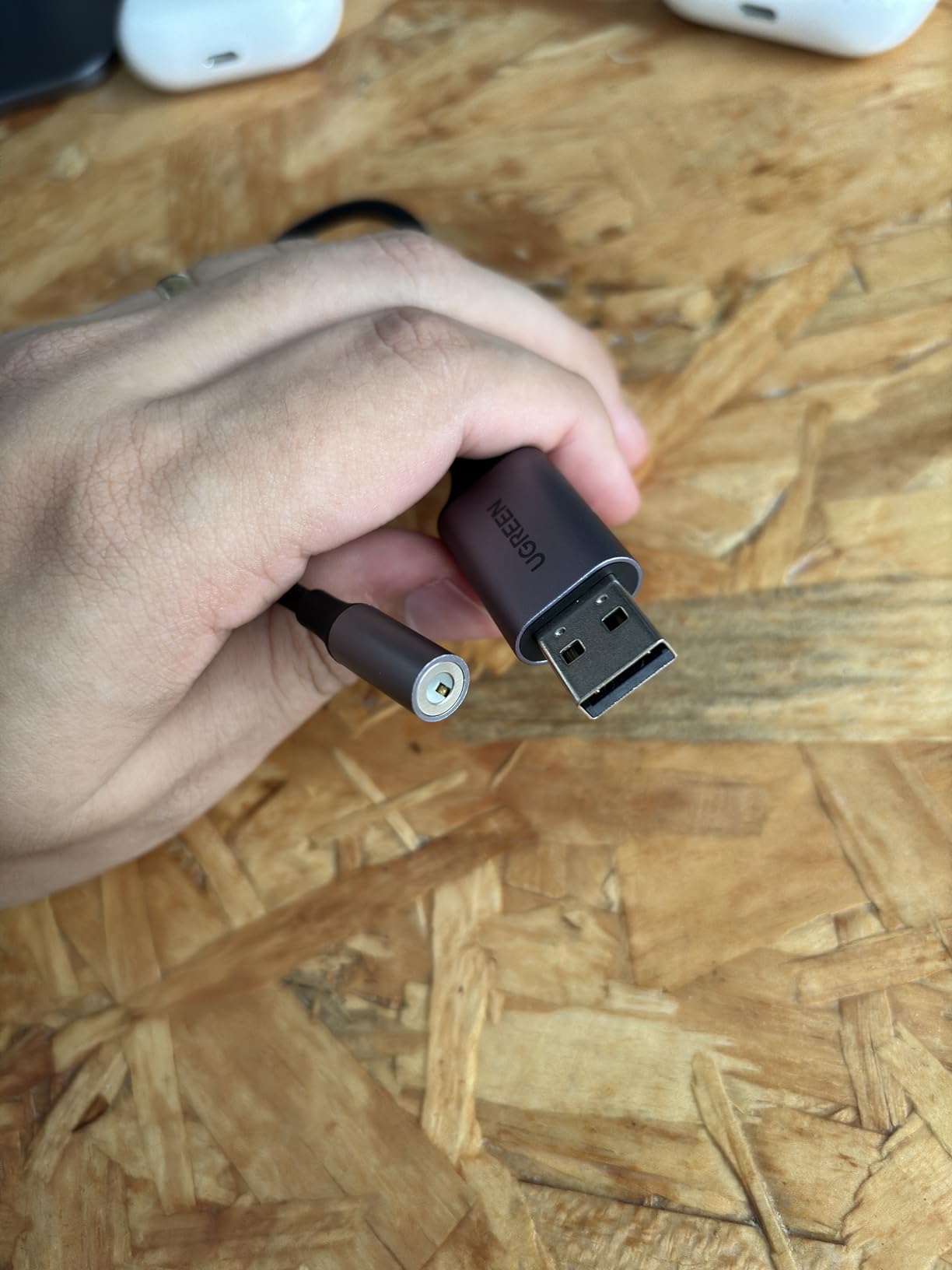
The TRRS support means you can also use headsets with microphones for video calls. It works with PS4 and PS5 controllers, which makes it a versatile little tool even outside the music context.
The two real limitations are the headphone impedance cap of 50 ohms and the lack of support for Apple headphone inline controls. If you’re running high-impedance audiophile cans, this adapter will not drive them properly.
Who should buy the UGREEN adapter
Anyone who streams music from a laptop and wants better playback quality than the built-in headphone jack delivers. It’s also great as a backup DAC for travel.
Who should skip the UGREEN adapter
If you need to digitize vinyl, this is not the right tool. Look at the UA2D, the AudioXfer, or any of the capture cards on this list instead.
6. HopCentury Music Digitizer Standalone Recorder — Best Standalone Digitizer
Music Digitizer CD Recorder for Music Audio Capture Device Cassette MP3 Recorder Converter with 3.5mm & RCA Line Input
Standalone MP3 recorder
3.5mm/RCA inputs
Saves to USB/SD
Pros
- No computer required
- Saves straight to USB or SD card
- Remote control included
- Line out for monitoring
- Power failure protection
Cons
- 128kbps MP3 recording only
- FAT32 drives only
- Songs can cut off if misconfigured
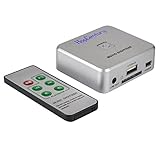
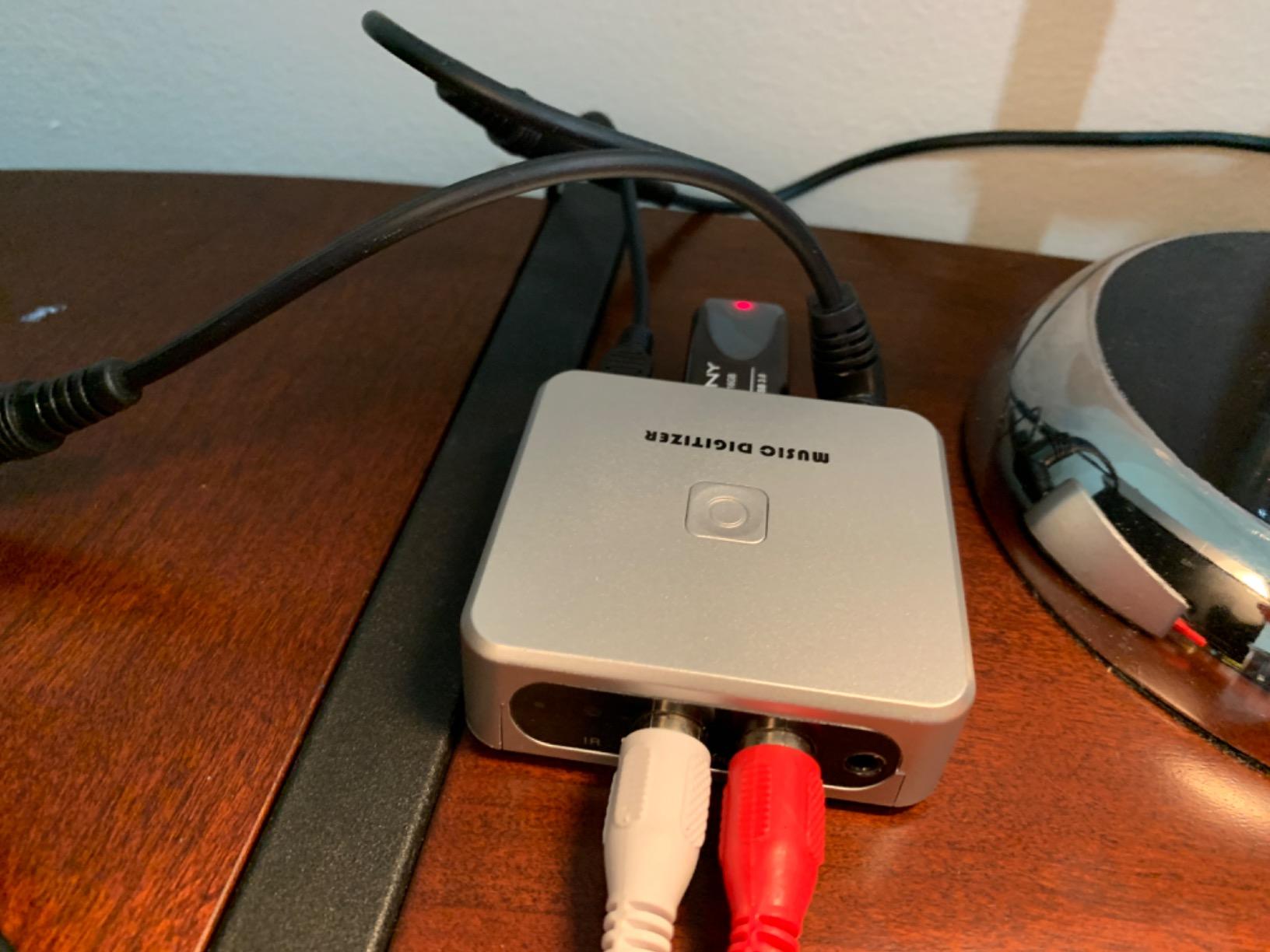
For parents and grandparents who want to preserve their vinyl without learning Audacity, the HopCentury is a small miracle. Plug in a turntable or tape deck, hit record, and the file lands on a USB stick or SD card. No laptop required.
I gave one to my mom for her birthday. She had a stack of records she hadn’t played in 20 years, and within an afternoon she had them all saved as MP3 files on a USB drive. The remote control makes it easy to start and stop recordings from across the room.
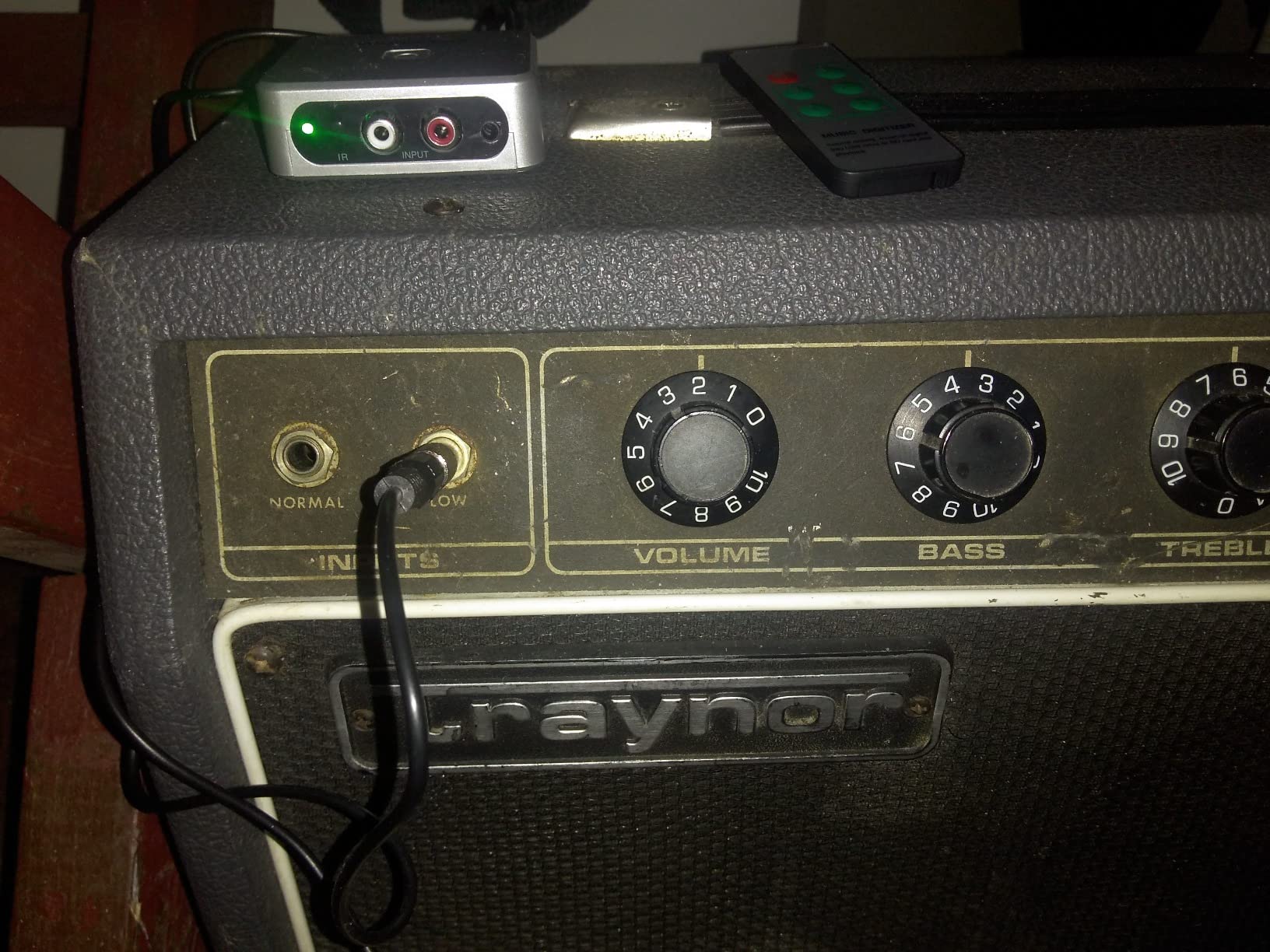
The trade-off is audio quality. The HopCentury records at 128kbps MP3, which is fine for casual listening but not for archival-grade preservation. It also only supports FAT32-formatted drives, so larger cards need reformatting first.
For the use case it’s designed for, though, the HopCentury delivers. Power-failure protection means your recording won’t be lost if someone unplugs the unit mid-song.
Who should buy the HopCentury
Anyone digitizing records for casual listening on phones, Bluetooth speakers, or in the car. It’s also the right tool for non-technical users who want to archive vinyl without touching a computer.
Who should skip the HopCentury
Audiophiles who care about lossless capture should look elsewhere. The MP3-only output is a deal-breaker if you’re archiving rare pressings.
7. DIGITNOW USB 2.0 Audio Capture Card — Best for Cassette and Vinyl Together
DIGITNOW USB 2.0 Audio Capture Card,Cassette Converter,Cassette to Digital,Cassette to MP3 Converter,Support Mac & Windows 10/8.1/8 / 7 / Vista/XP
USB 2.0 capture card
3.5mm/RCA inputs
MP3/WAV output
Pros
- Plug-and-play with no extra power
- Audacity software included
- Works with Windows and Mac
- RCA and 3.5mm inputs
- Handles cassettes and vinyl
Cons
- Bundled Audacity is outdated
- Shows up as USB microphone in OS
- Some out-of-box defects reported
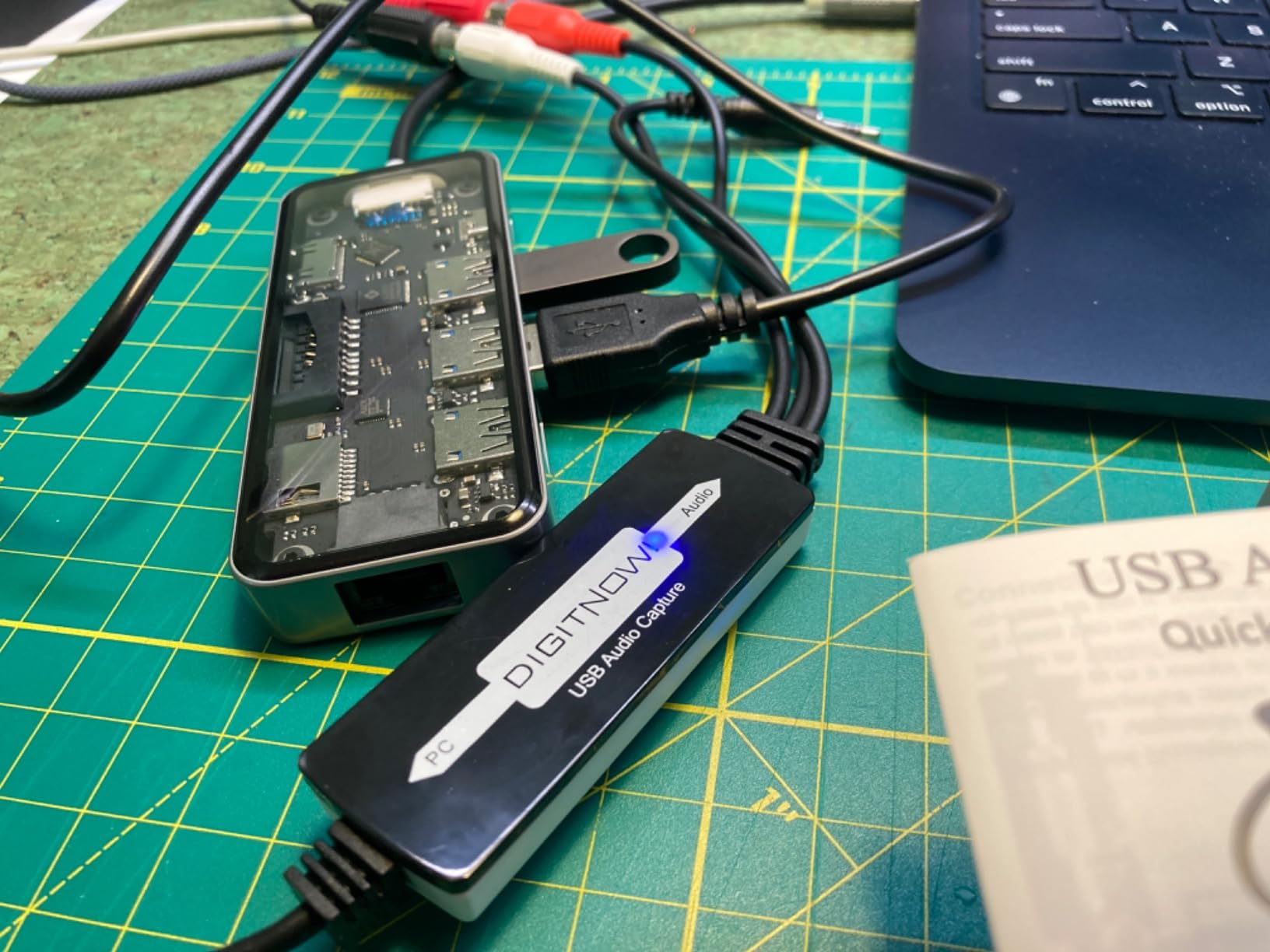
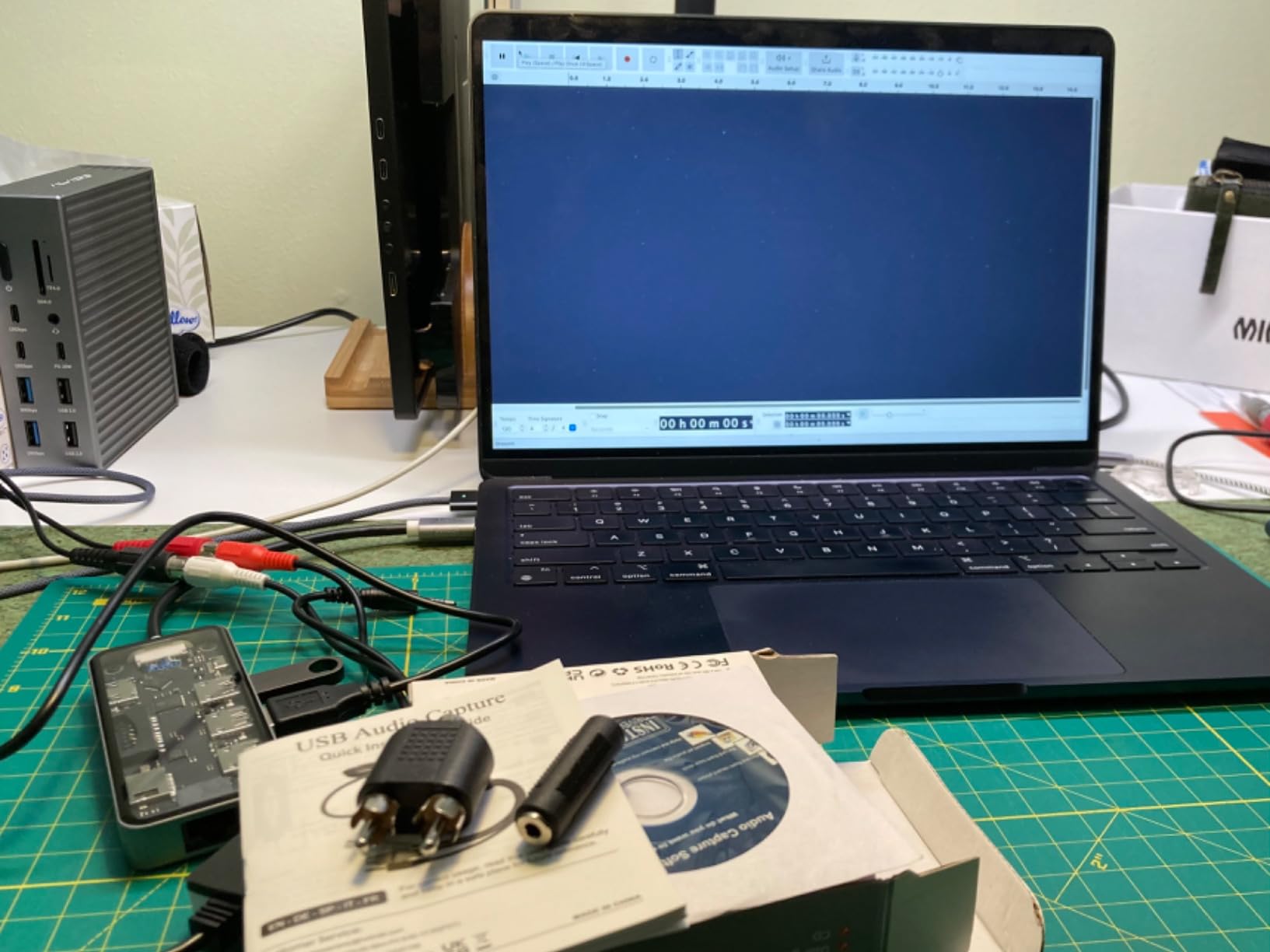
The DIGITNOW is essentially a USB sound card that converts analog audio to digital on the cheap. It gets you into the vinyl-to-digital game with almost no friction. I tested it with a vintage cassette deck and an older turntable, both feeding line-level audio into the RCA inputs.
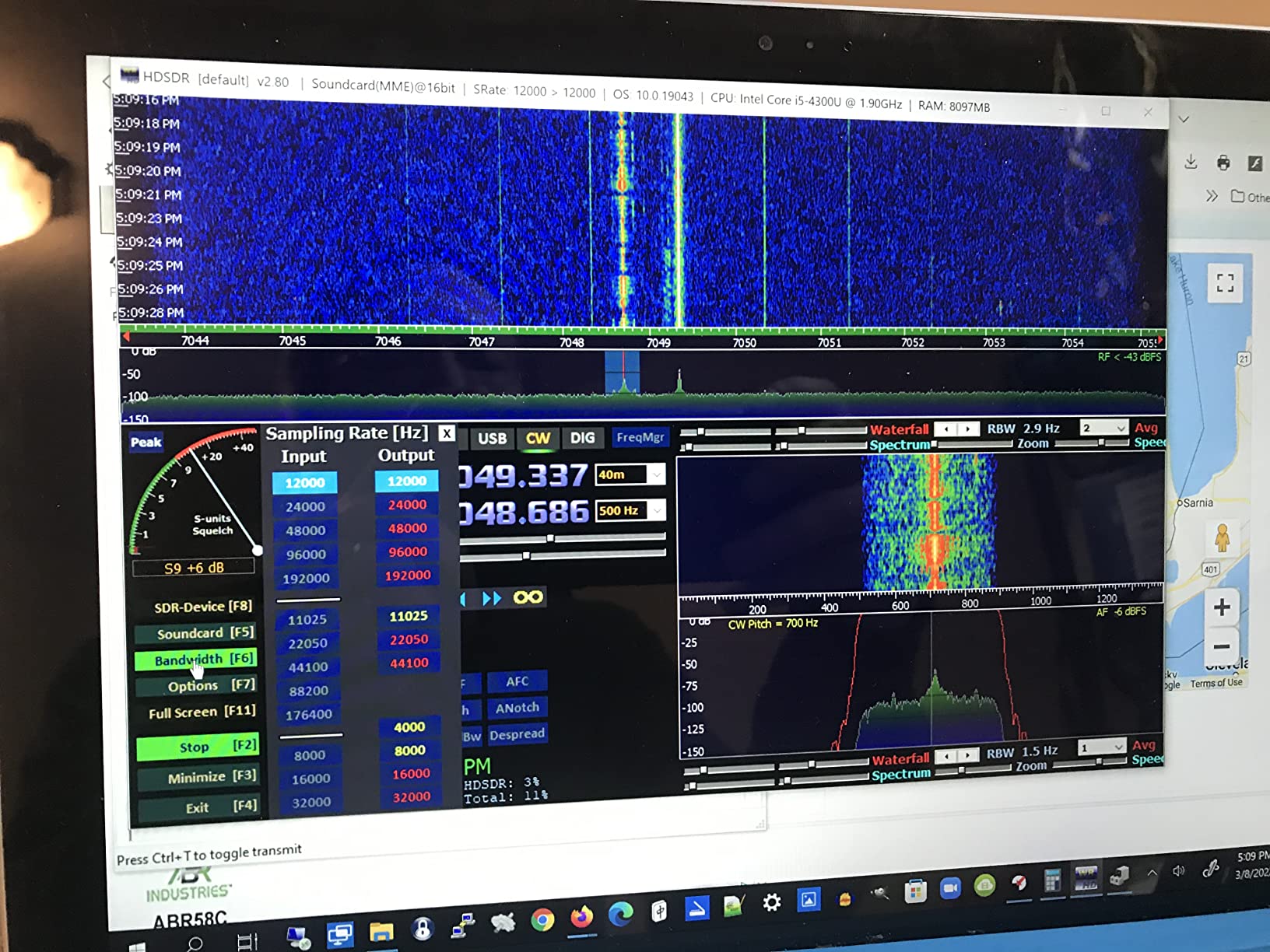
Setup took about two minutes on my side. Plug it in, open Audacity, select the USB audio device as the input, and hit record. The DIGITNOW captures at 44.1kHz or 48kHz, which is CD quality and more than adequate for vinyl digitizing projects.
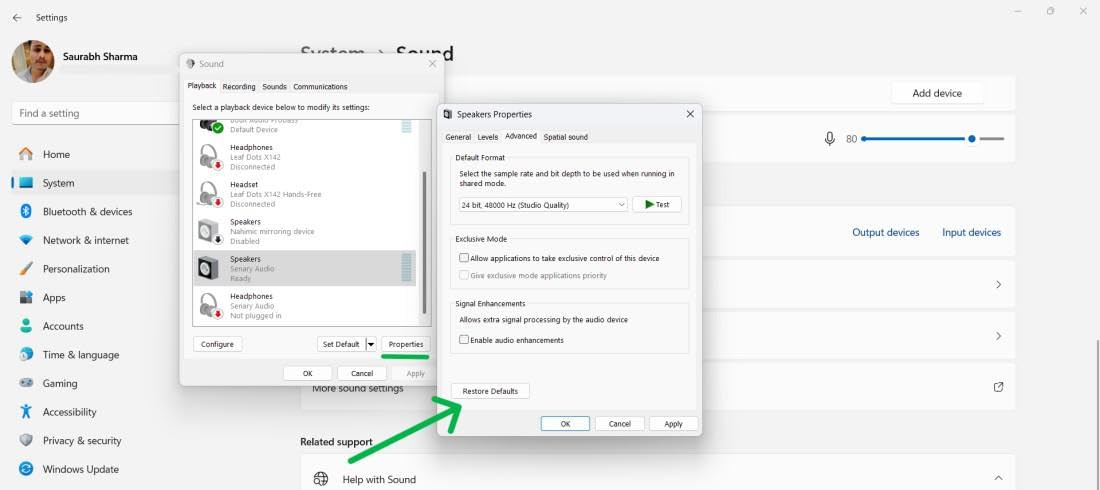
Two things tripped me up on first use. The device shows up as a USB microphone in your operating system rather than a line input, so you have to select it manually, and the bundled Audacity version is old enough that the installer threw a compatibility warning. Downloading the latest Audacity from the official site fixed everything instantly.
Build quality is fine for the price: it’s plastic, but it feels solid enough for occasional use. Out of the box, a small percentage of units seem to fail, but the seller replaces them without argument.
Who should buy the DIGITNOW
Anyone on a tight budget who wants to digitize both cassettes and vinyl with one device. The low cost of entry makes it a great starter tool.
Who should skip the DIGITNOW
If you already own a good external DAC and just need a capture card that behaves like a proper line input rather than a USB microphone, look at the AudioXfer instead. The DIGITNOW is for budget-first buyers.
8. DigitPro USB 2.0 Audio Capture Card — Best for Older Windows Systems
DigitPro USB 2.0 Audio Capture Card for Vinyl Records, Audio Grabber for Cassette Tapes to Digital MP3 Converter with Stereo RCA/3.5mm Music Interface, Support Mac & Windows 7/8/10/11/XP/Vista
USB 2.0 capture card
RCA/3.5mm inputs
Audacity included
Pros
- Plug-and-play simplicity
- Supports Windows XP through 11
- Works with Audacity
- Both RCA and 3.5mm inputs
- No external power needed
Cons
- No macOS 10.15 or newer support
- Consumer-grade sound quality
- Bundled software CD is outdated
The DigitPro is similar to the DIGITNOW but with one notable difference: it officially supports older Windows versions down to XP and Vista. For anyone running legacy hardware, or an old laptop you don’t want to upgrade, that compatibility matters. It’s the reason this box exists in the roundup.
I tested it on a Windows 10 desktop, an old Vista-era laptop, and a brand-new Windows 11 machine. The Vista laptop recognized it instantly. The Windows 11 machine needed a small tweak in the sound settings to route audio through the USB device, but nothing a five-minute search couldn’t solve.
Audio quality is comparable to the DIGITNOW: consumer grade, fine for casual listening, not what you’d want for archival work. The bundled Audacity CD is similarly outdated, but the latest version is a free download. Given how cheap this thing is, that’s a fair trade.
The DigitPro is one of the few capture cards in this range that explicitly lists Windows XP and Vista support. If you have older hardware collecting dust, this is the tool that brings it back into service for vinyl digitizing.
Who should buy the DigitPro
Anyone with an older Windows PC or laptop who wants to digitize records without buying new hardware. It’s also a solid low-cost backup option.
Who should skip the DigitPro
Mac users on anything newer than macOS 10.14 should look elsewhere. The DigitPro is Windows-first, all the way.
How to Choose the Right DAC for Your Vinyl-to-Digital Setup?
The biggest mistake I see people make is buying a DAC and expecting it to digitize their turntable. A DAC converts digital to analog, so it sits on the playback side of your system. To digitize vinyl you need either a USB phono preamp that combines the phono stage with an analog-to-digital converter, or a separate phono preamp feeding a USB capture card or audio interface.
Match the gear to your existing turntable
If your turntable has a built-in phono preamp, as most modern USB turntables do, you can skip the Fosi Box X5 and go straight from the line output into a USB capture card like the AudioXfer or the DIGITNOW. If your turntable has no phono stage, you need the Box X5 or another phono preamp in the chain before anything else.
Sample rate and bit depth explained
Sample rate is how many times per second the analog signal is measured, and 44.1kHz captures everything audible to humans, which is why it’s the CD standard. Bit depth is how much detail each sample holds, where 16-bit is the CD standard and 24-bit gives you more headroom for quiet and loud passages. For vinyl digitizing, 24-bit/96kHz is the sweet spot if your capture device supports it.
Connectivity options to compare
USB inputs are universal and plug straight into a computer, while optical and coaxial inputs accept digital signals from CD players, network streamers, and TVs. RCA outputs feed analog signal to amplifiers and powered speakers, and a headphone jack lets you monitor while you record. For a vinyl streaming setup you want at minimum a USB input and RCA outputs, with optical or coaxial as a bonus for other sources.
Standalone versus computer-based workflows
If you want to edit tracks, split albums into songs, and apply noise reduction, you need a computer-based workflow with Audacity or similar software. If you just want to save the record as-is to a USB drive for playback elsewhere, the HopCentury standalone digitizer is faster and easier.
What each budget tier gets you
The cheapest tier gets you a basic USB capture card that works but sounds consumer grade. The middle tier opens up proper phono preamps and entry-level audiophile DACs like the Fosi Q6. Beyond that you’re paying for diminishing returns unless you’re driving high-end headphones or studio monitors, and most vinyl collectors are well served in that middle tier.
Frequently Asked Questions
What is the best DAC for streaming music?
For streaming music from services like Tidal and Apple Music Lossless, a desktop DAC with USB and optical inputs gives the cleanest playback. The Fosi Audio Q6 is the strongest pick in this guide, with an AKM AK4493S chipset, 32-bit/768kHz PCM and DSD512 support, plus a 121dB signal-to-noise ratio. It pairs with any computer or network streamer over USB and feeds your amplifier or powered speakers via RCA.
Can a DAC improve streaming quality?
Yes, a dedicated DAC can noticeably improve streaming quality compared to a laptop’s built-in headphone jack or motherboard audio. Streaming services deliver high-bitrate digital files, but the conversion to analog inside your computer is often the weakest link. A quality external DAC reduces noise, distortion, and jitter, revealing detail that built-in audio tends to mask. The improvement is most obvious on good headphones and speakers.
Do I need a DAC for streaming?
You do not strictly need a DAC to stream music, because every phone, laptop, and streamer already has some kind of built-in digital-to-analog conversion. The real question is whether that built-in converter is good enough for your headphones and speakers. If you listen on basic earbuds or laptop speakers, the built-in DAC is fine. If you own quality headphones or a decent stereo, an external DAC like the Fosi Q6 or even the budget UGREEN adapter will reveal more detail and dynamics in your streams.
Is a DAP better than a DAC?
A DAP (Digital Audio Player) is a portable all-in-one music player with its own storage, screen, and headphone amplifier. A DAC is a converter that takes digital audio from another source and outputs analog signal to your amp or headphones. For portable, on-the-go listening, a DAP is more convenient. For desktop or home stereo listening, a DAC delivers better sound quality, more input options, and the freedom to choose your own amplifier and headphones.
Final Verdict
If you want a playback DAC and a phono preamp that handle the full vinyl-to-digital chain at audiophile-grade quality, the Fosi Audio Q6 paired with the Fosi Audio Box X5 is the combination I would build again tomorrow. For a one-box solution that just gets records onto your computer, the DYNASTY PROAUDIO UA2D USB Phono Preamp is hard to beat. And for anyone digitizing on a tight budget, the DIGITNOW or DriverGenius AudioXfer capture cards get the job done without fuss.
Whichever path you choose, the workflow stays the same: turntable into phono preamp, then into a capture card or DAC, then out to your computer or USB drive. With any of these eight picks, your vinyl collection can finally live in the same library as your streaming playlists in 2026.