
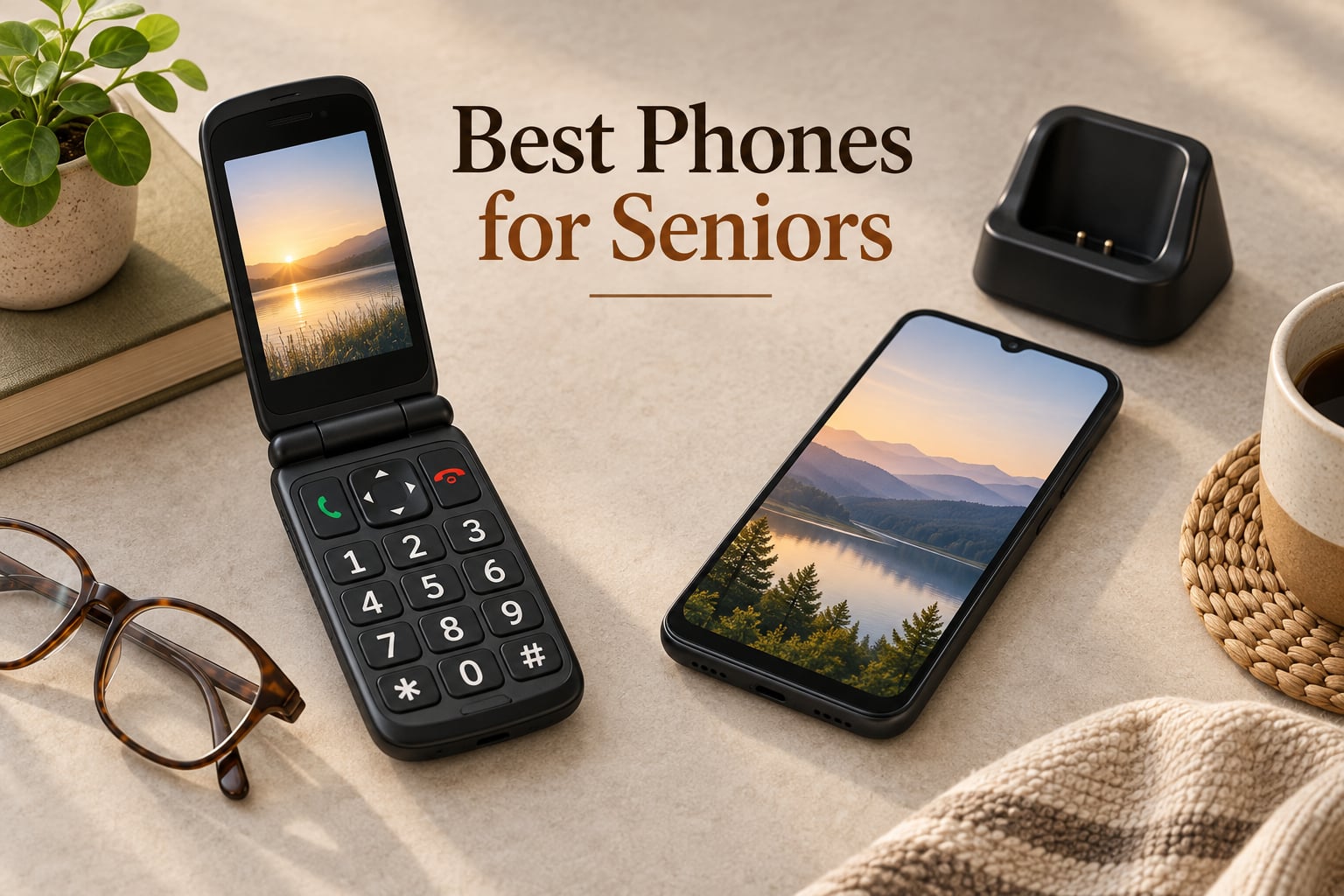
Most people searching for the best phones for seniors are not shopping for themselves. They are an adult child or a spouse trying to find something their parent or partner will actually answer the phone on, six months from now. That changes everything about how you compare these devices, because a phone that scores well on specifications and frustrates the person holding it is a failed purchase.
Our team looked at ten handsets across the full range a senior buyer actually encounters: big-key basic phones, flip phones, senior-branded handsets, prepaid flips and mainstream smartphones. We read the technical sheets and the buyer reviews, and we paid close attention to two things competitors usually skip: whether the phone depends on a branded service plan to work properly, and how much trouble the setup will be for the family member who ends up doing tech support.
We updated this guide for 2026, and every product below is current-generation hardware. If the phone is being bought alongside other senior equipment, our guides to the best mobility scooters for seniors and best rollator walkers for seniors cover the matching safety questions.
Table of Contents
Top 3 Picks for Best Phones for Seniors (October 2026)
The three below cover the most common buying situations. The artfone G6 is the one we would buy first, the Jitterbug Flip2 is the pick when a human being on the other end of the phone matters most, and the Galaxy A16 5G is the one to buy when you want a modern Android that will still receive updates years from now.

artfone G6 Flip Phone
- 21 oversized backlit buttons
- 2.4-inch plus 1.8-inch dual screens
- SOS button with 5 emergency contacts
- Hearing enhancement mode

Lively Jitterbug Flip2
- 3.2-inch high-contrast display
- 24/7 US-based support team
- One-touch speed dial
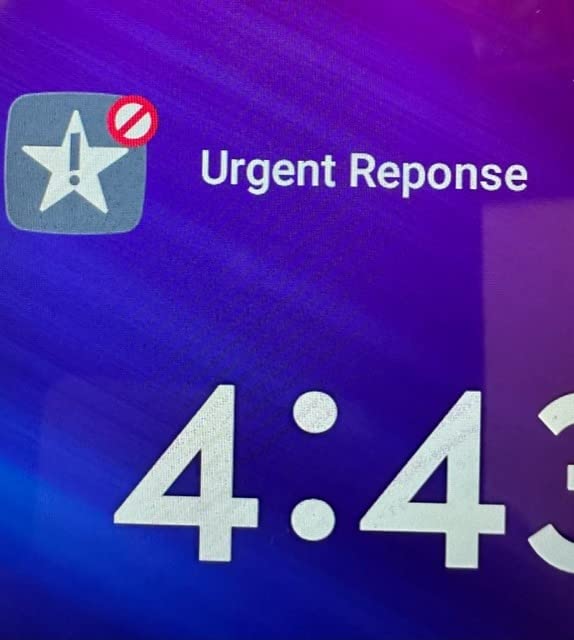
- Optional Urgent Response add-on

Samsung Galaxy A16 5G
- 6.7-inch AMOLED display
- 5000mAh battery
- Six years of OS updates
- IP54 water resistant
All 10 Phones for Seniors Compared in 2026
The table below puts all ten side by side. Notice how many entries are locked to a single carrier. That single fact changes setup, price and future flexibility more than any other spec on this list.
| Product | Specs | Action |
|---|---|---|
| artfone G6 Flip Phone |
|
Check Latest Price |
 artfone C1+4G artfone C1+4G |
|
Check Latest Price |
| Lively Jitterbug Flip2 |
|
Check Latest Price |
| Samsung Galaxy A16 5G |
|
Check Latest Price |
 Motorola Moto G Power 2025 Motorola Moto G Power 2025 |
|
Check Latest Price |
 Lively Jitterbug Smart3 Lively Jitterbug Smart3 |
|
Check Latest Price |
 Tracfone Alcatel MyFlip 4G Tracfone Alcatel MyFlip 4G |
|
Check Latest Price |
 TracFone TCL Flip 2 TracFone TCL Flip 2 |
|
Check Latest Price |
 Motorola razr 2024 Motorola razr 2024 |
|
Check Latest Price |
 Kyocera DuraXV Extreme Kyocera DuraXV Extreme |
|
Check Latest Price |
1. artfone G6 Flip Phone for Seniors – Easiest Phone With a Real Keypad
artfone G6 Flip Phone for Seniors, 4G Unlocked Basic Phone, 2.4″+1.8″ Screen, SOS Button, Speed Dial, Hans-Free, Big Buttons, Bluetooth, Camera, FM Radio, Charging Dock, Voice Time, Caller-ID, Gray
4G LTE flip phone
21 backlit buttons
2.4-inch plus 1.8-inch screens
SOS to 5 contacts
Pros
- 21 oversized backlit physical buttons with clear T9 keypad
- Dual screens show caller ID without opening the phone
- SOS button auto-dials 5 preset emergency contacts
- Hearing enhancement mode amplifies conversation
- Charging dock included in the box
Cons
- Locked to T-Mobile and T-Mobile-based carriers
- Not water resistant
- 1GB storage and 128MB RAM limit it to calls and texts
The G6 has the highest review count in this guide, at more than 5300 ratings, and that volume matters because buyers here often purchase on behalf of someone who cannot advocate for themselves. Reviewers keep landing on the keypad. Twenty-one raised, backlit buttons with genuinely large keycaps is a rare thing in 2026, and it gives the user a physical landmark under the thumb instead of a flat sheet of glass.
The second screen surprised us more. The 1.8-inch outer display answers the question that trips up most flip phone owners, which is whether it is worth opening the phone at all. Time, battery and caller ID sit on the outside, so a senior can screen a call without flipping it open and accidentally hanging up.
The SOS button auto-dials up to five preset emergency contacts and sends a distress message, and the hearing enhancement mode routes amplified conversation through earphones or hearing aids. The hinge is rated to 120000 flips and opens to 170 degrees, which is the kind of detail that decides whether the second year of ownership feels fine.
There is a real limitation to plan around. This is a 4G LTE basic phone on artfone’s Mocor RTOS with 1GB of storage and 128MB of RAM, so it handles calls, texts, the camera and an FM radio and nothing more. It is unlocked for T-Mobile and T-Mobile-based mobile virtual network operators only, so check the carrier before you buy. Caregivers on r/eldercare describe exactly this frustration, where a phone arrives and will not activate on the network already in the household.
For whom it works
This suits someone who has resisted a smartphone or who was pushed onto one and gave up. There is nothing to learn beyond the T9 keypad, the two screens do the work of a home screen, and a speed dial key gets a family member onto the line in one press. Photo-assignable contacts add the one visual cue that helps most with mild memory trouble, since a photograph does not have to be recalled from a name.
Who should skip it
Skip it if anyone in the household needs a browser, an app or maps, because there is no app store on Mocor RTOS. Skip it on Verizon or AT&T networks, since this handset is T-Mobile only. And skip it for anyone expecting a physical SOS service that reaches a monitoring centre, because the button here auto-dials your own preset contacts rather than a professional response team.
2. artfone C1+4G – Best Bar Phone for a Bedside Table
artfone C1+4G Cell Phone for Seniors, Large Buttons Basic Phone, SOS Button, Charging Dock, Voice Time, Speed Dial, Hands-Free, Large Font, Loud Speaker, FM Radio, Simple Mobile Phone, 1800mAh, Black
1.8-inch large-font LCD
21 raised backlit keys
1800mAh battery
Included charging dock
Pros
- Exceptionally loud speaker for callers with hearing difficulty
- Large-font eye-care display with a small layout
- 1800mAh battery covers a full day of calls
- Charging dock lets the phone live on a bedside table
- Side keyboard lock stops accidental pocket calls
Cons
- 1.8-inch screen is small even for a feature phone
- T-Mobile and T-Mobile-based carriers only
- No browser or app store
Not every senior wants a flip. Some people prefer a straight candybar phone because it sits flat on a table and does not have to be opened to answer, and that preference is exactly who this device is for. The 1800mAh battery gives roughly 7 to 8 hours of talk time, which means a full day of calls between charges for a light user.
The speaker is the headline here. Buyers call out its volume more than any other feature, and reviewers also like the side keyboard-lock slider, which stops the phone from making pocket calls that show up later as puzzling voicemails. The charging dock in the box means it can live permanently on a bedside table, plugged in.
For whom it works
This is the phone I would put on a bedside table for someone who mostly wants the house to ring. The large-font eye-care screen keeps the layout readable without scrolling, and the green and red call keys are easy to tell apart by feel alone.
Keep in mind that the screen measures 1.8 inches, which is genuinely small, and the 128MB of RAM rules out anything beyond calls, texts and media playback. Like its sibling above, it is a T-Mobile-network device.
Who should skip it
If the person needs to see a photo of the caller to know who is calling, this is the wrong phone, because the screen is too small to make a photo useful. Anyone who wants a web browser, maps or a messaging app will find the same dead end. For those needs, look at the Galaxy A16 or the Moto G Power later on.
3. Lively Jitterbug Flip2 – Best Flip Phone With Human Support
LIVELY Jitterbug Flip Cell Phone for Seniors, Flip2, Red
3.2-inch high-contrast LCD
3G flip phone
One-touch speed dial
Optional Urgent Response service
Pros
- High-contrast display with large easy-to-press buttons
- 24/7 US-based Lively support team for setup and emergencies
- One-touch speed dial and on-keypad help button
- Compact flip design protects the screen in a pocket
- Online activation takes a few minutes
Cons
- Locked to Lively service and cannot be used with another carrier
- 3G network only with no modern app ecosystem
- Requires a separate Lively service plan
The distinction that matters here is that Lively is a service company first and a hardware maker second, and that shapes everything about the Flip2. It is a 3.2-inch high-contrast screen on a flip body with a one-touch speed dial key and a help button built into the keypad, and the 1780mAh battery is rated at up to 12 hours of talk time. It also answers the caregiver question that keeps coming up in the r/eldercare threads we reviewed: what happens at two in the afternoon when the person cannot get a screen to unlock.
Reviewers are clear that the frustration in the one-star reviews is not about the hardware. It is about the mandatory Lively plan and the 3G platform, and the hardware itself carries a 61 percent five-star share from buyers who wanted simplicity plus human support.
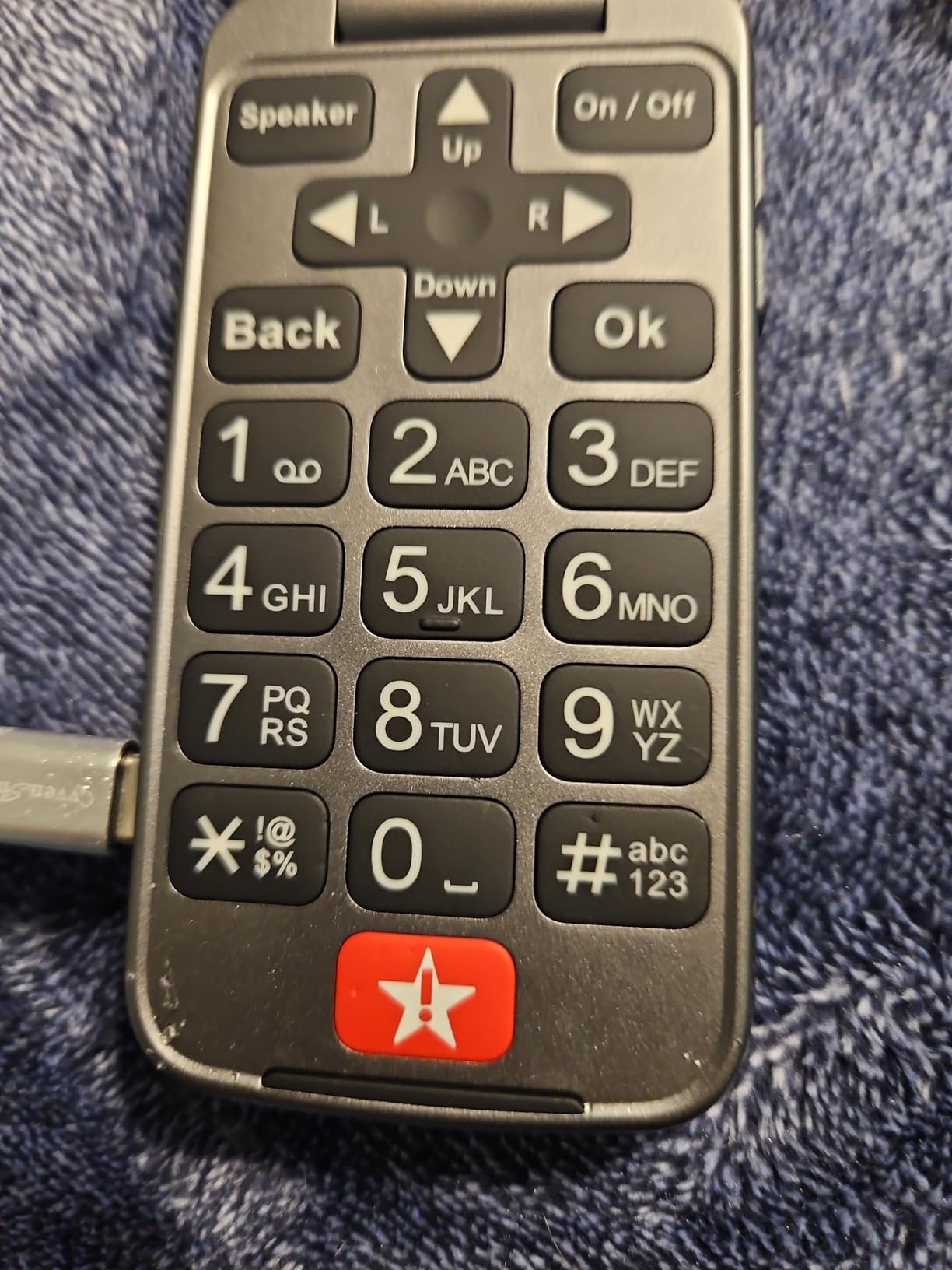
One important warning that almost no competitor makes: senior-branded handsets lose their headline features when the branded service is not active. The Urgent Response button and the caregiver features exist because of the Lively plan, not the handset alone, which is a subscription layered on top of the device. Buyers should decide they are comfortable with that arrangement before they buy, not after.
For whom it works
This suits a family that wants a human being to call. The Flip2 is the option we would pick for a parent who lives alone, does not want to learn a new app, and needs someone patient to talk through a problem. Voice Control through Lively Skill also gives a partial hands-free path for anyone with limited dexterity.
Who should skip it
Skip it if the household is on Verizon or AT&T, or if the plan needs to be portable later. Caregivers on r/Smartphones raise the operating system question repeatedly, and this is the clearest case of it: a phone locked to one service is a phone that only one service can support.
4. Samsung Galaxy A16 5G – Best Phone That Stays Supported for Years
Samsung Galaxy A16 5G A Series, Unlocked Android Smartphone, Large AMOLED Display, Durable Design, Super Fast Charging, Expandable Storage, 5G Connectivity, US Version, 2025, Blue Black
6.7-inch AMOLED display
5000mAh battery
Six years of OS updates
IP54 rated
Pros
- 6.7-inch AMOLED screen stays readable in any lighting
- Genuinely unlocked
- a Verizon SIM worked with no setup steps
- 5000mAh battery with up to 27 hours talk time
- Six years of operating system and security updates
- IP54 durability rating
Cons
- Half the advertised RAM is virtual so apps can lag
- Fingerprint reader doubles as the power button and causes accidental unlocks
- Screen scratches easily without a protector
Once a phone becomes part of someone’s daily routine, the support runway matters more than the spec sheet. The Galaxy A16 5G is the only device in this roundup with six years of operating system and security updates promised, and that single fact should carry a lot of weight for anyone buying for a parent who does not want to replace a phone every two years.
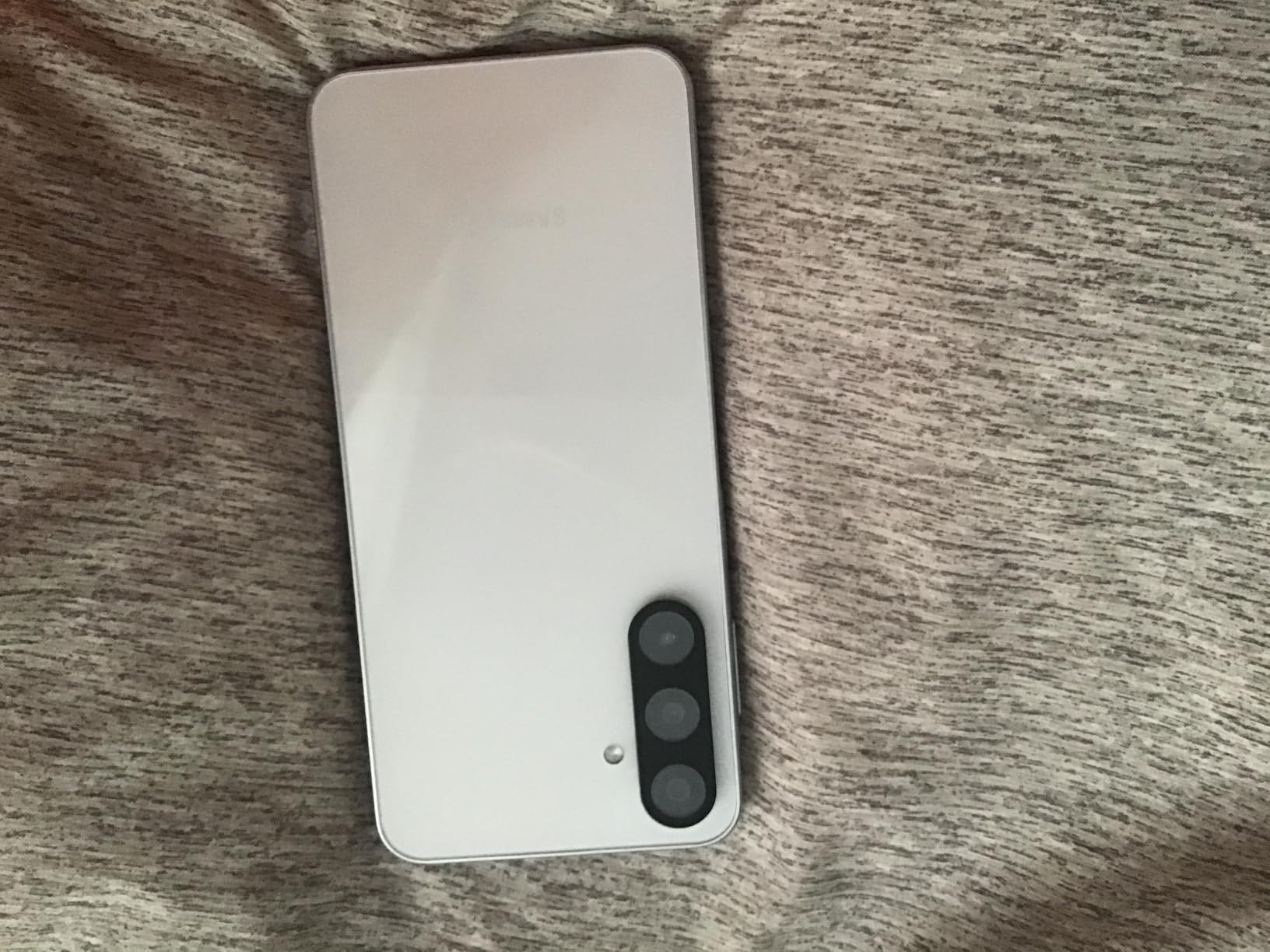
It is genuinely unlocked with dual SIM, and reviewers report putting a Verizon SIM into it with no setup steps at all. The 6.7-inch AMOLED display at 387 ppi is one of the most readable screens we covered, which is the single most important feature for a user with reduced vision, and the 5000mAh battery is rated at up to 27 hours of talk time. There is a 3.5mm headphone jack nowhere to be found, so audio goes through the speaker or Bluetooth.
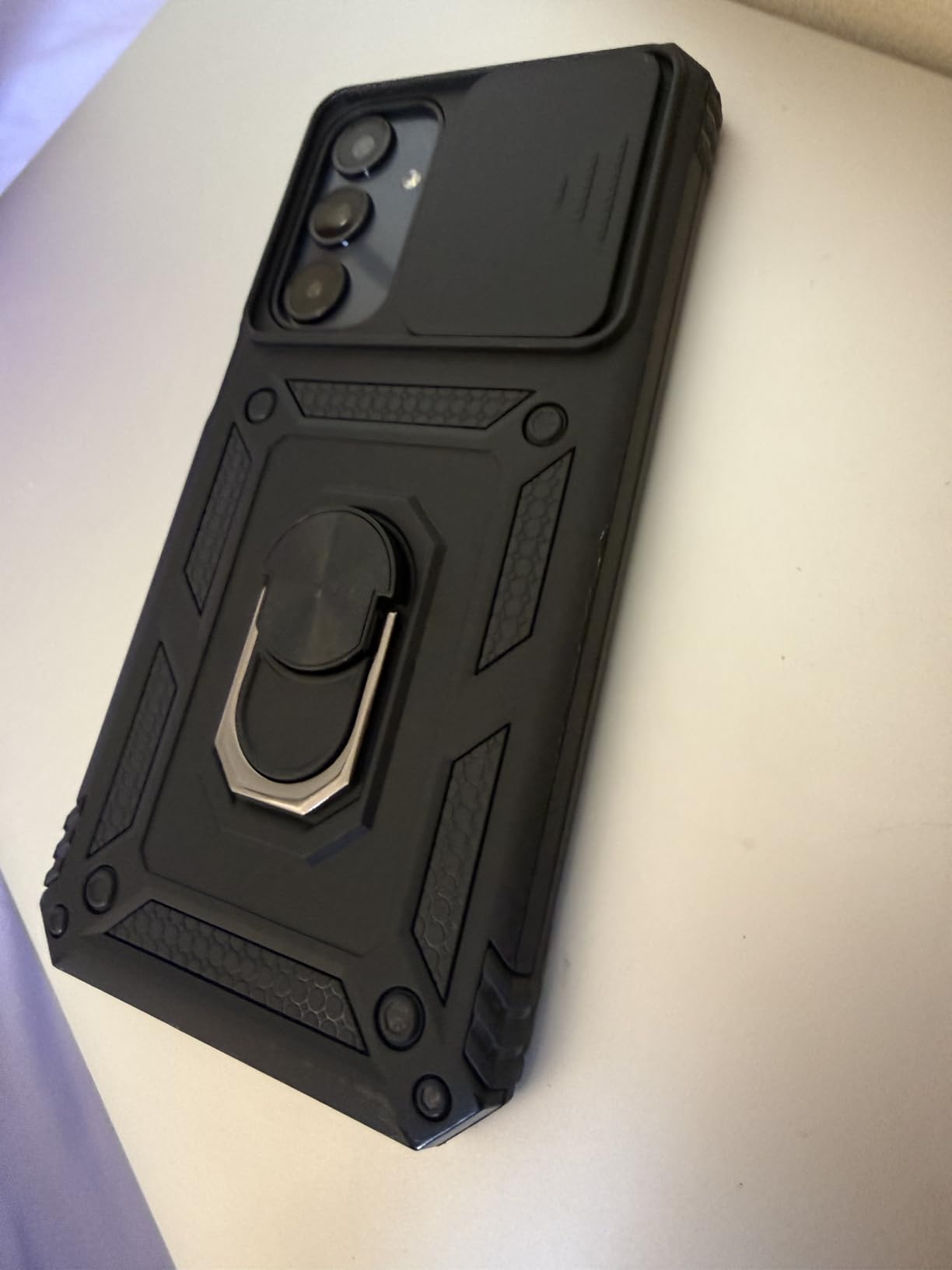
The performance caveats are honest ones. Half of the advertised 4GB of RAM is virtual memory, which shows up as lag in the camera and other apps, and reviewers report the phone running warm during ordinary use. The side-mounted fingerprint reader is also the power button, so an accidental bump unlocks the phone, which is a real problem when the phone is supposed to be a locked door. None of that matters if the buyer sets the text size larger on day one and leaves it there, and that setting is covered in the setup section below.
For whom it works
This is the phone for someone who is already comfortable with Android, or whose family is. It runs Android 14 with One UI, which is the same software family as the far more expensive flagships, and that means the person doing tech support already knows where everything is.
Who should skip it
Skip it if the user struggles with touchscreens. Nothing in a flat glass slab solves the problem that a caregiver described in a forum thread about an 86-year-old parent: no tactile feedback, no home button to orient by. For that case, the artfone G6 or the Jitterbug Flip2 is a better answer.
5. Motorola Moto G Power 2025 – Best Big-Screen Android With Real Battery Headroom
Motorola Moto G Power – 2025 | Unlocked | Made for US 8/128GB | 50MP Camera | Leaf Green
6.8-inch 120Hz OLED
5000mAh battery
8GB RAM
Up to 24 hours talk time
Pros
- 5000mAh battery outlasts more than a day of mixed use
- 6.8-inch 120Hz OLED with stereo speakers
- 8GB of physical RAM handles apps far better than most budget phones
- 50MP camera with optical image stabilization
- 30W TurboPower plus wireless charging
Cons
- RAM Boost reduces usable internal storage when enabled
- 3.5mm jack shares the charging port so you cannot do both
- MicroSD cards sold separately
The Moto G Power is the one to choose when battery anxiety is the thing stopping someone from carrying a phone. A 5000mAh battery rated at up to 24 hours of talk time, combined with 30W TurboPower charging and wireless charging, means the phone can sit through a full day of calls, video and navigation without a midday rescue.
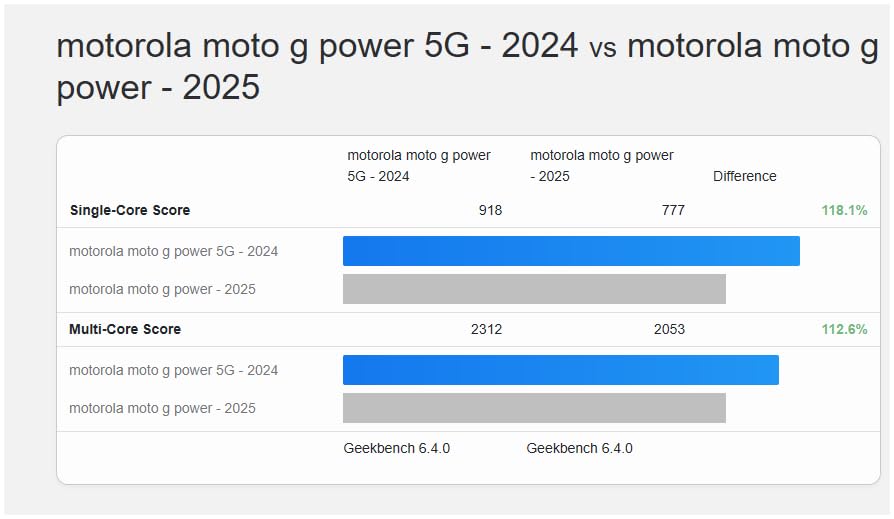
The display is the other headline: 6.8 inches of 120Hz OLED at 387 ppi with stereo speakers. Owners single out the high-refresh screen and the 8GB of physical RAM as the two reasons it outperforms cheaper alternatives, and the Dimensity 6300 chip is a genuine step above the silicon in most phones at this level. Storage expands to 1TB via microSD.
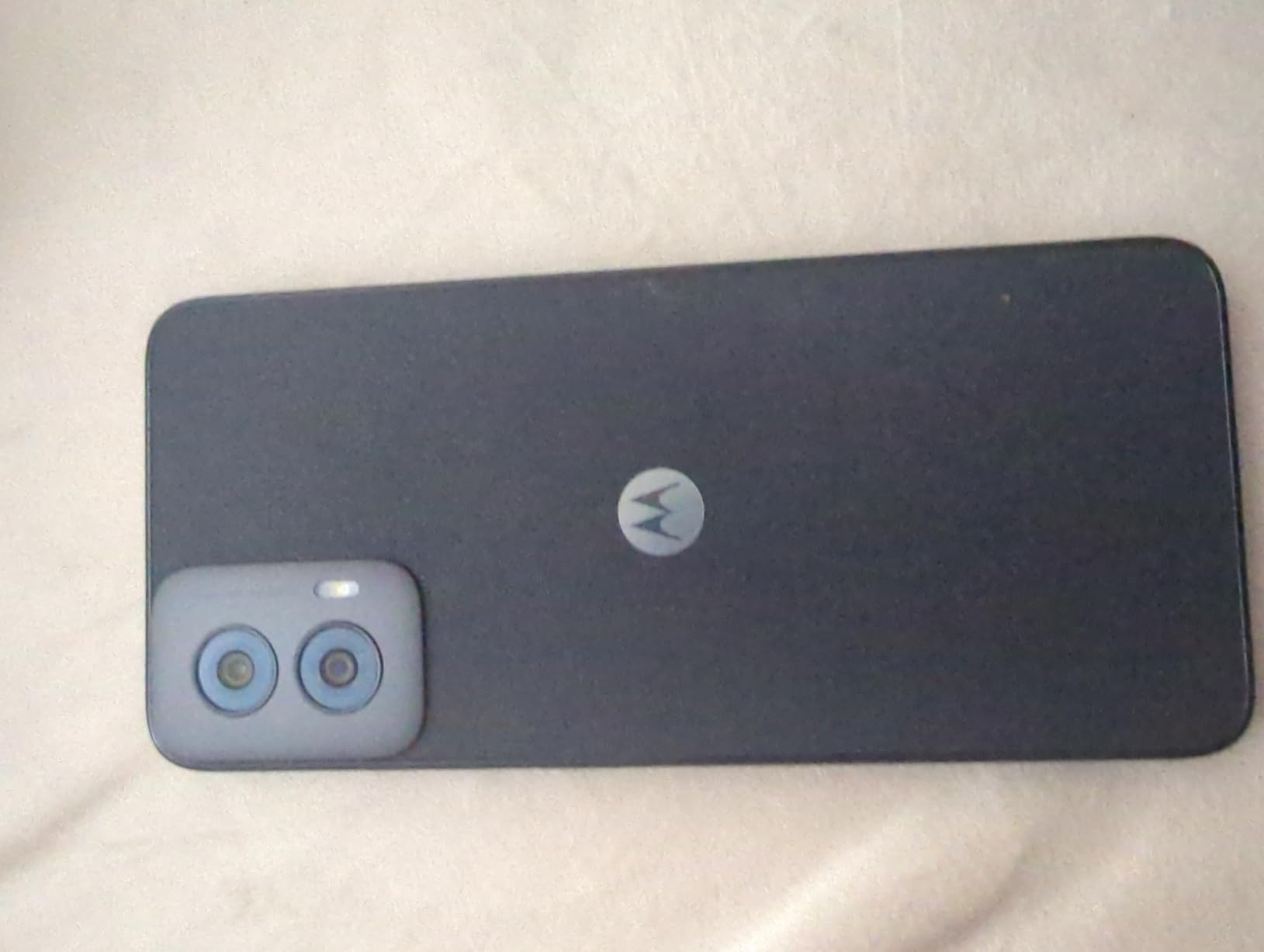
Two practical quirks. RAM Boost uses internal storage to create virtual memory, so enabling it eats into the 128GB you have, and the 3.5mm headphone jack shares the charging port, meaning the phone cannot charge and play audio at the same time. It is unlocked for Verizon, AT&T, T-Mobile and other major carriers, which makes it among the least restrictive phones in this guide, though a case is advisable because its water resistance is unspecified in detail.
For whom it works
This suits a user who wants a real smartphone, wants a large screen for reading, and wants stereo speakers because a single tiny speaker is not enough for a hard-of-hearing caller. Android 15 is current, which means less to explain and fewer surprises for the family member providing support.
Who should skip it
At 10.56 ounces with a 6.8-inch body, it is a large phone. For a user with reduced grip strength or arthritis, a lighter candybar handset is the safer object to hand over. The razr later in this list folds smaller, though it carries its own trade-offs.
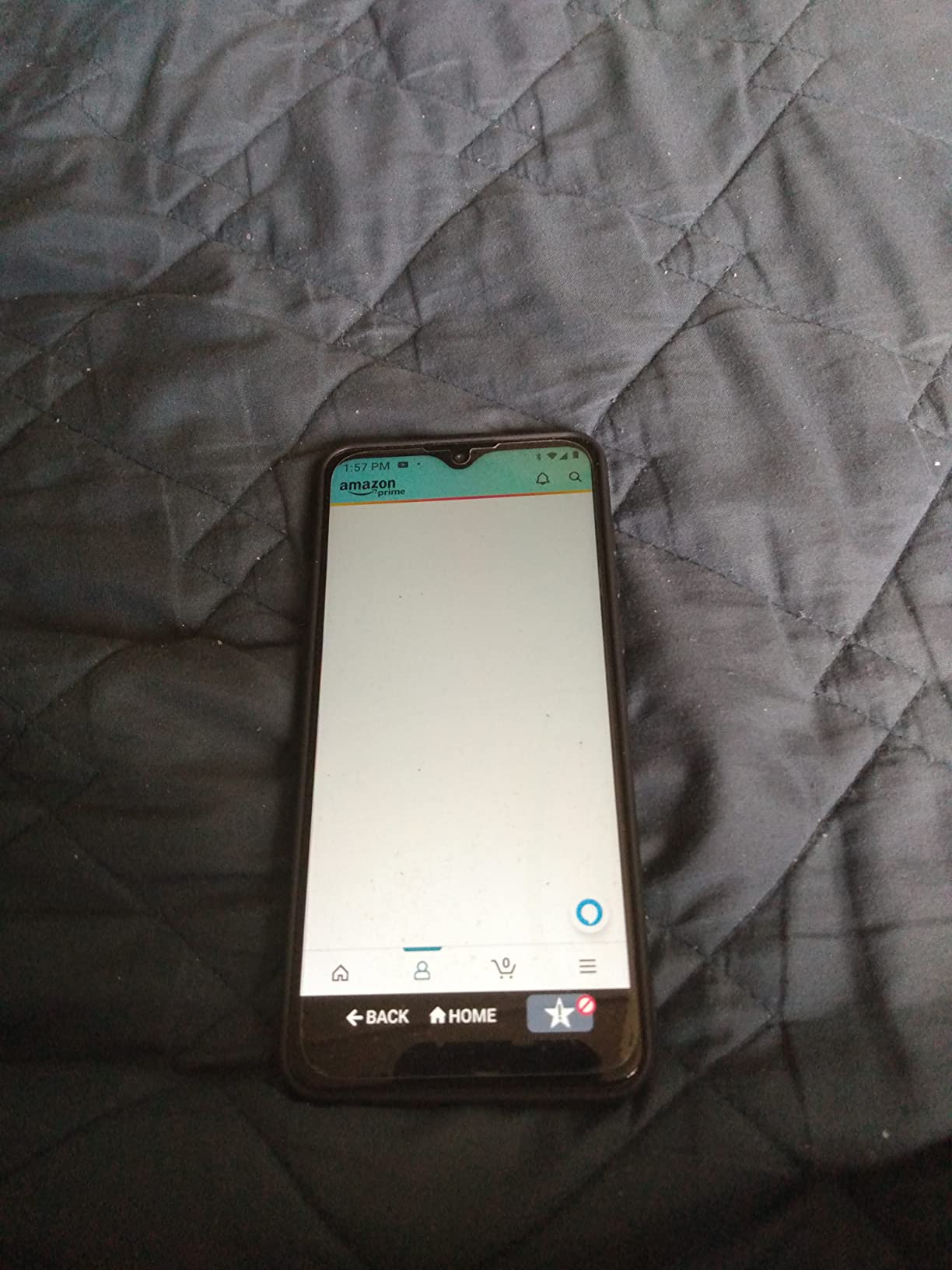
6. Lively Jitterbug Smart3 – Best Simplified Smartphone With an Urgent Response Button
LIVELY Jitterbug Phones Smart3 Smartphone for Seniors – Cell Phone for Seniors – Must Be Activated Phone Plan – Not Compatible with Other Wireless Carriers
6.22-inch touchscreen
List-based menu
Urgent Response button
Voice typing
Pros
- List-based menu and voice typing make it usable out of the box
- Written manual plus patient and fast tech support
- Large 6.22-inch screen with a powerful speaker for video chat
- 24/7 access to the Lively caring team
- Urgent Response button for emergency services
Cons
- Locked to Lively service and cannot be activated elsewhere
- 720p screen resolution on a large display
- 6-hour talk time from a 3500mAh battery
- Android 11 is behind current releases
The Smart3 tries to give a senior a smartphone without the learning curve of a smartphone. Instead of an app drawer, it uses a list-based menu where everything appears as a line of text you tap, and voice typing replaces the on-screen keyboard. Owners describe it as usable right out of the box, which is the highest compliment in this category. It also keeps the Urgent Response button, the 24/7 caring team, GPS, video chat and a powerful speaker for calls with grandchildren.
The written manual is singled out as genuinely good, which sounds like a small thing until the person who needs it is the person who cannot search online for answers. The compromise is real: it is 720p on a 6.22-inch display, the battery is a modest 3500mAh with about 6 hours of talk time, and it runs Android 11, several versions behind. It is also locked to Lively service, so the Urgent Response button depends on that subscription being active.
For whom it works
This is the compromise pick for a parent who wants video calls with family and wants a safety button, but who cannot manage a conventional Android home screen. The list menu removes the single biggest source of confusion, which is the icon grid that rearranges itself after every update.
Who should skip it
Skip it if the household uses another carrier, and skip it if the goal is future-proofing, because the older Android version limits which apps will install. The 720p screen is also the softest on this list, and a user with early vision loss will notice it before a reviewer does.
7. Tracfone Alcatel MyFlip 4G – Best No-Frills Backup Flip Phone
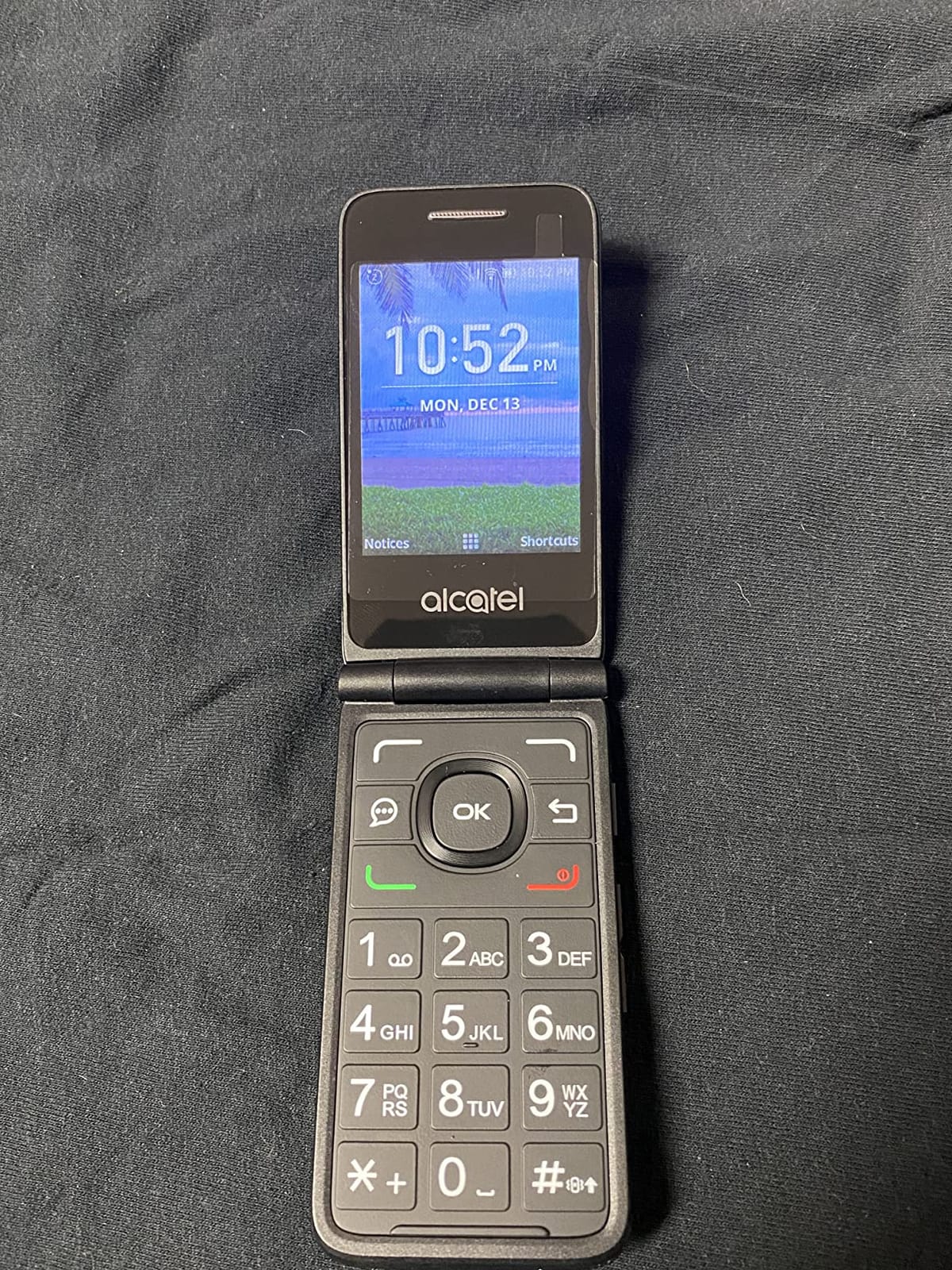
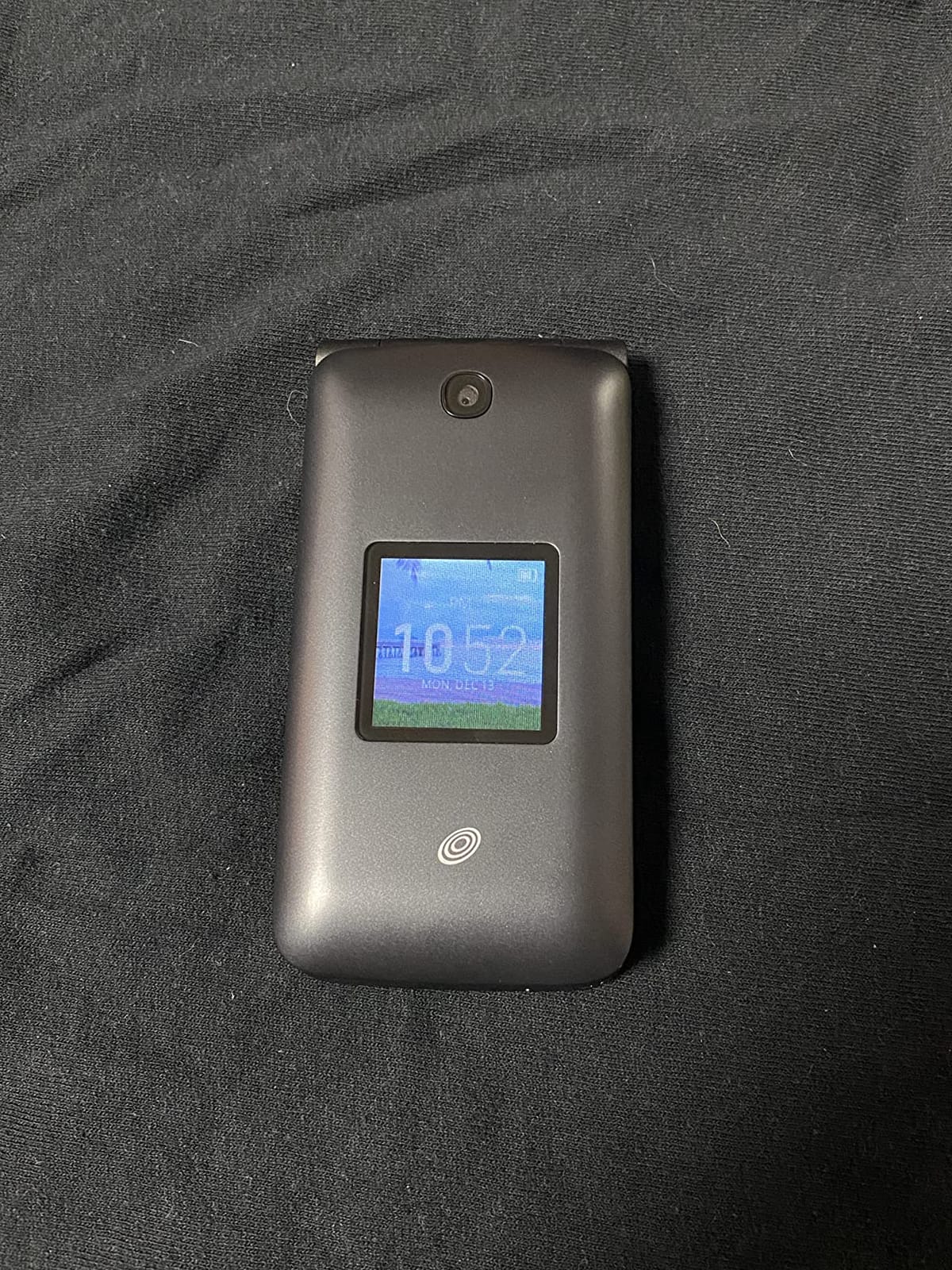
Tracfone Carrier-Locked Alcatel MyFlip 4G Prepaid Flip Phone- Black – 4GB – Sim Card Included CDMA (Renewed)
2.8-inch plus 1.44-inch screens
Large legible buttons
KaiOS
TracFone prepaid
Pros
- Call quality described as clearer and louder than many costlier phones
- Large legible numbers make dialing effortless
- Powerful speaker for every conversation
- Dual displays show the caller without opening
- Small KaiOS app store allows some browsing
Cons
- Roughly 3 hours of talk time per charge
- Carrier-locked to TracFone prepaid service
- Renewed handset condition and no headphone jack
The MyFlip is the phone to buy when the goal is a second handset that sits in a glovebox or a bag and works when the primary phone does not. Buyers describe call quality as clearer and louder than far more expensive smartphones, which is the entire value proposition, and the 2.8-inch main screen is paired with a 1.44-inch external display for caller ID.
It runs KaiOS, which is neither Android nor a pure feature phone. There is a small app store with third-party apps, so it is not the dead-end device the pure feature phones are, and reviewers report surprisingly reliable coverage even in remote areas. Storage is 4GB and expands to 32GB via microSD.
Three things to know before buying. Talk time is roughly 3 hours per charge, the weakest battery in this roundup. It is carrier-locked to TracFone prepaid service, and TracFone does not use contracts or cancellation fees, so the commitment is softer than a postpaid line. And this is a renewed handset, so expect signs of prior use and a back cover that is hard to open.
For whom it works
Best as a backup, a first phone for a teenager, or a travel handset. The buttons are genuinely large and legible, and the platform is simple enough that someone who has never used a smartphone can make a call on it.
Who should skip it
Do not make this the only phone for someone living alone. Three hours of talk time and a renewed-condition hardware listing are the wrong combination for a device that may be needed in an emergency. Reviewers also note that the KaiOS texting and browsing are awkward and slow.
8. TracFone TCL Flip 2 – Best Flip Phone With a Removable Battery
TracFone TCL Flip 2, 8GB, Black – Prepaid Flip Phone (Locked)
2.8-inch internal screen
1.44-inch external display
Removable 1850mAh battery
About 6.8 hours talk time
Pros
- Removable battery and no bloatware
- About 6.8 hours talk time with up to 36 hours standby
- Crisp clear call audio with a loud speaker
- Includes a 3.5mm headphone jack
- Fits in a shirt pocket
Cons
- Texting feels slow and dated
- Steep learning curve for flip-phone navigation
- Carrier-locked to TracFone prepaid
- Some handsets reported early hardware failures
The removable battery is the reason this phone is here. A user can carry a spare cell in a bag and swap it in seconds, which removes charging from the list of things that can go wrong on a day out. The 1850mAh battery is rated at about 6.8 hours of talk time and up to 36 hours of standby, and reviewers repeatedly praise the loud, crisp call audio. There is also no carrier bloatware, the software underneath is Android 11, and a 3.5mm headphone jack handles music on the go.
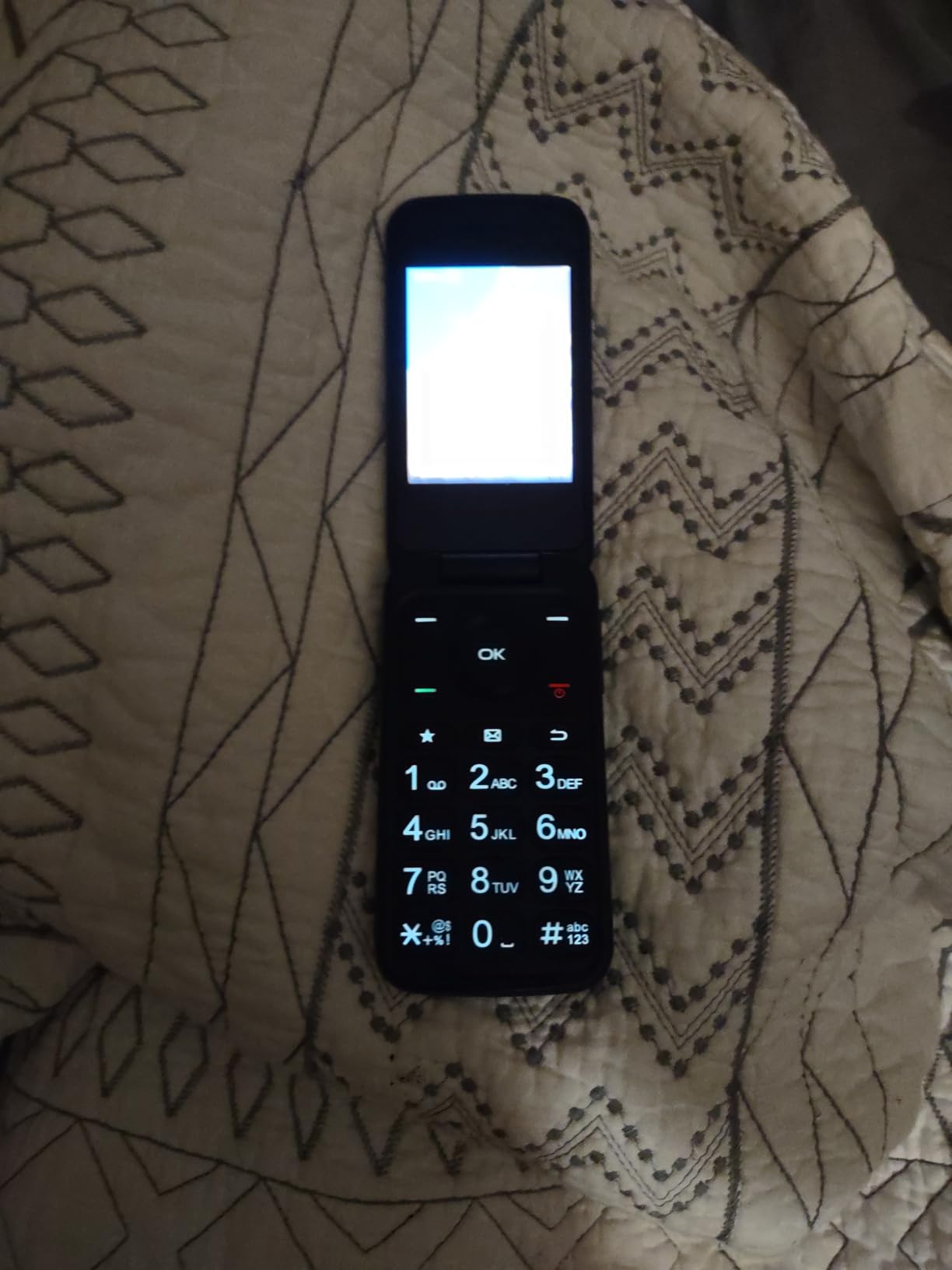
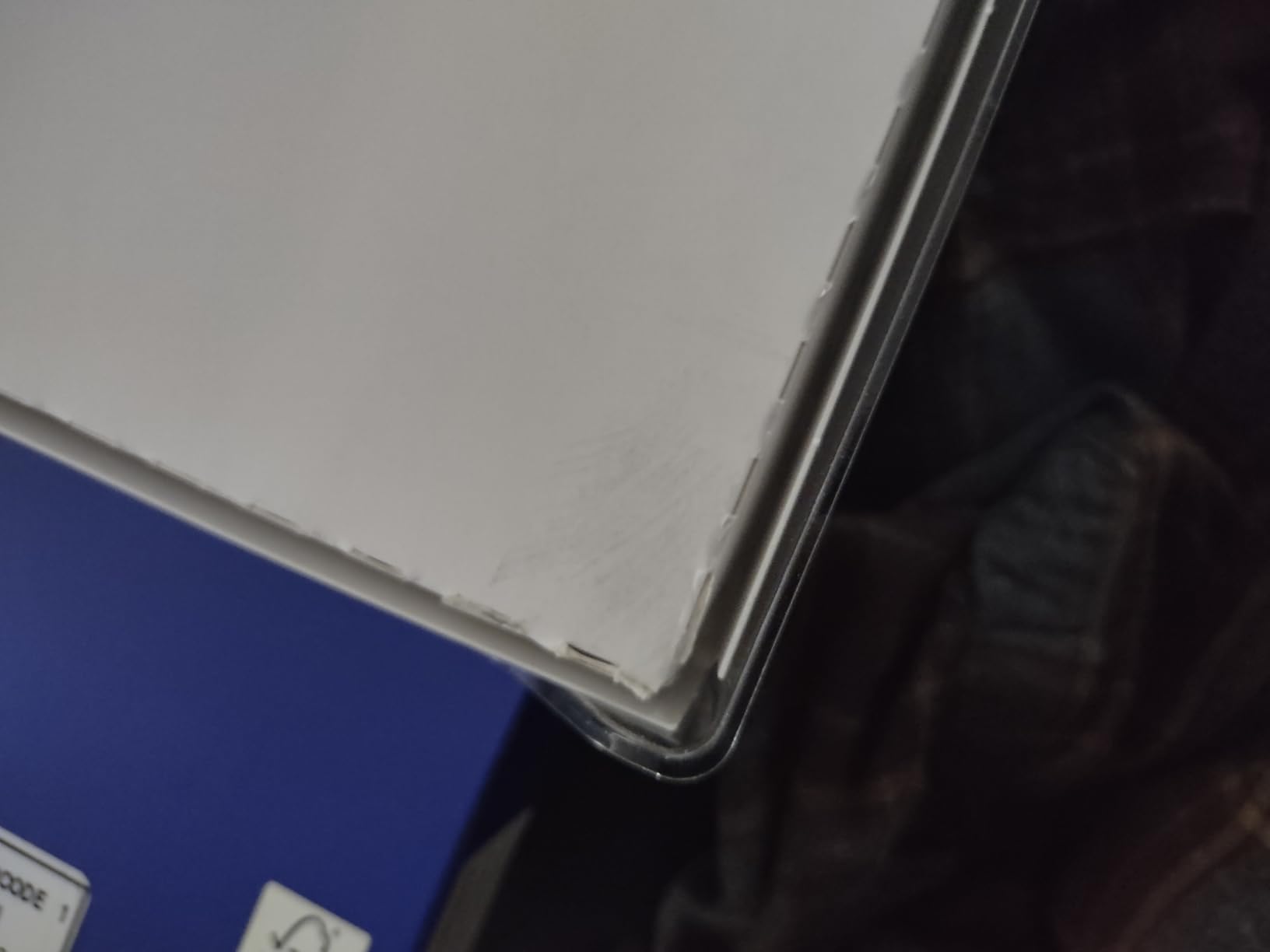
The reviews split sharply by expectation, and that is the honest summary. Buyers arriving from feature phones love it. Buyers arriving from smartphones rate it one star over the learning curve, the small external screen and a cluster of early hardware failures, and the manual is thin on explaining flip-phone navigation, so plan to spend twenty minutes showing someone how to answer a call.
For whom it works
A user who wants zero apps, no browser and a phone that keeps working for a week. The removable battery plus the up-to-36-hour standby figure make it an unusually forgiving handset here for someone often out of range of a charger.
Who should skip it
Skip it for anyone who needs maps, telehealth portals or messaging apps, and skip it if the person plans to hand the phone to a grandchild. A TracFone-locked device that only speaks to one prepaid network is a hard limit if the household ever changes carriers.
9. Motorola razr 2024 – Best Foldable With a Usable Outer Screen
Motorola razr | 2024 | Unlocked | Made for US 8/256GB | 50MP Camera | Beach Sand
6.9-inch AMOLED main display
3.6-inch external display
4200mAh battery
256GB storage
Pros
- Fully functional 3.6-inch external display
- Flagship 50MP camera with optical image stabilization
- 4200mAh battery with 30W TurboPower and wireless charging
- Stereo speakers with Dolby Atmos
- Compact vegan leather flip design is comfortable to carry
Cons
- Highest cost in this roundup with a foldable premium
- 4200mAh battery is modest for a device this size
- Foldable hinge and flexible screen are delicate
- Single SIM slot only
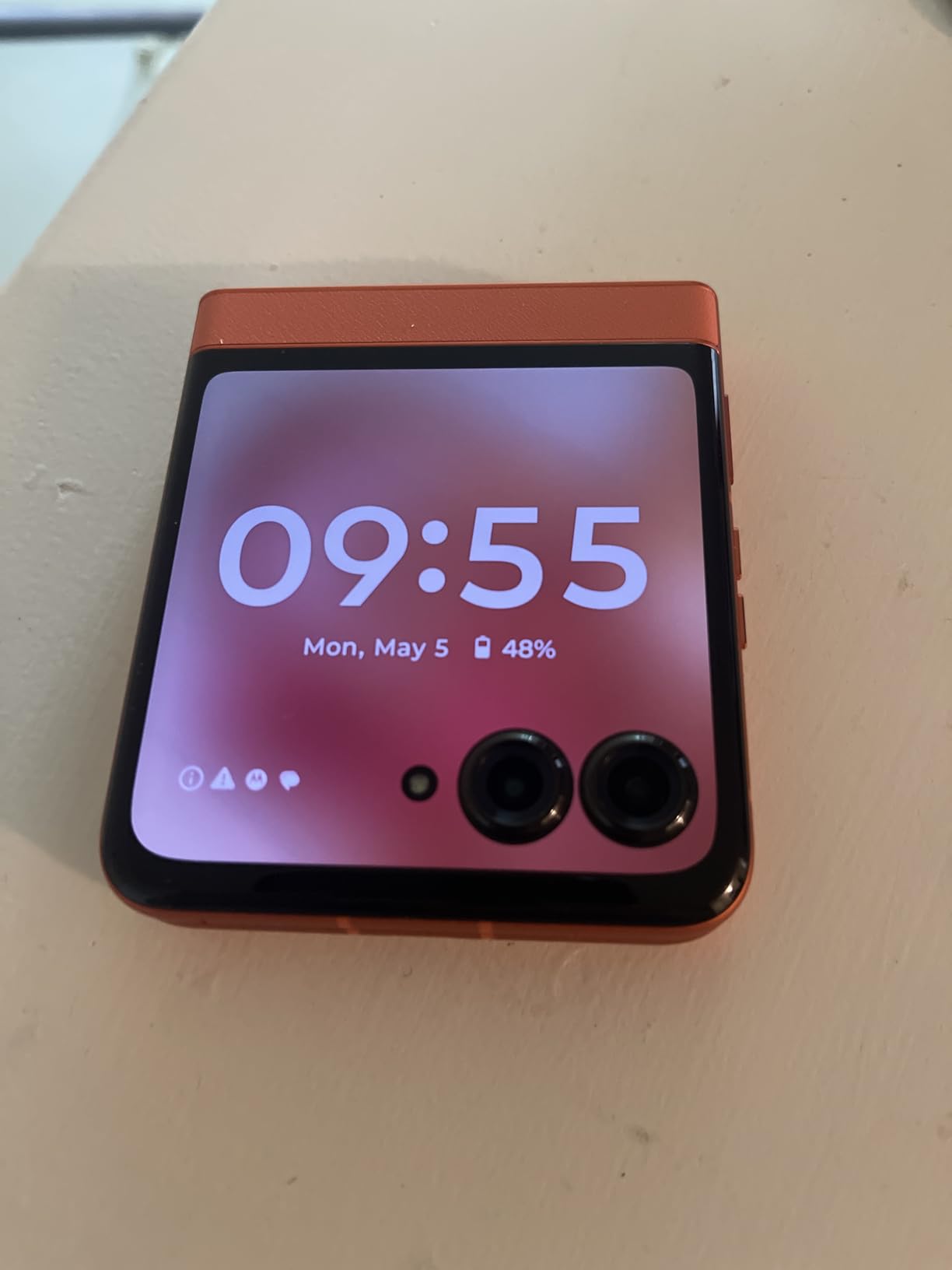
The reason the razr appears in a senior guide is the external display. At 3.6 inches and fully functional, it is 2.4 times larger than the screen on the 2023 model, which means time, notifications, calls and messages are readable without opening the phone. For a user who mostly wants to glance and answer, that changes the daily character of the device.
It is also the best-rated phone in this group, at 4.3 with 73 percent of reviews at five stars. The 6.9-inch FHD+ AMOLED main display runs at 120Hz, the 50MP main camera has optical image stabilization, and the stereo speakers are 20 percent louder than the razr 2023 with Dolby Atmos. Storage is 256GB with 8GB of RAM on a Dimensity 8000 chip.
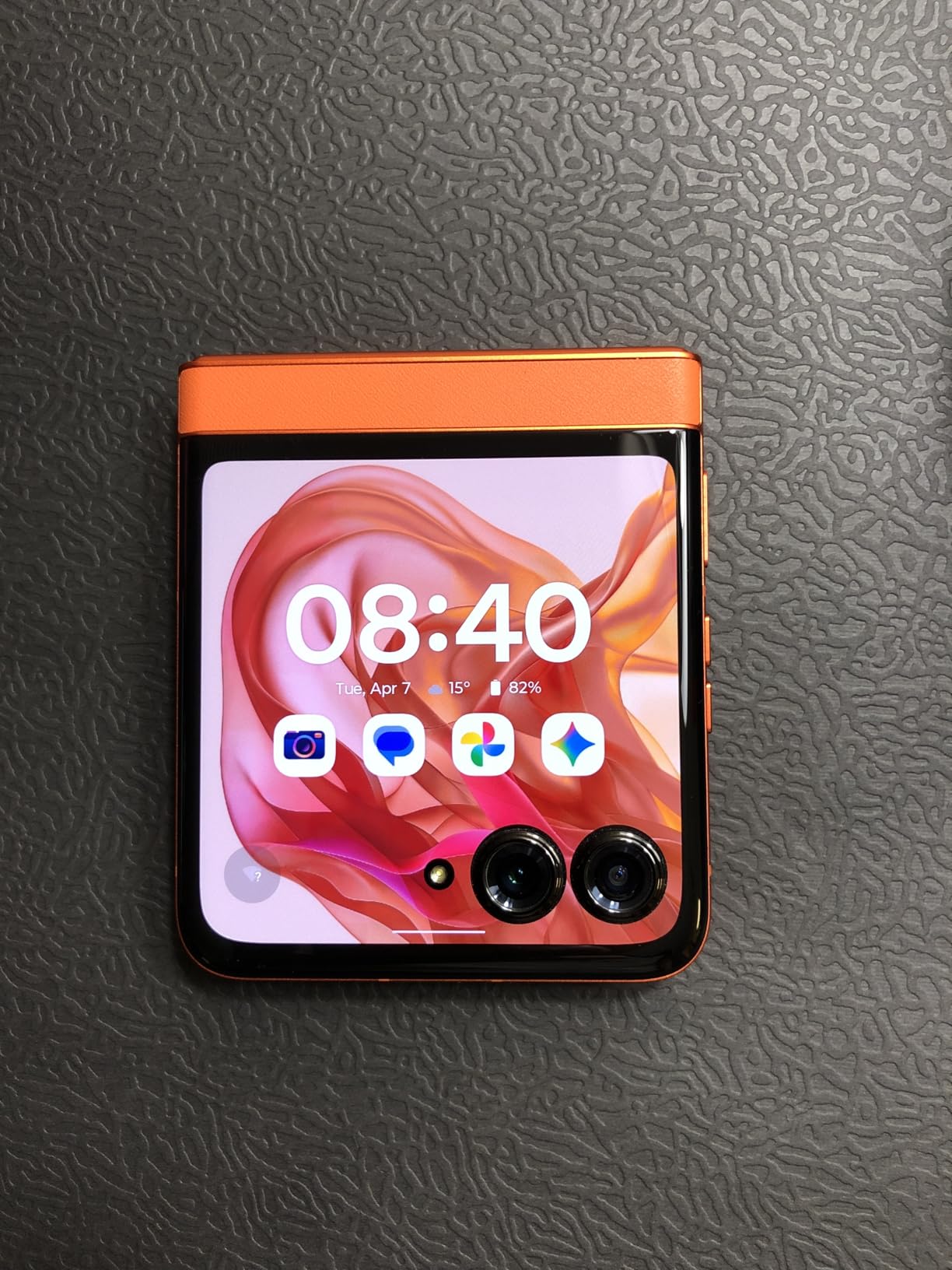
It is the most expensive device here, and the honest answer is that the money buys the fold, not the senior-friendly features. The 4200mAh battery is modest for a 6.9-inch device, there is no headphone jack, only one SIM slot, and a flexible screen plus hinge is inherently more delicate than a slab phone. Anyone considering this for a parent should weigh whether the person will manage two open states and a Flex View mode, because for a first-time smartphone owner it adds a variable rather than removing one.
For whom it works
A user who wants a full flagship smartphone, prefers something that folds into a shirt pocket, and does not mind charging nightly. The external display also means missed calls can be spotted in a pocket, which solves a real problem for people who cannot hear a ringtone.
Who should skip it
Skip it for a user with tremor or reduced dexterity, because operating a fold adds a physical step to every interaction. It is also the wrong choice for anyone who drops phones or works in an environment where the device gets knocked around.
10. Kyocera DuraXV Extreme – Best Rugged Flip Phone for Harsh Conditions
Kyocera DuraXV Extreme E4810 16GB Verizon | Ultra-Rugged Flip Phone IP68 Rated | 4G LTE HD Voice| 5MP Camera | 1770mAh Battery
IP68 waterproof and dustproof
2.8-inch LCD
4G LTE HD Voice
Verizon network
Pros
- IP68 waterproof and dustproof rating survives wet and dusty conditions
- Physical keypad with large easy-to-press keys
- Loud clear HD Voice calls over Verizon 4G LTE
- Sturdy flip build with a 3.5mm headphone jack
- Push-to-talk support for group communication
Cons
- Locked to Verizon and cannot be used elsewhere
- 1770mAh battery with about 10 hours talk time
- Older 1.2 GHz processor and 4G LTE only
- Not a senior-specific interface
The DuraXV Extreme is the pick when the phone gets wet, gets dropped, or goes to work with the user. It carries an IP68 waterproof and dustproof rating, which no other phone in this guide can claim, and it was built for construction sites and extreme sports. The physical keypad has large keys for users who actively dislike touchscreens.
Call quality is a genuine strength. HD Voice over Verizon 4G LTE delivers clear, loud audio, which matters for a hard-of-hearing user more than almost any other spec. Cameras are 5MP front and rear with LED flash, there is a 3.5mm headphone jack, and push-to-talk is supported for quick group communication.
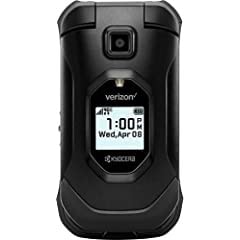
The trade-offs are real. It is locked to Verizon, the 1770mAh battery gives about 10 hours of talk time, and the 1.2 GHz quad-core processor is old hardware on 4G LTE with no 5G. Its one-star review share, at 13 percent, is among the highest here, and it traces to carrier lock-in and the aging platform rather than to the build. It is also not a senior-specific interface: the keys are large, but the menus are a standard Android experience, so there is no simplified launcher or one-touch speed dial.
For whom it works
A Verizon customer who works outdoors, travels, or lives somewhere with dust, water and drops. For a user who is losing phones to the environment rather than to confusion, physical durability beats interface simplicity every time.
Who should skip it
Skip it if the household is not on Verizon, and skip it if the priority is simple software, because nothing here reduces the number of things a user has to understand. For a parent who needs fewer decisions, the artfone G6 does more for them than this phone does.
Smartphone vs Flip Phone: Which Should You Buy?
The decision comes down to one question: can the person comfortably use flat glass? Everything else is secondary. Caregivers on r/Smartphones say this plainly and repeatedly. If the answer is no, a smartphone will frustrate them regardless of how large the text is set, and a device with real keys is the correct purchase.
Choose a flip phone or basic phone when the user will not install apps and wants the phone to be a telephone. Choose a smartphone for video calls with grandchildren, ride booking, telehealth portals, or anything requiring a browser. Choose a middle path like the Jitterbug Smart3 when they want an Urgent Response button but not the maintenance of a normal Android phone.
There is a fourth option worth naming, and it comes up in caregiver forums more than any other. If the person cannot manage their own phone, the operating system decision should be made by whoever will provide the support. A senior on Android in an iPhone household means every text message and video call routes through a child who does not know the phone. Match the phone to the helper.
How to Choose a Phone for an Older Adult
Ease of use beats everything else. A physical keypad, a simplified list-based menu, a one-touch speed dial key, or a phone that works with no learning curve at all. Touchscreens with hidden gestures and app drawers are the leading cause of the frustration described in nearly every caregiver thread we reviewed.
Screen legibility. Look for a high-contrast display rather than simply a large one. The artfone G6 and the Jitterbug Flip2 both pair size with contrast. On a smartphone, the real setting is the text-size slider, and it should be turned all the way up on day one rather than gradually.
Battery. A phone that needs a midday charge is a phone that will end up in a drawer. The Moto G Power at up to 24 hours of talk time and the Galaxy A16 at up to 27 hours are the two that give real headroom, while the MyFlip at roughly 3 hours will not.
Hearing aid compatibility. The M3 and H3 ratings indicate how loudly a phone can amplify sound for a hearing aid or cochlear implant. The artfone G6 and C1+4G include a hearing enhancement mode that routes amplified conversation through earphones or hearing aids, and the 3.5mm jack on the Moto G Power, TCL Flip 2 and DuraXV lets a wired headset take over from the speaker.
Safety features. A physical SOS button that auto-dials several contacts is the simplest emergency path, and the artfone models include one. A subscription-based Urgent Response service is a different product, available on Lively handsets, and it is a service rather than a phone feature. Buyers should be clear about which one they are buying.
Carrier lock, and what not to buy. Seven of the ten phones here are locked to a single network: T-Mobile for both artfone models, Lively for both Jitterbugs, TracFone for both prepaid flips, Verizon for the DuraXV. Only the Galaxy A16, the Moto G Power and the razr are unlocked across the major carriers. Avoid carrier-rebranded hardware, where the carrier is also the phone maker, because the software and support are usually thin. And check 3G status before buying any older or inexpensive handset, because a phone without VoLTE will lose calling once the 3G network is fully switched off.
Setting Up a New Phone for an Older Adult
No competitor in this category walks a buyer through this, and it is where most of the frustration actually comes from. Set these five things before you hand the phone over.
1. Turn the text size up to the maximum the user is comfortable with, and check it in bright sunlight rather than in a dim room. 2. Turn on Emergency SOS and add at least three emergency contacts, so a physical or menu press reaches help. 3. Fill in Medical ID with medications, allergies and emergency contacts, because paramedics read it first. 4. Set up family location sharing so an adult child can see where the phone is without asking. 5. Pair the hearing aids or a Bluetooth headset while both devices are close together, and confirm the call volume on a real conversation before leaving the house.
Moving data off an old phone is the biggest practical hurdle in this whole guide. The simple path is to use the manufacturer transfer assistant on both devices, keep both phones plugged in during the transfer, and check the contact count on the new phone before wiping anything. Text message history usually does not transfer, so warn the family in advance rather than letting the discovery arrive in week two.
Stopping Scam and Robocall Calls
Scam calls are the top unresolved concern in every caregiver community we read, and almost no competing guide covers them. Three steps do most of the work. Turn on the system-level spam filtering in the phone settings, which routes suspected calls to a quarantine list, and register the number on the national do-not-call registry, which stops most outbound sales and robocalls at the source.
The rule worth writing on the fridge: the phone will never spontaneously call a senior to report a problem. If something is wrong with the account, the senior initiates the call. This one sentence prevents the majority of losses reported in these threads.
Senior Carriers and Monthly Plan Costs
The phone is the smaller half of the ongoing cost, and the plan structure is where senior-specific discounts live. Voice-only prepaid plans remain the lowest-cost option, and both the artfone models work well on them because they are basic phones that do not need a data allowance.
The tradeoff here is the plan, not the handset. Lively charges for its service on top of the device, and that subscription is what unlocks the Urgent Response button and the caregiver features. Price the service for the full term rather than the promotional first month. Consumer Cellular runs an AARP marketing arrangement offering a discount, and AARP was also the most common answer we saw when people asked which carrier specializes in seniors.
The Lifeline program provides a discounted or free phone and monthly service to qualifying low-income households, and the application runs through the official government-affiliated portal rather than through a reseller. Requirements are based on income or participation in a qualifying assistance program, and the discount applies to a limited set of plans. For anyone also planning a transition in mobility equipment, our best adjustable beds for seniors guide covers the sleep and fall-risk side of the same decision.
Frequently Asked Questions
Which is the easiest phone to use for seniors?
The artfone G6 is the easiest to use in our testing, because it has 21 oversized backlit physical buttons, a T9 keypad and two screens that show time and caller ID without opening the phone. If the user has never used a smartphone, a device with real keys removes every source of confusion that a touchscreen introduces.
What is the easiest smartphone for seniors to use?
The Lively Jitterbug Smart3 is the easiest smartphone here, because it replaces the app drawer with a list-based menu and offers voice typing instead of an on-screen keyboard. Among general Android phones, the Samsung Galaxy A16 5G becomes simple once the text size is turned to maximum, which is a ten-minute setup job.
Should a senior get a smartphone or a flip phone?
Choose a flip phone or basic phone if the person will not install apps, does not need maps or telehealth, and wants the device to be a telephone. Choose a smartphone for video calls, ride booking and healthcare portals. If the person cannot manage a phone independently, match the operating system to whoever will provide the technical support.
What cell phone does AARP recommend for seniors?
AARP does not endorse a single handset model. The association has a marketing arrangement with Consumer Cellular, which provides discounted senior plans, and it also publishes senior discount guides from the major carriers. The phone itself is usually chosen for accessibility features, so the plan is separate from the device decision.
What is a good phone for someone with dementia?
A phone for someone with dementia has to work with zero learning curve and zero memory, which rules out anything with an app drawer or hidden gestures. The artfone models are the closest fit in this roundup, with 21 backlit buttons, one-touch speed dial and photo-assignable contacts. Caregivers should also keep the number of contacts stored to a very short list.
Conclusion: The Best Phones for Seniors in 2026
After working through ten devices, the best phones for seniors come down to one rule: buy the least complicated phone the person will actually use. The artfone G6 is our first choice because 21 real backlit buttons, two screens, an SOS button and more than 5300 reviews add up to a device that works on the first attempt. Buyers who want a human being on the other end of the phone should take the Jitterbug Flip2 and accept the Lively service requirement, and buyers who want a real smartphone should take the Galaxy A16 5G for its six-year update runway and leave the text size at maximum.
Whichever you choose, set the accessibility and safety options before you hand it over, and check the carrier lock on day one rather than the day it fails to activate. Our guides to the best electric wheelchairs for seniors cover the other half of the independence picture.