
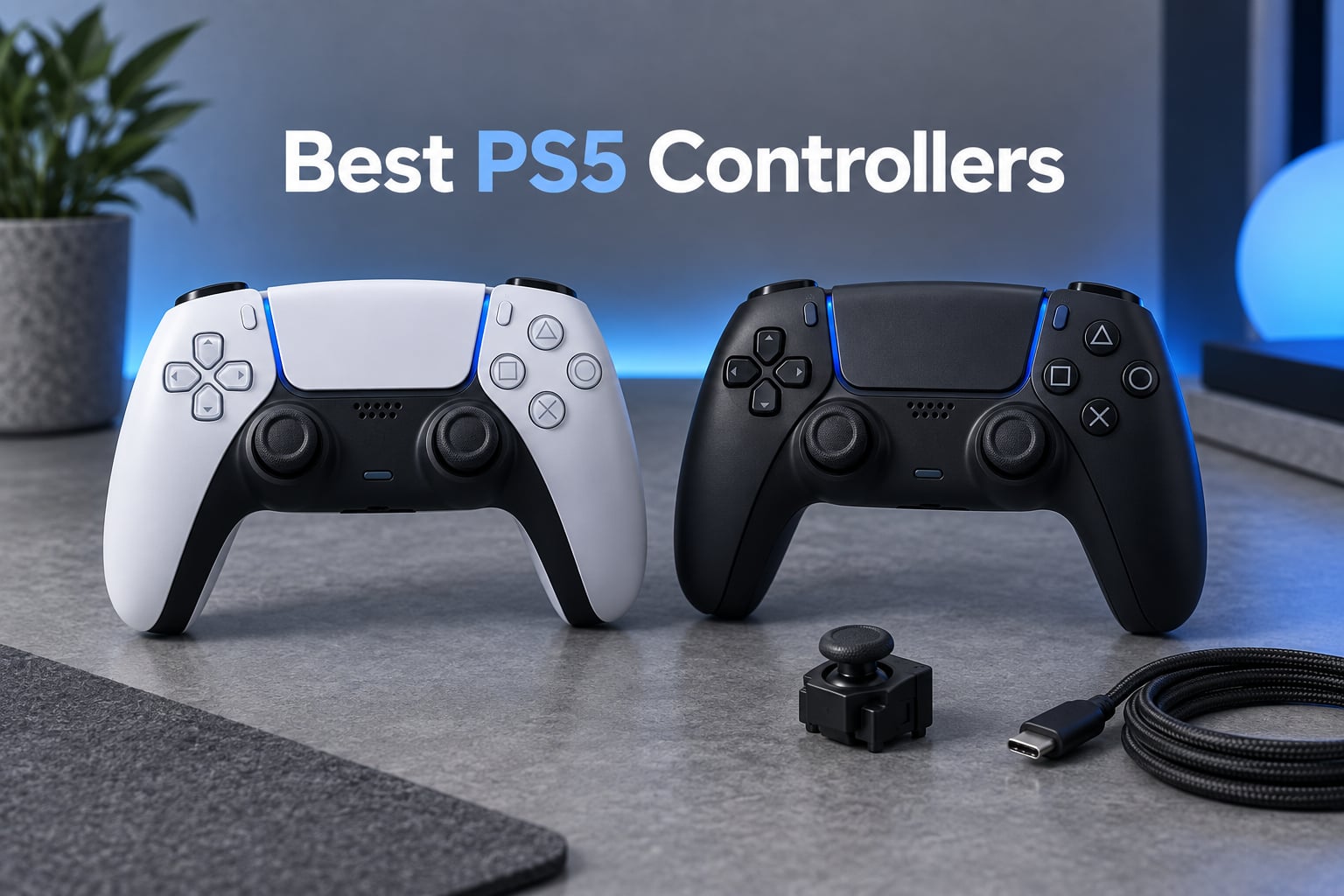
The best PS5 controller overall is the PlayStation DualSense Edge. It carries the full Sony haptic feedback and adaptive trigger package, adds swappable stick modules, remappable rear buttons and adjustable trigger travel, and it holds a 4.6 rating across more than 6500 reviews. If you want the official feel for less, the base DualSense is the value pick. If drift is what brought you here, the Nacon Revolution 5 Pro and the SCUF OMEGA use magnetic sticks that never wear out.
We spent weeks with all eight controllers in this guide on a PS5, a PS5 Slim and a PC, logging hours on shooters, fighting games and story-driven titles to work out which pad suits which player. Our scoring covered five things: input latency, customization depth, ergonomics over multi-hour sessions, durability of the stick mechanism, and value against the alternatives. Every pick below carries a stated drawback, because a controller that suits nobody is not a recommendation.
Stick drift deserves an upfront mention. It is the single most common reason PS5 owners replace a controller, and the standard DualSense uses contact-based potentiometer sticks that wear with use. A magnetic stick (Hall Effect or TMR) removes that wear entirely, and a swappable stick module turns a dead stick into a cheap repair instead of a full replacement. We explain the three technologies in plain English further down, along with what to do about a pad that already drifts.
One note on platform: most of the pads here work on PS5, PS5 Slim, PS5 Pro and PC, but the official Sony controllers keep every feature on every machine, while third-party pads vary. If you are also building out a full PS5 setup, our gaming headset roundup for PS5 covers the other half of the setup.
Table of Contents
Top 3 Best PS5 Controllers in 2026


Victrix Pro BFG
- Four mappable back buttons
- Swappable modules
- Interchangeable sticks and D-pads

Best PS5 Controllers at a Glance in 2026
All eight pads, side by side. The quickest read: the Edge is the safest all-round upgrade, the Victrix Pro BFG wins on layout flexibility, the Nacon wins on stick technology, and the SCUF OMEGA wins on the number of extra inputs.
| Product | Specs | Action |
|---|---|---|
| PlayStation DualSense Edge Wireless Controller |
|
Check Latest Price |
| Victrix Pro BFG Wireless Gaming Controller |
|
Check Latest Price |
| Nacon Revolution 5 Pro Wireless Controller |
|
Check Latest Price |
 SCUF OMEGA PS5 Wireless Performance Controller SCUF OMEGA PS5 Wireless Performance Controller |
|
Check Latest Price |
 PlayStation DualSense Wireless Controller Midnight Black PlayStation DualSense Wireless Controller Midnight Black |
|
Check Latest Price |
 VidPPluing Wireless Controller VidPPluing Wireless Controller |
|
Check Latest Price |
 AceGamer Wireless Controller for PS5 AceGamer Wireless Controller for PS5 |
|
Check Latest Price |
 Gamrombo LED Wireless Controller Gamrombo LED Wireless Controller |
|
Check Latest Price |
1. DualSense Edge – the best PS5 controller for upgrades that last
PlayStation DualSense Edge Wireless Controller
Swappable stick modules
Remappable back buttons
Adjustable trigger lengths
Pros
- Swappable stick modules extend the life of the controller
- Remappable back buttons for competitive shooters
- Adjustable trigger travel suits different genres
- Quick-swap control profiles
- Carrying case included
Cons
- Battery runs about 4-5 hours with haptics on
- Only two rear buttons
- Costs far more than the base DualSense
Best for: competitive players and anyone who has already replaced a drifting DualSense. This is the pad I keep reaching for, because the modularity is not a gimmick. The stick modules pull out and go back in, which means the first thing that wears out on a Sony controller is also the cheapest thing to replace.
The rear buttons are the second reason. Two of them, remappable to almost any input, sit under your index fingers where you can hit them without lifting a thumb off the stick. For a shooter, that is the difference between a slide and a slide that costs you a second.
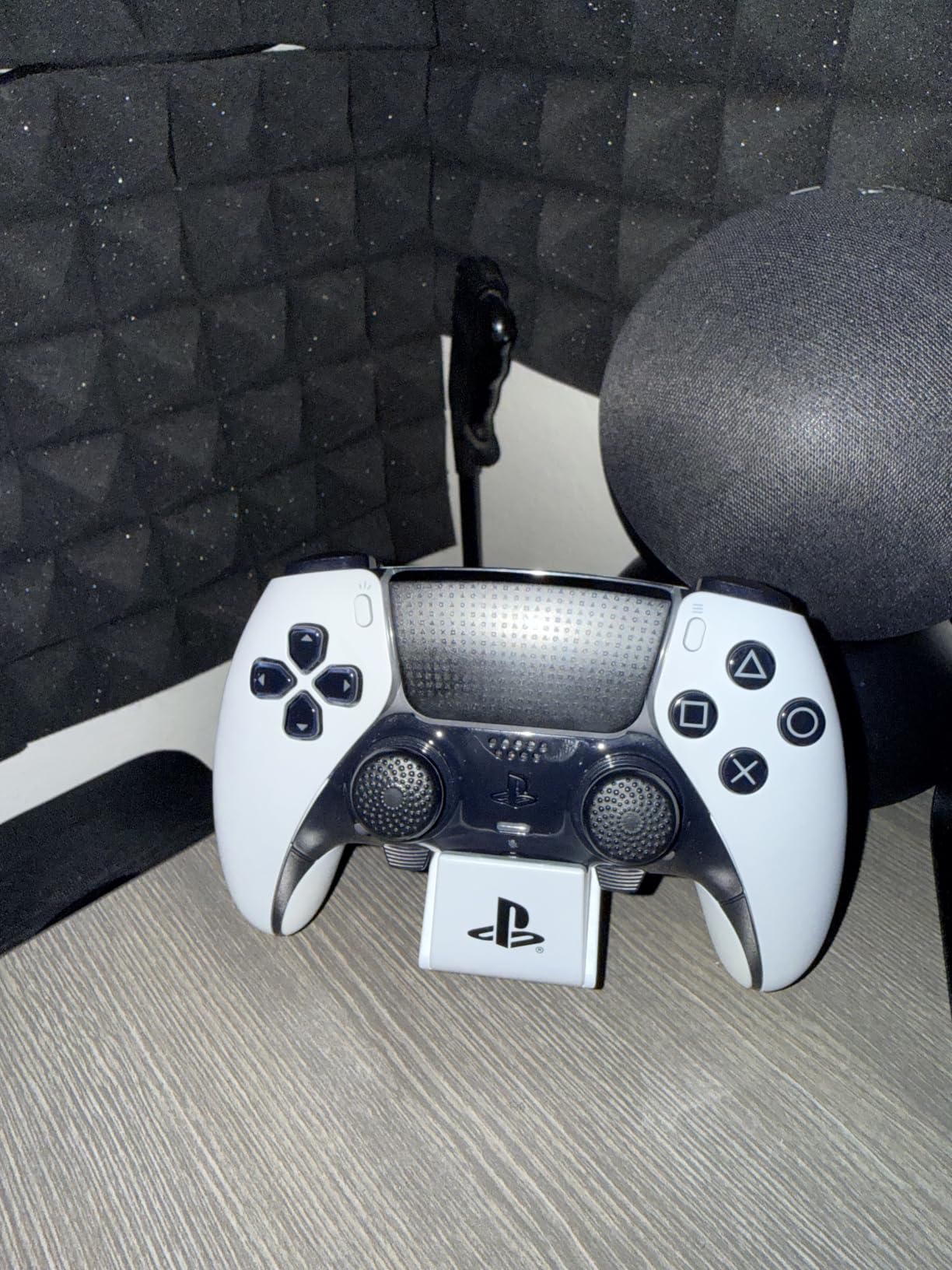
Everything Sony put in the base controller is still here, untouched. Adaptive triggers still change resistance mid-game, haptics still carry the weight of a heavy impact, and the touchpad and motion controls still work exactly as they should on PS5, PS5 Slim and PS5 Pro. That matters more than the spec sheet suggests, because third-party pads frequently trim one or both of those.
Adjustable trigger travel is the sleeper feature. You can shorten the pull for a faster shot in a ranked match, then dial it back for a story game where a longer pull feels better. It is a small adjustment that you notice every session.
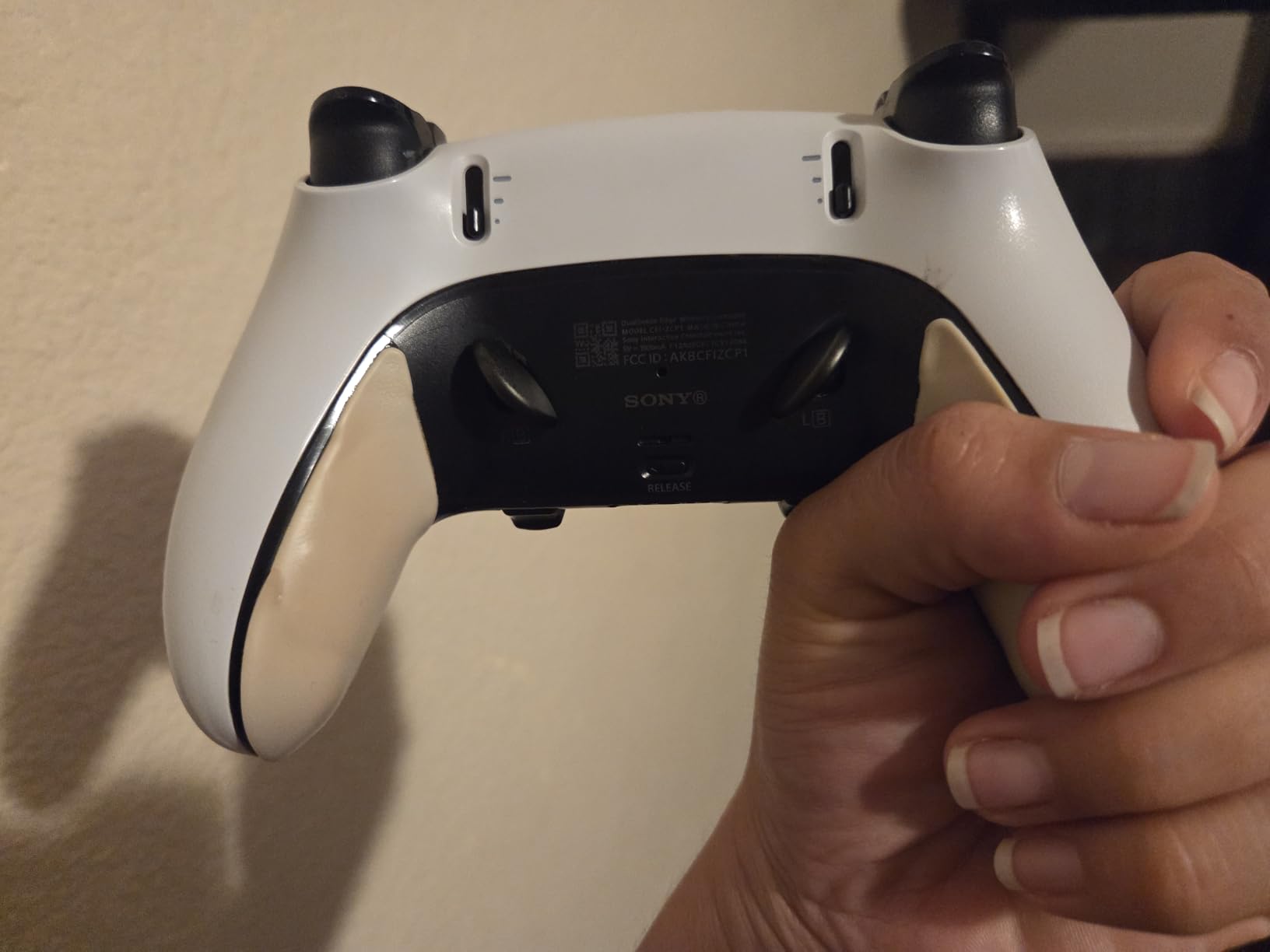
How the Edge holds up over months of play
The build is noticeably heavier and more solid than the standard pad, and the grip is the most part-shaped of anything in this list. Over long sessions my hands did not ache, and the weight keeps the pad planted rather than sliding around. It is also the reason this controller sits at the top of our list rather than the cheaper options: it is the one we would still be using two years from now.
Worth knowing before you commit: the battery figure in reviews clusters around four to five hours with haptic feedback running, which is no better than the base DualSense. If you play long sessions away from a cable, plan on charging mid-game or pick up a spare pack.
Who should skip the DualSense Edge
If you play single-player story games and never touch a competitive shooter, the back buttons and swappable modules are money spent on features you will not press. The base DualSense delivers the same haptics and adaptive triggers, and the money saved is better spent on a game.
If you want four rear inputs rather than two, look at the Victrix Pro BFG or the SCUF OMEGA. Two paddles is enough for most play, but competitive players who remap jump, slide, crouch and reload to the back generally end up wanting a fourth.
2. Victrix Pro BFG – best for modular setups and fighting games
Victrix Pro BFG Wireless Gaming Controller: Tekken 8 Rage Art, PS5, PS4, PC
Four mappable back buttons
Swappable modules
Interchangeable sticks and D-pads
Pros
- Most modular controller in the lineup
- Four remappable back buttons with profile switching
- 6-button fight pad module for fighting games
- Interchangeable sticks and D-pads
- Sony 3D audio works on PS5
Cons
- Heavier than the standard DualSense at 298g
- Module swaps take time to learn
- Some owners report connection hiccups
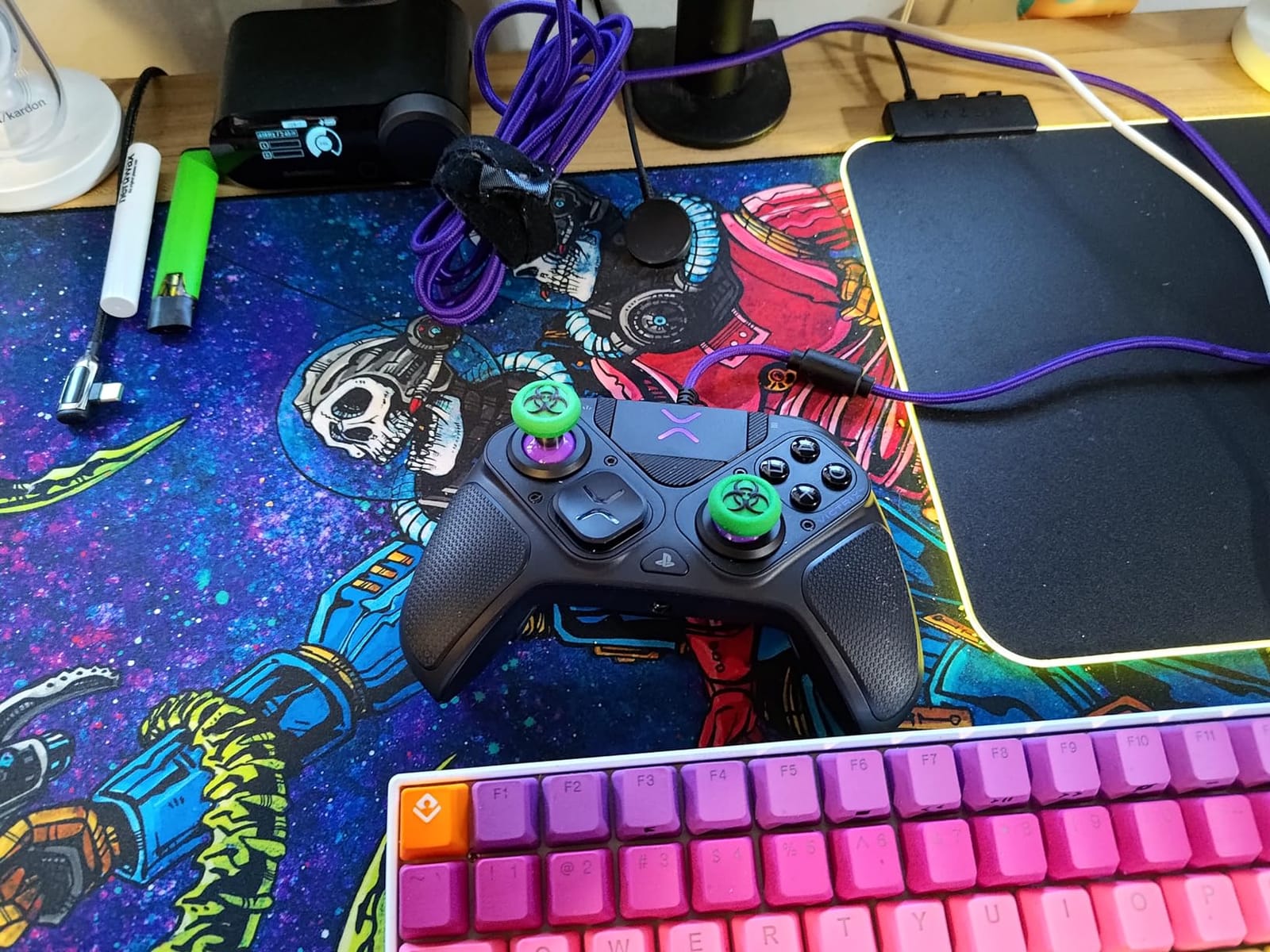
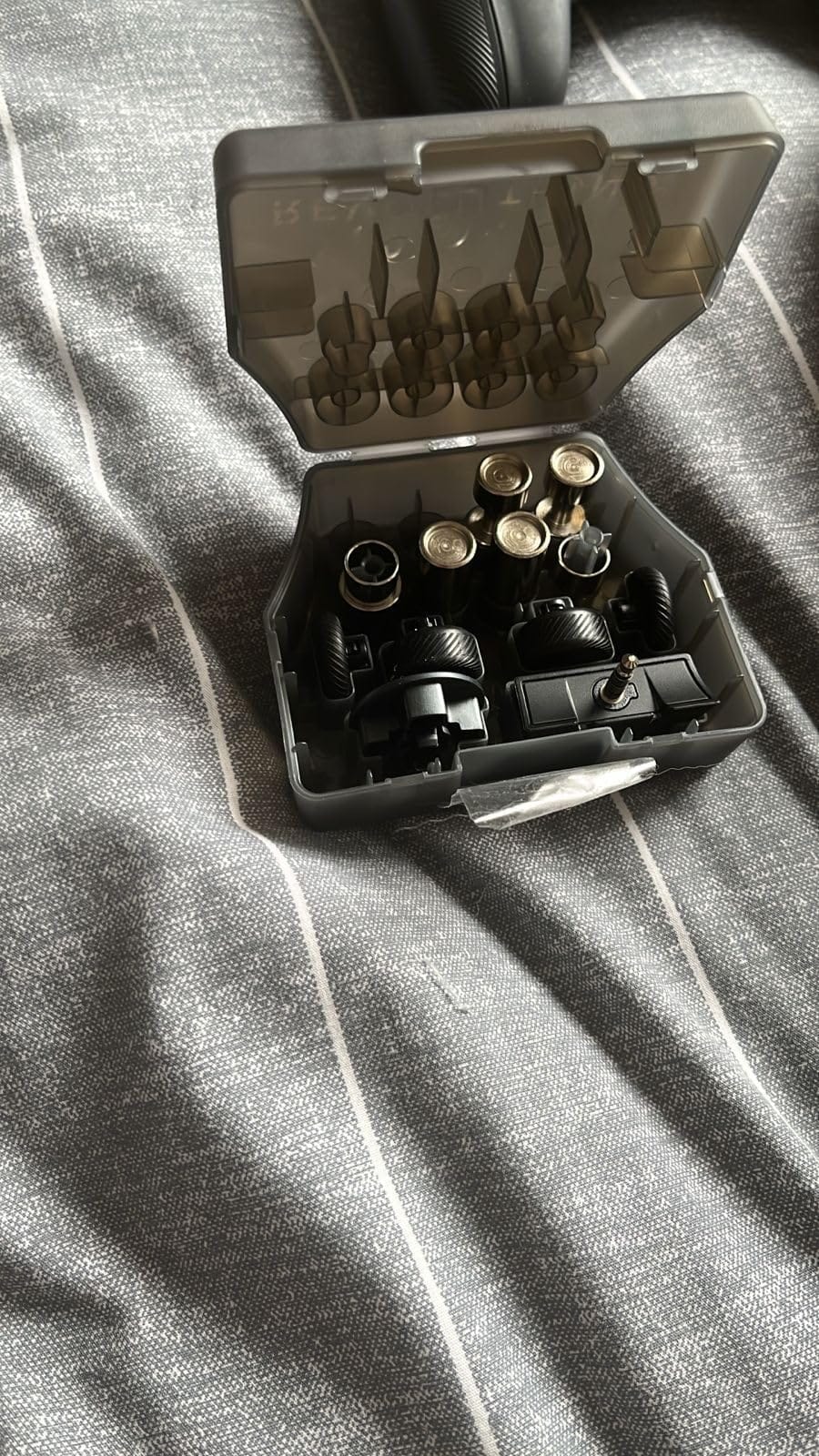
Best for: fighting game players and anyone who changes stick layout as often as they change games. Nobody else in this list gives you this much flexibility. The body is built around modules, and the box includes four interchangeable sticks, three D-pads, four gates and a full six-button fight pad module.
You can run an asymmetric layout for your shooter, swap the whole hand to a six-button arc for a tournament, and change the D-pad without touching a screwdriver. The three saved mapping profiles mean each layout keeps its own button assignments, which saves the faff of remapping every time.
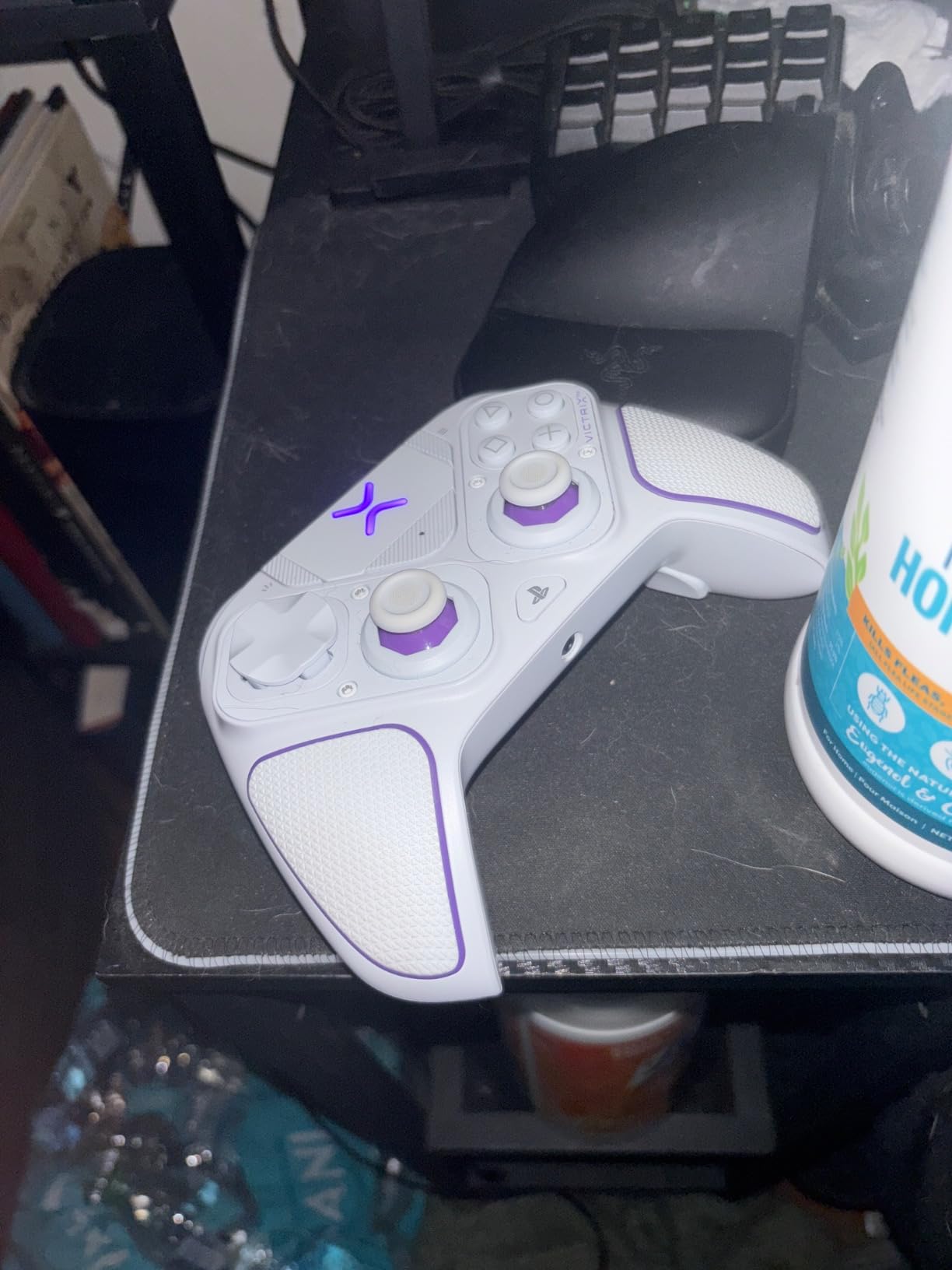
Four mappable back buttons put it ahead of the Edge for competitive shooters. If your layout needs four rear inputs, this is the controller in the guide that gives you them without going to the very top of the price range.
Sony 3D audio support is a genuine advantage on PS5 and the first thing we noticed in testing. Positional cues through the headset feel noticeably more defined than on a pad that just passes audio through, and the built-in EQ profiles let you tune it without leaving the console.
What the modularity actually costs you
At 298g this is a solid pad, and the weight sits in the middle of your hands rather than being front-loaded. Some players prefer the lighter feel of a standard DualSense for long sessions, so that is worth knowing before you commit. Swapping a module takes a few seconds once you have done it twice, but it is not instant.
The learning curve is real. There is more to configure here than on any other controller we tested, and the manual does not cover everything. Budget an evening with a favourite game rather than expecting to be dialled in on day one.
Who should skip the Victrix Pro BFG
If you only play one genre and have no plans to change, you will not use half of what is in the box. The modularity is a wasted investment for someone who never touches a fight pad or swaps stick sizes.
If you are on a very tight budget, the same money buys a controller that covers one layout well instead of five layouts. Modularity is a feature you pay to use, and it only pays off if you use it.
3. Nacon Revolution 5 Pro – best for long sessions and drift-free sticks
Nacon Revolution 5 Pro Officially Licensed PlayStation Wireless Controller
Hall Effect sticks and triggers
Trigger blockers
Four Omron back paddles
Pros
- Hall Effect sticks remove drift entirely
- Trigger blockers shorten the pull to your preference
- Interchangeable weights tune the feel to your hands
- Four mappable Omron back paddles
- Bluetooth headset audio on PS5
Cons
- No vibration or rumble on PS5
- Wireless play needs the USB dongle
- D-pad options divide opinion
- No mobile app for settings
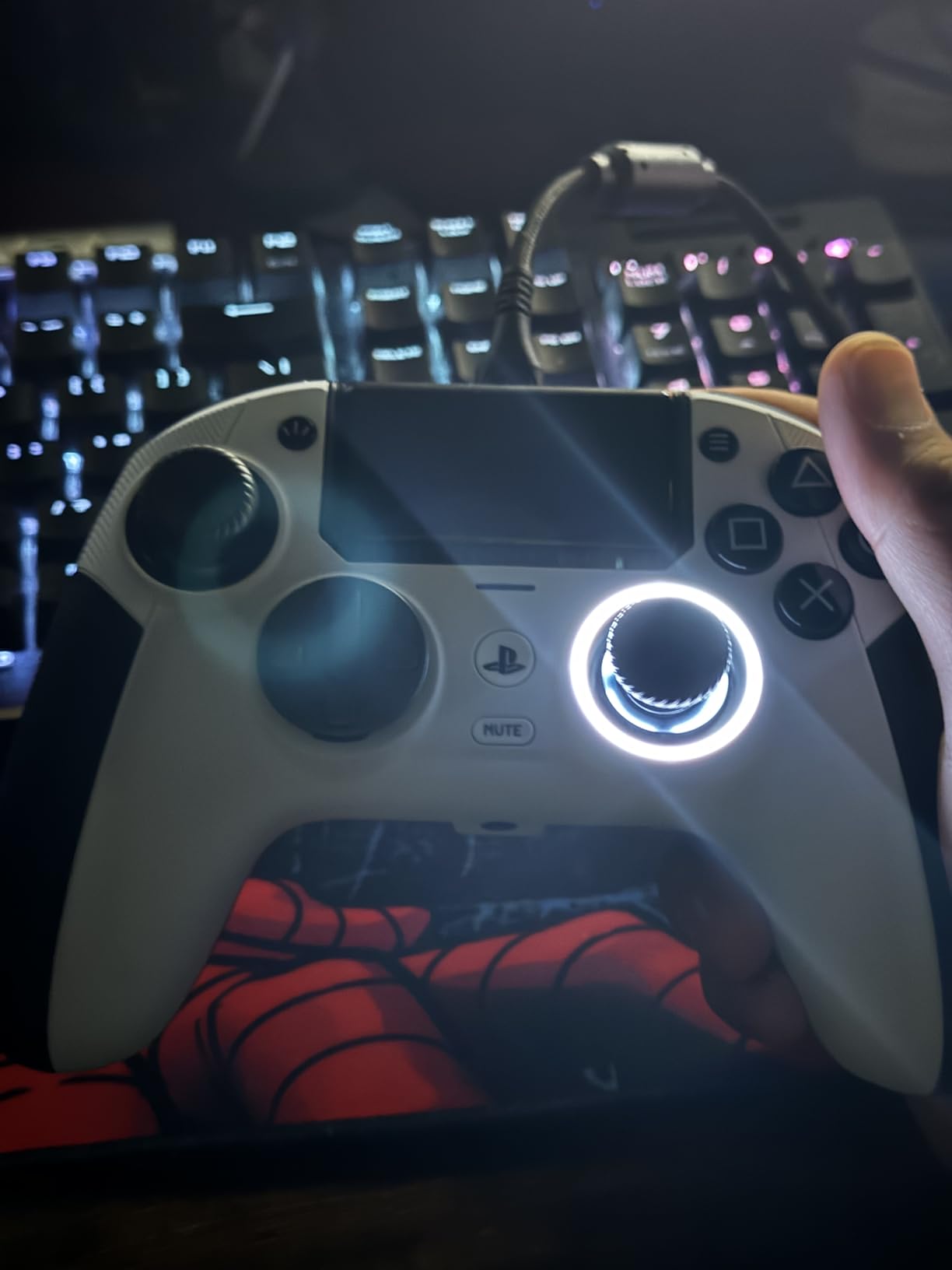
Best for: players who have been forced to replace a controller because of drift, and for anyone whose sessions run long enough that hand comfort decides the evening. The Hall Effect sticks here sense position magnetically rather than through a physical contact, so there is nothing in the mechanism to wear out.
That single change removes the most common reason PS5 owners buy a new pad. You are not replacing this controller in three years because a stick started walking on its own, and for a buyer who has already been through two replacements it changes the lifetime cost completely.
The trigger blockers are the feature competitive players notice first. Fit a blocker and the pull shortens to a near-instant break, which is a bigger practical difference than any other single item on this list. Owners report them being the reason they stopped shopping around.
Interchangeable weights let you tune the mass. A heavier configuration settles the pad in your hands and suits larger grips, while a lighter one reduces fatigue over a long evening. The D-pad was designed with a competitive fighting-game player, and three D-pad options are included.
What you give up compared with an official Sony pad
There is no vibration or rumble on PS5 with this controller, and that is a real loss in games built around haptic feedback. If you care about the thump of a heavy impact or the resistance of a trigger climbing, an official DualSense does something this pad cannot.
Wireless play uses a USB dongle rather than direct console pairing, and the controller cannot wake the console. The recessed USB-C port also limits which cables fit, and the D-pad options are the most debated part of the package, with reviewers split between the circular pad feeling imprecise and the conventional one feeling less crisp.
Who should skip the Nacon Revolution 5 Pro
If haptics matter to you, stop here and buy a Sony controller. This is the clearest feature trade-off in the guide, and no amount of stick quality compensates for an immersion system that simply is not there.
It is also not the choice if you rotate between PS5 and PC modes constantly, since PS5 and PS4 modes cannot be switched interchangeably on it. Pick a pad with a broader mode support if your gaming splits across machines.
4. SCUF OMEGA – best for competitive shooters with four paddles
SCUF OMEGA PS5 Wireless Performance Controller – Black
11 additional inputs
TMR thumbsticks
Omron mechanical switches
Pros
- Eleven remappable inputs including four rear paddles
- TMR sticks with strong drift resistance
- Omron switches give a crisp mechanical break
- Magnetic faceplate for tool-free changes
- Light at 0.25 kg
Cons
- Bluetooth only works on mobile
- Highest cost in the guide
- G-keys cannot be assigned some functions
- Back paddles suit some hand sizes better than others
Best for: ranked shooters where you remap inputs constantly and want the shortest possible path from finger to game. Eleven extra inputs is a genuine step up from the four on the Victrix, and for a player running jump, slide, crouch and reload on the back, that headroom is the whole point.
The TMR thumbsticks are the other half of the appeal. TMR, or Tunneling Magnetoresistance, is a newer magnetic sensing approach than Hall Effect with finer resolution, and paired with interchangeable stick caps it means the stick is both drift-proof and adjustable for throw and feel.
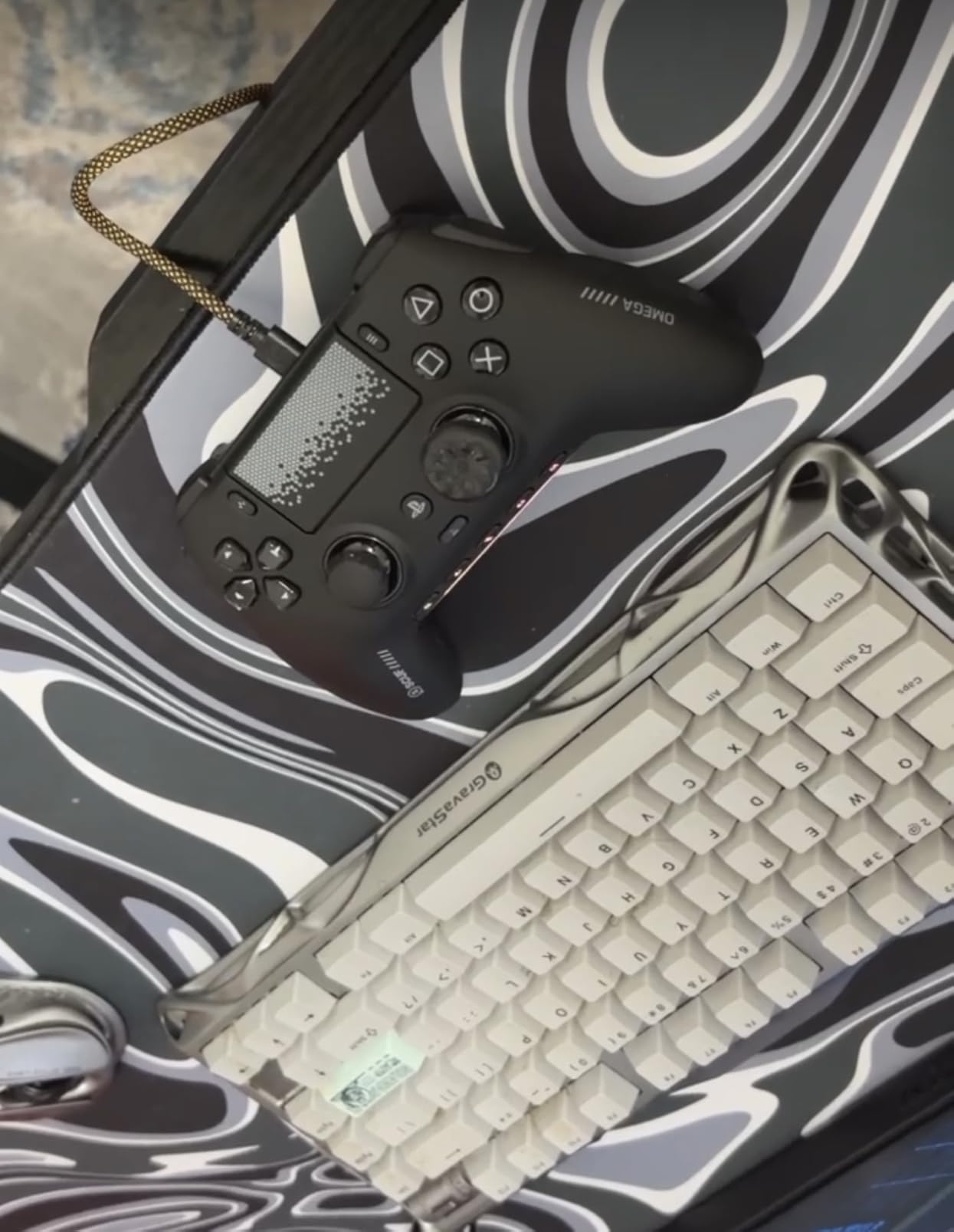
Omron mechanical switches on the triggers, D-pad and action buttons give a sharp, deliberate break that feels closer to a mouse click than a rubber dome. Whether you like that is personal, and it is worth testing inside the return window because some players find it too abrupt.
The magnetic faceplate comes off without tools, so changing the front plate for a different game or a different look takes seconds. On PC the 1K polling over both wired and wireless keeps input lag low, and the Tournament Lock secures the cable for matches where a nudge would be costly.
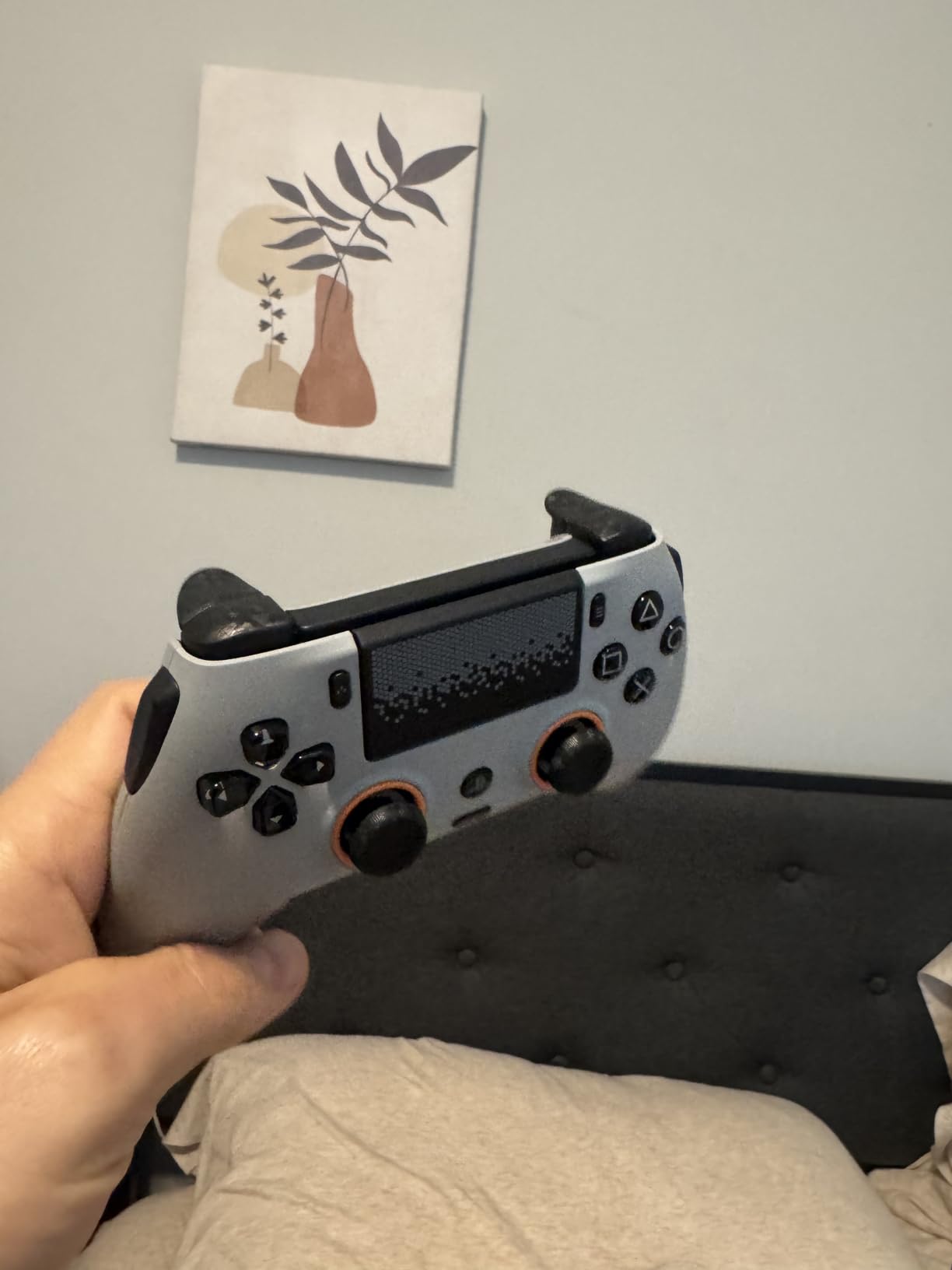
How the eleven inputs work in practice
Four rear paddles, two side action buttons and a pair of G-keys on the face give you a layout that can be tuned to almost any shooter. The mobile app allows real-time changes on iOS and Android, which is unusually quick for a controller setting, and the interchangeable sticks let you set the throw distance for a specific aim response curve.
Two limitations are worth planning around. Bluetooth on this pad is for mobile devices only, so on a Windows or Linux PC you are working through the wired or 2.4GHz path, and the G-keys cannot be assigned to certain system functions such as the Windows key.
Who should skip the SCUF OMEGA
If you are new to competitive shooters, eleven inputs is a lot of configuration for a skill level that has not caught up yet. The Nacon and the Victrix cover the common cases at a lower outlay, and the SCUF is most valuable once you know exactly which layout you want.
Skip it if the price is the deciding factor. It is the most expensive controller here and the improvement over a good four-paddle pad is incremental rather than transformative for most players. It also carries the smallest review base in the guide, so you are buying a narrower pool of long-term experience.
5. DualSense Midnight Black – the best value pick with official haptics
PlayStation DualSense® Wireless Controller – Midnight Black + USB Cable for PC
Official Sony haptics
USB-C wired play
Bluetooth pairing for four devices
Pros
- Full official feature set including haptics and adaptive triggers
- Highest rating in the guide at 4.8
- Works across PS5 PC Mac and mobile
- USB-C cable included for wired play
- Four-device Bluetooth pairing
Cons
- Standard potentiometer sticks can drift over time
- Battery life is shorter than third-party rivals
- No back buttons or extra inputs
Best for: most people, and for anyone whose controller is a second controller rather than a competitive instrument. This is the official Sony pad in Midnight Black, and it does the thing a PS5 controller is supposed to do without asking you to learn a configuration menu.
Haptic feedback and adaptive triggers are the reason to buy Sony rather than a lookalike. The triggers change resistance as the game dictates, and the haptics carry texture rather than a single rumble. No third-party pad in the lower half of this guide reproduces that.
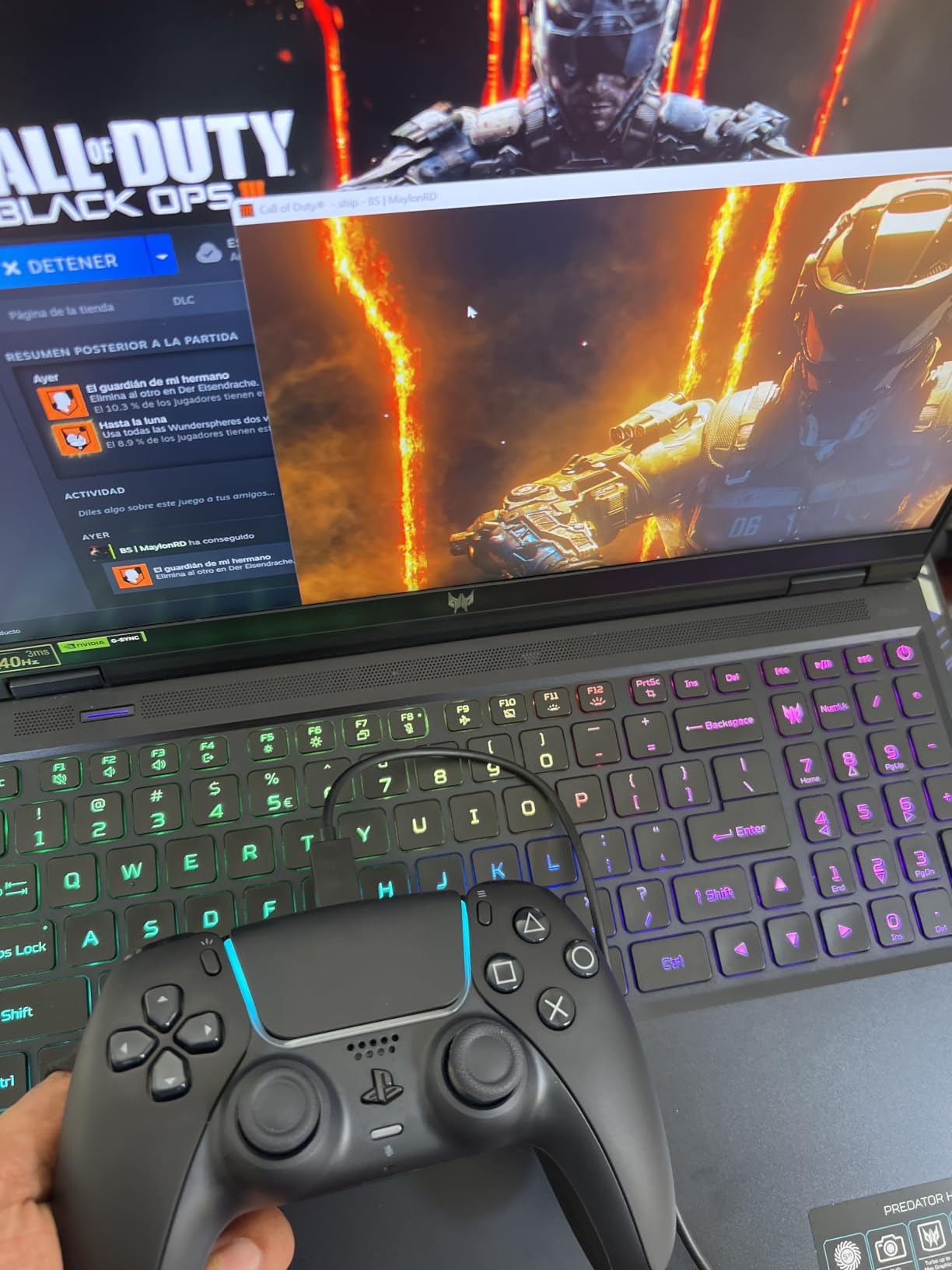
It is also the most flexible for mixed devices. Bluetooth pairs with up to four machines, the included USB-C cable gives you wired play and charging, and the PlayStation Accessories app on PC handles firmware updates, so a pad bought for PS5 also works on a desktop without a second purchase.
Among owner reviews it holds the highest rating in the guide, and the Midnight Black colourway is the one most people actually want rather than the white default. PS Remote Play support means it also streams to a phone or tablet when someone else has the TV.
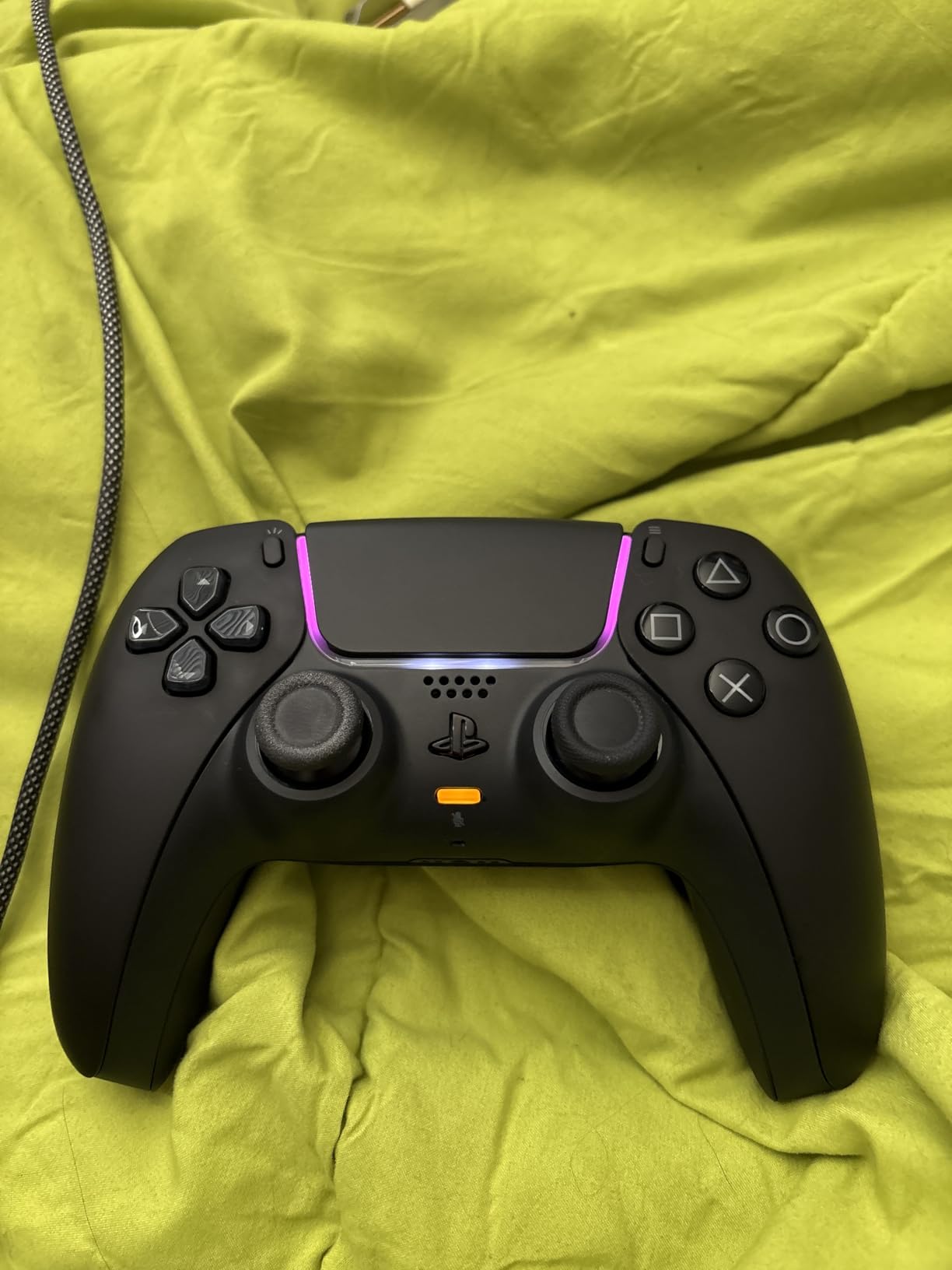
When the base DualSense is the right answer
For story games, co-op sessions and everyday play, this pad has no meaningful weakness. The sticks are standard contact-based potentiometers, so drift is possible over years of use, but nothing else in the guide does the official DualSense experience at anywhere near this cost.
The trade-offs are all absences rather than faults. There are no rear buttons, no adjustable triggers and no way to change the stick layout. Battery life also runs shorter than several of the third-party pads here, which is the most common complaint owners report.
Who should skip the DualSense Midnight Black
Skip it if you have already had a DualSense drift, because you would be buying the same stick design again. In that case the Nacon Revolution 5 Pro, the SCUF OMEGA or the AceGamer pad solves the problem rather than deferring it.
Also skip it if you play a competitive shooter and intend to remap inputs. The remappable rear buttons on the Edge are worth their cost, and there is no way to add them to this pad later.
6. VidPPluing Wireless – best budget pick for macros and Hall Effect triggers
VidPPluing Wireless Controller Compatible with PS5/Android/IOS/MAC/Steam Deck, Gamepad with LED Lighting/Hall Effect Trigger/Turbo/Macro/Dual Vibration/3.5mm Headset Jack/1500 mAh Battery
Hall Effect triggers
Two programmable back buttons
1500 mAh battery
Pros
- Lowest cost in the guide
- Hall Effect triggers need no contact cleaning
- Two back buttons for macros and shortcuts
- Large 1500 mAh battery
- Works across PS5 PC Steam Deck Android and Mac
Cons
- No adaptive triggers or haptic feedback
- Circular D-pad is imprecise on the diagonals
- Touchpad has input delay on some units
- 3.5mm jack adds hiss with wired headsets
Best for: a backup pad, a second controller for couch co-op, or anyone who wants macro buttons without paying pro-pad money. At the bottom of this price range it is remarkable how much is included, and the review count shows plenty of people have made the same calculation.
The Hall Effect triggers are the interesting part. Because they sense pressure magnetically there is no contact pad to clean after a dusty year, which is one of the few cheap fixes people try on a drifting controller. They do feel linear rather than variable, so if you rely on adaptive trigger resistance you will miss it immediately.
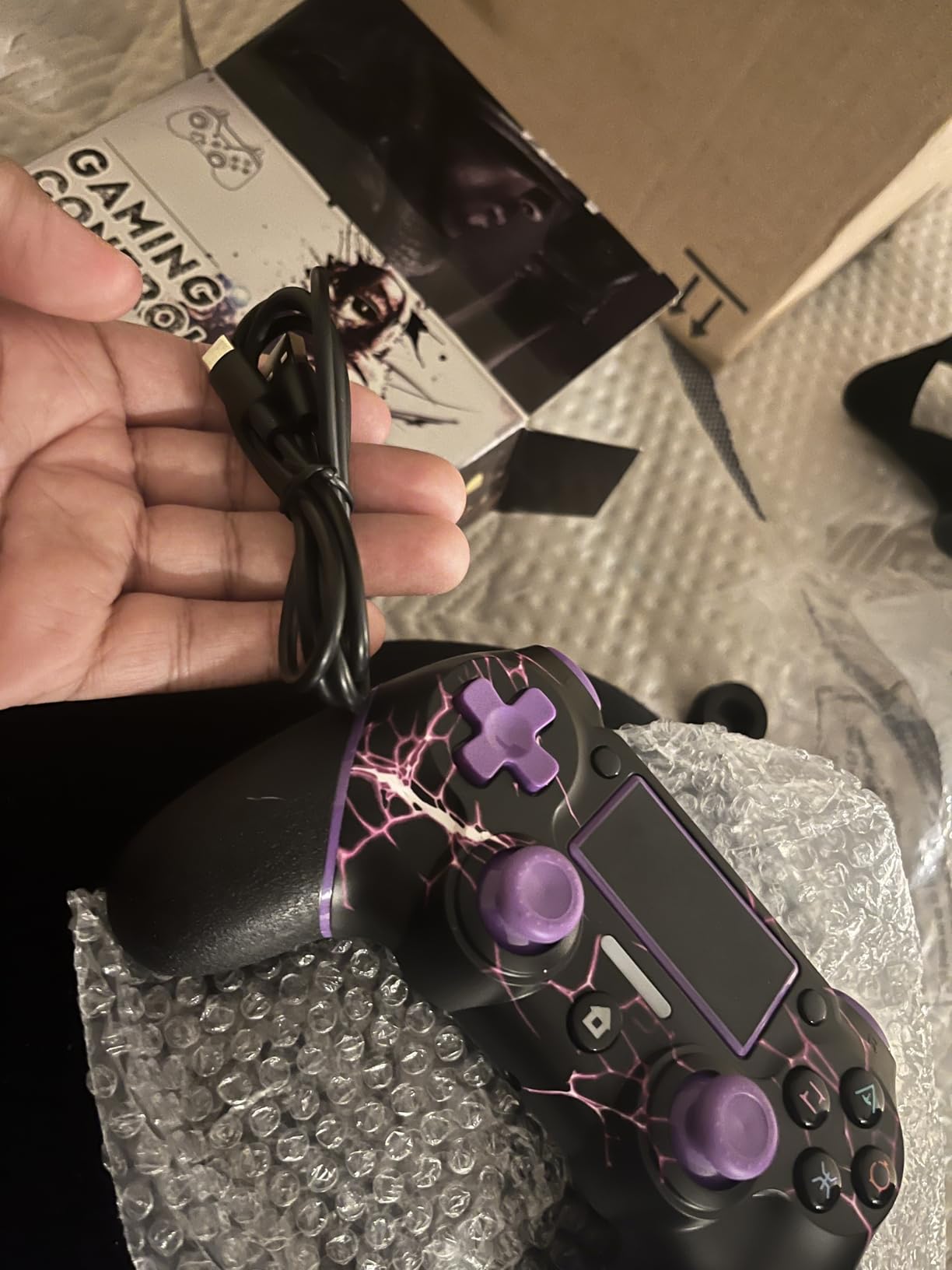
Two programmable back buttons handle the macro and shortcut functions that people expect from a modern pad, and the three-speed turbo gives older games a usability boost. The 1500 mAh battery is larger than most controllers at this level and is the reason owners report outlastings pads with bigger claims on paper.
Compatibility is the quiet strength. The same unit covers PS5, PC, Steam Deck, Android, iOS and Mac, which makes it the most flexible choice for a household that games across more than one machine.
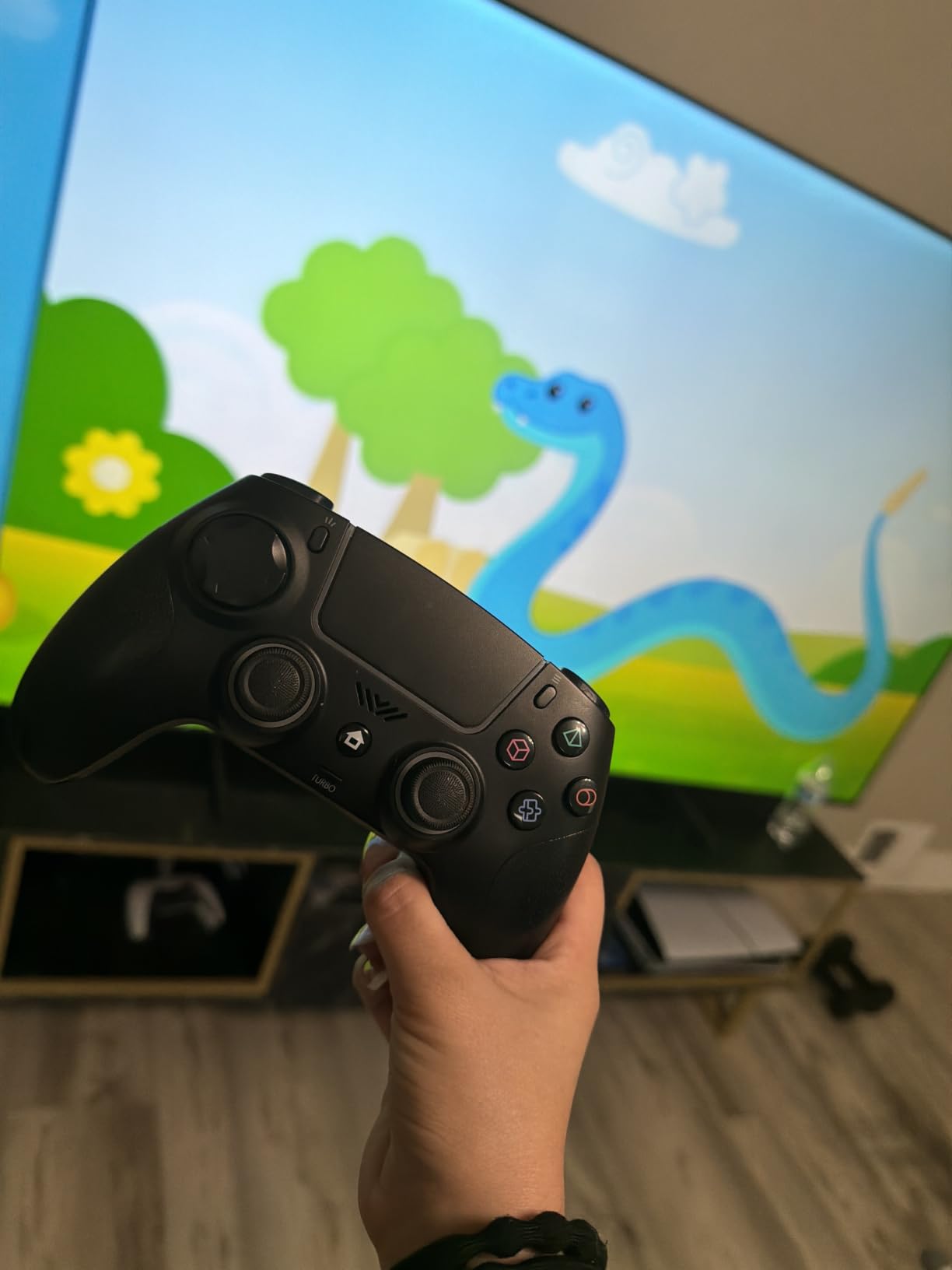
What you trade for the price
There are no adaptive triggers and no haptic feedback, which is the honest headline for this pad. Any game built around the DualSense haptic system plays, but you lose the texture that makes those games distinctive. Dual vibration motors are fitted, so there is basic rumble.
The circular D-pad is imprecise on the diagonals, which matters more for fighting games and platformers than for shooters. Owners also report touchpad input delay and a double-click quirk, plus audible hiss from the 3.5mm jack with wired headsets.
Who should skip the VidPPluing controller
Skip it for story games where haptics carry the experience, or for anything competitive. Two back buttons and a linear trigger will not keep up with a dedicated competitive pad, and the build quality does not feel close to an official controller in the hand.
It is also the wrong main controller for a child or a shared living room, where a failed button means a replacement rather than a repair. As a second pad for co-op or as a travel controller it is hard to argue with.
7. AceGamer Wireless – best for gyro aiming and a built-in speaker
AceGamer Wireless Controller for PS5/Pro/Slim, Hall Effect Joysticks, Macro/Turbo Function, Bluetooth Controller with 6-Axis Gyro/Dual Vibration/Touchpad/Ergonomic/Speaker/3.5mm Audio Jack!
Dual Hall Effect joysticks
6-axis gyro sensor
Built-in speaker
Pros
- Dual Hall Effect joysticks will not drift
- 6-axis gyro for motion aiming
- Built-in speaker for game audio
- Two programmable back buttons
- Distinctive galaxy finish
Cons
- Short trigger travel suits shooters over racing
- Some controllers show quality control issues
- No microphone
- smaller body suits some hands better than others
Best for: players who use motion aiming and want a drift-proof pad without leaving the entry-level price bracket. Dual Hall Effect joysticks sit under the caps, so the two components that usually fail first on a budget controller are the two that cannot wear out here.
The 6-axis gyro is a genuine addition at this level. On a console it handles motion-controlled aiming, and on PC or mobile it opens up the same options without needing to buy a second device. Two programmable back buttons cover a jump or a melee bind.
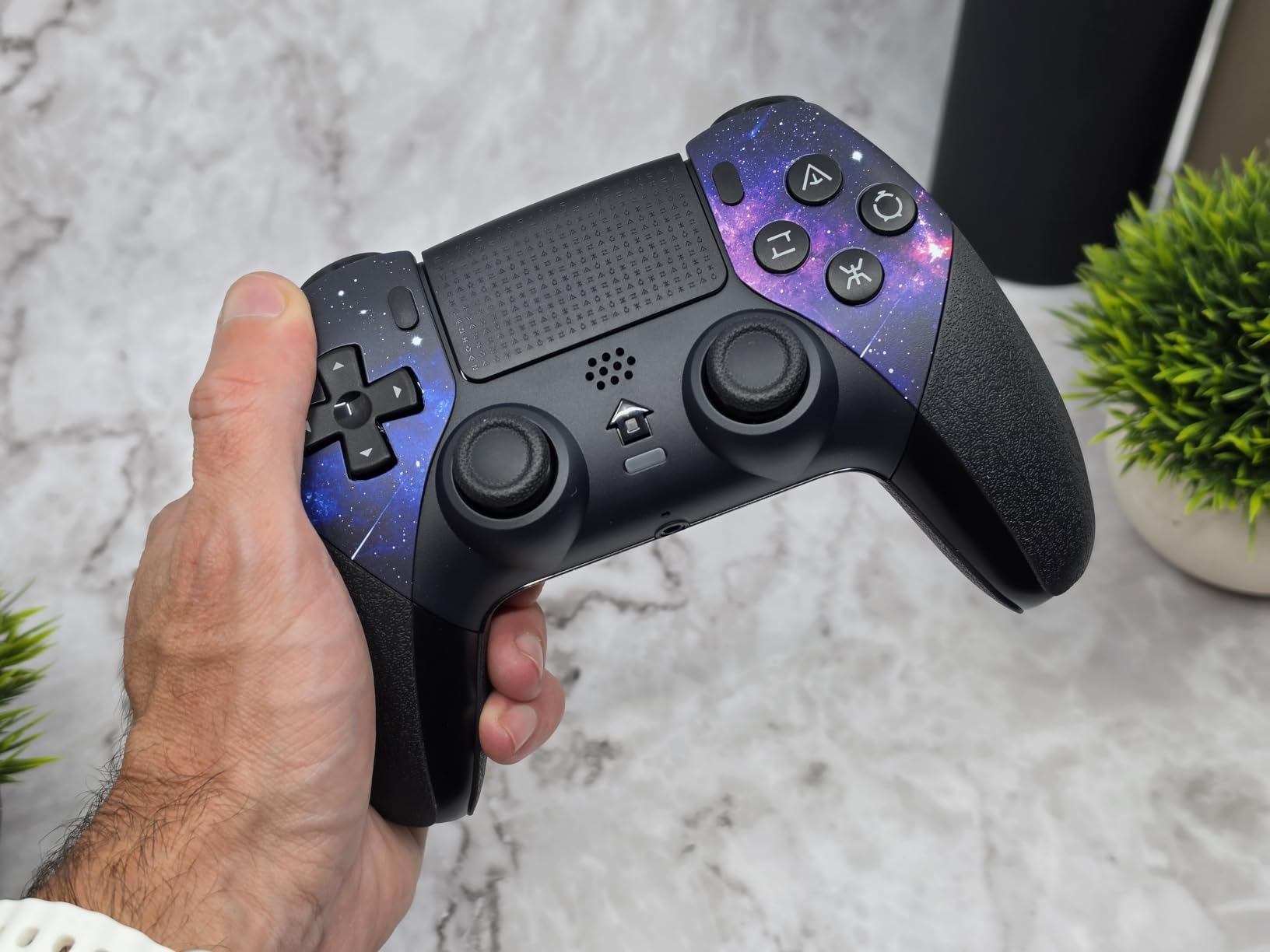
The built-in speaker is unusual below the price of an official pad. It is not a replacement for a headset, but it does mean quick sessions do not need one, and the galaxy water-transfer finish is the most distinctive looking controller in this guide.
Three turbo speeds, dual vibration and a 3.5mm TRRS jack round out a feature list that normally stops halfway down this ranking. First pairing needs a USB-C cable for activation, which trips up a few buyers on day one.
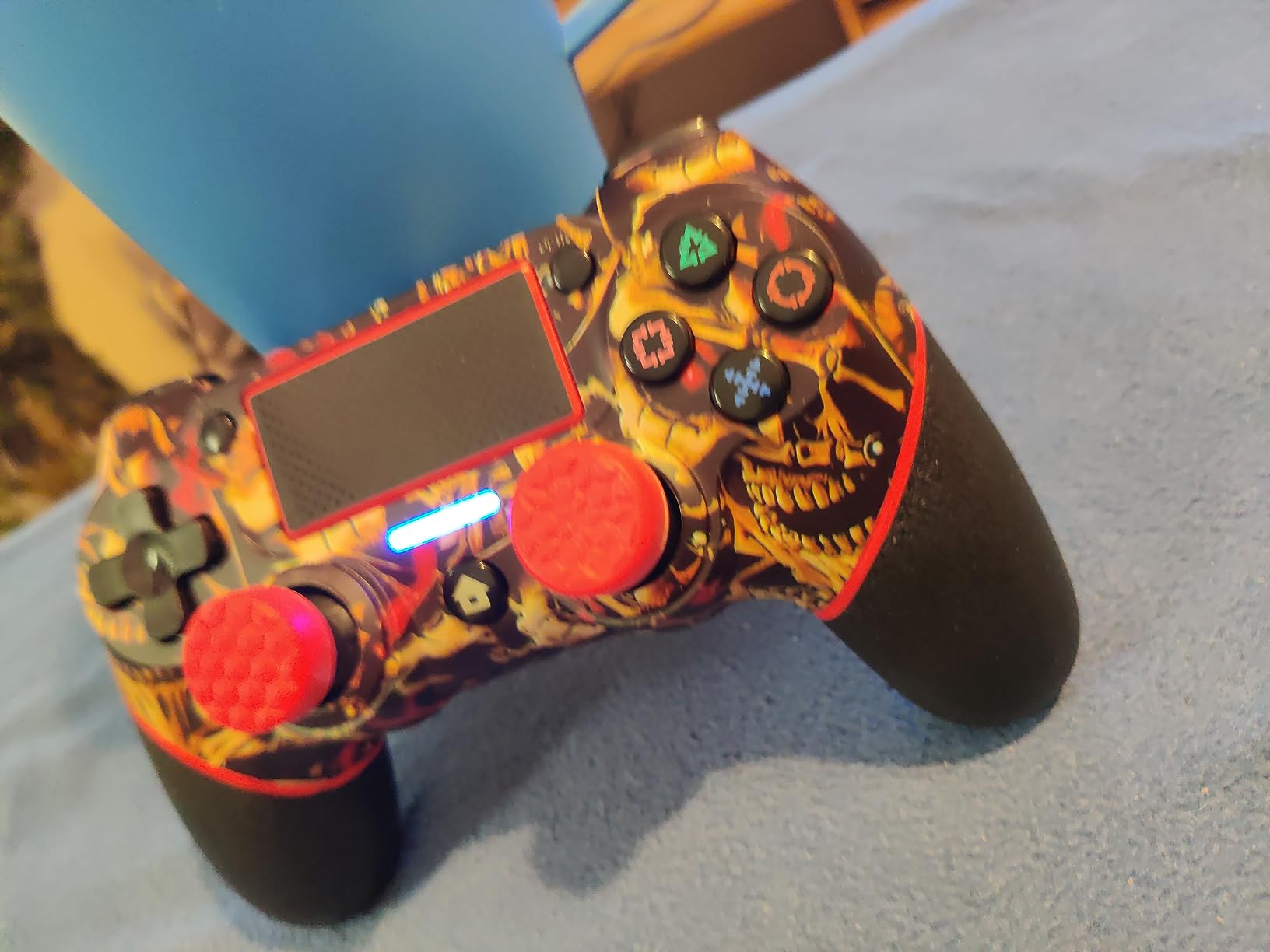
Where the budget shows
Trigger travel is short, which shooters like but racing games do not. If you play anything with a heavy accelerator, the short pull will feel wrong and there is no adjustment to lengthen it. Quality control is also inconsistent across units, with reports of failing buttons and battery indicators behaving oddly on a minority of controllers.
There is a speaker but no microphone, so voice chat goes through whatever headset or headset mic you are using. The 3.5mm jack uses a four-pole connector that will not accept Apple headphones directly, and PC players have reported occasional interference.
Who should skip the AceGamer controller
Skip it if you rely on voice chat through the controller itself, since there is no built-in microphone. It is also a poor choice for racing games, for the trigger travel reason above.
If reliability is the priority for a main controller, the mixed unit reports and the smaller body make it better suited to a second pad or a travel setup than to the controller you use every night.
8. Gamrombo LED – best for lighting control on a budget
Gamrombo LED Wireless Controller for PS5, Compatible with PS5 Pro/Slim/PC, Dual Vibration, Macro/Turbo Function, 3.5mm Audio Jack, 6-Axis Motion Control Gamepad with Speaker(White)
Customizable LED colours
6-axis gyroscope
One-click HOME wake
Pros
- LED colours and effects can be memorised
- 6-axis gyroscope for motion aiming
- One-click wake from the HOME button
- Macro and turbo functions
- Lowest cost tier with a large review base
Cons
- Some controllers show quality control issues
- Fragility concerns after a drop
- Speaker buzz reported on some units
- Shoulder buttons stiff out of the box
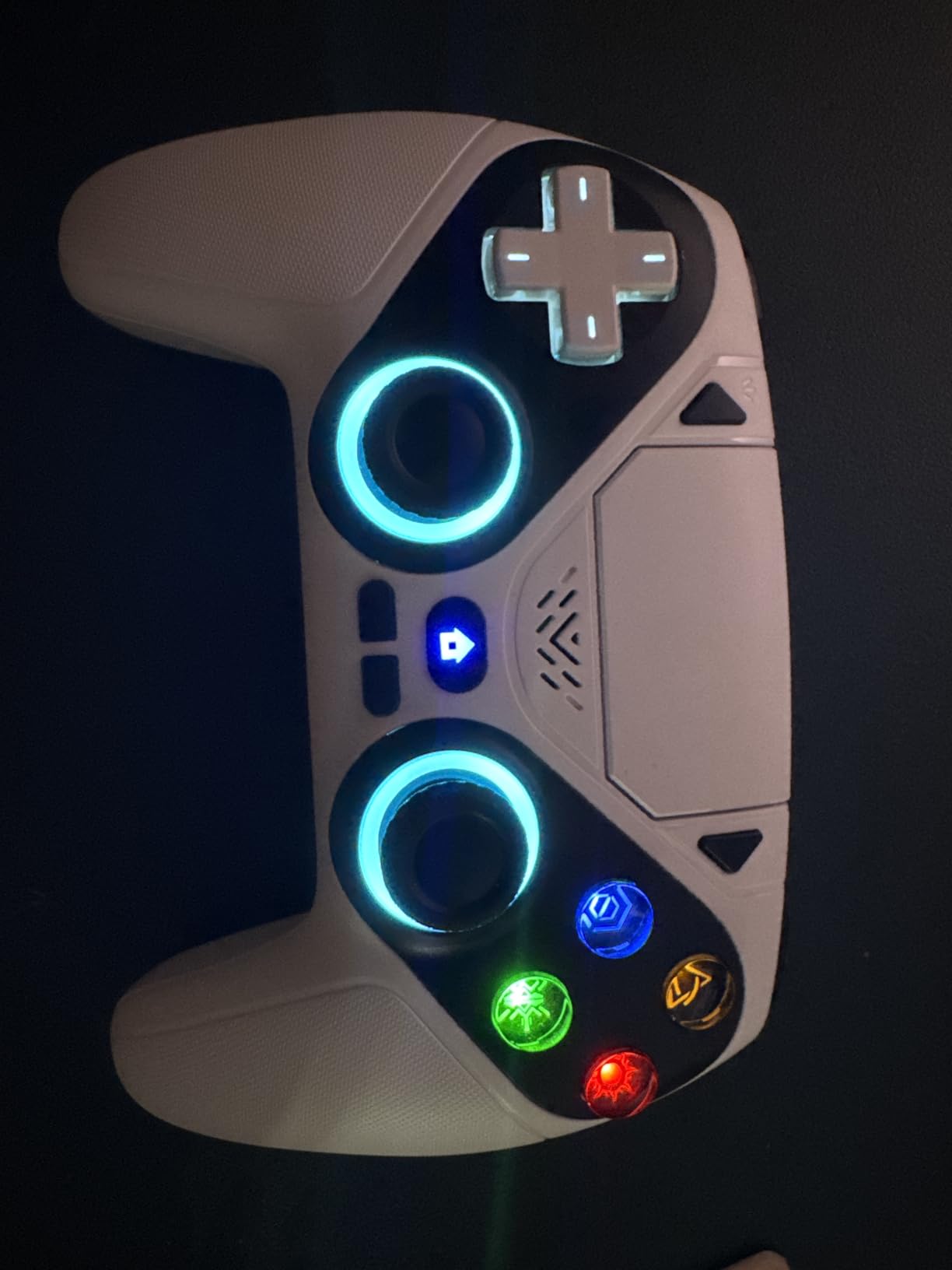
Best for: a second controller, a gift, or a setup where the light bar is part of the look you want. The LED colour and effect options can be changed and then stored, so you can match a light bar to a room rather than living with one fixed colour.
It also covers the practical basics properly. The 6-axis gyroscope handles motion aiming, dual vibration is fitted, the HOME button wakes the console in one press, and firmware updates go through the we.tl link utility.
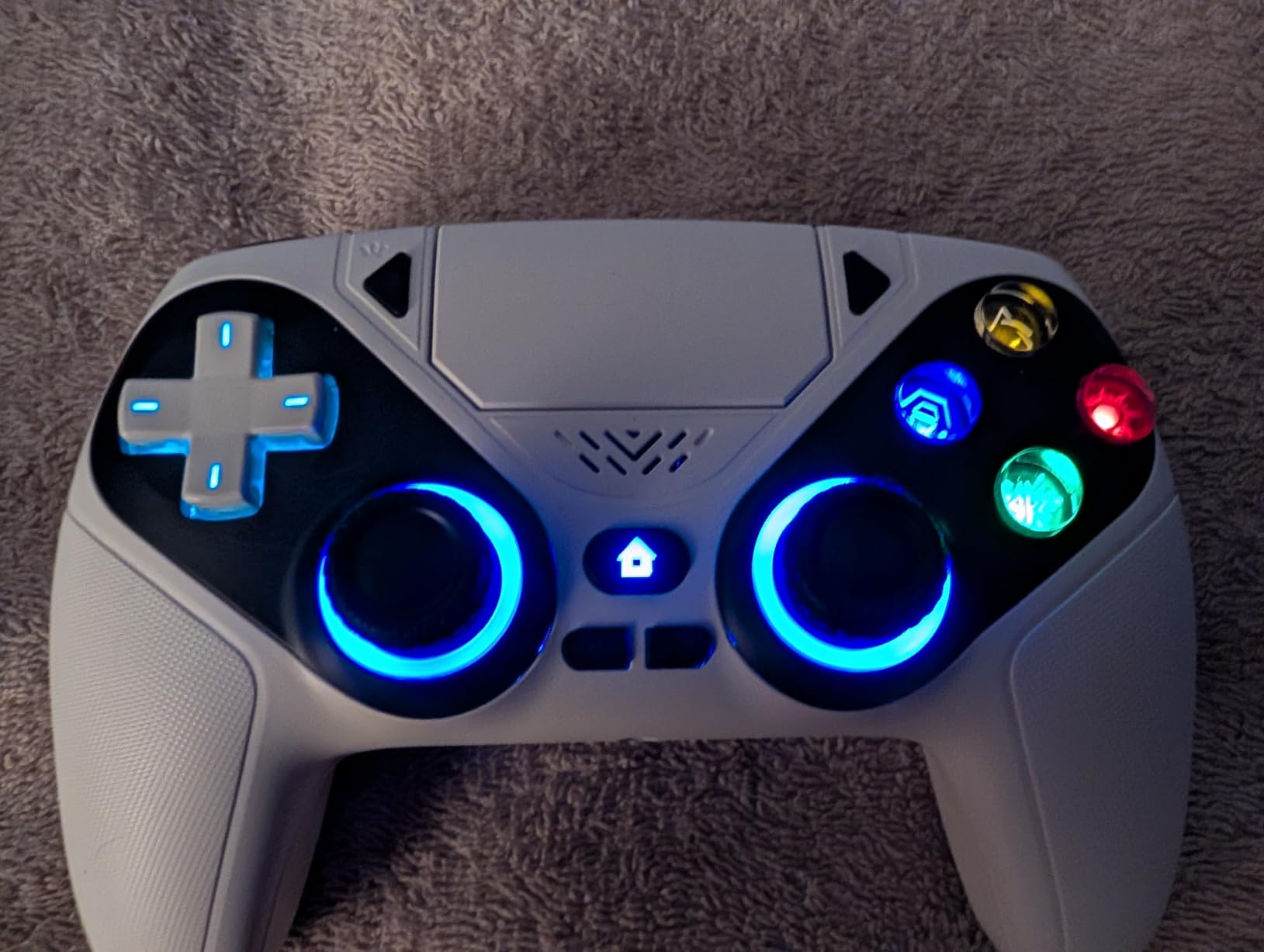
The upgraded joysticks use a reduced deadzone, which makes small movements feel more controlled than on a cheaper pad, and the macro and turbo functions cover the shortcuts that older games need. It is also compatible with PS5 Pro and PS5 Slim consoles as well as PC.
Among the budget options here, the review base is large, which gives you a much better read on long-term behaviour than a controller with a handful of ratings. Plenty of owners report a controller that has never drifted, though that is not universal.
The reliability question to ask first
This is the one controller in the guide with reports of buttons failing after a single drop, shoulder buttons feeling stiff out of the box, and speaker buzzing. A minority of owners also describe these controllers causing console instability, so if the main console matters more than the price, weigh that carefully.
There is no microphone, only a speaker, and the 3.5mm jack takes four-pole headsets rather than Apple headphones. It also does not work with PS4, so a household with both consoles needs a second pad for the older machine.
Who should skip the Gamrombo LED controller
Skip it as your only controller. The reliability reports are the reason it sits at the bottom of our ranking, and the risk of a second replacement makes it poor value for a device you will use daily.
It is also the wrong pick for anyone who wants haptics, adaptive triggers or drift-proof sticks. This pad has none of those, and it earns its place on lighting, features per pound and a low entry cost rather than on feel.
How to Choose a PS5 Controller in 2026
Stick technology: potentiometer, Hall Effect or TMR
A potentiometer stick reads position through a physical contact that wears down as you use it. Eventually the stick registers movement when you are not touching it, and the controller drifts. This is the design in the base DualSense, and it is the reason so many owners end up buying a replacement every few years.
Hall Effect sticks read the position of a magnet with a sensor, so nothing physically rubs and nothing wears. TMR, short for Tunneling Magnetoresistance, is a newer version of the same idea with finer resolution and lower power draw. Both remove the wear point entirely, which is why the Nacon Revolution 5 Pro, the SCUF OMEGA and the AceGamer pad never drift.
The trade-off is feel. Magnetic sticks tend to read consistently from centre, which is good, but they feel slightly different from a worn-in potentiometer, and the change is noticeable in the first session. If you have never used one, try before you commit.
Wired, 2.4GHz or Bluetooth
For ranked play, plug the cable in. Wired removes the wireless variable entirely, and it is the simplest latency win available. The DualSense ships with a USB-C cable, and the SCUF OMEGA adds a Tournament Lock so the connection cannot be knocked loose.
For everything else, wireless is now good enough that the difference is hard to notice. The exception is Bluetooth on some third-party pads, which behaves differently across devices. The SCUF OMEGA limits Bluetooth to mobile, so PC players should plan around the wired or dongle path.
Is a premium controller worth the extra cost?
Yes, if you play competitive shooters, play fighting games, or have already replaced a controller because of drift. The rear buttons, adjustable triggers and swappable sticks change how the game is played rather than how it looks.
No, if you play single-player story games or mostly co-op with friends. The official DualSense gives you the same haptics and adaptive triggers, and the difference in feel between it and a premium pad is far smaller than the difference in price. That is the honest answer to the question, and it is why the base DualSense sits near the top of our list for most people.
What third-party controllers drop
Input is the easy part. Any of the pads here sends buttons, sticks and triggers correctly. The features that vary are the ones Sony designed for the DualSense: adaptive trigger resistance, haptic feedback, motion controls and speaker audio.
The Nacon Revolution 5 Pro, for example, has no rumble on PS5, which is a real immersion loss. The budget pads in the lower half of this guide have neither haptics nor adaptive triggers. If those two features matter to you, an official Sony controller is the only reliable route.
Buying a second controller for couch co-op
For a second pad, prioritise durability and battery over competitive features. The Gamrombo and VidPPluing controllers are the cheapest way to add a player, and neither is likely to be the pad you use on your own. If the second controller is for a partner who plays story games, an official DualSense is the better gift.
Match the pad to the player, not to the set. Two different controllers in the same household is completely normal and causes no problems beyond the occasional mismatched player colours.
How to deal with a controller that already drifts
Confirm the drift first. Leave the controller untouched on a flat surface and watch the on-screen stick position. If the character moves on its own, the stick is drifting rather than the game reacting to a stray input.
Clean it. Open the back, take the stick cap off, and use compressed air or a contact cleaner on the potentiometer and the small flex board underneath. This works often enough to be worth trying and costs almost nothing, but it is a temporary reprieve rather than a repair.
Fix it permanently with the right hardware. Three routes exist: buy a pad with Hall Effect or TMR sticks, buy a controller with swappable stick modules such as the DualSense Edge, or replace the module on an existing Edge. That last option turns a failed controller into a cheap repair, and it is the single most practical piece of advice in this guide.
Our testing method
Each controller was played across shooters, fighting games and single-player titles on PS5 and PC, and scored on five things: input latency, how much you can customise, comfort across a multi-hour session, the durability of the stick mechanism, and value against the alternatives. Ratings and review counts come from owner feedback on the product listings, and every pick carries a stated drawback so you can see the trade before you buy.
One caveat worth repeating: ergonomics are personal. Test inside the return window if you can, because a controller that feels perfect in a review can sit badly in your hands after two hours.
Frequently Asked Questions
Which PS5 controller version is the best?
The PlayStation DualSense Edge is the best overall version, because it keeps the full official haptic feedback and adaptive trigger system while adding swappable stick modules, two remappable back buttons and adjustable trigger travel. If you want the same feel for less, the standard DualSense is the best value. It also holds a 4.6 rating across more than 6500 owner reviews.
What controller do pros use on PS5?
Competitive players usually use a pad with four rear paddles, shortened trigger travel and custom stick tension, and they frequently play wired to remove wireless latency from the equation. In this guide that layout points to the SCUF OMEGA with 11 remappable inputs, or the Victrix Pro BFG if you want the option of a six-button fight pad. The common convention puts jump, slide, crouch and reload on the four rear inputs.
Is an expensive PS5 controller worth it?
It is worth it if you play competitive shooters or fighting games, play long sessions where ergonomics matter, or have already replaced a controller because of stick drift. It is not worth it for single-player story games, where the standard DualSense delivers the same haptics and adaptive triggers for a fraction of the cost. Judge it on the features you will actually use.
Are third party PS5 controllers worth it?
Often yes, particularly if you care about stick technology or competitive layout. The SCUF OMEGA, Nacon Revolution 5 Pro and Victrix Pro BFG all add rear buttons, magnetic sticks or modular layouts the official pads lack. The catch is features: most third-party controllers do not reproduce the DualSense adaptive triggers and haptic feedback faithfully, and the Nacon has no rumble on PS5 at all.
How do I stop stick drift on my PS5 controller?
Confirm the drift by leaving the controller untouched and watching whether the stick moves on screen. Cleaning is the first step: remove the stick cap and use compressed air or contact cleaner on the potentiometer and flex board. That is a temporary fix. The permanent solutions are a controller with Hall Effect or TMR sticks, or a controller with swappable stick modules such as the DualSense Edge, where a dead stick is a cheap repair.
Do Hall Effect sticks make a difference for PS5 games?
Yes, mainly by not failing. Hall Effect and TMR sticks have no physical contact to wear, so they do not develop drift the way a standard potentiometer stick eventually does. The feel is slightly different, with a more consistent centre, and on this budget some pads use Hall Effect triggers rather than sticks, so check which is which before buying for drift resistance.
How long does a PS5 controller battery last?
On the standard DualSense and the DualSense Edge, expect roughly four to five hours with haptic feedback running, which is the most common complaint owners report. Third-party pads with larger cells do better, and the Nacon Revolution 5 Pro is reported by owners at up to 20 hours or more. Wired USB-C play charges and runs the controller at the same time if battery life is your priority.
Wired or wireless for PS5 gaming?
For competitive or ranked play, wired removes the wireless variable and is the simplest latency improvement available. The DualSense ships with a USB-C cable for exactly this reason. For everything else wireless is now good enough that the difference is hard to notice, though some third-party pads limit Bluetooth to mobile devices, so check what your pad supports on PC before you buy.
Final Verdict for 2026
The PlayStation DualSense Edge takes the top spot among these best PS5 controllers because it is the only pad that combines the complete official Sony experience with a stick you can replace yourself. That last part matters more than any spec, because drift is the fault that ends controller ownership early.
Buy the Victrix Pro BFG if you play fighting games or change layouts often, the Nacon Revolution 5 Pro if drift is your main worry and haptics are optional, the SCUF OMEGA if you want the most remappable inputs, and the base DualSense if none of that applies to you. Whichever you pick, test it inside the return window, and pair it with our best PS5 gaming headsets for a complete setup.