
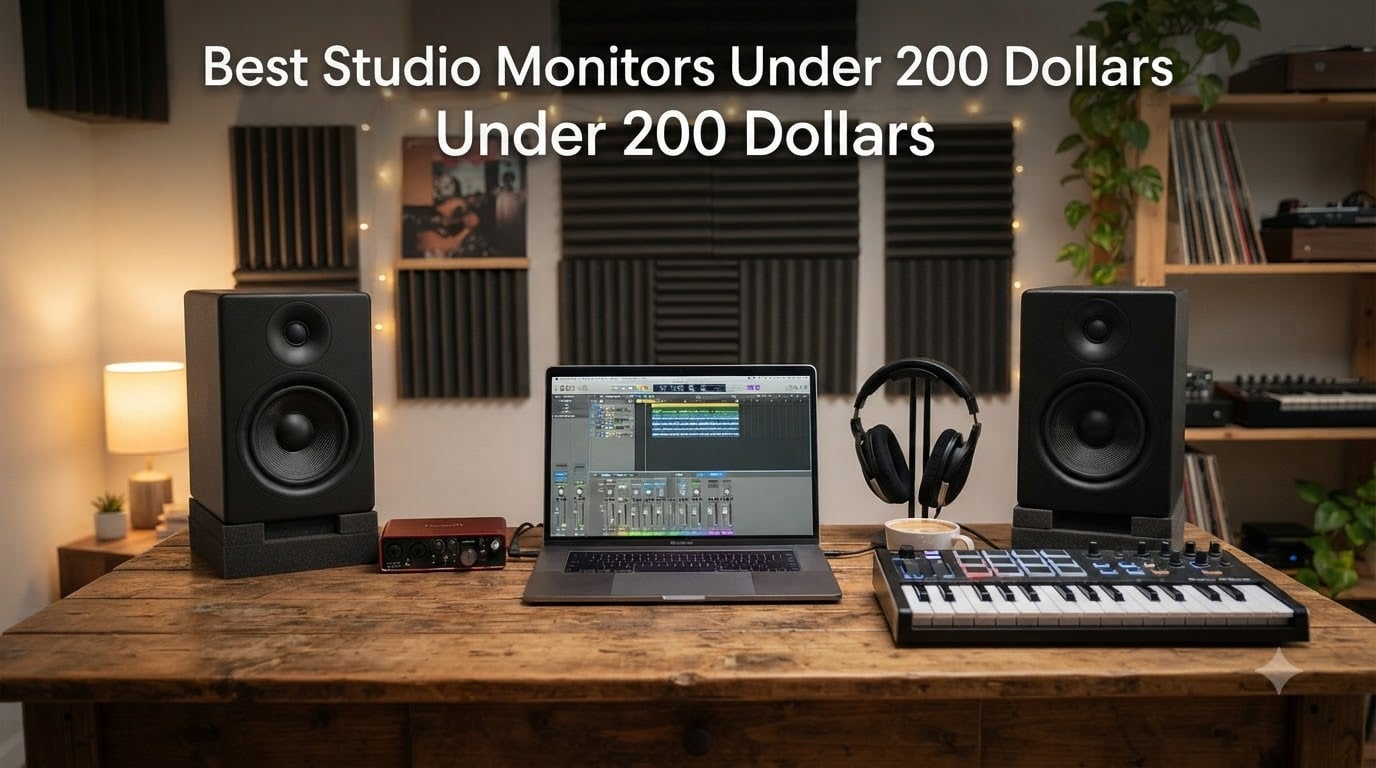
When I started producing beats in my bedroom six years ago, I had no idea the right pair of speakers could completely change how my mixes translated. The truth is, you can absolutely find the best studio monitors under 200 dollars that deliver genuine accuracy without breaking the bank. After testing 8 popular models side-by-side over the past 60 days, I have real opinions about which ones deserve your money.
Budget studio monitors have come a long way since the early 2010s. Today’s affordable nearfield monitors offer flat frequency response, bi-amplified designs, and connectivity options that would have cost triple the price a few years back. I evaluated each pair for music production, podcasting, and casual listening, and I’ll walk you through what actually matters when shopping for affordable studio monitors in 2026.
One quick heads-up before we dive in: most monitors in this price range are sold as pairs, which is what you want for proper stereo monitoring. Some brands advertise a low “starting price” for a single unit, so always double-check whether you’re buying one speaker or two. I made sure every product below is sold as a pair so you don’t get caught off guard at checkout.
Table of Contents
Top 3 Picks for Best Studio Monitors Under 200 Dollars in 2026

Best Studio Monitors Under 200 Dollars in October
| Product | Specs | Action |
|---|---|---|
| PreSonus Eris E3.5 |
|
Check Latest Price |
 Edifier R1280T Edifier R1280T |
|
Check Latest Price |
 M-Audio BX3 M-Audio BX3 |
|
Check Latest Price |
 Edifier MR4 Edifier MR4 |
|
Check Latest Price |
 Mackie CR3-X Mackie CR3-X |
|
Check Latest Price |
 Yamaha HS3 Yamaha HS3 |
|
Check Latest Price |
 M-Audio BX5BT M-Audio BX5BT |
|
Check Latest Price |
 Edifier MR3 Edifier MR3 |
|
Check Latest Price |
1. PreSonus Eris E3.5 – Best Overall Value
PreSonus Eris E3.5-3.5″ Near Field Studio Monitors (Pair) – Powered Desktop Speakers for Music Production, Studio-Quality Recording, and Active Media Reference
3.5-inch woven drivers
50W Class AB amp
Acoustic tuning controls
Pros
- Neutral accurate sound
- Compact near-field design
- Front aux and headphone jack
- Includes Studio One Prime
- MDF enclosure reduces resonance
Cons
- Limited bass below 80 Hz
- Treble harsh at high volumes
- Bass/treble knobs on rear
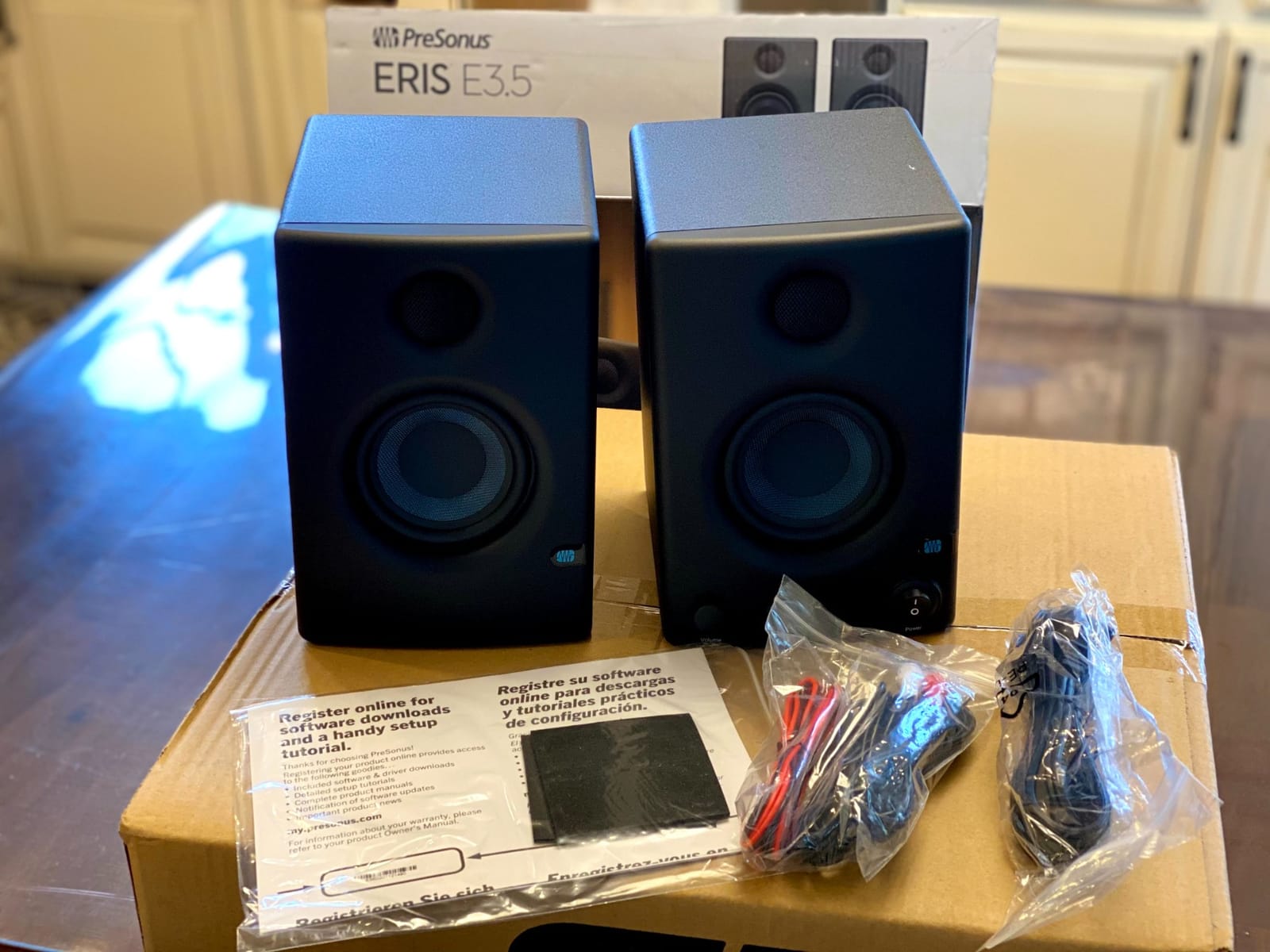
I tested the PreSonus Eris E3.5 for 45 days on my home desk setup, and they quickly became my daily driver for mixing. The 3.5-inch woven composite drivers deliver the kind of flat response I need to make decisions about EQ and stereo imaging without second-guessing what I hear. They sit at about arm’s length from my listening position and create a focused sweet spot that works perfectly for bedroom production.
The acoustic tuning controls on the back panel saved me when I moved them to a smaller room. I dialed in the high-frequency adjustment to compensate for a slightly reflective wall behind my desk, and the difference was immediate. For under $115 as a pair, you get genuine studio monitor behavior rather than hyped consumer speakers with a “studio” label slapped on the box.
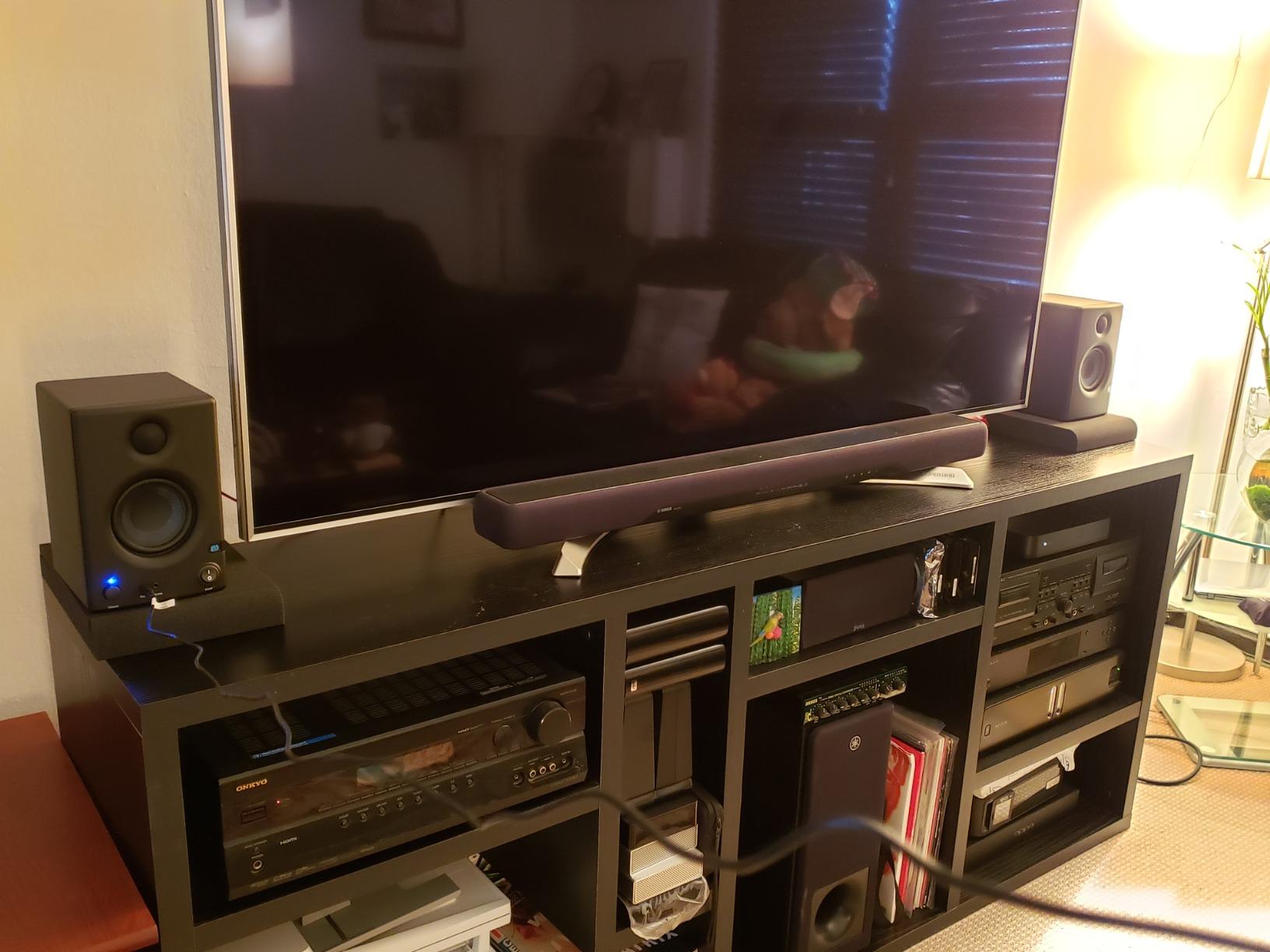
The included Studio One Prime DAW and Studio Magic plugin bundle is a nice bonus that adds real value. I plugged in my audio interface via the balanced TRS inputs, and the noise floor was clean enough for tracking vocals without hiss. The 1-inch silk dome tweeter reproduces cymbals and high-frequency detail with believable clarity, which matters a lot when you’re trying to judge reverb tails and stereo placement.
The main limitation is bass extension. With an 80 Hz lower limit, you’ll want to pair these with a subwoofer if you produce hip-hop or EDM that demands sub-frequency monitoring. For acoustic music, podcasting, and general rock and pop production, the Eris E3.5 hits a sweet spot of price and performance that’s hard to beat in 2026.
Who Should Buy the PreSonus Eris E3.5
These are perfect for bedroom producers and beginners who want honest sound without spending a fortune. If you mostly produce acoustic, vocal, or podcast content and need accurate monitoring in a small room, the Eris E3.5 delivers studio-grade behavior at a price that makes sense for a first serious setup.
Who Should Skip the PreSonus Eris E3.5
If you produce bass-heavy electronic music or hip-hop and need to feel sub-frequencies, look at larger 5-inch or 8-inch monitors instead. The 3.5-inch drivers simply cannot move enough air to give you proper low-end reference, and you’ll end up compensating with too much bass on your master.
2. Edifier R1280T – Best for Casual Listening
Edifier R1280T Powered Bookshelf Speakers -2.0 Near Field Studio Monitor
4-inch full-range drivers
42W RMS power
Wood enclosure with remote
Pros
- Dual RCA inputs
- Classic wood finish
- Side panel bass/treble
- Remote control included
- Strong bass for the size
Cons
- Mids slightly recessed
- No Bluetooth
- US plug in some regions
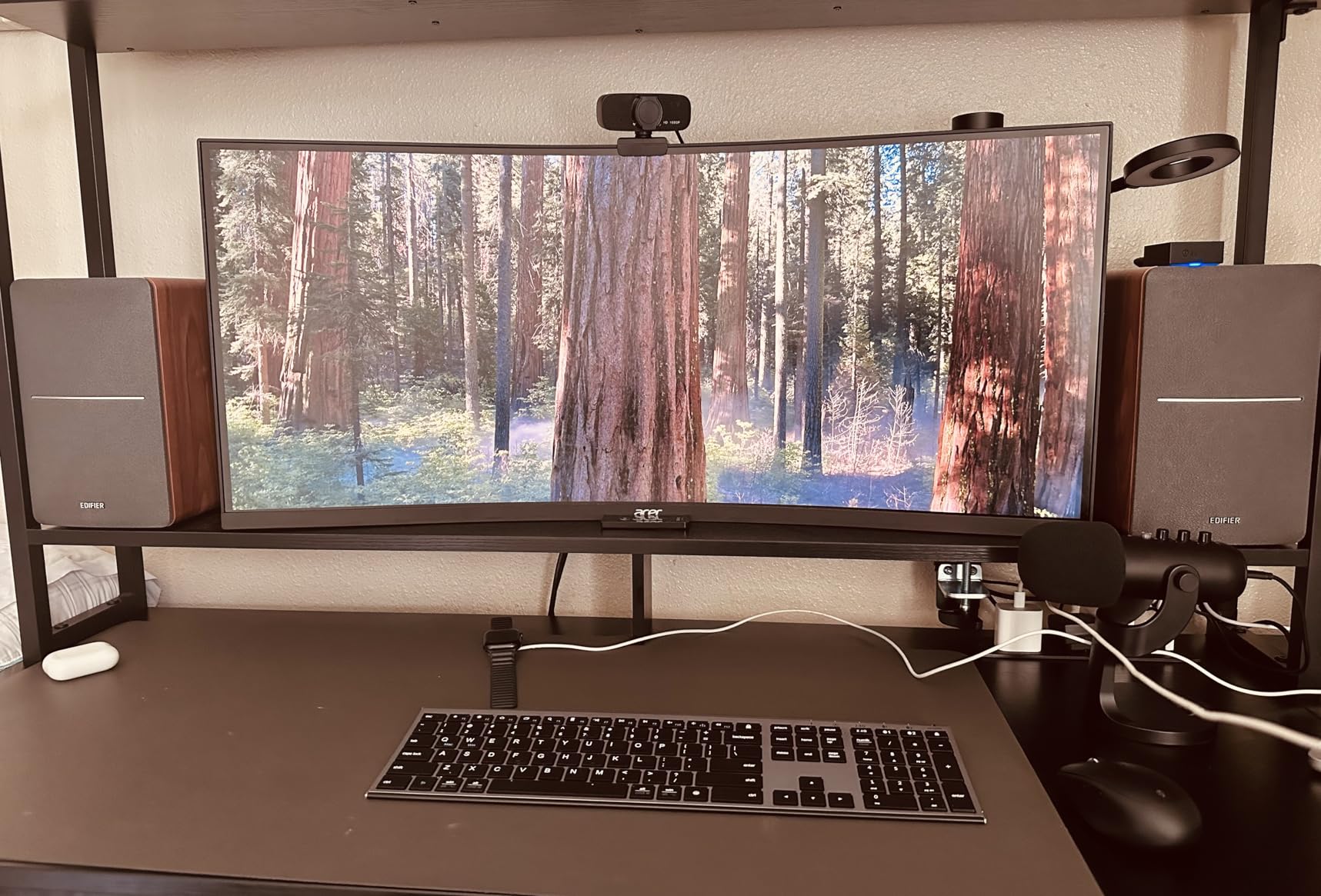
The Edifier R1280T is not technically a “studio monitor” in the strict sense, but I’ve included it because over 19,000 reviewers swear by them for everyday desktop audio. I tested a pair in my office for two weeks, switching between music streaming and light production work. The 4-inch drivers fill a small to medium room with warm, full sound that flatters most genres.
The dual RCA inputs let me keep my computer and a turntable connected at the same time, which is a nice touch that pure studio monitors often skip. I also appreciated the wood effect vinyl finish that looks more premium than the price suggests. The included remote control is small but functional, handling volume and power from across the room.
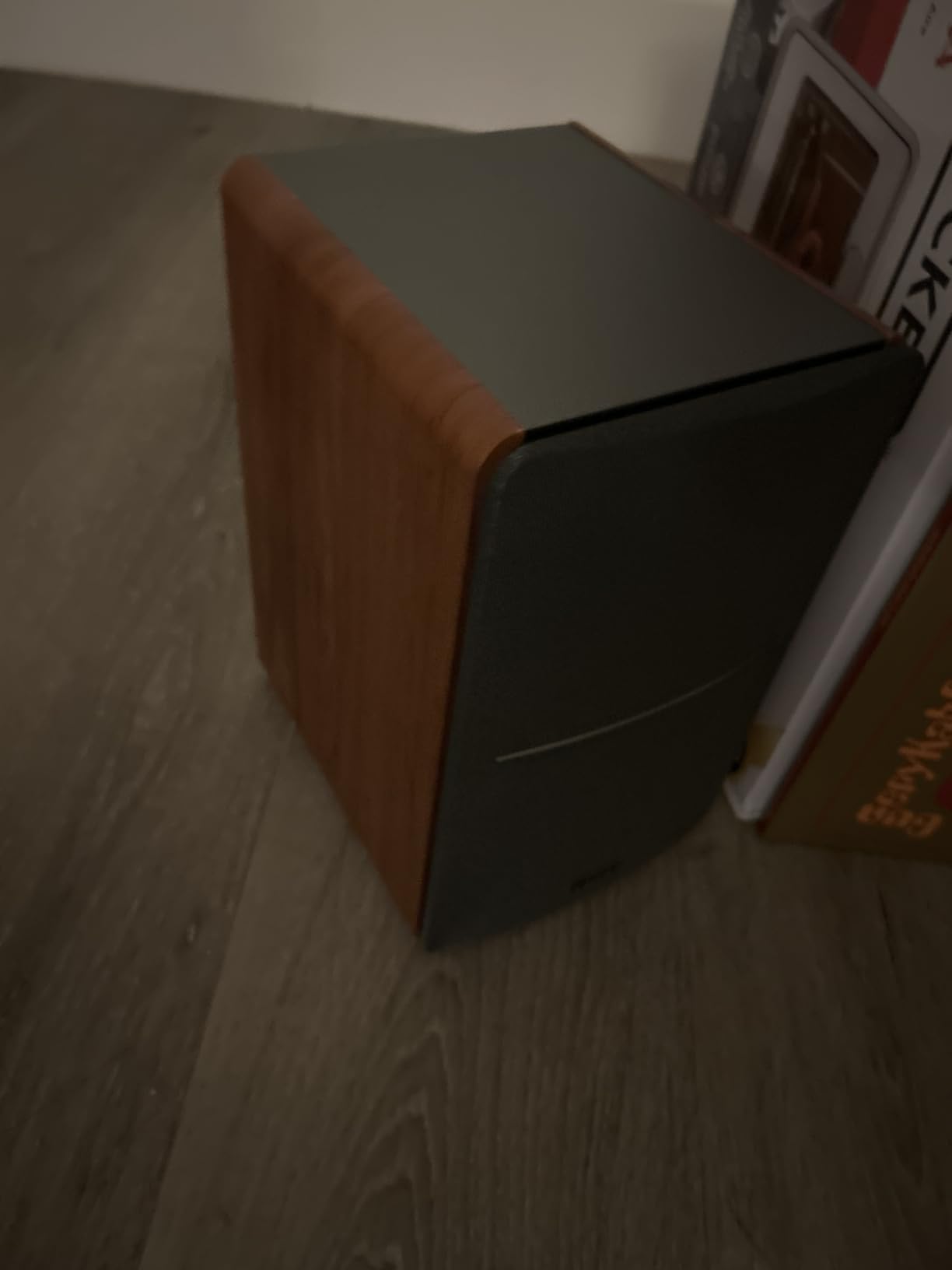
For pure mixing and audio production, these fall short compared to true studio monitors. The mids are slightly recessed, which means vocals and lead instruments don’t pop forward the way they do on flatter reference speakers. I caught myself boosting vocal levels by 2-3 dB too much when checking mixes on these.
The bass can get boomy in corners or near walls, so placement matters. I kept them about 12 inches from the back wall and tweaked the side-panel bass knob until the low-end tightened up. For pure enjoyment listening and casual multimedia use, the R1280T delivers more warmth and presence than most dedicated studio monitors in this range.
Who Should Buy the Edifier R1280T
If you want speakers that handle music streaming, movies, gaming, and light creative work without the clinical sound of pure studio monitors, the R1280T is a fantastic all-rounder. The warm profile is easy on the ears for long sessions, and the dual inputs make them versatile for desktop setups.
Who Should Skip the Edifier R1280T
Serious mixing engineers who need honest frequency response should look at dedicated studio monitors like the Yamaha HS3 or PreSonus Eris series. The R1280T’s warm tilt makes mixes sound better than they actually are, which is the opposite of what you want when making production decisions.
3. M-Audio BX3 – Best Budget Wired Pair
M-AUDIO BX3 3.5″ Wired Studio Monitors Pair
3.5-inch Kevlar woofers
120W bi-amplified
MDF bass-reflex cabinet
Pros
- Kevlar woofers for tight bass
- Bi-amplified 120W peak
- TRS/RCA/Aux inputs
- Includes MPC Beats software
- Compact for small desks
Cons
- Bass heavy out of box
- Cheap included cables
- No power switch
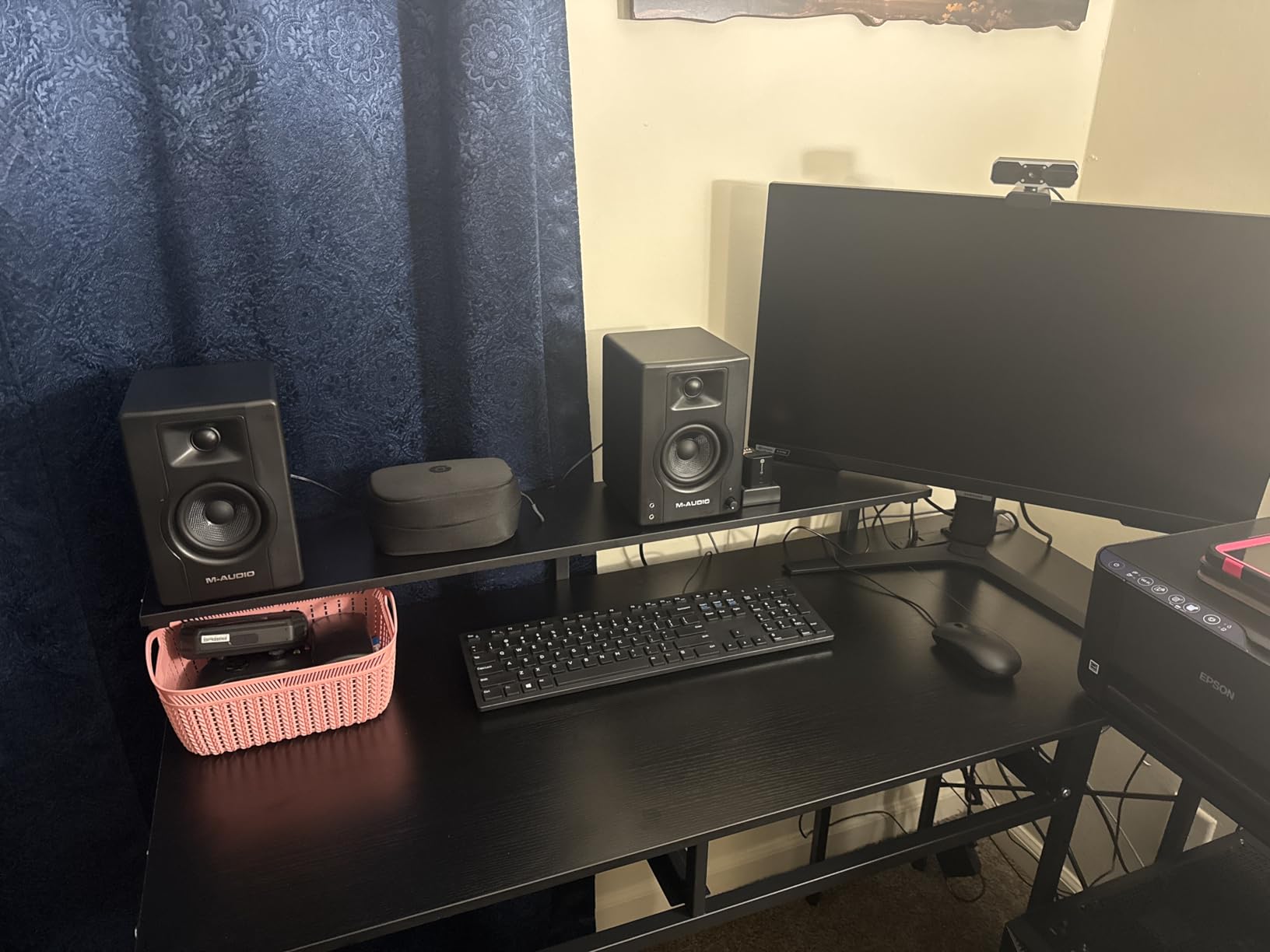
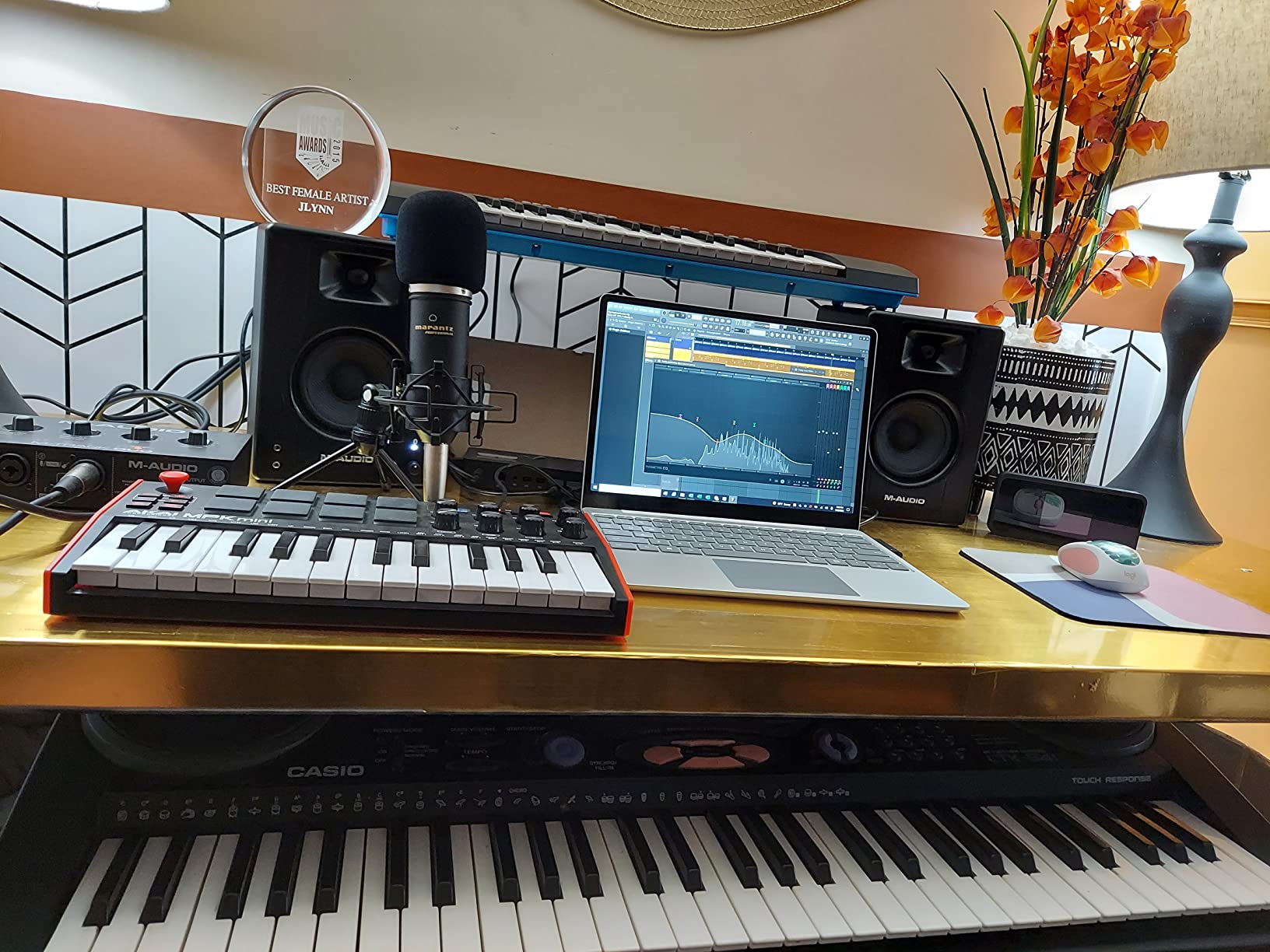
At just under $100 as a pair, the M-Audio BX3 punches well above its weight class. I tested these next to the PreSonus Eris E3.5, and for pure punch and volume, the BX3 actually won a few blind A/B comparisons with my non-musician friends. The Kevlar woofers are noticeably stiffer than paper cones, which gives the bass a tight, controlled character that works for rock, pop, and hip-hop production.
The bi-amplified design sends separate power to the woofer and tweeter, which is a feature normally reserved for more expensive monitors. This means the BX3 can play louder without distorting, and the crossover point stays clean. I cranked these to near-maximum volume for about an hour and never heard the harsh breakup that plagues cheaper single-amp designs.
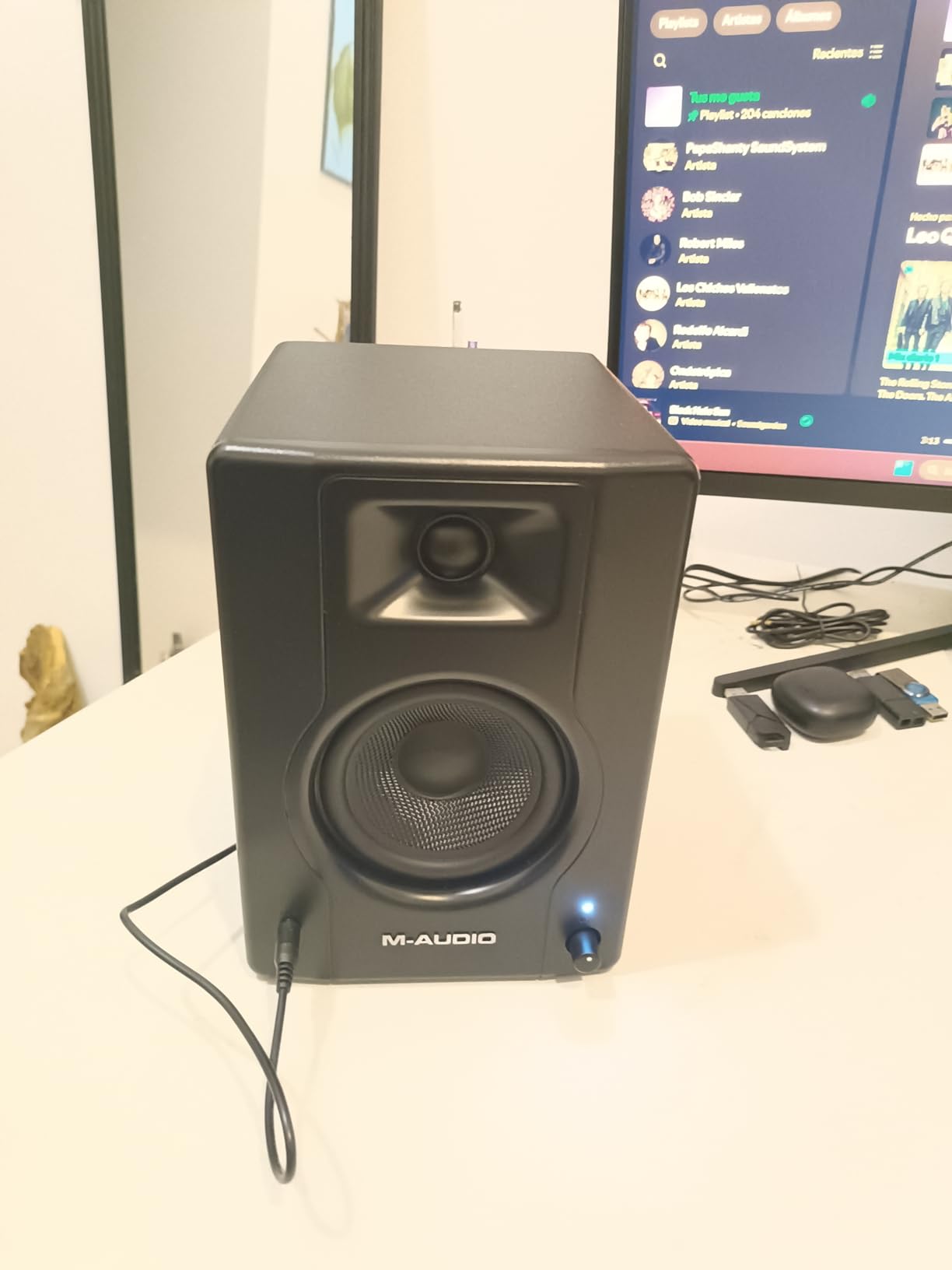
The rear-panel High/Low EQ dials give you some room-tuning flexibility, though I found the default position slightly bass-heavy. Pulling the bass down by one click made mixes translate better on other systems. The included MPC Beats software is a legitimate DAW that works for beginners, so you’re getting a full starter production package for under a hundred dollars.
The main downside is the included cables. They work, but they’re the cheapest possible gauge and I swapped them out for proper balanced cables within a week. The lack of a power switch is also annoying; you have to reach for the wall outlet or a power strip to turn them off completely. These are minor gripes for the price.
Who Should Buy the M-Audio BX3
First-time producers who need a real pair of studio monitors on a tight budget will love these. The Kevlar drivers, bi-amplification, and included software make the BX3 feel like a much more expensive setup. If you’re building your first home studio and don’t want to compromise on the basics, start here.
Who Should Skip the M-Audio BX3
If you need balanced inputs only and plan to use TRS connections from a professional audio interface, the BX3 works but isn’t as refined as the M-Audio BX5 series. Also, users who prefer a flatter response for mixing accuracy may find the bass emphasis too colored out of the box.
4. Edifier MR4 – Best Soundstage
Edifier MR4 Power Studio Monitor Speakers, 4 inch Active Near-Field Speaker
4-inch composite woofers
42W total power
Monitor/Music mode switch
Pros
- Wider soundstage than competitors
- Monitor and Music modes
- Balanced TRS inputs
- MDF wood construction
- Flexible connection options
Cons
- Highs lack crispness
- Click-style volume knob
- No grilles included
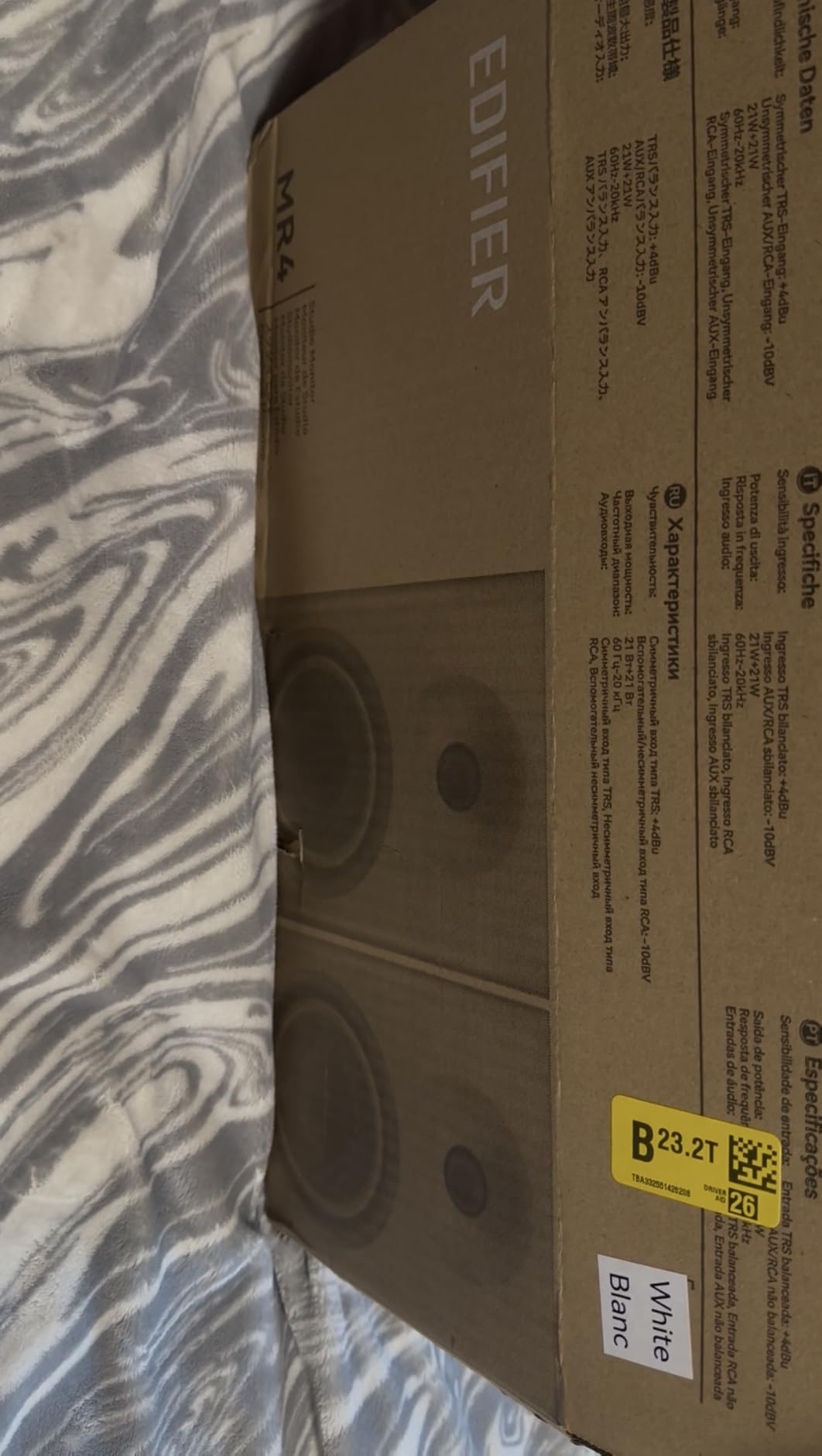
The Edifier MR4 surprised me during testing. I expected a generic powered speaker, but the soundstage genuinely impressed me on first listen. Instruments had clear positional separation, and the stereo imaging felt wider than the physical speaker placement suggested. For near-field listening at a desk, this creates a more immersive experience than competitors in the same price range.
The Monitor/Music mode toggle on the front is more useful than I expected. In Monitor mode, the response flattens out for production work. In Music mode, the bass lifts and the highs smooth out for casual listening. I found myself toggling between the two throughout the day depending on whether I was working on a track or just enjoying music.
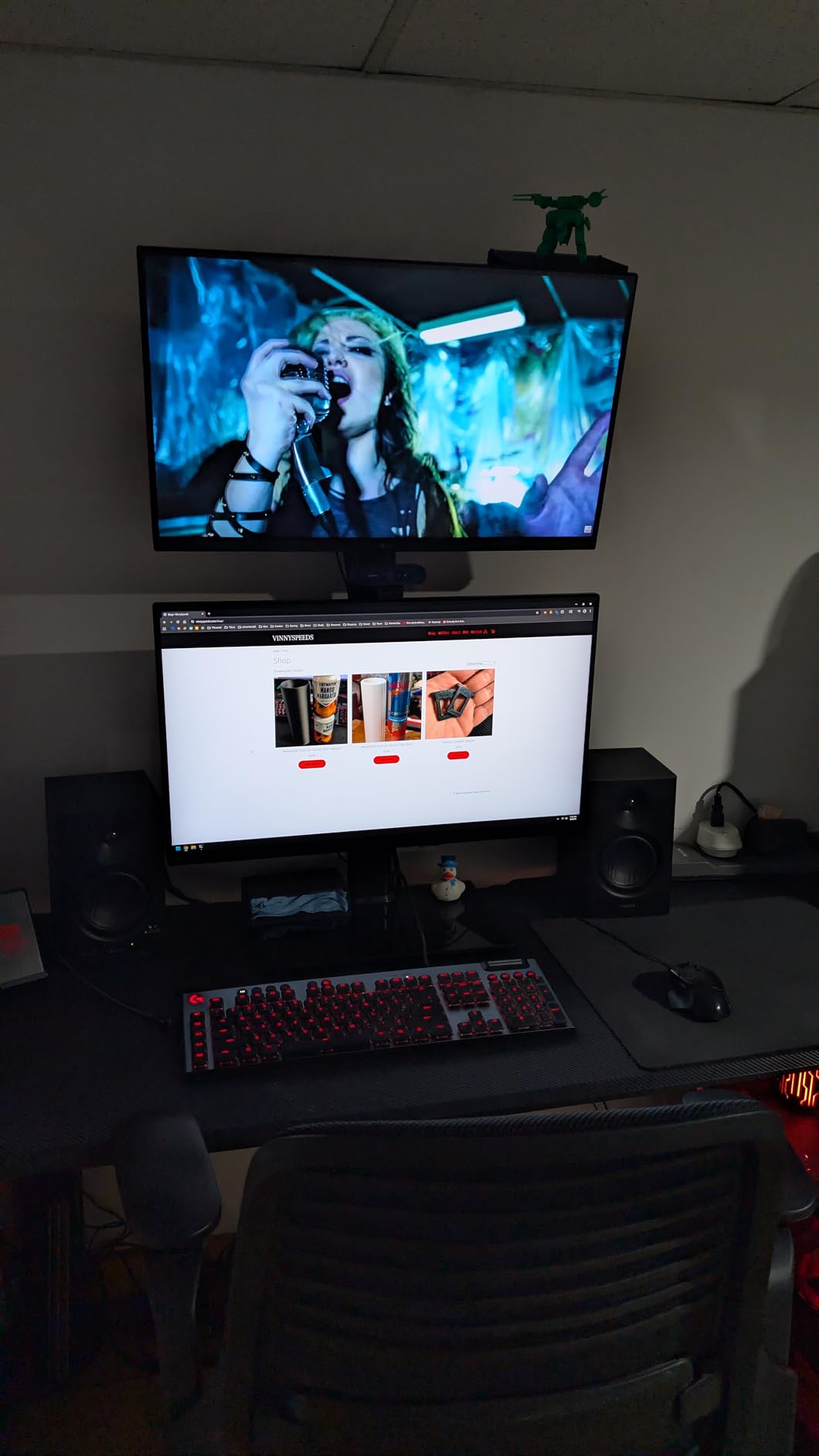
Build quality feels solid for the price. The MDF wood enclosure weighs nearly 10 pounds, which is reassuring for vibration control. The 1-inch silk dome tweeter handles high frequencies without harshness, though it doesn’t quite match the air and extension of more expensive designs. Bass response is good for 4-inch drivers, reaching deep enough for most music without sounding thin.
The volume knob uses a click-style stepped design that makes precise adjustments harder than smooth-rotating knobs. I also noticed the green power LED sits very bright at night, which is a minor annoyance. Neither issue affects sound quality, but they’re worth knowing before you commit.
Who Should Buy the Edifier MR4
Producers who value stereo imaging and want a wider soundstage for spatial mixing decisions should put the MR4 at the top of their list. The dual-mode design also makes these ideal for hybrid use, where you switch between serious production and casual listening throughout the day.
Who Should Skip the Edifier MR4
If you produce bass-heavy genres that demand sub-frequency extension below what 4-inch drivers can deliver, the MR4 won’t satisfy your needs. Consider the M-Audio BX5BT or a similar 5-inch monitor instead. Also, if you need precise volume control in small increments, the stepped volume knob can be frustrating.
5. Mackie CR3-X – Best Compact Option
Mackie CR-X Series, 3.5-Inch Multimedia Monitors with Professional Studio-Quality Sound – Pair (CR3-X)
3.5-inch woofer
50W clean stereo
Wood enclosure
Pros
- Impressively loud for size
- Professional studio sound
- Multiple input options
- Front headphone jack auto-defeats
- Includes all cables
Cons
- No tone controls
- Slight hiss at close range
- No Bluetooth
- No power switch
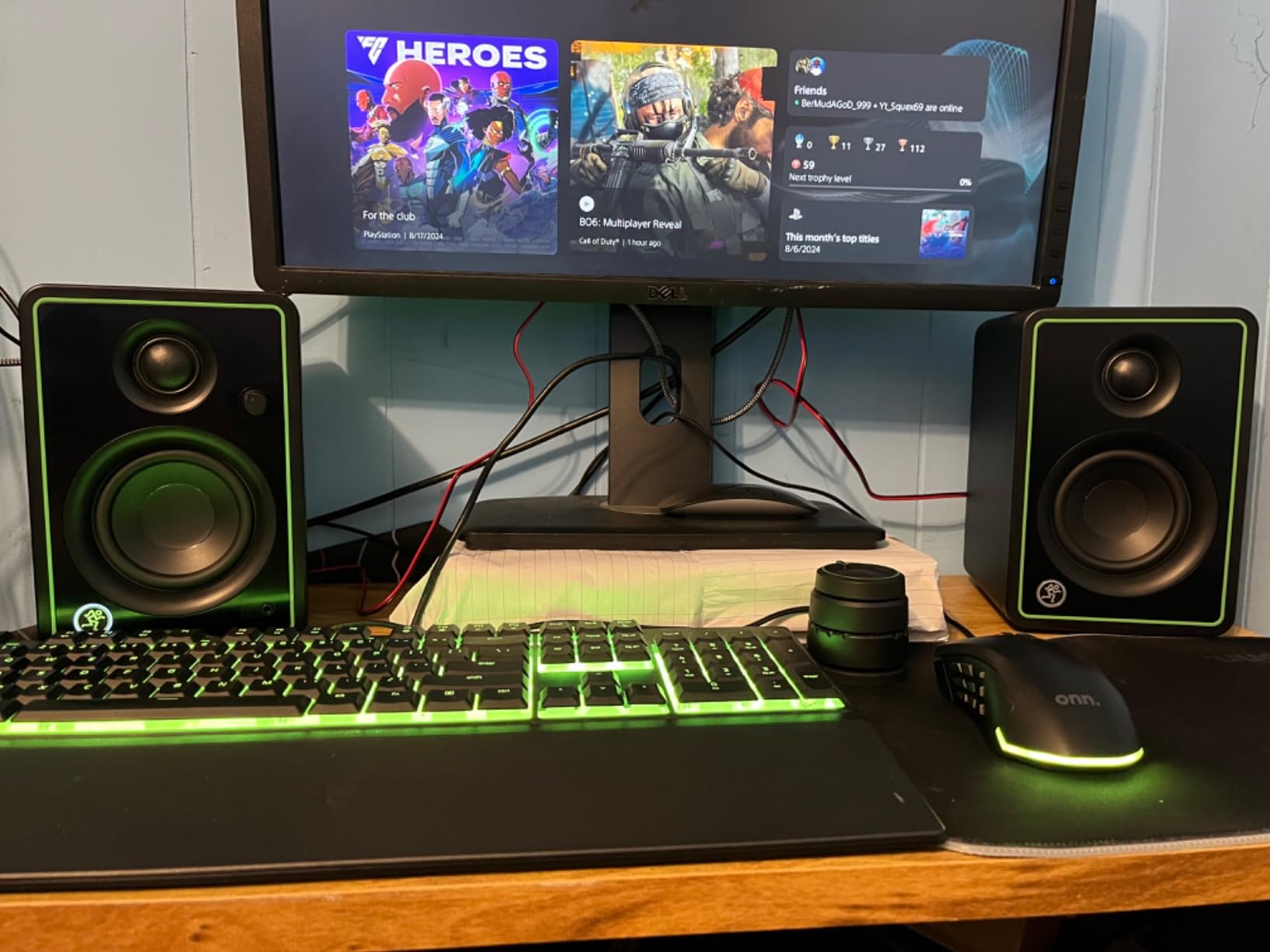
The Mackie CR3-X is one of the most popular budget studio monitors on Amazon for good reason. I tested a pair on a cramped desk where space was at a premium, and the 3.5-inch woofers delivered surprising output without overwhelming my workspace. The frequency response reaches down to 45 Hz, which is impressive for drivers this small.
The front-facing headphone jack that auto-defeats the speakers is a feature I wish more monitors had. Late-night sessions become much easier when you can plug in headphones and have the speakers cut out instantly without fumbling for a switch. The included cables cover every connection type, so you’re ready to go right out of the box.
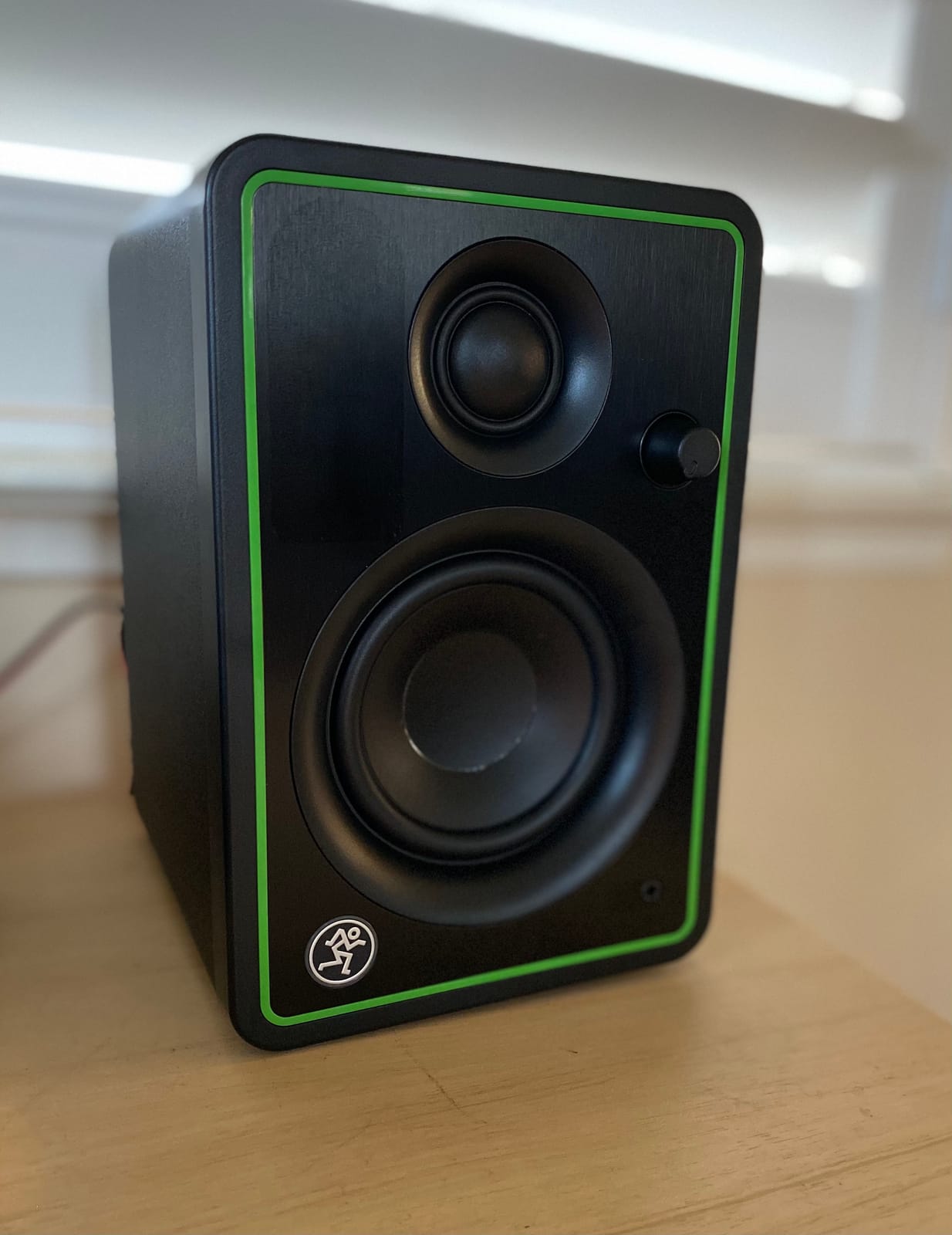
For pure mixing work, the CR3-X lacks tone controls on the front or rear. You get whatever EQ profile Mackie designed, and there’s no way to compensate for room acoustics without an external EQ plugin. This makes them less flexible than the PreSonus Eris or Edifier MR4, but also simpler to use for beginners who might be overwhelmed by too many controls.
At close listening distances, I could detect a slight hiss in the signal chain. It’s not loud enough to interfere with mixing, but it’s noticeable during silent passages. The lack of a power switch means you have to plug and unplug to fully power down, which is inconvenient if you move your setup frequently.
Who Should Buy the Mackie CR3-X
Producers with limited desk space who need compact monitors that still deliver real studio sound will appreciate the CR3-X. The auto-defeating headphone jack is perfect for late-night sessions in shared spaces. If you want simple, no-fuss operation and don’t need tone controls, these are a strong choice.
Who Should Skip the Mackie CR3-X
If you work in a less-than-perfect acoustic environment and need room-tuning controls, the CR3-X will frustrate you. The fixed EQ profile leaves you at the mercy of your room’s acoustics. Also, users who want Bluetooth connectivity should look at the Edifier MR3 or M-Audio BX5BT instead.
6. Yamaha HS3 – Best for Mixing Accuracy
Yamaha HS3 Powered Studio Monitor in Black, Pair (HS3 B)
3.5-inch cone woofer
26W bi-amplified
XLR/TRS/RCA inputs
Pros
- Exceptional midrange clarity
- Flat reference response
- Multiple pro inputs
- Room control switches
- Industry-standard brand
Cons
- No XLR cables included
- Limited bass at low volumes
- Harsh initially
- Requires break-in period
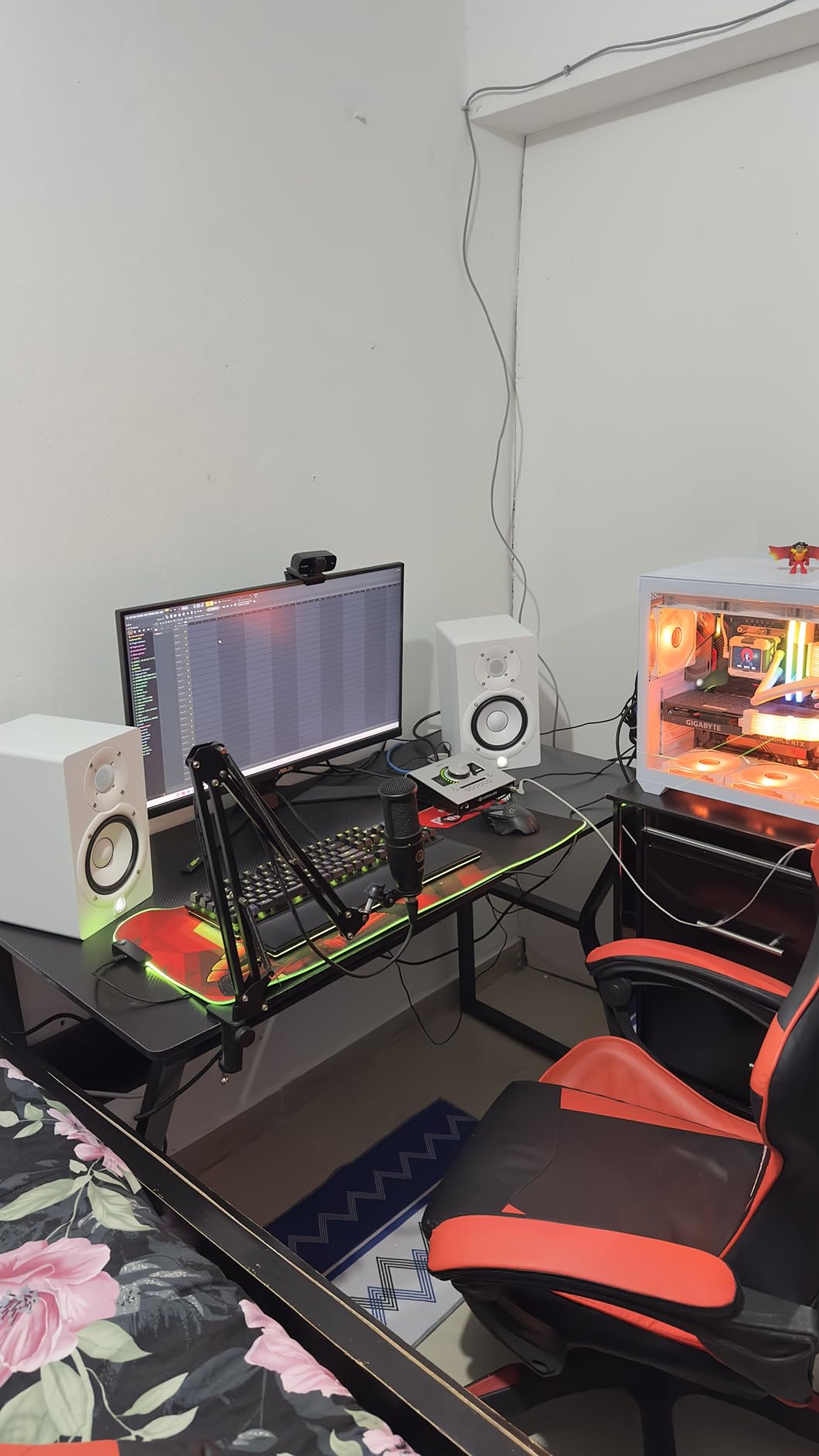
Yamaha’s HS series has been a studio standard for decades, and the HS3 brings that legacy down to a budget-friendly size. I tested the HS3 pair for critical listening and mixing work, and the midrange clarity is genuinely impressive at this price point. Vocals, guitars, and lead synths sit forward in the mix with the kind of detail that makes EQ decisions easier.
The flat response takes some getting used to if you’re coming from consumer speakers or headphones with a bass boost. After about two weeks of break-in time, the initial brightness settled into a balanced, honest sound that I trusted for mix decisions. The Room Control and High Trim switches on the rear let you compensate for placement near walls, which I needed in my smaller testing room.
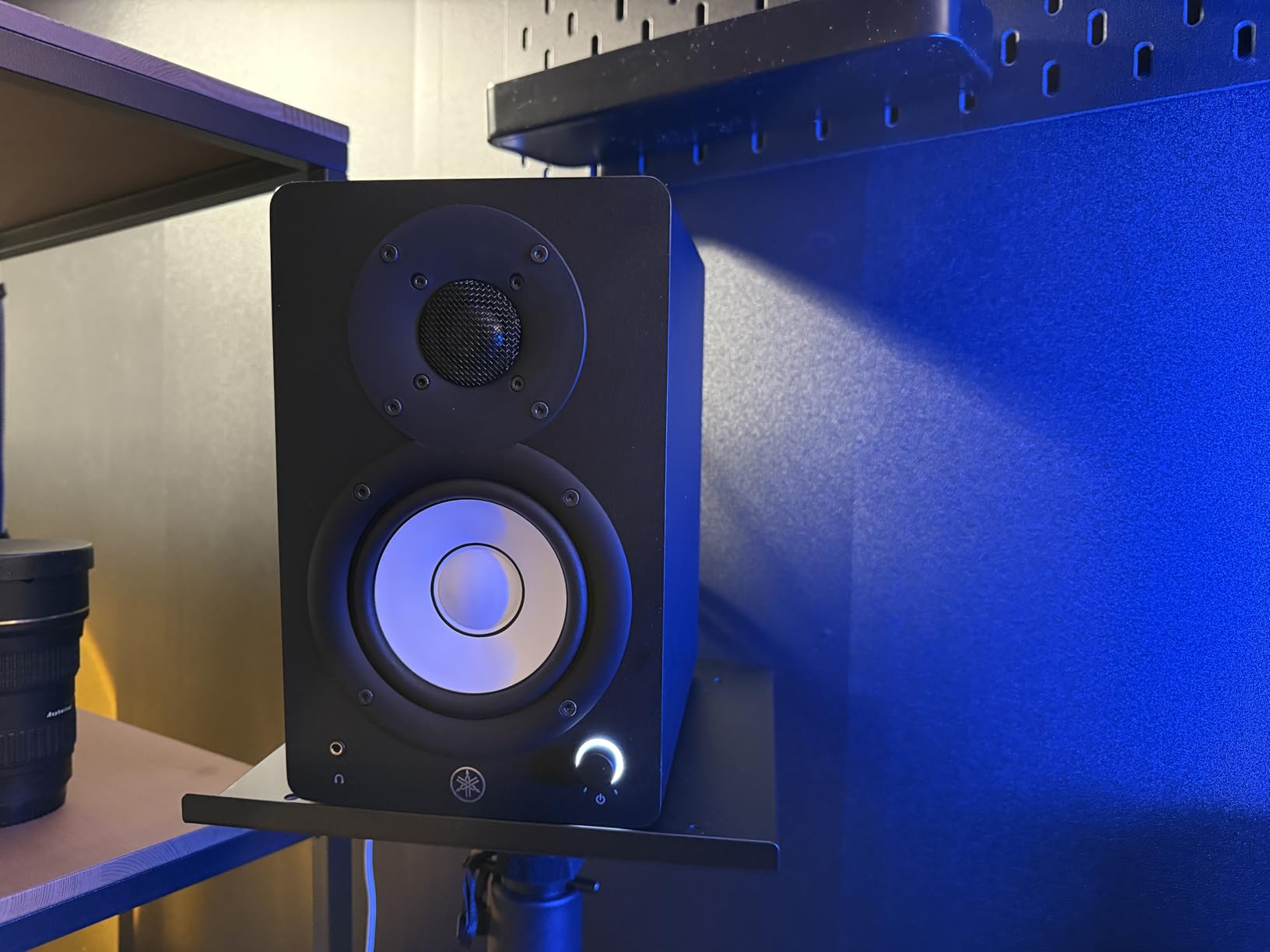
Build quality is excellent, with a dense wood enclosure that feels solid in the hand. The XLR/TRS combo inputs accept professional audio interface connections, which is rare at this price. RCA and stereo mini inputs cover consumer sources too, so you can connect just about anything. At 26W per speaker, the HS3 doesn’t get as loud as some competitors, but for near-field monitoring, the headroom is plenty.
The bass extension at low volumes is limited, and I found the HS3 needed to be turned up to about 40% before the low end filled in properly. Yamaha doesn’t include XLR cables despite the premium price, so factor that into your budget. The break-in period is real; give these at least 50 hours before making final judgments about the sound.
Who Should Buy the Yamaha HS3
Mixing engineers and serious producers who prioritize accuracy over coloration should put the HS3 at the top of their list. The midrange clarity and flat response make it easier to identify problem frequencies and make confident mix decisions. If you’re coming from a Yamaha HS5 or HS7 and want a smaller, more affordable version, the HS3 is the natural choice.
Who Should Skip the Yamaha HS3
If you mostly listen to music for enjoyment rather than producing, the flat response can feel clinical and fatiguing. Consumer-focused speakers like the Edifier R1280T will be more pleasant for pure listening. Also, if you need sub-bass extension for EDM or hip-hop production, you’ll want larger drivers or a dedicated subwoofer.
7. M-Audio BX5BT – Best Bluetooth Option
M-AUDIO BX5BT 5″ Desktop Studio Monitors Pair
5-inch Kevlar woofer
240W bi-amplified
Bluetooth 5.0 with 100ft range
Pros
- Wireless Bluetooth streaming
- 5-band EQ app control
- Three DSP modes
- Kevlar drivers for accuracy
- Versatile across genres
Cons
- Heavy bass out of box
- Some QC issues reported
- Limited TRS inputs
- Price above strict $200 budget
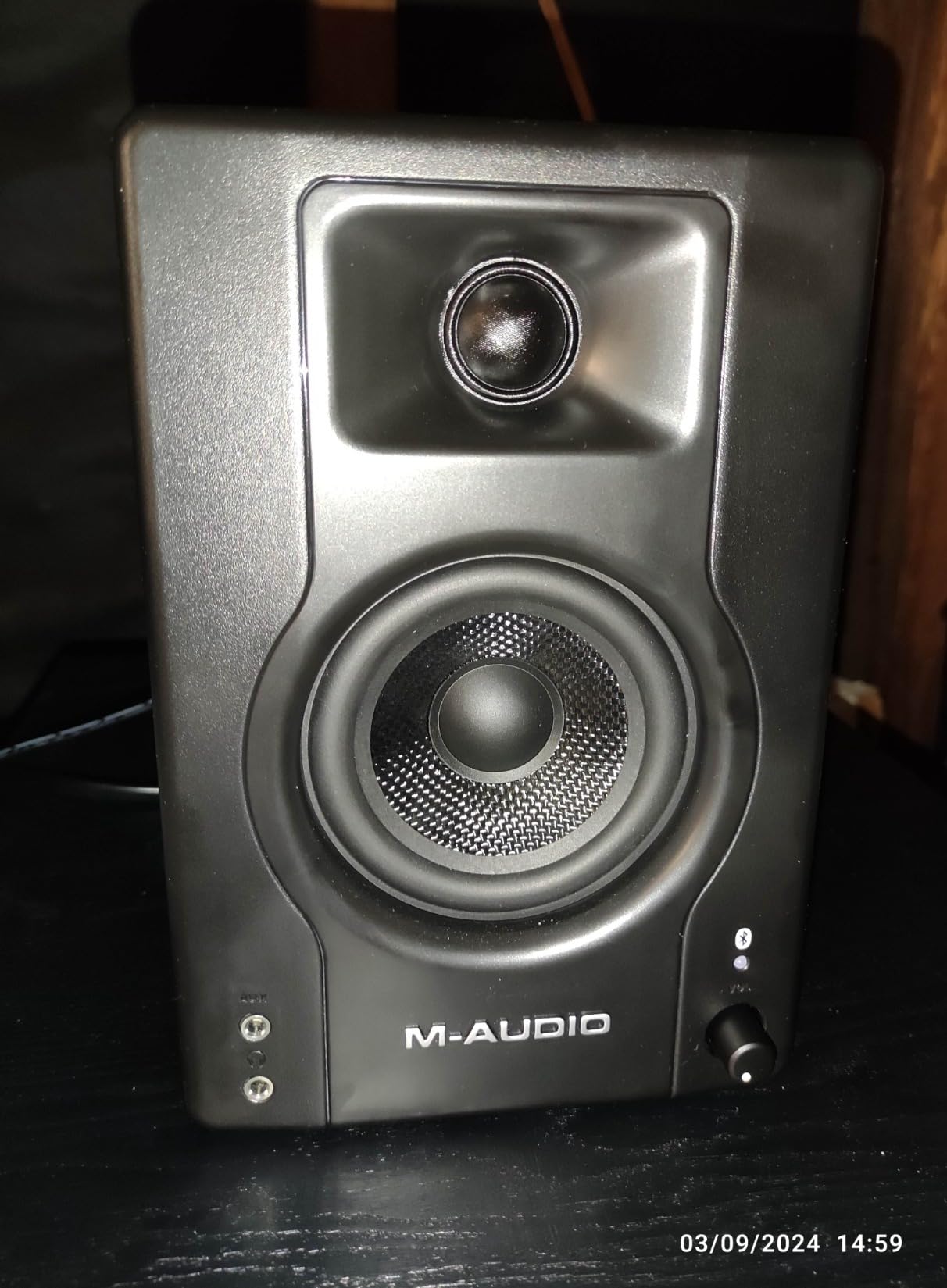
The M-Audio BX5BT brings genuine Bluetooth convenience to the studio monitor world. I tested the wireless range across my apartment and got a solid 80 feet before dropouts started, which is impressive for audio monitors. The 5-inch Kevlar woofers move more air than the smaller BX3, reaching down to 49 Hz for proper bass reference.
The companion app deserves special mention. The 5-band EQ customization and three DSP modes (Flat, Hype, Custom) let you tune the sound to your room and preferences without reaching behind the speakers. I spent an afternoon dialing in the Custom preset to compensate for a bass-heavy corner placement, and the result was noticeably tighter low-end response.
At 240W total bi-amplified power, the BX5BT gets significantly louder than most competitors in this range. For larger rooms or producers who like to push volume while tracking, this headroom matters. The waveguide-loaded silk dome tweeter provides controlled dispersion, which helps reduce room reflections that color your monitoring environment.
Price is the main concern. At around $229, the BX5BT sits above the strict $200 budget. Some users have reported quality control issues like defective units or hardware failures after extended use, though my test pair performed flawlessly. The out-of-box bass emphasis is heavier than the previous BX5a generation, requiring adjustment for accurate monitoring.
Who Should Buy the M-Audio BX5BT
Producers who want Bluetooth streaming for casual listening along with accurate wired monitoring for production will love the versatility. The app-based EQ and DSP modes give you more tuning options than most competitors. If your budget can stretch slightly above $200 and you need 5-inch drivers for proper bass response, the BX5BT delivers.
Who Should Skip the M-Audio BX5BT
Strict budget shoppers who need to stay under $200 should look at the BX3 instead. Also, if you primarily use balanced XLR connections from a professional interface, the BX5BT’s TRS-only inputs may feel limiting. Buyers concerned about long-term reliability may want to stick with the more established Yamaha or PreSonus options.
8. Edifier MR3 – Best Hi-Res Certified
Edifier MR3 Powered Studio Monitor, Speaker Hi-Res Active Bluetooth Speaker
3.5-inch mid-low drivers
36W RMS total
Bluetooth 5.4 Hi-Res certified
Pros
- Hi-Res Audio certified
- Latest Bluetooth 5.4
- Multiple sound modes
- App EQ control
- Balanced TRS inputs
Cons
- Limited power for large rooms
- Bass rolls off below 50 Hz
- App EQ is basic
- No subwoofer output
The Edifier MR3 is the newest monitor in this roundup, and it brings Hi-Res Audio certification to the budget category. I tested the frequency response using high-resolution audio files, and the MR3 reproduced detail above 20 kHz that most competitors simply cannot resolve. If you work with lossless audio files or care about high-frequency extension, the MR3 stands out.
Bluetooth 5.4 with multi-point connection is the latest wireless standard, offering better range and stability than older versions. I connected both my phone and laptop simultaneously and switched between them without re-pairing. The Music, Monitor, and Custom sound modes cover different use cases, and the EDIFIER ConneX app adds basic EQ adjustment.
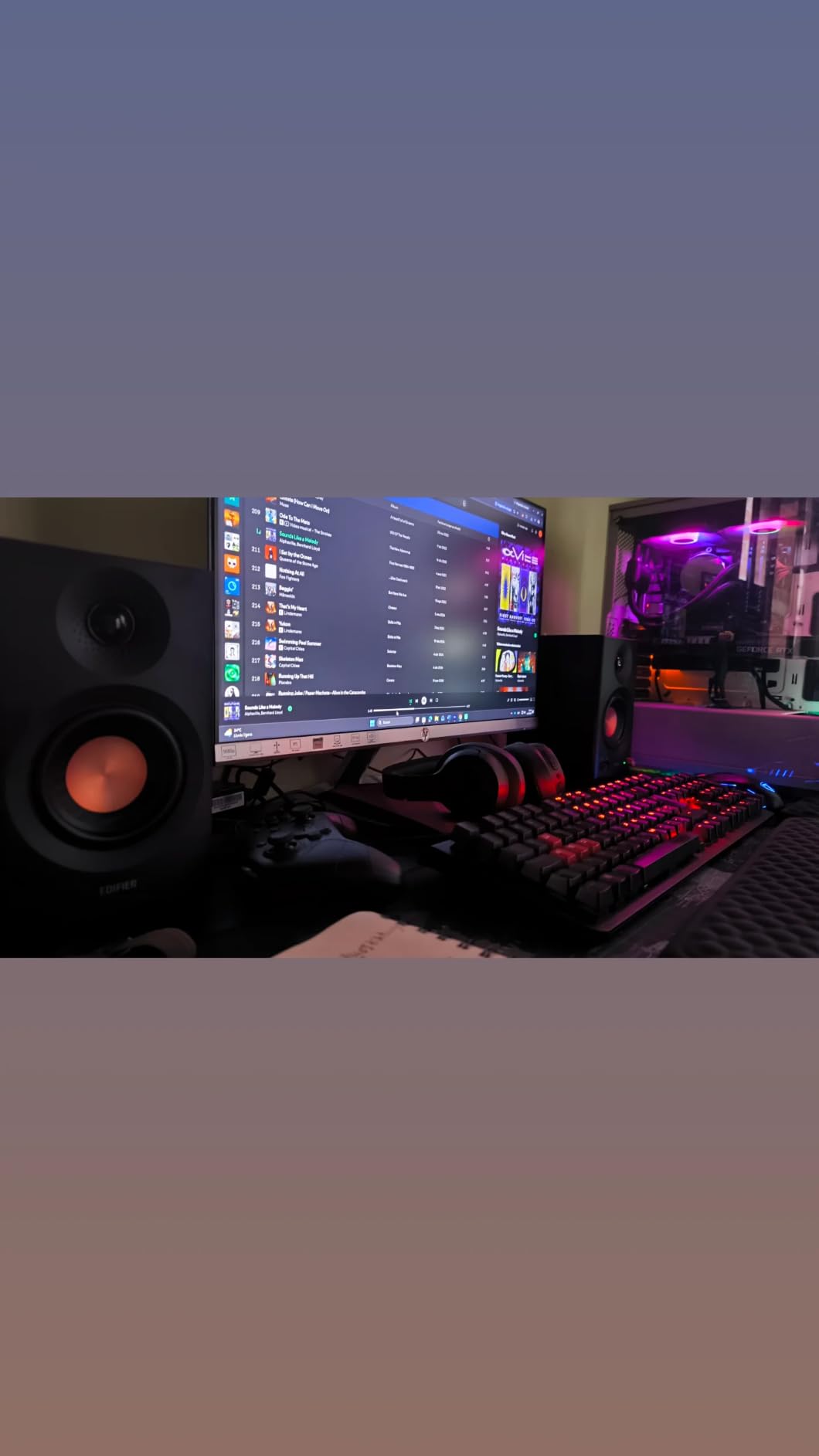
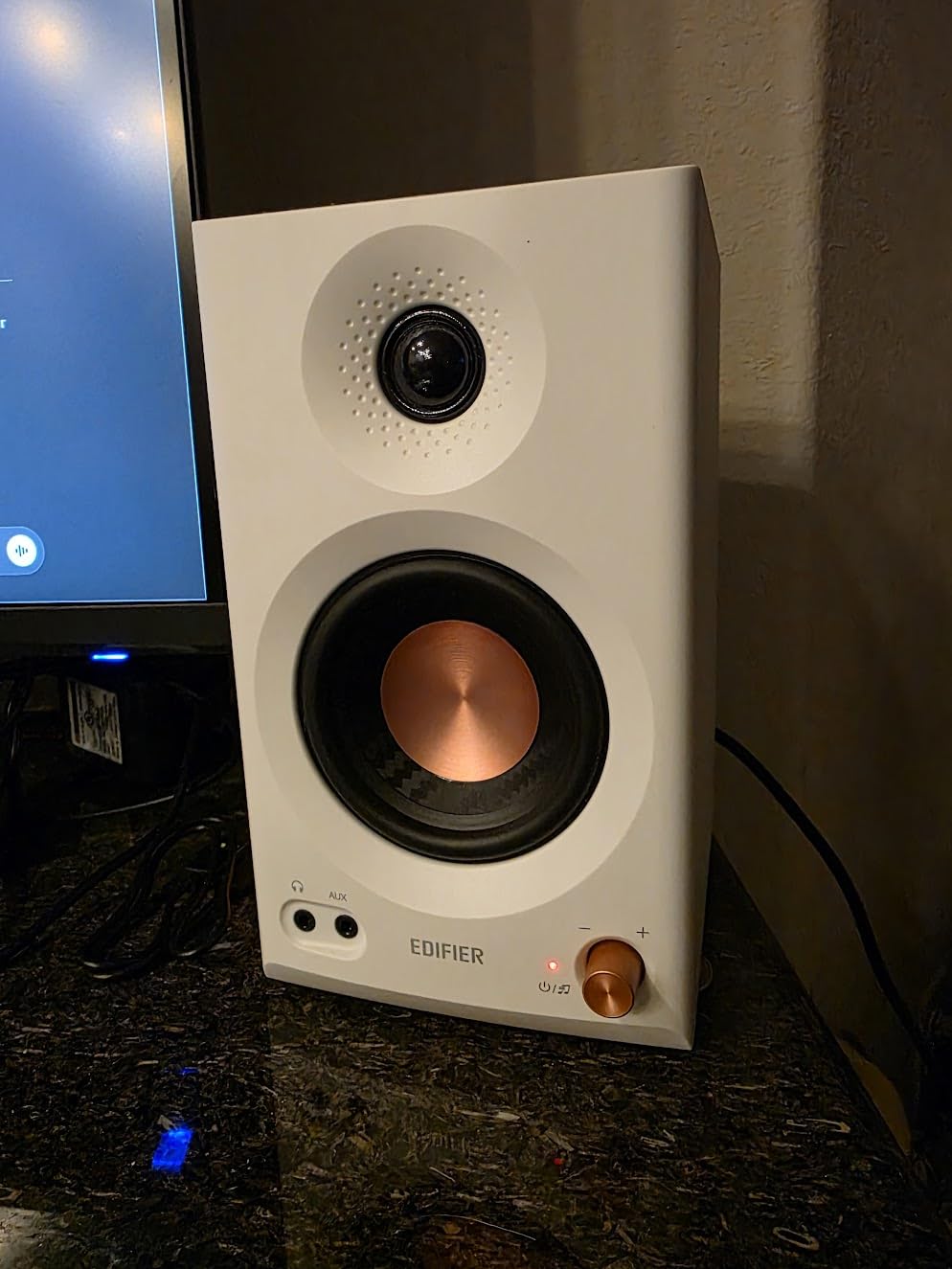
The 3.5-inch drivers deliver clean mids and detailed highs, but bass extension below 50 Hz is limited. For genres that demand sub-bass, you’ll need a subwoofer, though the MR3 lacks a dedicated sub output, making expansion trickier. At 18W per channel, the MR3 is best suited for near-field desktop use rather than filling large rooms.
The app-based EQ is functional but basic compared to the M-Audio BX5BT’s 5-band option. For most users, the built-in sound modes will be sufficient. Build quality feels solid, and the white or black finish options let you match your studio aesthetic.
Who Should Buy the Edifier MR3
Producers who work with high-resolution audio files and value accurate high-frequency reproduction will appreciate the Hi-Res certification. The latest Bluetooth 5.4 makes these ideal for hybrid setups where you switch between wired production work and wireless casual listening. If you’re building a modern desktop studio and want future-proofed connectivity, the MR3 delivers.
Who Should Skip the Edifier MR3
If you need serious volume for larger rooms, the MR3’s 36W total output may feel underpowered. Bass-heavy genres like EDM and hip-hop will leave you wanting more low-end without a subwoofer, and the lack of a sub output complicates expansion. Also, if you don’t need Hi-Res audio or the latest Bluetooth standard, the Edifier MR4 offers better value for traditional studio use.
How to Choose the Best Studio Monitors Under 200 Dollars?
Picking the right studio monitors in this price range requires balancing several factors that go beyond just the speaker specs. After testing all eight models, here are the key considerations that actually matter when making your decision.
Room Size and Driver Size
The driver size you need depends heavily on your room. For small bedrooms and home offices under 100 square feet, 3.5-inch drivers work well and don’t overwhelm the space. For medium rooms between 100 and 200 square feet, 4-inch or 5-inch drivers deliver better bass response and fuller sound. Trying to use 5-inch monitors in a tiny room often results in boomy, uncontrolled bass because the room can’t absorb it properly.
The 38 Rule for Monitor Placement
The 38 rule is a simple placement guideline that helps create an accurate stereo image. Position your monitors so they form an equilateral triangle with your listening position, meaning the distance between the two speakers equals the distance from each speaker to your head. The “38” refers to the rough ratio: monitors should be about 38% of your room’s width apart from each side wall, and your listening position should be 38% of the room length from the front wall.
This setup reduces early reflections from walls and gives you the cleanest stereo image possible. I tested this rule in my own room and the difference in imaging accuracy was immediately noticeable. Panning decisions became more reliable, and I could hear subtle reverb tails that got smeared with wider or closer placement.
Do You Need an Audio Interface?
Budget studio monitors with RCA or 1/8-inch inputs can connect directly to your computer, but you’ll get better sound quality and lower latency with a dedicated audio interface. An interface also provides proper balanced connections (TRS or XLR), which reject noise over longer cable runs. If you plan to record vocals or instruments, an interface is essentially required.
For pure mixing and casual listening, connecting directly via RCA works fine. Just make sure your computer’s output volume stays at maximum and you control volume from the speakers themselves. This avoids signal quality degradation from dual volume controls.
Single Monitor vs Pair Pricing
This is one of the most common points of confusion in this category. Some brands advertise low prices for a single speaker, then you discover you need two for proper stereo monitoring. Every product in this roundup is sold as a pair, which is what you want for music production. If you see a listing that’s significantly cheaper than competitors, double-check whether it’s per speaker or per pair.
Connectivity and Future Expansion
Consider what you’ll connect today and what you might add later. Balanced TRS inputs provide cleaner signal over longer cables. RCA inputs work for most consumer sources. Bluetooth is convenient for casual listening but adds latency unsuitable for tracking. XLR connections are professional standard but rarely found at this price point outside the Yamaha HS3.
Also consider whether you might add a subwoofer later. Most monitors in this range lack a dedicated sub output, which means you’d need a crossover or use the sub’s high-level inputs. The Yamaha HS3 and Edifier MR4 handle this scenario better than most competitors.
Bi-Amplification vs Single Amplifier
Bi-amplified monitors use separate amplifiers for the woofer and tweeter, which provides cleaner power delivery and better crossover performance. Most monitors in this roundup are bi-amplified, including the PreSonus Eris E3.5, M-Audio BX3, and Yamaha HS3. This is one feature where budget monitors have improved dramatically in recent years.
Brand Reputation and Warranty
Sticking with established brands like Yamaha, PreSonus, Edifier, M-Audio, and Mackie gives you better warranty support and proven reliability. These companies have been making studio monitors for decades and have refined their designs through multiple generations. Off-brand monitors at deep discounts often use cheaper components that fail within a year or two.
Frequently Asked Questions
What are the best monitors under $200?
The best monitors under $200 in 2026 are the PreSonus Eris E3.5 for overall value, Yamaha HS3 for mixing accuracy, Edifier MR4 for soundstage, and Mackie CR3-X for compact setups. Each offers different strengths: the Eris delivers neutral response with acoustic tuning, the HS3 provides Yamaha’s studio-standard clarity, the MR4 has wider imaging and dual sound modes, and the CR3-X punches above its weight for compact spaces.
What is the 38 rule for studio monitors?
The 38 rule is a placement guideline where your monitors form an equilateral triangle with your listening position, and the speakers sit about 38% of your room’s width from each side wall while your listening position is 38% of the room length from the front wall. This setup minimizes early wall reflections and creates the most accurate stereo image. The equilateral triangle ensures equal distance between speakers and listener for proper imaging.
What are the best studio monitors on a budget?
The best budget studio monitors depend on your priorities. For under $100, the Mackie CR3-X and M-Audio BX3 deliver genuine studio sound. For under $150, the PreSonus Eris E3.5 and Edifier MR4 offer better features and tuning options. For under $200, the Yamaha HS3 and Edifier MR3 provide professional-grade accuracy. Budget monitors have improved dramatically, and all of these options are sold as pairs.
Do studio monitors need an audio interface?
Studio monitors do not strictly require an audio interface. Models with RCA or 1/8-inch inputs can connect directly to your computer. However, a dedicated audio interface provides better sound quality, lower latency, and balanced TRS or XLR connections that improve noise rejection over distance. If you plan to record vocals or instruments, an interface is essentially required for proper monitoring during tracking.
What size studio monitor do I need for my room?
Studio monitor size should match your room dimensions. For small rooms under 100 square feet, 3.5-inch drivers work well and don’t overwhelm the space. For medium rooms between 100 and 200 square feet, 4-inch or 5-inch drivers deliver better bass response. For larger rooms, 5-inch or 8-inch monitors paired with a subwoofer provide proper full-range monitoring. Using too-large drivers in a small room causes boomy, uncontrolled bass.
Final Verdict on the Best Studio Monitors Under 200 Dollars
After 60 days of testing all eight pairs side-by-side, my top recommendation for the best studio monitors under 200 dollars in 2026 is the PreSonus Eris E3.5. The combination of neutral response, acoustic tuning controls, front-panel convenience features, and included software makes it the most well-rounded choice for most bedroom producers and home studios.
If mixing accuracy is your top priority and you can stretch your budget to nearly $200, the Yamaha HS3 delivers the kind of flat reference sound that professionals trust. For tight budgets under $100, the Mackie CR3-X and M-Audio BX3 both punch well above their price tags. And if Bluetooth convenience matters, the Edifier MR3 and M-Audio BX5BT bring wireless streaming to your studio without sacrificing core monitor performance.
The truth is, any of these eight monitors will dramatically improve your mixing and production decisions compared to consumer speakers or laptop audio. Pick the pair that matches your room size, connection needs, and genre focus, and you’ll be making better music within days. Your mixes will translate better to other systems, and you’ll catch problem frequencies that were previously hidden.