
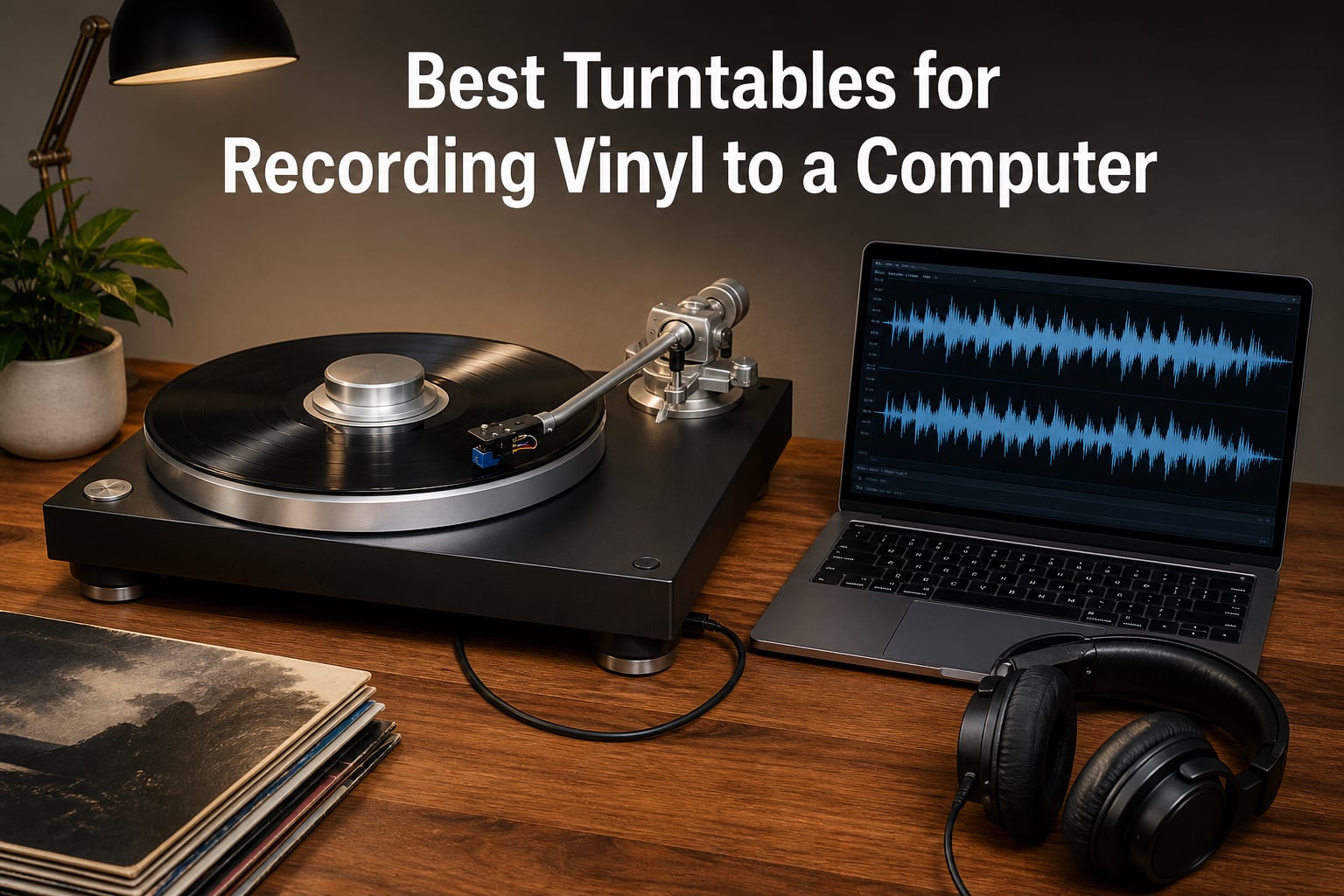
Yes, you can record vinyl straight to a computer, and the easiest way to do it is a USB turntable — a record player with a built-in analog-to-digital converter that shows up on your desktop like a microphone. We spent the last few months digitizing crate-dug 12-inches, thrift-store 45s, and a few family heirloom LPs while comparing the best turntables for recording vinyl to a computer side by side. A few of the results surprised us.
A USB turntable reads the groove with its cartridge, converts that tiny electrical signal to digital inside the unit, and sends it down a single cable. No interface, no separate phono stage, no driver hunting on modern operating systems. The catch is that the converter and preamp inside budget decks are usually the weakest links, which is why deck choice matters even more for ripping than for casual listening.
That distinction shaped our whole test. We recorded the same pressings on every deck here, compared level-matched WAV files in a DAW, and checked pitch stability with a strobe app across full album sides. We also weighed what long-term owners report in the r/turntables and r/DJs threads, because reliability problems surface in forums long before they surface in a spec sheet.
Below you will find our top three picks, a comparison table of all ten decks, full hands-on reviews, a buying guide that finally settles the USB-versus-audio-interface question, and a step-by-step Audacity workflow you can follow tonight.
Table of Contents
Top 3 Picks for Recording Vinyl to a Computer in October
The short version: the Audio-Technica AT-LP120XUSB is the deck we reach for when a rip has to be right, because its quartz-locked direct-drive motor simply does not drift. The AT-LP5X is the step-up for people whose rips double as their main listening copies. And the 1 BY ONE belt-drive gets 90 percent of the archiving job done for casual collections.
Best Turntables for Recording Vinyl to a Computer in 2026
Here is the full field of ten decks we tested, from reference-grade direct-drives down to the cheapest usable USB ripper. Every model here records to a computer over USB, and every one has a built-in phono preamp.
| Product | Specs | Action |
|---|---|---|
 Audio-Technica AT-LP120XUSB Audio-Technica AT-LP120XUSB |
|
Check Latest Price |
 Audio-Technica AT-LP5X Audio-Technica AT-LP5X |
|
Check Latest Price |
 Audio-Technica AT-LP120XBT-USB Audio-Technica AT-LP120XBT-USB |
|
Check Latest Price |
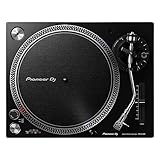 Pioneer DJ PLX-500 Pioneer DJ PLX-500 |
|
Check Latest Price |
 Denon DP-450USB Denon DP-450USB |
|
Check Latest Price |
 Audio-Technica AT-LP60XBT-USB Audio-Technica AT-LP60XBT-USB |
|
Check Latest Price |
 Gemini TT-5000 Gemini TT-5000 |
|
Check Latest Price |
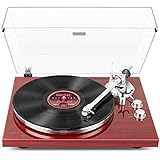 1 BY ONE Belt Drive Turntable 1 BY ONE Belt Drive Turntable |
|
Check Latest Price |
 Retrolife Vinyl Record Player Retrolife Vinyl Record Player |
|
Check Latest Price |
 DIGITNOW Belt Drive Turntable DIGITNOW Belt Drive Turntable |
|
Check Latest Price |
1. Audio-Technica AT-LP120XUSB – The Direct-Drive Workhorse for Ripping Records
Audio-Technica AT-LP120XUSB-BK Direct-Drive Turntable (Analog & USB), Fully Manual, Hi-Fi, 3 Speed, Convert Vinyl to Digital, Anti-Skate and Variable Pitch Control, Black
Direct-drive motor
33/45/78 RPM
USB output
Switchable phono preamp
Quartz speed lock
Pros
- Direct-drive speed stability
- USB digitization
- Three speeds including 78 RPM
- Adjustable anti-skate
- Aluminum platter
Cons
- No auto-return
- Plastic chassis
- Manual is vague
The AT-LP120XUSB is the deck we kept reaching for long after formal testing ended. The r/DJs thread on USB recording reaches the same conclusion, with users naming it the go-to for clean WAV or 320kbps MP3 rips.
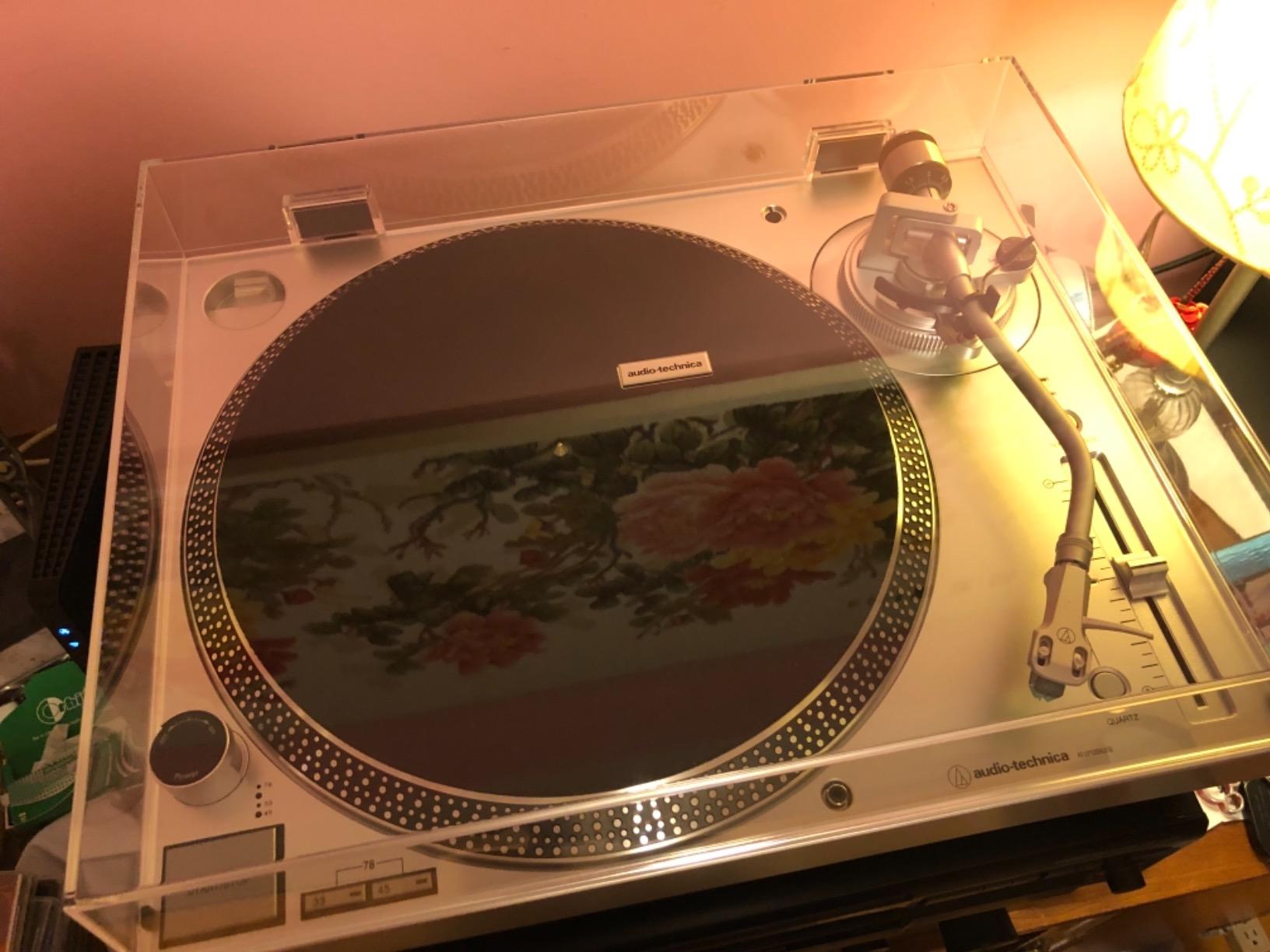
The direct-drive DC servo motor is the reason. It brings the platter up to speed almost instantly, and the quartz speed lock holds it there, so a 22-minute album side comes out with no audible drift — the trait forum owners say matters first when archiving.
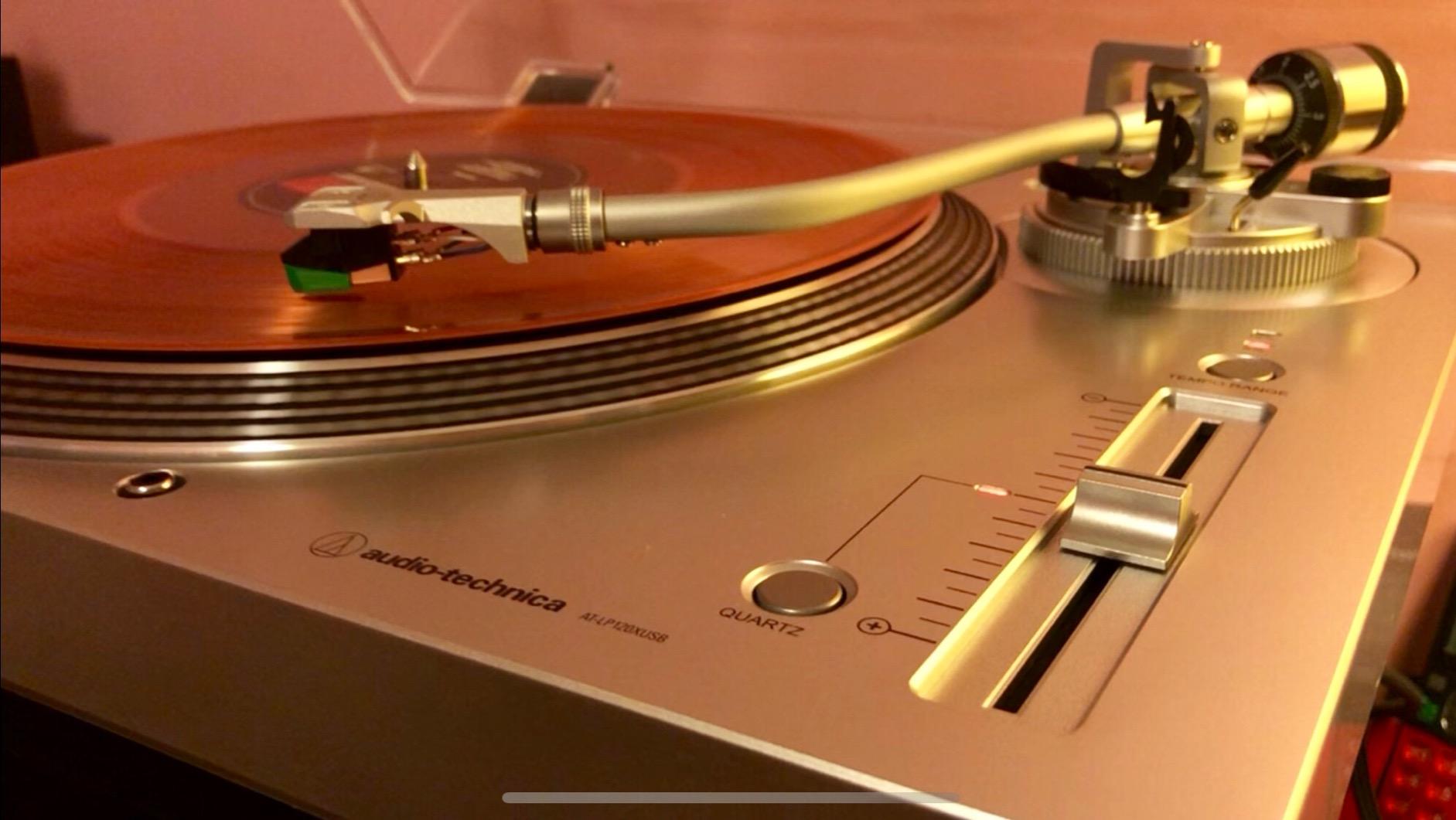
Ripping itself could not be simpler. The USB output is class-compliant, Audacity sees the deck with no drivers, and the switchable phono preamp lets the same unit feed powered speakers when you would rather listen than archive.
Setup took us about ten minutes. Tracking force and anti-skate adjust against clear markings on the balanced S-shaped tonearm, and the hydraulically damped lift lowers the stylus without the thump that otherwise clips the start of a take.
The anti-resonance die-cast aluminum platter and roughly nine kilograms of mass keep rumble out of quiet passages on a desk. And 78 RPM support meant our shellac transfers happened on this deck alone — nothing else here offers it at this level.
Recording Quality and Pitch Stability
Of all ten decks, our LP120XUSB rips needed the least repair. Sustained piano and strings held their pitch across full sides, and the noise floor sat low enough that we only reached for de-clicking on genuinely dirty pressings.
The variable pitch control with quartz lock exists for DJs, but it doubles as a rescue tool for off-pitch pressings — nudge the speed a hair, re-record, and the file lands back in tune.
Who the AT-LP120XUSB Is For
Buy it if you want one deck that listens as well as it rips, especially with 78s in the picture or a cartridge upgrade on the horizon thanks to the fully adjustable tonearm.
Skip it if you want automation — nothing on this deck lifts or returns on its own, and anyone hoping for Bluetooth should look at the next two decks.
2. Audio-Technica AT-LP5X – Reference Sound With USB on Board
Audio-Technica AT-LP5X Fully Manual Direct-Drive Turntable
Direct-drive motor
J-shaped tonearm
AT-VM95E cartridge
33/45/78 RPM
USB output
Pros
- Reference-class sound
- Solid 20 pound build
- Upgradeable VM95 stylus line
- Quiet direct-drive motor
- Thick rubber mat
Cons
- No power switch
- No Bluetooth
- Fully manual only
The AT-LP5X is the best-sounding deck in this group, and its 4.8-star average suggests owners agree. It is the one we used whenever a rip also had to double as our reference listening copy.
The J-shaped tonearm, modeled on Audio-Technica designs from the 1960s and 70s, minimizes tracking error across the record. The 20.1-pound chassis plants itself on the shelf and stays there.
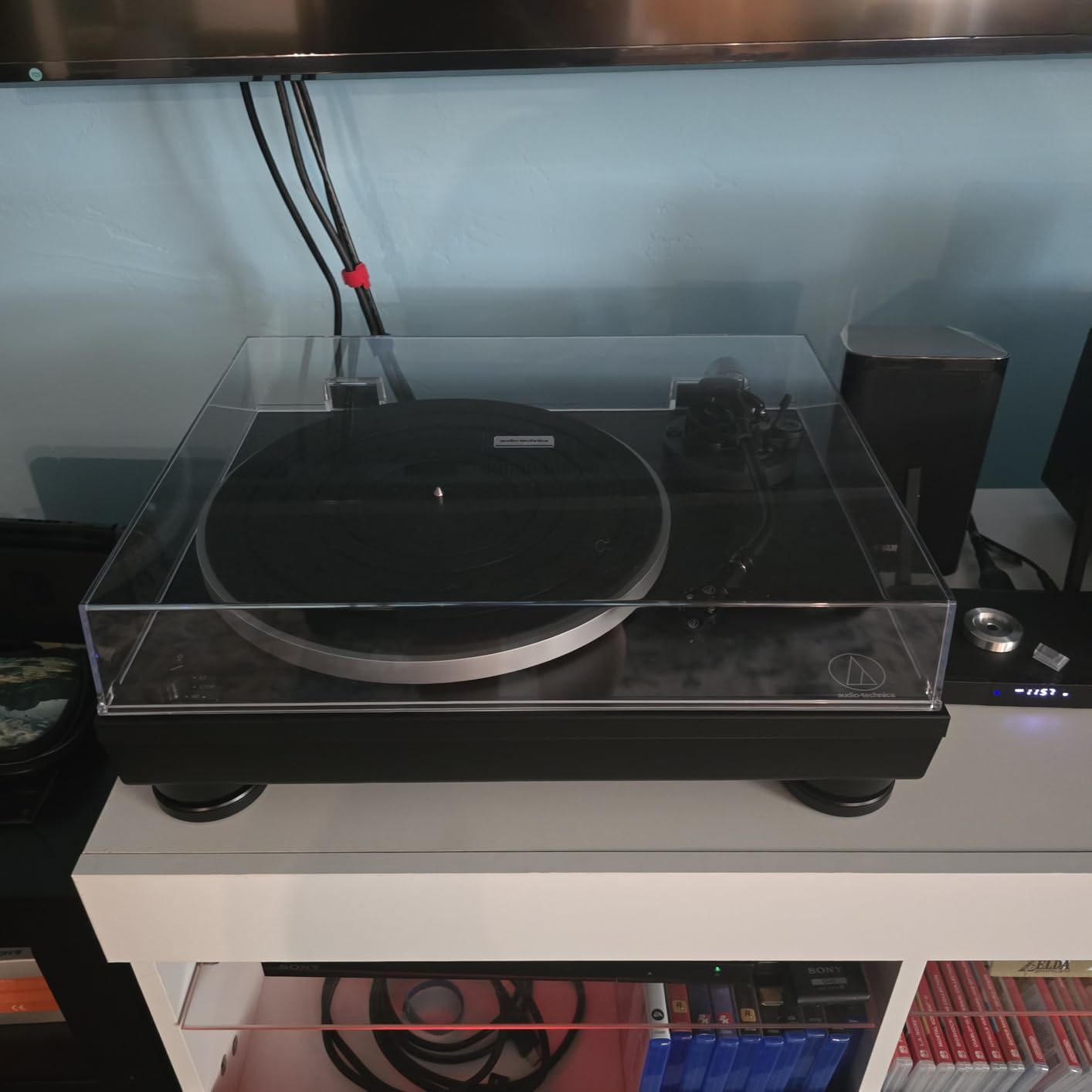
The included AT-VM95E moving magnet cartridge is the smartest part of the package. It is the cartridge forum users single out as the reliable standard, and the whole VM95 line shares one body — upgrade the stylus, keep the cartridge.
Recording over USB behaved exactly like the LP120XUSB: plug in, select the deck in Audacity, capture. The very thick rubber mat in the box damped platter ring, which shows up as cleaner decays in quiet tracks.
Two small annoyances: there is no on/off power switch, and it is wired only — RCA and USB, no Bluetooth, whatever some listings imply. It runs 33, 45, and 78 RPM, and the quiet motor never announced itself in any of our takes.
Cartridge and Upgrade Path
Start with the VM95E, then step up the stylus in the same mount when the budget allows. It is the cheapest meaningful sound upgrade in this hobby, and it improves your speakers and your rips at the same time.
Tracking force and anti-skate are both adjustable, so the deck grows with you instead of boxing you in.
Who the AT-LP5X Is For
This is the pick for listeners first and archivists second — people who will play a record a hundred times and rip it once, and want both to sound as good as possible.
Pass if you need wireless playback or fully automatic operation; the LP5X is proudly manual and wired.
3. Audio-Technica AT-LP120XBT-USB – The Wireless Variant of Our Top Pick
Audio-Technica AT-LP120XBT-USB-BK Wireless Direct-Drive Turntable (Analog, Wireless & USB), Fully Manual, 3 Speed, Convert Vinyl to Digital, Built-in Pre-Amp, Black
Direct-drive motor
Bluetooth aptX
USB output
AT-VM95E cartridge
Adjustable tonearm height
Pros
- Bluetooth with aptX
- Three output options
- Adjustable tonearm height
- Stable quick-start motor
- Low surface noise
Cons
- Bluetooth always on
- Confusing documentation
- No auto-return
- Limited availability
Take our top pick, add Bluetooth with aptX Adaptive, and you have the AT-LP120XBT-USB. It carries a 4.7-star average from more than 1,500 owners who wanted one deck for the listening shelf and the ripping desk.
The spec sheet reads like the USB model: direct-drive servo motor, 33/45/78 RPM speeds, adjustable anti-skate, variable pitch with quartz lock, and the AT-VM95E cartridge in the box.
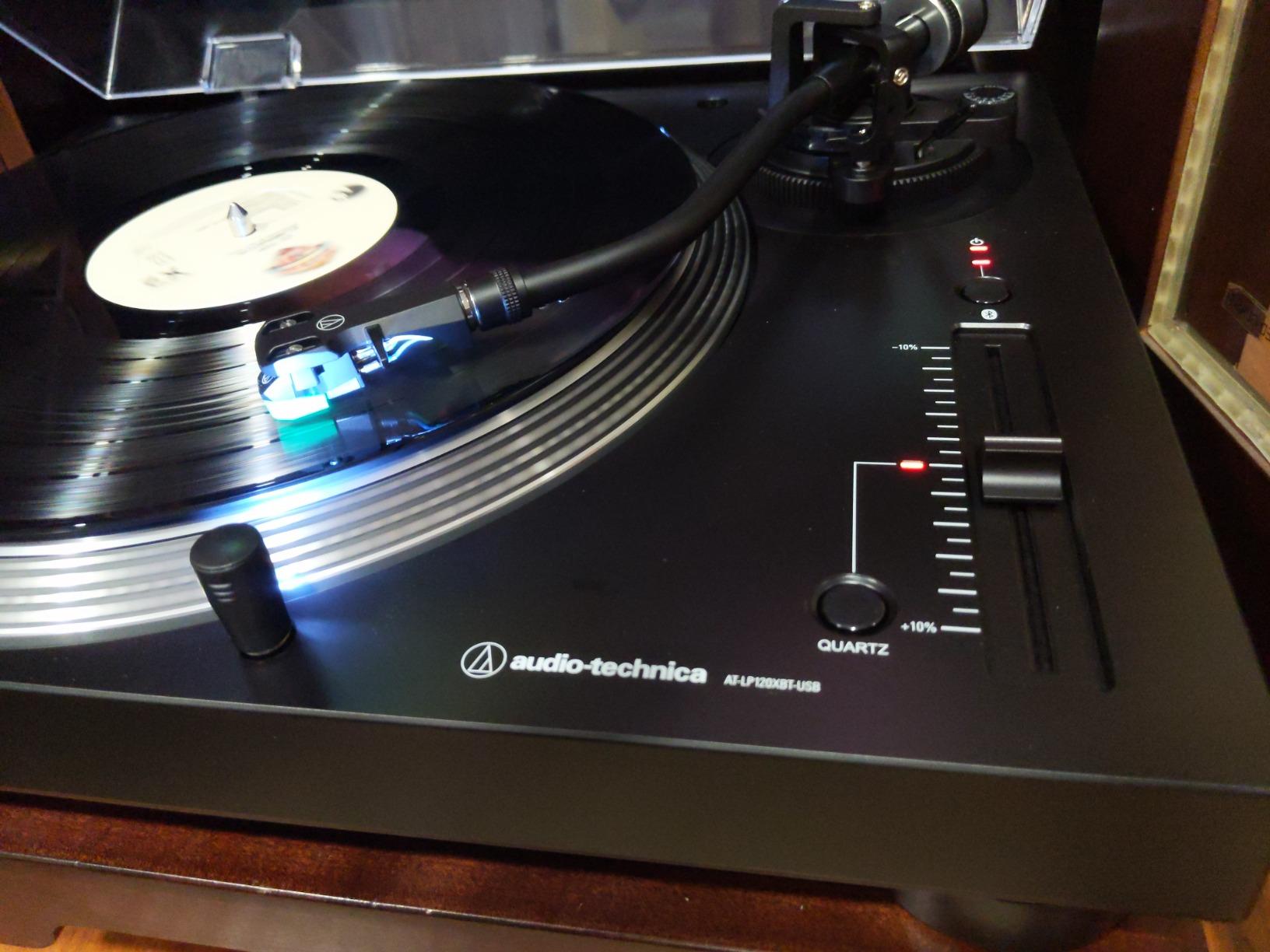
The wireless side works better than we expected for a deck that also rips. aptX Adaptive keeps latency and compression sane with supporting speakers, and the removable plug-type target light is a nice cueing touch in dim rooms.
For recording, the USB path is identical in practice to the standard LP120XUSB — same no-driver behavior, same clean capture through Audacity.
Two gripes worth knowing. Bluetooth cannot be physically switched off, only disconnected, and the documentation does a poor job of explaining the three output modes.
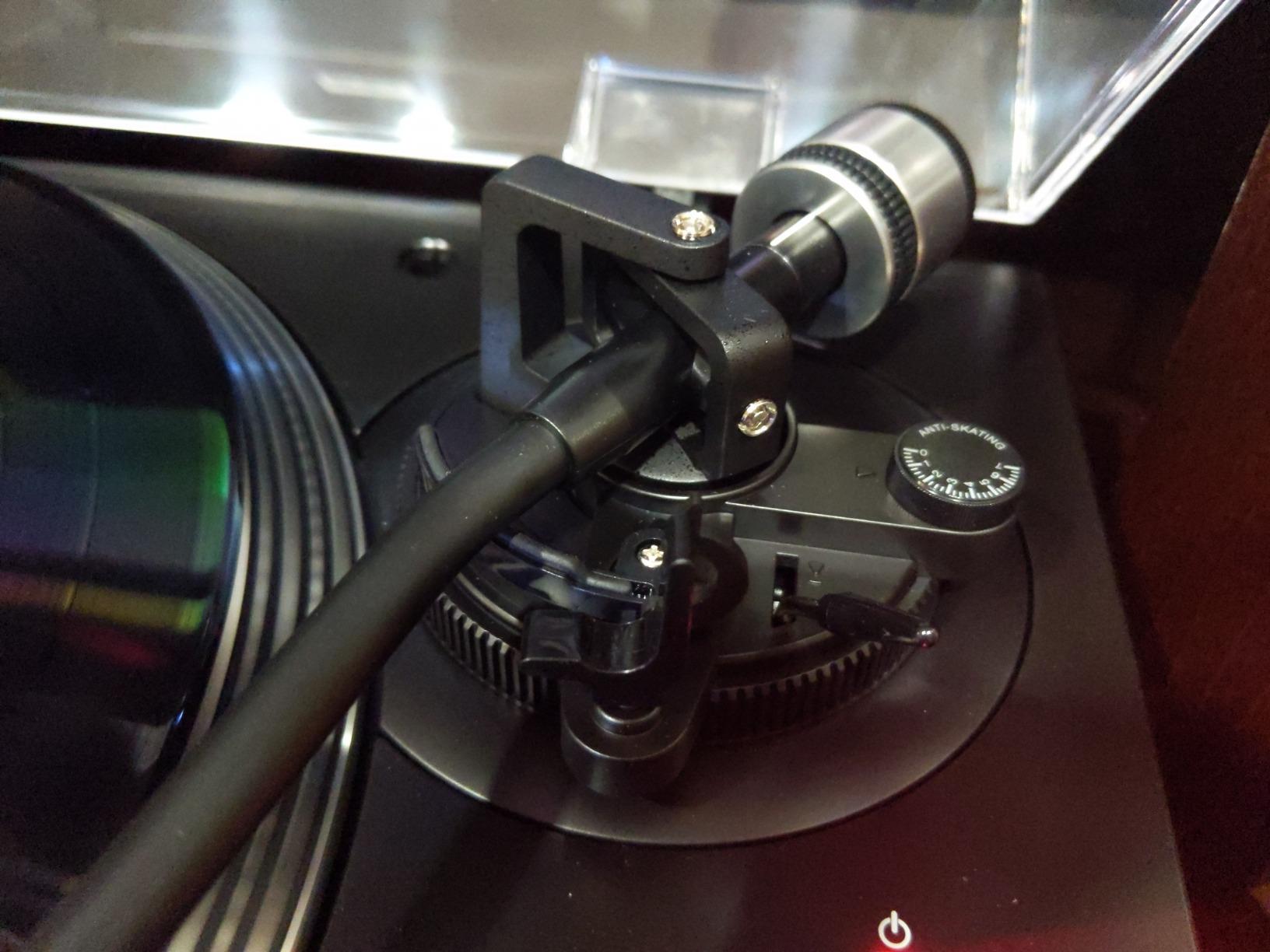
Using Bluetooth and USB Together
You will not stream and rip at the same time, and you would not want to — treat them as separate sessions. The deck makes switching painless, since USB and the RCA outputs work whether or not a speaker is paired.
If your speakers support aptX Adaptive, the wireless path is good enough for casual listening. Do your critical rips with the computer wired and the speaker muted.
Who the AT-LP120XBT-USB Is For
Buy it when you want LP120XUSB performance plus wireless for a second room. Stock comes and goes, so if it is unavailable, the wired LP120XUSB loses you very little.
Skip it if the always-on radio bothers you, or if your setup is permanently wired anyway.
4. Pioneer DJ PLX-500 – Club DNA for Home Archiving
Pioneer DJ PLX-500 Direct Drive Turntable
Direct-drive motor
USB recording
Phono/line output
DJ-style layout
Dual voltage
Pros
- Club-style layout
- Accurate motor speed
- Adjustable tonearm height
- Dual 110/220V voltage
- Solid 12.7 kg build
Cons
- Short attached RCA cable
- No ground terminal
- Software not included
- No auto-return
The PLX-500 is built like club hardware because, functionally, it is club hardware — it currently sits at number five in Amazon’s DJ turntable category. At 12.7 kg it is the heaviest deck here, and that mass pays off in stable, vibration-resistant playback.
USB recording is the headline for this article, and the PLX-500 handles it cleanly through the same plug-and-play path as everything above it. Phono and line outputs with the switchable preamp cover the rest of your system.
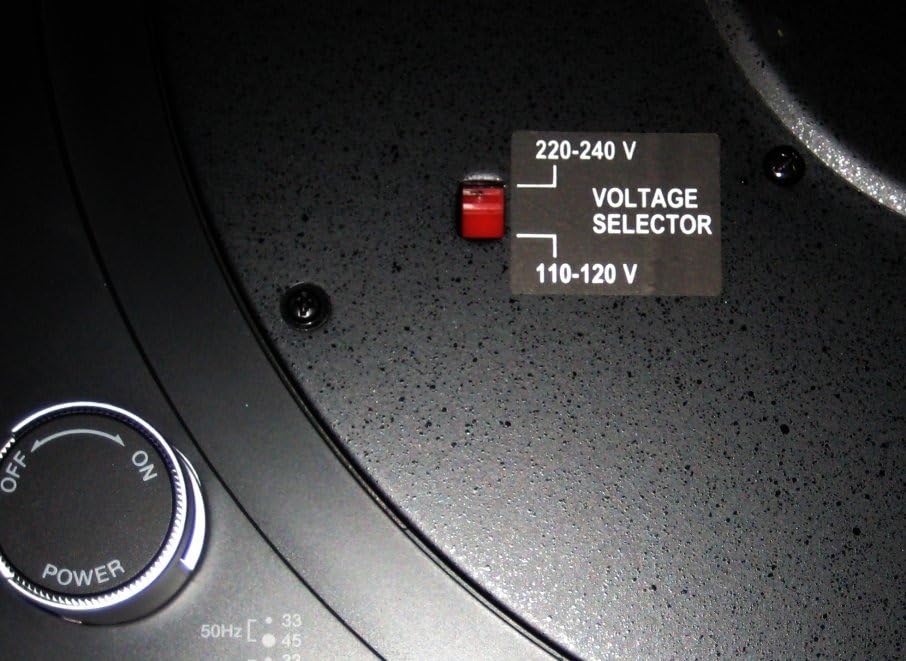
The DJ-style layout feels familiar if you have ever stood behind club decks, and the adjustable tonearm height is uncommon at this level. The dual 110/220V voltage selector makes it a real option for anyone moving between countries.
The bundled dust cover doubles as a sleeve stand, a small design touch we ended up using daily to display whichever record was playing.
Now the honest list. The RCA cable is permanently attached and short, which limits placement. There is no ground terminal, no recording software ships in the box, and there is no auto-return.
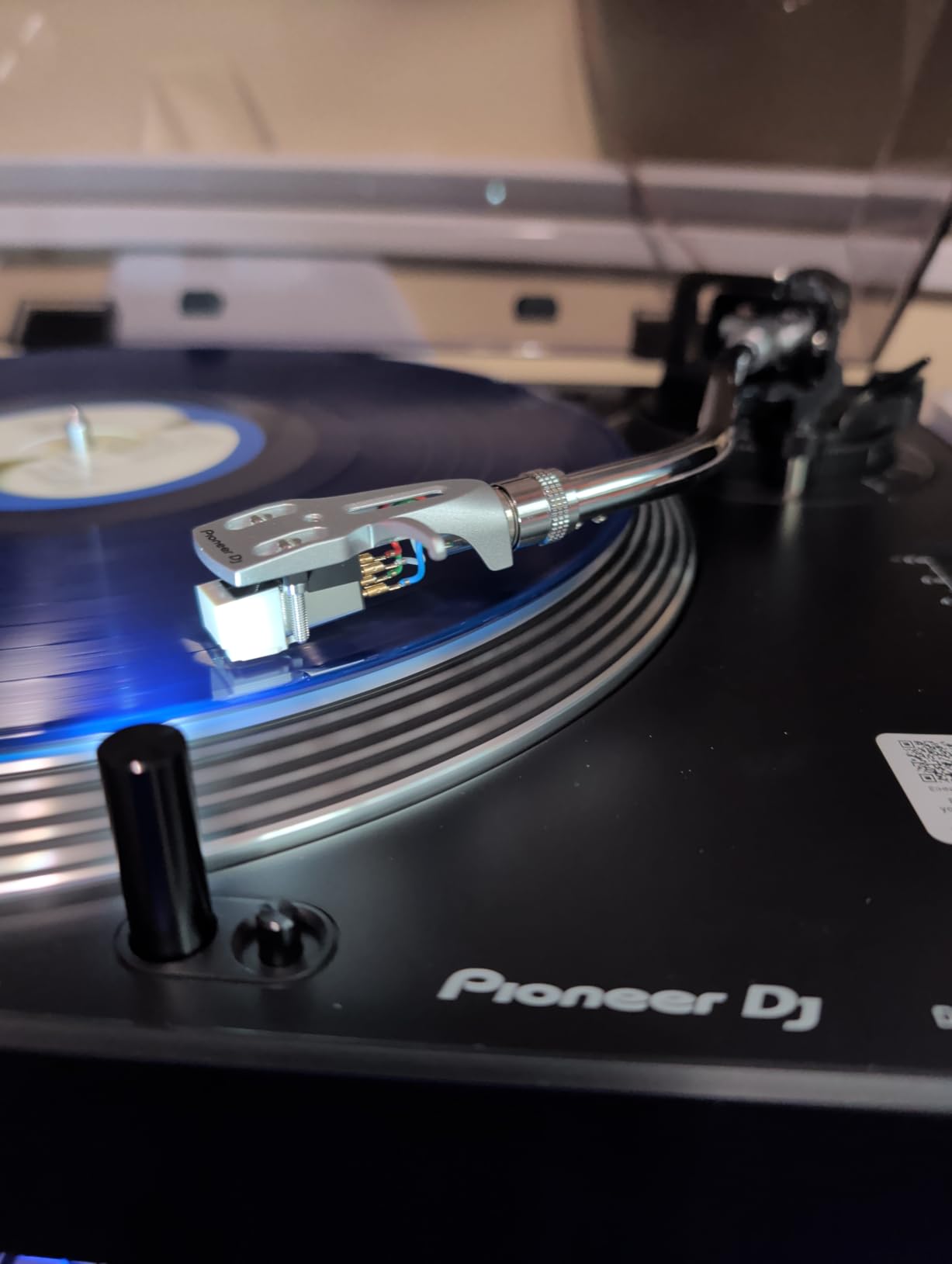
Digitizing With a DJ Layout
The pitch slider and strobe markings exist for beatmatching, but archivists can use them to correct pressings that run slightly sharp or flat. The high-torque start also means fewer false takes at the top of a side.
If you ever learn to mix, the PLX-500 is already the right tool — a claim no pure hi-fi deck in this guide can make.
Who the Pioneer PLX-500 Is For
It is the pick for DJs and DJ-curious archivists who want club ergonomics, tank build, and USB capture in one box, plus travelers who need dual voltage.
Look elsewhere if you need 78 RPM support, a detachable RCA cable, or bundled software — it handles 33 and 45 only.
5. Denon DP-450USB – The Semi-Automatic Safety Net
Denon DP-450USB Semi-Automatic Analog Vinyl Record Player Turntable, Black
Semi-automatic
Auto-lift tonearm
One-touch USB recording
MM and MC support
Built-in phono EQ
Pros
- Auto-lift protects records
- Curved tonearm cuts distortion
- Speed auto sensor
- Works with MM and MC carts
- Dust cover holds album art
Cons
- Entry-level cartridge
- USB software bugs
- Expensive compared to rivals
The DP-450USB answers a question nobody else in this guide addresses: what happens if you walk away mid-rip? Its semi-automatic operation lifts the tonearm and stops playback at the end of a side, protecting both stylus and record.
That auto-lift is not a gimmick for archivists. Batch-ripping a stack while you cook is exactly when run-out groove wear happens, and the Denon simply removes the risk.
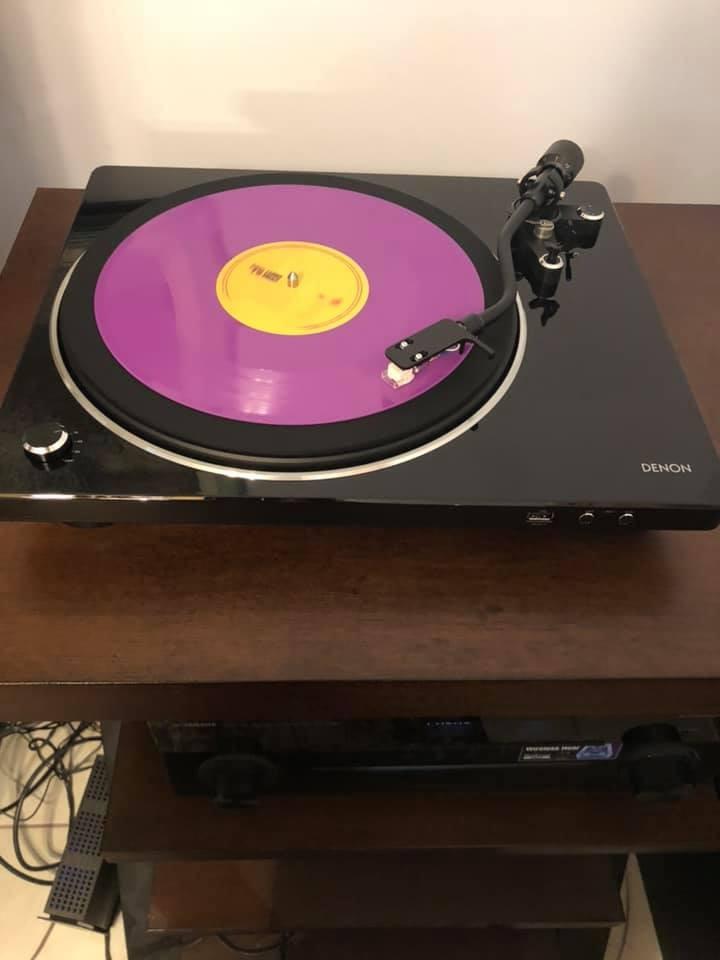
The curved horizontal-tracking tonearm is designed to reduce harmonic distortion, the built-in phono equalizer connects to any amp, and the speed auto sensor picks 33, 45, or 78 RPM by measuring the record itself.
One-touch USB-A recording writes files without a computer at all, a unique trick here. We still prefer computer capture for control over levels and track splitting, but it is handy for quick transfers.
Now the drawbacks. The 4.4-star average over a small pool of 100 reviews trails the Audio-Technicas, the included cartridge is entry-level, and several owners report bugs in the USB recording software.
Auto-Lift and Unattended Recording
If your plan is to digitize a large collection in weekend batches, auto-lift is the feature that saves your records and your stylus. It is the Denon’s entire reason for existing, and it does that job well.
It also supports both MM and MC cartridges, so a moving coil upgrade later needs no external stage — unique in this lineup.
Who the Denon DP-450USB Is For
Buy it for hands-off safety and cartridge flexibility, and for the nicest record-holding dust cover in the group.
Skip it if value is the priority; the sound per dollar trails the LP5X and LP120XUSB, and the recording software needs patience.
6. Audio-Technica AT-LP60XBT-USB – The Zero-Effort Beginner Ripper
Audio-Technica AT-LP60XBT-USB-BK Fully Automatic Belt-Drive Stereo Turntable with Bluetooth and USB
Fully automatic
Belt-drive
Bluetooth
USB output
Built-in preamp
33 and 45 RPM
Pros
- One-button operation
- Auto return protects records
- Bluetooth to speakers
- USB cable included
- Replaceable stylus
Cons
- No 78 RPM
- Entry-level cartridge
- Belt wears over time
The AT-LP60XBT-USB is the deck we hand to people who have never touched a turntable. Press start, it spins, cues the stylus, plays the side, and returns the arm by itself.
That automation makes it one of the best turntables for recording vinyl to a computer if your priority is zero effort — you can walk away mid-rip and nothing gets damaged.
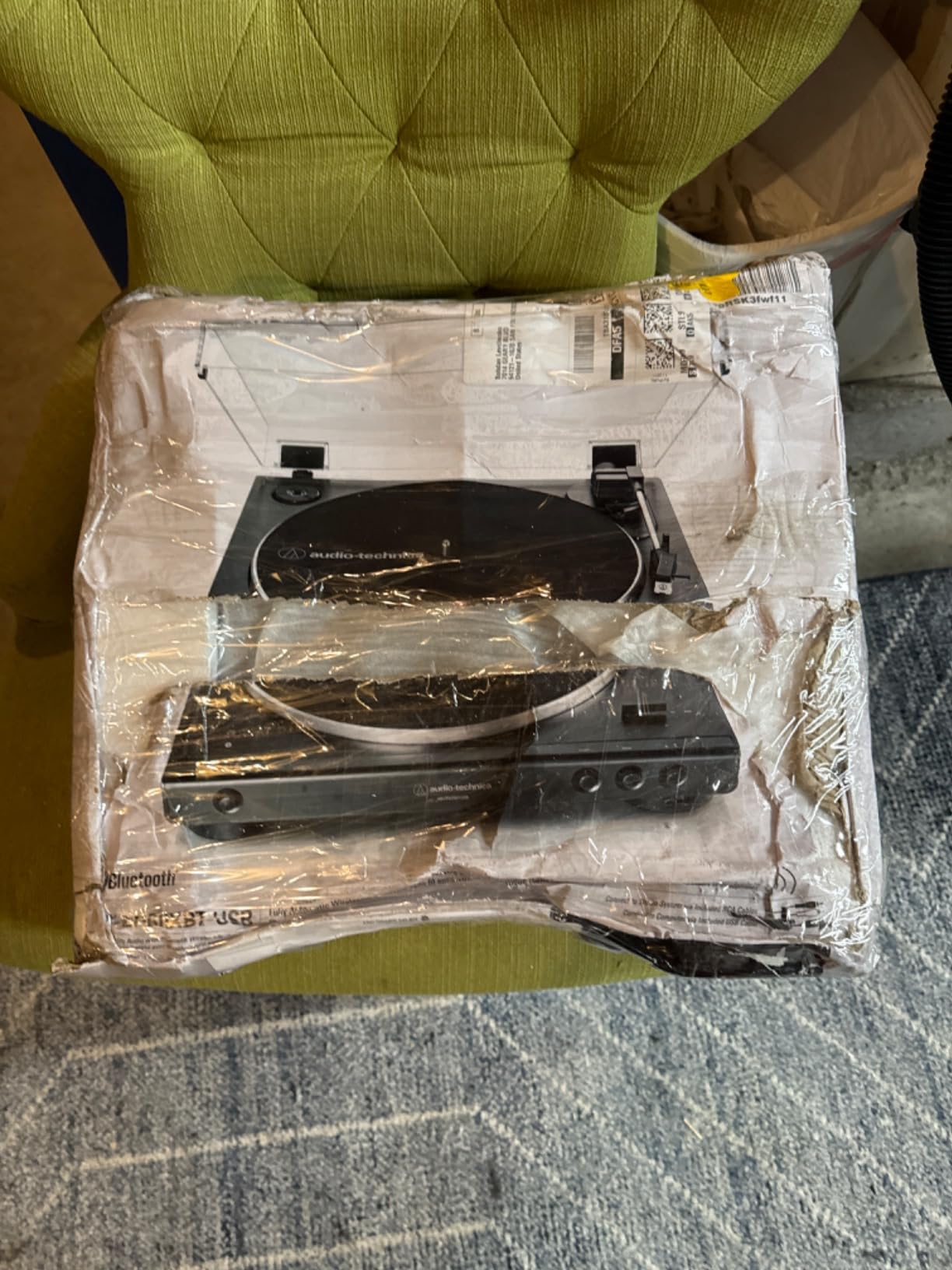
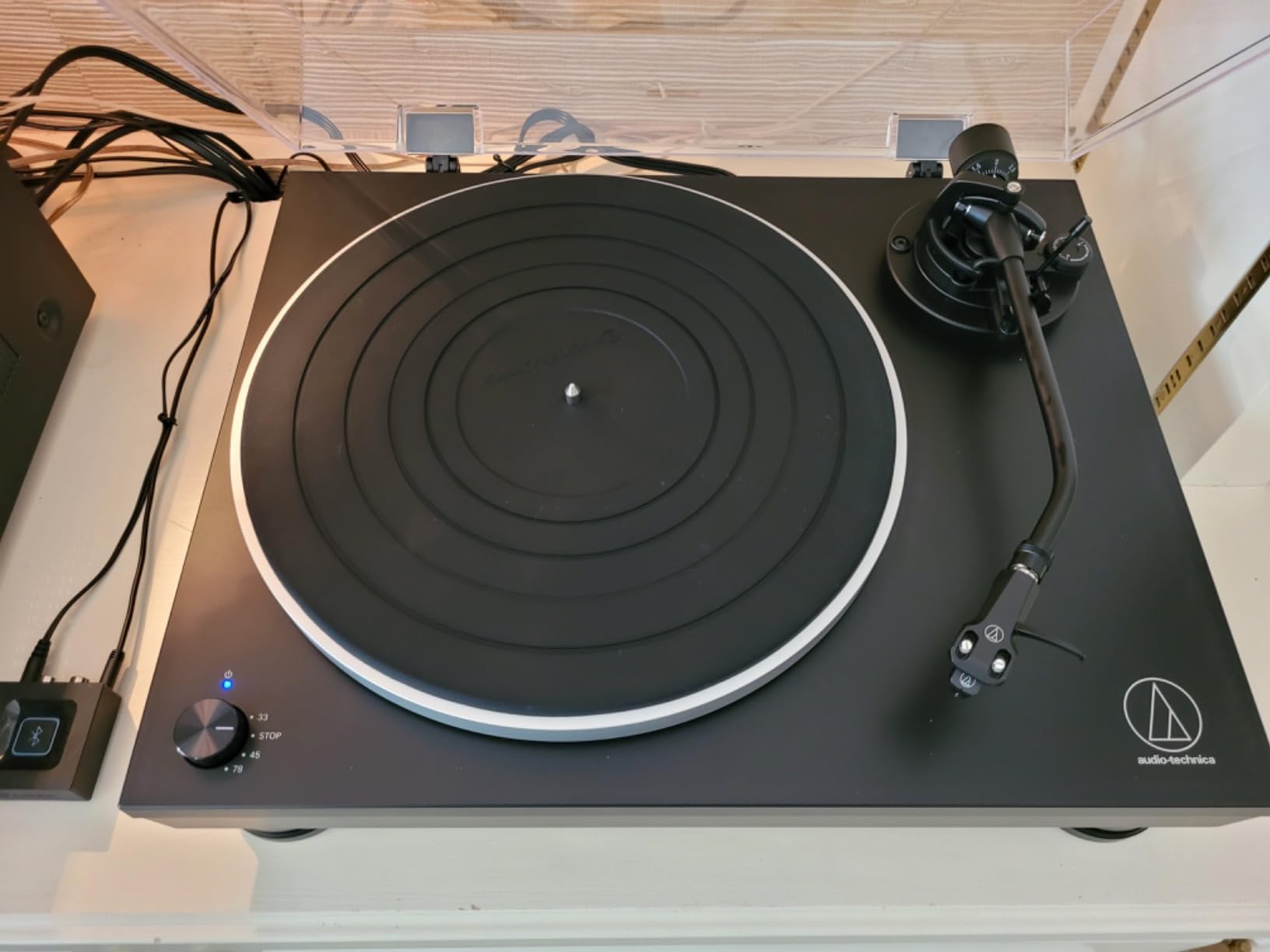
The belt-drive system keeps motor noise out of the signal, Bluetooth covers wireless listening, and the USB output records exactly like the bigger Audio-Technicas: no drivers, select the input, press record.
The integral dual moving magnet cartridge has a replaceable diamond stylus, the ATN3600L, so a worn tip is a cheap fix rather than a new deck.
The limits are clear at this level. Two speeds only, 33 and 45, with no 78 RPM, and the cartridge cannot be upgraded the way a VM95 body can.

First-Time Setup and Recording
Out of the box, setup is one cable and one button — no counterweight balancing, no anti-skate. That freedom from adjustment is exactly why beginners finish their first rip on this deck instead of giving up halfway.
Recorded quality lands at very good for casual archiving. If the goal is a phone full of your favorite records rather than archival masters, it clears the bar comfortably.
Who the AT-LP60XBT-USB Is For
Beginners, casual collectors, and anyone moving their parents’ records onto a phone without a learning curve. The 4.5-star rating from early owners reflects how frictionless it is.
Look further up this list if 78s matter, if you want a cartridge upgrade path, or if you need manual control for sampling.
7. Gemini TT-5000 – The Complete Recording Bundle
Gemini Direct-Drive Turntable, 3-Speed, USB Recording & Preamp (TT-5000)
Direct-drive motor
33/45/78 RPM
48kHz 16-bit USB
Built-in preamp
Plus-minus 10 percent pitch
Pros
- Clean preamp output
- 48kHz 16-bit USB capture
- Anti-skate and hydraulic lift
- Includes Audacity and stylus
Cons
- Touchy pitch control
- No dust cover included
- Lighter build
The Gemini TT-5000 arrives as a kit: turntable, elliptical stylus, headshell, slipmat, 45 adapter, and a copy of Audacity in the box. It is the only deck here that ships with everything a first rip needs.
On paper it reads well: direct-drive, three speeds including 78 RPM, anti-skate control, hydraulic cueing lift, and USB capture at up to 48kHz/16-bit — enough for CD-quality rips.
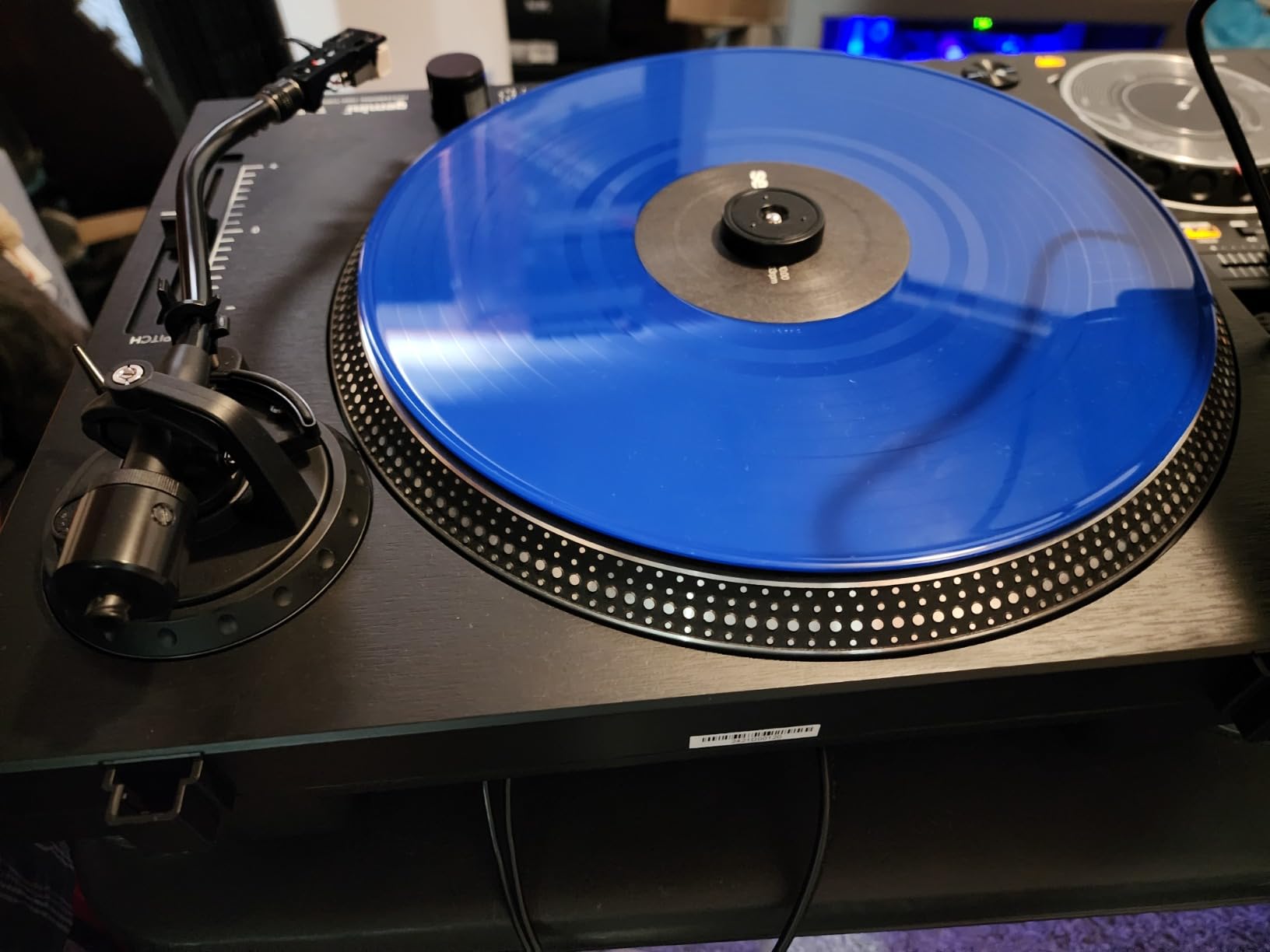
The built-in preamp sounded clean in our sessions, and the 523-gram die-cast aluminum platter with wow and flutter under 0.25 percent WRMS kept pitch acceptably steady for the money.
The 3.8-star average across 39 reviews is the honest signal, though. The pitch slider is touchy and can drift, there is no dust cover despite fittings for one, and the chassis is lighter than the DJ decks it resembles.
For gentle home archiving rather than scratching, most of those complaints fade. It starts slower than a club deck and should not be judged as one.
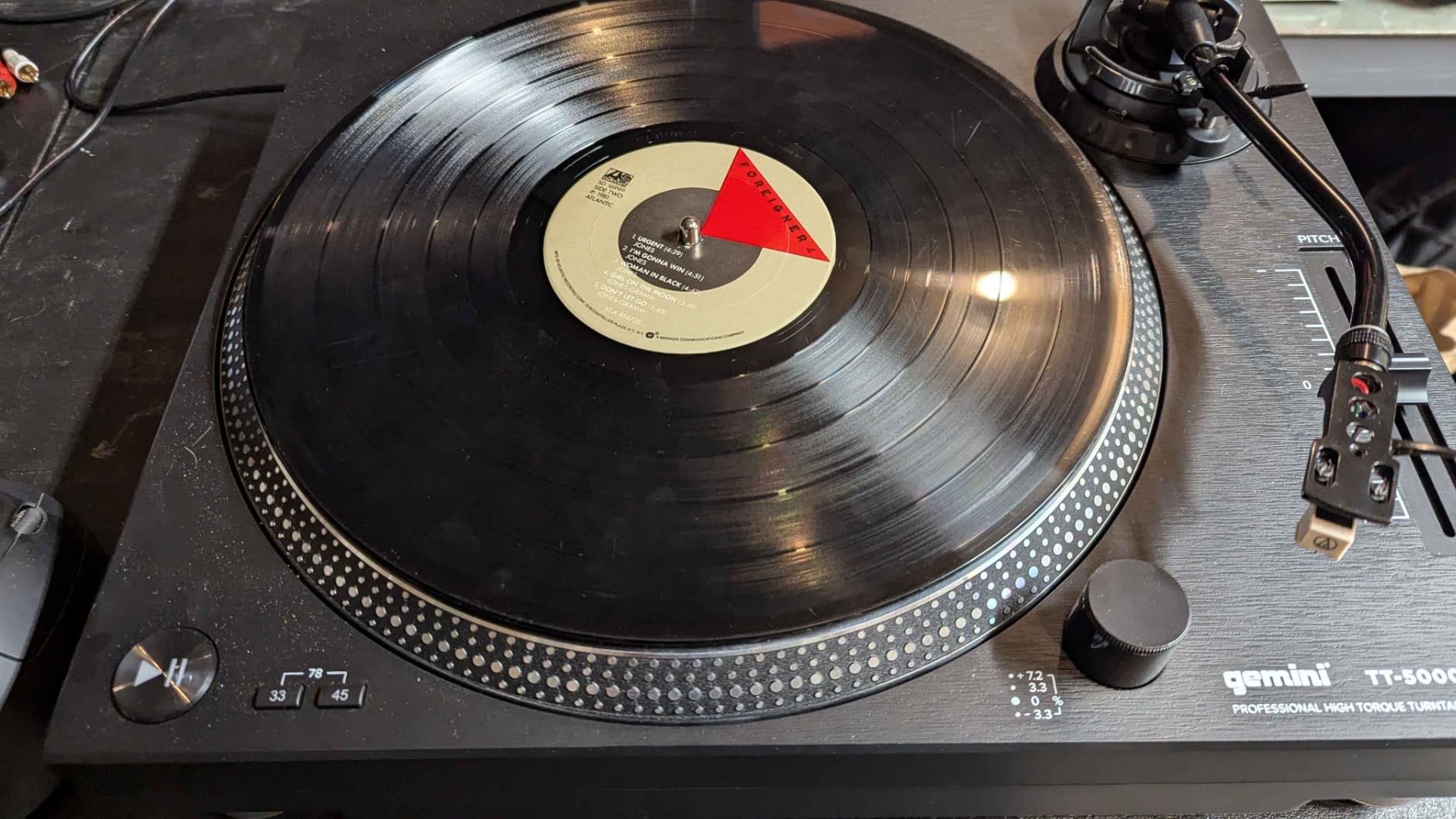
What the Bundle Includes
Count what lands on your desk and the value case gets clearer: the deck, the software, the stylus, the headshell, the slipmat, and the adapter cover a complete beginner station with nothing left to buy.
Add a third-party dust cover if dust is a factor in your room — the mounting fittings are already there.
Who the Gemini TT-5000 Is For
First-time rippers who want 78 RPM support and an all-in-one box, plus gentle-cueing DJs who mostly mix rather than scratch.
Pass if pitch precision is the priority — the LP120XUSB is the safer direct-drive choice by a wide margin.
8. 1 BY ONE Belt Drive Turntable – The Best Value USB Deck
1 BY ONE Belt Drive Turntable with Bluetooth Connectivity, Built-in Phono Pre-amp, USB Digital Output Vinyl Stereo Record Player with Magnetic Cartridge, 33 or 45 RPM
Belt-drive
Bluetooth
MM preamp built in
USB recording
33 and 45 RPM
Pros
- Great value build
- Bluetooth pairing
- Works with any receiver
- Audio-Technica stylus
- Alignment protractor included
Cons
- No auto return
- Setup instructions confusing
- No built-in speakers
The 1 BY ONE belt-drive is the people’s champion of this list — 4.4 stars from more than 3,200 owners and a fixture near the top of budget roundups for years.
You get Bluetooth, a built-in MM-type preamp, switchable phono and line outputs, and USB recording in a package that undercuts everything above it here.
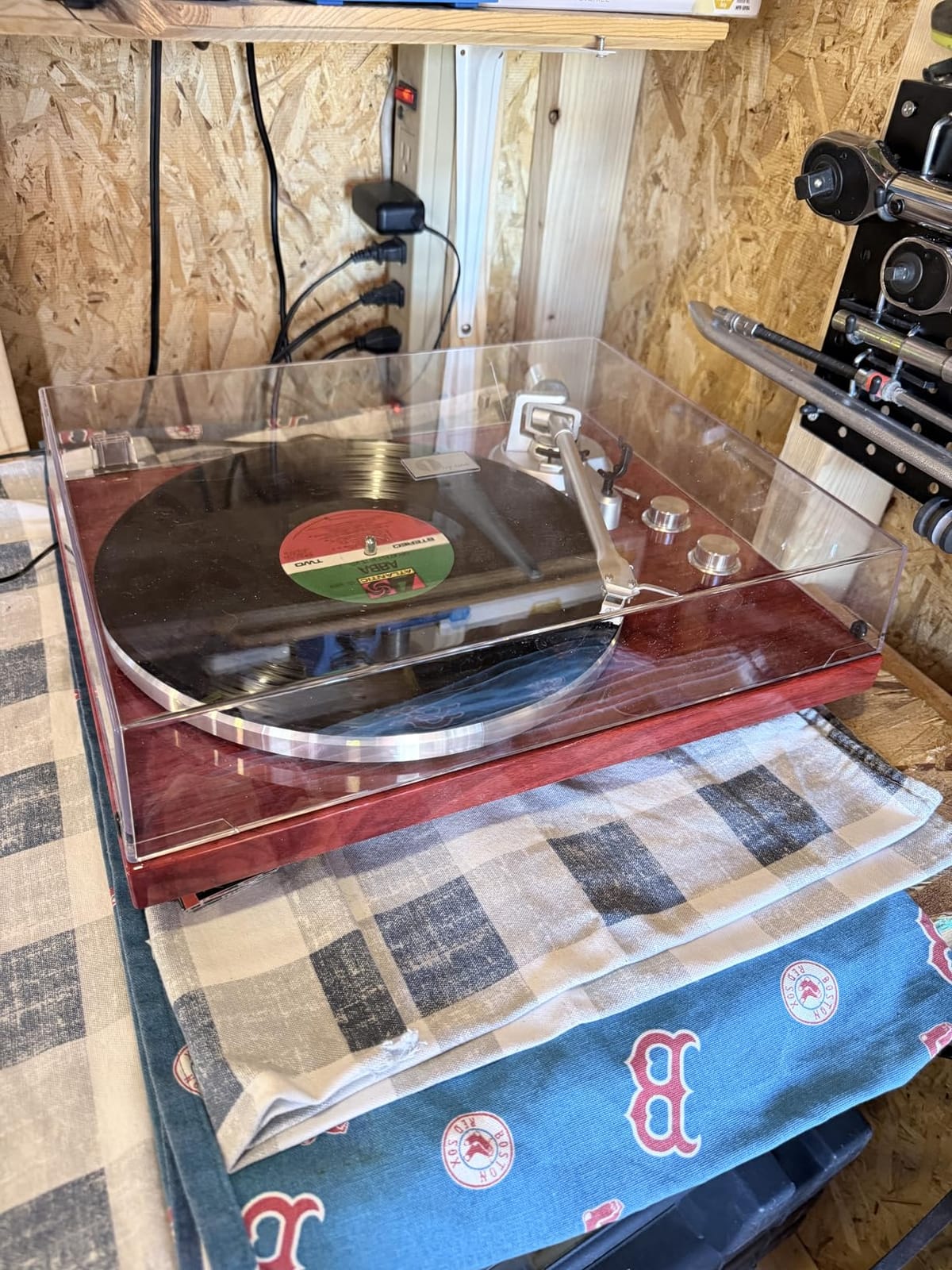
The Audio-Technica diamond-tipped stylus cartridge is the highlight at this level, delivering richer sound than the all-in-one suitcase players most buyers are upgrading from.
Recording works exactly as it should: plug into USB, select the deck, capture in Audacity. The included cartridge alignment protractor is a thoughtful touch that helped us square the stylus properly.
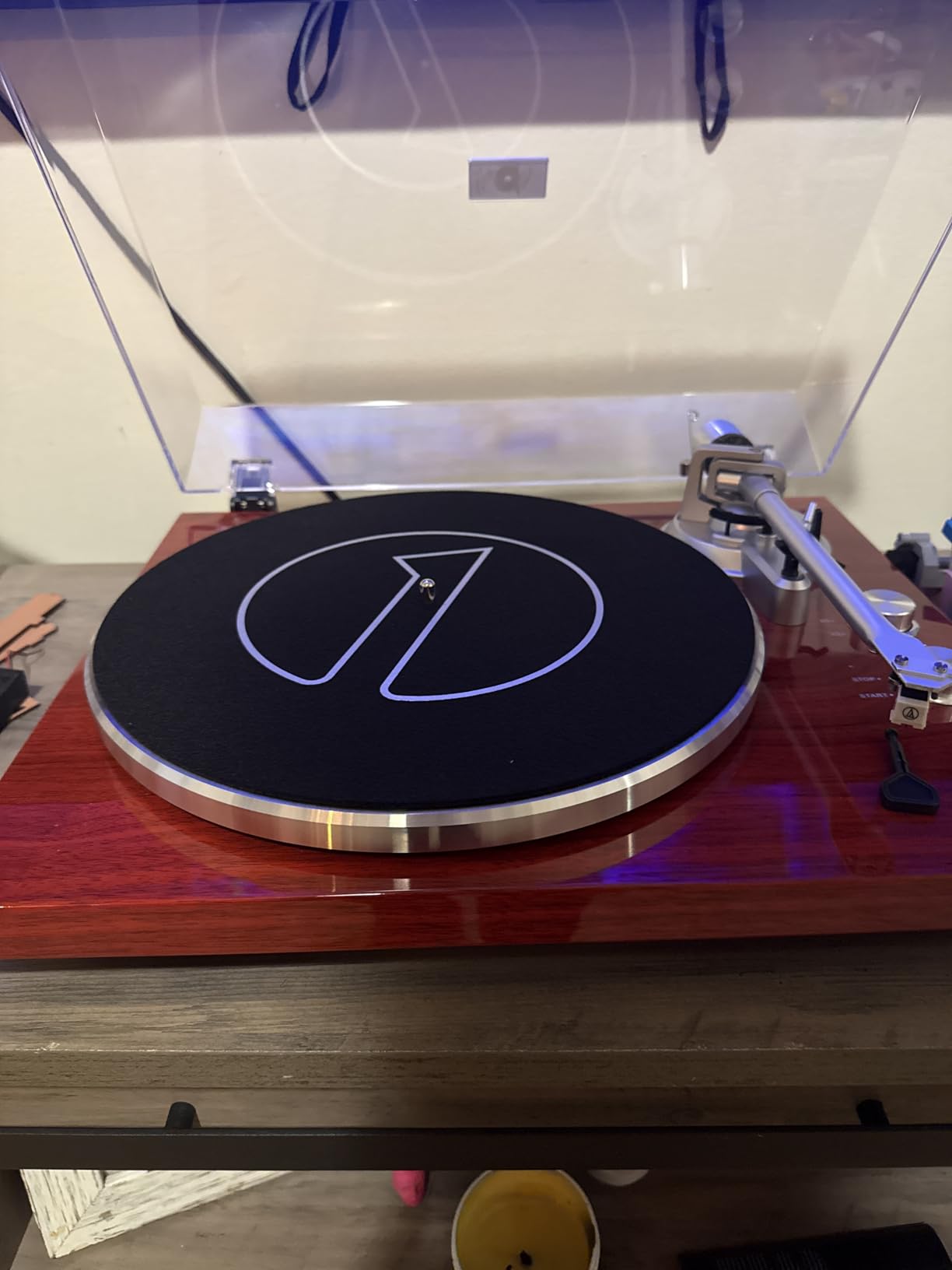
The trade-offs are structural. Operation is fully manual with no auto-return, the instructions and anti-skate explanation are confusing, and the 55 dB signal-to-noise ratio means a slightly noisier floor than the Audio-Technicas.
Belt-Drive Trade-Offs for Archiving
The belt isolates motor rumble, which helps the noise floor, but speed accuracy depends on a rubber part that ages. If your rips start wobbling after a year or two, the belt is the first suspect.
Two speeds, 33 and 45, cover standard LPs and singles. There is no 78 RPM support here.
Who the 1 BY ONE Is For
Anyone digitizing a casual collection for the first time who still wants real components — counterweight, anti-skate, upgradeable cartridge — rather than a toy.
Budget for powered speakers since nothing is built in, and be patient with the setup guide on your first afternoon.
9. Retrolife Vinyl Record Player – Vintage Looks, Modern Outputs
Retrolife® Vinyl Record Players Turntable with BT Wireless Output,Dark Blue
Belt-drive
Bluetooth 5.3
USB to PC recording
AT-3600L cartridge
Phono/line switch
Pros
- Vintage dark blue looks
- Bluetooth 5.3
- Upgradeable standard-mount cartridge
- Switchable phono/line output
- Die-cast aluminum platter
Cons
- Motor issues on some units
- Belt can slip off spindle
- Tonearm setup tricky
- No auto-return
The Retrolife goes where design-led buyers live: dark blue trim, vintage styling, and a detachable dust cover, with 4.3 stars from 2,400 owners.
Under the retro skin it is a working USB deck: AT-3600L moving magnet cartridge, adjustable counterweight, built-in phono preamp with switchable output, and Bluetooth 5.3 for wireless listening.
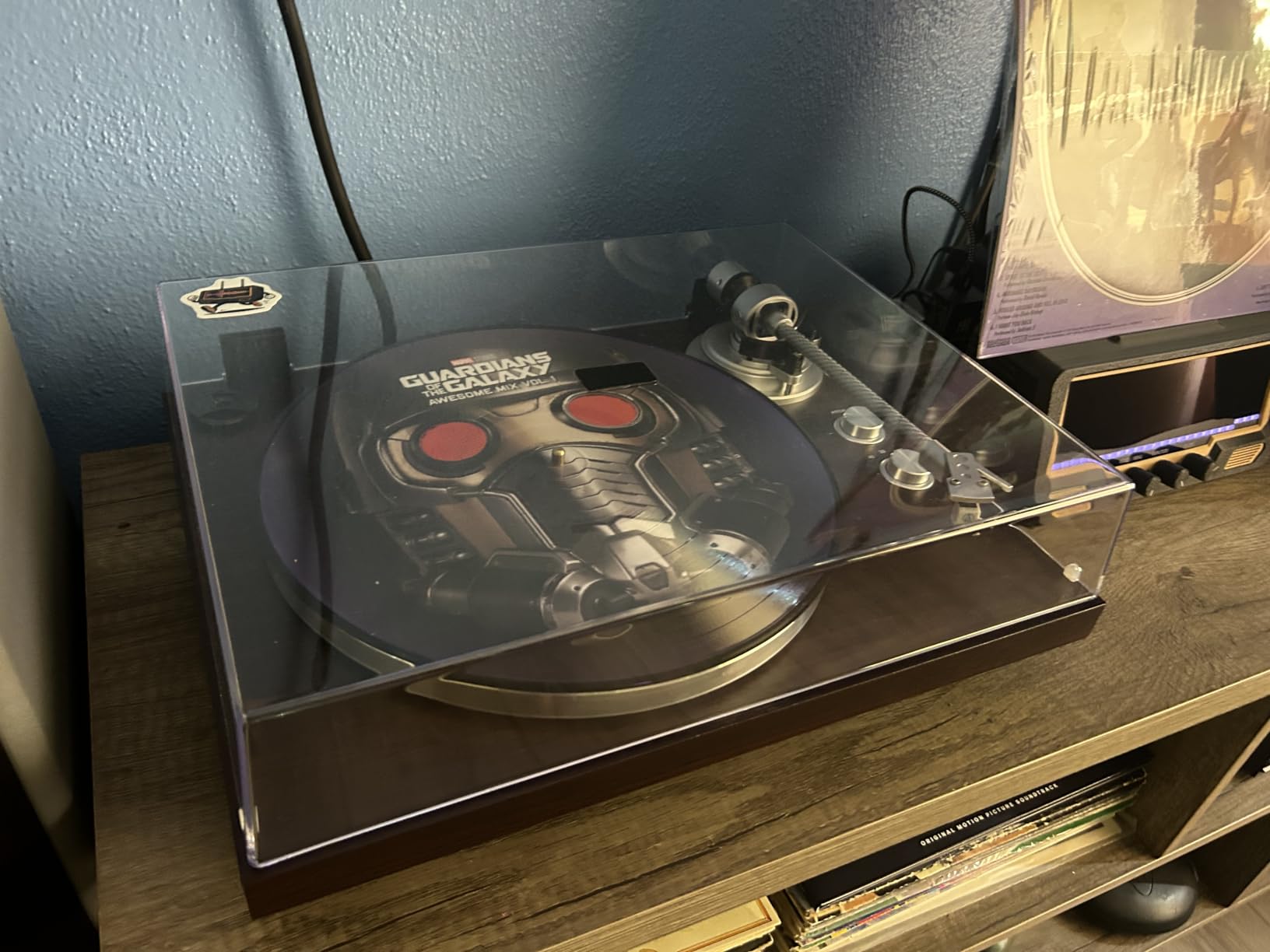
The AT-3600L is the same cartridge family the budget giants use, and it mounts on the standard half-inch fitting — put a better cartridge on later and the deck keeps up.
Bluetooth 5.3 pairs quickly with modern gear, and the precision-manufactured platter kept rotation visually steady through our normal sessions.
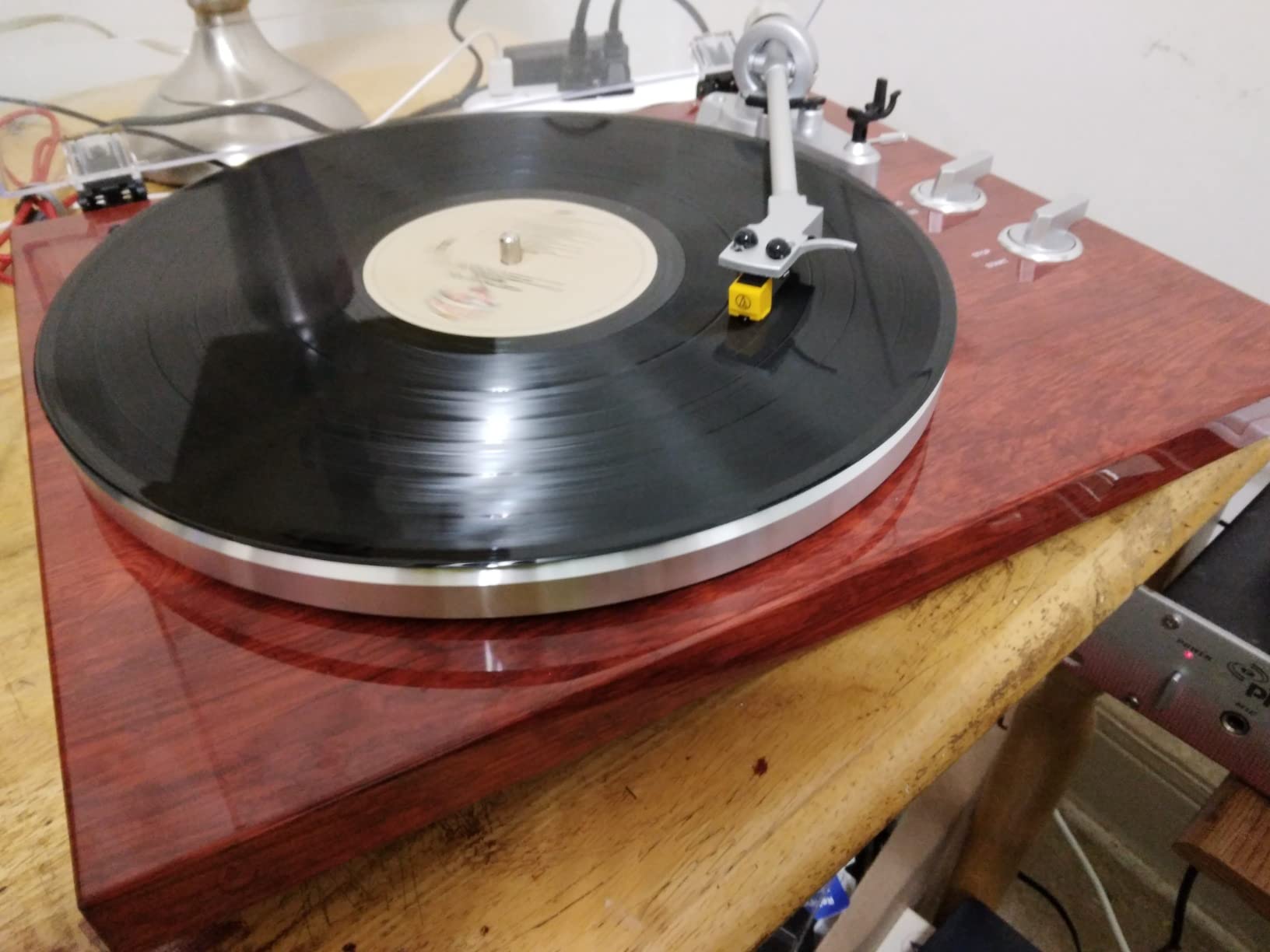
The risk factor is unit-to-unit consistency. Some owners report motor slowdown and pitch shift, the belt can slip off the drive spindle if it is not seated carefully, and tonearm balancing is fiddly for newcomers.
Consistency Across Units
This is the honest catch at the entry tier: quality control varies more than with the big brands. Buy from a retailer with easy returns, run a pitch test in the first week, and exchange anything that drifts.
A strobe app on your phone makes that a five-minute check — sustained piano notes are the quickest tell.
Who the Retrolife Is For
Design-first buyers who want the look and the full feature list without stepping into audiophile pricing, and who value Bluetooth as much as USB.
Choose the Audio-Technicas if consistency matters more to you than styling.
10. DIGITNOW Belt Drive Turntable – The Cheapest Way In
Belt Drive Turntable for Vinyl Record Player and Bluetooth Output(Red)
Belt-drive
Bluetooth output
USB recording
AT3600L cartridge
Built-in preamp
Pros
- Solid heavy 12.5 pound build
- Lacquer wood finish
- AT3600L cartridge
- Connects to active speakers
Cons
- Bluetooth static reported
- No auto-return
- Fiddly counterweight
- Low 40 dB signal-to-noise
The DIGITNOW is the cheapest deck in this guide with a proper USB output, and its 4.5-star average from 740 owners says plenty of people are happy with exactly that arrangement.
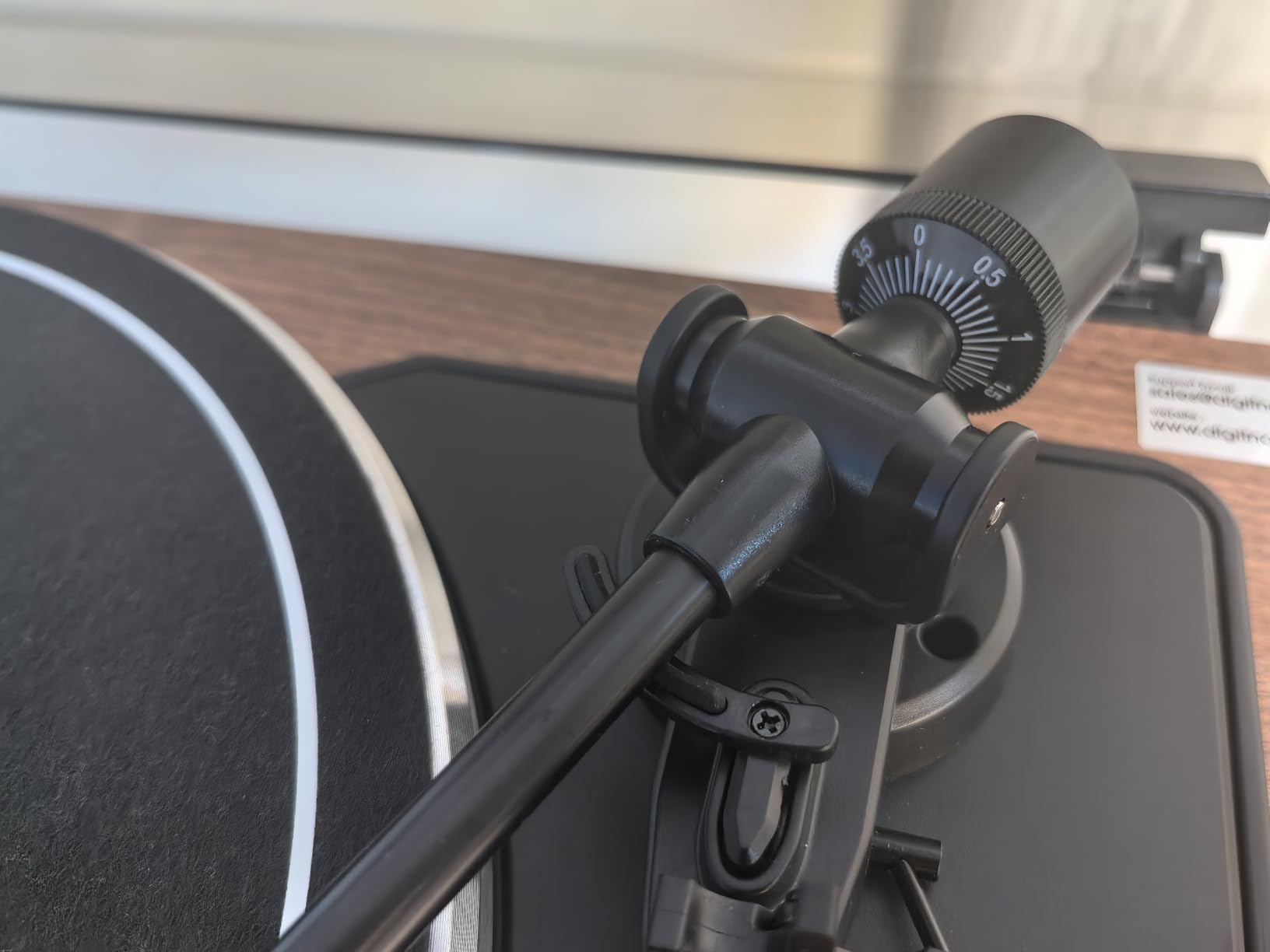
It shares the budget formula: belt-drive, 33 and 45 RPM, Bluetooth, built-in preamp, AT3600L moving magnet cartridge, adjustable counterweight, and an anti-skating system.
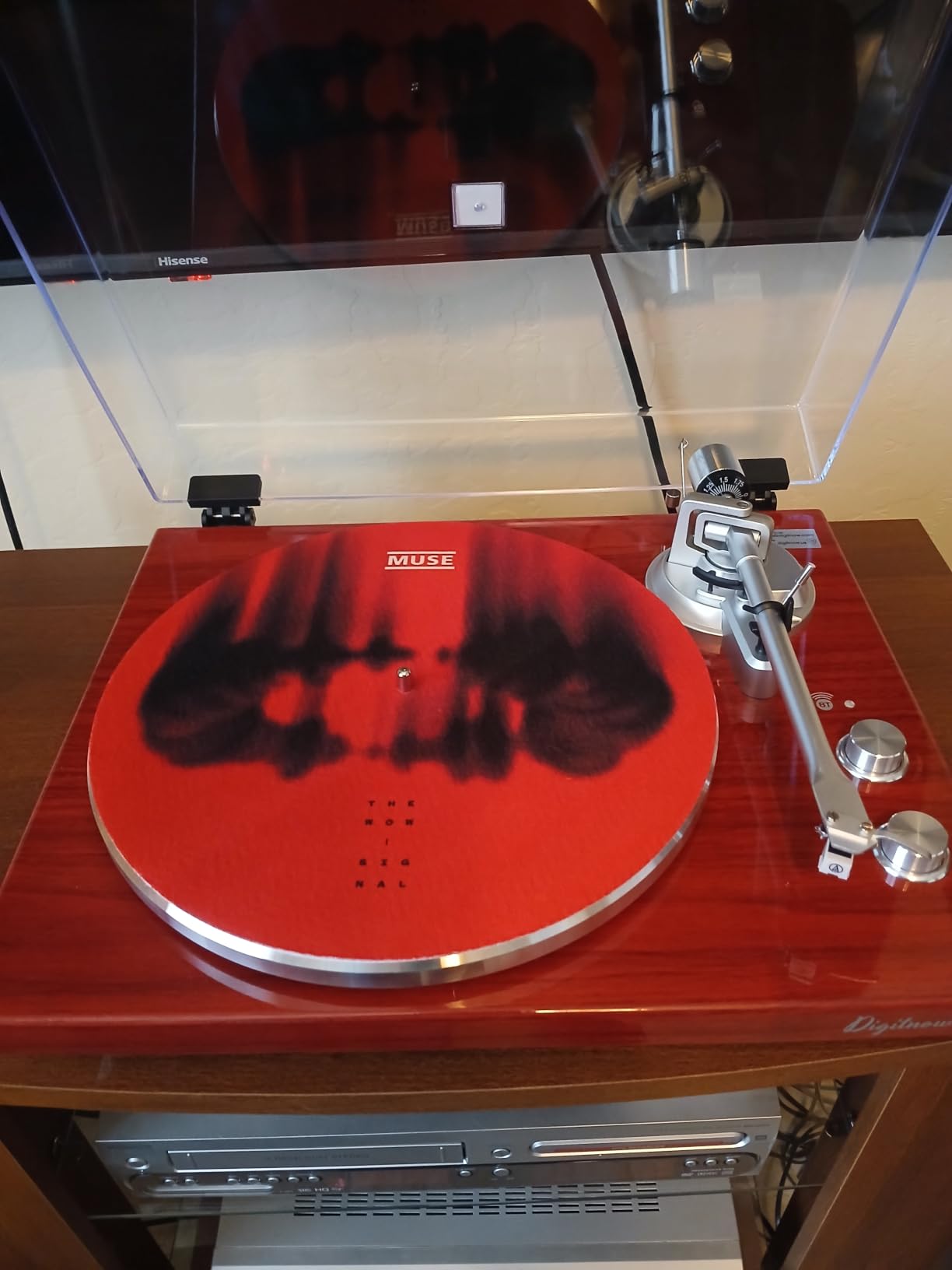
The 12.5-pound high-gloss lacquer wood plinth is the surprise — it looks and feels like a more expensive piece, and it does not walk around the shelf during playback.
Wired connections are the strong path: RCA to powered speakers, USB to the computer, done. Bluetooth draws the mixed reviews here, with some owners reporting static and a thinner wireless sound.
Know the limits before buying. The 40 dB signal-to-noise ratio is the lowest in this group, the CD of Audacity software may not load on modern computers (download the current version instead), and there is no auto-return.
Realistic Expectations at the Entry Level
Set expectations correctly and the DIGITNOW makes sense: it converts a record collection into files cheaply and pleasantly. It is not the deck for archival masters or critical sampling.
Clean records aggressively before ripping — at this noise floor, surface grime is the difference between a passable file and a frustrating one.
Who the DIGITNOW Is For
First-time rippers with modest collections, and style-conscious buyers who want the wood-look finish while still getting USB recording.
Stretch to the 1 BY ONE or the AT-LP60XBT-USB if you can; both buy measurably cleaner output.
Buying Guide: How to Choose the Best Turntable for Recording Vinyl to a Computer?
Most turntable advice is written for listeners. Recording changes the math, because a deck that sounds pleasant through speakers can still hand you rips with audible pitch wobble or a noisy floor. Here is what actually matters when the file, not the room, is the final product.
What a USB Output Really Gives You
A USB turntable bundles three boxes into one: the deck, the phono stage, and the analog-to-digital converter. The cartridge produces a signal at phono level — a few millivolts that still needs RIAA equalization before it sounds right.
The built-in preamp raises that signal to line level and applies the RIAA curve, and the A/D converter then sends 16-bit or 24-bit audio over USB. The deck appears as a class-compliant recording device with no drivers, which is why setup takes minutes.
The flip side is that converter quality is fixed at the factory. That is the main reason an audio interface path can beat a budget USB deck.
Belt-Drive vs Direct-Drive for Recording
Belt-drive decks isolate the motor from the platter with a rubber belt, which lowers the motor noise the stylus can pick up. Direct-drive decks put the motor under the platter, spin up instantly, and hold speed with servo correction — and modern designs are quiet enough that the old rumble argument barely applies.
For digitizing, we lean direct-drive, because pitch stability is the one flaw you cannot fix in software. Forum regulars say the same thing: stable pitch first, everything else second. Belt-drive still makes sense at the budget end, where it keeps money in the cartridge instead of the motor.
Phono Level vs Line Level: Know Which You Have
Every deck in this roundup has a built-in phono preamp, usually switchable. Set the output to line when feeding powered speakers or an interface, and use phono only when your amp has a dedicated MM input.
Mislabel this and your rips arrive either whisper-quiet or distorted. If you later add a better external phono stage, look for a deck that bypasses its own — the Audio-Technica models here switch their internal preamp out of the signal path.
Cartridge and Stylus: The Biggest Sound Lever
The cartridge decides more of your recorded sound than anything else on the deck. Moving magnet designs dominate this list because they are replaceable, forgiving, and cheap to maintain.
The Audio-Technica VM95 family is the community standard for a reason: the stylus swaps out in seconds and you can climb the range without changing the cartridge body. Set tracking force and anti-skate with a scale rather than by eye — tracking a gram heavy wears grooves on every pass, and tracking too light makes the stylus skip, which ruins takes instantly.
USB Turntable vs Audio Interface: The Question Nobody Answers
Route one: USB straight into the computer. Cheap, simple, fixed quality. Route two: take the line output — or a dedicated phono stage — into an audio interface and let its converters do the work.
Our verdict after living with both: at the budget tier, USB-direct is genuinely good and impossible to beat for convenience. Once your deck and cartridge outgrow the built-in converter, an interface earns its keep with adjustable input gain, clipping indicators, and cleaner 24-bit capture.
Musicians sampling vinyl should start with an interface from day one. Everyone else can start with USB and upgrade later without regret.
How to Record Vinyl to Your Computer: The Workflow
This is the process we use on every deck in this guide. It works identically on Windows and macOS with Audacity, which the forums rightly consider enough for this job.
Connect the turntable USB cable and let the operating system recognize it.
In Audacity, set the input to the turntable and the project rate to 44.1kHz or 48kHz.
Set recording quality to 16-bit or higher, then record a 30-second test pass to check levels.
Start recording first, then lower the needle; leave a couple of seconds of silence at each end.
Record the full side, stop, then use label tracks to split songs and export as WAV or 320kbps MP3.
Clean the record before every session. A carbon brush and a wet clean remove far more clicks than any noise reduction plugin, and de-clicking always costs some top-end sparkle.
WAV or MP3, and What Sample Rate
Record to WAV at 44.1 or 48kHz and keep those masters. Vinyl’s useful bandwidth sits well under 20kHz, so higher sample rates buy you little besides larger files.
Export MP3s at 320kbps for the phone and keep the WAVs as your archive. Spend the effort you saved on the stylus and the record cleaning instead — that is where audible quality actually lives.
Frequently Asked Questions
What is the best turntable for converting vinyl to digital?
The Audio-Technica AT-LP120XUSB is the best turntable for converting vinyl to digital for most people. Its direct-drive motor holds speed with quartz lock, the USB output records without drivers, and a 4.7-star average across more than 9,000 reviews reflects how reliably it rips records. The AT-LP5X is the upgrade pick and the 1 BY ONE is the value pick.
Can I record from vinyl to computer?
Yes. Any turntable with a USB output plugs into your computer and appears as a recording device, so free software such as Audacity can capture the audio as WAV or MP3 files. Turntables without USB can still be recorded if they have a built-in phono preamp, by connecting the line output to an audio interface.
How do I transfer a vinyl record to my computer?
1) Connect the turntable USB cable to your computer. 2) Open Audacity and select the turntable as the input. 3) Set the project rate to 44.1kHz or 48kHz at 16-bit or higher. 4) Start recording, then lower the needle and play the side. 5) Stop the recording, split the file into tracks with labels, and export as WAV or 320kbps MP3.
Do I need a phono preamp with a USB turntable?
Usually no. Nearly every USB turntable has a built-in phono preamp and A/D converter, so the signal reaching your computer is already at line level and corrected for RIAA equalization. An external phono stage only helps if you record a non-USB turntable through an audio interface, or if the built-in stage is the weak link in an otherwise upgraded chain.
What is the best turntable for listening to vinyl music?
The Audio-Technica AT-LP5X is the best sounding turntable in this group for pure listening, with a 4.8-star rating and the upgradeable AT-VM95E cartridge. The AT-LP120XUSB is a close second and adds 78 RPM support. For relaxed wireless listening, the fully automatic AT-LP60XBT-USB handles everything for you.
Conclusion: The Best Turntables for Recording Vinyl to a Computer in 2026
If we could ship one deck to every reader, it would be the Audio-Technica AT-LP120XUSB: direct-drive stability, 78 RPM support, a proper adjustable tonearm, and USB ripping that just works. The AT-LP5X is the upgrade when the rip and the listen matter equally, and the 1 BY ONE keeps the entry cost honest without giving up USB or Bluetooth.
The workflow stays the same whichever deck you pick: clean the record, set the tracking force, record to WAV, split the tracks, archive the masters. Choose your deck above, grab Audacity, and start moving that shelf of vinyl onto your hard drive in 2026 before it wears any further.