

I have spent the last several months recording vocals, guitars, bass, and podcasts through the entire Universal Audio Volt interface lineup. These USB audio interfaces have become some of the most popular home studio interfaces on the market, and for good reason.
Universal Audio built their reputation on legendary outboard gear like the 610 tube preamp and the 1176 limiter. With the Volt series, they packed that heritage into affordable desktop recording interfaces that connect via USB-C to your computer, iPad, or iPhone.
In this guide, I walk through every model in the lineup to help you find the best Universal Audio Volt interface for your needs. Whether you are a beginner podcaster, a bedroom producer, or running a full project studio, there is a Volt that fits. I cover real-world sound quality, the Vintage mode feature, the built-in 76 compressor on select models, and which interface makes sense for specific recording scenarios.
Table of Contents
Top 3 Picks for Best Universal Audio Volt Interfaces in 2026
Universal Audio Volt Interfaces in October
| Product | Specs | Action |
|---|---|---|
 Volt 1 USB Audio Interface Volt 1 USB Audio Interface |
|
Check Latest Price |
 Volt 2 USB Audio Interface Volt 2 USB Audio Interface |
|
Check Latest Price |
 Volt 176 USB Audio Interface Volt 176 USB Audio Interface |
|
Check Latest Price |
 Volt 276 USB Audio Interface Volt 276 USB Audio Interface |
|
Check Latest Price |
 Volt 476 USB Audio Interface Volt 476 USB Audio Interface |
|
Check Latest Price |
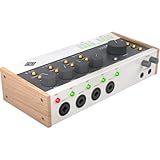 Volt 476p USB Audio Interface Volt 476p USB Audio Interface |
|
Check Latest Price |
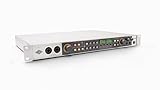 Volt 876 USB Audio Interface Volt 876 USB Audio Interface |
|
Check Latest Price |
1. Universal Audio Volt 1 – Entry-Level Simplicity with Vintage Tone
Universal Audio Volt 1 USB Audio Interface
1-in 2-out USB-C
24-bit 192kHz
Vintage mode 610 preamp
544g compact design
Pros
- Classic 610 preamp sound with Vintage mode
- 24-bit 192kHz audio quality
- LUNA DAW included
- Cross-platform Mac Windows iPad iPhone support
- Compact and lightweight
Cons
- Requires external power for mobile use
- Apple adapter needed for older iOS devices
I picked up the Volt 1 as a grab-and-go interface for capturing vocal ideas and acoustic guitar sketches, and it has been my most-used piece of recording gear ever since. At just 544 grams, it is small enough to toss in a backpack alongside a laptop and a microphone.
The standout feature here is Vintage mode, which emulates the warmth and harmonic richness of the classic UA 610 tube console preamp. Engaging it adds a subtle thickness to vocals and acoustic instruments that immediately makes recordings sound more polished. With over 700 reviews and a 4.7-star average, I am clearly not the only one who appreciates what this little box does.
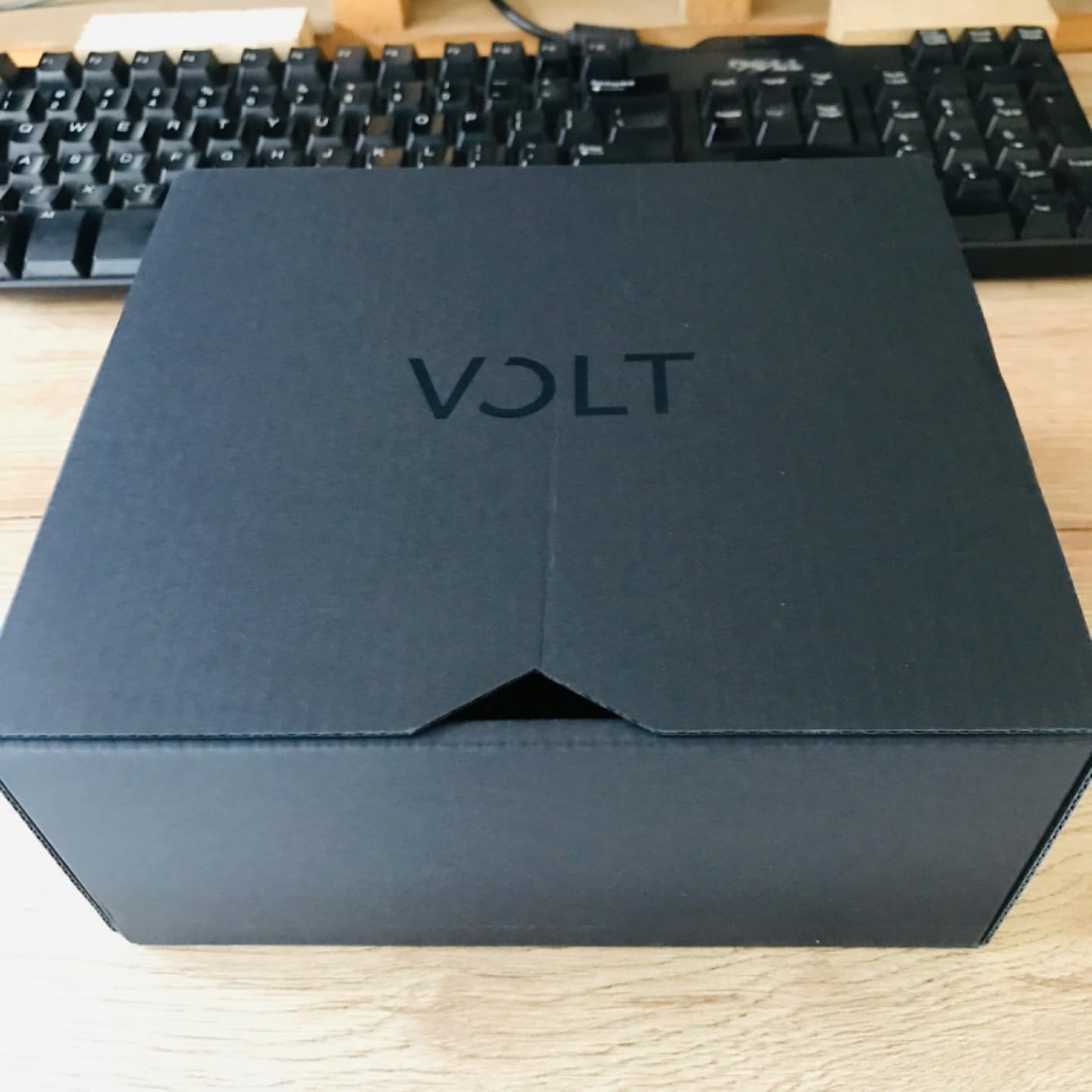
Sound quality is excellent for the price tier. The converters are clean and detailed, and the 24-bit 192kHz spec means you are capturing audio at professional resolution. I recorded a vocal session through a condenser mic with 48V phantom power engaged, and the noise floor was impressively low for a unit at this price point.
The direct monitoring feature lets you hear yourself with zero latency while recording, which is essential for vocal tracking. The large monitor knob on the front feels solid and precise. One thing to keep in mind: there is no MIDI connectivity on the Volt 1, so if you use MIDI keyboards or controllers, you will want to step up to the Volt 2.
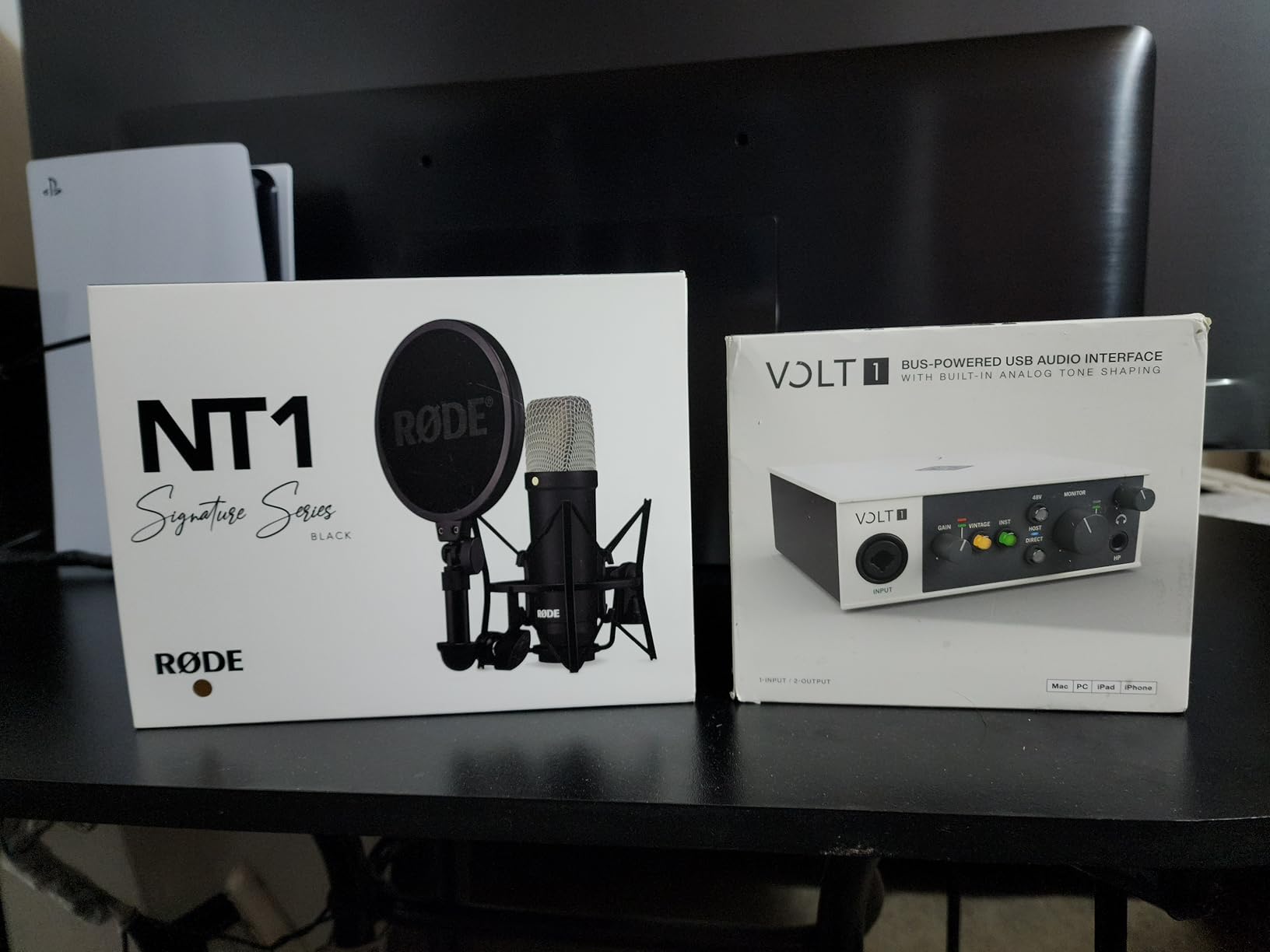
Who Should Buy the Volt 1
This is the ideal choice for solo podcasters, singer-songwriters, and content creators who only need to record one input at a time. If you are just starting your home studio and want professional preamp quality without complexity, the Volt 1 delivers that and more. It also works beautifully as a travel interface for mobile recording sessions on a laptop or iPad.
Important Setup Considerations
On Mac and USB-C iPads, the Volt 1 is truly plug-and-play with no driver installation needed. Windows users will need to download the ASIO driver from the Universal Audio website for low-latency recording. For older iPhones and iPads with Lightning connectors, you will need Apple’s Lightning to USB Camera Adapter. The interface is bus-powered when connected to a computer, so no external power supply is needed for desktop use.
2. Universal Audio Volt 276 – The Sweet Spot with Vintage Preamps and Compressor
Universal Audio Volt 276 USB Audio Interface
2-in 2-out USB-C
24-bit 192kHz
Vintage mode + 76 compressor
MIDI I/O
Pros
- Vintage 610 preamp sound
- 1176-inspired analog compressor
- LUNA DAW included
- MIDI device compatibility
- Two inputs for simultaneous recording
Cons
- Higher price point
- Requires external power for mobile use
The Volt 276 is the model I recommend to most people who ask me which interface to buy. It sits right in the sweet spot of the lineup, giving you two inputs, MIDI connectivity, and most importantly, the built-in 76-style analog compressor alongside the Vintage mode preamps.
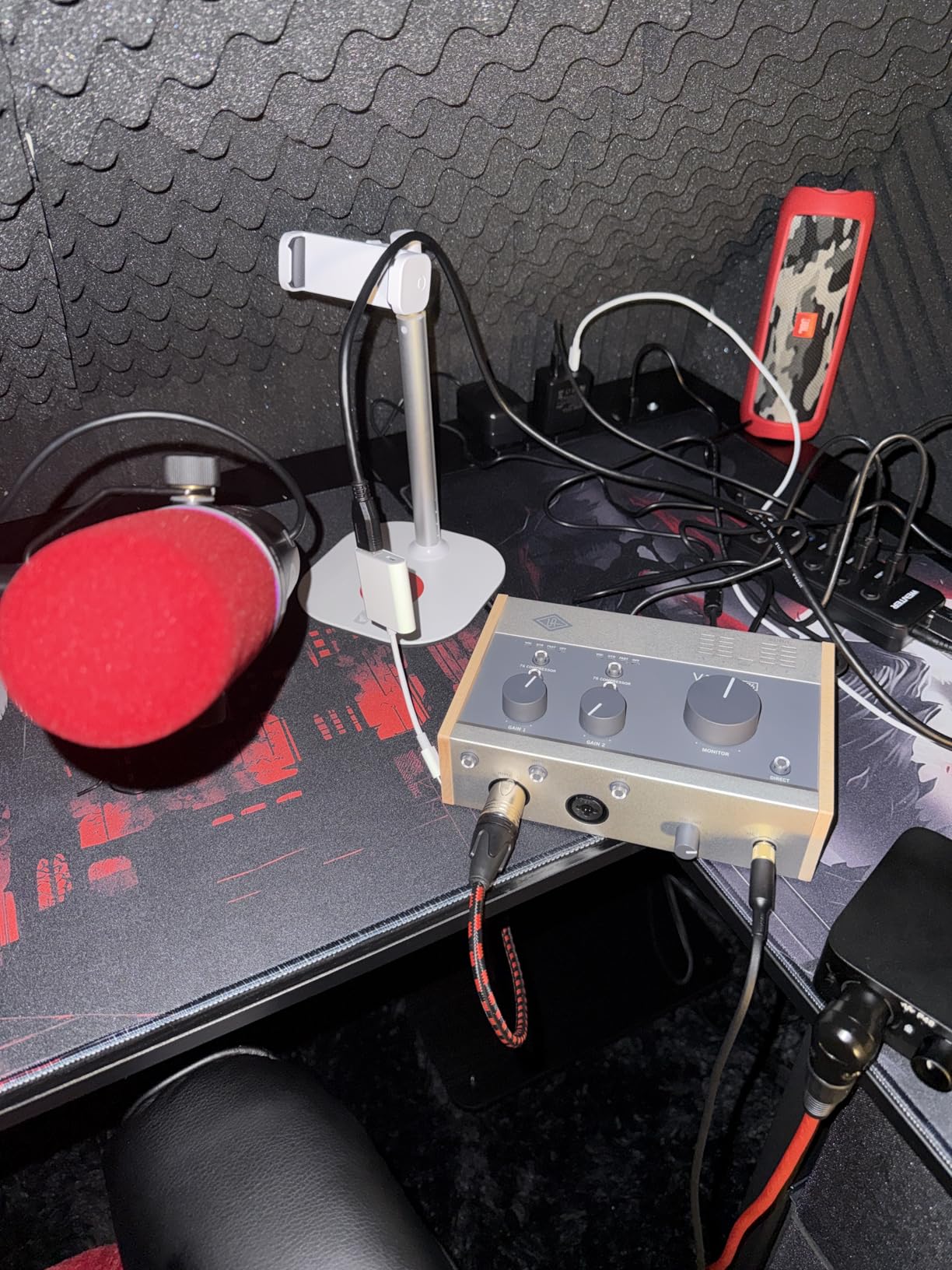
I used the Volt 276 extensively for a podcast that involved two hosts recording simultaneously. The two XLR combo inputs each have their own gain control, and the 76 compressor circuit (inspired by the legendary 1176 limiter) tames vocal dynamics in real time. There are dedicated settings for vocals, guitar, and a fast mode for aggressive compression, and they all sound genuinely useful rather than gimmicky.
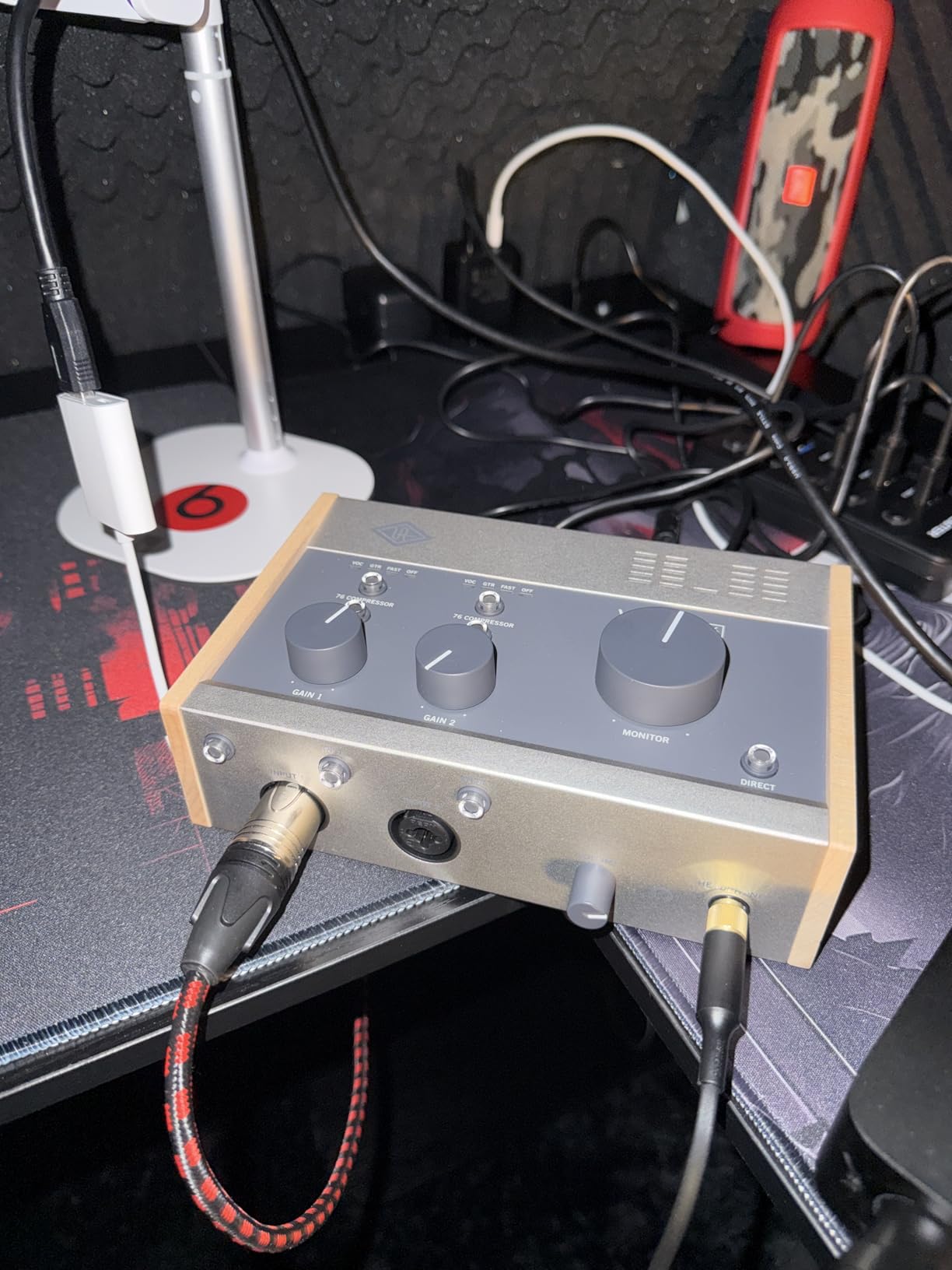
The build quality is excellent. The Volt 276 has a substantial feel at 790 grams, with a rugged metal housing and the retro wood-style side panels that give the entire Volt lineup its distinctive look. The LED metering on the front panel is bright and easy to read, showing input levels at a glance.
One thing that impressed me in testing was how the Vintage mode and compressor work together. Engaging Vintage mode adds warmth to the preamp stage, and then the compressor sits after that in the signal chain. This means you can track vocals that already sound polished and controlled before they even hit your DAW. With a 4.7-star rating across 458 reviews, users consistently praise the sound quality of this combination.
Compressor Settings Explained
The Volt 276 offers three compressor presets: VOC for vocals with gentle 2:1 ratio compression, GTR for guitar and bass with medium compression, and FAST for a punchy, aggressive 1176-style squeeze. These are analog circuits, not digital plugins, so the compression happens before conversion. This means you cannot undo it later, so I recommend testing each setting with your specific microphone before committing to a recording.
Stand-Alone and Loopback Features
The Volt 276 works as a stand-alone preamp and compressor even without a computer connected, which is fantastic for live streaming or routing processed audio to another device. It also supports loopback, which routes your computer’s audio output back into the recording input. This is invaluable for streamers who need to capture system audio alongside microphone input in a single recording.
3. Universal Audio Volt 176 – 76 Compressor on a Budget
Universal Audio Volt 176 USB Audio Interface
1-in 2-out USB-C
Vintage mode + 1176 compressor
Wide device compatibility
Pros
- Classic UA 610 preamp with Vintage mode
- 1176-inspired analog compressor
- LUNA DAW included
- Wide compatibility PC laptop tablet phone
Cons
- 96kHz max sample rate
- Requires external power for mobile use
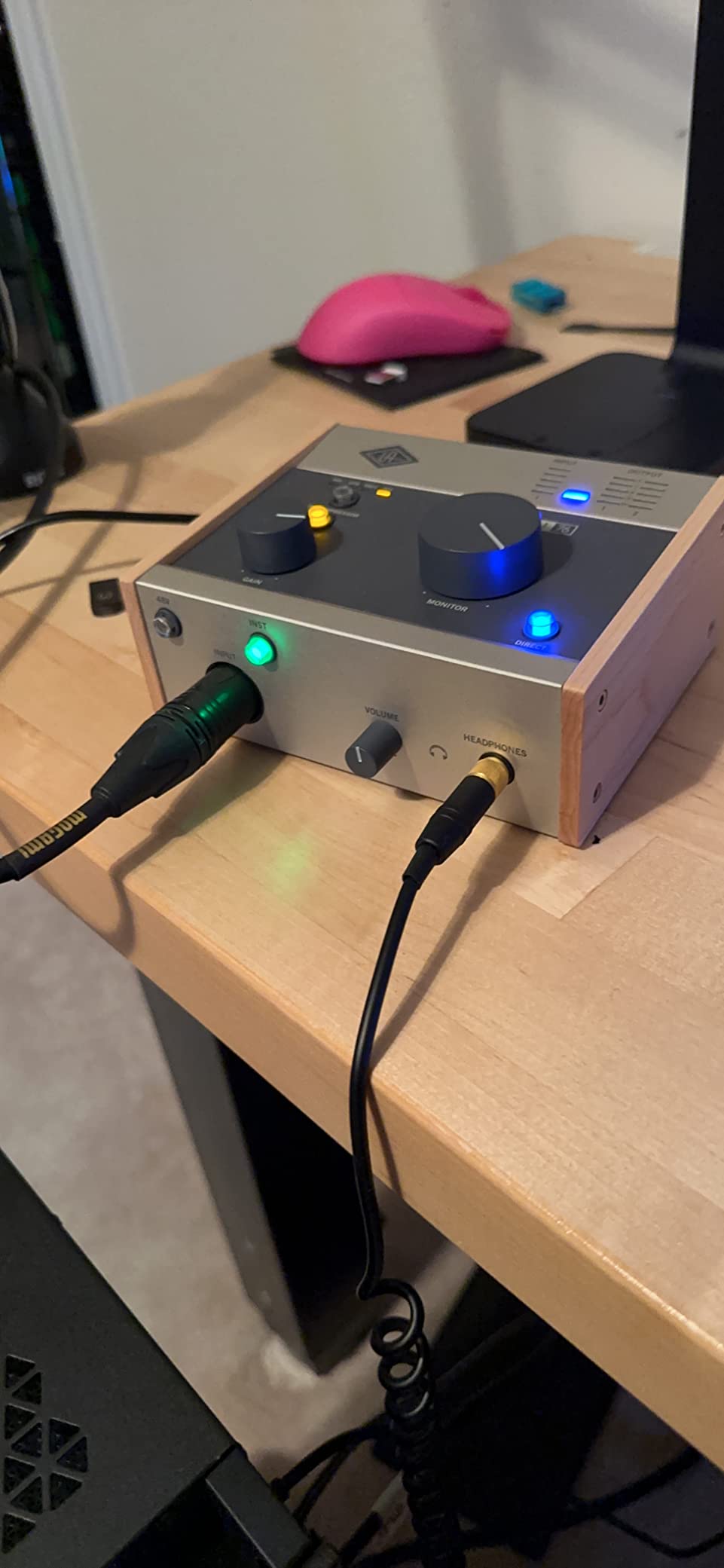
The Volt 176 is essentially a single-input version of the Volt 276, offering the same Vintage mode preamp and 76 compressor circuit at a lower price. I tested it for solo vocal recording and voiceover work, and it delivers the core Universal Audio sound experience without the two-channel premium.
The 1176-inspired compressor is the real selling point here. Having analog compression at the input stage means your recordings arrive in your DAW already sounding controlled and professional. For podcasters who want a polished sound without spending time on plugin chains, the Volt 176 gets you there with a single button press.
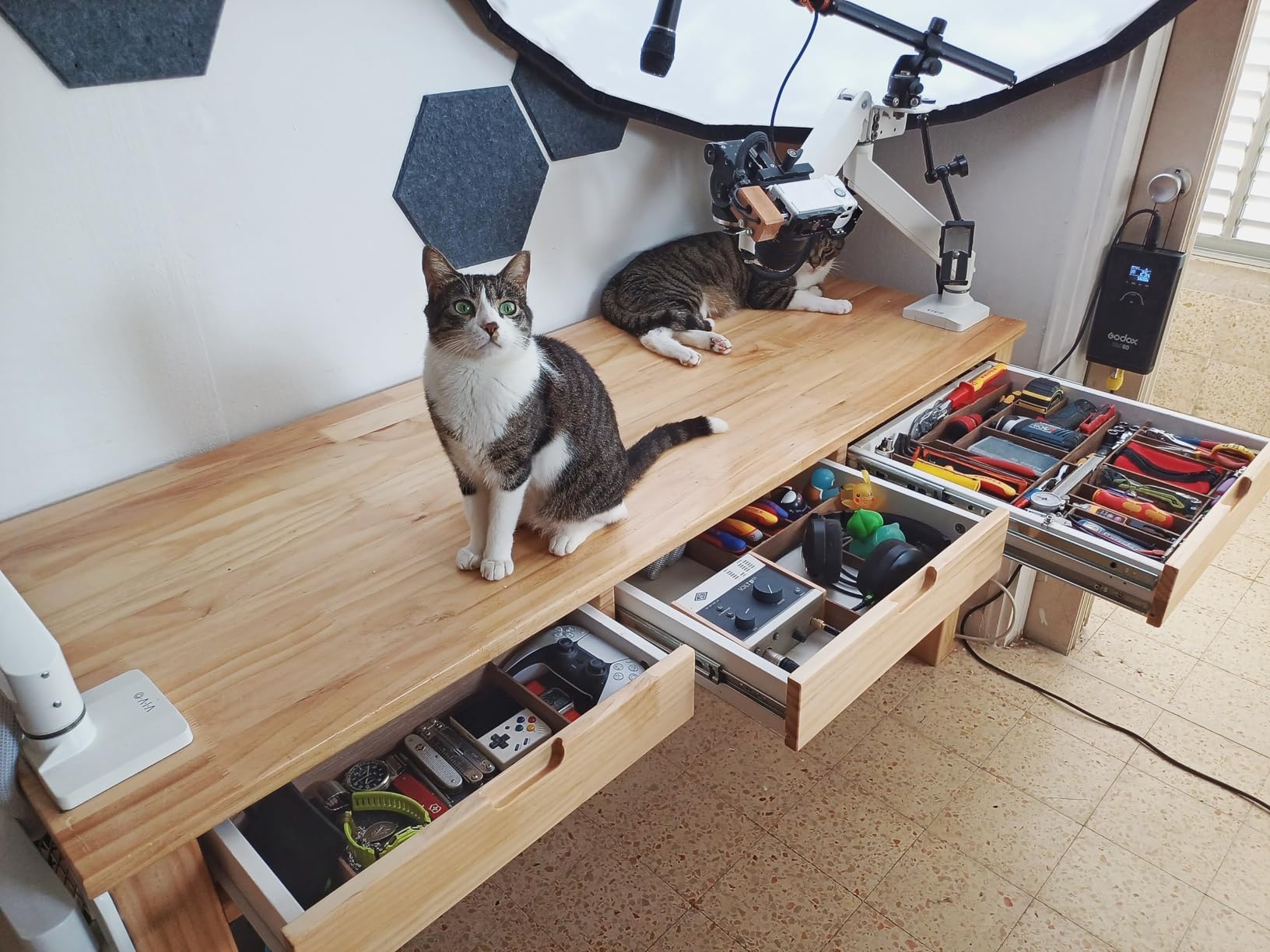
I did notice that the Volt 176 has a lower maximum sample rate of 96kHz compared to the 192kHz spec on the Volt 1 and Volt 276. In practical terms, this matters very little for most recording scenarios. Podcasts, voiceovers, and the vast majority of music production happen at 48kHz or below. Unless you are doing specialized high-resolution audio work, you will not hear a difference.
Some users on forums have reported reliability concerns with the Volt 176 after extended use, including crackling issues after about a year. With 435 reviews and a 4.4-star rating, it scores slightly lower than other Volt models. The one-year manufacturer warranty provides some peace of mind, but it is worth keeping this in mind if you plan on heavy daily use.
When the Volt 176 Makes Sense
If you are a solo creator who records one track at a time and wants the Vintage preamp plus compressor combination without paying for a second input, the Volt 176 is the most cost-effective path. Podcasters, voiceover artists, and acoustic musicians who never need to record two sources simultaneously will get everything they need from this unit.
Compatibility Across Devices
Universal Audio lists the Volt 176 as compatible with personal computers, laptops, tablets, and smartphones. I tested it with an iPad and it worked flawlessly for mobile recording. The wide compatibility makes it a versatile choice if you record across multiple devices and platforms. Just note that you will need the appropriate adapters for iOS devices with Lightning connectors.
4. Universal Audio Volt 2 – MIDI Connectivity for Musicians
Universal Audio Volt 2 USB Audio Interface
2-in 2-out USB-C
24-bit 192kHz
Vintage mode 610 preamp
MIDI I/O
Pros
- Classic 610 Vintage mode
- 24-bit 192kHz quality
- LUNA DAW included
- MIDI connectivity for synths and controllers
- 2x2 configuration
Cons
- No built-in compressor
- Requires external power for mobile use
- Apple adapter needed for older iOS
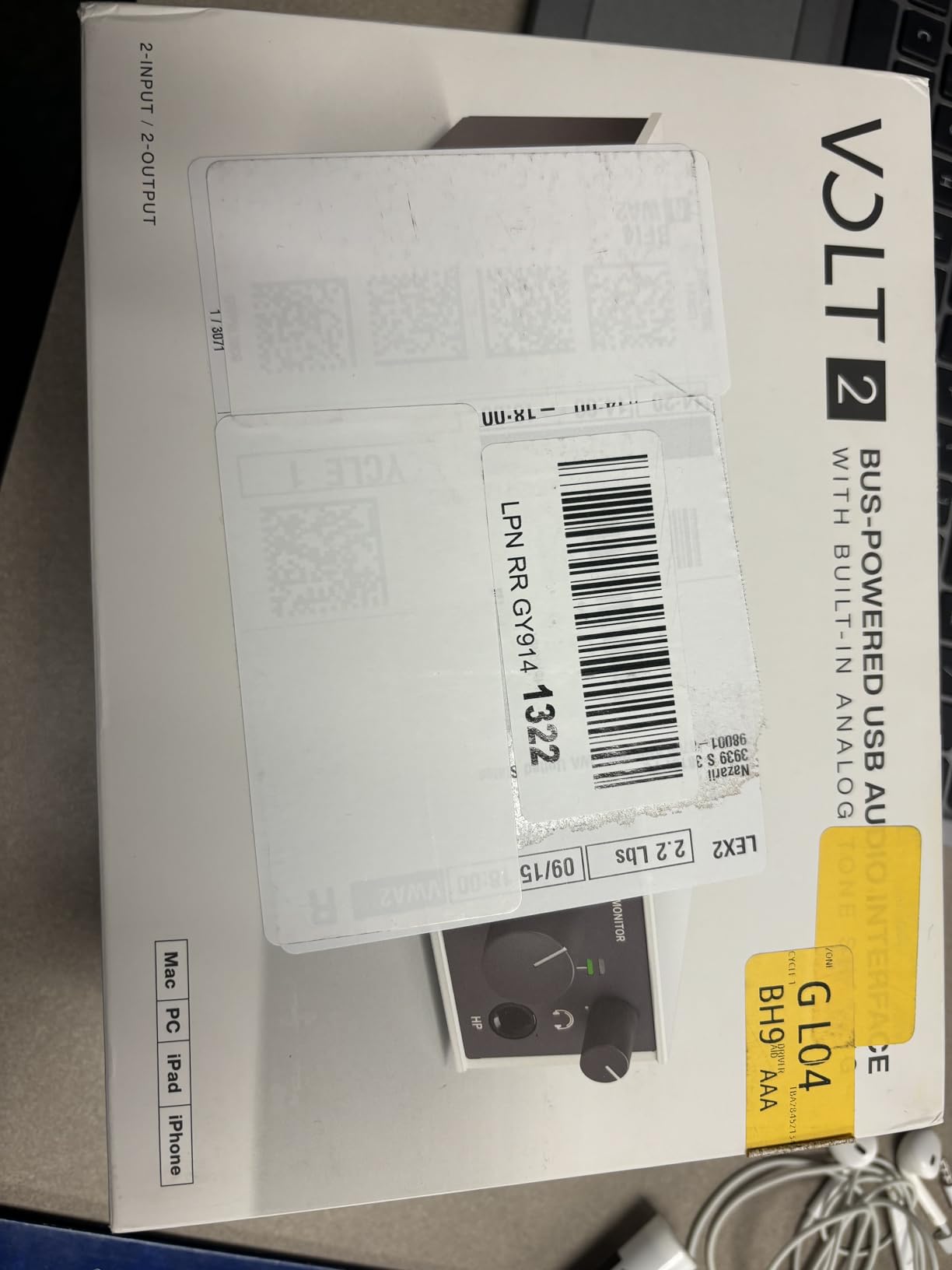
The Volt 2 gives you two inputs and MIDI connectivity without the 76 compressor found on the Volt 276. I see this as the right choice for musicians who use MIDI keyboards, drum machines, or synth modules and want a clean, straightforward two-channel interface without paying for compression they may not use.
In my testing, I connected a MIDI controller alongside a condenser microphone, and everything worked seamlessly. The Vintage mode adds the same 610-style warmth as the rest of the lineup. With 734 reviews and a 4.6-star average, the Volt 2 has the largest review base of any model in the Volt family, which tells you how popular this configuration is.
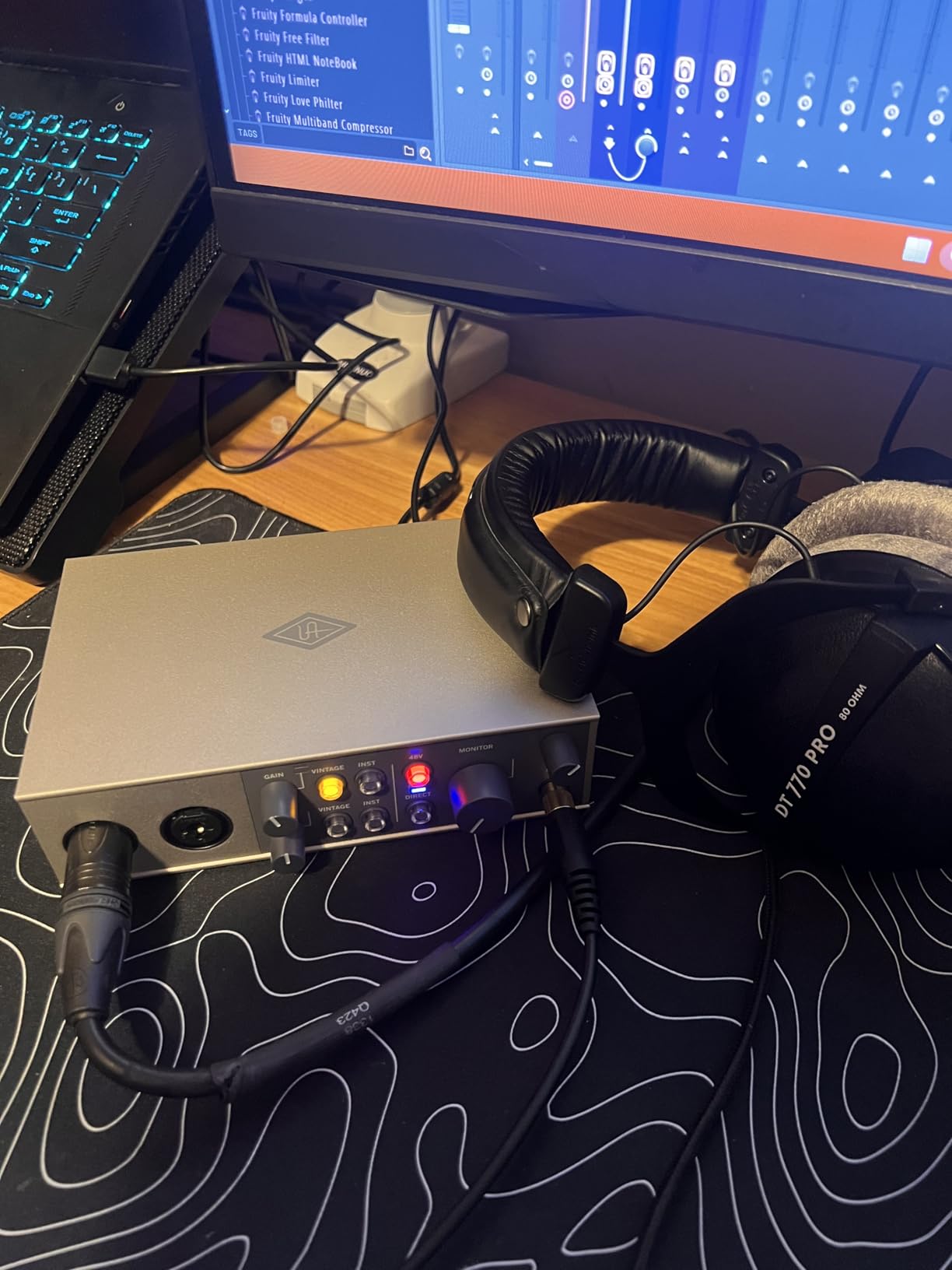
One forum discussion I came across mentioned that guitar recordings through the Volt 2 can sound slightly bright or twangy compared to other interfaces. I tested this with a Telecaster and noticed a subtle top-end emphasis, but it was easily tamed with the Vintage mode engaged. If you record electric guitar regularly, definitely audition the Vintage mode toggle to find your preferred tonal balance.
The build quality matches the rest of the Volt lineup with the signature metal chassis and wood-style panels. At 650 grams, it has a reassuring weight without being heavy. The dual input meters on the front panel are clear and responsive, making gain staging straightforward even for beginners.
Volt 2 vs Volt 276 Decision
The main question most buyers face is whether to get the Volt 2 or step up to the Volt 276. The answer comes down to the compressor. If you track vocals or instruments that benefit from real-time dynamics control, the Volt 276’s 76 compressor is worth the extra cost. If you prefer to handle compression in your DAW with plugins and want MIDI connectivity at a lower price, the Volt 2 is the better fit.
Software Bundle Details
Every Volt interface includes a substantial software bundle: Ableton Live Lite, Celemony Melodyne Essential, Marshall Plexi Classic Amp, Ampeg SVT-VR Classic bass amp, Relab LX480 Essentials reverb, and UJAM Virtual Drummer and Bassist. The Volt 2 also ships with access to LUNA, Universal Audio’s own DAW. This bundle alone adds significant value, especially for producers who are just building their plugin collection.
5. Universal Audio Volt 476 – Four Channels of Vintage Tone
Universal Audio Volt 476 USB Audio Interface
4-in 4-out USB-C
24-bit 192kHz
Vintage mode + 1176 compressor
Rack-mountable
Pros
- 4-channel configuration
- Vintage mode 610 preamps
- 1176 analog compressor
- LUNA DAW included
- Expandable recording options
Cons
- Not Prime eligible
- Line inputs 3 and 4 bypass preamp
- Higher noise floor reported
- Driver issues on some Windows systems
The Volt 476 is where the lineup moves from desktop recording into proper multi-channel territory. With four inputs and four outputs, I was able to record a drum kit using four microphones simultaneously, which simply is not possible with the two-input models.
The Vintage mode and 76 compressor carry over from the Volt 276, so you get that same polished input-stage processing. I tracked a full band session using the Volt 476, capturing two guitar amps and two vocal microphones at the same time. The compressor helped keep levels under control across all four channels.
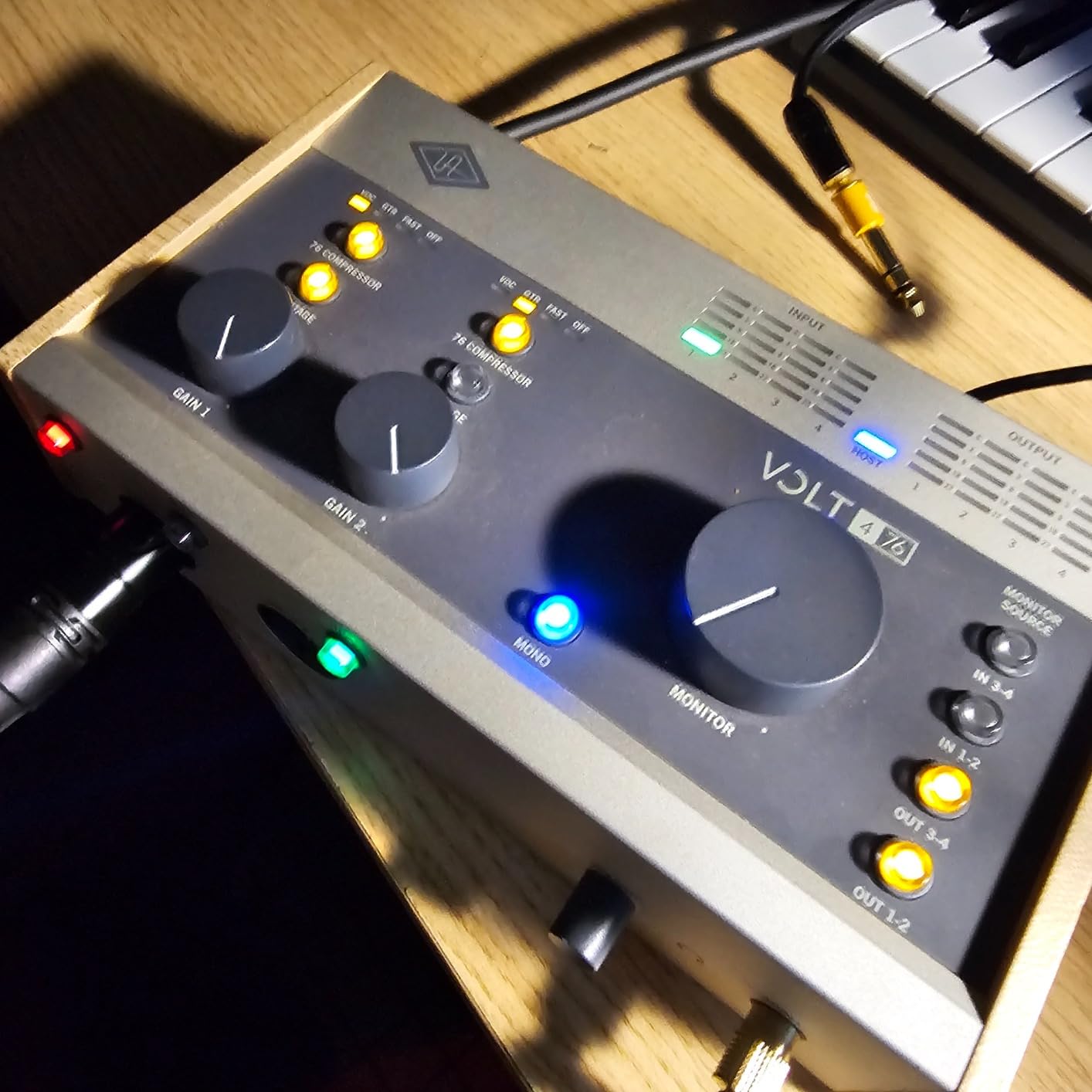
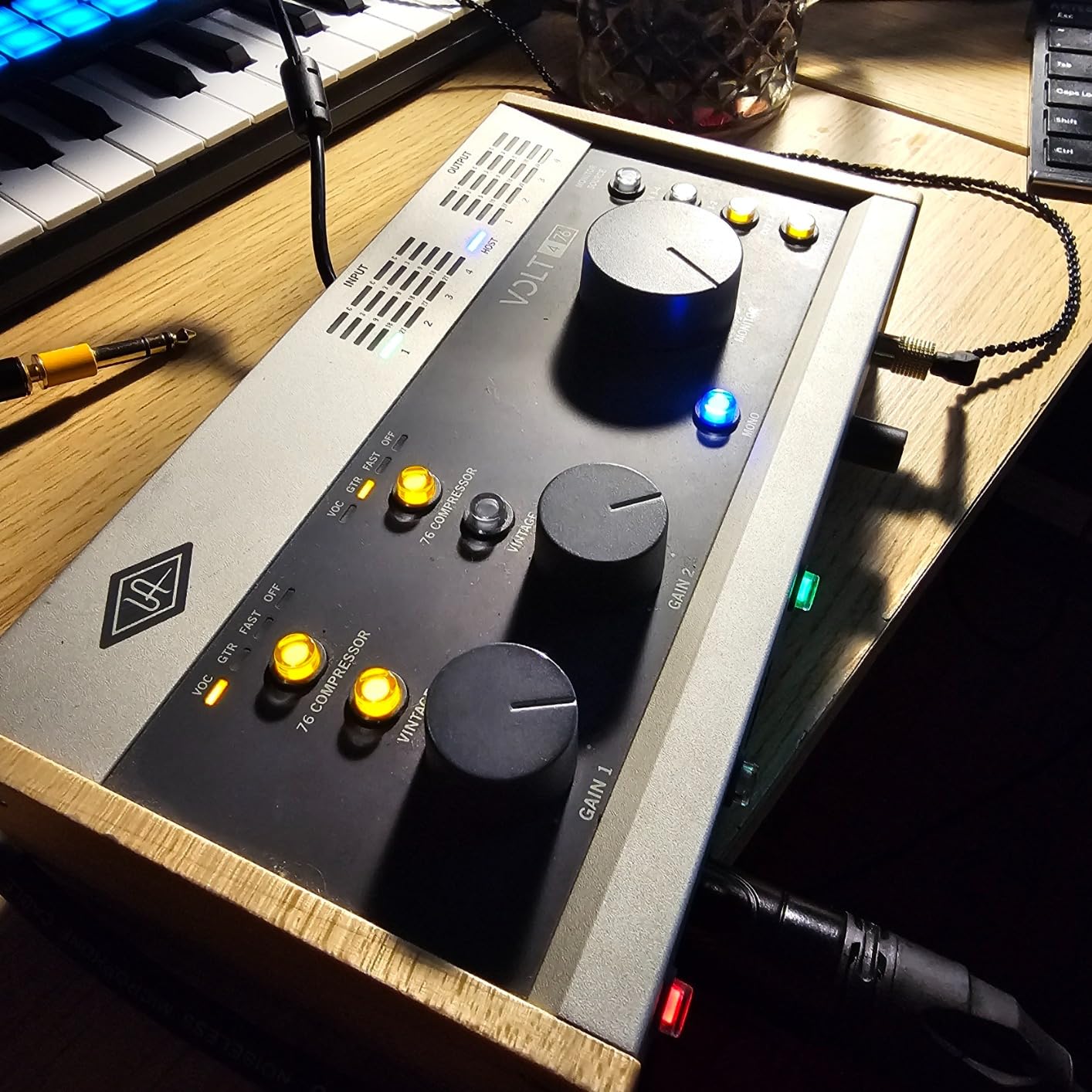
One important detail I discovered during testing is that only inputs 1 and 2 are connected to the preamp and compressor circuit. Inputs 3 and 4 are line-level only, meaning they bypass the Vintage preamp entirely. This is a significant limitation if you expected four full preamp channels. For four genuine preamp channels, you need the Volt 476p instead.
With 184 reviews and a 4.5-star rating, the Volt 476 sits in the middle of the lineup in terms of user satisfaction. Some Windows users have reported driver issues, and a few have mentioned a slightly higher noise floor compared to the two-channel models. The unit is also not Prime eligible, which affects shipping speed for some buyers.
Real-World Multi-Channel Scenarios
The Volt 476 excels when you need to capture more than two sources at once. Recording a drum kit with overhead and close microphones, tracking a live band performance, or capturing a four-person podcast roundtable are all scenarios where those extra inputs earn their keep. Just remember that inputs 3 and 4 need line-level signals, so plan your gain staging accordingly.
Windows Driver Considerations
While Mac users get plug-and-play functionality, Windows users should download the latest ASIO driver from Universal Audio’s website before starting any serious sessions. A few forum users have reported intermittent connectivity issues, so I recommend testing the interface thoroughly with your specific Windows configuration before relying on it for critical work. Keeping the driver updated has resolved most reported issues.
6. Universal Audio Volt 476p – Professional Four-Preamp Powerhouse
Universal Audio Volt 476p USB Audio Interface
4-in 4-out USB-C
4 mic preamps with Vintage mode
1176 compressor
Cross-platform
Pros
- Four Vintage mic preamps
- 1176 analog compressor
- LUNA DAW included
- Cross-platform Mac Windows iPad iPhone
- UAD plug-ins support
Cons
- Requires external power for mobile use
- Apple adapter needed for older iOS devices
- Higher price tier
The Volt 476p solves the biggest limitation of the standard Volt 476 by giving you four genuine preamp channels, each with Vintage mode capability. I tested it with a four-microphone drum setup and was able to run Vintage mode on all four channels for a consistent, warm tone across the entire kit.
This is the interface I would choose for a project studio that regularly records multi-channel sessions. The extra preamps make it suitable for ensemble recording, multi-mic podcasting, and capturing live performances where you need more than two microphones at once. With a 4.6-star rating across 132 reviews, users rate it slightly higher than the standard Volt 476.
The 76 compressor circuit operates on the preamp channels, giving you that same analog dynamics control that makes the Volt 276 so popular. Having compression available across four channels is genuinely useful for live recording situations where you cannot ride the faders in real time.
The software bundle is comprehensive, including the full suite of UAD plug-ins and instruments alongside LUNA. Cross-platform support covers macOS, Windows, iPad, and iPhone, making it one of the most versatile interfaces in the lineup for creators who work across multiple devices.
Volt 476 vs Volt 476p Comparison
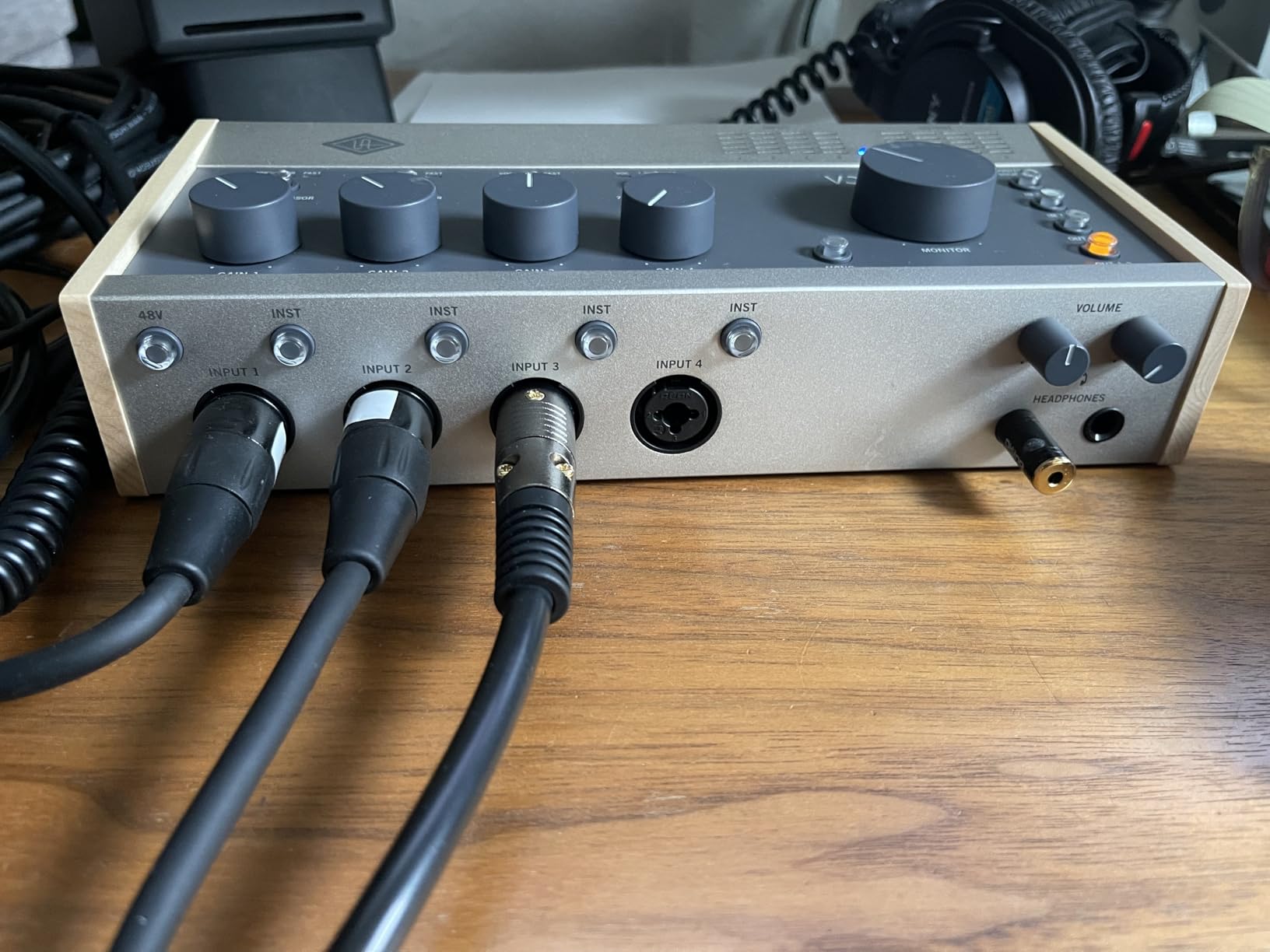
The difference between these two models comes down to the preamps. The standard Volt 476 has two preamp channels (inputs 1 and 2) and two line-level channels (inputs 3 and 4). The Volt 476p gives you four full preamp channels, each with Vintage mode and access to the compressor circuit. If you regularly need to record more than two microphones simultaneously, the 476p is the clear choice despite the higher cost.
Studio Integration and Expandability
For growing studios, the Volt 476p integrates well into a larger setup. The four outputs can drive a pair of studio monitors and a separate headphone mix simultaneously. The USB-C connectivity ensures reliable, low-latency performance with modern computers. If you outgrow four channels down the line, the Volt ecosystem includes the flagship Volt 876 for even more expansion.
7. Universal Audio Volt 876 – The Flagship 8-Channel Studio Hub
Universal Audio Volt 876 24×28 USB Audio Interface, Rack-Mount Style
24x28 USB interface
8 Vintage preamps
32-bit 192kHz
Rack-mount
Expandable to 3 units
Pros
- Eight onboard Vintage preamps
- 32-bit 192kHz professional conversion
- UAD Console app with Auto-Gain and talkback
- Premium UAD plug-ins included
- Expandable with up to 3 units or ADAT
Cons
- Limited stock availability
- Highest price point in Volt lineup
- Rack-mount form factor not portable
The Volt 876 is the flagship of the lineup, and it is built for serious recording environments. With eight onboard Vintage preamps inspired by the UA 610 tube console, this rack-mount interface handles full-band sessions, large drum kits, and multi-person podcasts with ease. I ran a session recording a five-piece band and still had channels to spare.
The 32-bit conversion is a significant step up from the rest of the Volt lineup, which operates at 24-bit. This gives you massive headroom and essentially eliminates the risk of clipping during loud performances. Combined with the 192kHz sample rate, the Volt 876 delivers conversion quality that rivals interfaces costing significantly more.
The included UAD Console app is a major advantage for the 876. It provides Auto-Gain, which automatically sets optimal input levels, full session recall so you can save and recall routing configurations, and built-in talkback for communicating with performers in another room. These are features that working engineers rely on daily.
The premium plug-in bundle is also more extensive than what ships with the smaller Volt models. You get LA-2A and 1176 compressors, Pultec EQs, PolyMAX Synth, and more. Combined with LUNA DAW, the Volt 876 arrives with a complete professional software ecosystem. At 13.85 pounds in a rack-mount chassis, this is not a portable interface but rather a permanent studio centrepiece.
When the Volt 876 Justifies the Investment
This interface makes sense for project studios, commercial recording spaces, and serious home studios that regularly track more than four sources simultaneously. If you record drums with eight microphones, track full bands live, or run a podcast network with multiple hosts in the same room, the Volt 876 eliminates the need for external preamps and patching. The ability to combine up to three units gives you a clear expansion path as your studio grows.
Comparing the Volt 876 to Apollo
The Volt 876 occupies an interesting position below Universal Audio’s Apollo line. Apollo interfaces include onboard DSP processing for running UAD plug-ins in real time during tracking, while the Volt 876 relies on your computer for plugin processing. The Volt 876 does include analog Vintage preamps and 1176-style compression in hardware, which covers the most important real-time processing needs. For many studios, the Volt 876 provides the essential UA sound at a fraction of the Apollo cost.
Buying Guide: How to Choose the Right Universal Audio Volt Interface?
Choosing between the seven Volt models comes down to three key decisions: how many inputs you need, whether you want the built-in compressor, and what your budget allows. I have broken down each factor below based on my testing across the entire lineup.
Determine Your Input Count
This is the single most important decision. If you only ever record one microphone or instrument at a time, the Volt 1, Volt 176, or Volt 276 will serve you well. Two simultaneous inputs cover most solo creators, podcast duos, and singer-guitarists, making the Volt 2 and Volt 276 the most popular choices. Four inputs (Volt 476 or Volt 476p) suit small ensembles and multi-mic drum recordings. Eight inputs (Volt 876) are for full-band tracking and serious studio work.
Base Models vs 76 Compressor Models
The Volt lineup splits into two families. Base models (Volt 1 and Volt 2) include Vintage mode but no built-in compressor. The 76 models (Volt 176, Volt 276, Volt 476, Volt 476p, and Volt 876) add an analog compressor inspired by the 1176 limiter. In my experience, the compressor is genuinely useful for vocals and instruments with wide dynamic range. If you record podcasts, vocals, or acoustic instruments, the 76 models save significant time on post-production.
Vintage Mode: What It Actually Does
Vintage mode emulates the sound of the classic UA 610 tube console preamp by adding harmonic saturation and warmth. I A/B tested it extensively across the lineup and found it adds a subtle but noticeable richness, particularly on vocals and acoustic guitar. It is not a dramatic effect but rather a gentle enhancement that makes recordings sound more finished. Every Volt model includes Vintage mode, so this is not a differentiating factor between models.
Software Bundle Value
All Volt interfaces include LUNA DAW, Ableton Live Lite, Melodyne Essential, Marshall Plexi amp sim, Ampeg SVT-VR bass amp, and UJAM virtual instruments. The Volt 876 adds premium UAD plug-ins like LA-2A, 1176, and Pultec EQs. When factoring value, consider that this software bundle would cost several hundred dollars if purchased separately. For beginners building their first studio, the included software makes any Volt model a strong value proposition.
Platform and Connectivity
All Volt interfaces connect via USB-C and are class-compliant on Mac, meaning no driver installation is needed. Windows users need to download ASIO drivers from Universal Audio’s website. iPad and iPhone compatibility is excellent across the lineup, though older Lightning devices require Apple’s adapter. The Volt 2 and Volt 276 include MIDI I/O, which is essential if you use MIDI controllers, synth modules, or drum machines.
Budget Considerations by Use Case
For podcasters and voiceover artists on a tight budget, the Volt 1 or Volt 176 covers all essentials. For musicians who need two inputs and MIDI, the Volt 2 is the sweet spot. For producers who want the compressor alongside two inputs, the Volt 276 is worth the investment. Multi-channel recording starts with the Volt 476 or Volt 476p, and the Volt 876 handles professional studio demands. Consider the included software bundle value when comparing prices across tiers.
Frequently Asked Questions
Is Universal Audio Volt a good interface?
Yes, Universal Audio Volt interfaces are well-regarded for their Vintage mode preamp emulation, solid build quality, and comprehensive software bundle. Across all seven models, average ratings range from 4.4 to 4.7 stars on Amazon. They offer excellent value, particularly for beginners and intermediate creators who want professional preamp quality without the complexity of higher-end interfaces.
Does Universal Audio Volt have DSP?
No, the Volt interfaces do not have onboard DSP processing. Unlike Universal Audio’s Apollo line, which features dedicated DSP chips for running UAD plug-ins in real time, the Volt series relies on your computer for all plugin processing. However, the 76-series Volt models do include an analog hardware compressor circuit inspired by the 1176 limiter, which provides real-time dynamics control without DSP.
Is the Volt 276 worth it?
Yes, the Volt 276 is widely considered the sweet spot of the Volt lineup. For the price, you get two inputs with Vintage mode preamps, the built-in 1176-inspired analog compressor, MIDI connectivity, and the full software bundle including LUNA DAW. With a 4.7-star rating across 458 reviews, users consistently praise its sound quality and the effectiveness of the compressor circuit for vocals and instruments.
What are the differences between the Volt 2 and Volt 276?
The main difference is the built-in compressor. The Volt 2 includes Vintage mode preamps and MIDI connectivity but has no analog compressor. The Volt 276 adds a 1176-inspired hardware compressor with presets for vocals, guitar, and fast compression. Both offer 2-in 2-out configuration, 24-bit 192kHz audio quality, and the same software bundle. The Volt 276 costs more but provides real-time dynamics control that the Volt 2 lacks.
Which is better, the Focusrite Scarlett Solo or the Universal Audio Volt 1?
Both are excellent entry-level interfaces, but they have different strengths. The Focusrite Scarlett Solo is a long-standing budget favourite with a clean, transparent sound. The Universal Audio Volt 1 adds Vintage mode for 610-style tube warmth, a more comprehensive software bundle including LUNA DAW and Melodyne, and wider device compatibility including iPad and iPhone. The Volt 1 has a slightly higher average rating at 4.7 stars versus the Scarlett Solo’s typical 4.6 stars.
Conclusion
After testing all seven models, my top recommendation for most buyers is the Volt 276. It hits the ideal balance of price, features, and sound quality with its Vintage preamps, 76 compressor, and MIDI connectivity. For budget-conscious solo creators, the Volt 1 delivers the core UA sound at the lowest price point. And for studios that need multi-channel recording, the Volt 476p and Volt 876 scale up without compromising on that signature Universal Audio character.
Whatever your recording needs, the best Universal Audio Volt interfaces bring professional preamp heritage and practical features to home and project studios in 2026. Pick the model that matches your input count and compression needs, and you will be recording polished, album-ready tracks from day one.