
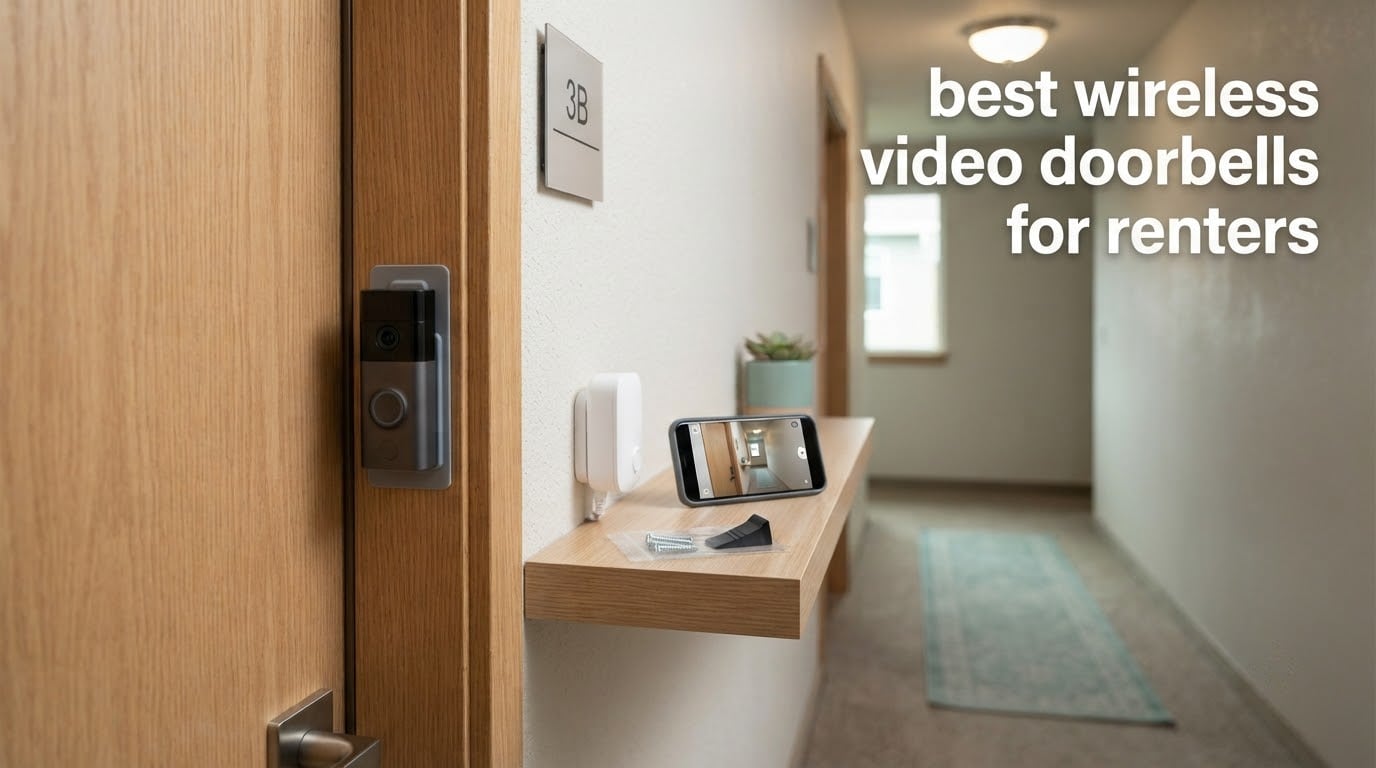
Most apartment leases make a wired doorbell camera a non-starter. You cannot run cable through a wall you do not own, tap into a chime you are not responsible for, or accept that your deposit is on the line if the landlord sees two new screw holes at move-out. A wireless video doorbell sidesteps all of that: it runs on a rechargeable battery, connects to your own Wi-Fi, and mounts with adhesive or a clip-style bracket you can peel away in an afternoon.
That is why the best wireless video doorbells for renters are not simply the models with the sharpest sensors. They are the ones you can install in ten minutes on a door you will not own, that keep working through a weak 2.4GHz signal in a concrete hallway, and that do not demand a monthly plan just to show you who is standing there. We compared 12 battery-powered video doorbells on exactly those criteria, then rated the renter friction each one creates.
Every pick below is a wireless model. We did not include hardwired-only cameras, because the moment a doorbell needs an electrician, it stops being a renter product. We also weighted removable mounting, storage cost and real-world battery drain more heavily than raw resolution, because a sharper picture on a camera you have to take down every ten days to charge is not a better apartment solution. For more on the hardware side, our guide to smart doorbell cameras for renters covers the ecosystem question in more depth.
Table of Contents
Top 3 Best Wireless Video Doorbells for Renters in 2026
These three sit at the top of 2026 because each one solves a different renter problem without asking you to modify the door.

Ring Battery Doorbell
- Head-to-Toe Video
- Built-in rechargeable battery with USB-C charging
- Live View and Two-Way Talk
- Motion detection and alerts

Tapo D210 with Chime
- 2K 160-degree head-to-toe view
- Local microSD storage
- no subscription
- Color night vision spotlight
- Includes wedge and adhesive

aosu 5MP Video Doorbell
- 5MP with 166-degree view
- 8GB local storage
- 60-day loop recording
- Wireless or wired power
The Ring Battery Doorbell wins on install simplicity and the largest support base of any model here. The Tapo D210 wins on value, pairing a 2K sensor and local microSD recording with a 160-degree head-to-toe view at a price that undercuts most competitors. The aosu 5MP is the pick if you refuse to pay a subscription and refuse to settle for soft image quality.
Quick Overview: Best Wireless Video Doorbells for Renters in 2026
All twelve models below run on a built-in battery and pair to your own 2.4GHz network. Read the power and storage columns first; those two answers rule out most options for a leased apartment.
| Product | Specs | Action |
|---|---|---|
| Ring Battery Doorbell |
|
Check Latest Price |
| aosu 5MP Ultra HD Doorbell |
|
Check Latest Price |
 Blink Video Doorbell with Sync Module Core Blink Video Doorbell with Sync Module Core |
|
Check Latest Price |
 Google Nest Doorbell Battery Google Nest Doorbell Battery |
|
Check Latest Price |
 eufy Video Doorbell E340 eufy Video Doorbell E340 |
|
Check Latest Price |
| Tapo D210 with Chime |
|
Check Latest Price |
 BOIFUN 2K HD Wireless Doorbell BOIFUN 2K HD Wireless Doorbell |
|
Check Latest Price |
 MUBVIEW 1080P Wireless Doorbell MUBVIEW 1080P Wireless Doorbell |
|
Check Latest Price |
 ieGeek 2K 3MP Doorbell ieGeek 2K 3MP Doorbell |
|
Check Latest Price |
 WYZE Wireless Duo Cam Doorbell WYZE Wireless Duo Cam Doorbell |
|
Check Latest Price |
 Arlo Video Doorbell 2K 2nd Gen Arlo Video Doorbell 2K 2nd Gen |
|
Check Latest Price |
 Wyze Battery Video Doorbell Wyze Battery Video Doorbell |
|
Check Latest Price |
1. Ring Battery Doorbell: Easiest No-Drill Install for Most Renters
Ring Battery Doorbell, Home or business security with Head-to-Toe video, Live View with Two-Way Talk, and Motion Detection & Alerts, Satin Nickel
Head-to-Toe Video with 66% more vertical coverage
Built-in rechargeable battery, USB-C charging
Wi-Fi connectivity, Works with Alexa
Pros
- Two-screw self-install on an existing door frame
- About half the charge remaining after three months of use
- Clear day and night video with a wide field of view
- Reliable app with dependable motion alerts
- Works with an existing Ring Chime
Cons
- Ring Protect subscription needed to store and review footage
- Motion sensitivity must be raised or events go unrecorded
- Two to three second delay before phone notifications
- Person and package smart alerts are paywalled
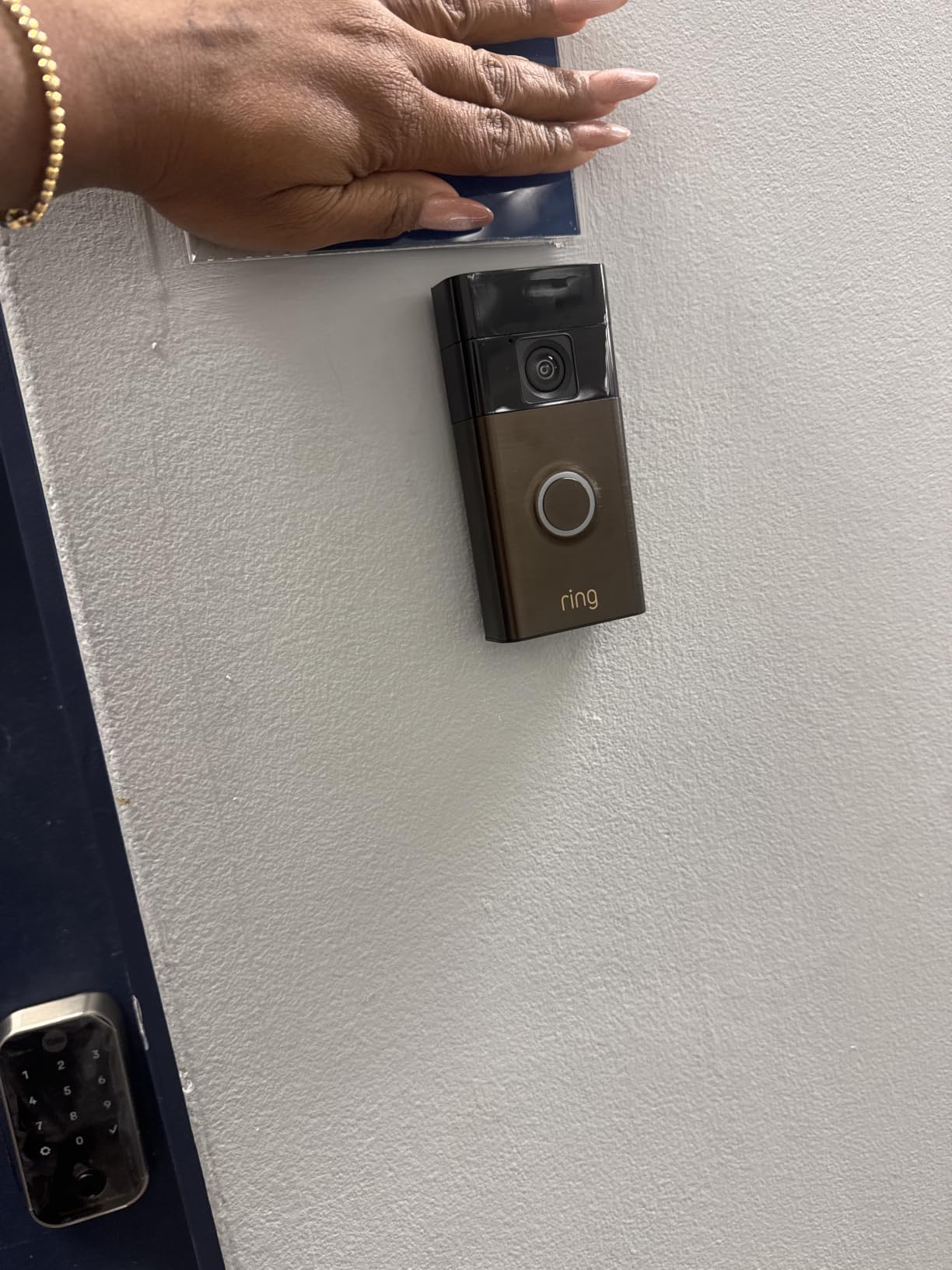
Install speed is what won this one for me. A Ring Battery Doorbell mounts to a standard door frame with two screws in about five minutes, and if your door frame is the one surface you can still touch without a landlord conversation, that alone is worth a lot. Reviewers commonly report the same experience, and the 55k-strong review count makes it the least risky purchase in this list.
The Head-to-Toe Video framing is the second reason it ranks first. Ring claims 66% more vertical coverage than the previous generation, and in practice you see a visitor from head to knees plus the floor in front of the door, which is where the parcel actually lands. Battery performance held up too: one owner reported roughly half the charge left after three months in normal use.
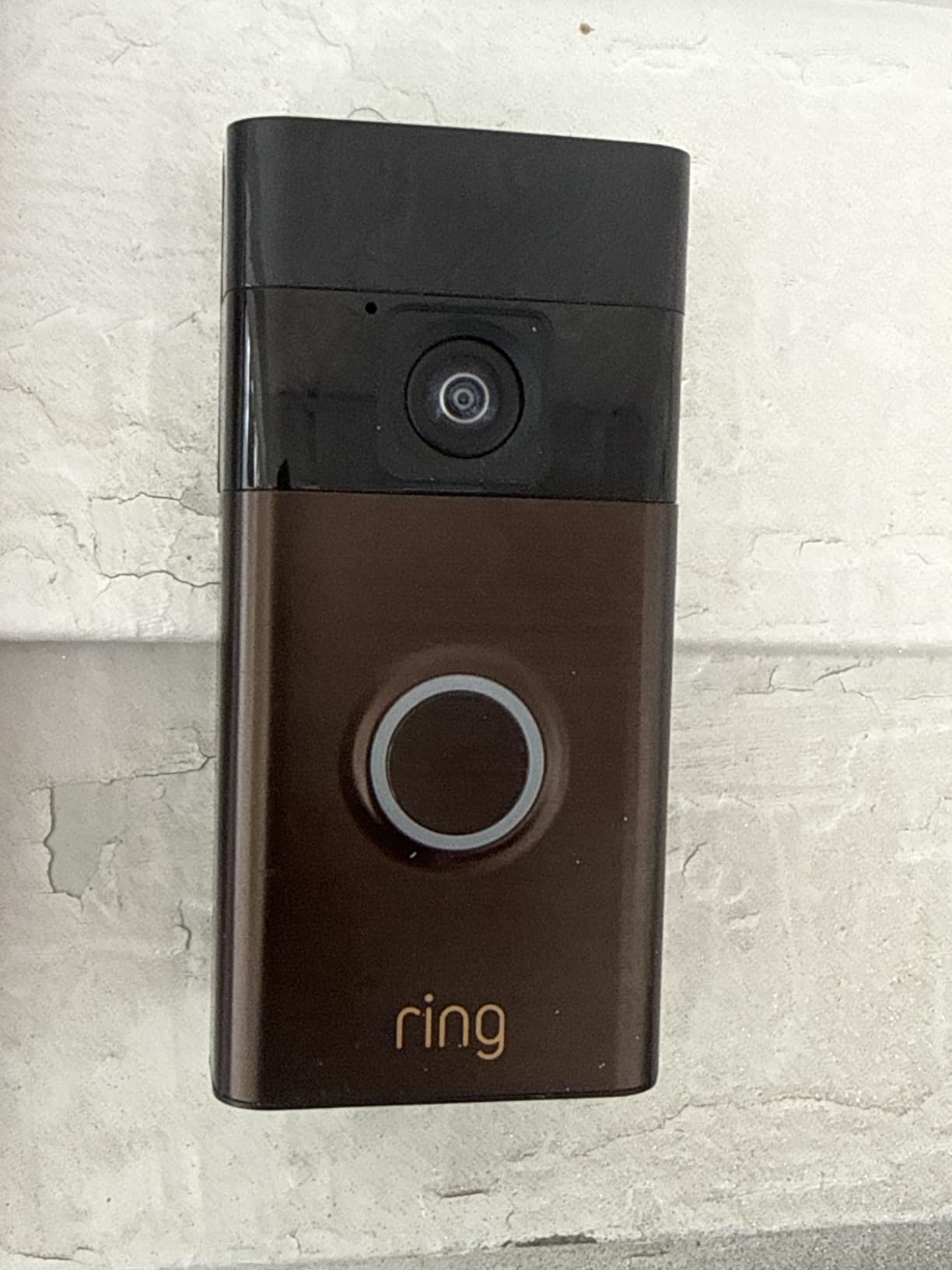
The honest catch is storage. Without Ring Protect you get live view and motion alerts, but reviewing old video is the part you will want most after a missed package. The free tier is genuinely useful for screening who is at the door; it is thin for evidence. Two-way talk is clear, but notifications arrive two to three seconds after motion, and if you raise sensitivity to record more, you will also record the hallway.
Cold weather is a real risk too. Reviewers report that units paired with solar accessories in freezing conditions can stop accepting a charge and die outright. If your front door faces a northern exposure, that combination is the one scenario where I would steer you to a model with a swappable battery instead.
Who this suits in a rental
Choose the Ring if you want the shortest possible install, already use Alexa, or want the widest support network when something goes wrong. It is the safest pick for a first apartment because the app is the most polished of the group and the setup flow handles a bad Wi-Fi password without drama.
It also plays well if you plan to add cameras later, since the same app covers indoor and outdoor Ring gear. Check with your landlord first, though, because the video history question comes up during deposit conversations more often than the hardware does.
Where it falls short
The subscription is the trade-off. Ring Protect unlocks the video history, and the person and package smart alerts are paywalled separately, so you are paying twice for the feature set a Tapo or a WYZE gives you free on a memory card.
For a renter, the second drawback is durability. The battery is removable and USB-C, which is good, but there is no local storage fallback, so a Wi-Fi outage means no footage at all. If you need recordings that survive an internet outage, look at the Google Nest or aosu models further down.
2. aosu 5MP Ultra HD Doorbell: Sharpest Image With No Subscription
aosu 5MP Ultra HD Wireless & Wired Video Doorbell Camera
5MP sensor with 166-degree vertical framing
8GB local storage, 60-day loop recording
Wireless battery or wired power, IP65
Pros
- Crisp 5MP image quality
- among the best tested by reviewers
- Completely subscription-free with 8GB built-in storage
- Reliable connection over long-running installs
- Works wired or wireless
- Responsive customer support
Cons
- App is clunky with settings buried in sub-menus
- Playback can be herky-jerky
- Base has no microSD slot to expand past 8GB
- Body is taller than most doorbells so cases may not fit
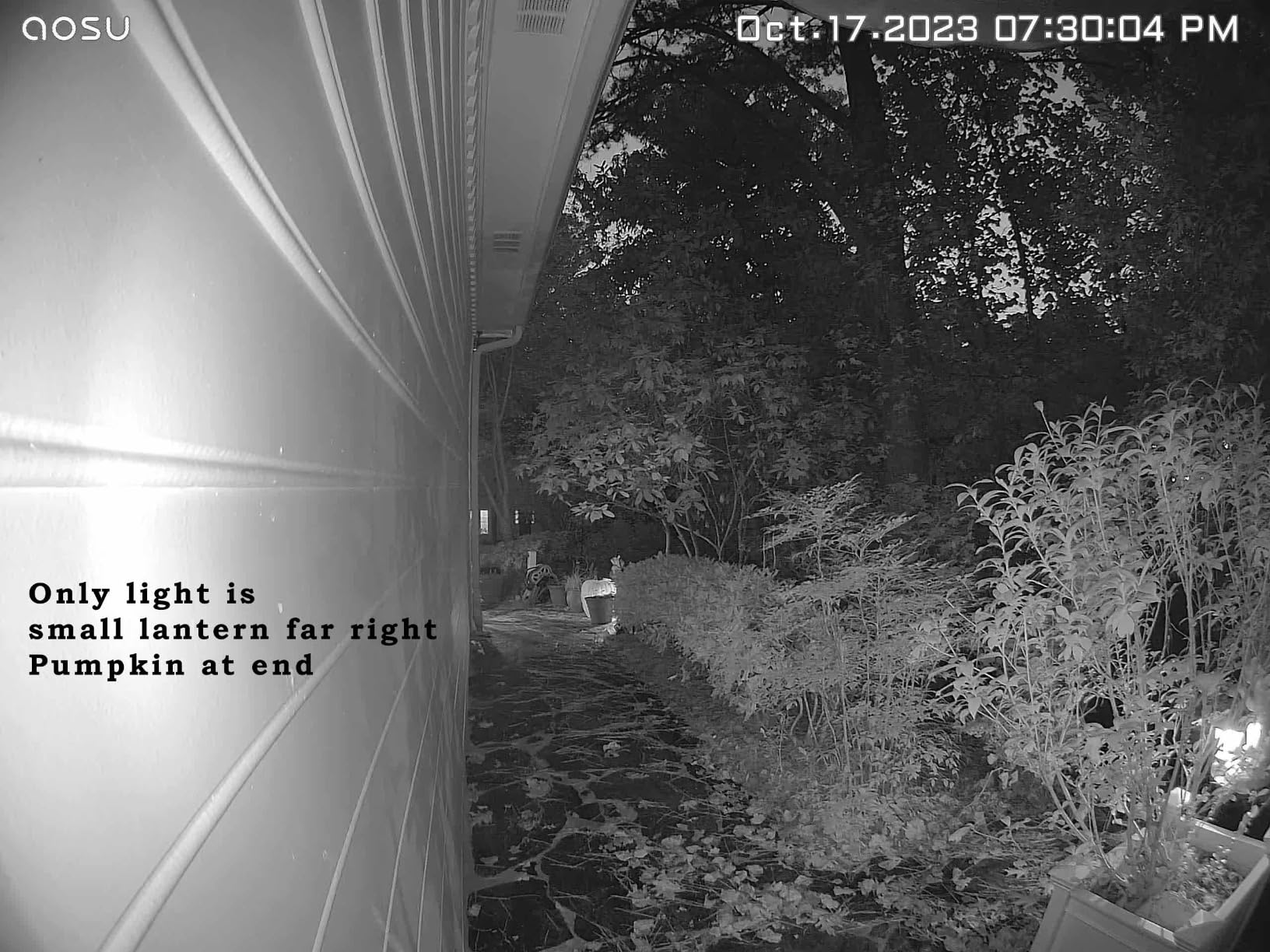
The aosu is the hardware answer. A 5MP sensor behind a seven-piece optical glass lens and a 166-degree view in 4:3 vertical framing produces the sharpest image of any camera on this list, and the difference is obvious when you pull up a clip of someone standing three metres back.
It is also fully subscription-free in a way that matters. The included aosuBase Mini carries 8GB of built-in storage and records a rolling 60-day loop, so your footage lives inside your apartment rather than on someone else’s server. Reviewers who came from Ring and Arlo single this out as the reason for switching.
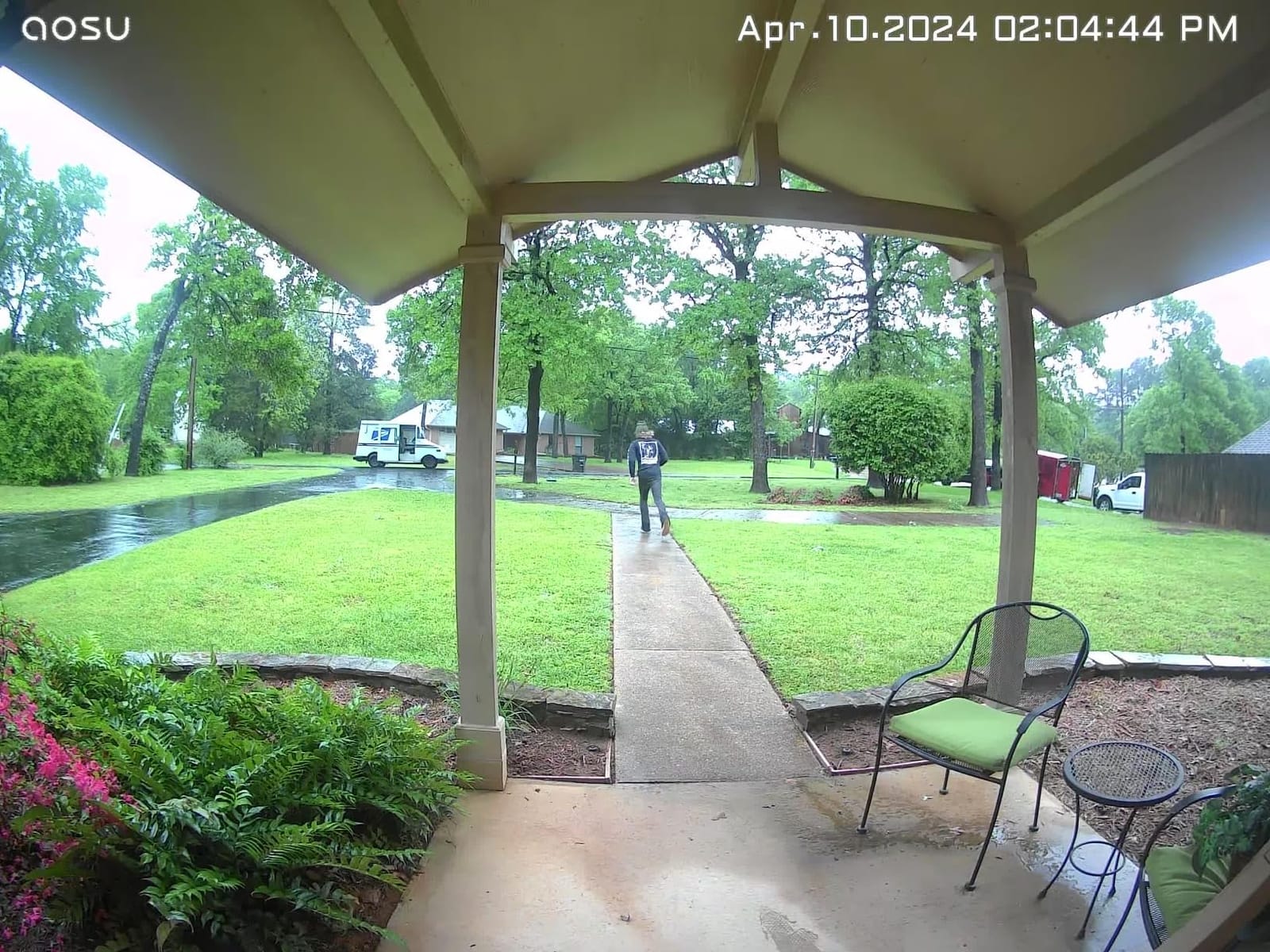
Detection is over-engineered in a good way: radar, PIR and AI human recognition work together, with zones you can customise so the neighbour’s staircase does not trigger an alert every evening. Dual-band 2.4GHz and 5GHz support also makes it the least fussy about apartment routers, and reviewers report stable connections over months with no dropouts.
The compromises are all software. The app is described as clunky with settings buried in sub-menus, and playback can stutter when you scrub through a clip. The base has no microSD slot, so 8GB is all you get, and the body is taller than most doorbells, which can rule out third-party weatherproof housings.
Who this suits in a rental
Pick the aosu if package and delivery disputes are your main worry. Sixty days of local loop recording means you can scroll back and find the moment a box was left, and nothing depends on a monthly plan you forgot about when you moved out.
It is also the safest of the local-storage options for a landlord conversation, since footage stays on a device inside the unit. The dual-band radio helps in buildings where the hallway router splits the 2.4GHz and 5GHz bands, which is common in newer apartment buildings.
Where it falls short
The setup experience is rougher than the picture quality. Pairing takes longer than a Ring, and if you are not technically patient, the sub-menu layout will cost you an evening. Plan on twenty minutes rather than five.
One more detail: recorded clips capture the visitor’s audio but not your reply in two-way talk. If you plan to answer deliveries live, that asymmetry will frustrate you more than the missing subscription ever would.
3. Blink Video Doorbell with Sync Module Core: Cheapest Complete Kit
Blink Video Doorbell – Head-to-toe HD view, two-year battery life, and simple setup. Sync Module Core included – System (White)
Head-to-toe HD view with infrared night vision
Three AA Energizer lithium batteries included
Sync Module Core, mounting kit and corner mount in the box
Pros
- Very low cost for a complete doorbell and hub system
- Head-to-toe framing wider than traditional doorbells
- Everything needed is in the box
- Wire-free install suits renters and older homes
- Can ring a Blink Mini 2 as an indoor chime
Cons
- Reported dropouts where the doorbell goes offline
- Battery life often weeks rather than the claimed two years
- No notification previews so you must open the app
- App is basic and cumbersome to configure
The Blink system is the value pick, mostly because the Sync Module Core is included. Most competitors sell the hub separately, and a renter who wants local storage or a stronger signal pays for two boxes. Here the doorbell, the hub, three AA lithium batteries, a USB-C cable, a template and a corner mount all arrive together.
The head-to-toe HD framing is wider than a traditional peephole view, and infrared night vision covers a dim hallway. Installation is wire-free by default but will also take existing doorbell wiring if your building happens to have it, which makes the move into a wired unit unnecessary later.
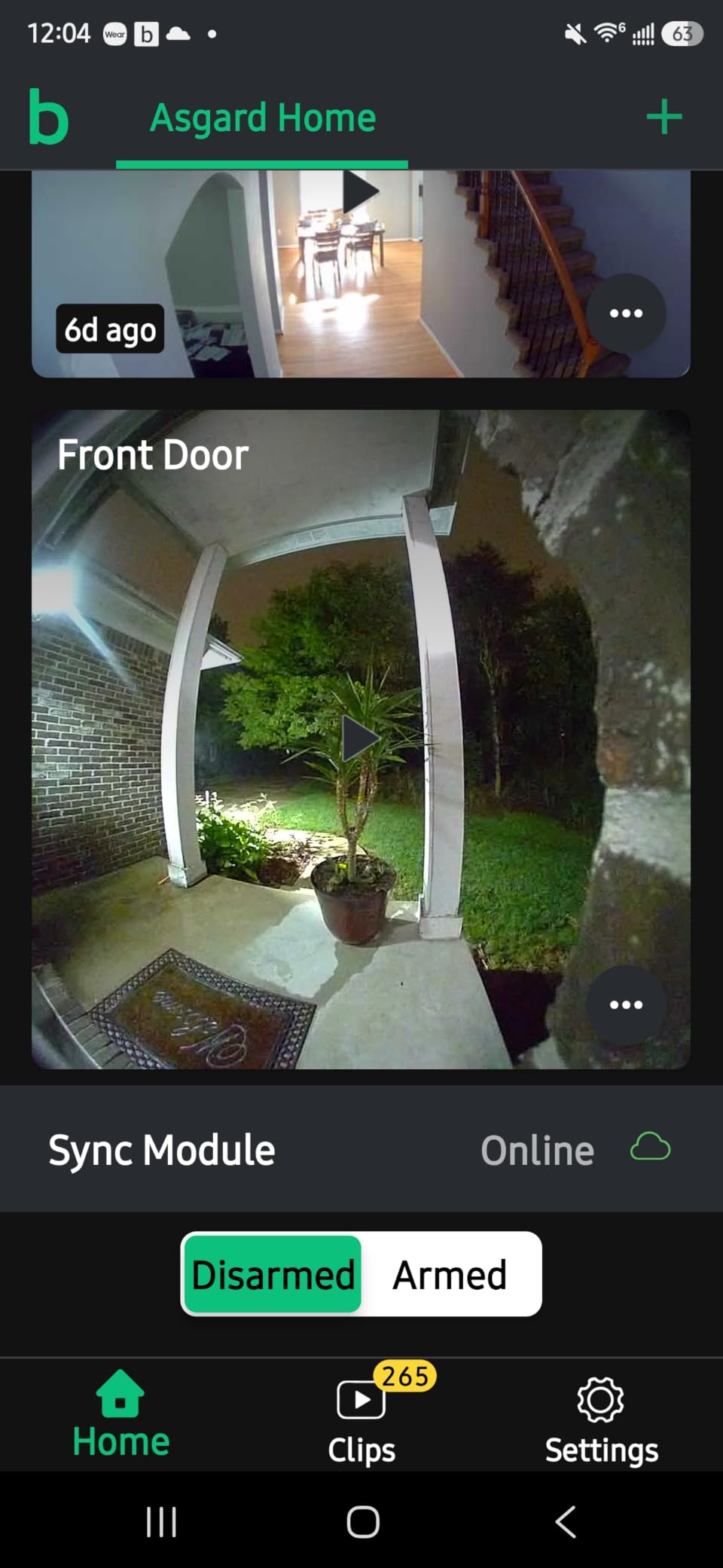
Where the value claim thins is reliability. Reviewers report the doorbell dropping off the network and stopping recording, and the two-year battery figure is the biggest gap between marketing and experience, with some owners describing AA batteries lasting weeks in a busy building. The app is no-frills, and there are no notification previews, so every alert means opening the app and loading a clip.
There is also a non-obvious setup step: the system must be armed to record motion, and nothing in the box makes that obvious. Budget twenty minutes with the thin documentation before you judge it.
Who this suits in a rental
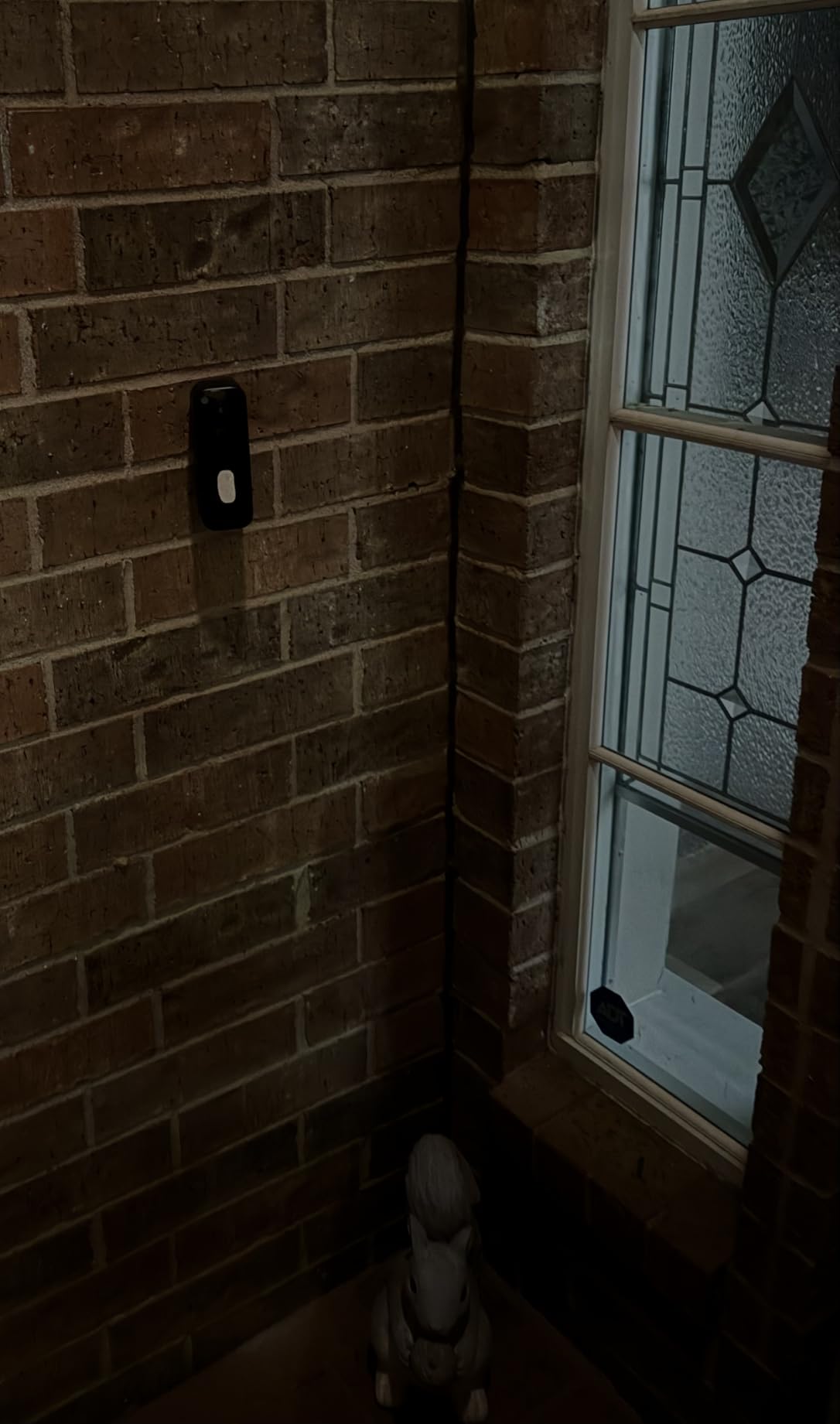
Choose Blink if the budget is the deciding factor or you already run Blink cameras. A Blink Mini 2 can act as a plug-in indoor chime, so you get an audible alert without rewiring anything, and the shared app keeps everything in one place.
It is also a good fit for a furnished or temporary rental where you want the cheapest possible reversible install. The corner mount gives you an angle adjustment without buying a separate wedge.
Where it falls short
Battery claims and dropped connections are the two complaints that repeat most often, and both are amplified in a shared hallway where every passer-by triggers a motion event. If your building has heavy foot traffic, assume far more frequent charges than the packaging implies.
Video history still leads to a paid plan once the trial ends, and the missing notification previews make the daily experience more fiddly than it should be. If you want storage without a plan, the Tapo and WYZE models cover that ground better.
4. Google Nest Doorbell Battery: Best Fit for Google Home Renters
Google Nest Doorbell (Battery) – Snow
145-degree field of view at 960x1280
6600mAh built-in battery, no wiring needed
On-device person, package, animal and vehicle detection
Pros
- Truly wire-free install with no wiring work
- On-device detection with no subscription required
- Three hours of free event history included
- Clear HDR image with good night vision
- Keeps an hour of footage during a Wi-Fi or power outage
Cons
- Battery life shorter than hoped
- needing a charge every few weeks
- Bulkier body because of the battery pack
- 145-degree view is narrow and visitors can partially dodge it
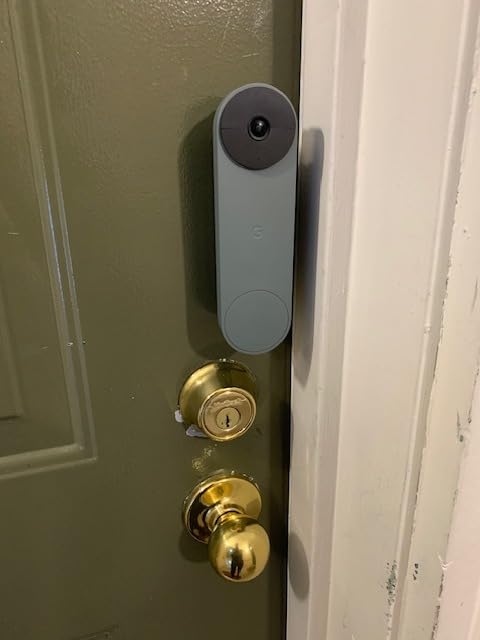
The Nest is the one I recommend to renters who have already committed to Google Home. Detection runs on the device itself, so person, package, animal and vehicle alerts work with no subscription, and you get three hours of event history free. That is a workable security baseline for a front door without a plan.
It is genuinely wire-free. The built-in battery means you never touch existing wiring, which is exactly what you want in a rental where the chime belongs to the landlord. The image is clean with HDR and night vision, and two-way audio is among the more natural-sounding of the group.
What stands out for apartment living is resilience. The Nest stores up to an hour of recorded events if Wi-Fi or power fails, so a building-wide internet outage does not erase the one moment you actually needed. That resilience is a real advantage over cloud-only rivals.
The weaknesses are physical. At 145 degrees it has the second-narrowest field of view here, and reviewers note visitors can partially step out of frame at the door. The body is bulkier than expected because of the battery pack, and some owners need a charge every few weeks.
Who this suits in a rental
Choose the Nest for a Google Home apartment, especially if you want package alerts without paying for a plan. On-device detection keeps working even if the company changes its cloud terms, which is a quieter form of future-proofing.
It also suits renters who travel and want footage to survive an outage. For a short-term rental, an hour of buffered events covers most of what you would want to check after a flight lands.
Where it falls short
The narrow view is the first thing I would raise with a buyer. If your door swings inward and your camera sits tight to the jamb, people can lean out of shot. A mounting wedge fixes the angle but not the field of view itself.
Second, the battery model cannot record 24/7 history even if you later subscribe to Nest Aware. Some owners also report very short recorded clips and missed detections, so if you plan to rely on clips as evidence, test it in week one.
5. eufy Video Doorbell E340: Two Cameras, One Unit, No Fee
eufy Security Video Doorbell E340, Dual Cameras, 2K FHD
Dual cameras for head-to-toe and package views
2K with color night vision to 16 ft
8GB eMMC local storage, no subscription
Pros
- Dual cameras give a people view and a downward package view
- No subscription with 8GB local storage out of the box
- Very clear video and audio with strong color night vision
- Accurate motion and package detection
- Battery pack swaps in seconds for zero-downtime charging
Cons
- Battery closer to two months than the claimed four
- App notifications can load slowly
- Needs a HomeBase or MiniBase to pair
- can overheat in direct sun around 120F
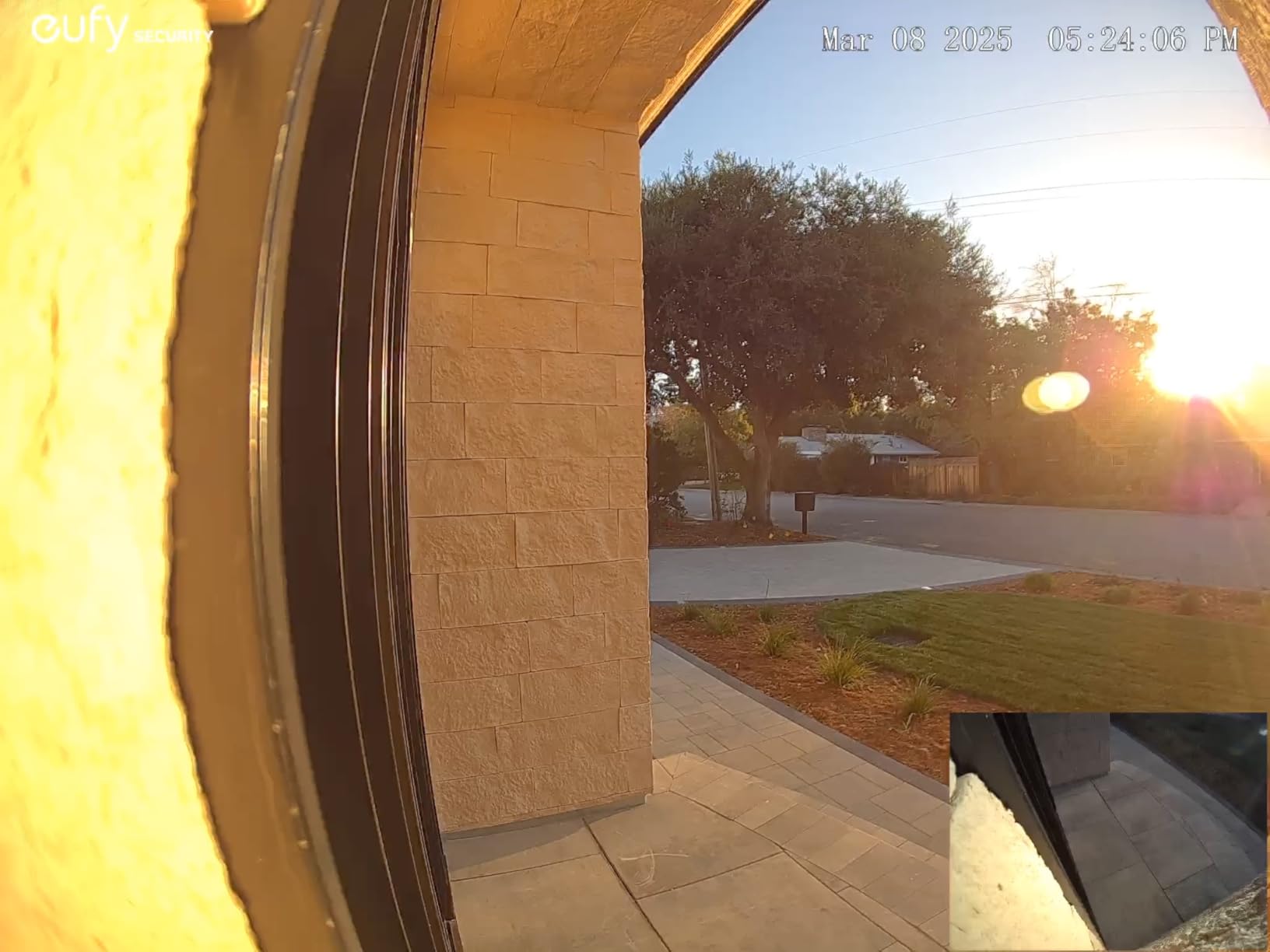
The E340 solves the problem almost every other single-camera doorbell has. One lens looks at your visitor head-to-toe, the second is angled down at the doorstep, so a parcel on the ground is recorded without fisheye distortion. On a building where deliveries are left on a shared mat, that second camera is the whole point.
Storage is local and free. 8GB of eMMC sits inside the unit with no monthly fee, and motion and package detection are accurate enough that owners report fewer false alerts than on competing models. Color night vision reaches 16 feet, which covers most apartment entryways.
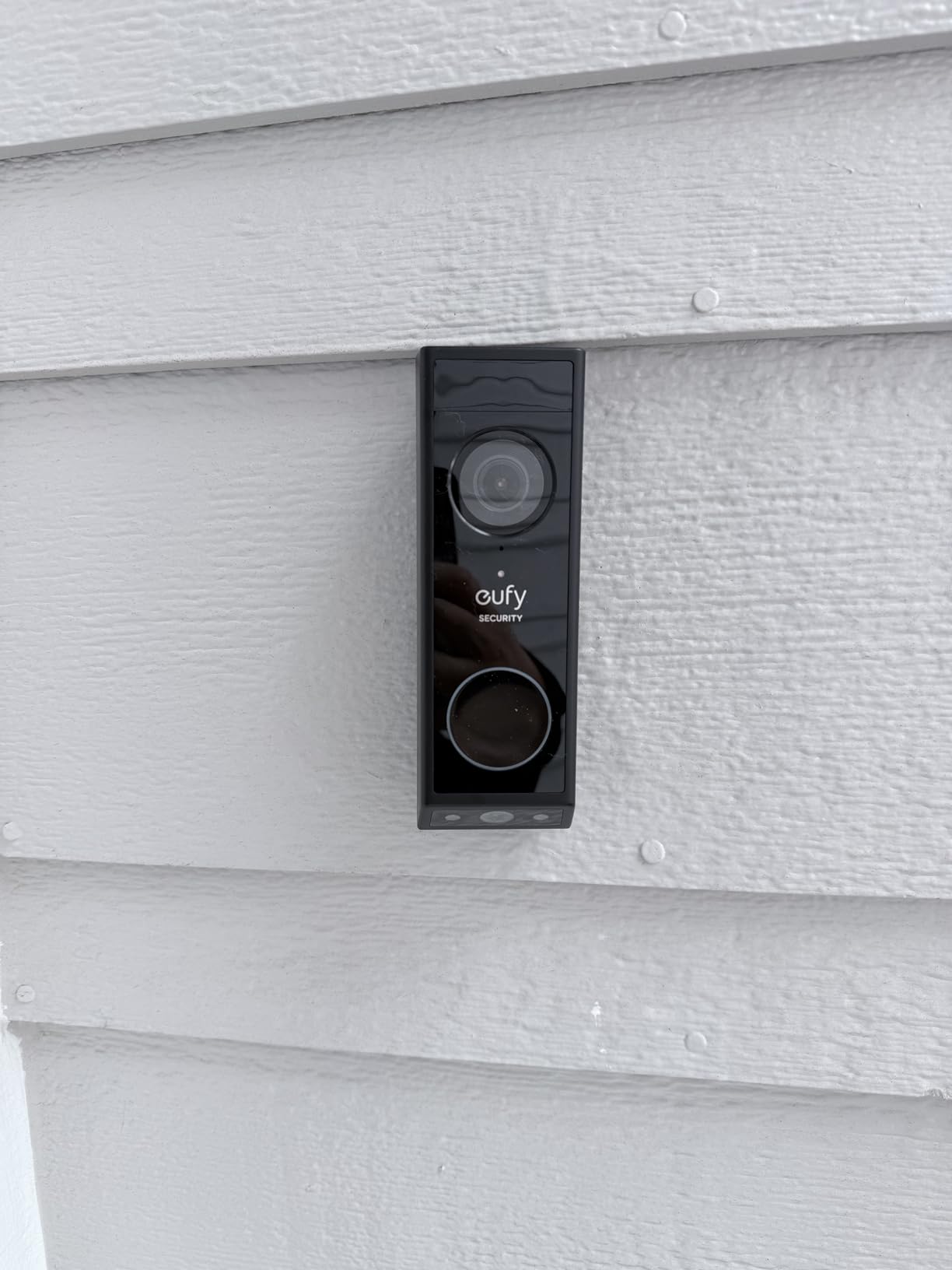
Battery handling is the best in the category. The quick-release pack swaps out in seconds so the camera keeps recording while you charge, and the unit also runs on 16-24V wired power if you ever move into a place you own. It can even ring an existing mechanical chime, which matters if your building has one you are not allowed to replace.
The trade-offs are worth listing plainly. Real battery life runs closer to two months rather than the claimed four. The app can be slow to load notifications, which causes people to miss live events. And you must pair through a HomeBase 2/3 or a MiniBase Chime, so it will not connect straight to Wi-Fi.
Who this suits in a rental
Pick the eufy if package theft is the reason you want a camera. The downward lens is a genuine advantage, and the local 8GB storage means no plan and no cloud account to cancel when you move.
The quick-swap battery also suits a high-traffic hallway better than any fixed-battery rival here, because a ten-second swap replaces a five-minute removal and a gap in coverage. If you can pair it to an existing mechanical chime, you get an audible alert without touching wiring.
Where it falls short
The hub requirement is a real friction point for a renter. You need somewhere to put a HomeBase or MiniBase, and the initial pairing will not happen over Wi-Fi alone. Budget an evening for setup the first time.
Also watch the placement. Owners report the body overheating in direct sun and shutting down near 120F, so an exposed west-facing door without any shade is a bad spot. The 160-degree view is also narrower than the 166- and 180-degree models here.
6. Tapo D210 with Chime: Best Value for an Apartment
Tapo 2K Wireless Smart Video Doorbell w/Chime, 160° Ultra-Wide View, D210
2K resolution with 160-degree head-to-toe view
6400mAh battery, about 5.5 months in one owner report
Includes chime, 15-degree wedge and adhesive
Pros
- Excellent 2K clarity with a 160-degree wide view
- Color night vision from the motion-activated spotlight
- Local microSD up to 512GB with no subscription
- Long real-world battery life
- Complete kit with chime
- wedge and adhesive
Cons
- Battery-only design so the unit must be removed to charge
- Drains faster with all detection modes left on
- Video can wash out in direct sunlight
- Ring Call can conflict with Echo Show
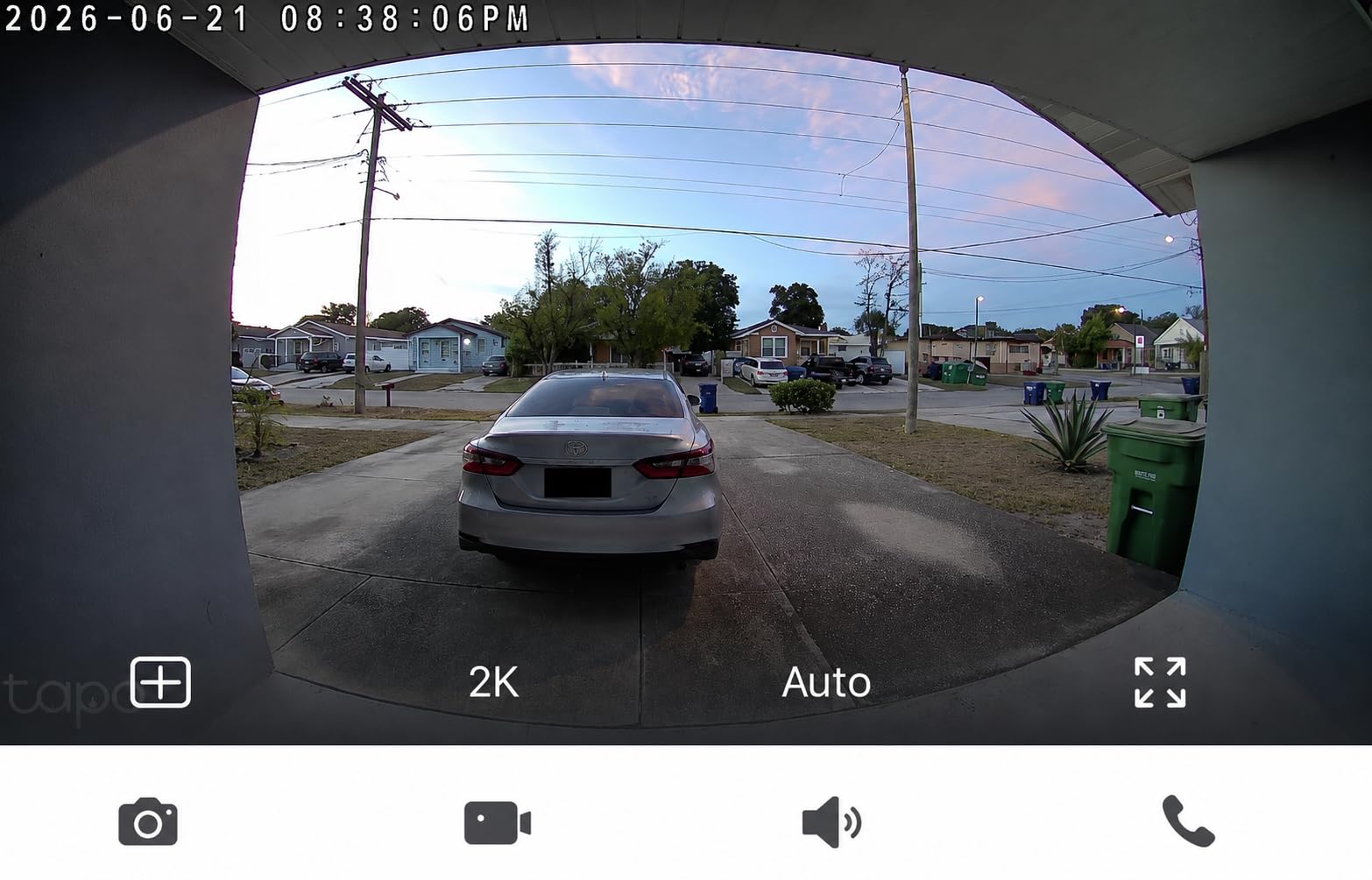
For most renters this is the one I would buy. The Tapo D210 pairs a 2K sensor with a 160-degree diagonal view in head-to-toe framing, and it ships with the three things apartments actually need: an indoor chime, a 15-degree mounting wedge, and adhesive for a no-drill install. Nothing extra to buy.
Storage is local and generous. A microSD card up to 512GB handles recording with AES 128-bit and TLS 1.2 encryption, and no subscription is required for the core features. Ring Call lets you answer the door without opening the app, and free person detection with activity zones cuts down on hallway false alerts.
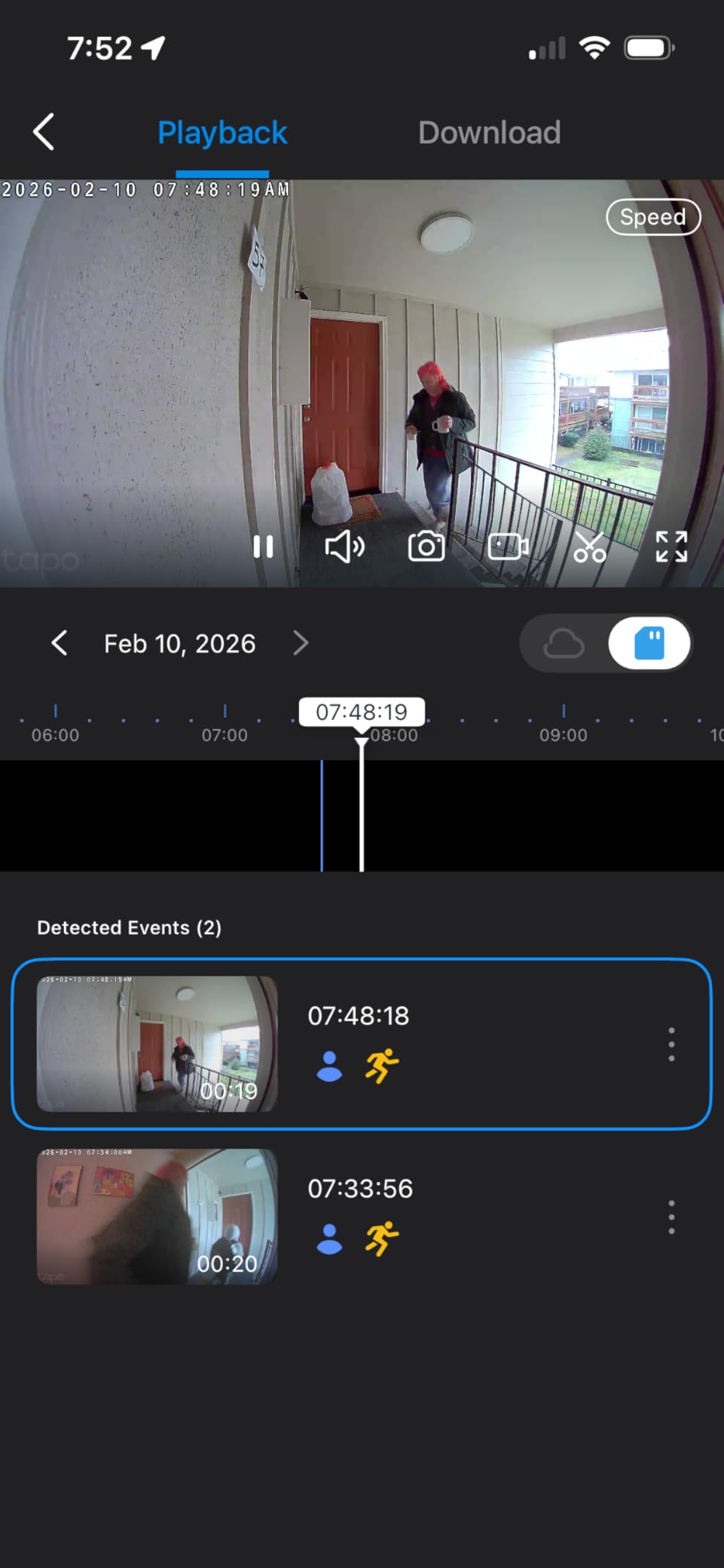
Battery life is where it beats the field. One owner reported about 5.5 months through winter, which is the kind of number you rarely see in this category and is particularly valuable in a building where every footstep wakes the motion sensor.
The color night vision with a motion-activated adjustable spotlight is a genuine upgrade over infrared-only models, since you get colour footage at the door rather than a grey wash. For a renter screening who is outside at night, that matters more than raw resolution.
Who this suits in a rental
The D210 fits renters in busy shared hallways, because the long battery interval means you are not on a ladder every month. The wedge and adhesive in the box mean you can mount it at a useful angle on an inward-opening door without any drilling at all.
It is also the easiest pick to explain to a landlord: one small device, no wiring, no modification to the building, and it comes off with a hair dryer and a bit of patience. We cover the full removal process further down.
Where it falls short
It is battery-only. You cannot wire it to recharge in place, so every charge means taking the camera down and leaving a gap in coverage. If you want continuous power, look at the Ring, the aosu, the eufy or the Arlo, all of which accept a wired connection when one is available.
Two smaller notes: battery drains faster if you leave every detection mode on continuously, and the image can wash out in direct sunlight. Ring Call has also been reported to conflict with Echo Show, producing a feed-in-use error if you rely on Alexa displays.
7. BOIFUN 2K HD Wireless Doorbell: Widest Adhesive-Only View
BOIFUN Video Doorbell Camera Wireless – No Subscription Required, 2K HD
166-degree field of view with f/2.5 aperture
2K video from a 3MP sensor with HDR night vision
5200mAh battery, adhesive no-drill mount and chime included
Pros
- Capable hardware that owners compare to far costlier models
- No subscription with free clips and a microSD option
- Clear 2K day and night with effective 940nm infrared
- Completely wire-free adhesive mount with tamper alert
- Includes a portable chime you can move around the home
Cons
- Non-removable battery so the whole unit must be taken down
- Real battery life shorter than the 60-day lab figure
- Can miss people approaching quickly or from certain angles
- Free clips are only about six seconds
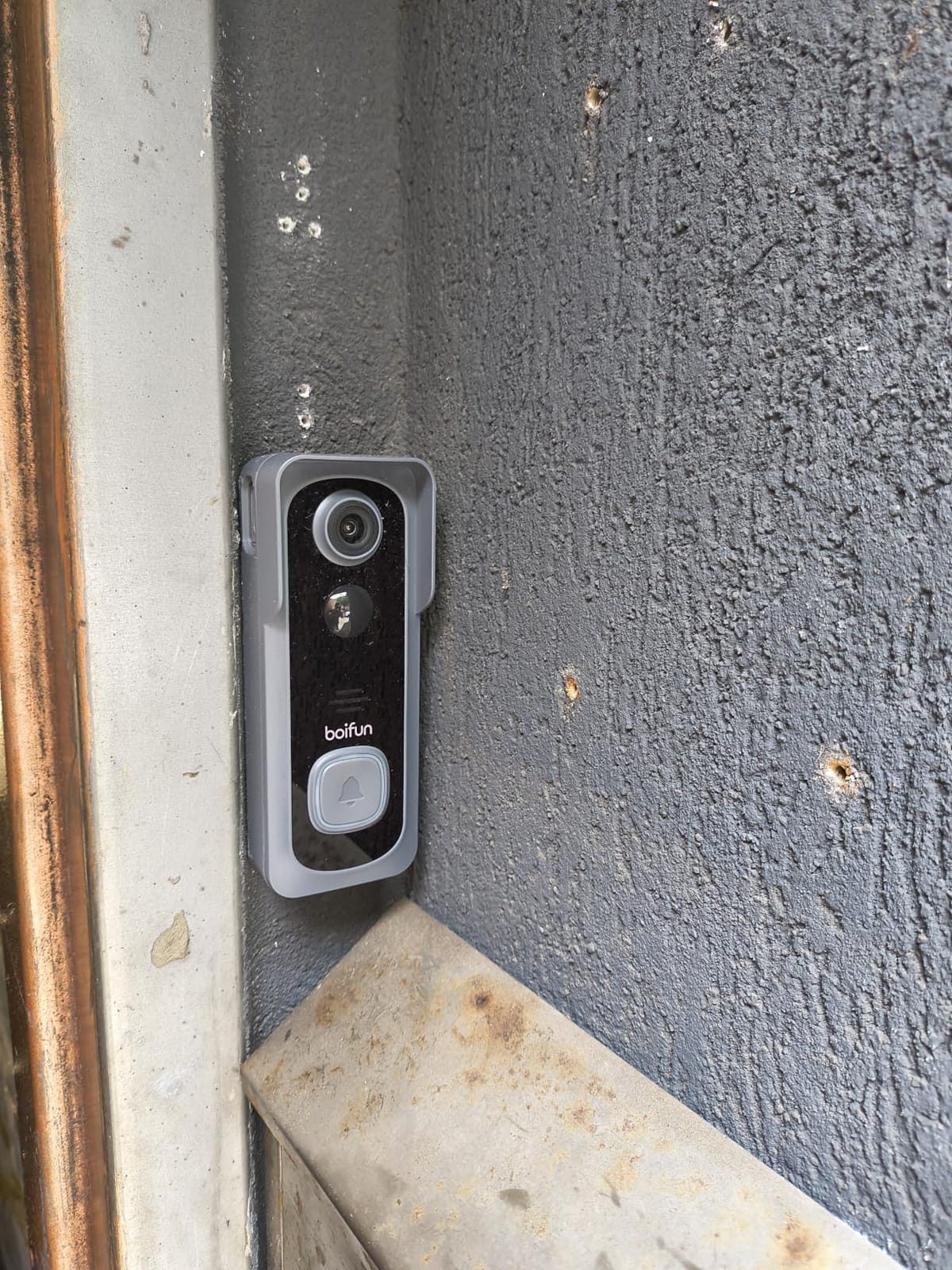
The BOIFUN is the most renter-entirely device on the list. There is no wired option at all, which removes the temptation to ask a landlord for a chime swap, and the anti-theft tamper alarm plus adhesive mount means the whole install is one strip of tape and an app scan.
Optics are strong for the money. A 166-degree field of view with an f/2.5 aperture on a 3MP sensor gives a wide head-to-toe framing, and HDR night vision backed by invisible 940nm infrared reaches 10 meters without the red glow that some budget units produce.
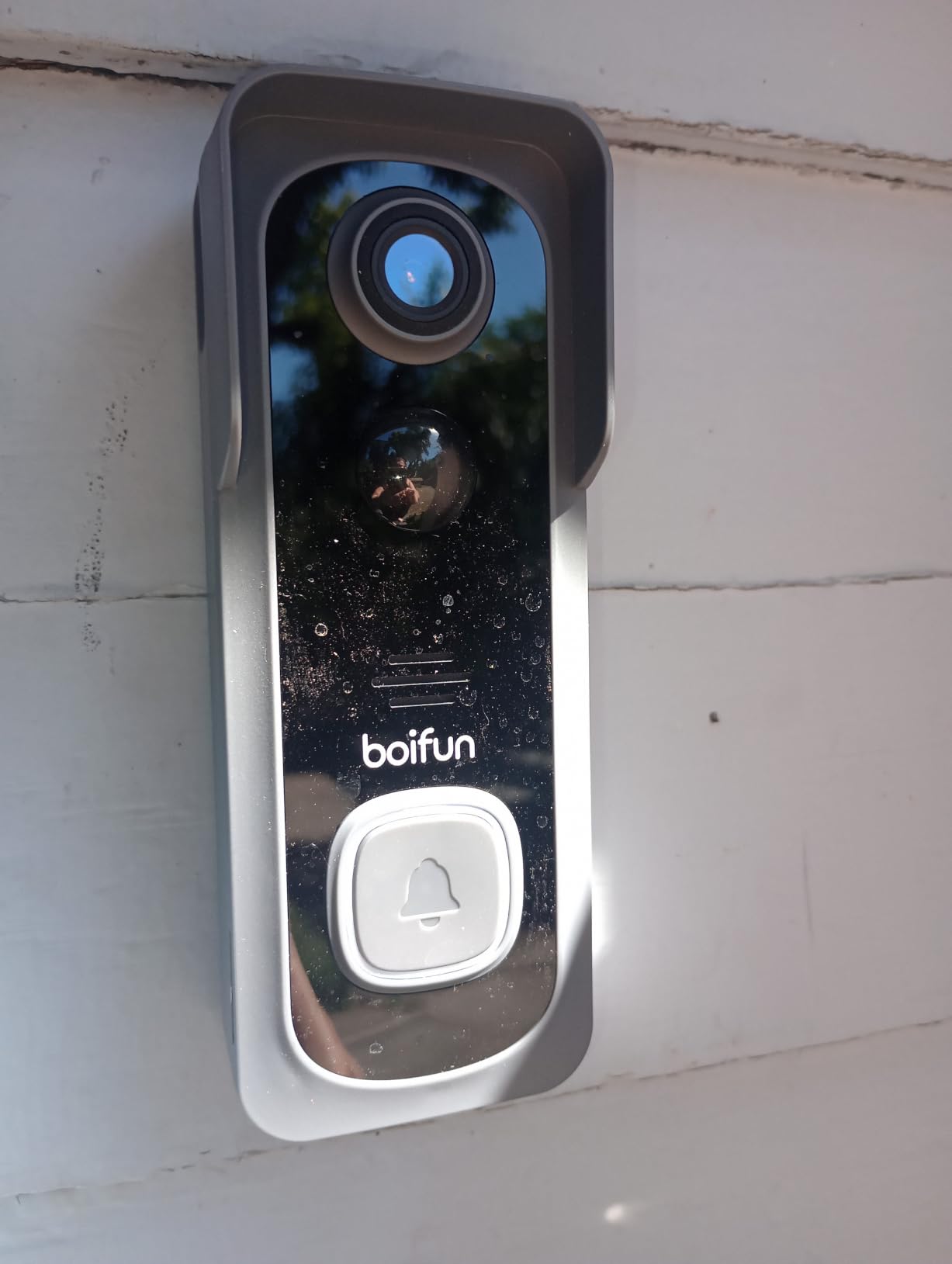
Everything essential is free. Real-time alerts, two-way audio, human detection and playback all work with no subscription, and 6-second activity clips come out of the box with a microSD slot for local storage if you want longer. The included indoor chime is portable, so you can carry it between rooms.
Reviewers frequently compare the hardware to models costing several times as much, and for a renter who wants a wide view and no monthly bill, the value is real. Customer feedback on build quality is consistently positive.
Who this suits in a rental
Choose the BOIFUN if your lease prohibits drilling of any kind, including into the door itself. Adhesive is the only install available, and the tamper alarm adds a deterrent in a shared hallway where a curious neighbour might otherwise try to pull it off.
The 166-degree angle is among the widest here, which helps in narrow hallways where a person standing to one side would otherwise fall out of frame. It is 2.4GHz only, so check that your router keeps that band enabled.
Where it falls short
The battery is built in and non-removable, so charging means taking the entire camera off the door. On a shared entrance you will have a blind spot for as long as the charge takes, and in busy buildings that adds up over a year.
Real-world runtime is shorter than the 60-day lab figure, particularly with continuous streaming on. The default clips are also only about six seconds, and the physical anti-theft release is a simple pin that reviewers single out as improvable.
8. MUBVIEW 1080P Wireless Doorbell: Most Adjustable Alerts
MUBVIEW Doorbell Camera Wireless with Chime,1080P Battery Video Doorbell
1080P video at a 120-degree angle with infrared night vision
PIR human detection with five sensitivity levels
Rechargeable battery, IP65 housing
Pros
- No subscription with free cloud loop recording and microSD
- Very easy physical install and app pairing
- Deep app customisation for sensitivity and zones
- Sharp day and night image for the price
- Doorbell answers like a phone call on both phones
Cons
- Narrowest field of view here at 120 degrees
- battery life varies widely
- Live view can lag around 10 seconds
- Included chime runs on AAA batteries
- Included screws are weak
The MUBVIEW stands out for two things. First, the voice changer disguises your voice and apparent age during live intercom, which is the feature renters mention most when they do not want a visitor to learn who is home alone. Second, the app lets you set sensitivity across five levels, pick which zones are monitored, and schedule detection windows.
Storage is flexible. You get lifetime free cloud storage with 7-day loop recording, plus a microSD slot up to 128GB, so you can decide later where recordings live without changing hardware. The doorbell can be answered like a phone call, and both household phones ring.
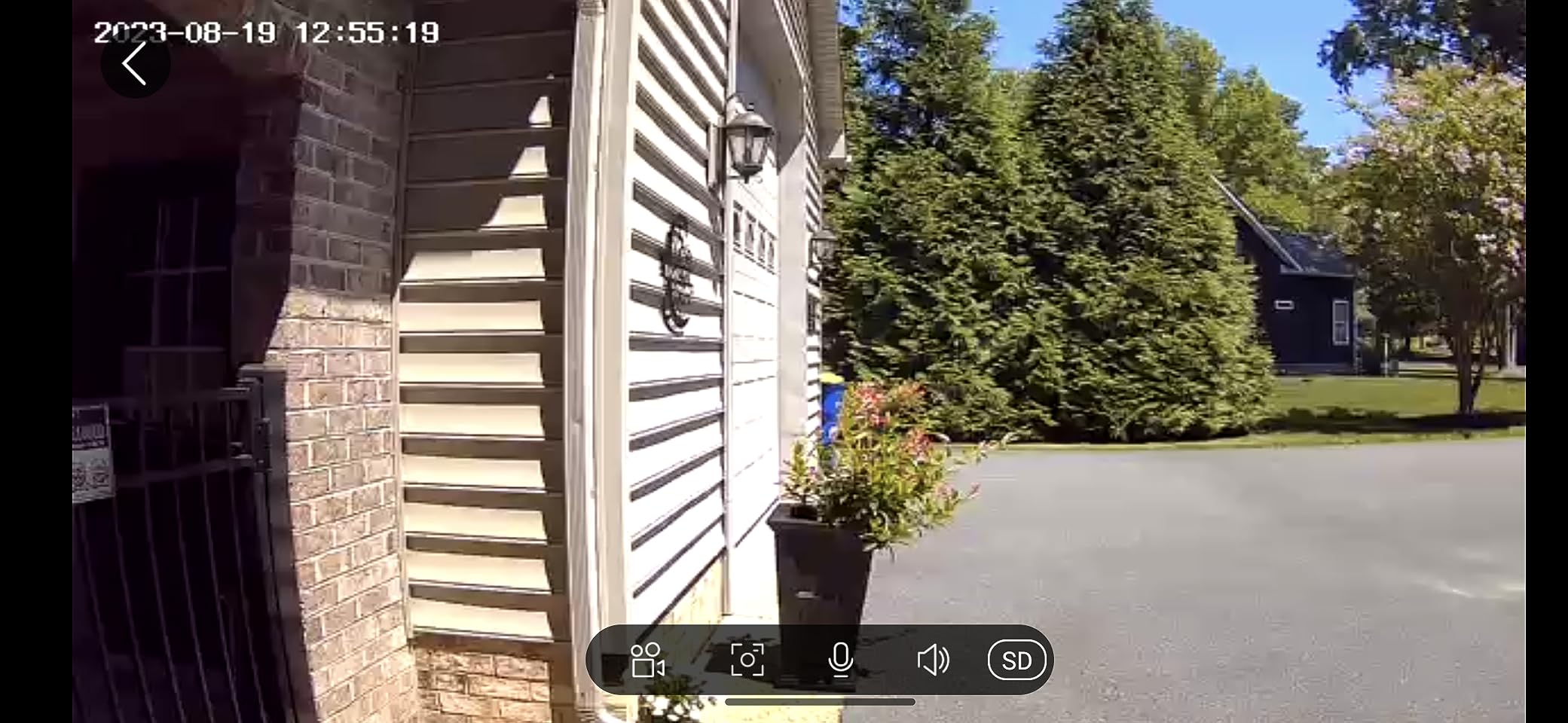
Install is adhesive or screws, and pairing is among the easier ones here. Several owners run it alongside other MUBVIEW cameras on one account, which makes it a reasonable choice if you are already in that ecosystem or want to expand cheaply.
Image quality is sharp for 1080P during the day and reasonable at night with infrared, and the housing is IP65 rated, so a covered exterior door in most climates is not a problem.
Who this suits in a rental
Pick the MUBVIEW if you live alone and privacy when answering matters, or if your building has long quiet periods and you want to turn detection off at night. The scheduling options are more granular than anything else at this level.
It is also a good fit for a landlord conversation because the free cloud loop means you can describe exactly how long footage is retained, which addresses the most common objection about cameras in shared spaces.
Where it falls short
The 120-degree field of view is the narrowest in this roundup, and reviewers specifically note the fixed angle can miss packages on the ground. If deliveries matter, the eufy, WYZE Duo or Tapo are better fits.
Battery life is inconsistent, with some owners reporting as little as 10 days, and live view can lag by around 10 seconds. The included chime runs on AAA batteries rather than plugging into a wall, which can be surprising, and the supplied screws are weak, so use adhesive or bring your own fixings.
9. ieGeek 2K 3MP Doorbell: Fastest Setup With Free Storage
ieGeek Doorbell Camera Wireless No Subscription, 2K 3MP HD View PIR Motion Detection, Wireless Video Doorbell with Chime 2-Way Talk, Only Supports 2.4GHz WiFi, Local & Cloud Storage, White
2K 3MP sensor with a 166-degree viewing angle
5200mAh non-removable battery, 100% wire-free install
Lifetime free basic cloud plus 128GB microSD option
Pros
- No subscription with free basic cloud and microSD storage
- Clear 2K image with good night vision and a wide angle
- Quick straightforward setup and easy-to-navigate app
- Wire-free nail or adhesive mounting suits rentals
- Responsive customer service that fixes setup issues
Cons
- Battery degrades over time
- some owners charge weekly after a year
- Battery drops to 2-3 weeks in cold weather
- Moving subjects at night are less clear
- No wedge mount included
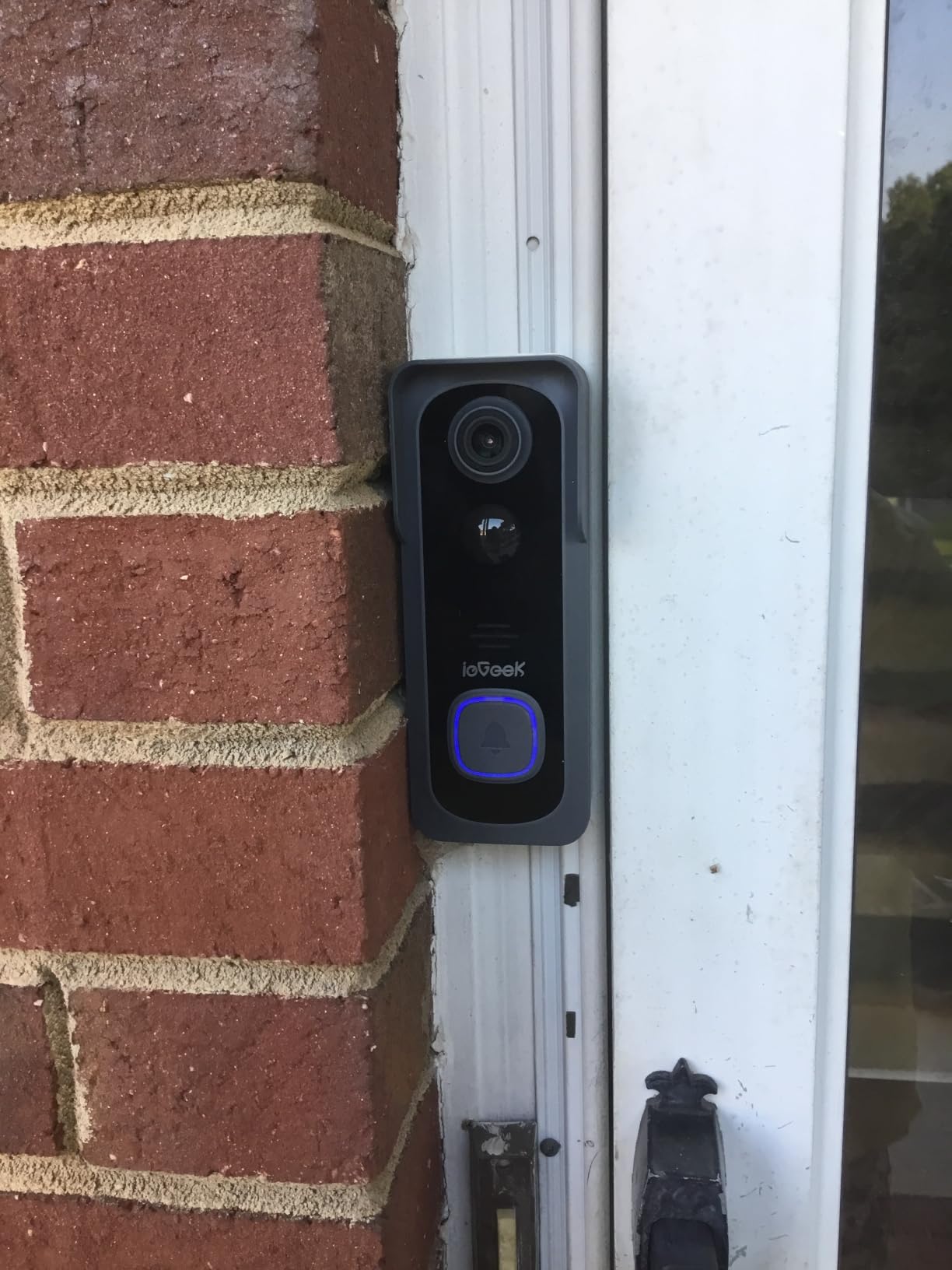
The ieGeek is the model I hand to anyone who dreads app setup. Pairing is quick, the app is easy to navigate, and the two-way audio includes an adjustable voice changer plus up to three pre-recorded replies, so you can answer a delivery without speaking.
Storage costs nothing. Lifetime free basic cloud storage comes with the camera, and a microSD card up to 128GB adds local recording. The 2K sensor with a 3MP photo resolution and 166-degree viewing angle produces a wide head-to-toe view, and auto infrared night vision handles dark lobbies.
Install is genuinely 100% wireless, by nail or adhesive, with no wiring work at any point. PIR motion detection reaches 16 feet and alerts in roughly 3 seconds, which is fast enough to catch someone already at the door. It also supports Alexa and multi-account sharing through the ieGeek Cam app.
Customer service is a genuine strength here. Multiple reviewers mention that support helped resolve setup problems rather than deflecting, which matters if you are installing this on your own for the first time.
Who this suits in a rental
Choose the ieGeek for a furnished or temporary apartment where you want the fastest possible install and no account decisions. The pre-recorded replies are genuinely useful if you do not want to speak to a stranger at the door while alone.
Its 166-degree angle is among the widest available, which helps in tight hallways, and the IP66 housing adds a margin of weather protection beyond the IP65 common in this category.
Where it falls short
Battery endurance is the recurring theme. Owners report the runtime degrading over the life of the camera, to the point of weekly charging after a year, and dropping to two or three weeks in cold weather against a stated one to two months.
Also expect some false alerts from insects and birds even with human-only detection on, and no wedge mount in the box. Moving subjects at night are noticeably less clear than stationary ones, so the image is best used for identification at the door rather than for tracking someone walking away.
10. WYZE Wireless Duo Cam Doorbell: Dual-Band Wi-Fi for Concrete Buildings
WYZE Wireless Duo Cam Doorbell Camera Video Doorbell w Wi-Fi Chime, 2K HD
Dual cameras for people and the doorstep
2K video with color night vision to 30 ft
6200mAh removable battery, adhesive no-screw mounting
Pros
- Two cameras give a people view and a package view
- 2K with vivid color night vision to 30 feet
- No monthly fee with microSD up to 512GB
- Adhesive no-screw mounting is renter friendly
- Dual-band 2.4GHz and 5GHz plus a Wi-Fi chime included
Cons
- microSD card sold separately and must be FAT32 or exFAT
- Removable battery and dual cameras make it hardware-heavy
- Cam Plus cloud history is only 14 days
- Without a card or plan there is no history
- only stills
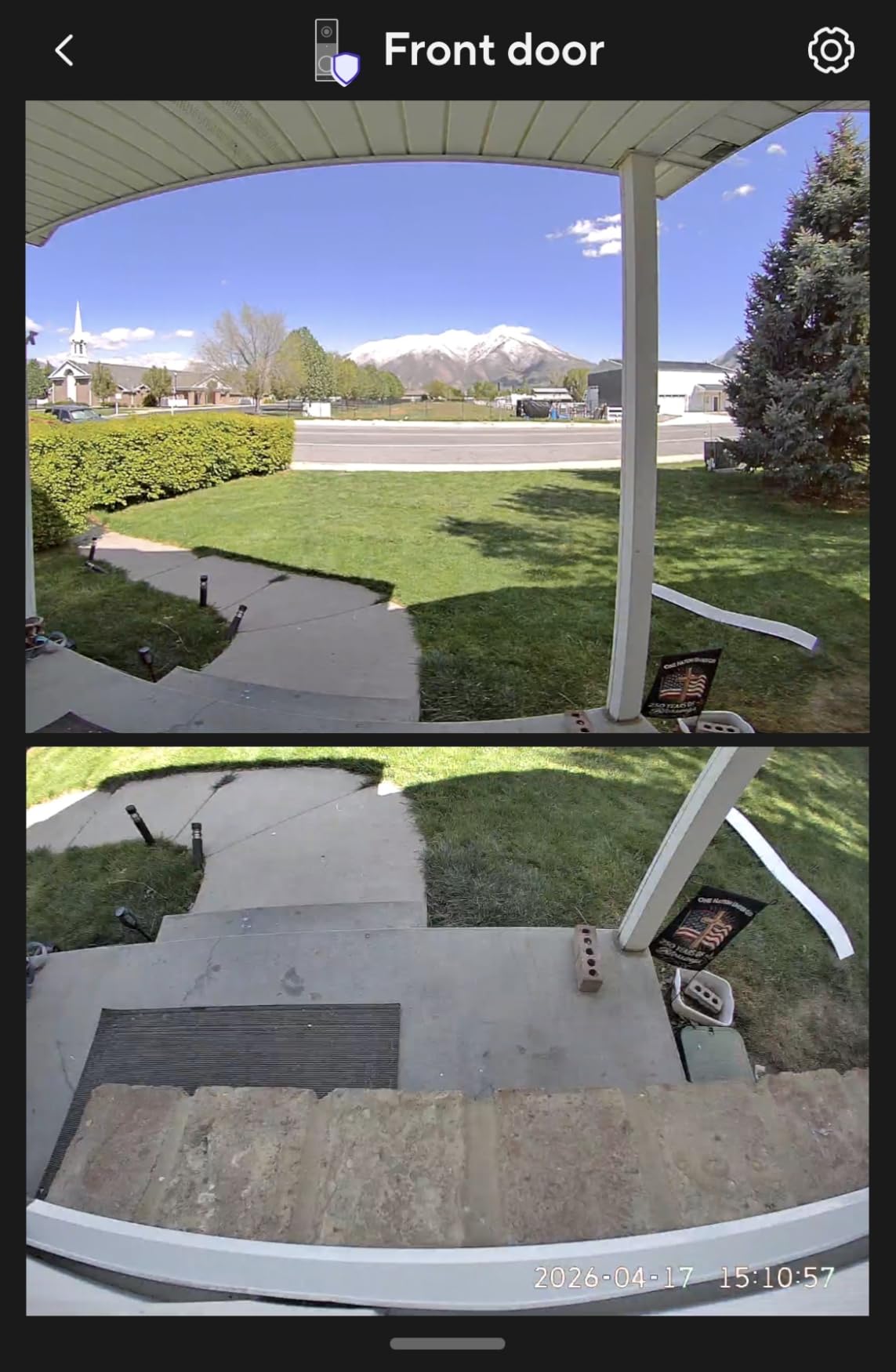
The Duo Cam is built for buildings with bad Wi-Fi. It is one of only two models here that supports both 2.4GHz and 5GHz, which matters a lot in newer apartment complexes where the two bands are split onto different networks and the hallway end of that arrangement is weak. Reviewers running it long-term report stable connections.
The dual-camera design mirrors the eufy approach: one lens for people, one angled down at the doorstep for packages, so you can see a parcel without the wide-angle distortion that smears faces. Color night vision reaches 30 feet, the longest range in this roundup, and uses a starlight sensor for a genuinely colourful night image.
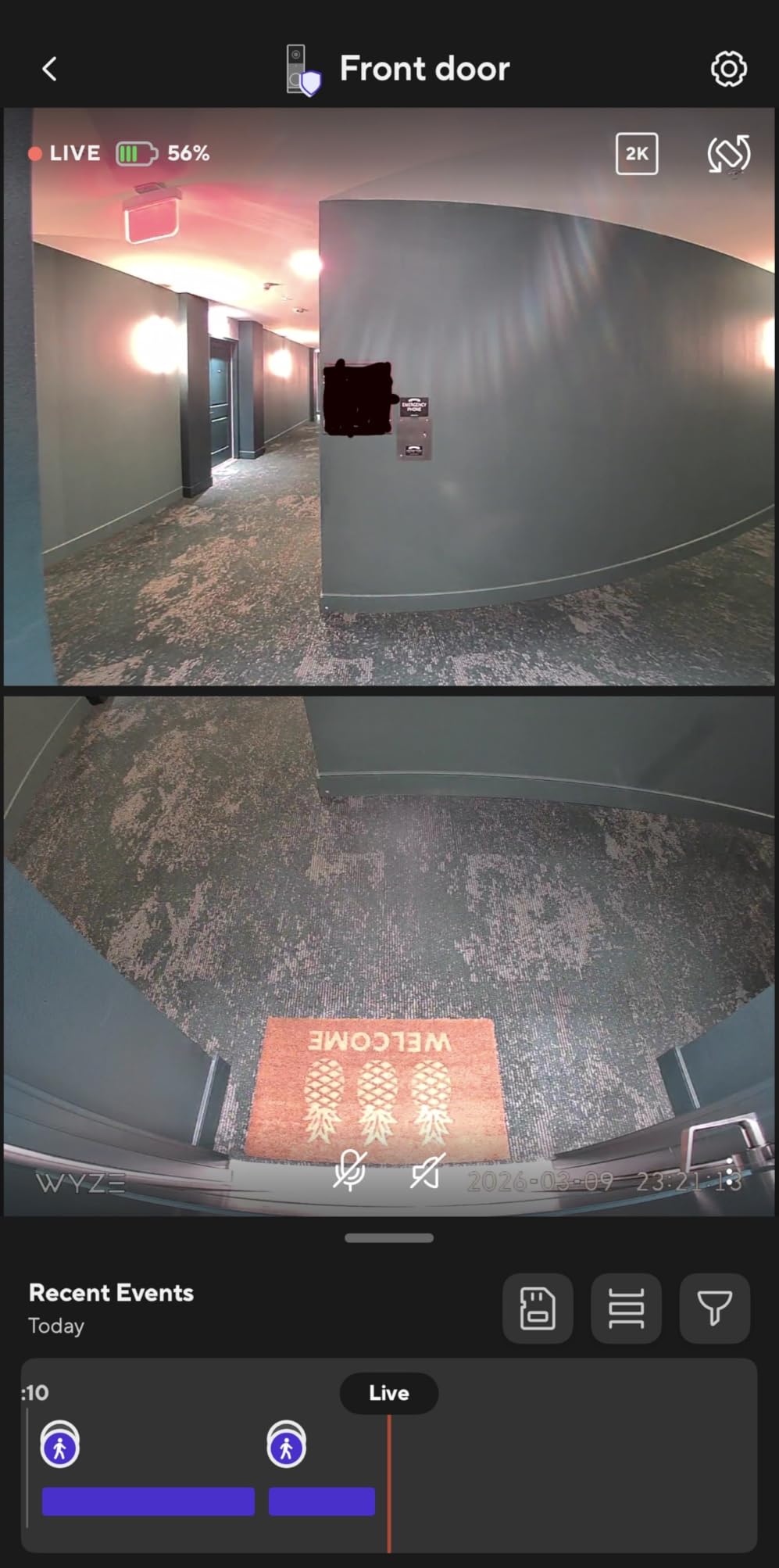
There is no monthly fee. Recording works to a microSD card up to 512GB, and if you hardwire the unit with a card inserted you can record continuously rather than only on events, which is unusual for a battery-capable doorbell. A Wi-Fi chime is included, plus motion-activated voice deterrence and two-way audio.
Mounting is adhesive only, with no screws required, which keeps the install fully reversible. For a renter on a deposit, that is the single most valuable feature on the card.
Who this suits in a rental
Pick the Duo Cam if your building is concrete, your router splits the bands, or your current doorbell struggles to hold a connection. Dual-band support plus a 30-foot colour night range solves both of the most common apartment complaints.
It also suits anyone who plans to hardwire later, since the same unit switches to continuous local recording with a memory card. For a long-term renter who is comfortable getting permission, that is a meaningful upgrade path.
Where it falls short
The memory card is not included and must be FAT32 or exFAT, so budget for that before you install. Without a card or a plan you get stills but no video history, which surprises people the first week.
It is also the heaviest design here, with a removable battery and two cameras in the body, and cloud history through Cam Plus caps at 14 days. Our guide to video doorbells with local storage covers the card-format gotchas in more detail.
11. Arlo Video Doorbell 2K 2nd Gen: Widest Field of View
Arlo Video Doorbell 2K (2nd Gen) Wireless or Wired – 1-Cam
2K HDR head-to-toe video at 180 degrees
Lithium ion battery, 18.21 watt-hours
Wire-free rechargeable or hardwired to existing wiring
Pros
- 180-degree field of view
- the widest in this roundup
- Clear 2K HDR video with good color night vision
- Quick four-minute setup with easy app navigation
- Activity and privacy zones cut unwanted notifications
- Reasonable battery life for a fixed-battery model
Cons
- Battery is not user-replaceable
- so the whole unit must be removed
- Most advanced features need the Arlo Secure subscription after the trial
- Video history is not continuous so events can be missed
- Regional compatibility varies and some arrivals were not new
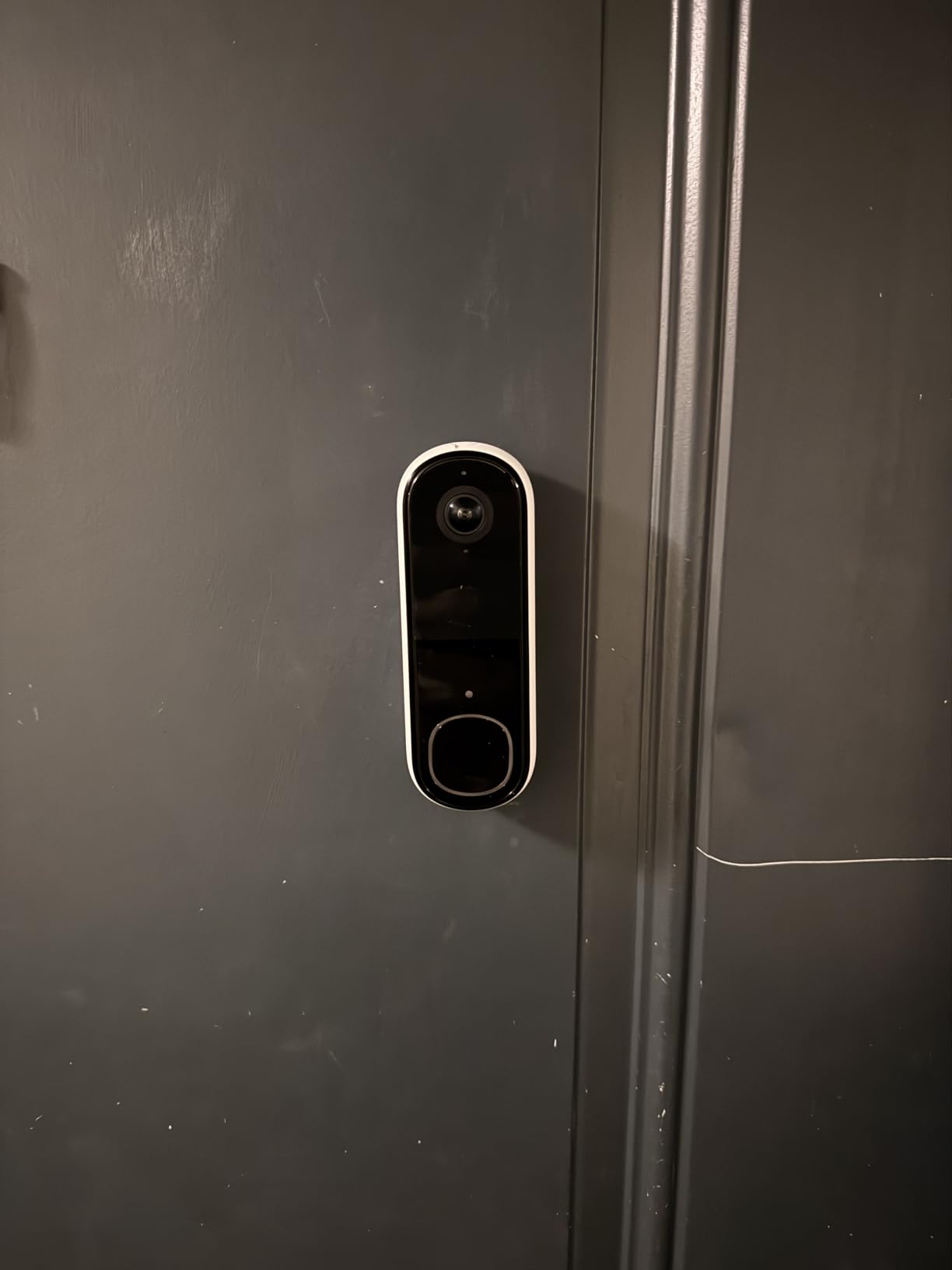
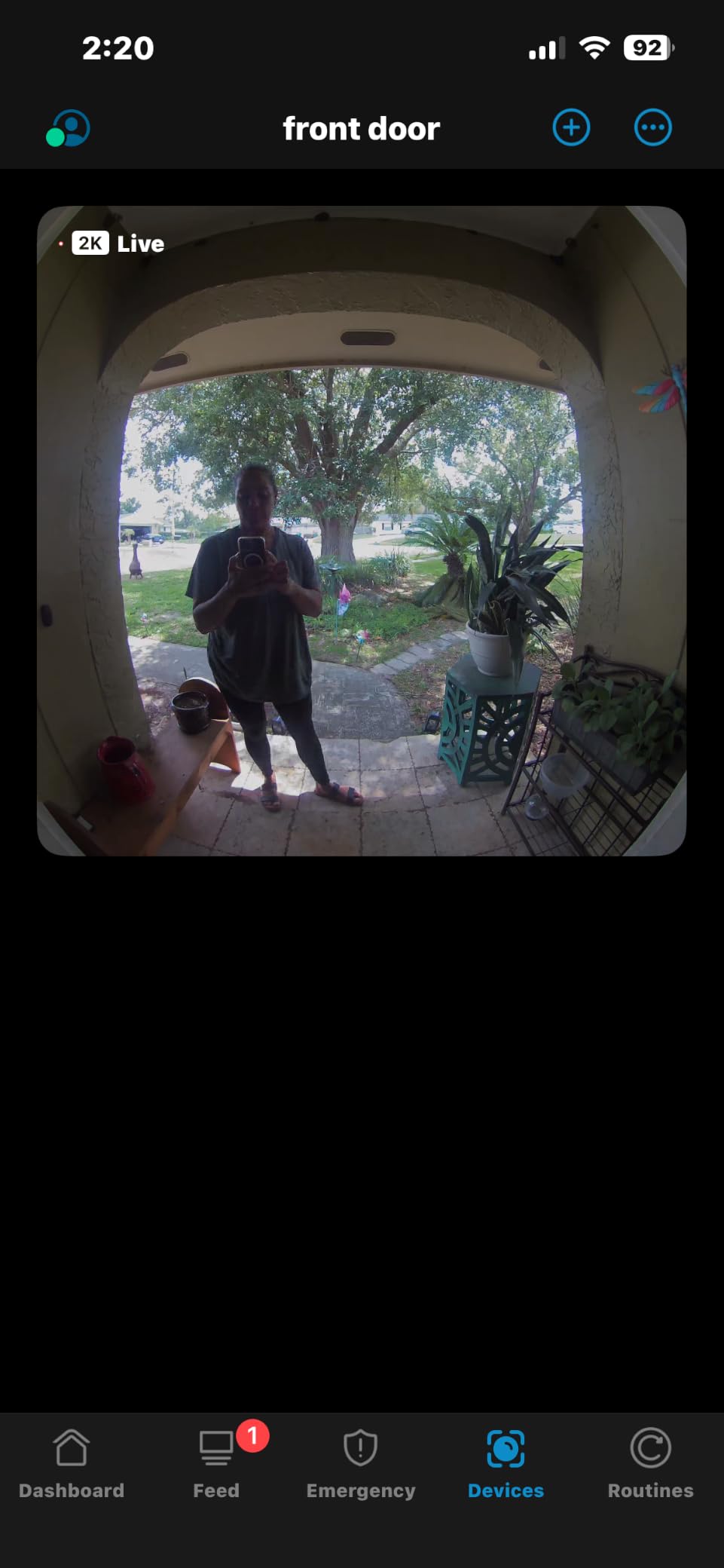
The Arlo wins on field of view. At 180 degrees it captures the widest slice of your hallway of anything on this list, which matters when your door is recessed, your camera sits close to the jamb, or visitors tend to stand off to one side rather than square in front of the lens.
Image quality is 2K HDR head-to-toe video at 30 fps, with two-way audio, night vision to 25 feet and a remote siren you can trigger from the app. Setup takes about four minutes and the app navigation is among the simplest here. Custom activity zones and privacy zones are genuinely useful in a shared corridor.
It also has the broadest smart home support in the group. Alexa, Apple Home, Google Home, Samsung SmartThings and IFTTT all work, so it fits almost any apartment setup, and live streaming with basic alerts function without a subscription.
Battery life is reasonable rather than exceptional, with reports of around a month to a half and one owner seeing 75% remaining after nearly three weeks. Expect to charge it roughly every month in moderate traffic.
Who this suits in a rental
Choose the Arlo if you already have Apple Home or SmartThings, or if you plan to buy a subscription later and want the option open. The 180-degree view is the safest choice for awkward door geometry, where a narrower camera would clip visitors out of frame.
Several apartment dwellers specifically cite the wireless install as the reason they bought it, and the privacy zone feature lets you blur a neighbour’s doorbell if you share an entry wall.
Where it falls short
The battery is not user-replaceable, so each charge means removing the camera from the door. And while it can be hardwired, doing that in an apartment means buying a separate transformer and running wire, which is exactly the situation renters are trying to avoid.
Most advanced features sit behind Arlo Secure after the trial, and video history is not continuous, so events can slip through the gaps. Some buyers also received units that were not new or had regional compatibility issues, so check the condition on arrival.
12. Wyze Battery Video Doorbell: True Head-to-Toe Framing
Wyze Battery Video Doorbell Wireless Camera, 1536×1536 HD+ with Color Night Vision, 2-Way Audio, 1:1 Head-to-Toe View, Person/Vehicle/Package Monitor, Wire-Free/Wired Option, 1 Minute Easy Setup
1536x1536 HD+ with color night vision
150 by 150 degree 1:1 head-to-toe view
Battery or hardwire, screw-free Bluetooth setup
Pros
- Square 1:1 framing actually shows packages at the door
- Fast screw-free Bluetooth setup in about five minutes
- No subscription with local microSD up to 256GB
- Good night vision with reliable detection
- Can act as a chime for other Wyze cameras
Cons
- Battery life often 2-6 weeks rather than the claimed six months
- Not solar panel friendly
- 2.4GHz only with no 5GHz support
- No sound detection
- Alexa chime requires a separately sold Wyze chime
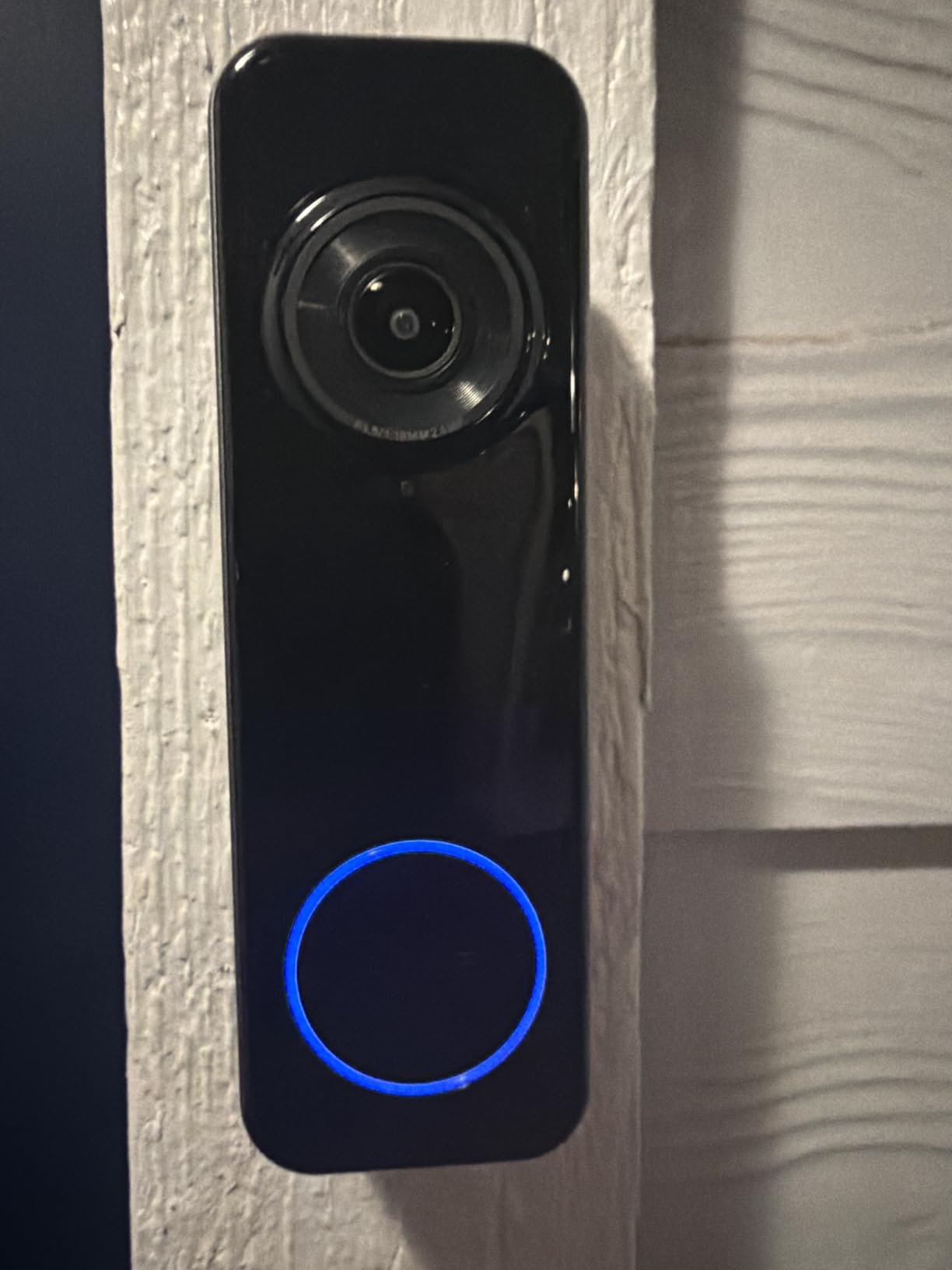
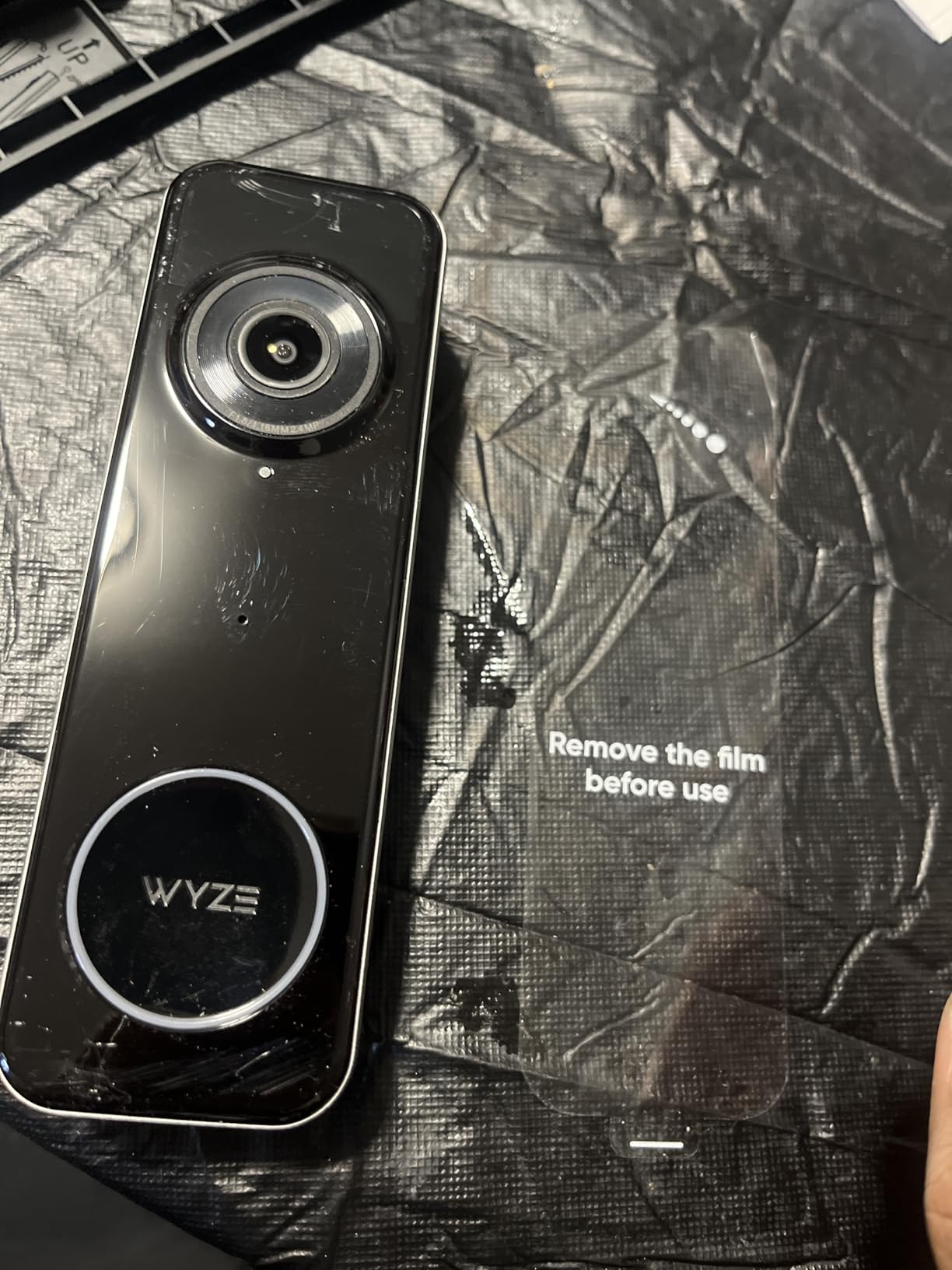
The Wyze Battery Video Doorbell solves a framing problem the other cameras approximate. The 1536×1536 HD+ sensor on a square 1:1 head-to-toe view, with 150 degrees horizontally and vertically, shows a person from head to feet and the floor at the same time. You see a parcel against the door rather than the top of a head.
Setup is the fastest here. Bluetooth pairing gets a reviewer running in about five minutes with no screw required, and a corner back plate plus mounting hardware are included for when you do want fixings. Auto-response prompts and voice deterrence let you answer a knock without being near the door.
There is no monthly fee, and a microSD card up to 256GB gives local recording. Person, vehicle and package detection has been reliable for owners, and the night vision with a starlight sensor produces colour rather than greyscale, which helps identify a visitor after dark.
It can also work as a chime for other Wyze cameras or a Wyze chime controller, so it slots into an existing Wyze setup without extra hardware.
Who this suits in a rental
Choose this Wyze if the door is high and the deliveries land flat on the ground, because the square framing is the only one here built specifically to catch that. The screw-free setup also makes it a good fit for a temporary rental where you will not be there long.
For anyone already running Wyze cameras, having one app and one account across indoor and doorbell footage is a genuine convenience in a small apartment where you cannot spare the space for extra hardware.
Where it falls short
Battery life is the clear weak point. The claim is up to six months, but several owners report two to six weeks in practice, and the gap is the largest between marketing and reality in this roundup. Treat the six-month figure as a maximum, not an expectation.
It is 2.4GHz only, has no sound detection, and is less friendly to solar panel setups than some competitors. Pressing the doorbell will not trigger an Alexa doorbell chime unless you buy a Wyze chime separately.
How to Choose a Wireless Video Doorbell in an Apartment
Start with the mounting, not the camera. Most no-drill mounts only work on inward-opening doors, and several require a specific doorbell body. Check your door swing and the mount’s compatibility list before you buy, because a mount that does not fit is a return trip, not a discount. For the wider picture, see our video doorbell picks for apartments.
Next, decide how footage is stored. Three models here keep recordings entirely local with no plan: the aosu with 8GB built in, the eufy E340 with 8GB of eMMC, and the Tapo D210 and both WYZE models with a microSD card. The Ring and Blink push you toward a monthly plan for video history, and the Arlo locks most advanced features behind Arlo Secure after the trial. Our comparison of doorbells for package theft goes deeper on the storage angle.
Field of view matters more than resolution in a hallway. Anything at 160 degrees or wider, which includes the Tapo, aosu, BOIFUN, ieGeek, eufy and Arlo, will catch someone standing off to the side. The Nest at 145 degrees and the MUBVIEW at 120 degrees are the two narrowest here, and reviewers note visitors can partially dodge both.
Battery expectations should be scaled to your building. In a quiet ground-floor flat, most of these cameras will run for weeks. In a busy shared lobby where every passer-by triggers a motion event, expect a fraction of the claimed figure. The Tapo D210 and the eufy E340 with its quick-swap pack handle that scenario best.
Check your Wi-Fi band. Most of these models are 2.4GHz only, including the Tapo, BOIFUN, MUBVIEW, ieGeek and the Wyze Battery Doorbell. Only the aosu and the WYZE Duo Cam support 5GHz as well, which makes them the safer bet in buildings where the two bands are split. If the signal is weak at your door, a mesh node near the entry is a better investment than a more expensive camera.
For battery versus wired: four models here accept a wired connection when one is available, which is the Ring, aosu, eufy and Arlo. In a rental you probably will not have that option, but buying a camera that supports it means you can hardwire it in your own home later without replacing hardware.
No-Drill Mounting, Landlord Approval and Moving Out
Every camera in this roundup can be removed without tools and without leaving a hole. Adhesive mounts, which the Tapo, WYZE Duo Cam, BOIFUN, MUBVIEW and ieGeek all support, lift off with heat applied to a hair dryer and a plastic card. Battery-powered units with anti-theft brackets add a tamper alarm on some models, which deters neighbours in a shared entryway.
Before you mount anything, check your lease for clauses about recordings, entryway cameras and alterations. If there is a clause, a short written message is far more effective than a verbal request. Keep it to three sentences: what you want to install, that it is wireless and non-permanent, and that you will remove it and restore the surface before move-out. Offering to return the door to its original condition in writing is what usually gets a yes.
At move-out, charge the battery, remove the mount, and clean the adhesive with isopropyl alcohol rather than scraping it, which can dull paint or metal. Photograph the door before and after if you want a record for the deposit walkthrough. Removing the camera but leaving the cloud account active means your old footage stays on someone else’s servers, so delete the account and any linked sharing after the final viewing.
One legal point is worth stating plainly. A doorbell camera on your own door, aimed at your own doorway, is treated very differently from a camera covering a shared hallway or a neighbour’s door. Keep the field of view directed at your threshold, use privacy or activity zones to blur anything beyond it, and check your local rules if you live in a building with a camera policy. Most disputes come from a lens pointed slightly too wide, not from the device itself.
Frequently Asked Questions
Is there a renter-friendly Ring doorbell?
Yes. The Ring Battery Doorbell is genuinely renter-friendly on installation: it runs on a built-in rechargeable USB-C battery, so there is no wiring to run and no chime to replace, and many owners mount it to an existing door frame with two screws. The catch is storage. Without Ring Protect you get live view, two-way talk and motion alerts, but reviewing older video requires a subscription, and person and package smart alerts are paywalled separately. Renters who want free local recording should look at the Tapo D210 or the eufy E340 instead.
What is the best wireless video doorbell without a subscription?
The Tapo D210 is the strongest all-round answer for a renter. It records locally to a microSD card up to 512GB with no monthly fee, pairs with a 2K sensor and a 160-degree head-to-toe view, and includes an indoor chime, a 15-degree mounting wedge and adhesive in the box. One owner reported roughly 5.5 months of battery through winter, which is unusually strong in this category. The aosu 5MP and the eufy E340 are the other two options with built-in local storage and no plan.
Why are people moving away from Ring doorbells?
Most commonly, storage and lock-in. Ring Protect is required to view recorded video, and person and package detection is a paid feature rather than a standard one, so the free experience is live view only. Buyers also report a two to three second delay before phone notifications, and motion sensitivity that has to be raised to Frequently or events go unrecorded. Ecosystem lock-in is the second theme, since hardware and subscriptions tie into the wider Ring setup. Renters who want to avoid this generally prefer local microSD storage or a hub-based system they own outright.
Can I install a video doorbell in a rental apartment?
Usually yes, as long as you make no permanent changes. A battery-powered wireless model mounts with adhesive or a clip-style bracket, runs on your own Wi-Fi, and comes off cleanly at move-out. Two things to check first: your lease may contain clauses about cameras, recordings or alterations, and your building may have a policy on cameras in shared entryways. Keep the field of view directed at your own threshold, use privacy or activity zones to blur anything beyond it, and send your landlord a short written request that states the device is wireless and non-permanent.
Which doorbell camera is best for a high-traffic apartment hallway?
Battery life and mounting stability matter more than resolution in a busy shared lobby, where every passer-by triggers a motion event. The Tapo D210 is the best fit, with one owner reporting about 5.5 months through winter. The eufy E340 follows, because its quick-release battery swaps in seconds so coverage does not stop while you charge. Look for a model with a tamper alarm, which the BOIFUN includes, and avoid fixed non-removable batteries such as the BOIFUN, the Arlo or the Wyze Battery Doorbell, since each charge leaves a blind spot.
Do wireless video doorbells work without wiring at all?
Yes. All 12 models in this roundup run on a built-in battery and connect to your own 2.4GHz Wi-Fi network, so no wiring work is required. Four of them, the Ring, aosu, eufy E340 and Arlo, will also accept a wired connection if you ever move somewhere with existing doorbell wiring, which makes them a good long-term purchase. The rest are battery-only. Note that most models are 2.4GHz only; the aosu and the WYZE Duo Cam support both 2.4GHz and 5GHz, which helps in buildings where the bands are split across different networks.
Which Wireless Video Doorbell Fits Your Rental
If you want the shortest install and the most forgiving app, the Ring Battery Doorbell is the pick we would hand most renters, with the caveat that older video sits behind a subscription. If you would rather not pay anything monthly, the Tapo D210 gives you the best combination of view, battery life and included mounting hardware in 2026, and the eufy E340 adds a dedicated package camera. For the sharpest image with 60 days of local loop recording, the aosu 5MP is the one to beat.
Package thieves should start with the eufy E340 or the WYZE Duo Cam. A concrete building with split Wi-Fi bands points to the aosu or the WYZE Duo Cam. A quiet ground-floor flat on a budget can be handled well by the Blink system or the BOIFUN, and anyone already invested in Google Home will find the Nest Doorbell does person and package detection without a plan. Whatever you choose, confirm the mount fits your door, keep the lens on your own threshold, and take it down cleanly before you move.