
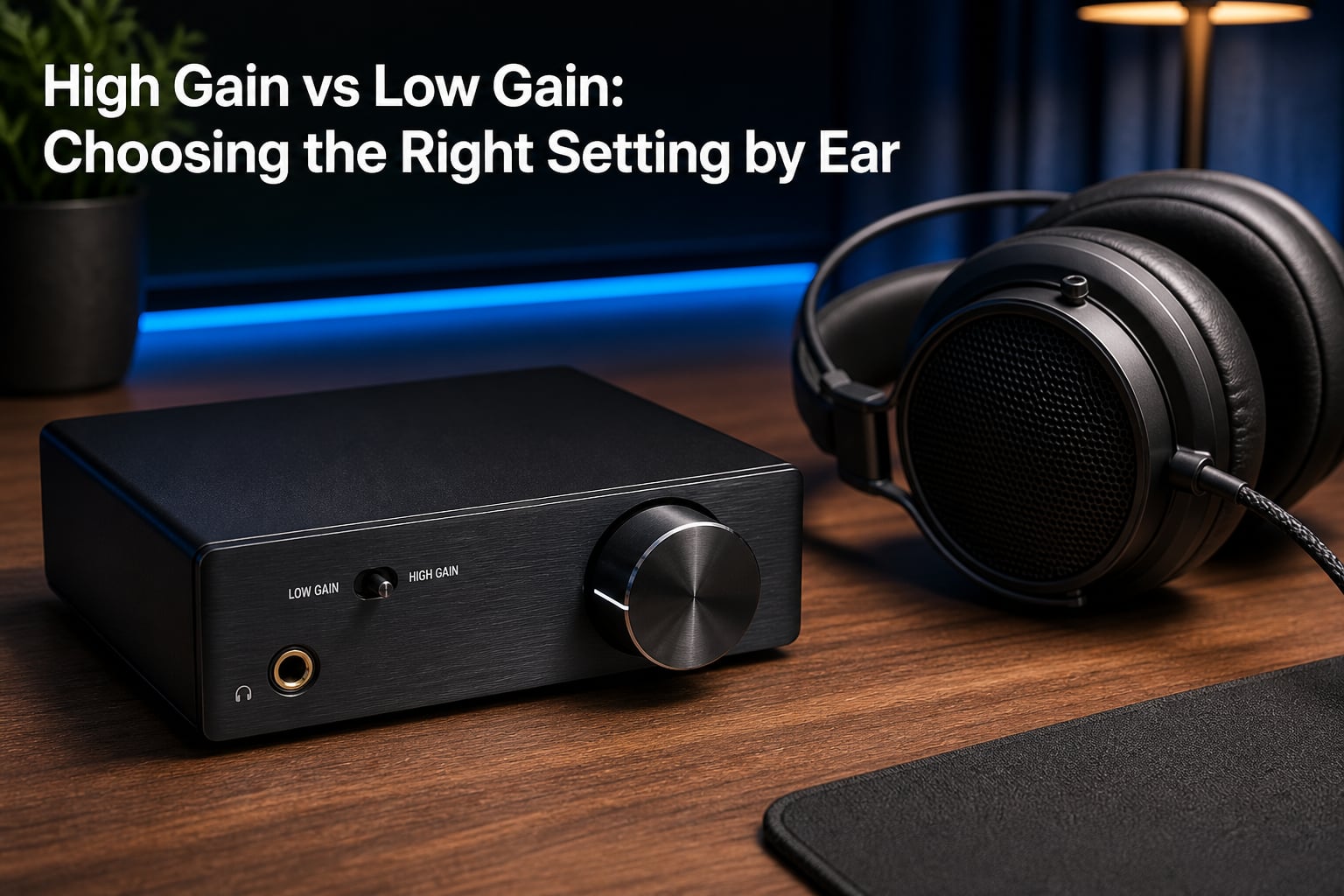
Use the lowest gain setting that gets your headphones loud enough at roughly 50-75% on the volume dial. That single rule solves 90% of gain confusion, but knowing how to hear the difference between settings is what separates a good listening experience from a great one.
If you have ever wondered whether flipping that gain switch actually changes your sound, you are in the right place. This guide breaks down the high gain vs low gain setting by ear method so you can confidently pick the right option for any headphone or IEM you own.
I have spent years switching between sensitive in-ear monitors and power-hungry planar magnetics on the same amplifier. Along the way, I developed a repeatable ear-based process for finding the right gain without any measurement equipment. Here is everything I have learned.
Table of Contents
What Is Gain and Why Does It Matter?
Gain is the amplification multiplier applied to your audio signal before it reaches the volume control. Think of it as a fixed boost stage that determines how much raw power your amplifier feeds into the signal chain.
This is different from volume. Volume is a continuous dial that attenuates the already-amplified signal. Gain is a switch or setting that changes how much amplification happens in the first place. You can think of gain as choosing which ladder to climb and volume as how many steps you take.
Typical headphone amplifiers offer two or three gain levels. Low gain usually sits around 2-3x amplification (roughly 0-10 dB), while high gain ranges from 5-8x or more (about 10-20 dB). Some amps add a medium setting in between, but the principle stays the same.
Why does this matter? Using the wrong gain setting can introduce audible hiss with sensitive headphones, make your volume knob frustratingly sensitive at the bottom of its range, or prevent your amplifier from reaching adequate loudness with demanding headphones.
Low Gain vs High Gain: The Technical Differences
The core difference comes down to how much the signal gets boosted and what side effects that boost introduces. Low gain amplifies the signal less, which means a lower noise floor and finer volume control. High gain amplifies more, which can help demanding headphones reach proper loudness but may raise the noise floor.
Here is a side-by-side breakdown of how each setting behaves:
Noise floor: Low gain produces less background hiss. High gain amplifies everything, including the inherent noise of the amplifier circuit itself.
Volume knob precision: Low gain spreads your usable listening range across more of the dial. High gain compresses it, so small turns create big volume jumps.
Power delivery: High gain provides more voltage swing, which high-impedance headphones need to reach adequate loudness and dynamics.
Channel balance: At very low volume knob positions (under 20%), some amplifiers have left-right channel imbalance. Low gain keeps your knob higher in its range, avoiding this issue.
Dynamic headroom: High gain gives more headroom for transient peaks, but only if your headphones actually need that power. With efficient headphones, that extra headroom goes unused.
When volume is matched between the two settings, most modern well-designed amplifiers sound nearly identical. The real-world differences come from secondary effects: noise floor, volume control precision, and whether your headphones are getting enough power.
How to Set Gain by Ear: Step-by-Step Method
This is the method no competitor explains clearly, and it is the heart of choosing the right high gain vs low gain setting by ear. You do not need any equipment beyond your headphones, your amplifier, and a track you know well.
Pick a reference track with clear dynamics, vocals, and some quiet passages. Something with a solo vocal and acoustic instrumentation works well because it exposes noise and tonal thinning quickly.
Step 1: Start on low gain. Always begin with the lowest gain setting available. This is your baseline. If low gain gets loud enough, there is rarely a reason to switch.
Step 2: Set the volume knob to 50%. With low gain engaged, turn the volume to the halfway mark on the dial. Listen for a few minutes at this position.
Step 3: Listen for adequate loudness. Ask yourself: is this comfortably loud for extended listening? If the answer is yes, stay on low gain. You are done. If you are maxing out the knob and still want more volume, you need high gain.
Step 4: Check for background hiss. Between tracks or during very quiet passages, listen for a static-like rushing sound. On low gain with efficient headphones, this should be essentially silent. If you hear hiss, something else in your chain is the culprit.
Step 5: Listen for thinness or fullness. This is the subtle cue most people miss. If your headphones sound thin, lifeless, or dynamically flat on low gain at 70-75% volume, they may be underpowered. Switching to high gain and dropping the knob to around 40-50% can restore body and punch.
Step 6: Switch to high gain and retest. Flip the gain switch, reset the volume to a low position (start at 25%), and slowly raise it. If the sound fills out and the volume feels right between 40-60% of the dial, high gain is your match.
Here are the specific audio cues that tell you which gain is correct:
Hiss during silence: Gain is too high for your headphones. Drop to low gain.
Volume knob below 20% for comfortable listening: Gain is too high. The signal is overloaded and you have almost no fine control.
Max volume still feels quiet: Gain is too low for these headphones. Switch to high gain.
Sound is thin or dynamically compressed at 75%+ volume: The amplifier is straining on low gain. High gain gives it the headroom it needs.
Sound is full and punchy between 40-65% volume: You found the right gain. Do not touch it.
This entire process takes about ten minutes. Once you do it for a specific headphone, you can set it and forget it. The only time you need to repeat the process is when you switch headphones or amplifiers.
The 50-75% Volume Rule Explained
The 50-75% rule is the single most useful guideline for gain selection. It states that your comfortable listening volume should land somewhere between half and three-quarters of the volume knob’s range.
If you are comfortable below 30% on the dial, your gain is too high. The amplifier is pushing so much signal that you are barely using the volume control. This creates two problems: extreme sensitivity where a tiny turn doubles the volume, and potential channel imbalance at the bottom of the potentiometer’s range.
If you need to push past 75% or max out the dial to get loud enough, your gain is too low. The amplifier cannot provide enough voltage swing to drive your headphones properly. You lose dynamic headroom, and transient peaks can clip.
The sweet spot of 50-75% gives you fine volume control, keeps the potentiometer in its most accurate range, and ensures the amplifier has enough headroom for musical peaks without straining.
One caveat: this rule applies to analog volume knobs. Some modern amplifiers use relay-based stepped attenuators or digital volume control, which behave more consistently across the entire range. Even so, the principle of landing in the middle of your available range still holds.
Matching Gain to Your Headphones
Different headphones have wildly different power requirements. Matching the gain setting to your specific headphone type is what makes the difference between good and great sound.
IEMs and in-ear monitors: These are the most sensitive headphones you can own. Many IEMs reach dangerous volume levels with just a few milliwatts. Always use low gain. High gain with IEMs almost guarantees audible hiss and a volume knob so sensitive that comfortable listening happens at 10% or lower.
Efficient dynamic headphones (under 80 ohms): Headphones like the Beyerdynamic DT 900 Pro X or Sennheiser HD 599 are designed to be easy to drive. Low gain is almost always sufficient on a desktop amplifier. If you are using a weak portable source, you might need medium or high gain, but on a proper amp, low gain handles these effortlessly.
High-impedance headphones (150-300+ ohms): The Sennheiser HD 600 (300 ohms), HD 650, and Beyerdynamic DT 990 (250 ohms) are classic examples. These headphones need voltage to sing. Low gain may work on powerful desktop amps, but many users find high gain delivers fuller dynamics and better bass control. Start with low gain and use the ear method to decide.
Planar magnetic headphones: Planars like the Hifiman Sundara, Audeze LCD-2, or Dan Clark Audio models present a low impedance but are notoriously current-hungry. They need watts, not just voltage. Whether low or high gain works better depends entirely on the amplifier’s design. Some amps deliver plenty of current on low gain, while others need high gain to feed planars properly. Trust the ear method here.
Here is a quick reference for impedance and sensitivity thresholds:
Under 32 ohms, high sensitivity (100+ dB/mW): Low gain always. These are IEMs and efficient portables.
32-80 ohms, moderate sensitivity (95-105 dB/mW): Low gain on desktop amps. May need high gain on portable sources.
80-250 ohms, moderate sensitivity (90-100 dB/mW): Start on low gain with a desktop amp. High gain if the amp is weaker.
250+ ohms or low sensitivity (under 95 dB/mW): High gain is often necessary for adequate volume and dynamics.
Planar magnetic, low impedance but low sensitivity: Test both. Current delivery matters more than the gain label.
Troubleshooting Hiss and Noise Issues
Hiss is the number one complaint when people switch to high gain. Understanding why it happens helps you fix it.
Every amplifier has a fixed amount of internal noise generated by its circuitry. On low gain, this noise is multiplied by a smaller factor and stays below your hearing threshold. On high gain, the same internal noise gets amplified more, pushing it into audible territory.
The problem compounds with sensitive headphones. IEMs and efficient dynamic headphones already produce high volume from tiny signals. When you add high gain, the amplified noise floor becomes clearly audible as a constant rushing or static sound.
To test whether hiss is gain-related, follow this simple process. Switch to low gain and set the volume to your normal listening level. Remove the headphones from your ears and hold them close. If the hiss disappears or drops dramatically, the high gain setting was the cause.
If hiss persists on low gain, the issue is elsewhere. Common culprits include a noisy source (DAC output), poor quality cables picking up interference, or the amplifier itself having a high base noise floor. In these cases, switching gain will not solve the problem.
Some amplifiers have a noticeably higher noise floor regardless of gain setting. If this is the case with sensitive IEMs, you may need a different amplifier designed for low-output, high-sensitivity applications. Not every amp works well with every headphone.
Common Myths About Gain and Sound Quality
Myth: High gain sounds better. This is the most persistent misconception in the headphone community. When users from audio forums report that high gain sounds fuller or more dynamic, they are usually hearing the effect of their headphones finally getting enough power. Volume-matched testing on well-designed amplifiers shows no inherent sound quality improvement from high gain alone.
Myth: Low gain means weak or inferior sound. Low gain simply means less amplification. If your headphones are efficient enough to reach comfortable volume on low gain, you are getting the best possible sound: lowest noise floor, finest volume control, and plenty of headroom.
Myth: You should always use the highest gain available. This backwards logic suggests that more power is always better. In reality, excess gain with sensitive headphones introduces noise, kills volume control precision, and can even cause channel imbalance at low knob positions.
The truth is that gain is a matching tool, not a quality control. Choose the setting that puts your listening volume in the 50-75% range of the dial with the lowest possible noise floor. That is the best sound your system can produce.
Frequently Asked Questions
Is low gain or high gain better for IEMs?
Low gain is always better for IEMs. In-ear monitors are extremely sensitive and need very little power to reach high volume. Using high gain with IEMs introduces audible hiss and makes the volume knob uncontrollably sensitive. Stick with low gain for any headphone with high sensitivity ratings above 100 dB/mW.
Should I set gain low or high?
Start with low gain and only switch to high gain if you cannot reach comfortable listening volume at 75% or more of the volume dial. The general rule is to use the lowest gain setting that gets your headphones loud enough in the 50-75% knob range. This gives you the cleanest signal and best volume control.
How to properly set gain by ear?
Start on low gain with the volume at 50%. Listen for comfortable loudness, then check for hiss during quiet passages. If the volume is adequate and there is no hiss, low gain is correct. If maxing out the knob still feels quiet or the sound seems thin and dynamically flat, switch to high gain, reset the volume to 25%, and raise it slowly until you reach a comfortable level between 40-60% of the dial.
What is high gain vs low gain?
Gain is the amplification multiplier applied to your audio signal. Low gain typically provides 2-3x amplification (0-10 dB) with a lower noise floor and finer volume control. High gain provides 5-8x or more amplification (10-20 dB) to drive demanding headphones but may add background hiss with sensitive models. Gain is different from volume, which controls how much of the amplified signal reaches your headphones.
Why does high gain add hiss?
High gain amplifies everything in the signal path, including the amplifier’s own internal noise. Every amplifier circuit generates a small amount of noise, and high gain multiplies that noise along with the music. With sensitive headphones like IEMs, this amplified noise floor becomes audible as a constant rushing or static sound during quiet passages.
Conclusion: Trust Your Ears
The golden rule for the high gain vs low gain setting by ear method is simple: use the lowest gain that reaches comfortable volume between 50-75% of the dial. Start on low gain, listen carefully, and only switch up when your headphones clearly need more power.
Your ears are the best measurement tool you own. Spend ten minutes with the step-by-step method above, and you will never second-guess a gain switch again. The right setting is the one that delivers full, clean sound with no hiss and enough volume knob range to fine-tune your listening level.