
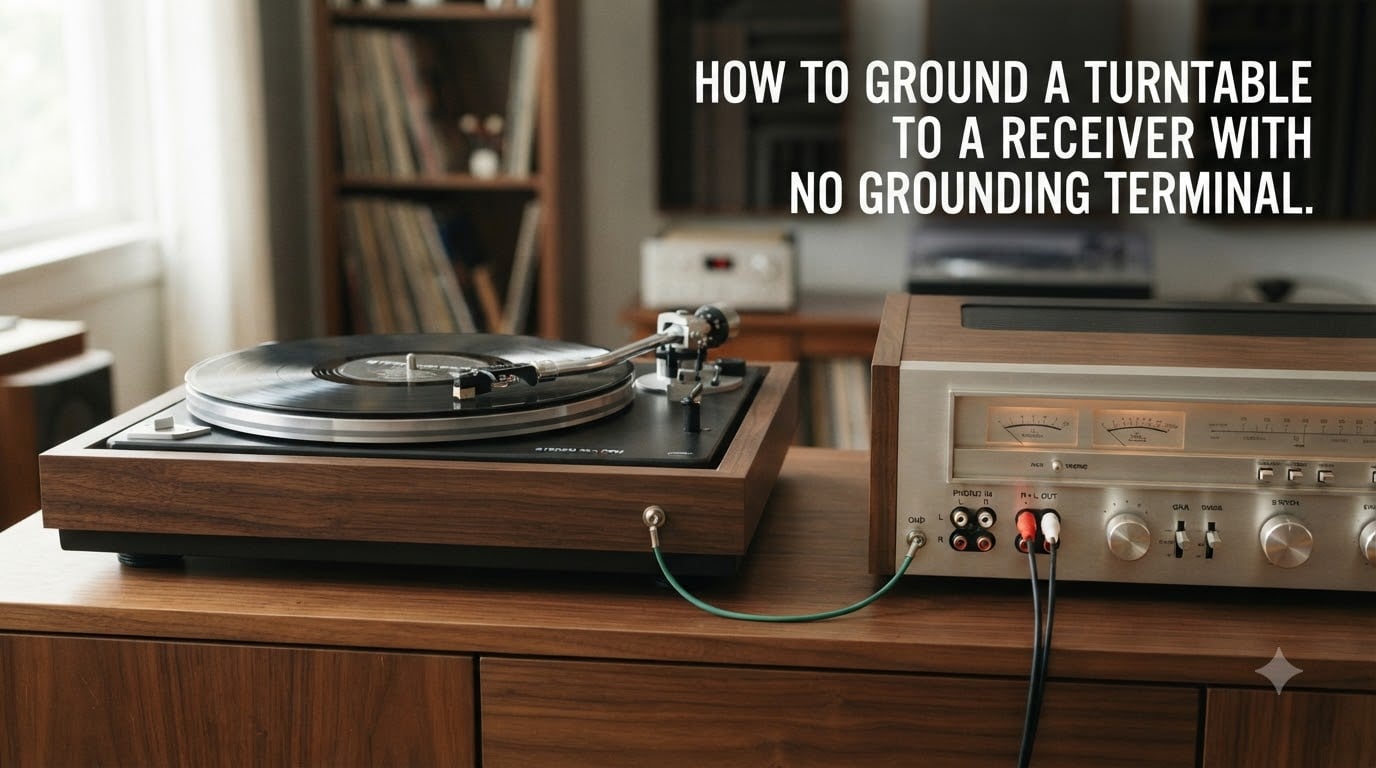
That annoying 60Hz hum coming through your speakers can turn a relaxing vinyl session into a headache. If your receiver lacks a dedicated grounding terminal, you might feel stuck, but the fix is simpler than you think. In this guide, I will walk you through exactly how to ground a turntable to a receiver with no grounding terminal using methods I have tested across several setups.
Many modern and budget receivers skip the ground post entirely, leaving vinyl beginners confused about what to do with that thin spade-connected wire dangling from their turntable. The good news is that audio ground wires do not carry dangerous voltage. They simply create a shared reference point to silence electrical interference between your devices.
By the end of this article, you will know why hum happens, how to identify safe alternative grounding points, and what to do when grounding alone does not solve the problem. Let us get your records sounding clean.
Table of Contents
What Is Turntable Grounding and Why It Matters?
Turntable grounding connects the metal chassis and tonearm of your record player to your amplifier or receiver using a single thin wire. This wire creates a shared electrical reference point so both devices sit at the same ground potential. Without it, tiny voltage differences between the two devices create an audible hum through your speakers.
Here is where people get confused. Audio ground and electrical safety ground are two different things. Your turntable ground wire carries no dangerous current. It only deals with low-level audio signals. The electrical safety ground, on the other hand, is the third prong on your wall plug that protects you from shocks.
The ground wire on your turntable does one job: it drains away stray electrical interference before it reaches your cartridge signal. Cartridges output extremely low voltage, often in the millivolt range. Any interference picked up by the tonearm or RCA cables gets amplified right alongside your music, producing that familiar buzz.
Forum users on Vinyl Engine confirm this directly. One experienced member noted that no harm comes from attaching a ground line to a turntable that does not have one, because the ground wire does not carry an electric charge in the traditional sense.
What Causes the Hum: Ground Loops Explained
A ground loop occurs when two or more pieces of audio equipment connect to ground through multiple paths. Your turntable and receiver each have their own connection to electrical ground through their power supplies. When those ground paths sit at slightly different voltages, current flows between them through your audio cables.
This unwanted current manifests as a 60Hz hum (or 50Hz in countries with that mains frequency). The RCA cables connecting your turntable to your receiver act as antennas, picking up this ground loop noise. The ground wire gives that stray current a dedicated path back to the shared ground, bypassing the audio signal entirely.
This is why simply disconnecting the ground wire often makes the hum worse, not better. Without the ground wire, the ground loop current has nowhere to go except through your audio cables.
How to Ground a Turntable to a Receiver With No Grounding Terminal: Step-by-Step
If your receiver or amplifier has no ground terminal, you can still ground your turntable safely using any exposed metal point on the chassis. Here is the process I recommend, based on methods confirmed by AudioKarma and Vinyl Engine forum members.
Step 1: Power off everything. Turn off your receiver and unplug both your receiver and turntable from the wall. This is a non-negotiable safety step before touching any connections.
Step 2: Locate a metal screw on the receiver chassis. Look for any screw that threads directly into the metal case of your receiver, not into plastic. A chassis screw on the back panel near the RCA inputs works well. The screw head needs to make metal-to-metal contact with the case when tightened.
Step 3: Prepare the ground wire connection. If your turntable ground wire has a spade connector, you can loosen the screw, slide the spade underneath, and tighten it back down. If the wire is bare, loop it clockwise around the screw threads before tightening so it stays in place.
Step 4: Check for paint or coatings. This is where many people fail. Painted screws or anodized chassis surfaces block electrical contact. You need bare metal touching bare metal. If the screw has paint on it, try a different screw or gently scrape the surface.
Step 5: Reconnect and test. Plug everything back in, power on your receiver, drop the needle, and listen. The hum should be gone or significantly reduced. If it persists, work through the troubleshooting section below.
Alternative Grounding Methods When No Terminal Exists
Not every receiver exposes a convenient chassis screw. Here are four alternative grounding approaches that forum users have validated in real setups.
Method 1: Use any metal chassis screw. A screw on the back, bottom, or side of the receiver will work as long as it contacts bare metal. RCA connector sleeves on the back of the receiver can also serve as ground points since they connect to the internal audio ground.
Method 2: Ground through the RCA cable shield. Some RCA cables include an integrated ground wire. If your turntable has no separate ground wire, the RCA shielding may already provide the ground path. Try replacing standard RCA cables with shielded phono cables to see if the hum clears up.
Method 3: Build a DIY ground wire. If your turntable has no ground wire at all, attach a thin stranded wire to a metal part of the turntable chassis or tonearm base using a screw or alligator clip. Run the other end to a chassis screw on the receiver. Any thin insulated wire works, even scrap speaker wire.
Method 4: Use an external phono preamp. A standalone phono preamp with its own ground terminal solves the problem entirely. Connect the turntable ground wire to the preamp, then run the preamp output to any line-level input on your receiver. This bypasses the receiver grounding issue completely.
Forum members on Reddit have confirmed this external preamp approach works particularly well with receivers that only have line-level inputs and no phono stage at all.
When Your Turntable Does NOT Need External Grounding?
Some turntables are internally grounded and need no external ground wire at all. Many modern turntables with built-in preamps fall into this category. The preamp circuit handles grounding internally.
USB turntables and budget all-in-one record players typically do not need external grounding because their internal electronics already create a shared ground reference. If your turntable came with no ground wire attached, check the manual before adding one.
Here is a quick test forum users recommend. Touch the metal parts of your tonearm while the turntable is playing. If the hum decreases when you touch it, your body is acting as a ground, which means the turntable needs a ground connection. If touching it changes nothing, the turntable may already be internally grounded.
Troubleshooting Persistent Hum After Grounding
Sometimes you connect the ground wire and the hum still persists. This means the problem goes beyond a missing ground connection. Work through this checklist to isolate the cause.
Check cable routing. RCA cables running parallel to power cables will pick up interference regardless of grounding. Separate your audio cables from power cables by at least six inches. Cross them at right angles when they must intersect.
Test for power strip ground loops. Plugging your turntable and receiver into different outlets or power strips can create ground loops. Try plugging both devices into the same power strip or outlet to eliminate multiple ground paths.
Watch for LED and dimmer interference. LED lights, lamp dimmers, and switching power supplies generate interference that grounding cannot fix. Forum users report that LED strip lights near audio equipment are a surprisingly common cause of persistent hum. Turn off all lights and dimmers to test.
Inspect your RCA cables. Damaged or low-quality RCA cables with poor shielding will always produce hum. Swap them with a known good pair to rule out cable failure. Phono-level signals are far more sensitive to cable quality than line-level signals.
Check the cartridge connections. The four tiny wires connecting your cartridge to the tonearm can come loose or corrode. Reseat each connector carefully. A single bad connection creates hum that grounding will never fix.
Safety Considerations
Never modify your turntable or receiver power cables to add a ground connection. If your equipment uses a two-prong power plug, do not attempt to convert it to three-prong. Audio ground wires are safe to handle because they carry only signal-level voltages.
Keep audio ground connections separate from mains electrical ground. Do not connect your turntable ground wire to a wall outlet ground or any exposed electrical wiring. Stick to chassis screws and audio equipment only.
If you smell burning, see sparks, or feel a shock when touching your equipment, stop immediately and consult a qualified technician. These symptoms indicate an electrical fault, not a grounding issue.
Frequently Asked Questions
How do I ground my turntable if there is no ground wire?
Connect a thin insulated wire from a bare metal point on the turntable chassis or tonearm base to a metal chassis screw on your receiver. Any exposed metal-to-metal contact point works as a ground. Use an alligator clip or loosen a screw, loop the wire around it, and tighten it back down.
How do I ground my turntable to my receiver?
Attach the thin ground wire from your turntable to the ground terminal on your receiver. If your receiver has no ground terminal, connect the wire to any bare metal screw on the receiver chassis. Ensure metal-to-metal contact with no paint blocking the connection.
Does a turntable need to be grounded?
Turntables without a built-in preamp need grounding to prevent a 60Hz hum through your speakers. Turntables with built-in preamps or USB output are often internally grounded and may not need an external ground wire. Touch the tonearm while playing a record to test if grounding is needed.
What if my turntable doesn’t have a ground wire?
Some turntables are internally grounded and need no external wire. If you still hear hum, build a DIY ground wire by attaching a thin wire to the turntable chassis or tonearm base and connecting the other end to a metal screw on your receiver.
Can I connect the ground wire to a speaker?
Only active speakers with built-in amplification and a ground terminal can serve as a ground point. Passive speakers cannot ground a turntable. Connect the ground wire to your amplifier, receiver, or phono preamp chassis instead.
Why does my turntable hum even with the ground connected?
Persistent hum after grounding usually points to cable routing issues, power strip ground loops, LED light interference, or damaged RCA cables. Try plugging the turntable and receiver into the same outlet, separating audio cables from power cables, and turning off all LED lights to isolate the cause.
Wrapping Up
Learning how to ground a turntable to a receiver with no grounding terminal comes down to one principle: find bare metal and make a connection. Whether you use a chassis screw, an RCA sleeve, a DIY wire, or an external preamp, the goal is always the same shared ground reference.
Start with the chassis screw method, test your results, and work through the troubleshooting checklist if hum persists. Your records deserve clean, quiet playback, and now you have the tools to achieve it.