
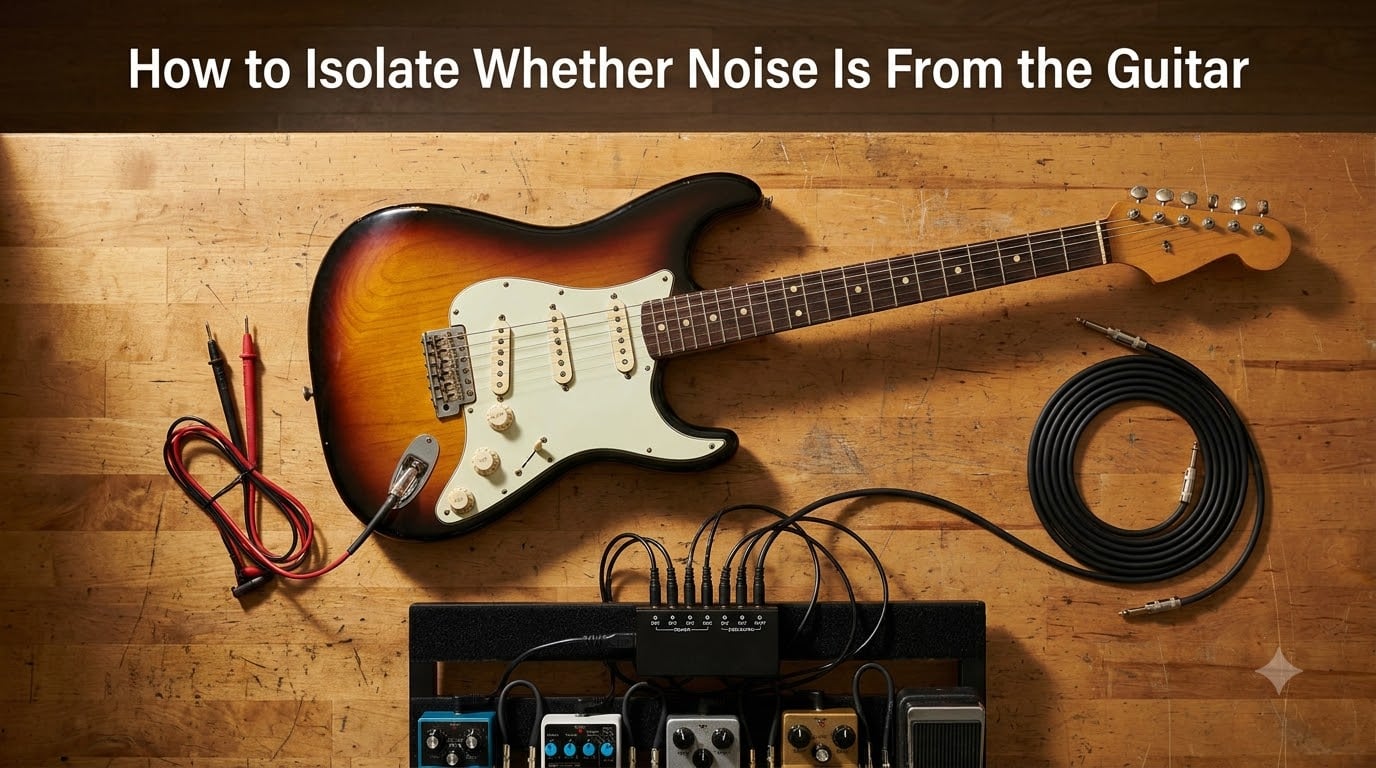
That persistent hiss, hum, or buzz in your rig can drive anyone crazy, and the worst part is not knowing where it comes from. I have spent countless nights chasing noise on stage and in the studio, and I can tell you that the fastest path to silence is a calm, systematic process. This guide walks you through how to isolate whether noise is from the guitar, the cables, your pedals, or the amplifier, so you stop guessing and start fixing.
By the end, you will have a repeatable diagnostic routine that works for any setup, from a single guitar-and-amp combo to a full pedalboard with multiple amps.
Table of Contents
What Kind of Noise Are You Hearing?
Before touching a single cable, listen carefully to what your rig is producing. The character of the noise tells you a lot about its origin, and it narrows your search dramatically.
A steady 60 Hz hum (or 50 Hz outside North America) usually points to a ground loop or a power-related issue. A brighter 120 Hz buzz often comes from inadequate shielding or a failing ground connection inside the guitar itself. White-noise hiss tends to live in high-gain pedals or the preamp section of an amp. Intermittent crackles and pops almost always mean a bad cable, a cold solder joint, or a dying battery.
Write down the volume of the noise relative to your playing signal. If it gets louder when you turn up the guitar volume but disappears when you turn it to zero, the source is upstream of your amp’s input. If it stays the same regardless of the guitar volume, the noise lives somewhere between your amp and the speakers.
The Split-the-Chain Diagnostic Method
The split-the-chain method is the single most effective trick I have ever learned for guitar noise troubleshooting. The idea is simple: disconnect your rig in the middle of the signal path and see which half still makes the noise. Then keep splitting the half that still buzzes until only one component remains.
Here is the routine I use before every gig and every recording session.
Start with the guitar plugged straight into the amp. Remove every pedal from the chain. If the noise is gone, the problem is downstream. If it is still there, keep going.
Try a different guitar. Use a known-quiet guitar into the same amp. If the noise disappears, your original guitar is the source. If it persists, the amp or power is suspect.
Swap the instrument cable. A bad or unshielded cable is one of the most common noise culprits and is free to rule out.
Reintroduce pedals one at a time. Add the first pedal, listen, then add the next. When the noise appears, the most recently added pedal is guilty until proven innocent.
Swap the pedal order. Move the suspect pedal to the start or end of the chain. If the noise changes character, you are likely dealing with impedance mismatch or true-bypass interaction.
Test on a different power outlet. If the noise is venue-specific, the problem is almost always a ground loop, not your gear.
Think of it like a binary search in code. Each split cuts the problem space in half, so within six steps you can isolate almost any rig issue.
Testing the Guitar Itself
If your noise is loudest when you turn up the guitar volume and softest when you touch the strings or bridge, the source is inside the guitar. Pickups, the output jack, the volume pot, the tone pot, and the pickup selector switch are all candidates, and the shielding inside the control cavity is often the real cause.
Here is a quick checklist I run through on every guitar that arrives at my bench buzzing.
Check the output jack. A loose or cold-soldered jack is the single most common cause of crackle and buzz. Re-solder it if you see dull joints.
Test each pickup alone. Set the selector to the neck pickup, then the bridge, then the middle. Note which position hums. Single coils will always hum more than humbuckers, and that difference alone can confirm a pickup-related issue.
Wiggle the cable while plugged in. If the noise changes as you move the cable at the jack, the jack itself is the problem.
Open the control cavity and look at the shielding. Exposed copper tape with gaps or oxidation can leak electromagnetic interference straight into your signal. Re-line the cavity and back plate with conductive shielding paint or fresh copper foil, and bond all sections together.
Test the ground wire from the bridge. A loose bridge ground means your body can no longer act as a shield when you touch the strings, and you will hear an obvious increase in noise when you take your hands off.
If you have access to a multimeter, check continuity between the sleeve of the output jack and the back of a volume pot. A reading near zero ohms confirms a healthy ground. Anything higher suggests a break in the ground path.
Testing Cables and Connections
Cables are cheap, so they are the easiest thing to swap, and they fail more often than people realize. Even a slightly oxidized tip can act like a tiny antenna, picking up stray EMI from your phone, fluorescent lights, or dimmer packs.
To confirm a cable is the culprit, run the suspect cable from your guitar into a known-quiet amp channel. Then run a brand-new or known-good cable in the same setup. If the noise goes away with the second cable, you have found your answer. Always test with the cable stretched out, not coiled, because coiled cables can act as noise-canceling antennas and mask problems.
For permanent setups, use high-quality coaxial cables with proper braided shielding and gold or nickel connectors. The savings from cheap cables rarely justify the noise they introduce, especially with high-gain rigs.
Testing Pedals and the Pedalboard
Pedals are a rich source of noise, and they introduce variables the rest of your chain does not. Three pedalboard issues cause most of the noise I see in the field: power supply bleed, true-bypass interaction, and impedance mismatch between pedals.
First, check your power supply. If you are still using a daisy-chain adapter, every pedal is sharing the same ground path, and digital pedals like delays and reverbs can leak switching noise into your analog signal. An isolated power supply gives each pedal its own clean ground reference and usually kills the noise immediately.
Second, watch out for true-bypass pedals interacting with each other. Long cable runs between true-bypass pedals create impedance bumps that act as tiny radio receivers, picking up hum from nearby electronics. The fix is to place a buffer first in your chain. A quality buffer lowers the output impedance of your guitar and lets long cable runs stay quiet.
Third, test each pedal individually with the volume on the pedal maxed and minimum. Some analog circuits hiss more at certain knob positions. If one pedal hisses loudly, run a noise gate after it and set the threshold just above the hiss floor. A noise gate can also save a high-gain rig that is otherwise unusable.
Testing the Amplifier and Power Setup
If the noise is still present with the guitar plugged straight into the amp and no pedals involved, the amplifier or your power source is the suspect. Tube amps, especially older ones, can develop heater hum or cathode hum that mimics a ground loop. Solid-state amps can develop hiss in their input stages over time.
Try the amp in a different room, on a different outlet, and ideally on a different circuit breaker. If the noise follows the amp, the amp is the source. If the noise changes with the outlet, the venue wiring is the problem.
Never, under any circumstances, defeat the ground pin on an amp’s power cable. Yes, a ground lift can kill a hum, but it can also kill you if a fault sends mains voltage to the chassis. The safe alternative is a properly designed isolation transformer or a Hum X-style power conditioner that gives you a clean ground reference without removing safety.
Spotting Ground Loops and EMI Interference
Ground loops happen when two pieces of gear are connected through more than one ground path, creating a small antenna that picks up the AC frequency of your building’s wiring. The tell-tale sign is a steady 60 Hz hum (or 50 Hz outside North America) that does not change when you move the guitar around.
EMI, or electromagnetic interference, behaves differently. It changes when you rotate the guitar, walk across the room, or move your phone away from the cable. Cell phones, Wi-Fi routers, computer monitors, and dimmer switches are all common culprits.
To rule out EMI, switch off every piece of electronics in the room one at a time while the rig is buzzing. If the noise drops when a particular device is off, you have found the source. Move your rig away from that device or use shielded cables with proper grounding.
To break a ground loop, run every piece of gear in your rig from a single power outlet through a quality power conditioner. If you must use two outlets, place an isolation transformer between the amp and any computer audio interface, because USB and XLR connections often create the second ground path that turns into a hum loop.
Frequently Asked Questions
Why is my guitar buzzing when I plug it in?
A guitar usually buzzes when plugged in because of a shielding failure, a bad output jack, or a loose bridge ground. Touching the strings or bridge should reduce or eliminate the buzz if the guitar’s own ground path is healthy. If it does not, the problem is upstream in the cable, pedals, or amp.
How do I tell if the noise is from my guitar or my amp?
Plug a different guitar into the same amp and cable. If the noise goes away, the original guitar is the source. If the noise stays, swap the cable next, then try a different outlet. The split-the-chain method isolates the guilty component within a few minutes.
How do I fix a ground loop in my guitar rig?
Run every piece of gear from one outlet through a power conditioner, and place an isolation transformer between any computer audio interface and the amp. Never lift a ground pin on a power cable; it is unsafe and usually only hides the problem.
How can I eliminate 60 cycle hum from my guitar?
Check the guitar’s shielding, verify the bridge ground, swap the instrument cable, and move the rig away from dimmer switches and fluorescent lights. A steady 60 Hz hum that does not change with guitar position almost always points to a ground loop, not the guitar itself.
How do I isolate string noise from the pitched signal when recording?
Record the guitar with the volume at zero and again at full playing volume. Subtract one track from the other in your DAW; everything that disappears is unwanted noise. During tracking, use shielded cables, an isolated power supply, and a noise gate to clean up the take in real time.
Final Thoughts on Isolating Guitar Noise
Noise in a guitar rig is rarely mysterious; it is almost always a chain of small problems stacked on top of each other. The fastest cure is a calm, repeatable process rather than random cable swaps. The split-the-chain method gives you that process, and once you have used it a few times, it becomes second nature.
If you remember one thing from this guide on how to isolate whether noise is from the guitar, make it this: change one thing at a time, listen, and let your ears do the math. Within a few minutes you will know whether the culprit is the guitar, the cable, a pedal, the amp, or the room, and you can stop chasing ghosts and start playing in silence.