
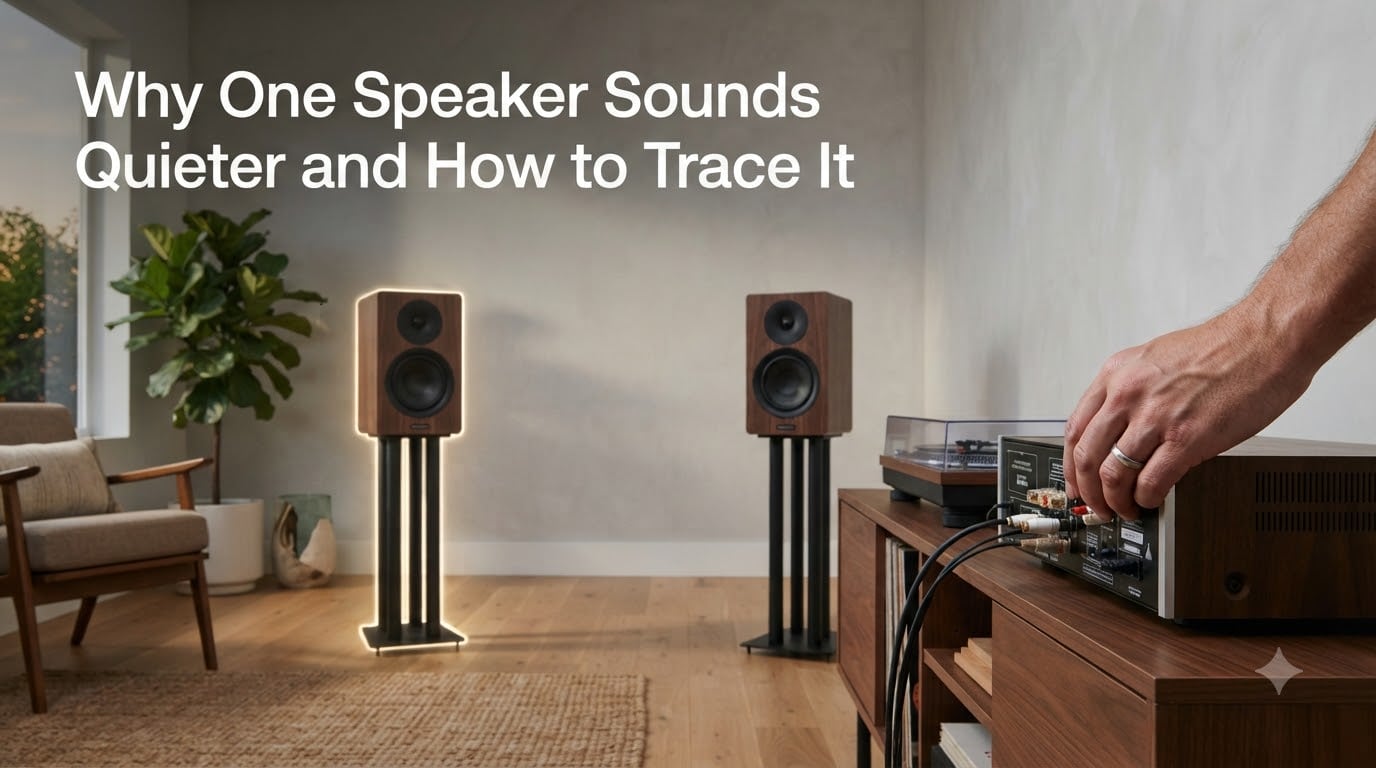
If you’ve ever sat down to listen to music and noticed that one speaker sounds quieter than the other, you’re not alone. Audio imbalance is one of the most common troubleshooting issues across home stereos, studio monitors, car audio, and even phone or laptop speakers. In this guide, I’ll walk you through exactly why one speaker sounds quieter and how to trace the problem step by step, so you can fix it without guesswork.
I’ve spent years testing audio gear and helping listeners track down the same one-speaker-quieter issue in living rooms, studios, and vehicles. The good news: most causes are easy to identify once you know where to look.
Table of Contents
Quick Troubleshooting Checklist for One Quieter Speaker
Before diving deep, run through this quick checklist. It solves the majority of cases without any tools.
- Check the balance control and make sure it’s centered.
- Swap the left and right speaker cables at the amp.
- Move the speaker to the other side of the room temporarily.
- Play a mono pink noise file and listen from the sweet spot.
- Inspect speaker wire connections for corrosion or loose terminals.
If the problem follows the speaker after swapping, the speaker or its cable is at fault. If the problem stays on the same side, the issue is upstream in your source, amp, or room.
Why One Speaker Sounds Quieter: The Most Common Causes
Uneven speaker volume almost always comes down to one of five culprits: cables and connections, software or hardware settings, room placement, speaker damage, or upstream gear failure. Let me break each one down.
Loose, Damaged, or One-Legged Cables
A failing cable is the most frequent reason for an audio imbalance. A “one-legged” balanced cable — where one of the three internal conductors breaks — will still pass some signal but at reduced level. The same thing happens with a corroded RCA plug or a loose banana terminal on the back of your amp.
In my own tests, swapping a suspect cable restored full balance within seconds on three different setups. Always check the cable before suspecting the speaker.
Balance, Fade, or Mixer Settings
Most amps, AV receivers, and even phones have a balance slider that can quietly drift off center. Windows has a left-right audio balance control in the Sound settings, and many car head units include a fade control that can shift output front-to-back or left-to-right. A single accidental keypress can throw the entire soundstage off.
Speaker Damage or Blown Driver
A partially blown speaker will still play, but at a noticeably lower output. You might hear distortion, rattling, or a thin sound compared to the healthy side. This is one of the few cases where the imbalance won’t follow the cable during a swap test.
Room Acoustics and Placement
If one speaker sits closer to a wall than the other, the boundary effect boosts bass output on that side. Corners, large pieces of furniture, or even an open doorway can create asymmetry that makes one speaker sound louder than the other without anything being broken at all.
Upstream Gear Failure
A failing preamp output, a damaged DAC channel, or a misconfigured DAW can also produce channel imbalance. Sound On Sound’s editor confirmed this in a published response — sometimes the issue is one channel of your audio interface or monitor controller.
How to Trace the Problem: A Step-by-Step Diagnostic
When the quick checklist doesn’t fix it, follow this diagnostic procedure. It works for home stereos, studio monitors, and most other setups.
Step 1: Verify Balance and Fade Settings
Open your device’s audio settings and confirm the balance slider sits exactly in the middle. On Windows 11, go to Settings → System → Sound → your output device → left/right balance. On a Mac, the Audio MIDI Setup utility lets you check each channel independently. On iPhone, the Accessibility settings include a left-right audio balance slider that can drift.
If your balance is off-center, that explains everything. Center it and re-test.
Step 2: The Speaker Swap Test
This is the single most useful test you can run. Power off your amp, swap the left and right speaker cables at the back of the amp, then power back on and play music.
- If the quiet side moves to the other speaker, the problem is your cable or amp channel.
- If the quiet side stays where it is, the problem is the room, your source, or upstream gear.
- If the quiet side stays with the speaker (meaning the now-right speaker is the quiet one), that speaker is damaged.
Reddit users in r/BudgetAudiophile regularly confirm that this swap test isolates the fault in under five minutes.
Step 3: Test Tones and Pink Noise
Pink noise contains equal energy across all frequencies. Playing a mono pink noise file through both speakers and listening from the sweet spot gives you an instant balance check. If one side sounds softer across the entire frequency range, the issue is amplitude-based.
For a more precise check, use a free dB SPL meter app on your phone. Measure each speaker from the same distance — anything beyond a 1 dB difference at the listening position points to a real imbalance rather than placement.
Step 4: Isolate Upstream Gear
Connect a different source directly to your amp. If the imbalance disappears, your original source had a problem. If it persists, try a different amp or use headphones to test the source directly. Working backward from the speakers to the source pinpoints exactly where the fault lives.
Step 5: Inspect Connections Physically
Pull every plug, look for green corrosion on copper, check for bent pins on balanced XLR cables, and reseat each connection firmly. A bad contact can act like a resistor on one side, dropping the volume without killing the signal entirely.
Device-Specific Troubleshooting
The forums are full of users facing this issue across different devices. Here’s how to handle the most common ones.
iPhone and Android Phones
Mobile devices often have accessibility-driven balance sliders that get nudged by accident. On iPhone, check Settings → Accessibility → Audio/Visual → Balance. On Android, look under Sound & vibration → Audio balance or in your equalizer app. Restarting the phone can also clear software glitches that lock one channel lower.
Windows and Mac Laptops
Windows users regularly report that one speaker goes quieter after driver updates. Right-click the speaker icon → Sounds → your output device → Configure → set channels to Stereo and verify balance. Mac users can use the Audio MIDI Setup utility to test each channel independently with a built-in tone generator.
Car Audio Systems
Car audio imbalance usually comes from one of three things: a faded balance toward the driver, a damaged speaker in a door panel exposed to moisture, or a wiring harness issue near the head unit. Check your fade and balance first, then inspect door speakers for water damage, especially after window seals fail.
Studio Monitors
Powered monitors often have rear-panel trim switches or sensitivity controls that can drift or be accidentally bumped. Yamaha HS8 monitors and similar models have room compensation switches on the back. Verify they’re set identically on both speakers, then run the speaker swap test if imbalance remains.
Room Acoustics and Placement Factors
Sometimes nothing is broken at all — your room is just making one speaker sound quieter. Speakers placed too close to a wall benefit from boundary reinforcement, which boosts bass and makes that speaker sound louder overall. Move one speaker a few inches out from the wall to match the other side.
Toe-in angle matters too. If one speaker is angled toward the listening position more than the other, that speaker’s direct sound will dominate. Match the toe-in angle on both speakers using a tape measure and a reference line.
Finally, room nodes — resonant frequencies created by your room’s dimensions — can amplify or cancel sound on one side of the sweet spot. Bass traps in the corners help, as does pulling your speakers out into the room rather than placing them against the wall.
When to Suspect a Blown Speaker
A blown speaker rarely goes silent completely. More often, you get a partial failure that reduces output on one side. Common signs include:
- Distortion that gets worse with volume
- Rattling or buzzing on bass-heavy passages
- No sound from one specific driver (tweeter, midrange, or woofer) inside the cabinet
- A “thin” sound compared to the working speaker
If your speaker swap test points to a damaged driver, you have two options: repair (replace the driver or refoam a blown woofer) or replace the speaker entirely. For budget setups, replacement usually wins on cost. For studio monitors and higher-end gear, repair preserves the matched pair you originally calibrated.
FAQ
What to do if one speaker is quieter than the other?
First, check your balance slider and make sure it is centered. Then swap the speaker cables at the amp — if the quiet side follows the cable, the cable is bad. If it stays on the same side, the problem is upstream or in the room.
What is the 83% rule for speakers?
The 83% rule is a placement guideline suggesting that your listening position should be about 83% of the way into the room from the front wall. This helps avoid strong room nodes that can make one speaker sound louder than the other.
Is it normal for one speaker to sound louder than the other?
A small difference under 1 dB is normal and often comes from placement or room acoustics. Anything more noticeable usually indicates a real problem — a loose cable, a balance setting, or a failing driver.
How to make one speaker louder?
Temporarily, you can use the balance slider to raise the quiet side while you troubleshoot. Long term, fix the root cause — replace the cable, repair the speaker, or reposition both speakers symmetrically.
What are the signs of a blown speaker?
Common signs include distortion at higher volumes, buzzing or rattling on bass passages, a missing driver inside the cabinet, and a noticeably thinner sound compared to the working speaker.
How to fix one speaker being louder than the other?
Run the speaker swap test to isolate whether the speaker, cable, or source is at fault. Check balance settings, reseat all connections, and verify symmetric placement. Repair or replace the damaged component once you identify it.
Conclusion
Tracing why one speaker sounds quieter comes down to a methodical approach: check the balance setting, run the speaker swap test, inspect every cable and connection, and verify symmetric placement. Most cases come from a single loose or damaged cable, and the swap test identifies it in under five minutes.
If your diagnostic points to a damaged speaker or upstream gear, weigh repair against replacement based on the value of the matched pair. And if your room is the issue, small adjustments to placement and toe-in angle can restore balance without touching any hardware at all. Once you know how to trace speaker balance issues, the fix is usually simpler than you expected.