
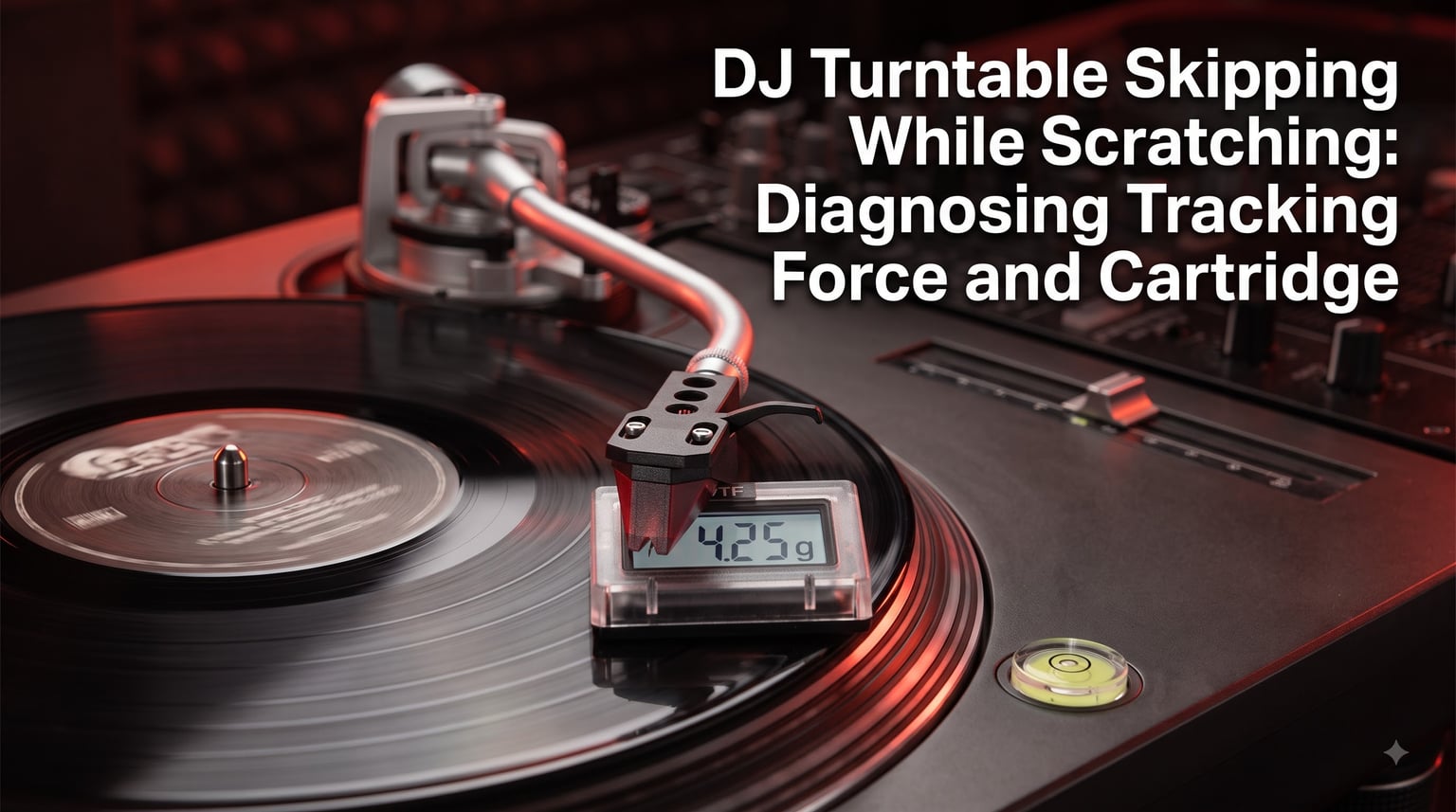
If your DJ turntable keeps skipping while scratching, the needle is jumping out of the groove mid-cut, and you are not alone. I have spent years on Technics SL-1200s and modern direct-drive decks, and the vast majority of skip problems trace back to a handful of setup issues.
Tracking force and cartridge choice are usually the headline culprits. Anti-skate, level, stylus wear, and speaker feedback round out the usual suspects. This guide walks through each cause in the order I check them, with specific numbers and settings you can apply tonight.
By the end, you should know exactly how to stop your DJ turntable from skipping while scratching, without buying anything you do not actually need. We will cover ideal tracking force ranges for scratching, cartridge alignment, anti-skate tuning, and the technique adjustments that round out a reliable setup.
One quick clarification on terminology. Vertical tracking force (VTF) is the actual number you set with the counterweight, while tracking force is the broader term that includes VTF plus the dynamic forces generated during play. When DJs talk about tracking force being too low, they almost always mean VTF.
Table of Contents
How Tracking Force Causes DJ Turntable Skipping While Scratching?
Tracking force is the downward pressure your cartridge puts on the record. Measured in grams, it is set by adjusting the counterweight at the back of the tonearm. For DJs who scratch, this number matters far more than it does for casual listeners.
Most home turntable manufacturers recommend a tracking force range of 1.5 to 2.5 grams. That range is tuned for gentle playback, not the back-cueing, baby scratch, and transformer cuts we throw at a record. When your tracking force sits at the low end and you hit a chirp, the stylus simply does not have enough downward force to stay seated in the groove.
Scratch DJs typically run a vertical tracking force (VTF) between 2.5 and 4.0 grams. Yes, that is heavier than the spec sheet says. The extra weight gives the stylus a fighting chance against the rapid lateral motion of scratch technique. If you are skipping, your first move should be to add 0.5 grams and test again.
Too little tracking force causes skips. Too much tracking force causes record wear, distortion, and shorter stylus life. The goal is the lowest setting that lets you scratch without jumping. Most battle DJs land between 3.0 and 3.5 grams on a standard headshell and cartridge combo.
The relationship between tracking force and skipping is physics, not opinion. The stylus sits in a groove roughly 0.04 millimeters wide. When the record moves backward at scratch speed, friction tries to lift the stylus out of the groove. Higher VTF counteracts that lift with downward force. Below roughly 2.5 grams, even small surface imperfections or vibrations will eject the stylus.
Diagnosing Tracking Force Issues Step by Step
Before you buy a new cartridge or blame your turntable, run through this diagnostic. I use the same flow on every used deck I set up.
Check that your turntable is level using a bubble level on the platter. A deck that tilts forward or backward shifts effective tracking force across the record.
Reset your counterweight to zero. Push the tonearm off its rest and balance it until it floats horizontally.
Set the dial to your cartridge manufacturer’s recommended starting point, usually 2.0 grams for a conical DJ cartridge.
Test playback on a known-clean record. If it sounds clean without scratching, the base tracking force is correct.
Now perform a baby scratch at moderate speed. If the needle jumps, bump the tracking force up by 0.25 grams.
Repeat step 5 until you can scratch reliably without skipping, then add one more 0.25 grams as a buffer for aggressive technique.
A digital VTF gauge (like the Shure SFG-2 or similar) gives you repeatable readings and costs less than a new stylus. If you are serious about scratch performance, the gauge pays for itself the first time it stops a skip mid-set.
If you do not have a gauge, you can use the coin-style scale method as a backup. Place the stylus on the scale, adjust until the scale reads your target grams, then transfer that setting to the counterweight. It is less accurate than a digital gauge but far better than guessing by feel.
Cartridge Selection and Alignment for Scratch DJs
Not every cartridge is built for scratching. A high-compliance moving magnet cartridge made for audiophile listening will skip the moment you cut a transformer. DJ-specific cartridges are designed with lower compliance, stiffer suspensions, and reinforced cantilever assemblies that survive aggressive backcueing.
Popular scratch cartridges include the Shure M44-7, Ortofon Concorde Mk II DJ, and Audio-Technica AT-Xp5. These are built around higher tracking force ranges (3 to 5 grams) and use spherical or specialized elliptical styli that resist jumping. If your current cartridge was designed for home listening, swapping to a DJ cartridge often eliminates skipping on its own.
Cartridge alignment matters just as much as the cartridge itself. Use a protractor designed for your tonearm geometry. Baerwald and Stevenson are the two most common standards. For Technics S-shaped tonearms, Baerwald tends to minimize tracking error across the playable area. Misalignment creates uneven stylus pressure, which creates skips at specific points on the record.
To align the cartridge, mount it loosely in the headshell, drop the tonearm on the protractor points, and rotate the cartridge body until the stylus lines up perfectly with both null points. Then tighten the mounting screws evenly. I always re-check alignment after final tightening because cartridges tend to shift slightly under torque.
The headshell weight also affects tracking force. Standard Technics headshells weigh around 9 to 12 grams. Heavier headshells can mask tracking force issues because they add mass to the tonearm assembly, requiring more counterweight pressure to balance. If you have swapped to an aftermarket heavy headshell, recalibrate from scratch.
Anti-Skate Adjustment for Scratch Performance
Anti-skate is the small dial near the tonearm pivot that pulls the tonearm outward, counteracting the inward pull created by the stylus riding the groove wall. For playback, set anti-skate to match your tracking force. For scratching, the equation changes.
Scratch DJs often run zero or minimal anti-skate. Here is the reasoning. During a forward scratch, the record moves away from you and pulls the tonearm outward. Without anti-skate, the stylus wants to skip inward, which is fine because the cueing motion naturally damps that. During a back-cue (rewind motion), the record spins backward and the tonearm wants to pull inward, which is exactly when most DJs experience skipping.
Setting anti-skate to zero means the cueing pull happens freely, but you also lose protection against the record dragging the tonearm across the platter. Many battle DJs split the difference: zero anti-skate on the side they scratch on, slightly higher on the other deck used for playback. Adjust in 0.5 increments and test your most aggressive cuts.
Most modern DJ turntables offer a small anti-skate dial with detents at 0, 1, 2, and 3. The Technics SL-1200 uses a numbered scale from 0 to 3 that corresponds roughly to grams of anti-skate force. Start at zero, scratch hard for two minutes, then bump up one click if you notice the tonearm creeping toward the center spindle on long sets.
Other Common Causes of Skipping Beyond Tracking Force
Tracking force and cartridge choice explain roughly 50 to 60 percent of skip issues in my experience. The other 40 percent come from the factors below, roughly ranked by frequency.
Dust and Debris in the Groove
A single dust speck under the stylus can launch it out of the groove, especially during a fast scratch. Use an anti-static brush before every record and wipe in the direction of playback. Carbon fiber brushes pick up particles better than velvet. For serious setups, a record cleaning machine removes embedded debris that brushes leave behind.
Static electricity is the hidden partner of dust problems. A charged vinyl record attracts airborne particles like a magnet, which is why cleaning once before play and once after several minutes of play often gives different results. Anti-static sleeves and a grounding wire from your tonearm to your mixer ground post both reduce charge buildup.
Worn or Damaged Stylus
A conical DJ stylus typically lasts 500 to 1000 hours of mixed use. An elliptical stylus lasts longer for playback but wears faster under scratching. Visible flat spots, sibilance, or sudden mid-cut distortion signal a worn stylus. Replace it immediately, because a damaged stylus destroys records faster than any other single factor.
A quick stylus inspection under a magnifying glass tells you a lot. A new stylus has a clean, rounded tip. A worn stylus shows a flat spot or asymmetry. Hold the cartridge at eye level against a bright light. If the tip looks flattened or chipped, replacement is overdue.
Turntable Not Level
An unlevel deck shifts tracking force across the record surface. A forward tilt reduces effective VTF on the outer grooves and increases it on inner grooves, which is why some records skip only toward the label. Use a bubble level on the platter and adjust the deck feet until the bubble centers in both directions.
Most DJ booths are not actually level. Concrete floors slope toward drains, portable setups sit on uneven surfaces, and club booth platforms often lean slightly. Spend two minutes with a small bubble level, and you may save hours of debugging later. Place the level on the platter while it spins slowly. A perfectly level deck shows the bubble centered at every point around the rotation.
Speaker Feedback and Vibration
Loudspeakers near the turntable transmit low-frequency vibration through the floor and into the stylus. At high volume, this can overpower even a properly set tracking force. Isolation platforms, sorbothane feet, and distance from the speakers (at least 1 meter) all help. Many club DJs lift their decks onto foam or dedicated isolation pads for this exact reason.
Subwoofers are the usual culprit because low frequencies travel through solids more efficiently than highs. If your turntable sits on the same surface as a sub, even a 12-inch distance will not save you. Move the sub to a separate stand or place the turntable on a wall-mounted shelf to break the vibration path.
Damaged or Warped Records
Real record damage causes skipping too. Light warps usually track fine on a direct-drive deck but skip on belt-drive models. Deep scratches, vinyl pressing defects, and seam splits all create predictable skip points. The diagnostic trick is to play the record on a second turntable. If it skips on both decks, the record is the problem. If it skips on one, your setup is the problem.
New records skip more than most people expect. Factory warps and pressing defects are common in 2026 pressings because of high demand and rushed production schedules. Inspect new records under a bright light before playing. Slight edge warps often flatten under a properly weighted stylus, but severe warps skip no matter what.
DJ Technique Adjustments to Reduce Skip Risk
Setup fixes stop most skips, but small technique changes help too. Keep your fader cuts and scratch motions smooth, especially during the early learning phase. Jerky hand movements translate directly into stylus motion.
Lower the crossfader curve on your mixer so cuts happen smoothly instead of slamming on and off. Position your elbow closer to your body for stability. Use slip mats in good condition, because a worn slip mat grabs the record inconsistently and creates drag spikes the stylus interprets as movement.
Practice on cheaper records first when learning new techniques. Battle records are precious, and a new transform pattern will absolutely skip until you build muscle memory.
The slip mat itself deserves attention. Felt mats can grab too aggressively if they are compressed, while slippery aftermarket mats (like the Butter Rug or Pro-Slip) reduce resistance and let the record slide naturally. If you are constantly fighting skip on your fader hand cuts, try a fresh slip mat before adjusting anything else.
Frequently Asked Questions
Why is my vinyl skipping but no scratches?
Skip without visible scratches almost always means setup, not record damage. Check tracking force first (raise it by 0.5 grams), confirm your turntable is level with a bubble level, clean the record with an anti-static brush, and verify cartridge alignment with a protractor. If the same record skips on a different turntable, then the record itself is the issue.
How to tell if tracking force is too high?
Tracking force is too high if you hear distortion, sibilance, or muddy mids during playback, and if the stylus visibly bounces on loud passages. You will also wear records faster and burn through styli in under 200 hours. Lower the tracking force in 0.25-gram steps until sound cleans up, then add 0.25 grams back as a safety margin.
What is the ideal turntable setup to avoid skipping?
The ideal scratch setup uses a direct-drive turntable, level platter confirmed with a bubble level, tracking force between 3.0 and 3.5 grams, anti-skate at zero or very low, a DJ-specific cartridge like the Shure M44-7 or Ortofon Concorde, proper Baerwald alignment, and at least one meter of distance from main speakers. A digital VTF gauge keeps the numbers honest.
Why does my turntable keep skipping?
Persistent skipping usually points to one of five causes: tracking force set too low, worn stylus, dirty records, unlevel turntable, or speaker feedback at high volume. Work through them in that order. About 60 percent of skip problems resolve once you bump tracking force to scratch-appropriate levels and clean the record properly.
Final Verdict on Fixing DJ Turntable Skipping
Start with tracking force, then cartridge alignment, then everything else. Most DJ turntable skipping while scratching comes down to those two adjustments done correctly. Get a VTF gauge, level your deck, and run a DJ-rated cartridge at 3.0 grams or higher, and your skip problems will largely disappear.