
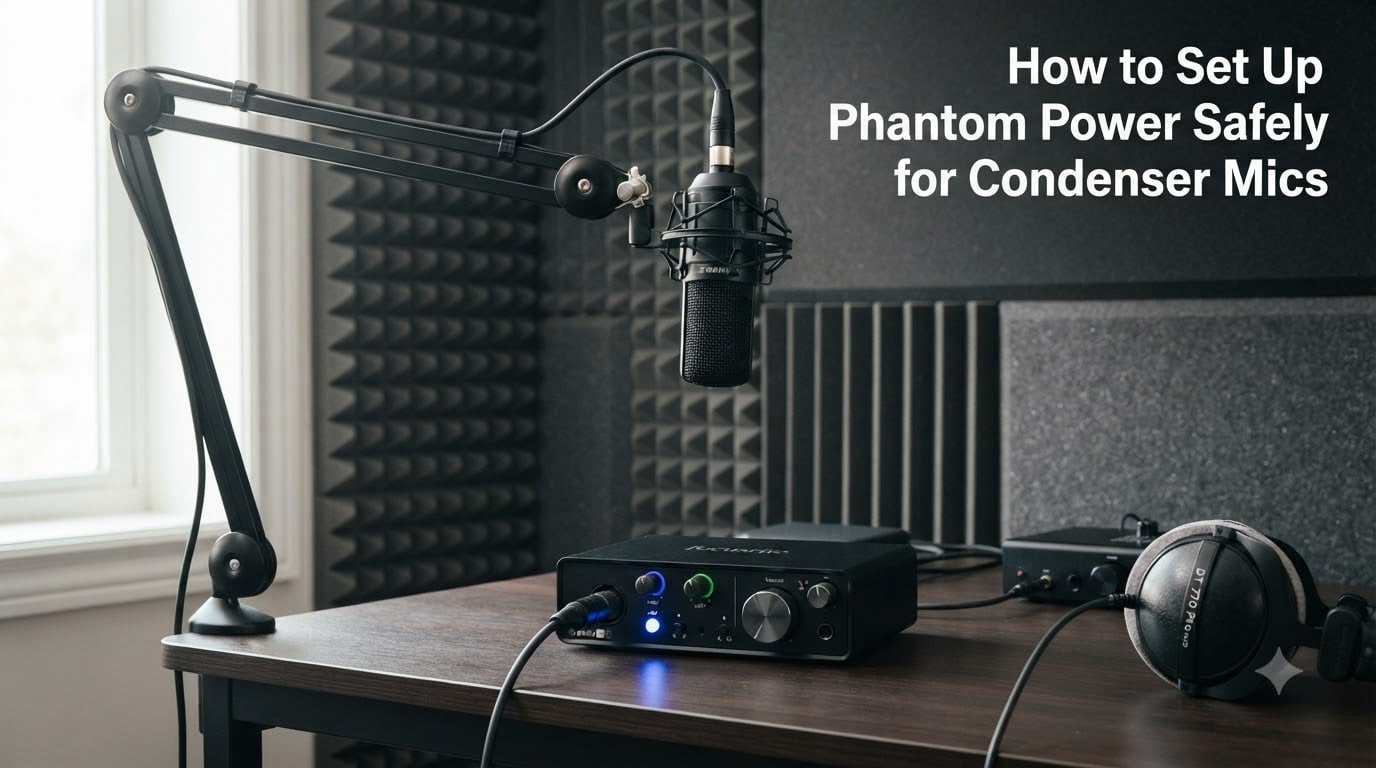
If you just bought your first condenser microphone and your recordings sound like you are whispering into a pillow, you probably forgot to turn on phantom power. Learning how to set up phantom power safely for condenser mics is one of the first skills every home studio owner needs. Get it wrong and you risk loud pops through your speakers, damaged equipment, or even a destroyed ribbon microphone.
Our team has spent years wiring up studios, live rigs, and podcast booths, and we have seen every phantom power mistake in the book. This guide walks you through exactly what phantom power is, why your condenser mic needs it, and the step-by-step safety checklist professionals follow every single time.
By the end, you will know the correct order of operations, which microphones are at risk, and how to troubleshoot common phantom power problems without frying your gear.
Table of Contents
What Is Phantom Power and How Does It Work?
Phantom power is 48 volts of DC (direct current) electrical power sent through an XLR cable to operate condenser microphones and other active audio devices. It travels on pins 2 and 3 of the standard XLR-3 connector, while the audio signal rides those same pins simultaneously. The cable carries both DC power and AC audio at the same time without interference, which is what makes the system so clever.
The official standard, IEC 61938:2018, defines P48 phantom power as 48V DC delivered through two matched 6.8k ohm resistors on pins 2 and 3. Pin 1 acts as the ground. Because the voltage is identical on both signal pins and the audio signal is balanced between them, the microphone’s circuitry sees the DC power without it corrupting the audio.
Think of it as a single pipe carrying both water and a message written on a float. The water (DC power) keeps the system running while the float (your audio signal) rides on top undisturbed.
Why Condenser Microphones Need Phantom Power?
Yes, you can and should use phantom power on a condenser mic. In fact, most condenser microphones will not produce any sound at all without it. The reason comes down to how the microphone capsule is built.
A condenser capsule works as a capacitor. It has a thin, electrically charged diaphragm suspended a tiny distance from a solid backplate. When sound waves move the diaphragm, the changing distance changes the capacitance, which produces the audio signal. But for this capacitor effect to work, the diaphragm needs a polarizing voltage, and that is exactly what phantom power provides.
Condenser mics also contain active internal electronics, including a preamp circuit that lowers the impedance so the signal can travel down a cable without degradation. That preamp needs power too. Dynamic mics generate their own current through electromagnetic induction, which is why they do not need external power.
What Voltage Does Phantom Power Use?
Phantom power is most commonly 48 volts DC, referred to as P48. This is the industry standard defined by IEC 61938:2018 and is what nearly every modern audio interface, mixer, and preamp delivers when you press that 48V button.
However, 48V is not the only specification that exists. The IEC standard also defines P12 (12V) and P24 (24V) phantom power for equipment where lower power consumption matters, such as battery-operated field recorders. Some older or budget equipment may deliver less than 48V, and many condenser microphones will still function at reduced voltages, though with potentially higher noise floors or lower headroom.
The P48 standard also specifies a maximum current draw of 10 mA total across both pins, though most condenser microphones draw far less, typically between 2 and 8 mA. If your microphone requires more current than your interface can supply, you will get distortion or no signal at all.
How to Set Up Phantom Power Safely for Condenser Mics: Step-by-Step Checklist?
This is the sequence professionals follow to protect their gear. Print it, bookmark it, or tape it to your desk until it becomes muscle memory.
Step 1: Mute your speakers and lower headphone volume. Before you do anything, turn your monitor speakers off and drop your headphone level. The next steps can produce sudden loud sounds that could damage your hearing or blow your speakers.
Step 2: Make sure phantom power is OFF. Verify that the 48V button on your audio interface or mixer is in the off position. If it has an LED indicator, that light should be dark.
Step 3: Connect the XLR cable to the microphone first. Plug the female end of the XLR cable into your condenser microphone. Always connect the microphone end before the interface end.
Step 4: Connect the other end to the interface or mixer. Plug the male end of the XLR cable into the input on your audio interface, mixer, or preamp.
Step 5: Turn on phantom power. Now press the 48V button. You may hear a soft pop through your headphones, which is normal. Wait two to three seconds for the microphone’s internal electronics to stabilize.
Step 6: Unmute and set your gain. Bring your headphone volume back up slowly. Speak or play into the microphone and adjust the input gain on your interface until you get a healthy signal without clipping.
Step 7: To disconnect, reverse the process. Mute speakers, turn off phantom power, wait a few seconds for the voltage to dissipate, then unplug the cable. Never unplug a microphone with phantom power still on.
The Golden Rule: Turn Off Before Connecting
The single most important rule in phantom power safety is this: always turn phantom power off before plugging or unplugging any microphone. Every professional audio engineer follows this without exception.
When you plug a microphone into a live phantom-powered input, DC voltage rushes into the microphone’s internal preamp all at once. This inrush of current creates a loud pop or thump that shoots through your signal chain. At best, it is an unpleasant noise. At worst, it can damage your speakers, your headphones, or the microphone’s internal circuitry.
The danger is even greater with TRS (quarter-inch) connectors. Because TRS plugs make contact in stages as they are inserted, they can momentarily short pins 2 and 3 to ground during insertion. That short circuit with 48V flowing can send a damaging spike straight into your equipment.
Forum discussions on r/audioengineering and GearSpace confirm this is the most common mistake beginners make. Users frequently report loud pops and blown speakers from hot-plugging condenser mics. The fix is always the same: power down first, every time.
Dynamic Microphones and Phantom Power Safety
No, 48V phantom power will not damage most modern dynamic microphones. If you leave phantom power on and plug in a standard dynamic mic like an SM58, nothing bad will happen. The microphone simply ignores the voltage because its voice coil circuit is isolated from the DC through the balanced input transformer or coupling capacitors.
This is reassuring for live sound engineers who run a mixer with a global phantom power switch. You can safely have phantom on for channels using condenser mics and it will not harm dynamic mics sharing the same board.
However, there are exceptions. Older dynamic microphones with unbalanced outputs or vintage ribbon-style transformers can be vulnerable. If a dynamic microphone has a shorted winding or faulty wiring, phantom power can force DC through the coil and cause damage. The safest approach with vintage or untested equipment is to keep phantom power off.
Active dynamic microphones, which contain internal preamps, actually require phantom power to function. These are relatively rare but worth knowing about so you do not assume all dynamics are passive.
Which Microphones Can Be Damaged by Phantom Power
Ribbon microphones are the most vulnerable to phantom power damage, and this is where confusion gets expensive. Most ribbon mics use a very thin corrugated metal ribbon as their transducer, and that ribbon is connected to the output transformer. If phantom power is applied and the voltage is uneven between pins 2 and 3, DC current flows through the ribbon element itself.
That DC current can stretch, deform, or outright snap the ribbon. Some ribbon microphones can be repaired with a re-ribbon service, but others may be permanently destroyed. The danger is amplified if the XLR cable is faulty, because a bad cable can create exactly the kind of pin-to-pin voltage imbalance that forces DC through the ribbon.
Here is a quick breakdown of microphone types and their phantom power risk:
Condenser microphones: Designed for phantom power. Safe and required for operation.
Dynamic microphones (modern): Generally safe. Phantom power has no effect on their operation.
Ribbon microphones (vintage/classic): High risk. Turn phantom power off. A bad cable or uneven voltage can destroy the ribbon.
Ribbon microphones (modern with active electronics): Some modern ribbon mics have built-in preamps that require phantom power. Always check the manual before applying power.
Vintage microphones of any type: Always check manufacturer specs before applying phantom power. Old insulation and components degrade over time and may not tolerate 48V.
Common Safety Mistakes to Avoid
After reviewing forum discussions across r/audio, r/livesound, and GearSpace, several mistakes come up repeatedly. Here are the ones that cause the most damage.
Hot-plugging with phantom power on. This is mistake number one. Plugging or unplugging any device with 48V active causes pops, spikes, and potential damage. Always power down first.
Leaving phantom power on constantly. Some engineers leave it on for convenience during sessions, and with modern gear this is generally safe. But if you swap cables, change microphones, or plug in any TRS device, leaving it on invites accidents. Turn it off when you are done for the day.
Using damaged or cheap XLR cables. A faulty cable can create voltage imbalances between pins 2 and 3. With ribbon mics, this is the most common cause of catastrophic failure. Always test cables regularly and replace any with intermittent connections.
Ignoring equipment age. Older microphones and older interfaces may not have the protection circuitry that modern gear includes. When in doubt with vintage equipment, leave phantom power off until you have confirmed it is safe from the manufacturer’s specifications.
Troubleshooting Phantom Power Issues
If your condenser microphone is not producing sound even with phantom power on, work through these checks in order.
Verify the 48V button is actually engaged. It sounds obvious, but check the LED indicator. Some interfaces have a global phantom power switch plus per-channel controls, so make sure both are on.
Test the cable. Swap in a known-good XLR cable. A cable with a broken pin connection will not carry phantom power, and you will get dead silence from the mic.
Check with a voltage meter. Professionals and forum users recommend using a multimeter to verify phantom power is actually reaching the microphone end. Set the meter to DC voltage and measure between pin 1 (ground) and pin 2, then pin 1 and pin 3. You should see approximately 48V on each. If the readings are uneven or missing, your interface or cable has a problem.
Listen for the stabilization pop. When you turn phantom power on with a condenser mic connected, you should hear a brief pop followed by silence or room noise. If you hear nothing at all, the microphone may not be receiving power or may be defective.
Check current capacity. Some budget interfaces cannot supply enough current for power-hungry condenser mics, especially tube condensers with external power supplies. If your mic works on a different interface, the issue may be current delivery, not voltage.
External Phantom Power Supplies: When You Need Them
If your audio interface or mixer does not have a built-in phantom power option, you need an external phantom power supply. These standalone boxes sit between your microphone and interface, providing 48V to the mic while passing the audio signal through to your preamp.
You might also want a dedicated external supply if your interface’s phantom power implementation is noisy or underpowered. Some budget interfaces deliver less than a clean 48V, which can introduce hum or reduce a condenser mic’s dynamic range. A quality standalone supply can clean that up.
For multi-microphone setups where you need phantom power on some channels but not others, individual inline phantom power adapters are another option. These small devices attach directly to the microphone and draw power from their own battery or supply, keeping phantom voltage off the main cable run.
Frequently Asked Questions
Can you use phantom power on a condenser mic?
Yes, condenser microphones require phantom power to function. The 48V DC current energizes the capsule’s capacitor and powers the internal preamp circuitry. Without phantom power, most condenser mics will produce no signal or an extremely weak one.
How to safely use phantom power?
Always turn off phantom power before plugging or unplugging any microphone. Mute your speakers first, connect the XLR cable to the mic and interface with the power off, then turn phantom power on and wait a few seconds for the mic to stabilize. Reverse the process when disconnecting.
Will 48V phantom power damage a dynamic mic?
In most cases, no. Modern dynamic microphones like the Shure SM58 are designed to safely ignore phantom power. However, vintage dynamics with unbalanced outputs or ribbon-style transformers can be damaged. When using older or untested equipment, keep phantom power off.
Which mics will be destroyed by phantom power?
Classic and vintage ribbon microphones are at the highest risk of being destroyed by phantom power. If voltage is uneven between pins 2 and 3, DC current flows through the delicate ribbon element and can stretch or snap it. Always turn phantom power off when using ribbon mics, and check the manual for modern active ribbon mics.
What happens if you use phantom power on a mic that doesn’t need it?
For modern dynamic microphones, nothing happens. The mic simply ignores the voltage. For ribbon microphones and some vintage equipment, phantom power can cause serious or permanent damage. The risk depends on the microphone’s internal design, so always verify before applying power.
Wrapping Up: Safe Phantom Power Habits
Knowing how to set up phantom power safely for condenser mics comes down to one unbreakable habit: turn the power off before you connect or disconnect anything. Mute your speakers, power down the 48V, plug in your mic, then bring the power back up. That simple sequence protects your speakers, your hearing, and your microphones.
Remember that condenser mics need phantom power to work, most dynamic mics ignore it safely, and ribbon mics should never see it unless the manufacturer explicitly says otherwise. Keep your cables in good shape, test vintage gear before applying voltage, and bookmark the troubleshooting steps for when something goes silent.
Build this checklist into your workflow every session and phantom power will never be the thing that damages your gear. Your next step is to walk through the full sequence right now with your own setup so the order becomes automatic.