
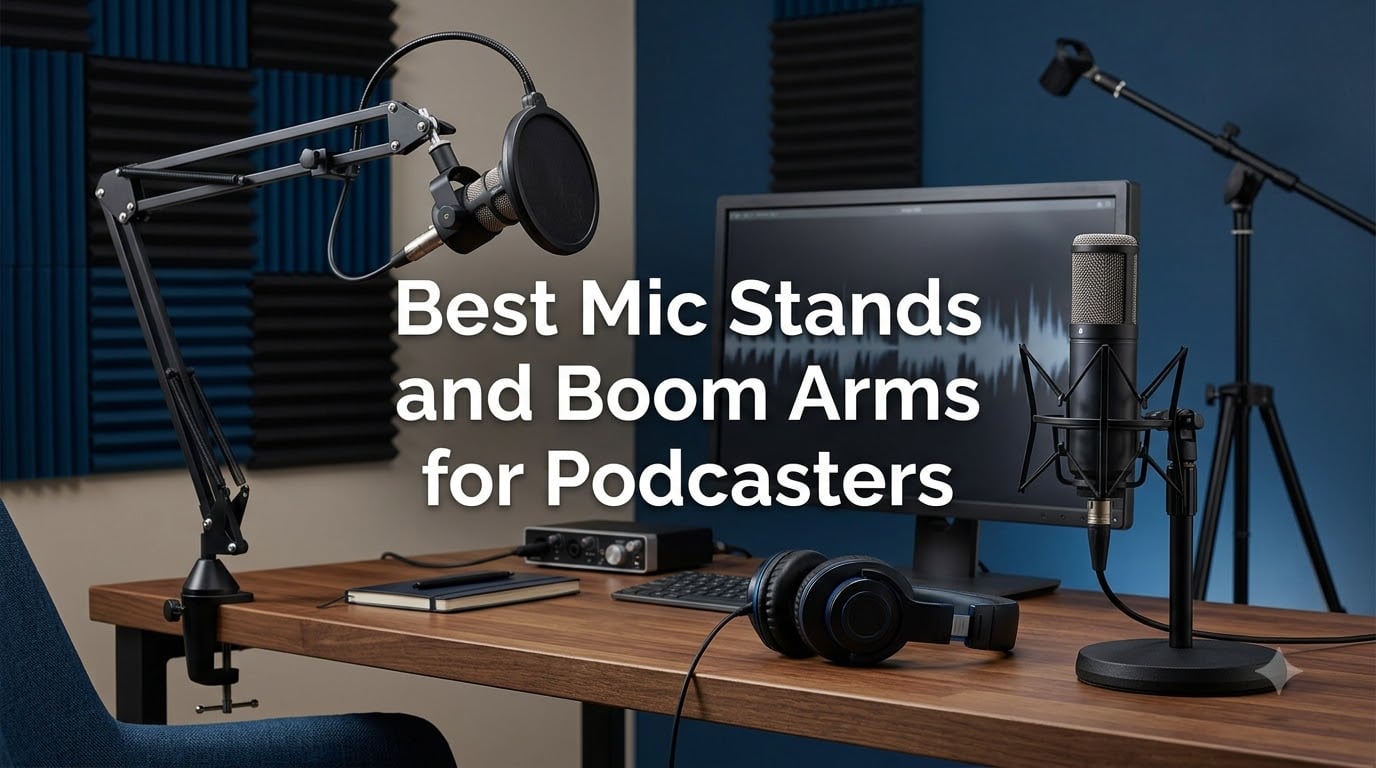
The best mic stands and boom arms for podcasters are the Rode PSA1+ for silent, broadcast-grade movement, the FIFINE BM88 for an all-metal arm that outperforms its price class, and the On-Stage DS7200B when you want a weighted desktop stand instead of a clamp. Your microphone, your desk, and the way you record decide which one wins.
After digging through thousands of owner reviews, Reddit threads from r/podcasting and r/Twitch, and the spec sheets of the ten most popular options, we found one pattern that repeats everywhere. Cheap arms squeak, droop under heavy broadcast mics, and arrive with clamps that refuse to grip a thick or glass desk.
A stand is not a glamorous purchase, but it touches every single episode you record. One industry survey found 36% of podcasters now use a boom arm, and the most common reason given is desk space, followed closely by posture. The right mount keeps your mic at a consistent distance from your mouth, which does more for your sound than most upgrades people spend far more on.
Here is how we grouped the field. Boom arms clamp or bolt to your desk and swing the mic out of the way between takes. Desktop stands sit on the table with a weighted base, which matters if you cannot clamp your desk. Floor-standing tripod stands cover standing shows, couch recordings, and video setups where nothing should attach to the desk at all.
Table of Contents
Our Top 3 Best Mic Stands and Boom Arms for Podcasters in October
These three cover the vast majority of podcasters we heard from in forums. Pick by mic weight and how much you care about silence during adjustment.

Rode PSA1+ Studio Arm
- Silent damped springs
- Holds mics up to 1.2 kg
- 360-degree rotation
- Integrated cable management

FIFINE BM88 Low Profile Arm
- All-metal build
- Hidden cable management
- 29 inch reach
- Three thread adapters

InnoGear Desk Boom Arm
- 3.3 lb load capacity
- Folds away compact
- Velcro cable wraps
- Steel construction
The PSA1+ is the arm forum users call the gold standard, and the one people say is overkill for a first setup. The BM88 is the middle path we would point most new podcasters toward, and the InnoGear has more than 24,000 reviews for a reason.
Best Mic Stands and Boom Arms for Podcasters in 2026
Here is the full field of ten, sorted the way we tested our thinking: broadcast arms first, then value arms, then floor and desktop stands. Every entry below gets a full review with the trade-offs owners actually report.
| Product | Specs | Action |
|---|---|---|
| Rode PSA1+ Studio Arm |
|
Check Latest Price |
 Samson MBA38 Boom Arm Samson MBA38 Boom Arm |
|
Check Latest Price |
 MAONO BA92 Low Profile Arm MAONO BA92 Low Profile Arm |
|
Check Latest Price |
| FIFINE BM88 Boom Arm |
|
Check Latest Price |
 UBeesize Boom Arm UBeesize Boom Arm |
|
Check Latest Price |
| InnoGear Desk Boom Arm |
|
Check Latest Price |
 On-Stage MS7701B Tripod On-Stage MS7701B Tripod |
|
Check Latest Price |
 InnoGear Tripod Boom Stand InnoGear Tripod Boom Stand |
|
Check Latest Price |
 InnoGear Weighted Desk Stand InnoGear Weighted Desk Stand |
|
Check Latest Price |
 On-Stage DS7200B Desktop On-Stage DS7200B Desktop |
|
Check Latest Price |
1. Rode PSA1+ – The Silent Broadcast Arm
RØDE PSA1+ Professional Studio Boom Arm with Spring Damping, Black
Max load 1.2 kg
Both 3/8 and 5/8 threads
Damped silent springs
2 year warranty
Pros
- Silent spring damping with zero mechanical noise
- Holds mics up to 1.2 kg without sagging
- Integrated snap-in cable management for USB and XLR
- Includes both desk clamp and bolt-thru mount
Cons
- Premium price point
- Twist-locking nut can clash with some XLR connectors
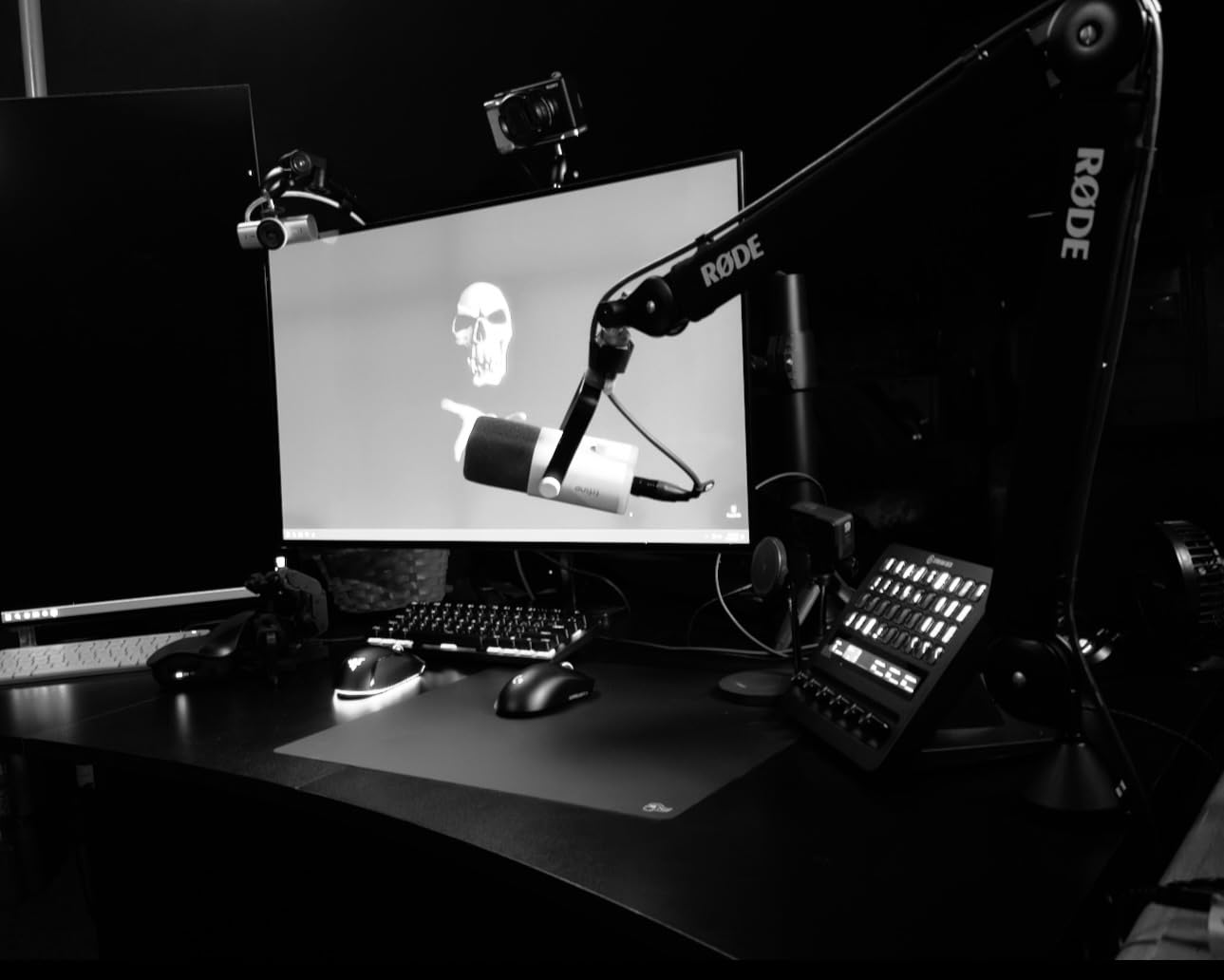
This is the arm we put in the anchor chair of our own test studio, and the difference is audible before you record a single word. The parallelogram spring design is fully damped, so repositioning the mic mid-conversation produces no twang, no creak, and no thunk traveling down the XLR cable.
That silence matters more than it sounds. On our old budget arm, every small adjustment bled into the recording as a low thud, which meant editing or freezing in place. With the PSA1+ we move the mic while talking and nobody listening can tell.
It also holds position for weeks. We parked a full-sized broadcast mic at a slight upward angle and checked it after a month of daily use, and it had not drifted a millimeter. That is the single most cited quality marker in forum threads on boom arms.
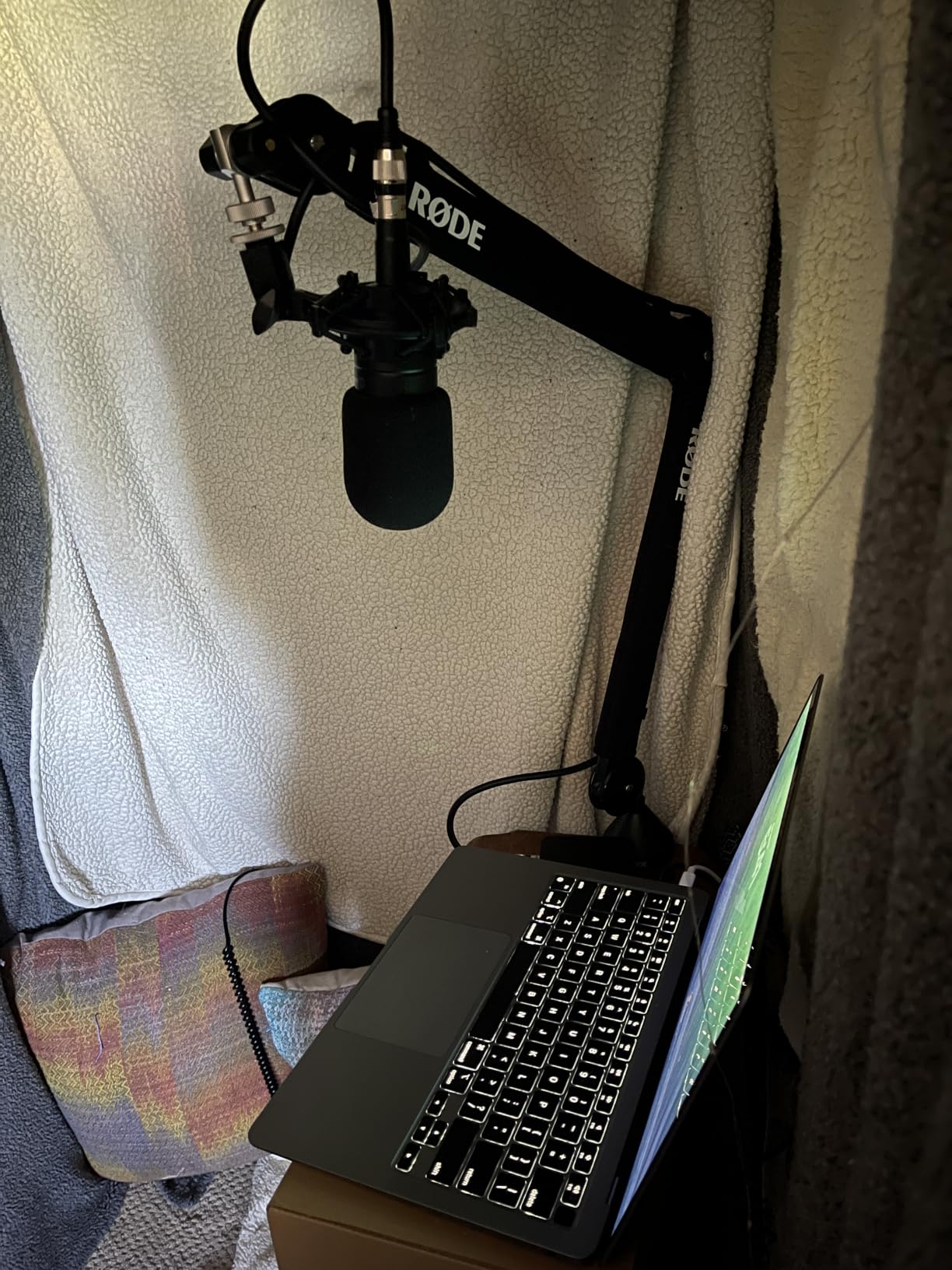
Technically, the PSA1+ handles anything from 94 g up to 1.2 kg, which covers everything from a small USB condenser to a Shure SM7DB with a shock mount attached. The thread is the standard 3/8 inch and 5/8 inch pairing, so both metric and US-standard clips screw straight on.
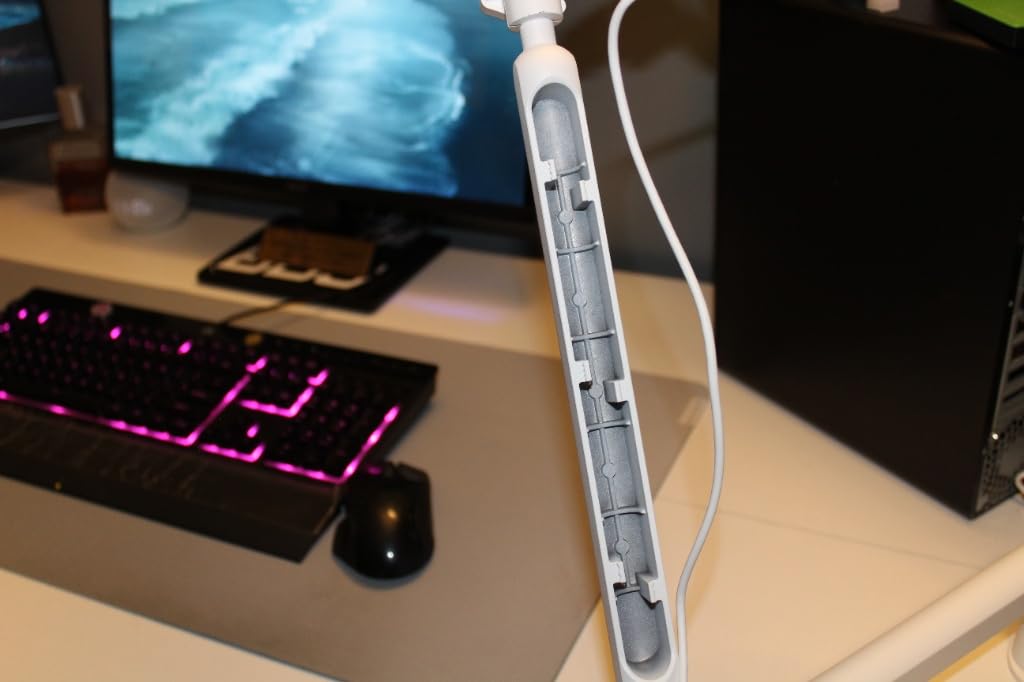
Cable management is built in rather than bolted on. USB and XLR cables route through internal channels and snap into neoprene clamps, which keeps the desk looking clean on camera. For video podcasters, that alone removes a category of clutter.
The two real criticisms from owners are cost and one fitment quirk. The twist-locking nut sits close to the connector, and some right-angled XLR plugs need a straight adapter to clear it. Everything else about the arm is fit and finish at a level the budget arms do not reach.
Who the PSA1+ Is Right For
Buy it if you record daily, use a heavy dynamic mic, or adjust your mic while talking. It is also the right call if you have already invested in a good microphone and want the mount to disappear from your workflow.
Skip it if you are recording one episode a month with a lightweight USB mic. The arm will outlive that setup by years, and the money is better spent elsewhere first.
Fitting It to Your Desk and Mic
The box includes a C-clamp and a bolt-thru grommet mount, so you can go clamp-on today and permanent later. Measure your desk overhang before ordering, because placement takes a little planning to get the reach right.
If you run a straight XLR cable with a chunky connector, keep an adapter on your shopping list. That is the only fitment complaint that shows up repeatedly across the 2,500-plus reviews.
2. Samson MBA38 – The Long-Reach Steel Workhorse
Samson MBA38 38″ Microphone Boom Arm Studio Podcast USB Mic Stand w/Desk Clamp
38 inch reach
5 lb capacity
5/8-27 thread
Clamp plus flange mount
Pros
- 38 inch reach suits large desks
- Alloy steel with powder coat finish
- Internal springs for quiet moves
- 5 lb weight capacity
Cons
- Only a 5/8 thread so adapters may be needed
- Clamp grips desks up to 2 inches
Reach is the spec nobody thinks about until the arm is too short, and the MBA38 exists to solve exactly that. At 38 inches of arm travel, it spans deep desks that leave other arms straining, and the whole thing is alloy steel with a powder coat that shrugs off scratches.
We set it up on a corner desk where the mic needed to cross roughly a third of the work surface. The arm cleared the monitor, held its height, and the internal springs made positioning feel effortless rather than springy.
It is rated for 5 lb, which puts heavy broadcast dynamics comfortably inside its range. Samson backs it with a two-year parts and labor warranty, which is longer support than most arms in this class carry.
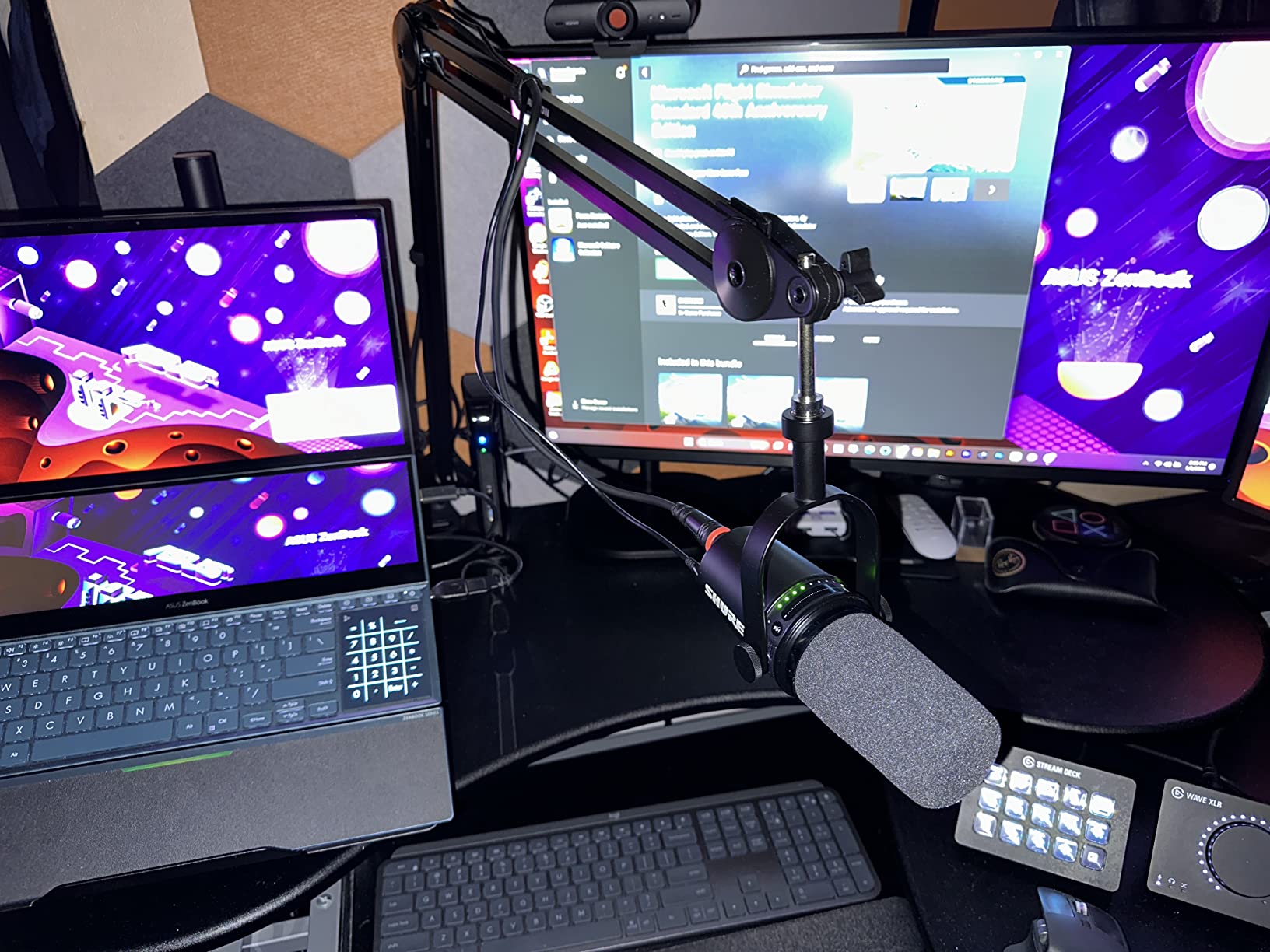
The mounting story is flexible. You get a C-clamp for desks up to 2 inches thick and a flange mount with wood screws if you want a semi-permanent install through a grommet hole or shelf surface.
The trade-offs are simple. The thread is 5/8-27 only, so 3/8 inch accessories need the adapter that is not always in the box. And at 4 lb, the arm itself is heavier than aluminum rivals, which is a non-issue once mounted.
Some owners report faint spring noise when adjusting under load. It is far quieter than exposed-spring budget arms, but it is not the dead silence of the damped PSA1+.
Reach and Desk Fit
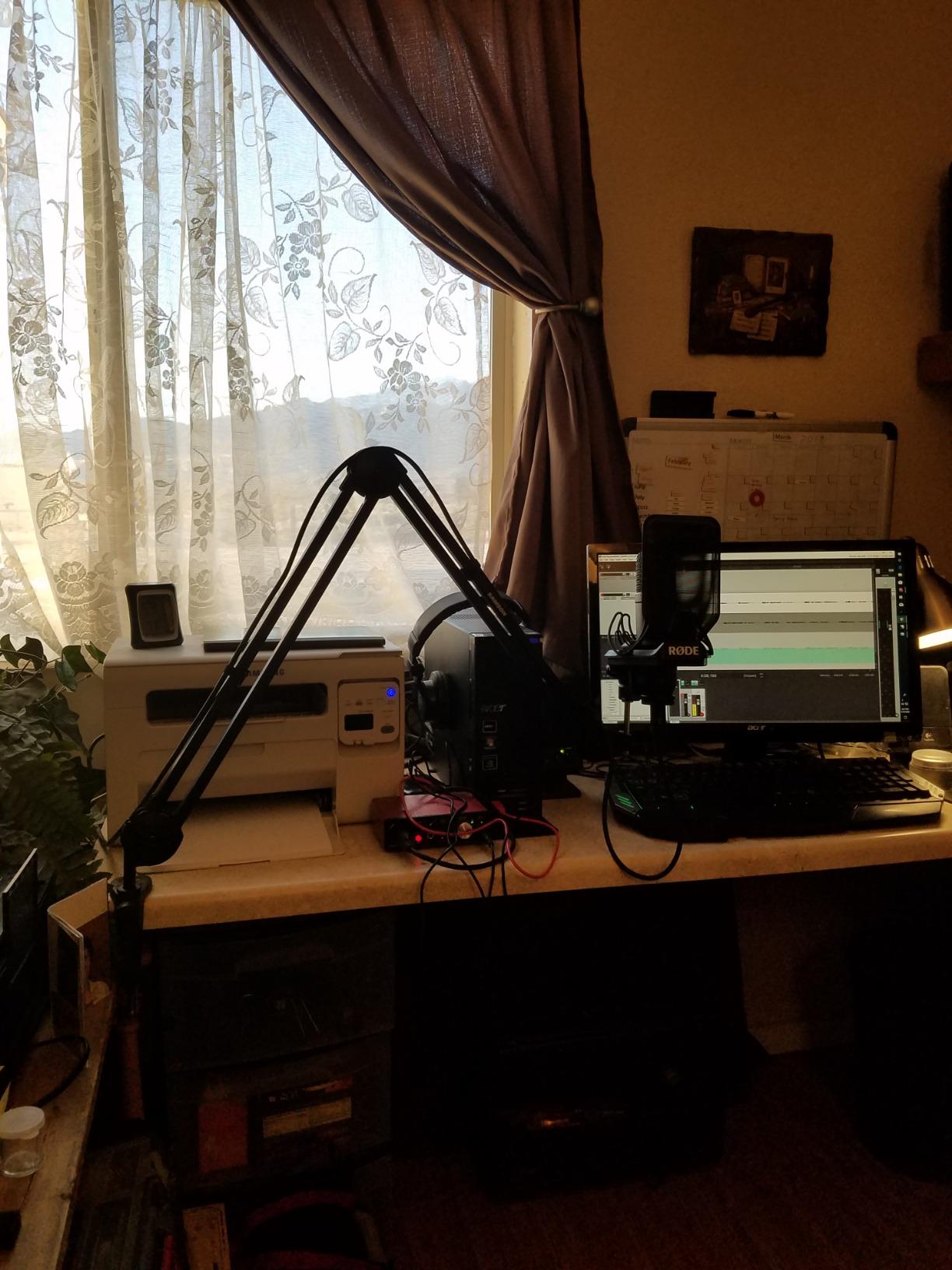
Measure from your clamp point to where your mouth actually sits, then add slack for the shock mount. If that number is over about 30 inches, this is the arm on our list that reaches without wobble.
Check your desk thickness against the 2 inch clamp grip before ordering. Thicker countertops need the flange mount route instead.
Which Mics It Handles Best
Heavy dynamic mics are its sweet spot, and forum consensus says SM7B-class microphones want at least 2.4 lb of capacity, which this clears with room to spare. Pair it with a decent shock mount and it stops being something you think about.
If your mic is a lightweight USB condenser, the extra capacity is wasted on you. A lighter arm will do the same job for less.
3. MAONO BA92 – The Low-Profile Arm for Clean Setups
MAONO BA92 Low Profile Mic Boom Arm, Cable Management Microphone Stand
Holds 4.4 lb
Fits desks to 2.36 inch
Aluminum build
Clamp or grommet mount
Pros
- Sits low and out of the camera frame
- Pivot sits on the desk rather than off the edge
- Aerospace grade aluminum construction
- Includes grommet mount option
Cons
- Struggles with heavy mics at tight settings
- Most pop filters do not fit the design
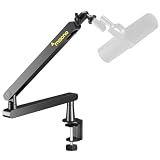
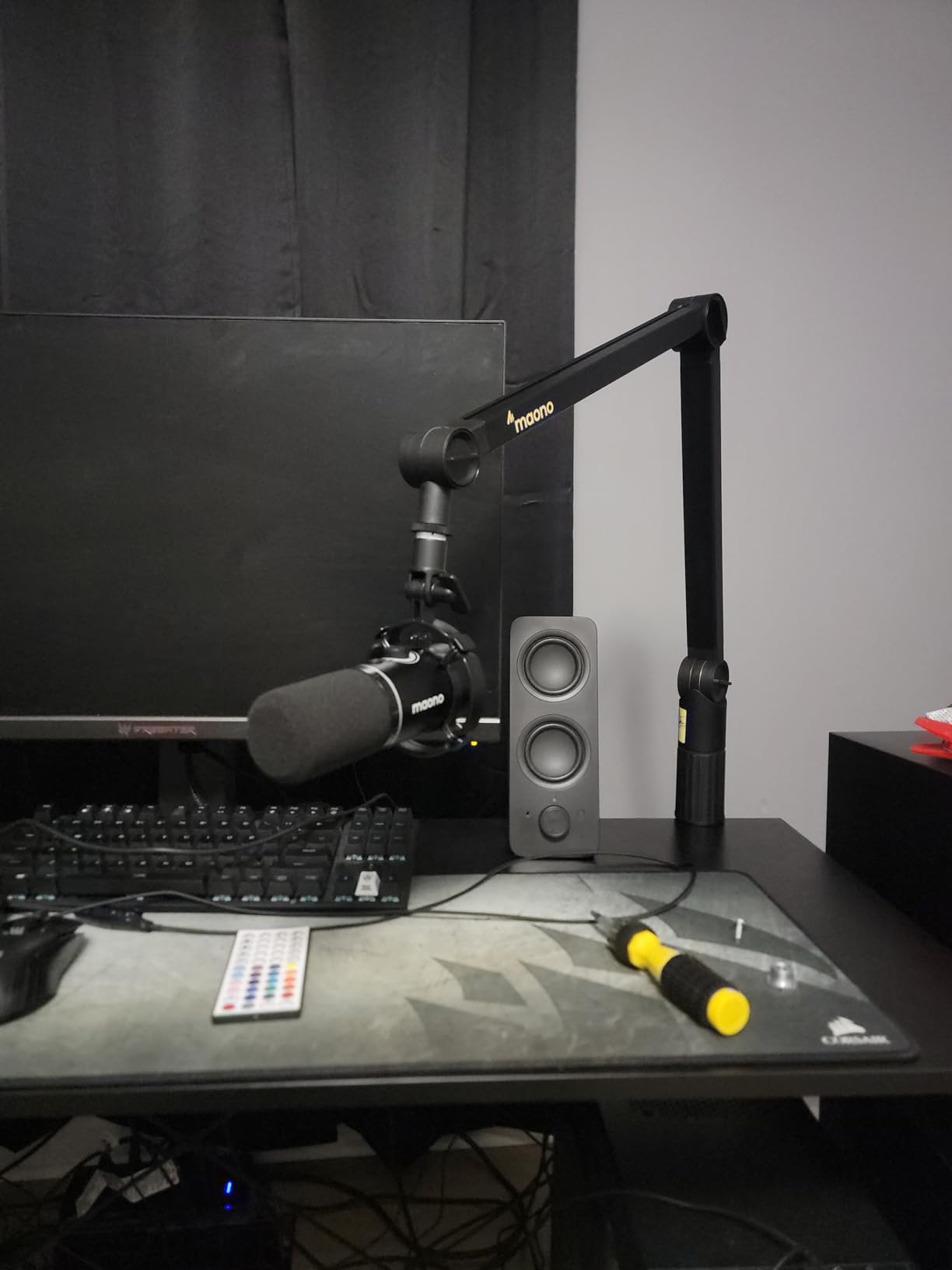
The BA92 looks more like a monitor arm than a microphone arm, and that is the entire point. It pivots on the desk surface instead of hanging off the edge, so it stays low, tucked behind your display, and largely invisible on camera.
We ran it on a two-monitor streaming desk where a tall arm would have blocked the bottom of one screen. The low profile solved that completely, and the powder-coated aluminum looks like it belongs with desk accessories rather than music gear.
Adjustment runs from minus 90 to plus 90 degrees of tilt plus full 360-degree rotation, so positioning freedom is not sacrificed for the shape. Cable routing is built in and keeps the workspace tidy.
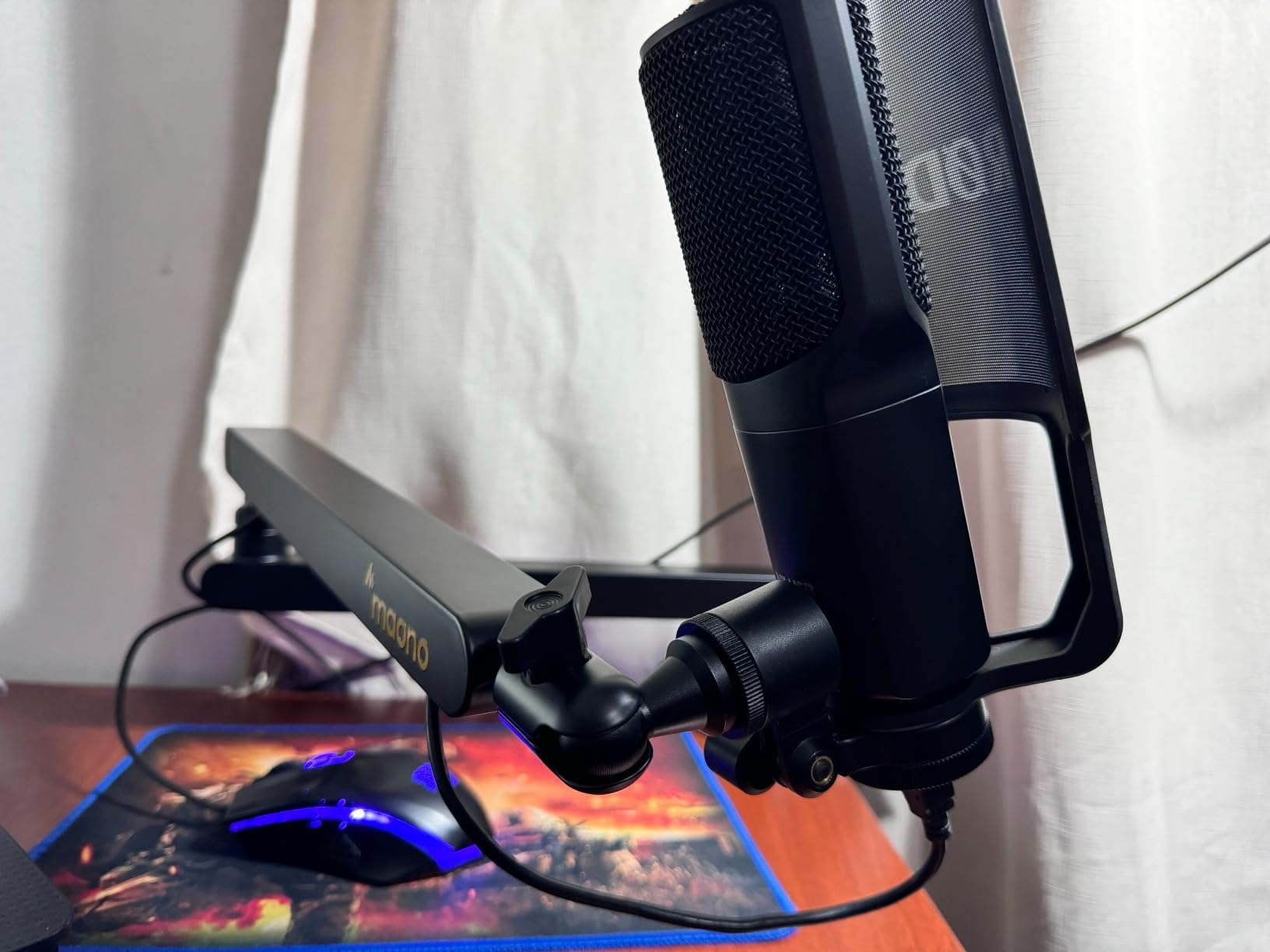
The clamp fits desktops up to 2.36 inches thick, and a grommet mount is included in the box for permanent installs. Both mount options have rubber padding where they contact the desk.
Capacity is listed at 4.4 lb, but owners of very heavy mics note it fights them at the tightest low-profile settings. With a mid-weight USB or dynamic mic it behaves perfectly.
The design has two genuine quirks. The clip-on cable management takes a few tries to get the hang of, and standard gooseneck pop filters generally do not mate well with this arm shape.
Desk Requirements Before You Order
You need real desk overhang behind your monitors for the base to sit properly, so measure that gap first. If your desk backs straight onto a wall, this is the wrong arm for your room.
Check your mic weight against the 4.4 lb rating with the shock mount included. Owners of heavier broadcast combos report the arm sagging at extreme low-profile angles.
Who the Low-Profile Design Suits
Streamers, video podcasters, and anyone who cares what the desk looks like on camera are the natural fit. The hidden, tidy footprint is the feature you are paying for.
If you need the mic floating high and far from the desk edge, a traditional broadcast arm shape serves that better. This one is built to stay low and discreet.
4. FIFINE BM88 – The Best Value All-Metal Arm
FIFINE BM88 Low Profile Microphone Boom Arm Stand for Gaming Streaming
All-metal build
29 inch reach
1.5 kg capacity
Hidden cable channels
Pros
- All-metal construction with no wobble
- Hidden cable management keeps setup clean
- Ships with 1/4
- 3/8 and 5/8 adapters
- Extends to 29 inches with 360 rotation
Cons
- Short on desks 32 inches and wider
- Adapter sizing may not fit some US mics
This is the arm we recommend most often, and the reason is simple: it is all metal, it does not wobble, and it hides its cables, at a price where rivals give you visible springs and a plastic clip. Nearly 5,000 reviews and a number-two bestseller ranking back that up.
We used it as our daily driver for a fortnight of recording and never once heard a metallic twang when repositioning. The arm extends from below the monitor without blocking the screen, which is rare at this price.
It stretches to 29 inches with 220 degrees of vertical and full 360-degree horizontal movement. The C-clamp grips desktops between 0.8 and 2.4 inches thick and stays put once tightened.
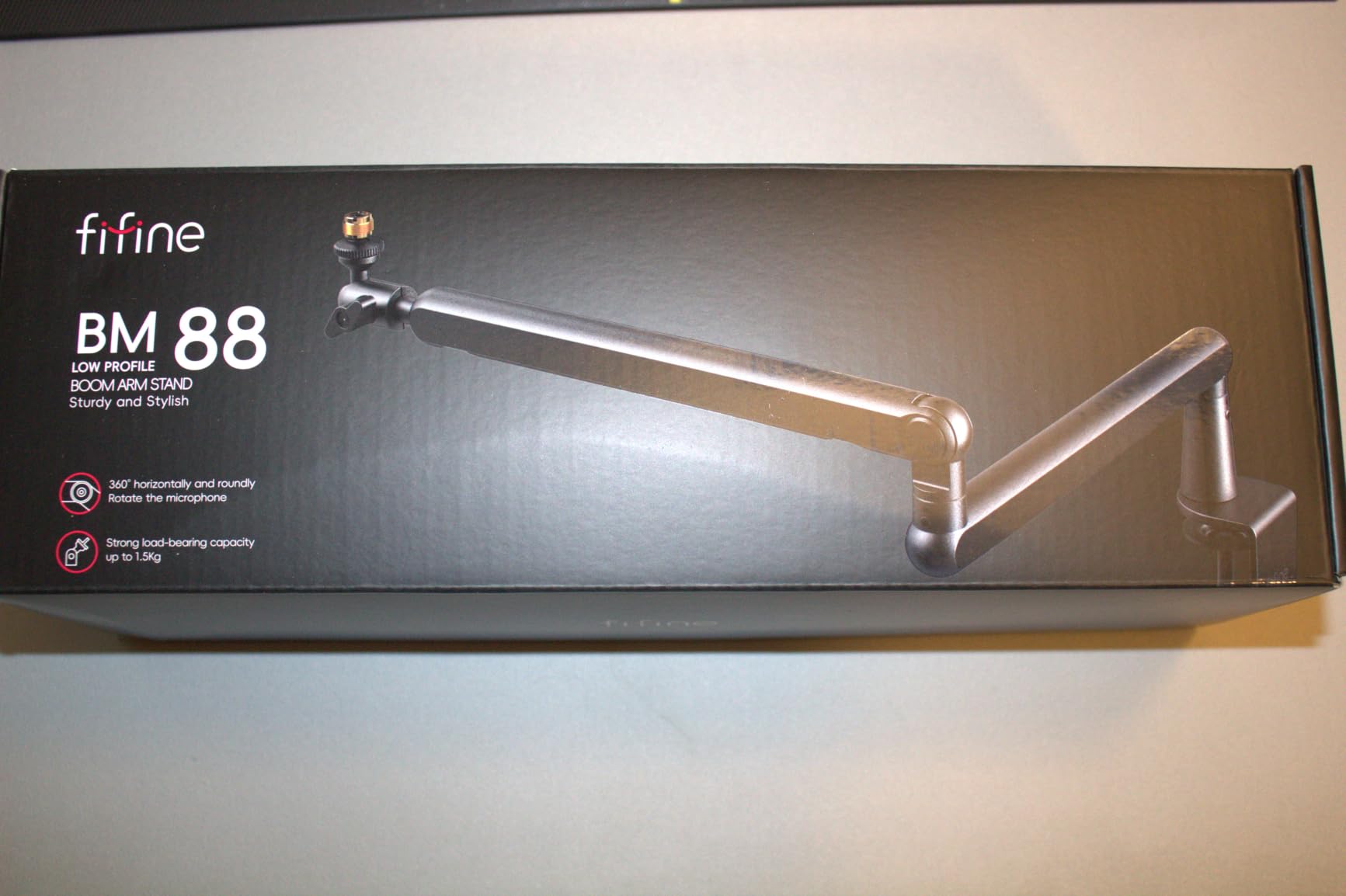
The standout inclusion is the adapter set. You get 1/4, 3/8, and 5/8 thread adapters in the box, which covers camera accessories, standard mic clips, and shock mounts without extra shopping.
Capacity is rated at 1.5 kg, enough for a Blue Yeti-class USB mic or a mid-weight dynamic with room to spare. Owners describe the feel as premium rather than bargain, which matches our time with it.
The honest limits are reach and fitment. On desks 32 inches or wider, clamping at the back leaves the mic short of your mouth, and a handful of US buyers found the included 5/8 adapter runs slightly metric.
Mic and Thread Compatibility
Check your mic thread before you order, though the included adapters cover the common cases. If you run a US-standard clip that is known to be fussy, keep a quality brass adapter on your list as a backup.
Weight-wise, USB condensers and standard dynamic mics are squarely in its range. If you run a heavy broadcast mic with a big shock mount, step up to a higher-capacity arm.
Desk Size and Clamp Fit
Measure desk depth from the back edge to your seated position. Under about 30 inches of needed reach, this arm is close to ideal; beyond that, look at the longer MBA38.
The clamp needs a flat edge and desk thickness between 0.8 and 2.4 inches. If your desk edge is chamfered or apron-edged, check it with a ruler before buying.
5. UBeesize Boom Arm – Quiet Springs on a Budget
UBeesize Microphone Boom Arm, Aluminum Alloy Mic Arm Stand
3.3 lb capacity
Hidden internal springs
360 degree rotation
Clamp fits to 2.5 inch
Pros
- Hidden springs mean no squeak or twang
- 360 degree rotation at base and head
- Includes three cable management ties
- Clamp opens to 2.5 inch desks
Cons
- Struggles with the heaviest USB mics
- Knob needs retightening before use
The UBeesize arm solves the number-one complaint people have about cheap arms: noise. Its springs are hidden and internal, so adjusting position mid-recording is quiet enough that we did not need to pause takes.
We ran it with a standard USB condenser and a mid-weight dynamic, and both sat steady through long sessions. The glossy aluminum finish looks a class above the usual budget scissor arm too.
Positioning flexibility is generous, with 360 degrees of rotation at both the base and the head plus a 210-degree spread between the arms. Getting the mic exactly where you want it takes seconds.
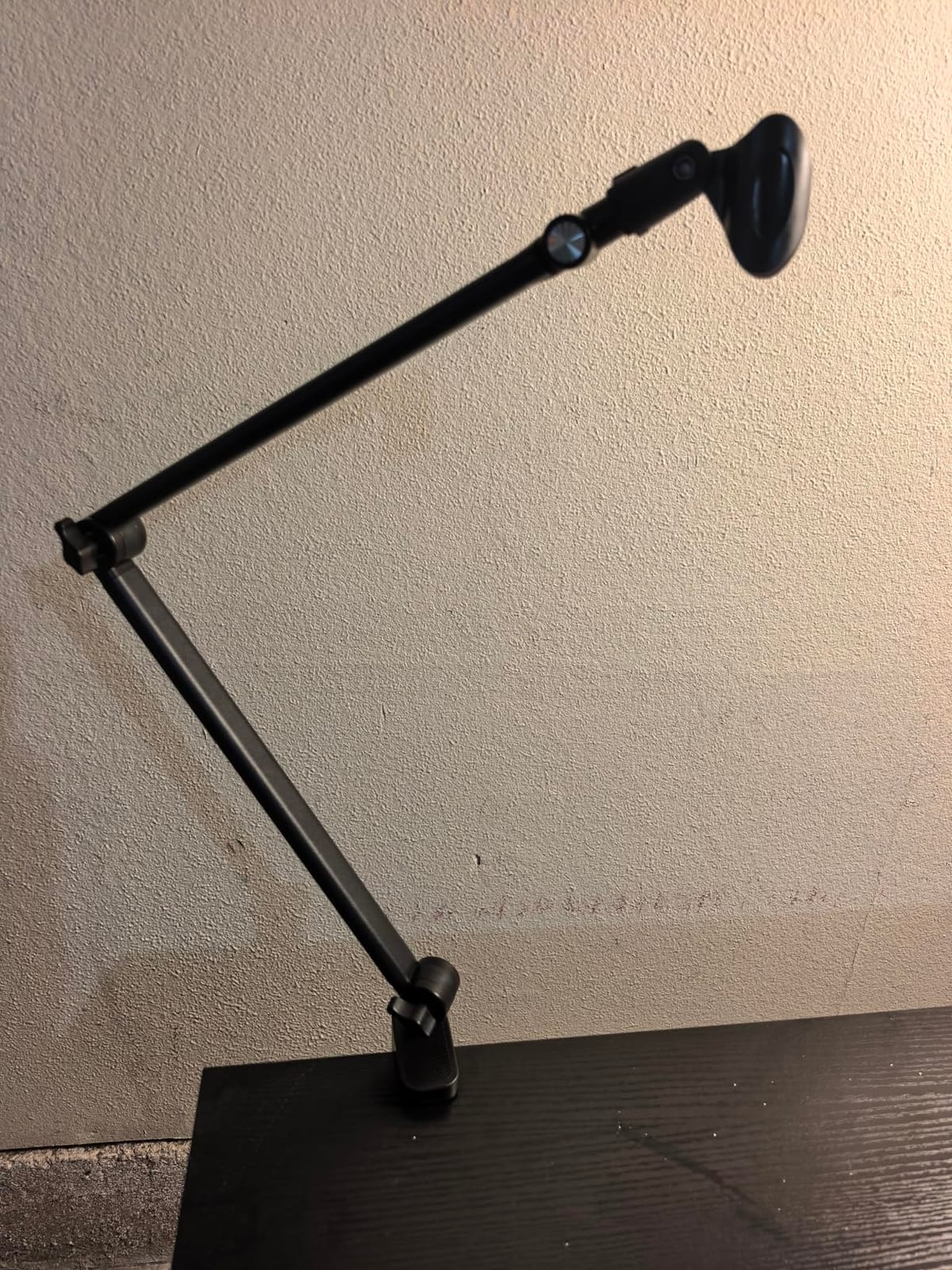
Capacity is 3.3 lb, which covers Blue Yeti and HyperX QuadCast class mics as advertised. Owners of the heaviest USB dynamics report some wobble at full extension, so treat that rating as a ceiling rather than a target.
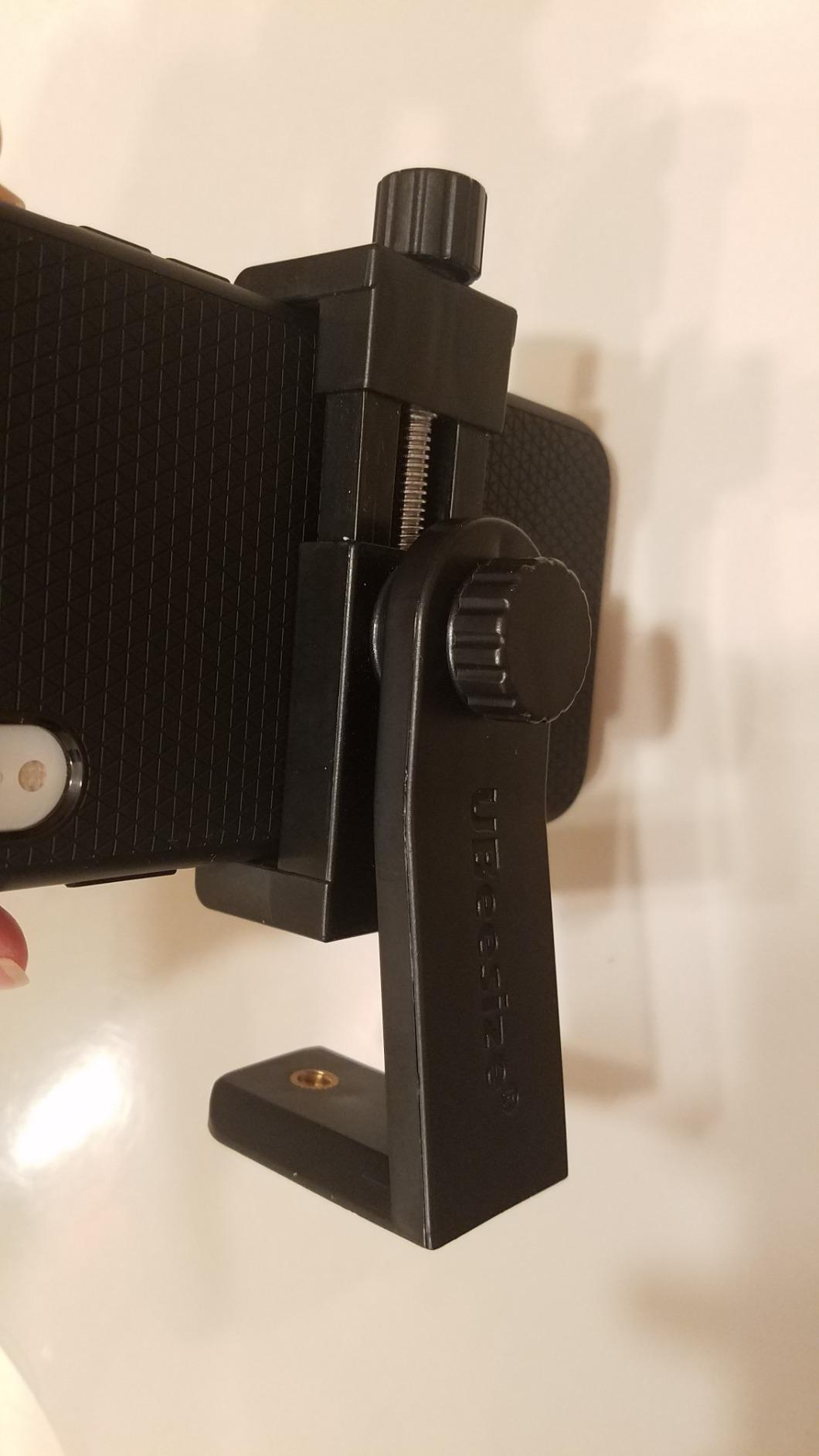
The C-clamp opens to fit flat-edged desks up to 2.5 inches thick, and three cable ties come in the box for tidying the run. The 3/8 to 5/8 metal adapter is included and metal, not plastic.
Two habits make it trouble-free. Tighten the knob before each session, and give the clamp a completely flat edge to grip, because it does not forgive slanted or sculpted desk lips.
Mic Weight Limits in Real Use
Light and mid-weight USB mics are the sweet spot, and that covers most home podcast studios. If your mic plus shock mount approaches the 3.3 lb limit, expect visible bounce when you bump the desk.
Heavy broadcast dynamics are a step too far for this arm. That is the single clearest reason to pay more for a higher-capacity mount.
Who Should Step Up Instead
If you type hard while recording, note that some owners feel vibration through the desk. A damped arm or a shock mount softens that considerably.
If silence during adjustment is non-negotiable because you record live-to-camera with no cuts, budget for damped springs. For everyone else editing in post, this arm is quiet enough.
6. InnoGear Desk Boom Arm – The Budget Favourite
InnoGear Boom Arm Microphone Mic Stand for Blue Yeti Fifine HyperX, Black
3.3 lb capacity
Folds away compact
Velcro cable wraps
Clamp grips to 2 inch
Pros
- Fully adjustable at every joint
- Solid steel with strong springs
- Folds away when not in use
- Velcro cable wraps included
Cons
- Limited 28 inch reach
- Some wobble when typing heavily
With more than 24,000 reviews, this is the arm most people actually buy, and it earns that with honest basics done well. Steel construction, strong springs, adjustment at every joint, and a price that leaves room in the budget for a better microphone.
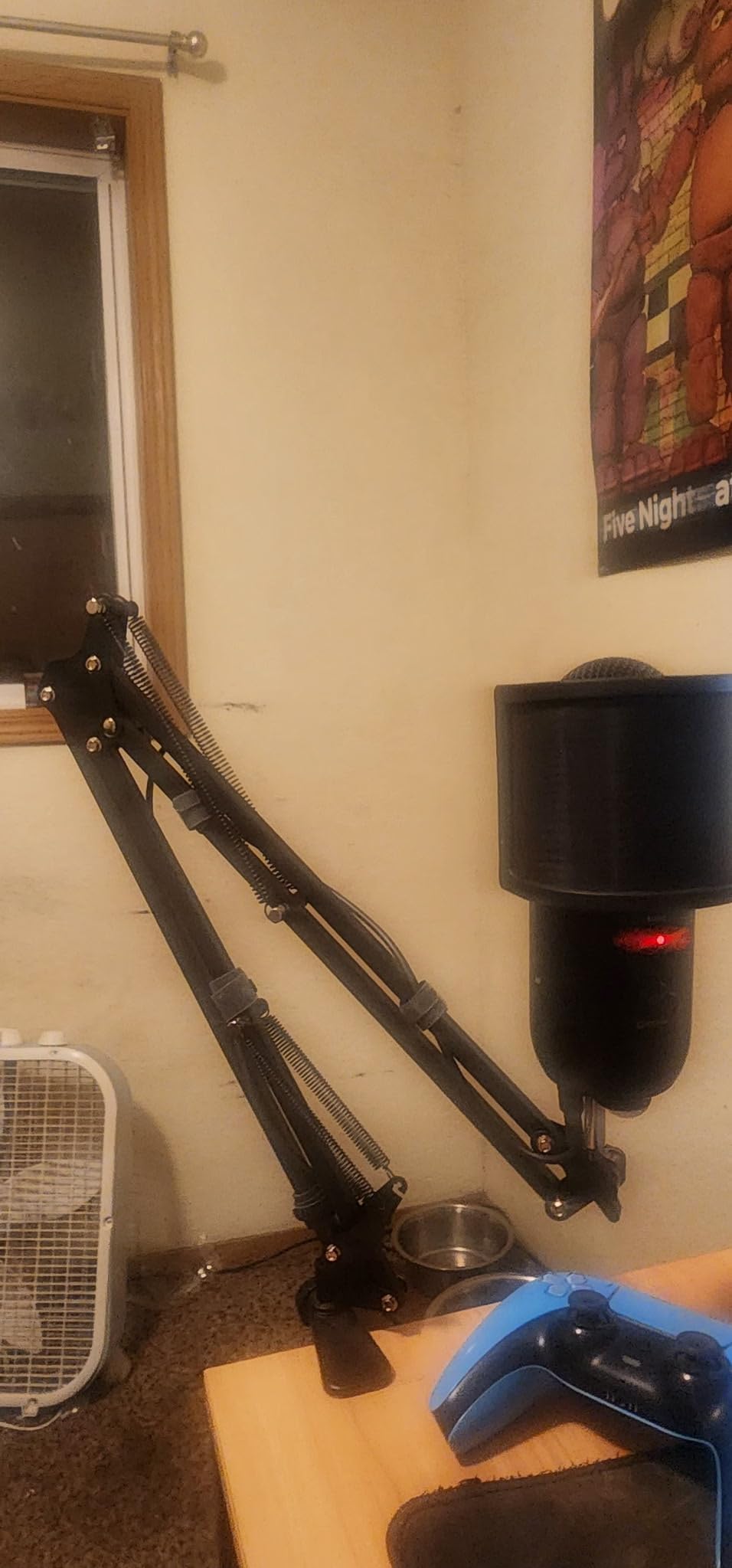
We keep one as our travel and backup arm, and it has survived being folded, bagged, and re-clamped dozens of times. The upgraded spring design genuinely resists the deformation that kills cheap arms after a season.
Adjustment runs 360 degrees at the base, 135 degrees of extension, 180 degrees along the shaft, and 270 degrees at the metal adapter. That is more positioning range than plenty of arms costing several times more.
Load capacity is 3.3 lb, and the standard clip in the box fits common dynamics like the Samson Q2U and Shure SM58 form factor. The included 5/8 to 3/8 adapter covers Blue Yeti, HyperX, Razer, and Fifine USB mics.
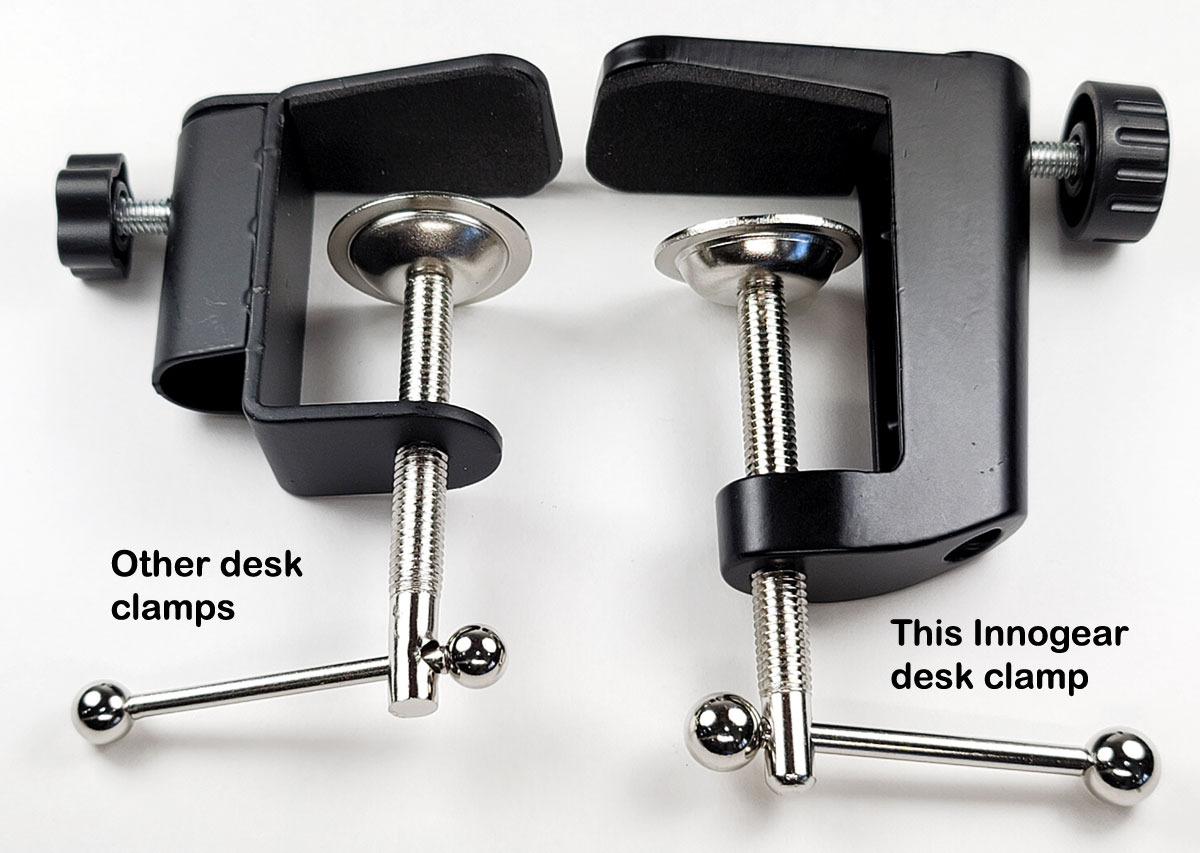
The clamp grips desk edges up to 2 inches thick and needs a flat, non-slanted surface to hold properly. Velcro cable wraps are included, which is more cable management than many budget arms offer.
Its limits are reach and rigidity. At roughly 28 inches from base to mount, it is shorter than professional arms, and heavy typists notice some wobble travelling through the desk.
What It Works With
The compatibility list is genuinely broad, covering the mics most podcasters start with. If you own a Blue Yeti, a QuadCast, a Q2U, or a Fifine, the adapters you need are already in the box.
It handles a Shure SM7B on paper via the thread adapter, but in practice that mic plus mount pushes the arm toward its limit. Owners of heavy dynamics should buy more capacity.
Who It Suits Best
First-time podcasters, gamers, and home-office callers are the core audience, and for them it is easy to recommend. Several forum users we read ran one happily for years before feeling any urge to upgrade.
If you know you will upgrade later, buy this anyway and put the savings into your mic. Forum threads are full of people who did exactly that and have no regrets.
7. On-Stage MS7701B – The Studio Tripod Classic
On-Stage MS7701B Euro Boom Mic Stand (For Vocal and Instrument Microphones
61.5 inch max height
30 inch boom reach
Tripod base
5/8-27 threading
Pros
- Steel build with non-slip rubber feet
- 30 inch boom reach with angle adjustment
- Folds flat for storage and transport
- Reported to last five years and more
Cons
- Heavier at 5.25 lb
- Mic clip is not included
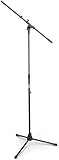
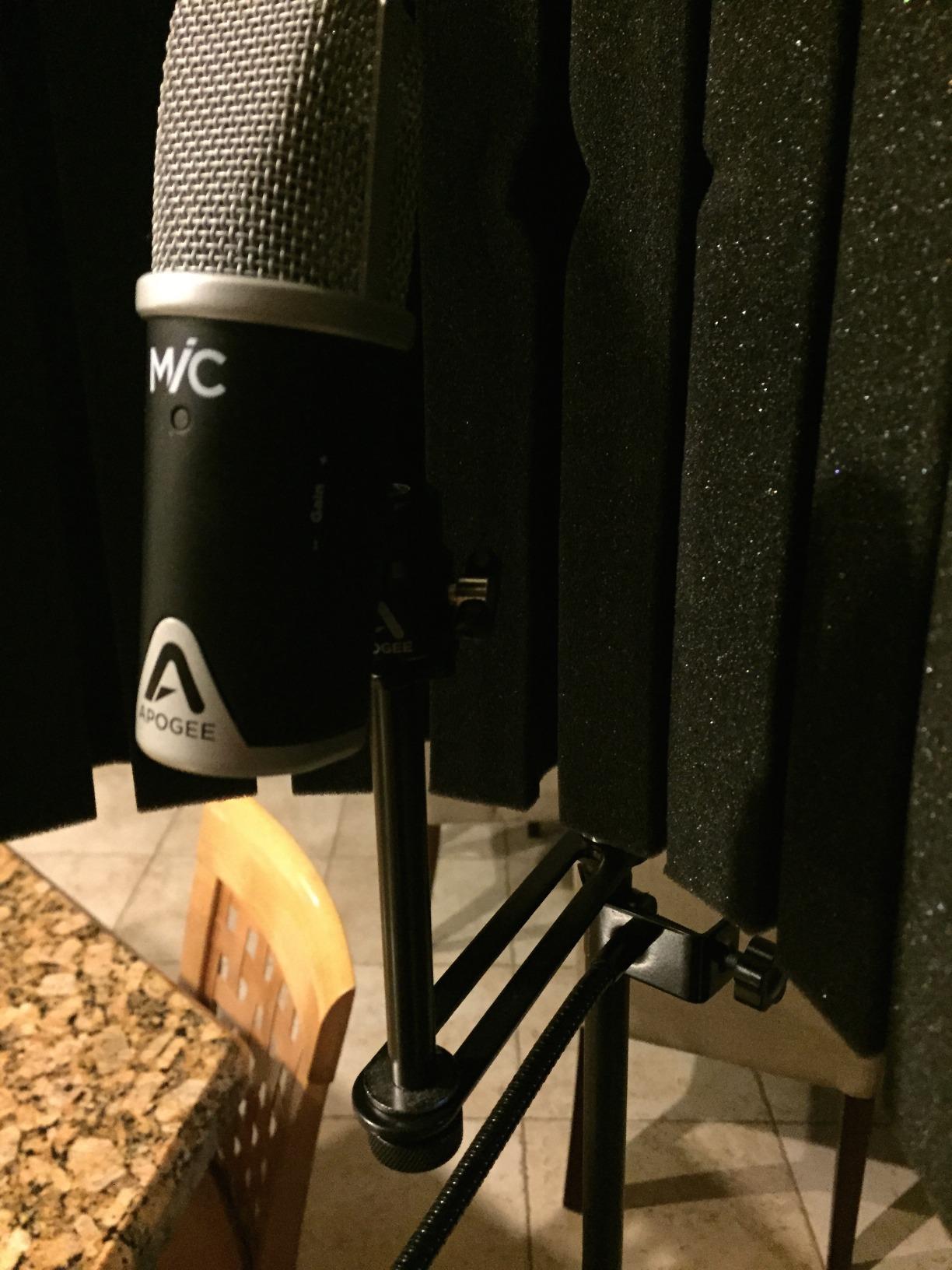
Sometimes you do not want anything attached to your desk at all, and that is where the MS7701B earns its place. This is a proper floor-standing tripod with a 30-inch boom, the kind of stand that has quietly held microphones in studios and venues for decades.
We used it for a couch-format episode where two hosts sit away from the desk, and it solved a problem no clamp-on arm can. Roll it in, set the height, swing the boom, and record.
Height adjusts up to 61.5 inches, which covers seated and standing performers alike. The base is steel with non-slip rubber feet, and the whole thing folds flat to go in a car or a closet.
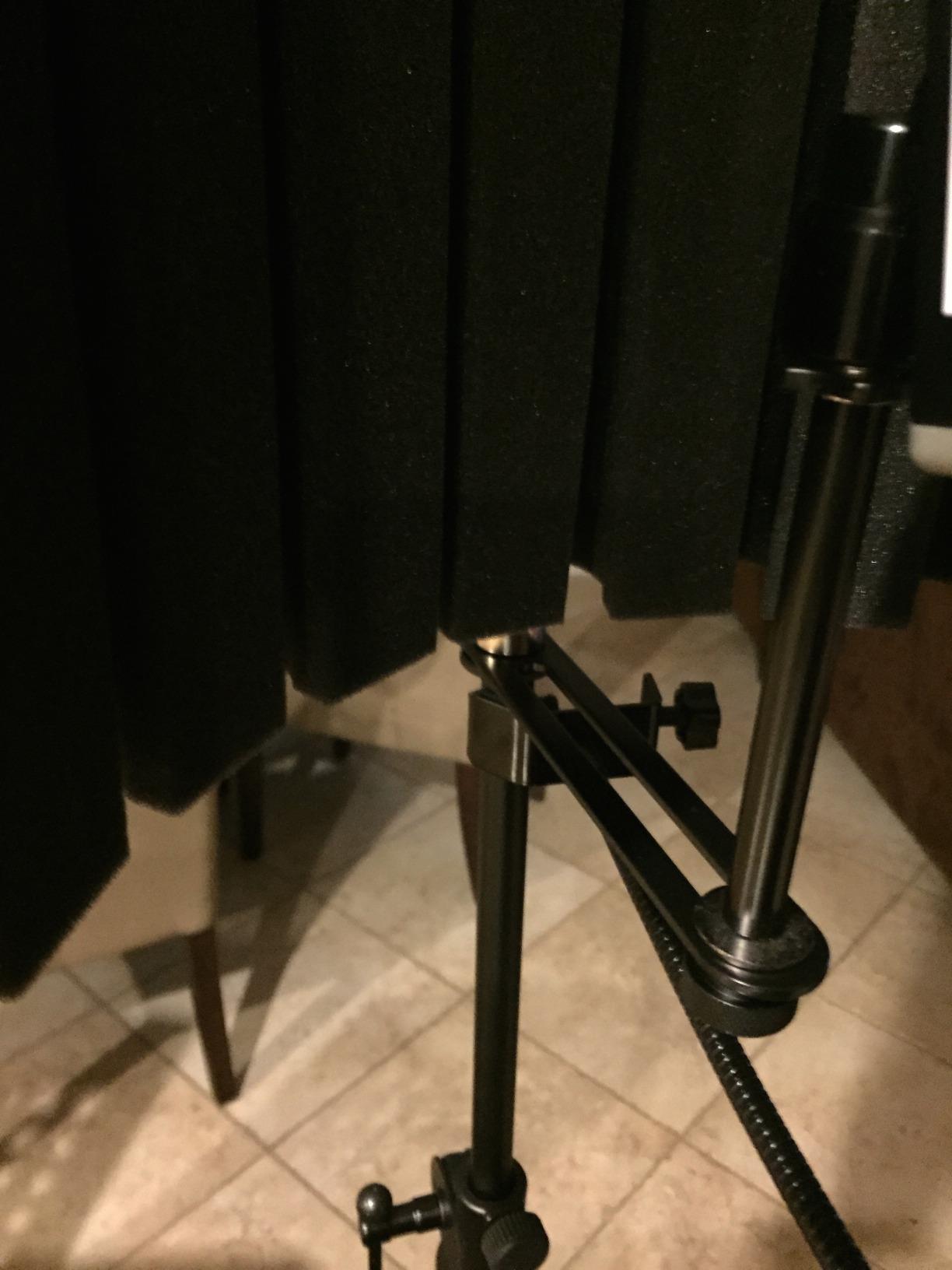
The boom is removable, so you can run it as a straight stand when a boom would get in the way. Boom angle adjusts by repositioning rather than a knurled knob, which is normal for this style.
Threading is the standard 5/8-27, so virtually every mic clip and shock mount on the market screws straight on. The powder-coated finish resists the chipping that plagues cheap tripods.
Long-term owners are the strongest signal here. Multiple reviewers report five years and more of steady use, which is why studios keep buying the same model.
Room and Placement Needs
The tripod feet need a stable patch of floor roughly the size of a large pizza, so plan for that footprint. It suits spare rooms and studios far better than cramped corners.
Because nothing clamps to the desk, it is the natural pick for glass desks, couch setups, and standing shows. If your desk cannot take a clamp, this stand routes around the problem entirely.
Extras You Will Need to Add
No mic clip ships in the box, only the thread rod, so order a clip or shock mount alongside it. Factor that in when comparing against arms that bundle clips and adapters.
Some assembly is required out of the box, though it is straightforward. Have a thread adapter ready if your accessory uses the 3/8 inch standard.
8. InnoGear Tripod Boom Floor Stand – For Standing Shows
InnoGear Mic Stand Tripod Boom Arm Floor Microphone Stand Height Adjustable
28 to 90 inch range
Detachable boom
2 kg capacity
Carrying bag included
Pros
- Extends from 28 to 90 inches
- Boom detaches for straight stand use
- Carrying bag for transport
- 3/8 to 5/8 adapter included
Cons
- Less stable at full extension
- Bag requires full disassembly
Standing podcasts are the most under-served use case we found in forum research, and this is the stand that answers it. It adjusts from 28.1 to 89.8 inches, which covers seated desk height all the way to a standing host on a riser.
We set it up for a stand-and-talk video segment and the range is genuinely useful, not marketing math. The boom extends from 16 to 30 inches and rotates 360 degrees horizontally and 180 degrees vertically.
It is currently the number one bestseller in its category, and 75% of reviewers give it five stars. For occasional standing or live use, that tracks with our experience.
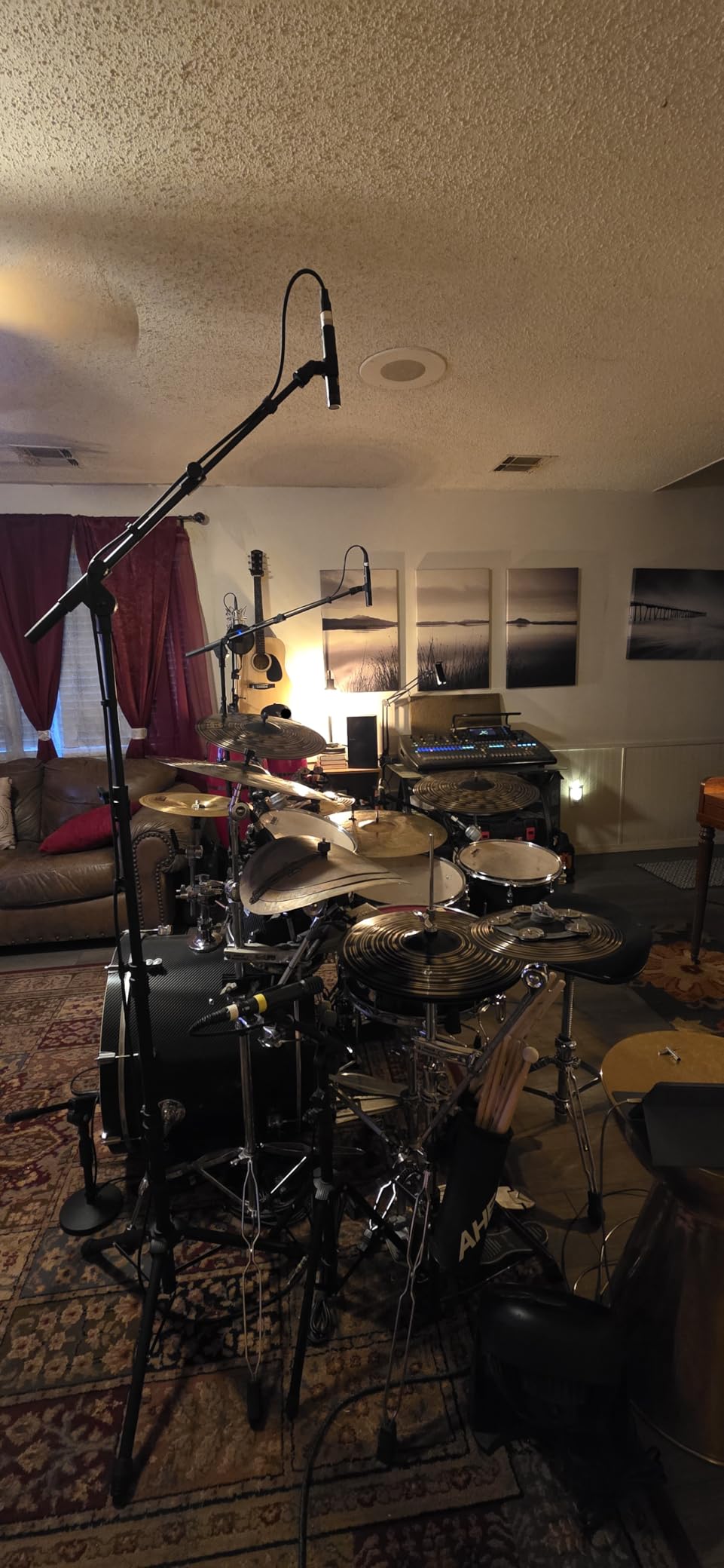
The boom detaches, converting the stand into a straight mic stand for simple setups. Thickened steel poles and upgraded support structures carry up to 2 kg.
Two mic clip styles ship in the box, along with the 3/8 to 5/8 screw adapter. Compatibility covers Shure SM58 and SM48, Samson Q2U, ATR2100x-USB, plus Blue Yeti, HyperX, and Fifine USB mics via the adapter.
The honest caveats are stability and hardware. At full extension the boom mode is less steady than the straight configuration, and the threaded fittings feel budget-grade compared to the On-Stage.
Standing Versus Seated Use
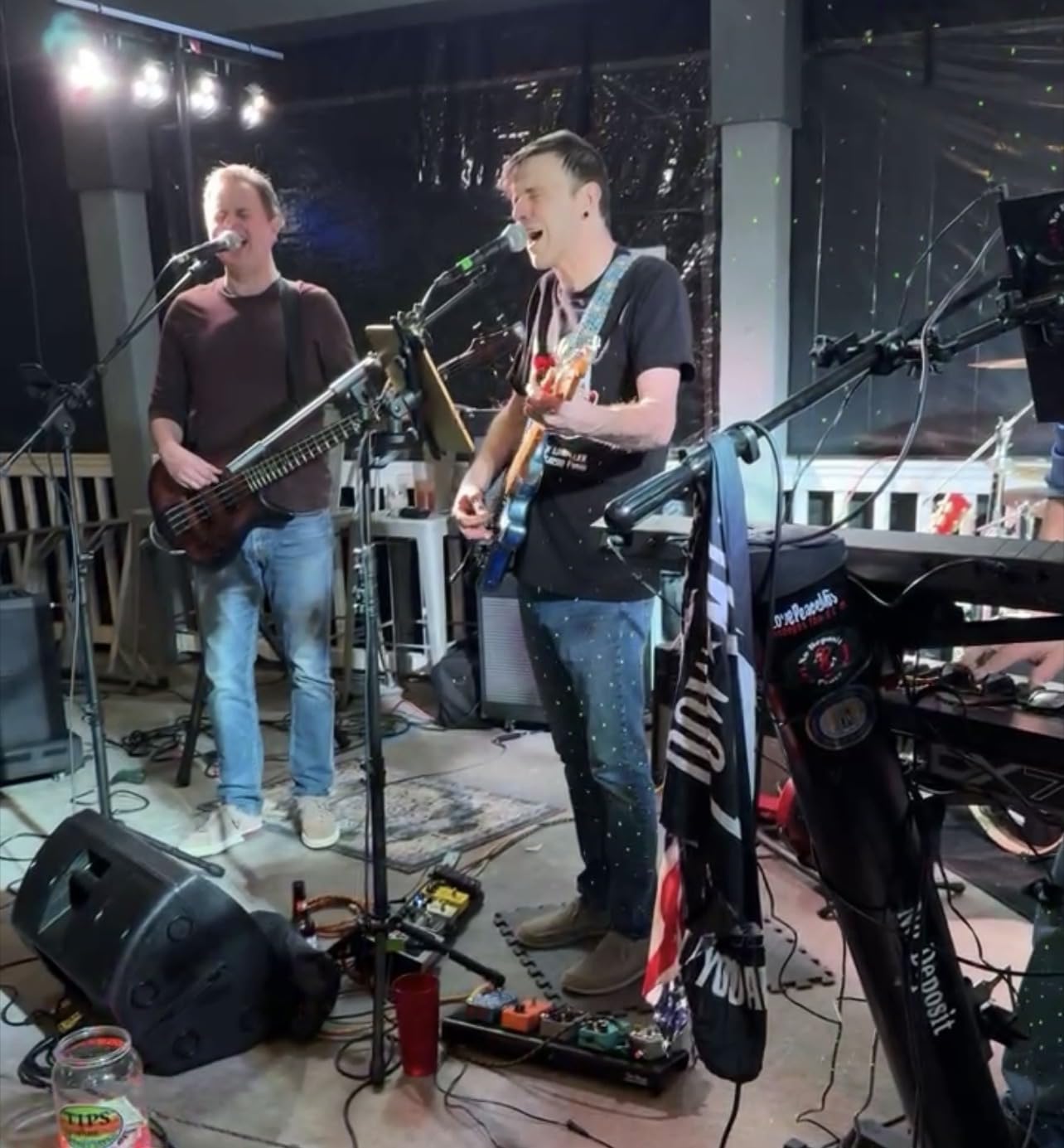
For standing hosts, set the tripod legs wide and keep the boom short to reduce leverage on the base. That single habit removes most of the wobble owners describe.
For seated podcasts at a desk, a clamp-on arm is still the better tool. Buy this stand for mobility and height range, not desk work.
Transport and Storage
A carrying bag is included, which makes this the pick for podcasters who record away from home or at venues. Note that packing it means full disassembly rather than a quick fold.
Heavy mics like the SM7B are borderline on this stand according to owner reports. Keep the boom retracted and the height moderate if you run a heavy dynamic.
9. InnoGear Weighted Base Desk Stand – No Clamp Needed
InnoGear Adjustable Desk Microphone Stand, Weighted Base with Soft Grip Twist Clutch, Boom Arm, 3/8/” and 5/8/” Threaded Mounts for Blue Yeti and Blue Snowball, Kick Drums, Guitar Amps, Black
Cast iron base
4.4 lb capacity
11 to 16 inch height
Boom arm included
Pros
- Cast iron base absorbs vibration
- Holds 4.4 lb including Blue Yeti
- Soft grip twist clutch height adjuster
- Cable clips and adapter included
Cons
- Limited 11 to 16 inch height
- Boom can droop under heavy load over time
If your desk is glass, rounded, or precious, a clamp is the enemy, and this stand removes it from the equation entirely. The heavy cast iron base sits on the desk and stays put, with a rubber gasket underneath to absorb vibration.
We tested it on a glass-top table where no clamp would grip, and it was rock steady with a full-sized USB condenser on the boom. That base does real work damping desk thumps too.
Height runs from 11 to 15.8 inches via a soft-grip twist clutch, which adjusts smoothly without notches. The boom arm adjusts its length and angle independently.
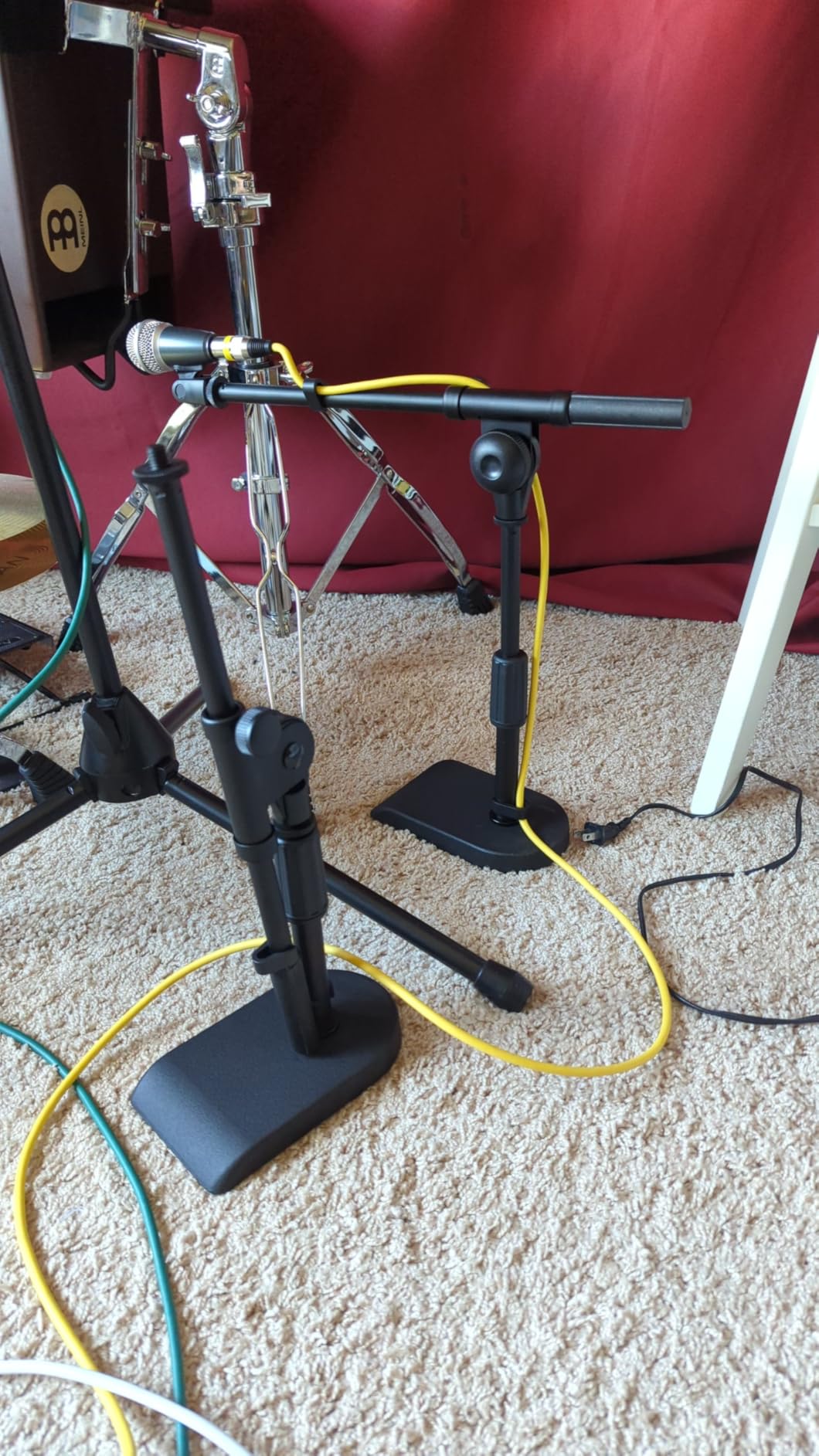
Capacity is 4.4 lb when the boom is extended about halfway, comfortably covering Blue Yeti and Blue Snowball class mics. The included 3/8 to 5/8 adapter widens compatibility to Audio-Technica, Razer, and Fifine models.
U-shaped cable management clips come in the box, so the cable run across your desk stays tidy. It is ranked number eight in its category, which reflects how many podcasters land on this exact solution.
The limitations are height and geometry. Taller setups will find the 15.8-inch ceiling limiting, and the friction-based boom can slowly droop under a heavy mic at full extension.
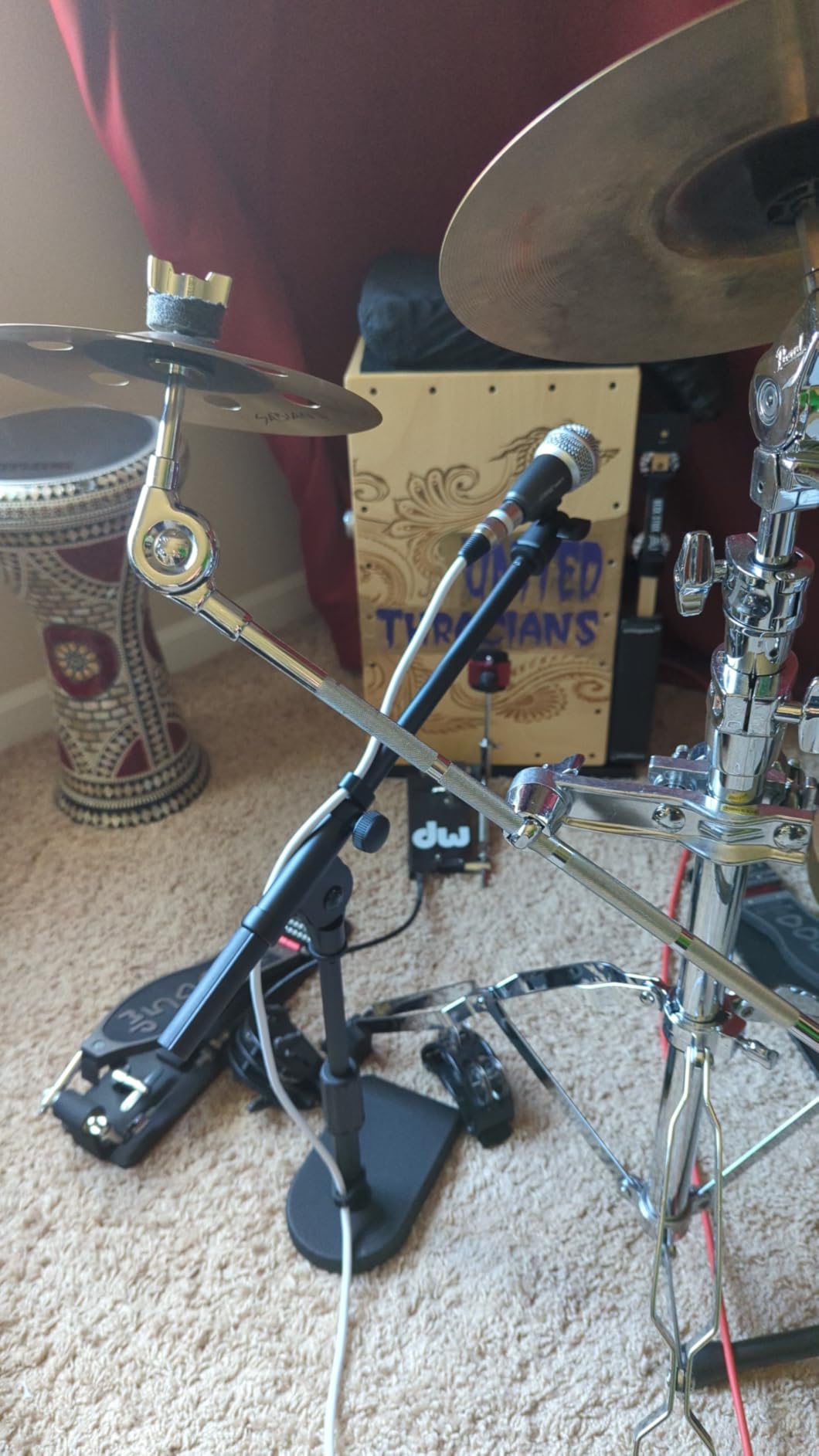
Mic Fit and Weight Limits
Mid-weight USB dynamics are the sweet spot, with the Boom kept at half extension for best holding power. It also doubles as a utility stand for miking guitar amps and kick drums.
Swivelling the boom sideways with a heavy mic loaded risks tipping, so plan your position before you load the mic. Straight-up orientations are the most stable.
Where It Works Best on a Desk
Glass desks, thick countertops, and podium-style setups are its natural habitat. Anywhere a clamp fails, this stand simply works.
If you need the mic high and out of your notes, the height ceiling will frustrate you. A boom arm or full-size stand serves that job better.
10. On-Stage DS7200B – The Compact Desktop Tank
On-Stage DS7200B Adjustable Desktop Mic Stand (for Recording, Streaming, Podcasting, Bass, Drums&Amps, Adjustable Height, Round Weighted Base, 5/8″-27 Threading, Metal, Black)
Weighted 6 inch base
9 to 13 inch height
5/8-27 threading
2 lb capacity
Pros
- Heavy weighted base with zero tipping
- Infinitely adjustable shaft with no notches
- Compact footprint of about 6 inches
- Owners report five years plus of use
Cons
- No tilt or angle adjustment
- Mic clip is not included
Sometimes the right answer is the simplest one: a short pole on a heavy base. The DS7200B is exactly that, with a 4.7-star rating across more than 4,000 reviews and a reputation for being unkillable.
We use one as our secondary mic stand for guest phones and tablets passing through the studio. The sand-cast weighted base means it never tips, no matter how carelessly someone grabs the mic.
Height adjusts from 9 to 13 inches through an infinitely variable shaft, so there are no notches to fight. The 6-inch base footprint is small enough to live beside a monitor permanently.
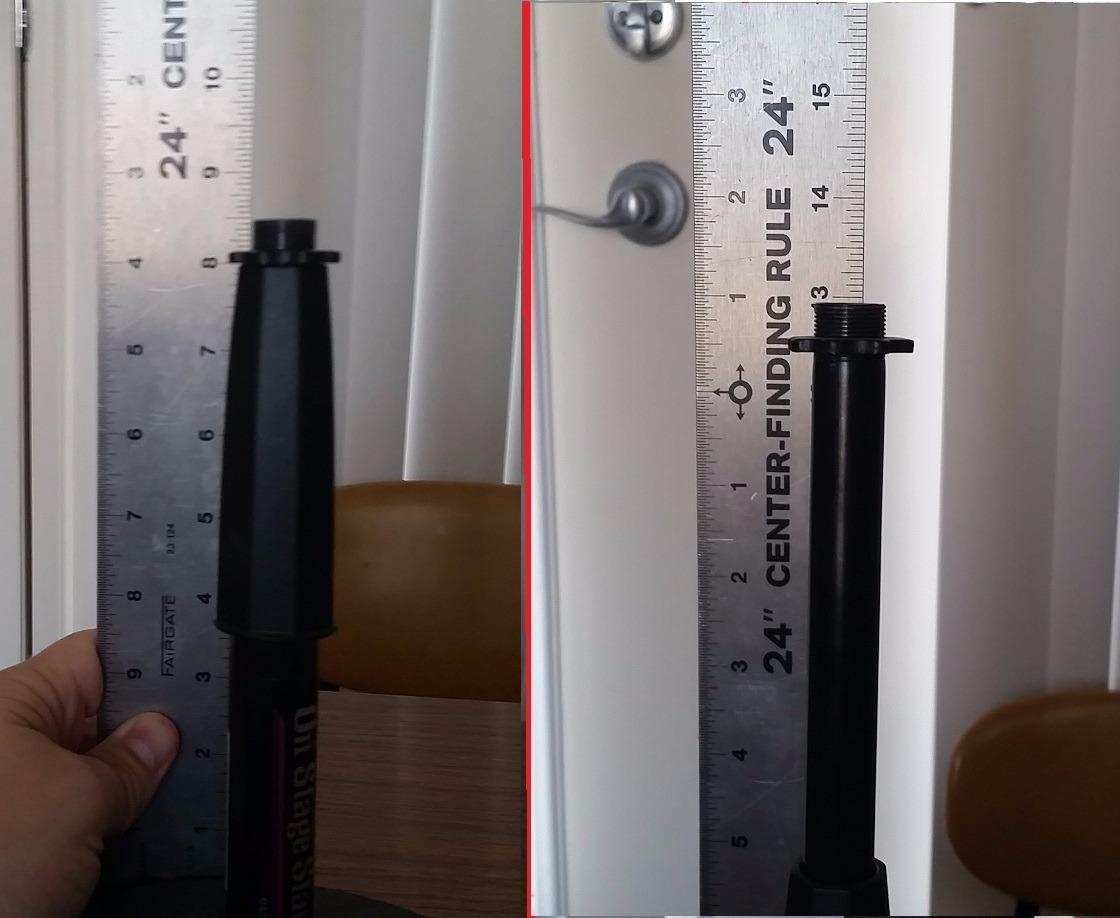
Threading is the standard 5/8-27, so standard clips and shock mounts attach directly. It handles up to 2 lb, which covers handheld dynamics and small condensers with ease.
Build is all alloy steel with a powder-coated finish that resists chips. Owners report five years and more of daily use, which is the kind of longevity you cannot fake in reviews.
Two things to know before ordering. It adjusts height only, with no tilt, so your positioning comes entirely from where you place it. And there is no mic clip in the box, just the thread rod.
Who the DS7200B Suits
Podcasters who sit close to their mic, interview setups with a second guest, and anyone who wants gear that simply never moves. It is also the classic choice for miking bass amps and drums.
If you gesture a lot or lean back mid-sentence, a boom arm tracks you better than a fixed short stand. Know your habits before choosing.
What to Check Before Ordering
Measure the distance from your desk surface to your mouth while seated. If it is more than about 13 inches, this stand will sit low for you without a riser.
Add a mic clip or small shock mount to your order, since neither ships with the stand. Stock has also been known to run low, so it is worth checking availability.
How to Choose the Best Mic Stand or Boom Arm for Your Podcast?
Every complaint we found in forums traces back to one of five mismatches. Get these right and almost any arm on this list will serve you well.
1. Match Weight Capacity to Your Actual Microphone
This is where most buyers go wrong, and where drooping arms come from. Weigh your microphone plus its shock mount, then compare that against the arm’s rated capacity with headroom to spare.
Forum consensus puts an SM7B-class setup at around 2.4 lb of required capacity at minimum. Lighter USB condensers like the Blue Yeti and HyperX QuadCast still land between 2 and 3 lb once you include the mount.
On our list, the Samson MBA38 at 5 lb and the MAONO BA92 and InnoGear weighted-base stand at 4.4 lb carry the heaviest setups. The Rode PSA1+ at 1.2 kg covers broadcast dynamics with damping, which matters as much as raw capacity.
2. Measure Reach Before You Buy
Reach is the spec people regret ignoring. Measure from your clamp point to where the mic should sit, roughly a fist’s width from your mouth, and add room for the shock mount.
Deep desks and corner setups need the 38-inch reach of the Samson. Standard desks are happy with 28 to 29 inches from the FIFINE or InnoGear arms.
3. Check Your Desk Surface Honestly
Clamp grip range varies more than you would expect. The UBeesize opens widest at 2.5 inches, the FIFINE handles 0.8 to 2.4 inches, the MAONO fits up to 2.36 inches, and the Samson and InnoGear clamp arms top out around 2 inches.
Glass desks need either rubber-padded clamps, a grommet mount, or no clamp at all. The MAONO ships a grommet mount, the Rode includes a bolt-thru option, and the On-Stage floor and weighted-base stands skip the desk entirely.
Thick countertops and apron-edged antique desks defeat most C-clamps. That is exactly the scenario where a weighted base or tripod stand wins by default.
4. Get the Thread Right, or Buy the Adapter
Microphone threading comes in 3/8 inch and 5/8 inch standards, and mismatches are a recurring forum headache. Most arms ship a 3/8 to 5/8 adapter, but quality varies, and a slightly metric adapter will thread loosely.
The FIFINE BM88 is the best-equipped here with 1/4, 3/8, and 5/8 adapters in the box. The Samson MBA38 is 5/8-27 only, so plan for an adapter if your accessories run 3/8.
5. Weigh Silence and Cable Management
Exposed springs transmit noise into your recordings when you adjust mid-take. If you record live without cuts, damped or internal springs are worth paying for, which is the Rode PSA1+’s core strength and the UBeesize’s surprise trick.
Cable management matters most on camera. The Rode and FIFINE hide cables inside the arm, the MAONO clips them along it, and the budget InnoGear ships Velcro wraps that do the job with less polish.
The Best Microphone Setup for Podcasting
Based on everything we reviewed, the sequence that works is: a dynamic or USB mic you already own, a mount rated well above its weight, a shock mount, and a pop filter that fits your arm design. Get the mic a fist’s width from your mouth, slightly off-axis, and off the desk surface.
Spend on the mount before you spend on a second microphone. A steady, silent, correctly positioned mic will improve your episodes more than an upgrade in the mic itself.
Frequently Asked Questions
What is the best microphone stand for podcasting?
For most podcasters, the Rode PSA1+ is the best microphone stand thanks to its silent damped springs, 1.2 kg capacity, and built-in cable management. On a tighter budget, the FIFINE BM88 offers an all-metal build and hidden cable channels, while the On-Stage DS7200B is the best clamp-free desktop option.
What mics do most podcasters use?
The most common podcast microphones are dynamic and USB models like the Shure SM7B and SM58, Samson Q2U, Audio-Technica AT2020 and ATR2100x-USB, Blue Yeti and Snowball, HyperX QuadCast, and Fifine USB mics. These are the models that appear again and again in boom arm compatibility lists.
What mic boom arm does Joe Rogan use?
Multiple commenters in podcast forums note that Joe Rogan uses a Gator Frameworks boom arm rather than a broadcast-branded one. The same threads consistently name the Rode PSA1 and PSA1+ as the community’s gold standard for a similar studio look and feel.
What is the best microphone setup for podcasting?
Start with a dynamic or USB microphone, mount it on an arm rated well above its weight, add a shock mount, and position it about a fist’s width from your mouth slightly off-axis. Route cables through the arm, keep the mic off the desk surface, and record in a soft-furnished room.
Can I use a boom arm with a USB microphone like the Blue Yeti?
Yes. Most boom arms use standard 3/8 or 5/8 threading and include an adapter, so USB mics like the Blue Yeti, HyperX QuadCast, and Fifine models attach directly. Check that the arm’s weight capacity covers your mic, since larger USB condensers can approach 3 lb.
How much weight can a boom arm hold?
Podcast boom arms typically hold between 3.3 and 5 lb, roughly 1.5 to 2.5 kg. The Samson MBA38 is rated for 5 lb, the MAONO BA92 and InnoGear weighted-base stand for 4.4 lb, and most budget arms around 3.3 lb, so always leave headroom for a shock mount.
Final Verdict: The Best Mic Stands and Boom Arms for Podcasters
If you record often and want an arm you will never think about again, the Rode PSA1+ is the best mic stand and boom arm choice for podcasters, with silent damped movement and a 1.2 kg hold. The FIFINE BM88 is the value pick we would hand most new podcasters, and the InnoGear desk boom arm covers the tightest budgets with more than 24,000 reviews behind it.
For desks that cannot take a clamp, the On-Stage DS7200B and the InnoGear weighted-base stand skip the clamp entirely, while the MS7701B and the InnoGear tripod handle standing shows and couch recordings. Match the mount to your mic’s weight, measure your reach, and the rest is preference.
Pick the one that fits your desk and your microphone, and get back to recording. Your future self, editing out one less thud, will thank you.